Add Bangs to Photo
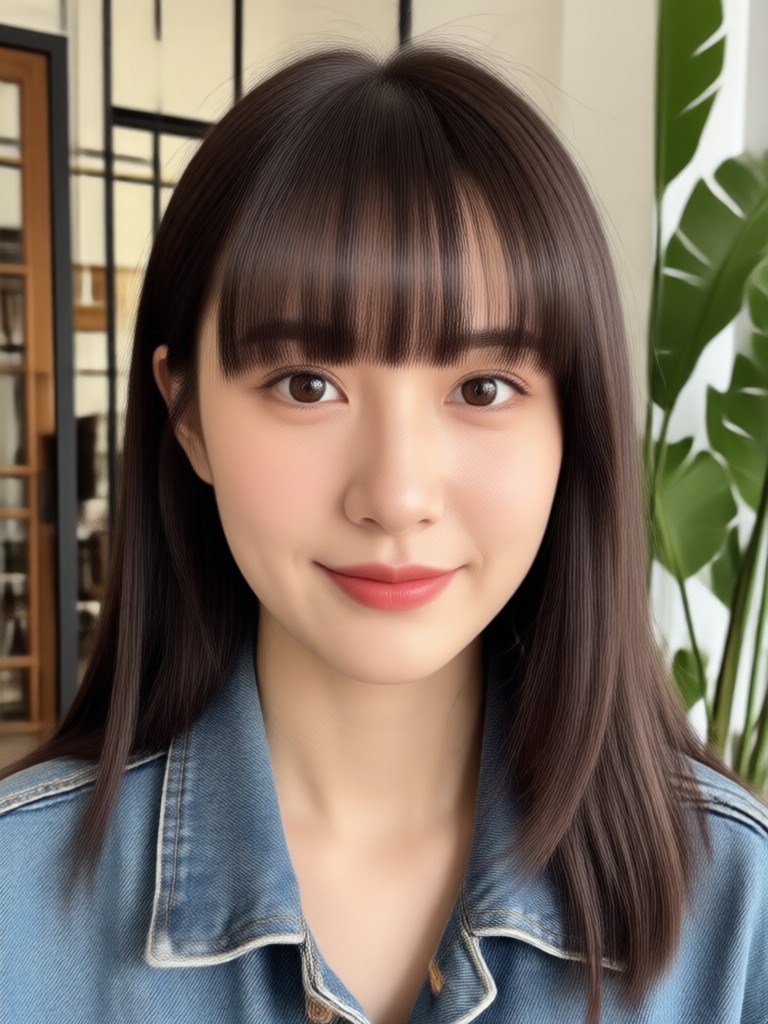
Choose the Bangs Style That Fits You
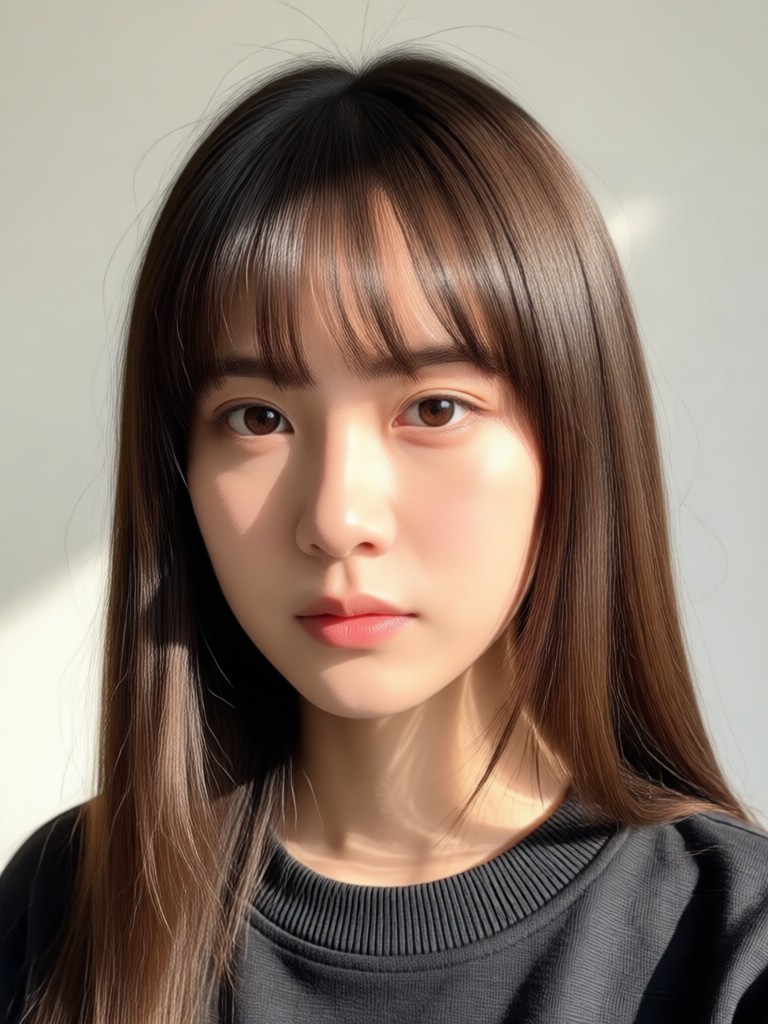
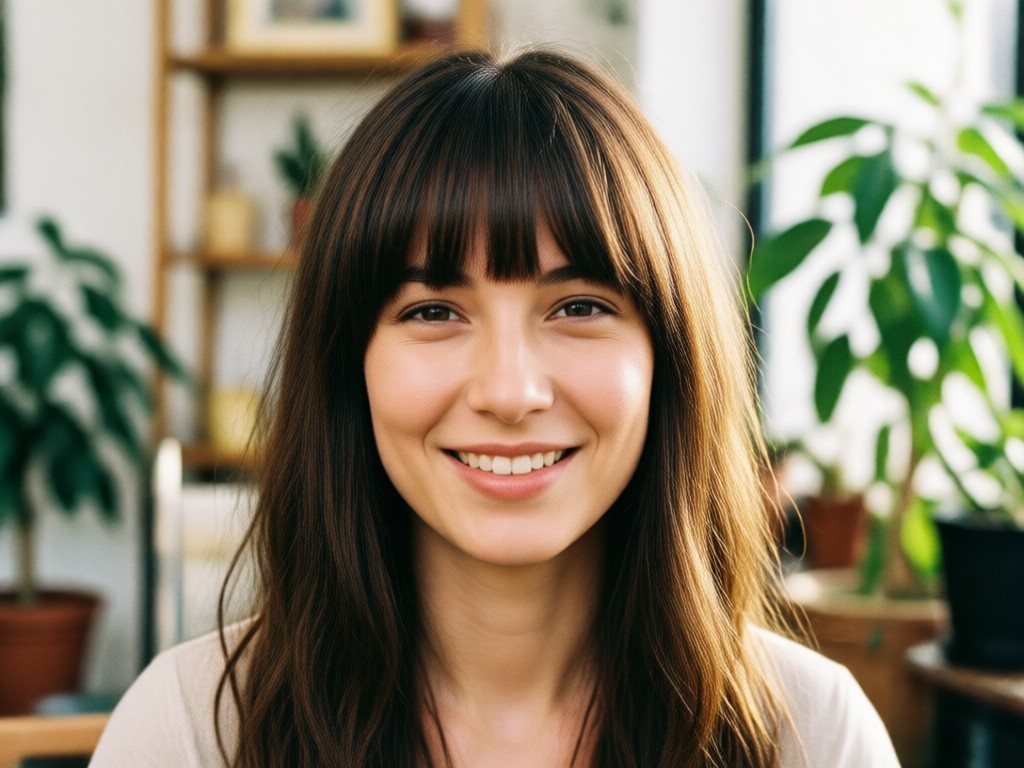
Explore curtain bangs, wispy bangs, blunt bangs, side swept bangs, and more virtual hairstyle filters. Find the fringe that flatters your face shape.
Why Use viyo to Add Bangs to Photos
viyo makes virtual hair transformations effortless with realistic AI hair blending, a huge style library, and instant mobile processing. No design skills required.
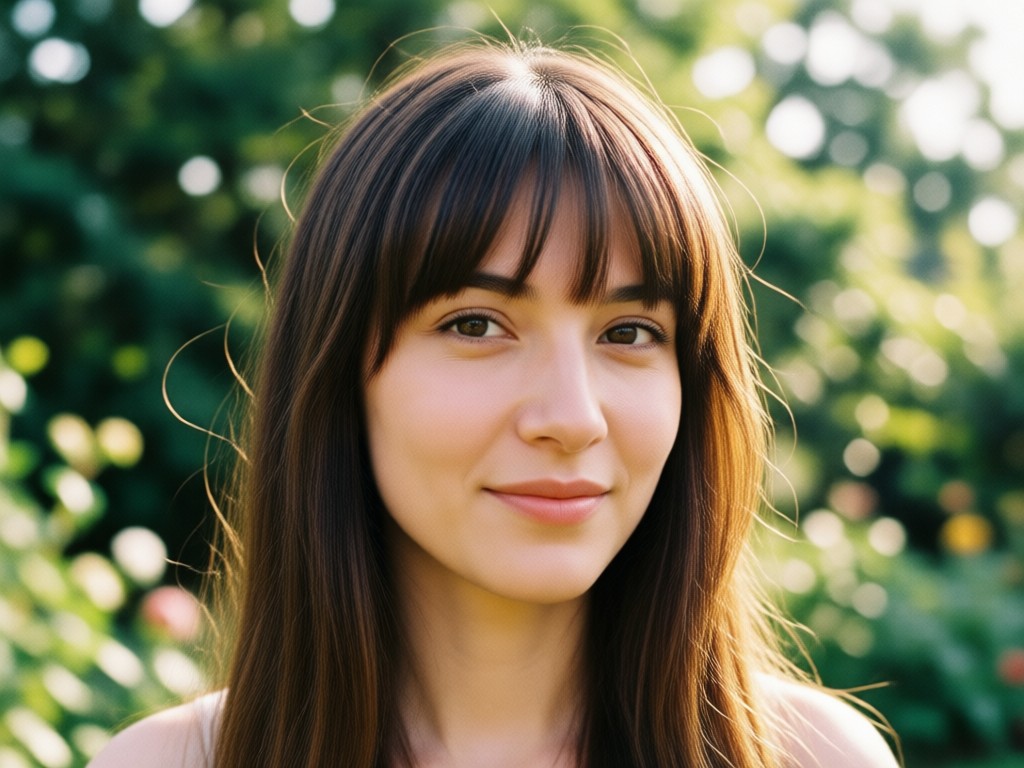
Realistic Hair Blending
AI maps bangs to your forehead and hairline with natural shadows, textures, and movement. The result looks like a real haircut, not a sticker.
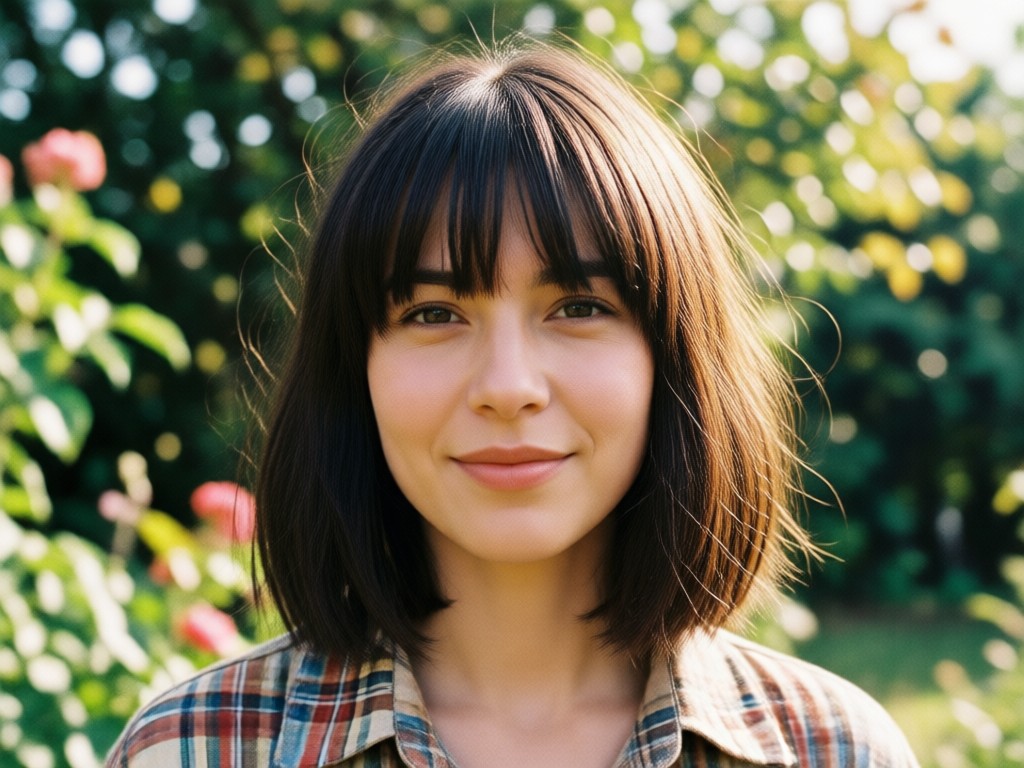
Dozens of Trending Bang Styles
Try curtain bangs, wispy bangs, blunt bangs, baby bangs, side swept bangs, and more. Switch styles instantly until you find the perfect match.
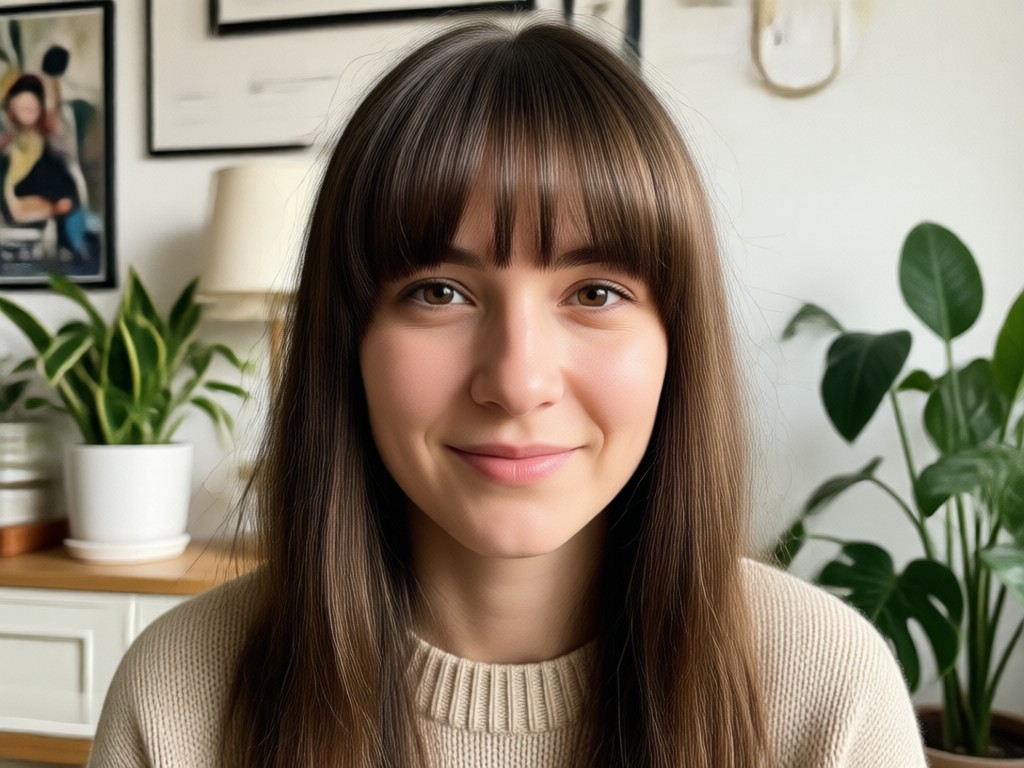
Works on Any Selfie
Use a front facing photo or a portrait. The app automatically detects your face and hair area, then overlays the chosen fringe with accurate proportions.
How to Add Bangs to a Photo
Follow three simple steps to preview new bangs on your photo with viyo. Download the app, pick a style, and generate a realistic hair transformation.

Step 01.
Download the viyo app from Google Play and open the virtual bangs tool on your phone.

Step 02.
Upload a clear selfie or portrait, then choose a bangs style like curtain bangs or wispy bangs from the filter library.

Step 03.
Tap generate and preview your new look. Download the photo and share it with friends or on social media.
Popular Bangs Styles to Try
Preview these trendy bangs styles and recreate the look on your own photo with viyo. Each style works with any selfie and takes seconds to generate.
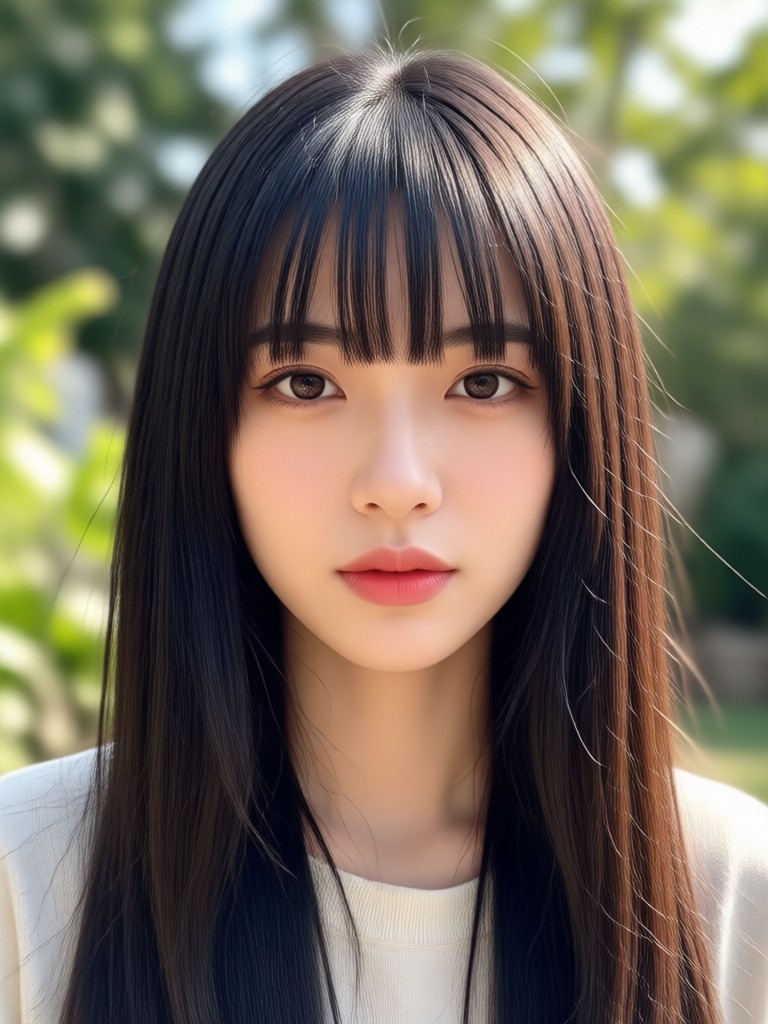
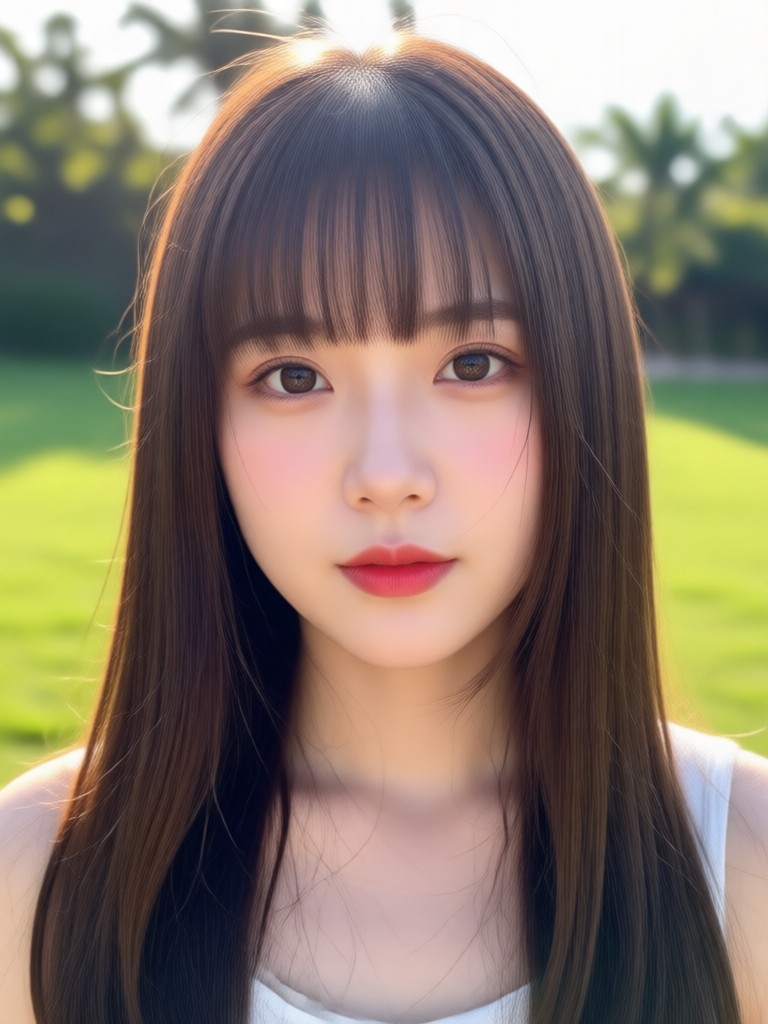
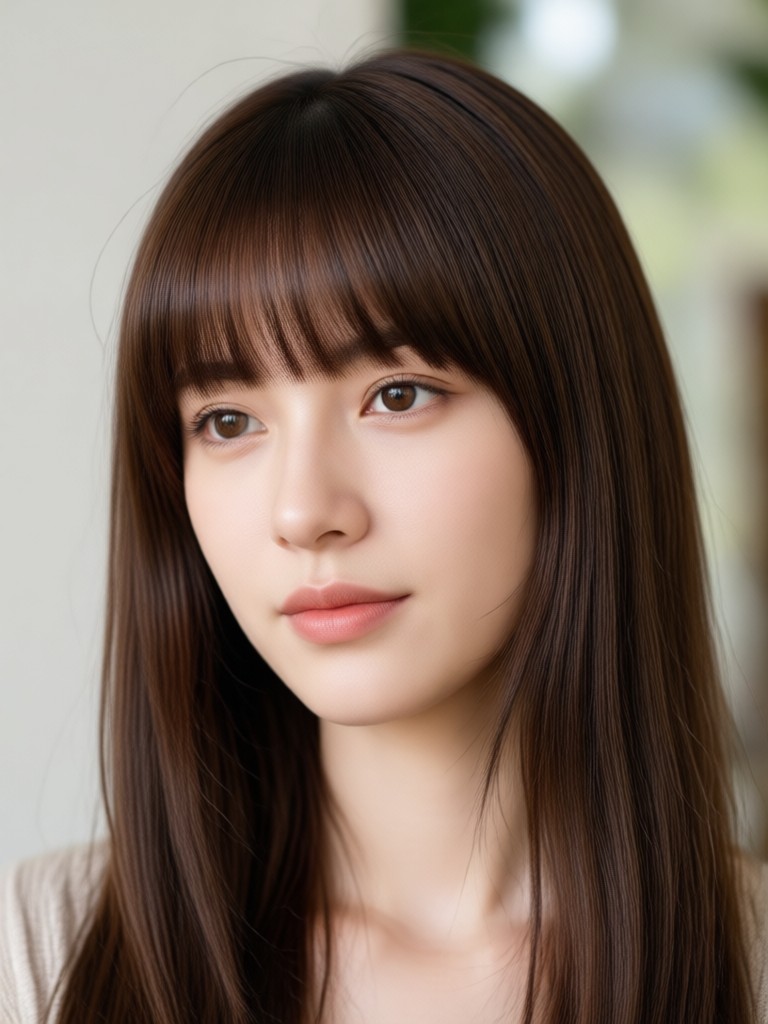
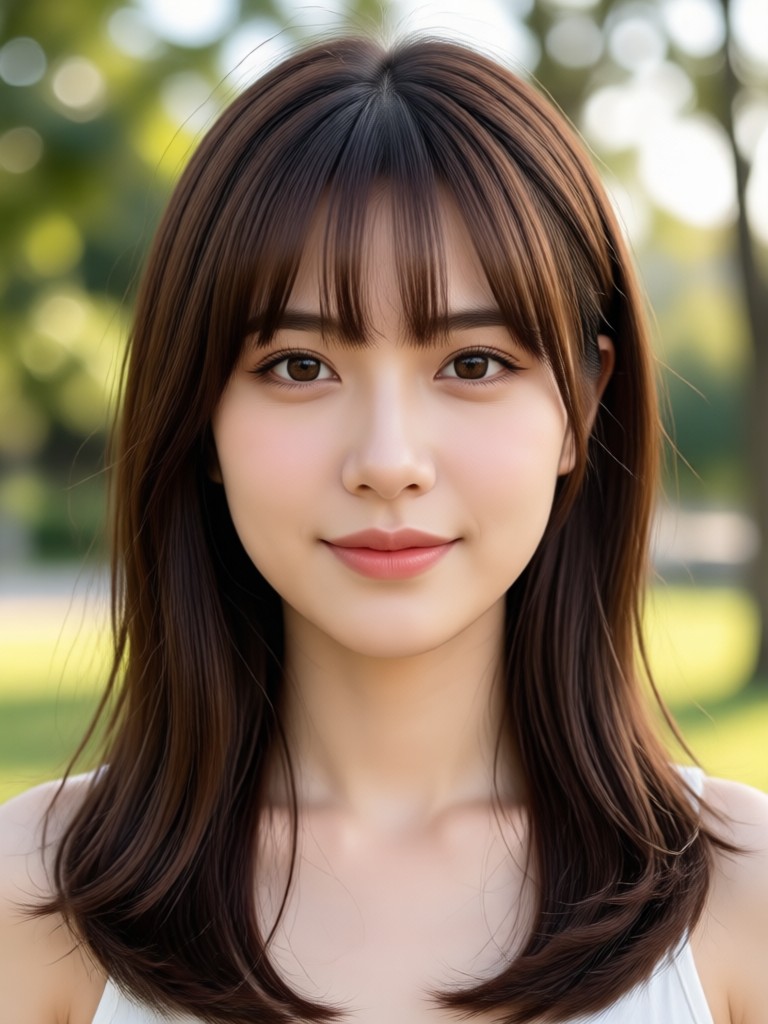
Why a Virtual Bangs Try On Beats a Salon Guess
Committing to real bangs can be risky. With viyo, you can test multiple fringe styles on your actual face before making any change. Avoid haircut regret and discover the bangs that truly complement your face shape, hair texture, and personal style.
Why a Virtual Bangs Try On Beats a Salon Guess
Committing to real bangs can be risky. With viyo, you can test multiple fringe styles on your actual face before making any change. Avoid haircut regret and discover the bangs that truly complement your face shape, hair texture, and personal style.
Who Uses Virtual Bangs Try On
Maya Chen
I wanted curtain bangs but was scared to cut them. I tested the style on my selfie first and finally did it. The app showed exactly how they would frame my face.

Sofia Reyes
I change my look every month. This app lets me try blunt bangs, wispy bangs, and side bangs without waiting for my hair to grow out. It is so fun.
Priya Nair
The bangs blending looks real. I used it for a profile picture and everyone asked if I got a haircut. Best virtual makeover tool I have tried.

Emma Johnson
I used it to preview baby bangs for a fashion shoot. The results were realistic enough to plan the whole look with my stylist ahead of time.
Maya Chen
I wanted curtain bangs but was scared to cut them. I tested the style on my selfie first and finally did it. The app showed exactly how they would frame my face.
Sofia Reyes
I change my look every month. This app lets me try blunt bangs, wispy bangs, and side bangs without waiting for my hair to grow out. It is so fun.
Priya Nair
The bangs blending looks real. I used it for a profile picture and everyone asked if I got a haircut. Best virtual makeover tool I have tried.
Emma Johnson
I used it to preview baby bangs for a fashion shoot. The results were realistic enough to plan the whole look with my stylist ahead of time.
Maya Chen
I wanted curtain bangs but was scared to cut them. I tested the style on my selfie first and finally did it. The app showed exactly how they would frame my face.
Sofia Reyes
I change my look every month. This app lets me try blunt bangs, wispy bangs, and side bangs without waiting for my hair to grow out. It is so fun.
Priya Nair
The bangs blending looks real. I used it for a profile picture and everyone asked if I got a haircut. Best virtual makeover tool I have tried.
Emma Johnson
I used it to preview baby bangs for a fashion shoot. The results were realistic enough to plan the whole look with my stylist ahead of time.
Frequently Asked Questions About Adding Bangs to Photos
Find clear answers to common questions about virtual bangs try on, AI hair filters, and how to get the most realistic results with viyo.
More Topics You May Like
Explore more topics you may like and discover fresh ideas tailored to your interests.

Turn Anime Characters Into Realistic Human Photos

Convert Video To Mp3: Easy Audio Extraction App

Body Reshaping Photo Editor: Sculpt Your Photos Instantly

Crayon AI Generator: Turn Any Photo into Crayon Art
Turn Anime Characters Into Realistic Human Photos
Convert Video To Mp3: Easy Audio Extraction App
Body Reshaping Photo Editor: Sculpt Your Photos Instantly
Crayon AI Generator: Turn Any Photo into Crayon Art
Try Virtual Bangs on Your Photo Today
Download viyo and preview curtain bangs, wispy bangs, blunt bangs, and more on your own selfie. Get realistic results in seconds and choose your next haircut with confidence.

Try Virtual Bangs on Your Photo Today
Download viyo and preview curtain bangs, wispy bangs, blunt bangs, and more on your own selfie. Get realistic results in seconds and choose your next haircut with confidence.