Body Reshaping Photo Editor: Sculpt Your Photos Instantly
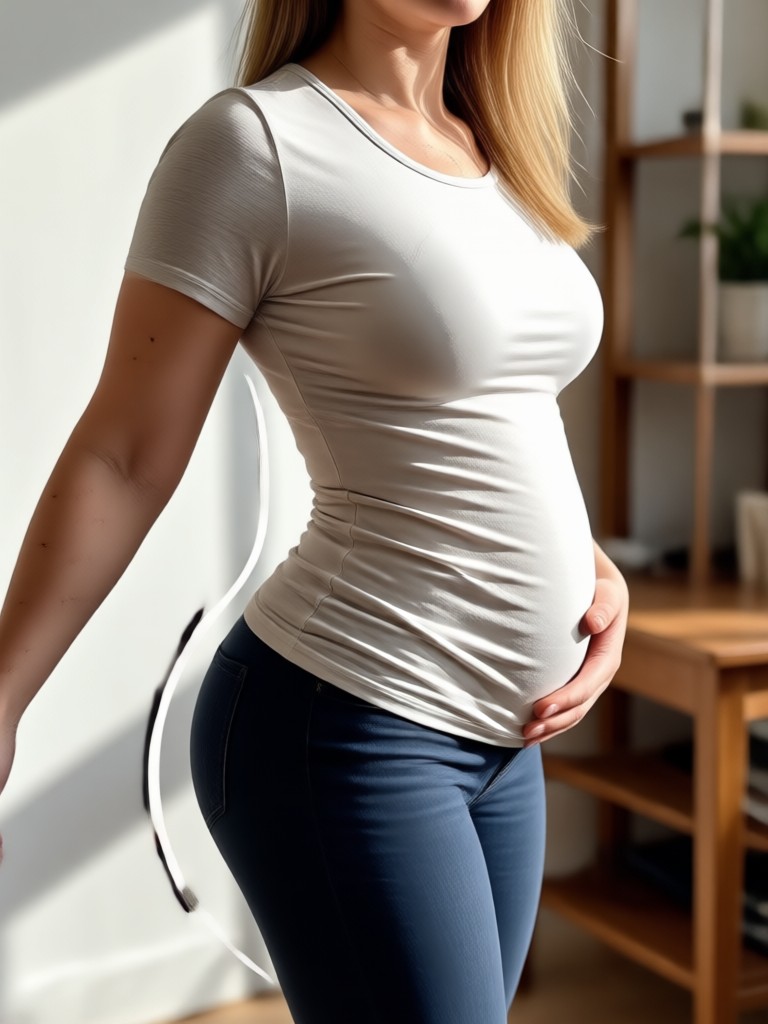
Choose Your Body Reshaping Filter
Discover AI filters for waist slimming, hip refinement, arm toning, and full body sculpting. Pick a style that matches your goal and start editing in one tap.
Powerful Body Reshaping Tools in One App
Use viyo to reshape photos with professional level precision. Slim your waist, adjust proportions, and refine posture while preserving natural texture and lighting.
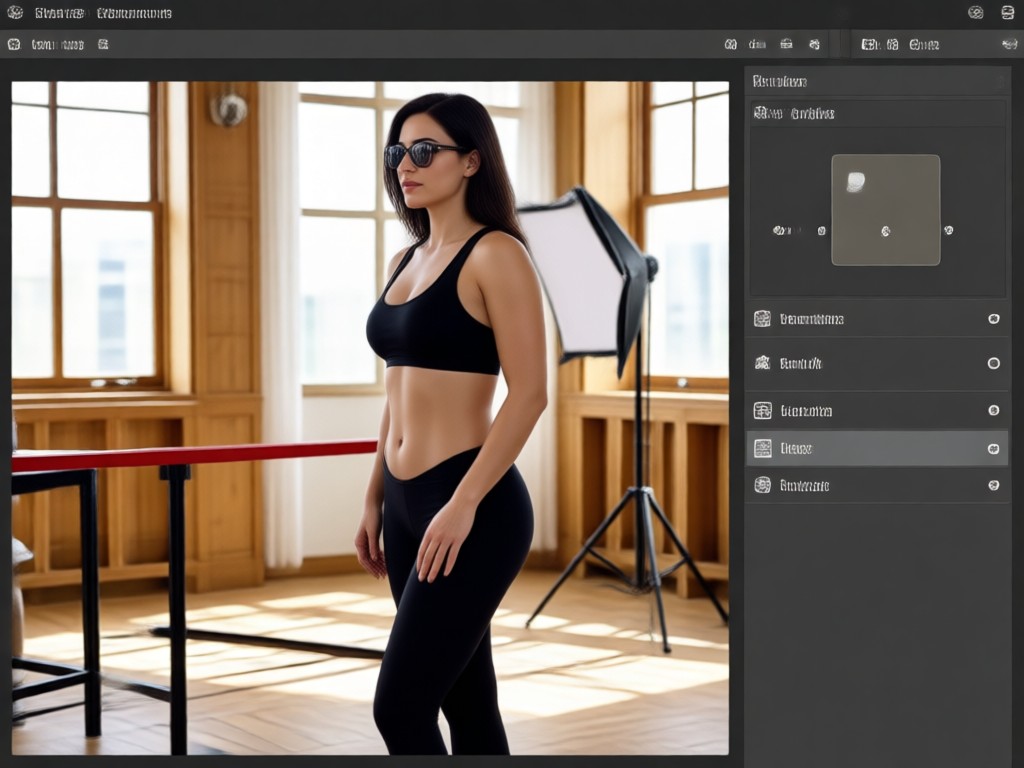
Smart Body Contour Detection
AI identifies body outlines and applies smooth, realistic slimming without distorting the background or the clothes you wear.
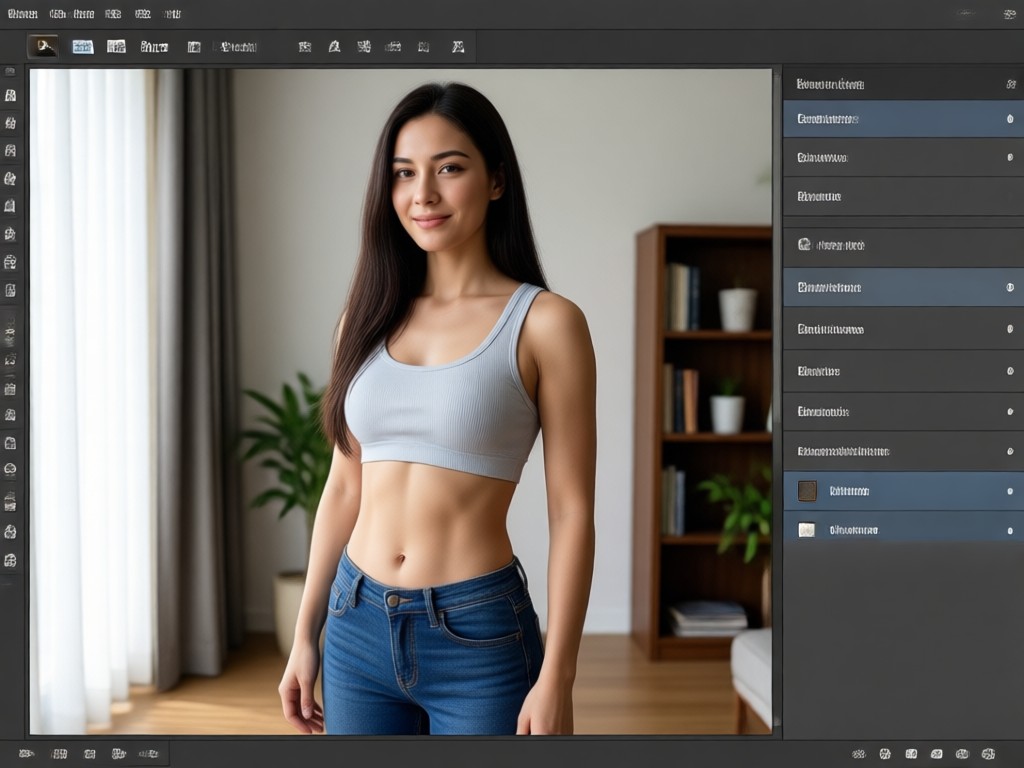
Area Specific Adjustments
Target the waist, hips, arms, or shoulders individually for a tailored look that matches your fitness or fashion goals.
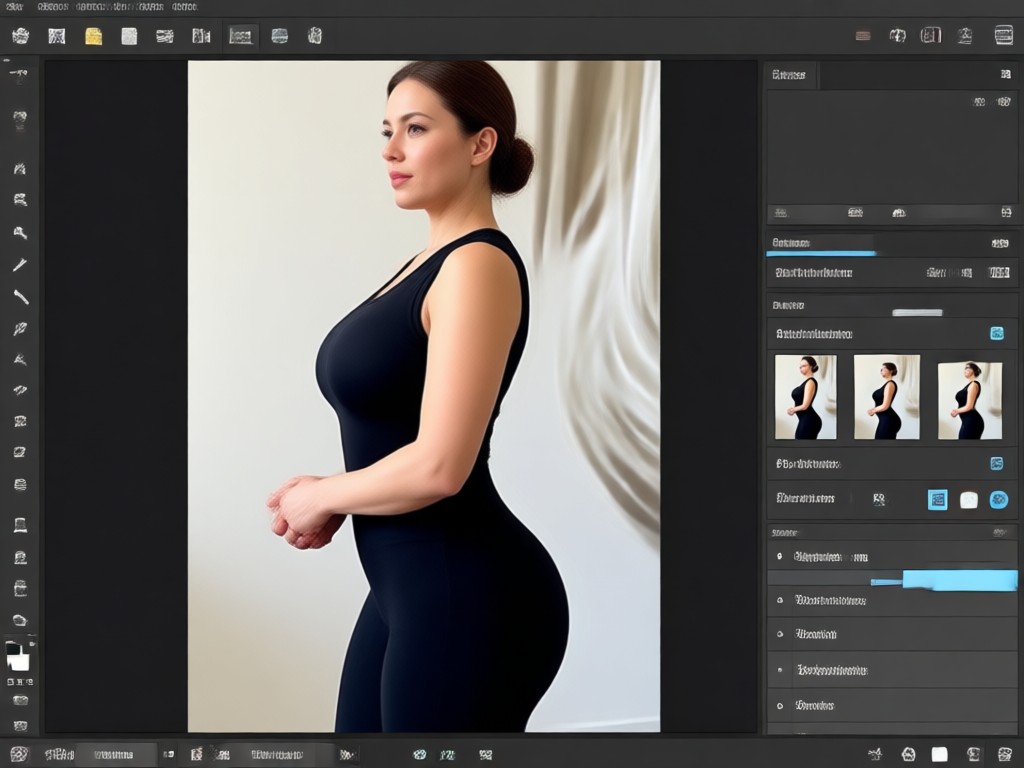
One Million Style Filters
Pair body edits with color, lighting, and style presets to create polished photos ready for social media or personal use.
Body Reshaping Before and After Gallery
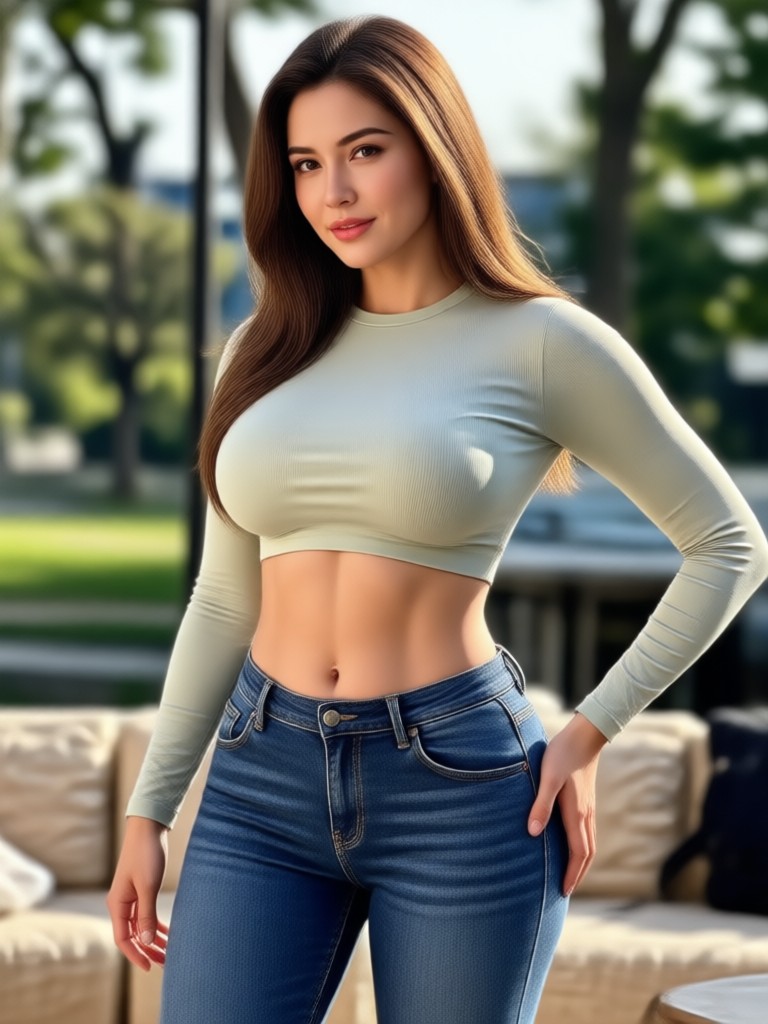
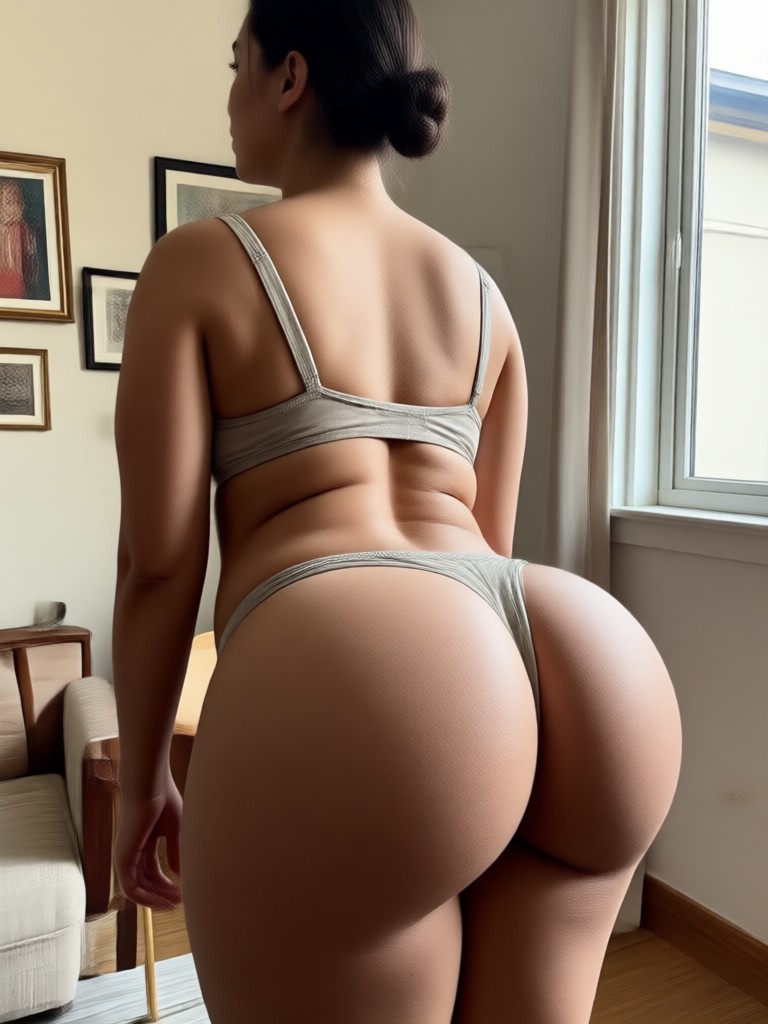
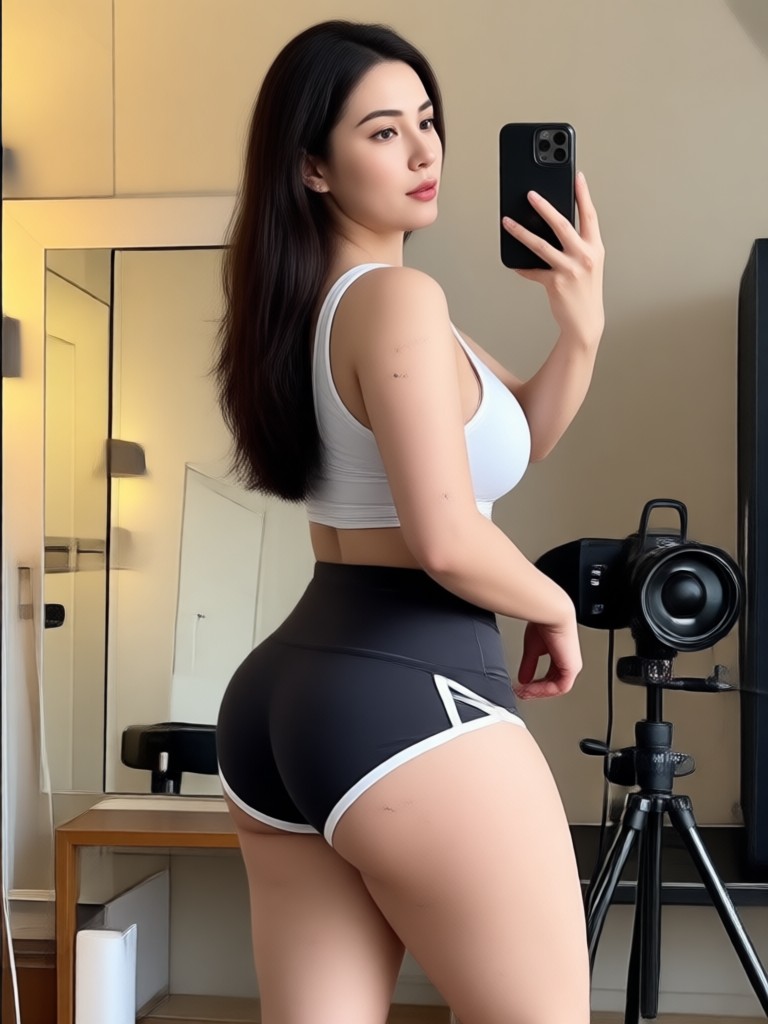
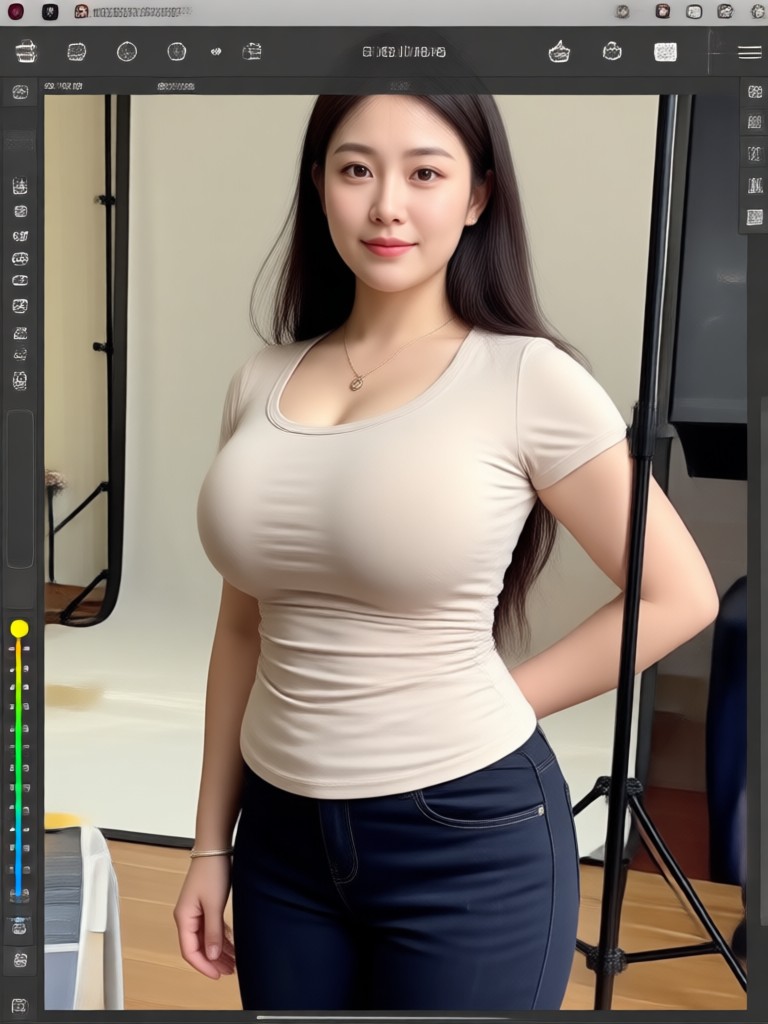
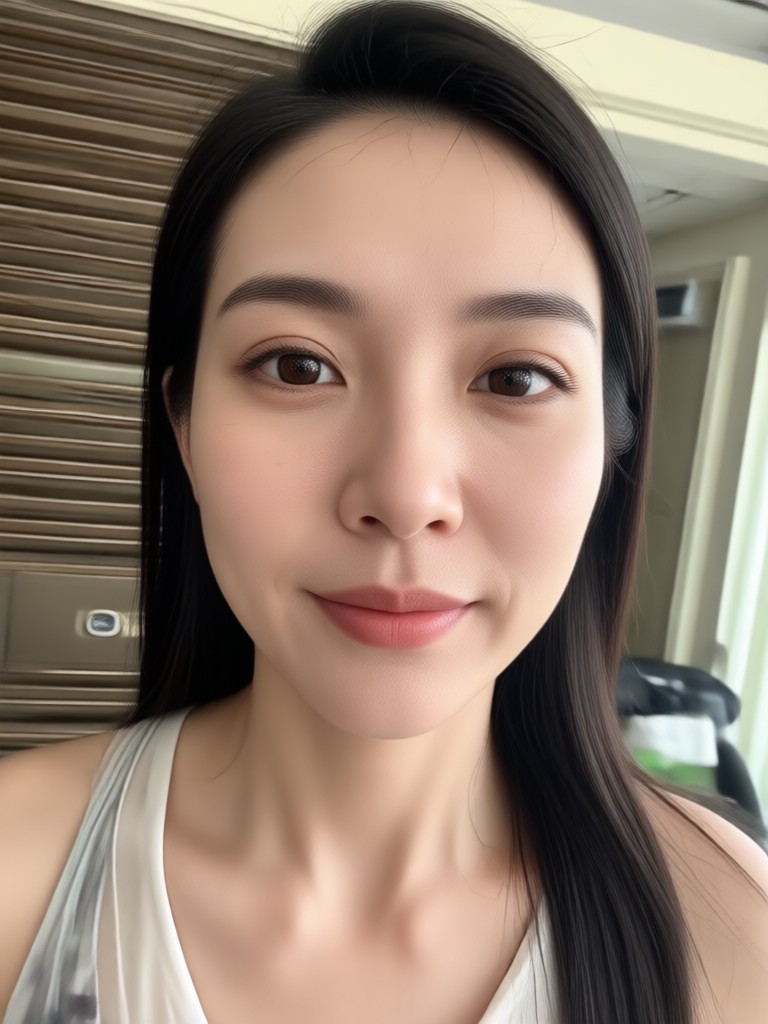
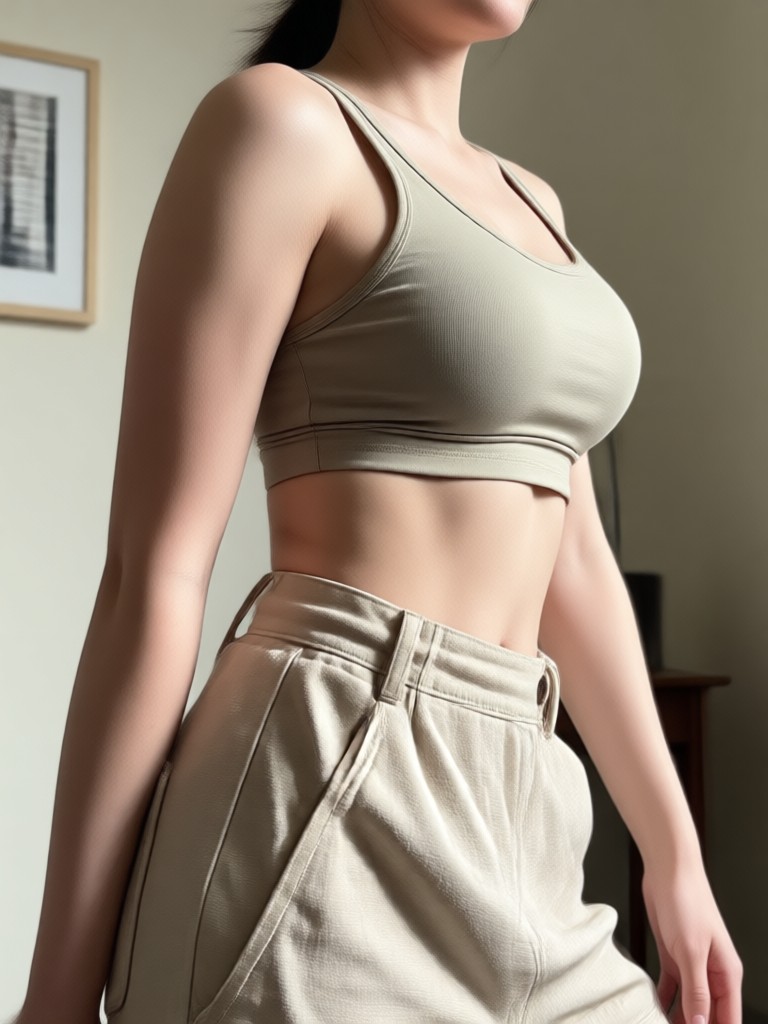
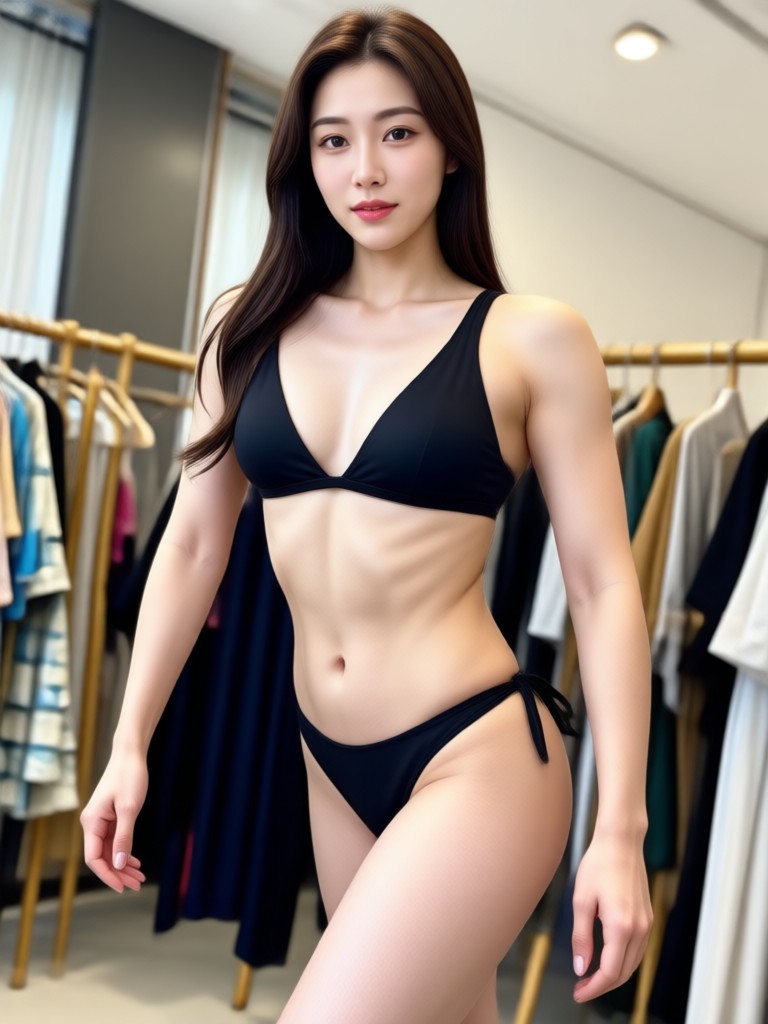
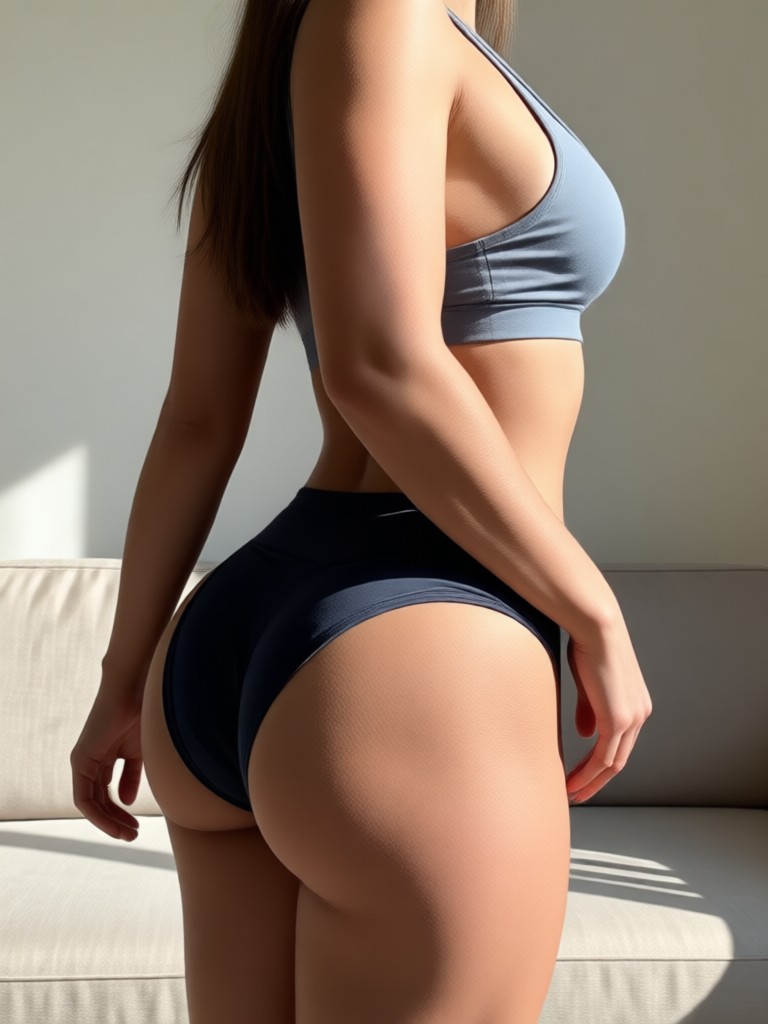
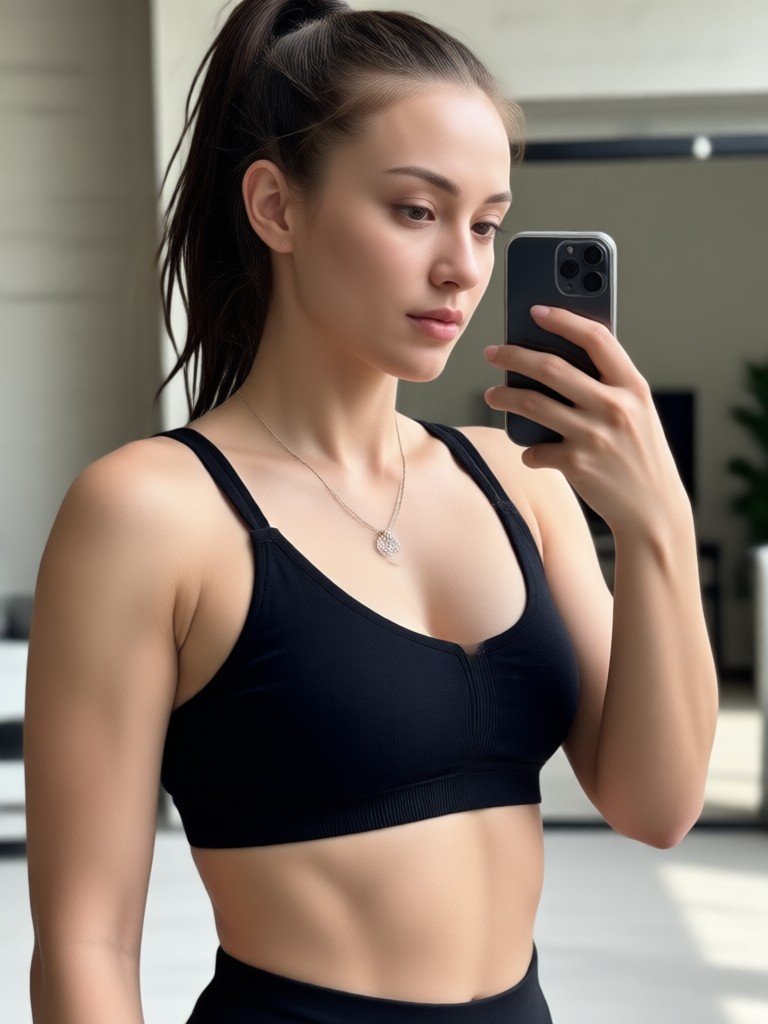
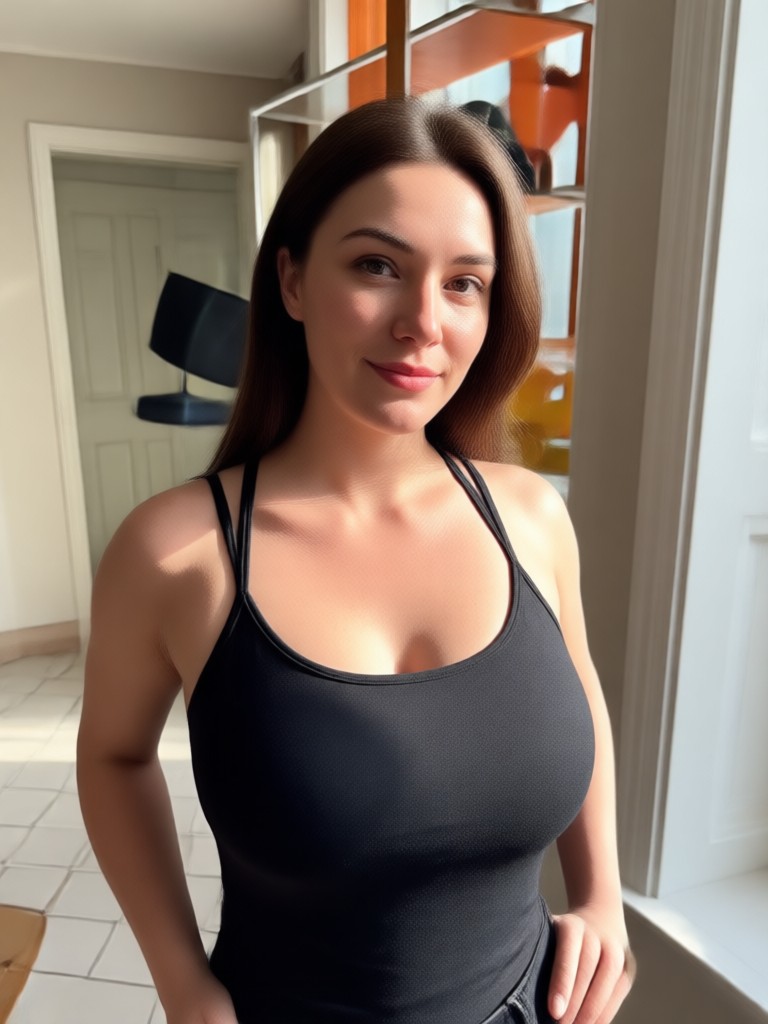
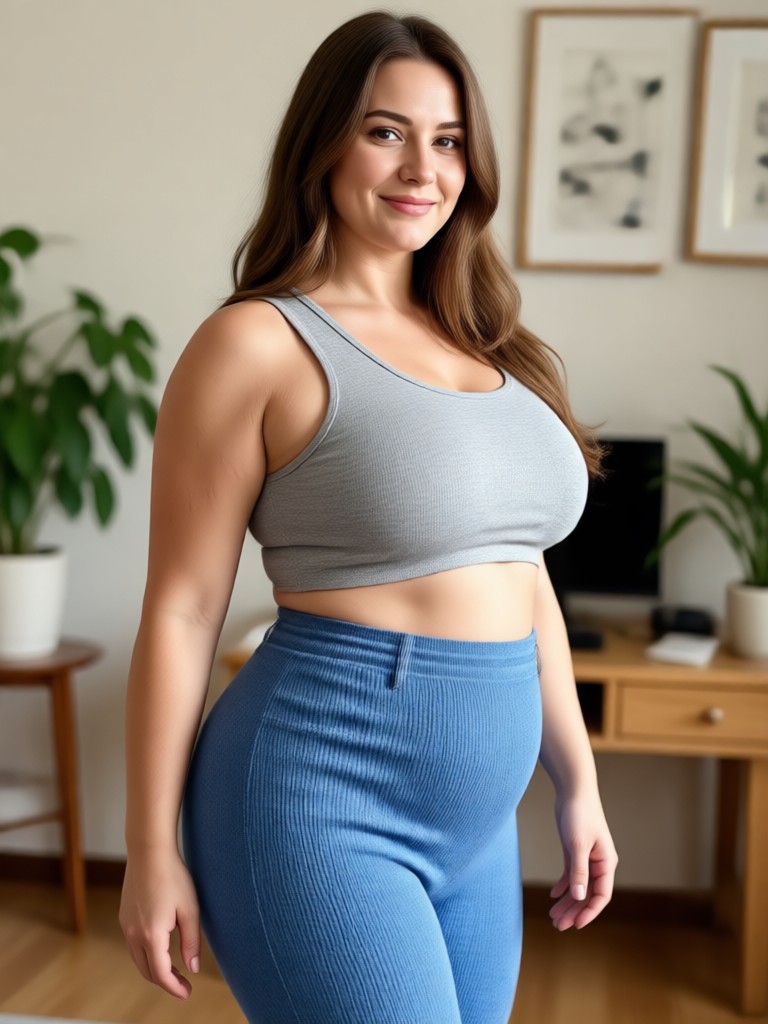
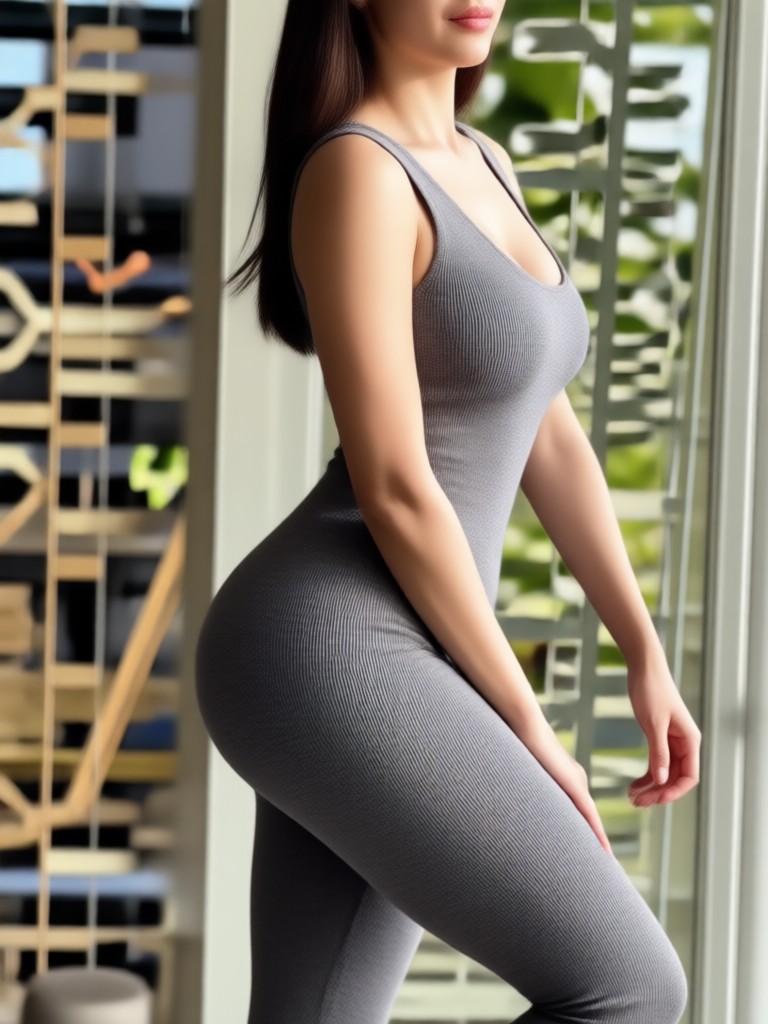
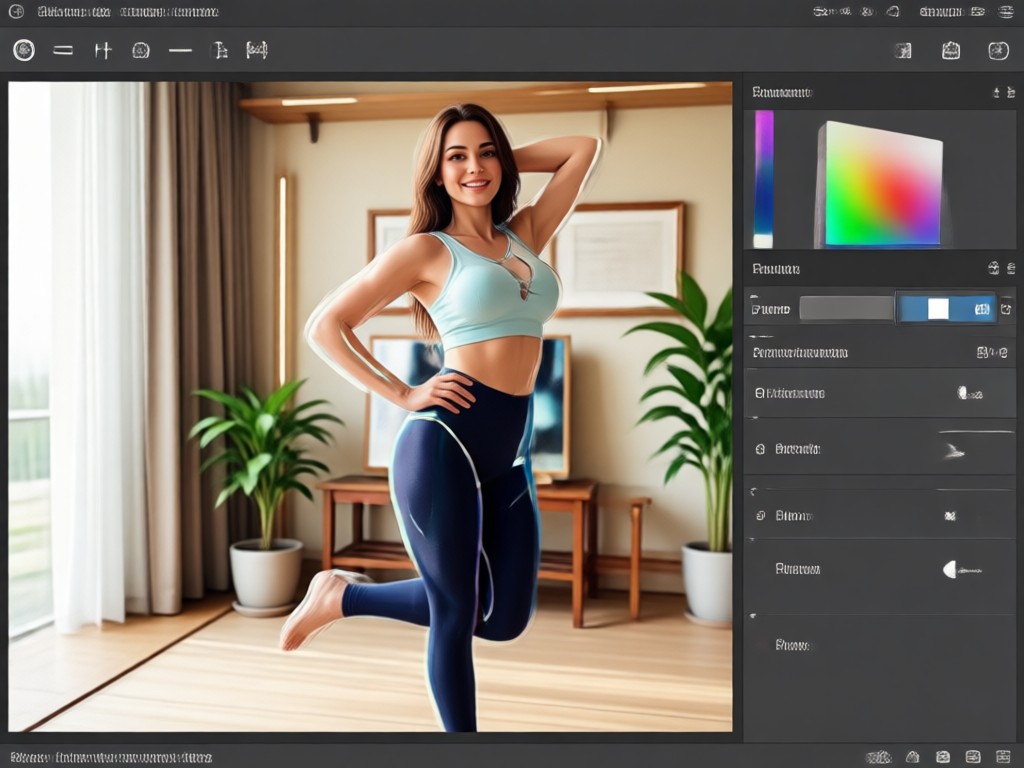
See how viyo's body reshaping photo editor transforms ordinary photos into polished results. Browse AI generated examples and imagine your own natural transformation.
Why Use a Body Reshaping Photo Editor on Your Phone?
Mobile editing used to mean heavy distortion and unnatural results. viyo uses AI to understand body contours and make subtle, believable changes. No desktop software, no manual liquify tools, no complex layers. Upload, choose a filter, and get a polished image in seconds. It is designed for everyday creators who want fast, natural looking edits without sacrificing quality.
Why Use a Body Reshaping Photo Editor on Your Phone?
Mobile editing used to mean heavy distortion and unnatural results. viyo uses AI to understand body contours and make subtle, believable changes. No desktop software, no manual liquify tools, no complex layers. Upload, choose a filter, and get a polished image in seconds. It is designed for everyday creators who want fast, natural looking edits without sacrificing quality.
How to Reshape a Body in a Photo
Follow three simple steps to edit body shape with viyo. Download the app, pick a custom slimming filter, and export your result in seconds.

Step 01.
Download viyo from Google Play and open the app on your Android phone. No account setup or design experience is required.

Step 02.
Upload a photo and choose a body reshaping filter. Adjust intensity for waist, hips, arms, or full body to match your goal.

Step 03.
Preview your result, fine tune any area, then save or share your edited photo directly to social media.
Who Uses Our Body Reshaping Photo Editor
Maya T.
I use viyo to fine tune outfit photos for my small clothing brand. The body slimming looks natural and my customers never notice the edits.
Jordan P.
After losing weight I still had old photos I wanted to update. This app helped me fix them without spending hours on desktop tools.
Priya R.
The area specific controls are amazing. I can adjust just my waist and arms while keeping my face and background completely untouched.
Sam K.
I post fitness progress on Instagram. viyo helps me clean up angles and lighting while staying realistic. It is my go to photo editor.
Maya T.
I use viyo to fine tune outfit photos for my small clothing brand. The body slimming looks natural and my customers never notice the edits.
Jordan P.
After losing weight I still had old photos I wanted to update. This app helped me fix them without spending hours on desktop tools.
Priya R.
The area specific controls are amazing. I can adjust just my waist and arms while keeping my face and background completely untouched.
Sam K.
I post fitness progress on Instagram. viyo helps me clean up angles and lighting while staying realistic. It is my go to photo editor.
Maya T.
I use viyo to fine tune outfit photos for my small clothing brand. The body slimming looks natural and my customers never notice the edits.
Jordan P.
After losing weight I still had old photos I wanted to update. This app helped me fix them without spending hours on desktop tools.
Priya R.
The area specific controls are amazing. I can adjust just my waist and arms while keeping my face and background completely untouched.
Sam K.
I post fitness progress on Instagram. viyo helps me clean up angles and lighting while staying realistic. It is my go to photo editor.
Body Reshaping Photo Editor FAQ
Find answers about viyo's AI body reshaping tools, privacy, and how to get natural results on Android.
More Body Editing Topics You May Like
Explore related body editing tools and AI photo effects to expand your creative workflow.

Crayon AI Generator: Turn Any Photo into Crayon Art
Crayon AI Generator lets you turn photos into hand drawn crayon art. Upload any image, choose a style, and download realistic crayon textures in seconds. No skills needed.

Convert Video Into Cartoon: AI Cartoonizer App in Seconds
Convert video into cartoon with viyo in a few taps. Upload any clip, pick from 1M+ filters, and get smooth AI cartoon videos instantly. No editing skills needed.

Remove Objects from Videos Instantly with AI
Easily remove unwanted objects, people, or watermarks from videos using viyo's AI editing tools. Upload, mark, and clean up in seconds. Try it free on mobile.

Cara Edit Foto Online Ganti Background dengan AI
Pelajari cara edit foto online ganti background dengan AI. Hapus dan ganti latar belakang foto secara otomatis, tanpa skill desain. Unduh aplikasi viyo dan ubah foto biasa jadi profesional.
Ready to Reshape Your Photos?
Download viyo now and use the AI body reshaping photo editor to create natural, polished images on your Android phone. No design skills required.
Ready to Reshape Your Photos?
Download viyo now and use the AI body reshaping photo editor to create natural, polished images on your Android phone. No design skills required.