Anime To Real Life Converter
Choose Your Anime to Real Life Filter
Discover the perfect realism filter to bring your anime characters to life. From cinematic portraits to natural human features, find the style that matches your creative vision.
Key Features of Anime To Real Life Converter
Experience powerful AI conversion tools designed to transform anime artwork into realistic human portraits with stunning accuracy and detail.
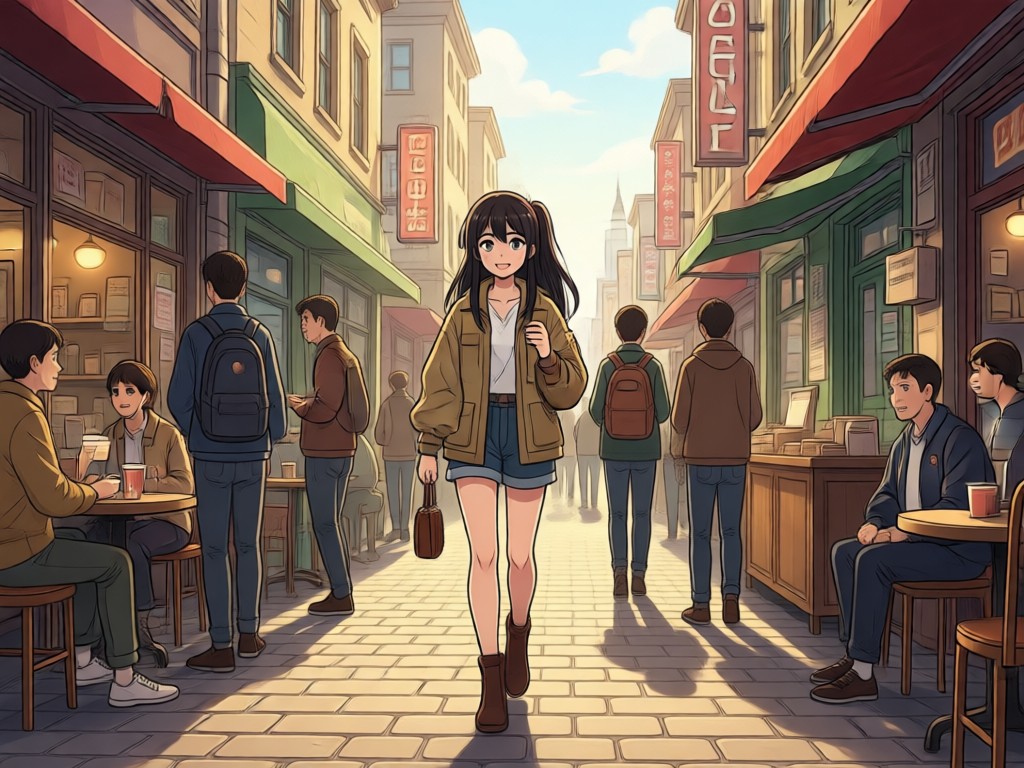
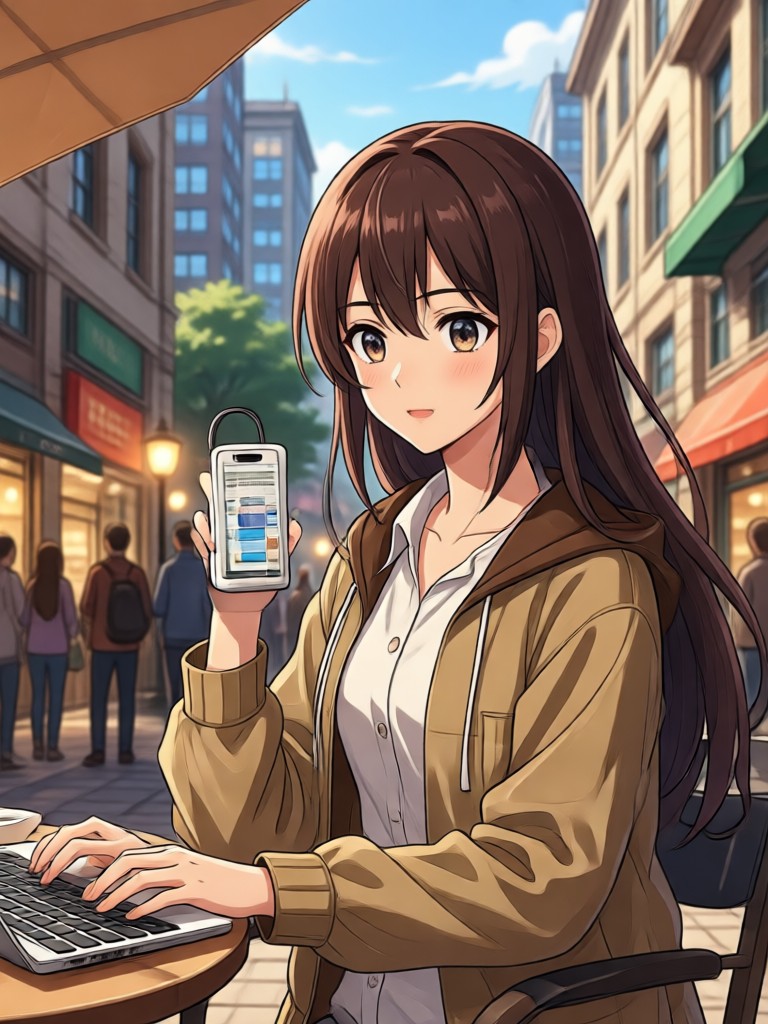
Anime to Human Conversion
Upload any anime image and watch AI detect facial features, skin tones, and proportions to generate a realistic human portrait. Supports manga, anime screenshots, and 3D renders.
Anime to Human Conversion
Upload any anime image and watch AI detect facial features, skin tones, and proportions to generate a realistic human portrait. Supports manga, anime screenshots, and 3D renders.
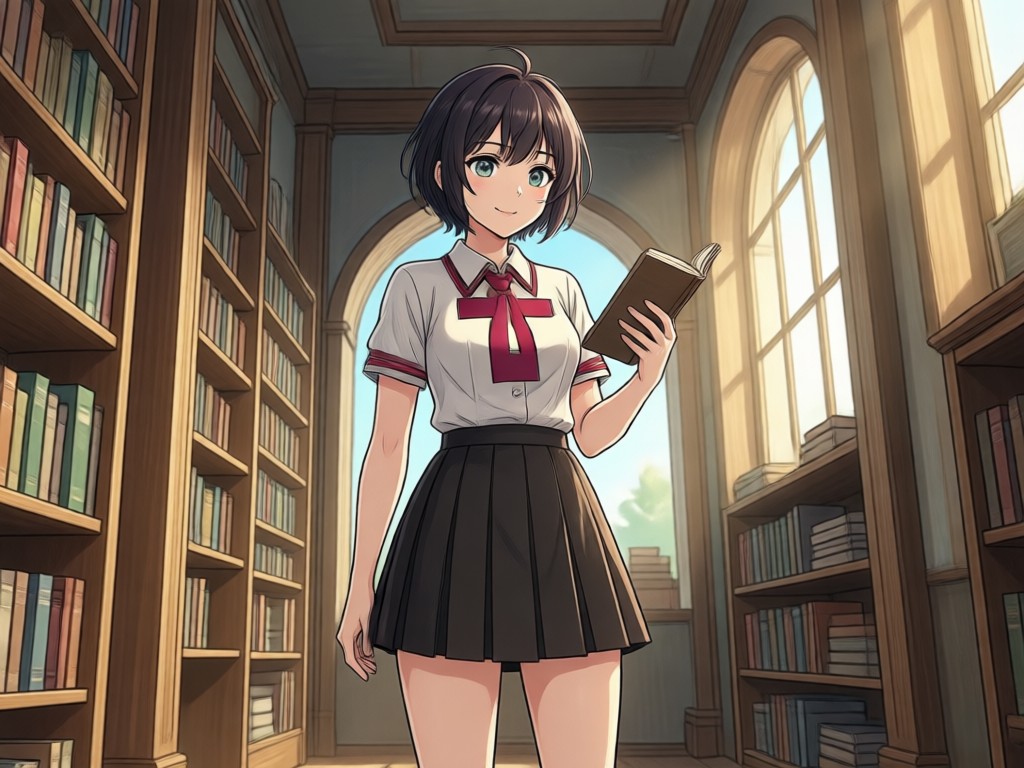
Realistic Skin and Hair Detail
The AI refines skin texture, adds natural lighting, and converts stylized hair into believable strands. Results look like professional photography instead of cheap filters.
Realistic Skin and Hair Detail
The AI refines skin texture, adds natural lighting, and converts stylized hair into believable strands. Results look like professional photography instead of cheap filters.
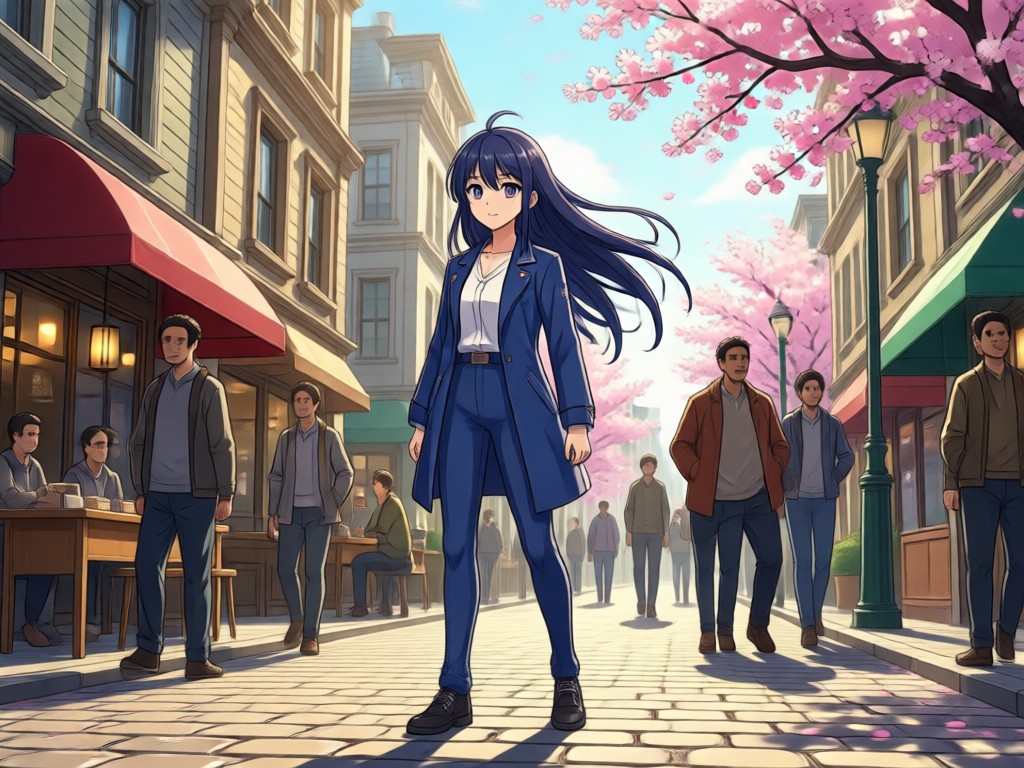
Portrait and Full Body Support
Convert anime faces, busts, and full body characters into realistic photos. Preserve original poses, clothing, and expressions while adding photographic depth and realism.
Portrait and Full Body Support
Convert anime faces, busts, and full body characters into realistic photos. Preserve original poses, clothing, and expressions while adding photographic depth and realism.
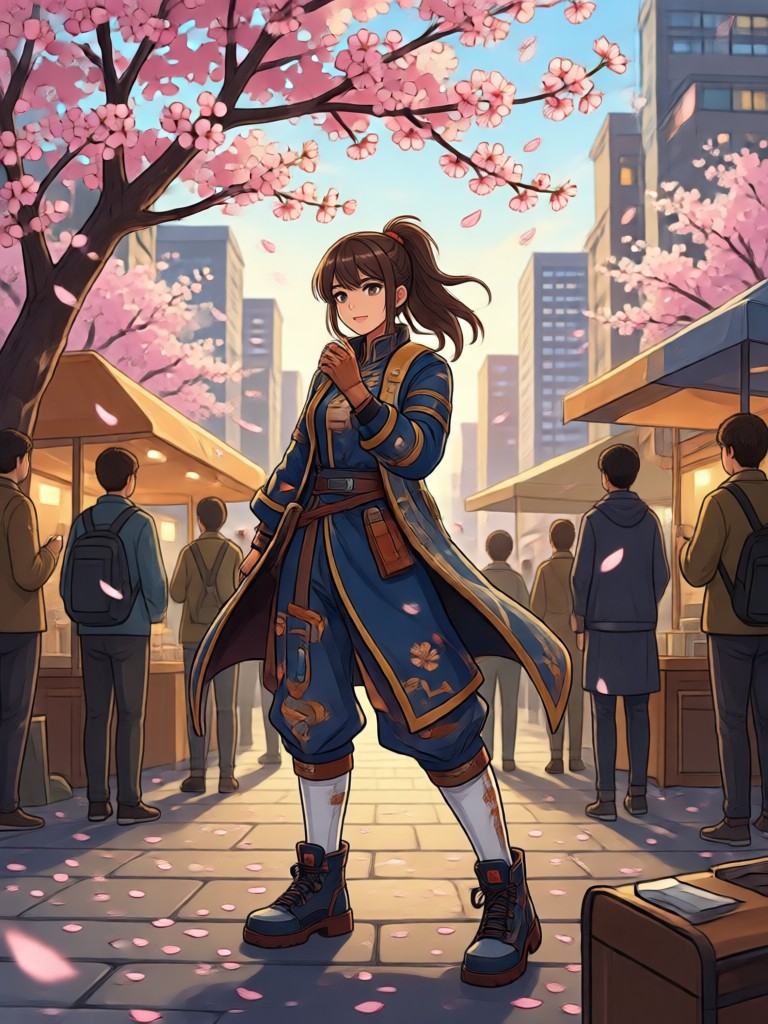
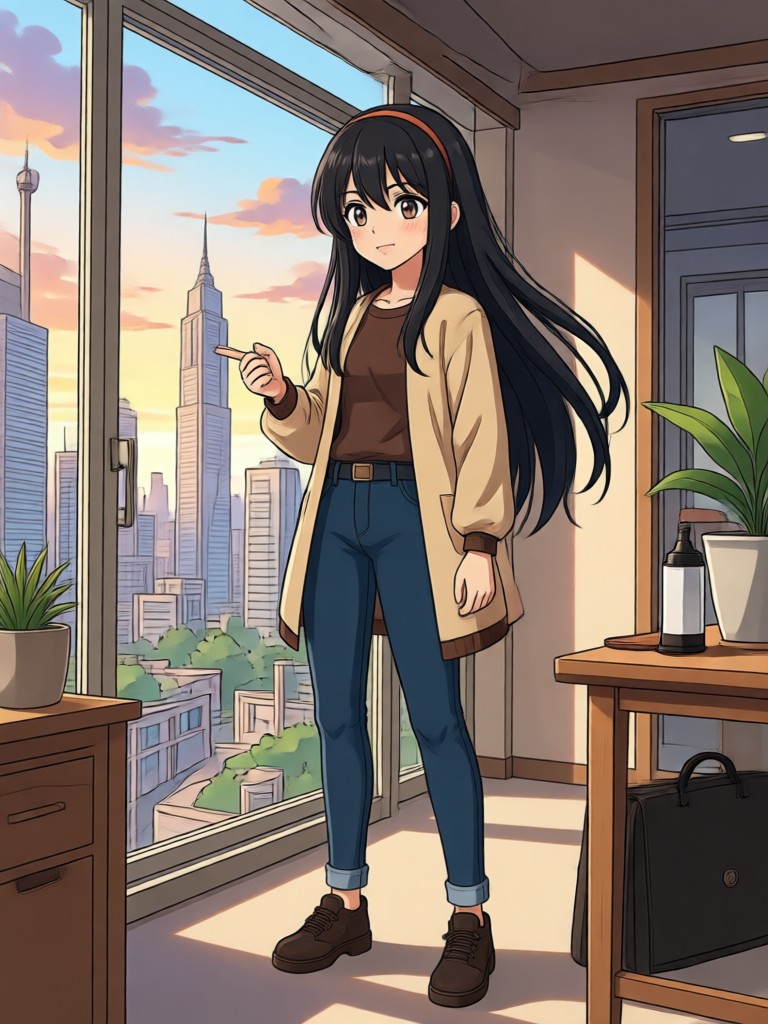
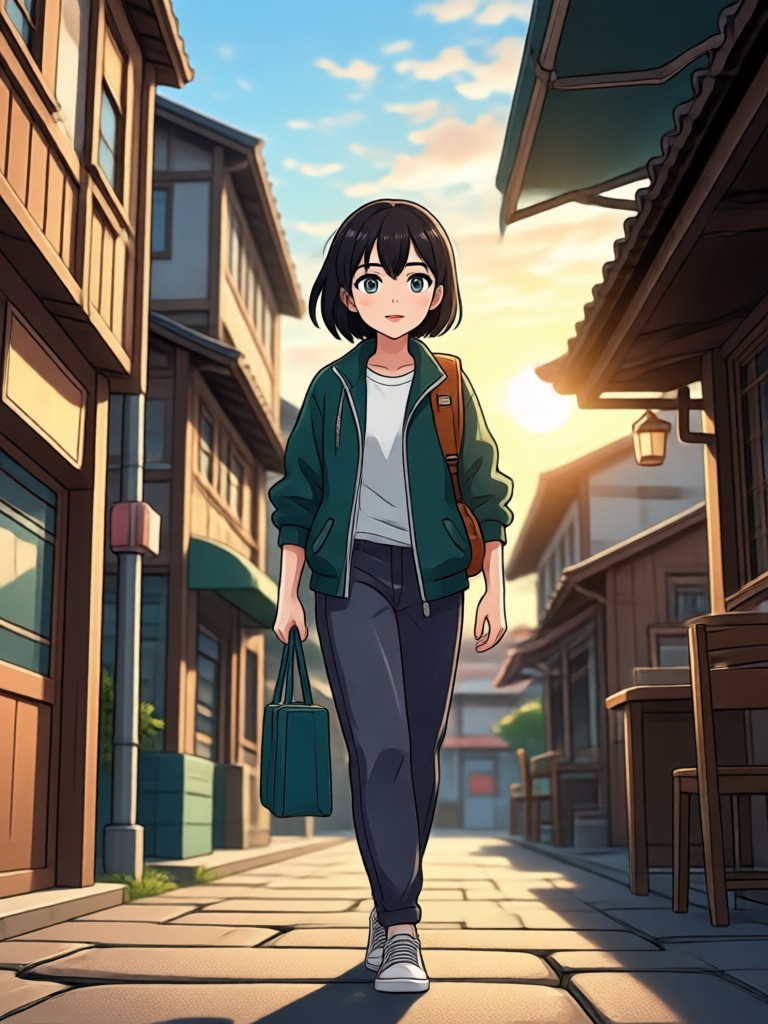
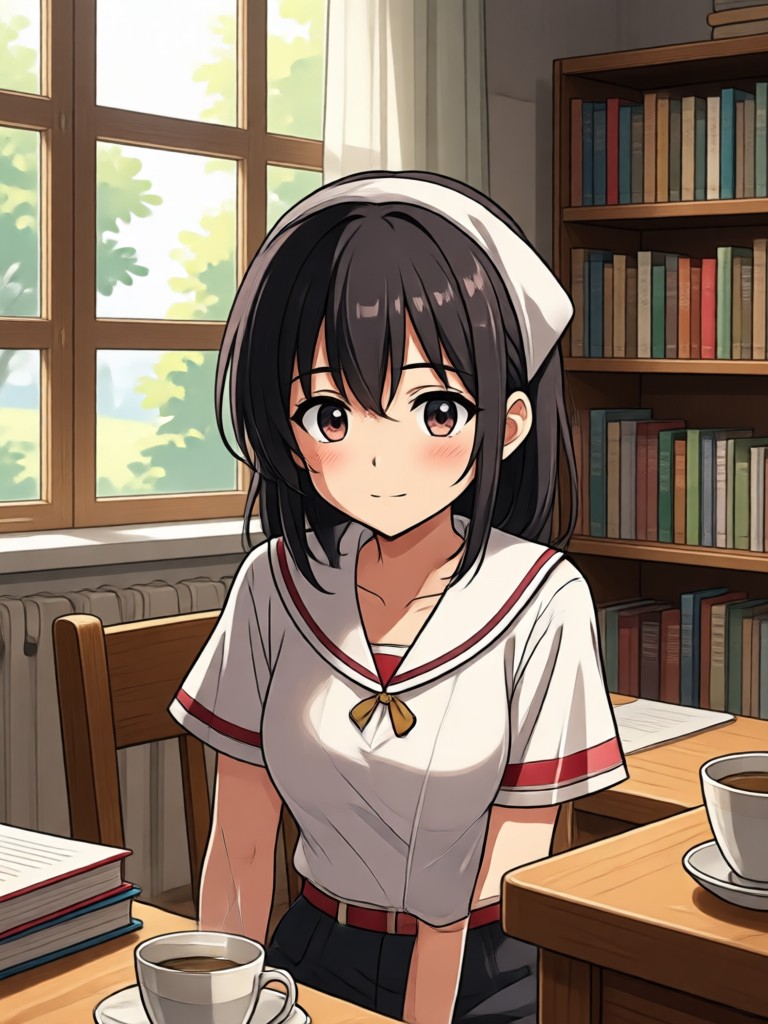
Explore Anime to Real Life Conversion Gallery
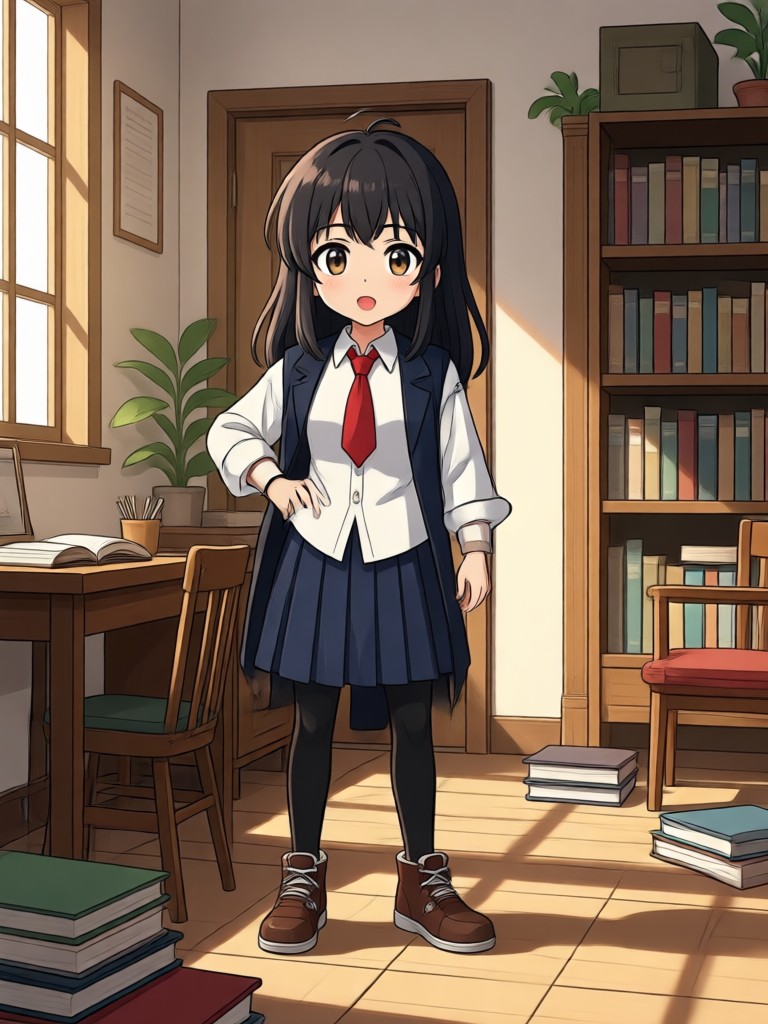
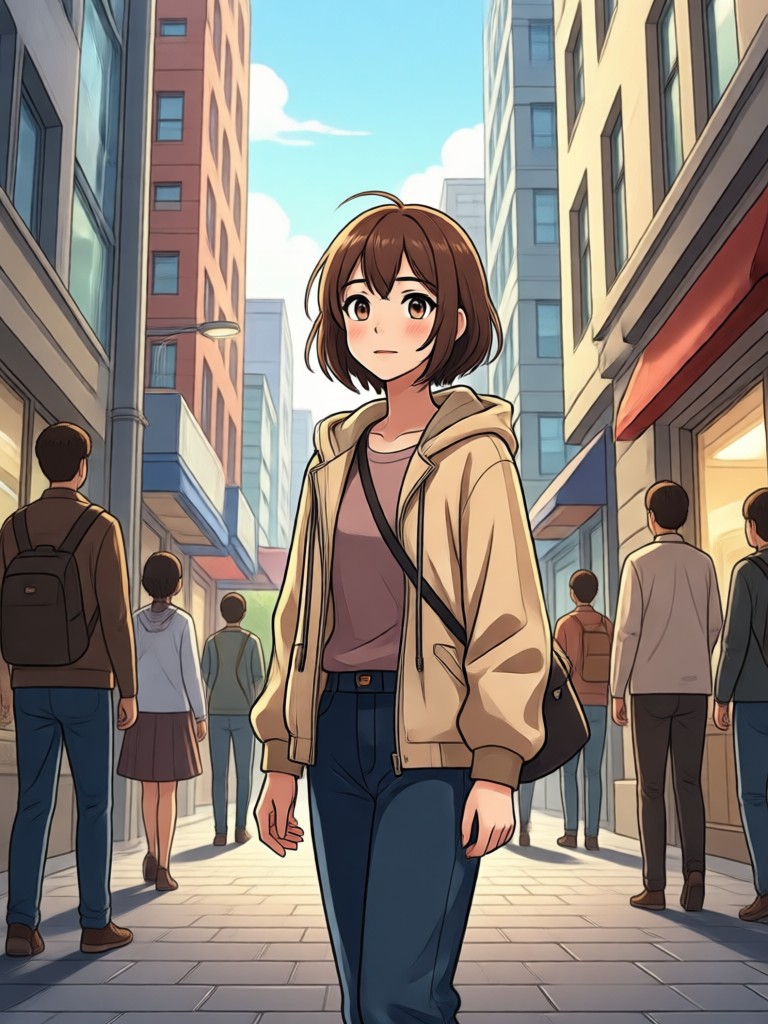
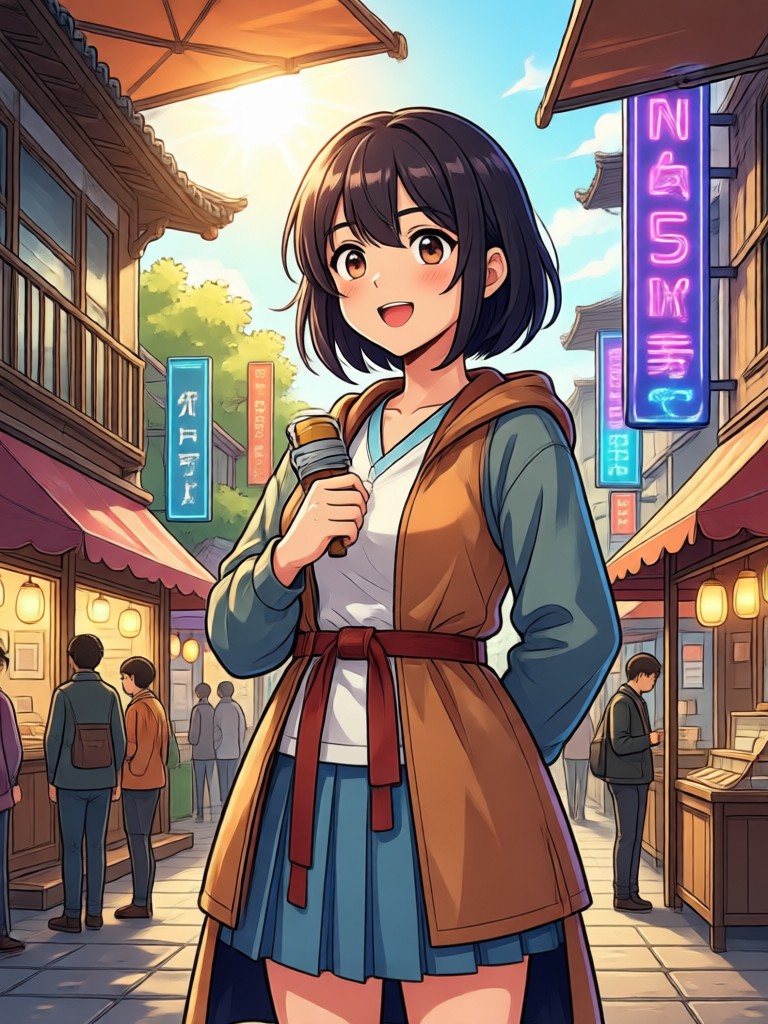
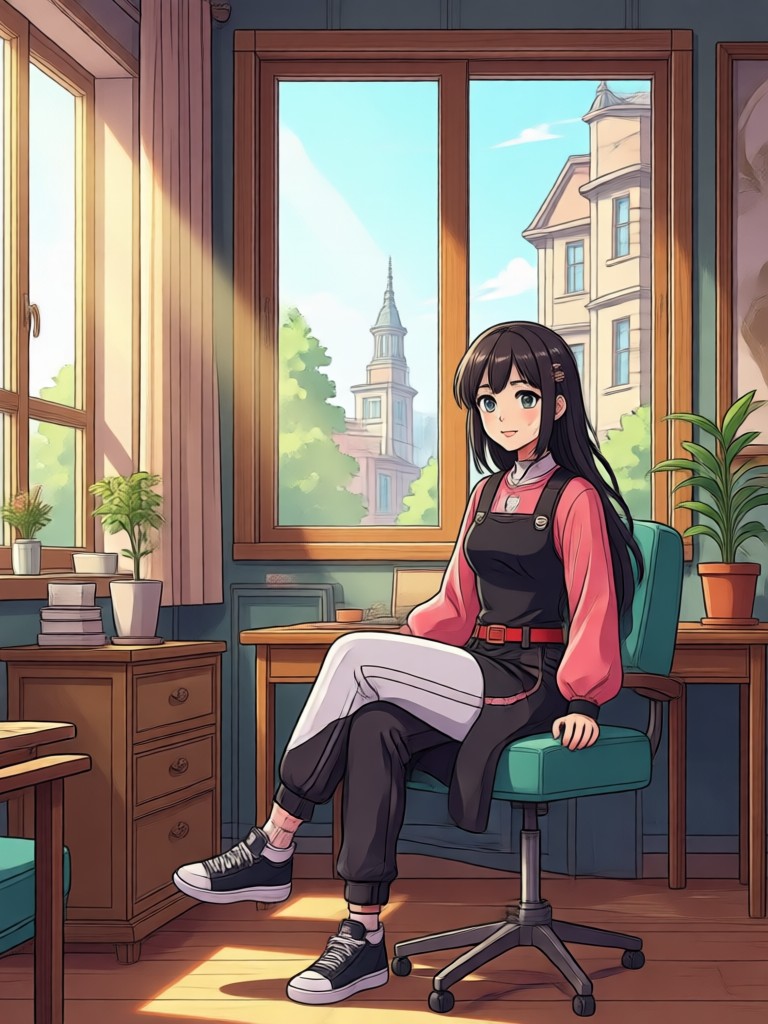
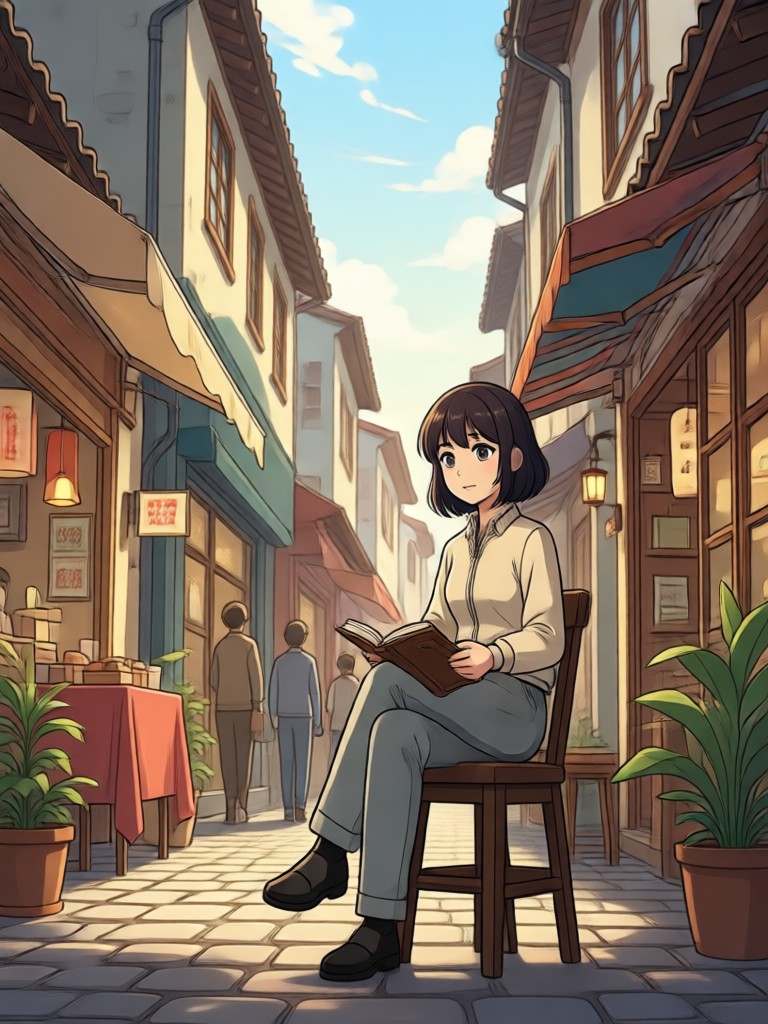
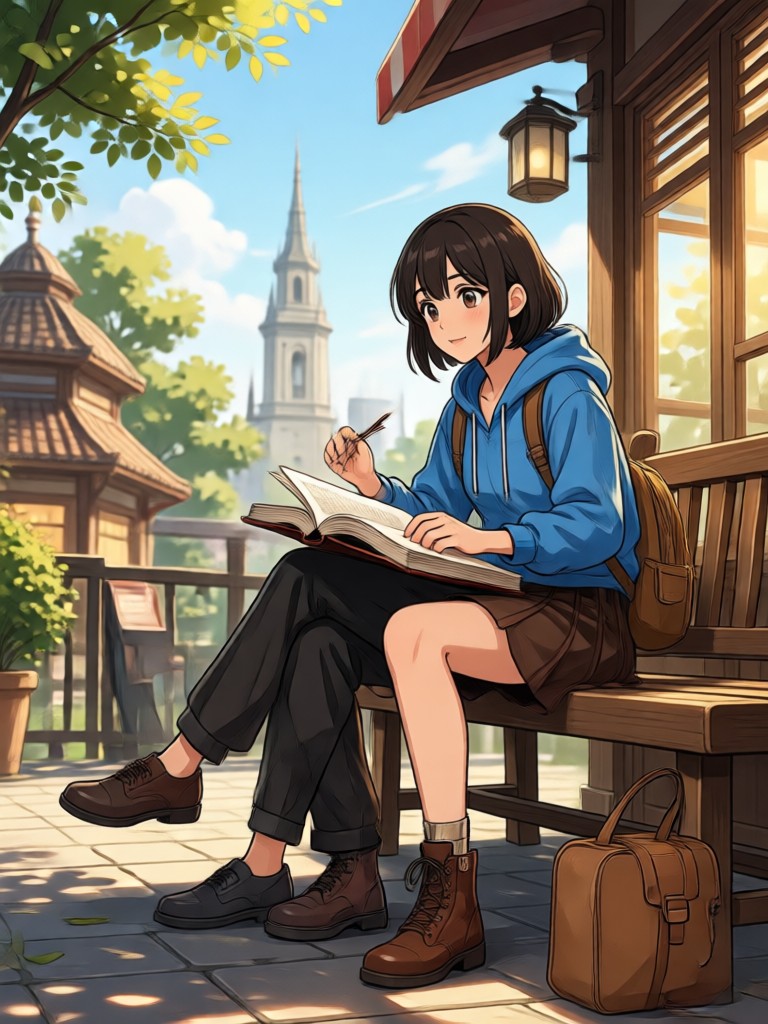
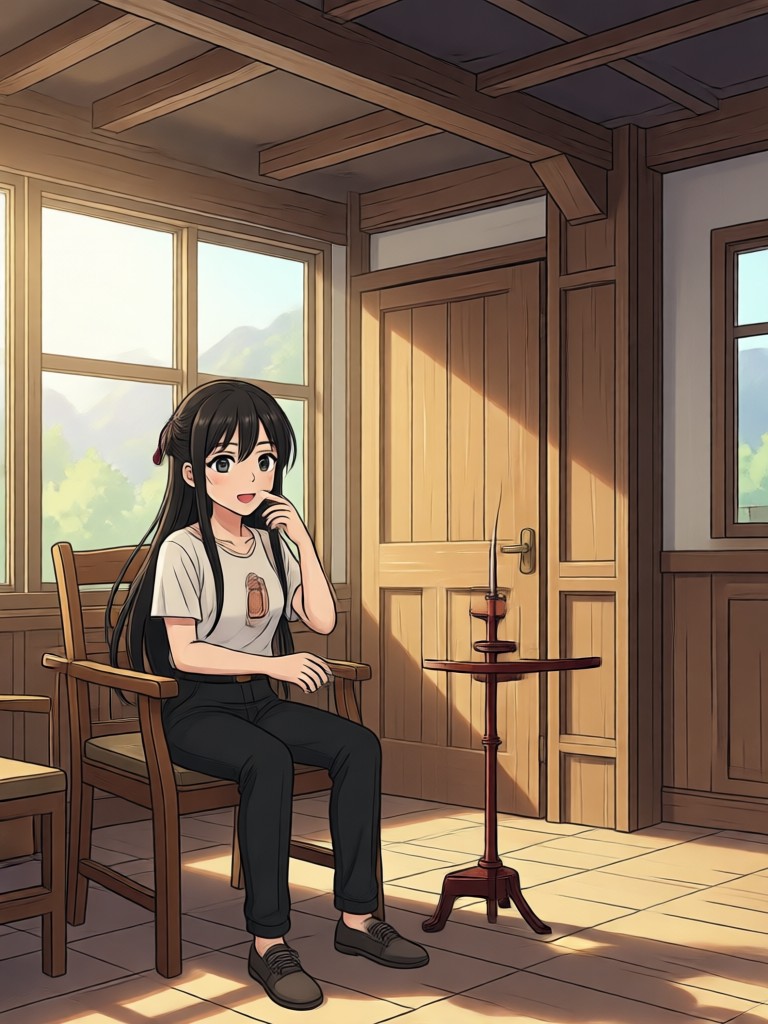
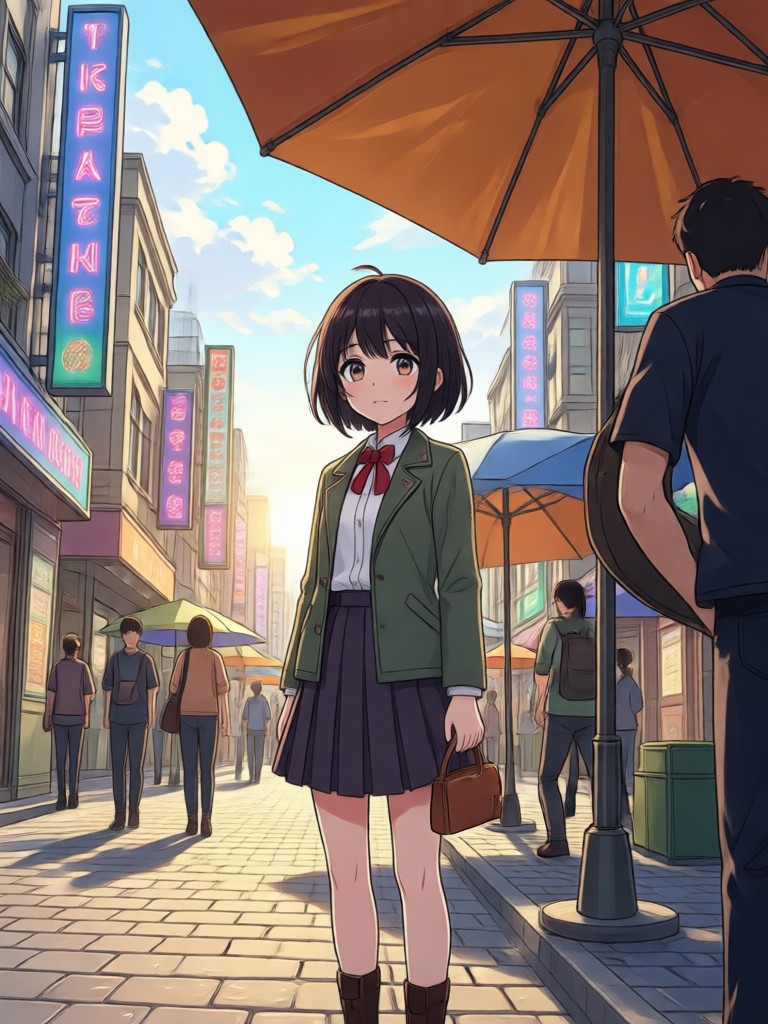
Browse stunning AI-generated transformations that turn anime artwork into realistic human photos. Discover the creative possibilities and start creating your own lifelike portraits today.
How to Convert Anime to Real Life?
Transform anime artwork into realistic human photos in just three simple steps using the viyo app.

Step 01.
Download viyo from Google Play to start converting anime images into realistic photos anytime, anywhere.

Step 02.
Upload your anime image and choose from a variety of realism filters to customize how human your character looks.

Step 03.
Generate your realistic photo, then download and share it with friends or on social media.
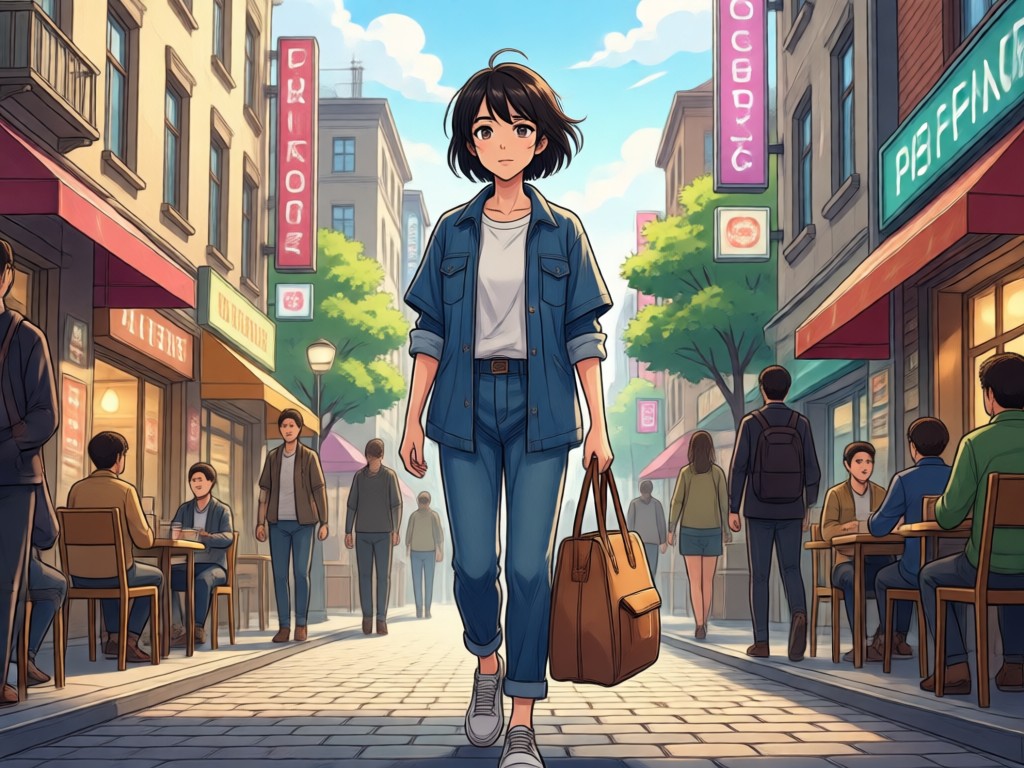
Why Choose viyo for Anime to Real Life Conversion?
viyo combines advanced AI technology with an incredibly simple mobile interface. Upload any anime image and receive a realistic human photo in seconds. No complex prompt engineering. No desktop software required. With over one million style filters, you can fine tune skin texture, lighting, and facial features to get exactly the look you want.
Why Choose viyo for Anime to Real Life Conversion?
viyo combines advanced AI technology with an incredibly simple mobile interface. Upload any anime image and receive a realistic human photo in seconds. No complex prompt engineering. No desktop software required. With over one million style filters, you can fine tune skin texture, lighting, and facial features to get exactly the look you want.
Who Uses Anime To Real Life Converter

Mia Takahashi
I use viyo to preview how my anime cosplay characters would look as real people. It helps me plan makeup and wig styles before conventions. The results are shockingly accurate.

Jordan Reed
As a fan artist, I convert my anime illustrations into realistic portraits to study facial anatomy and lighting. It has completely changed how I approach character design.

Sofia Martinez
My followers love the real life versions of their favorite anime characters. I create these transformations for TikTok and the engagement is incredible. So easy to use.

Daniel Kim
I use viyo to visualize what my anime style game characters would look like in a live action adaptation. It is a fantastic brainstorming tool for character pitches.
Mia Takahashi
I use viyo to preview how my anime cosplay characters would look as real people. It helps me plan makeup and wig styles before conventions. The results are shockingly accurate.
Jordan Reed
As a fan artist, I convert my anime illustrations into realistic portraits to study facial anatomy and lighting. It has completely changed how I approach character design.
Sofia Martinez
My followers love the real life versions of their favorite anime characters. I create these transformations for TikTok and the engagement is incredible. So easy to use.
Daniel Kim
I use viyo to visualize what my anime style game characters would look like in a live action adaptation. It is a fantastic brainstorming tool for character pitches.
Mia Takahashi
I use viyo to preview how my anime cosplay characters would look as real people. It helps me plan makeup and wig styles before conventions. The results are shockingly accurate.
Jordan Reed
As a fan artist, I convert my anime illustrations into realistic portraits to study facial anatomy and lighting. It has completely changed how I approach character design.
Sofia Martinez
My followers love the real life versions of their favorite anime characters. I create these transformations for TikTok and the engagement is incredible. So easy to use.
Daniel Kim
I use viyo to visualize what my anime style game characters would look like in a live action adaptation. It is a fantastic brainstorming tool for character pitches.
Frequently Asked Questions About Anime To Real Life Converter
Find clear answers to common questions about converting anime images into realistic human photos with viyo.
More Topics You May Like
Explore more topics you may like and discover fresh ideas tailored to your interests.

Convert Video To Mp3: Easy Audio Extraction App
Convert video to MP3 in seconds. Upload any video, extract high quality audio, and save it to your device. No desktop software needed. Fast, simple, and free to try on mobile.

Body Reshaping Photo Editor: Sculpt Your Photos Instantly
Use viyo body reshaping photo editor to slim waist, refine hips, and adjust arms naturally. No design skills needed. Android app only. Download now.

Crayon AI Generator: Turn Any Photo into Crayon Art
Crayon AI Generator lets you turn photos into hand drawn crayon art. Upload any image, choose a style, and download realistic crayon textures in seconds. No skills needed.

Convert Video Into Cartoon: AI Cartoonizer App in Seconds
Convert video into cartoon with viyo in a few taps. Upload any clip, pick from 1M+ filters, and get smooth AI cartoon videos instantly. No editing skills needed.
Ready to Bring Your Anime Characters to Life?
Download viyo now and transform anime artwork into realistic human photos in seconds. Access thousands of realism filters, preserve original expressions, and create stunning lifelike portraits with just a few taps.

Ready to Bring Your Anime Characters to Life?
Download viyo now and transform anime artwork into realistic human photos in seconds. Access thousands of realism filters, preserve original expressions, and create stunning lifelike portraits with just a few taps.