Crayon AI Generator
Choose Your Favorite Crayon AI Style
Discover crayon filters that match your mood, from soft wax pastels to bold chalk strokes. Every style is optimized for portrait, landscape, and pet photos.
Key Features of Crayon AI Generator
Turn your photos into hand drawn crayon art with tools designed for realism and ease. No complex prompts, no editing experience needed.
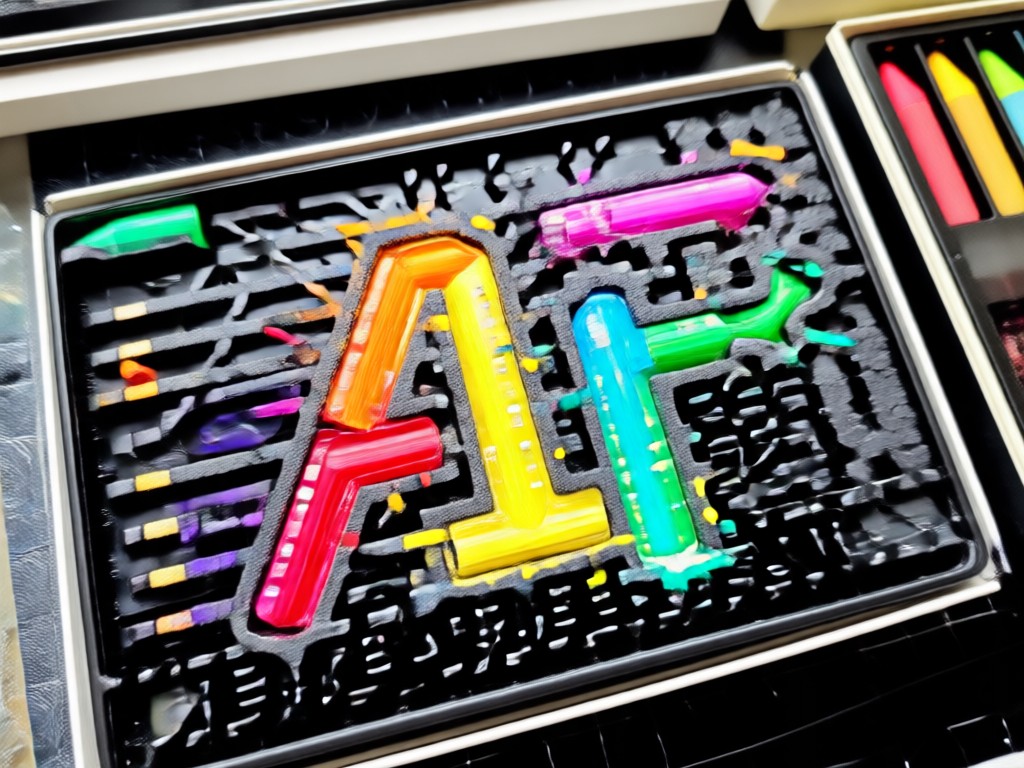
Photo to Crayon Sketch
Upload a selfie, pet photo, or landscape and convert it into a textured crayon drawing. The AI preserves facial features while adding layered wax strokes and rich color depth.
Photo to Crayon Sketch
Upload a selfie, pet photo, or landscape and convert it into a textured crayon drawing. The AI preserves facial features while adding layered wax strokes and rich color depth.
Text to Crayon Art
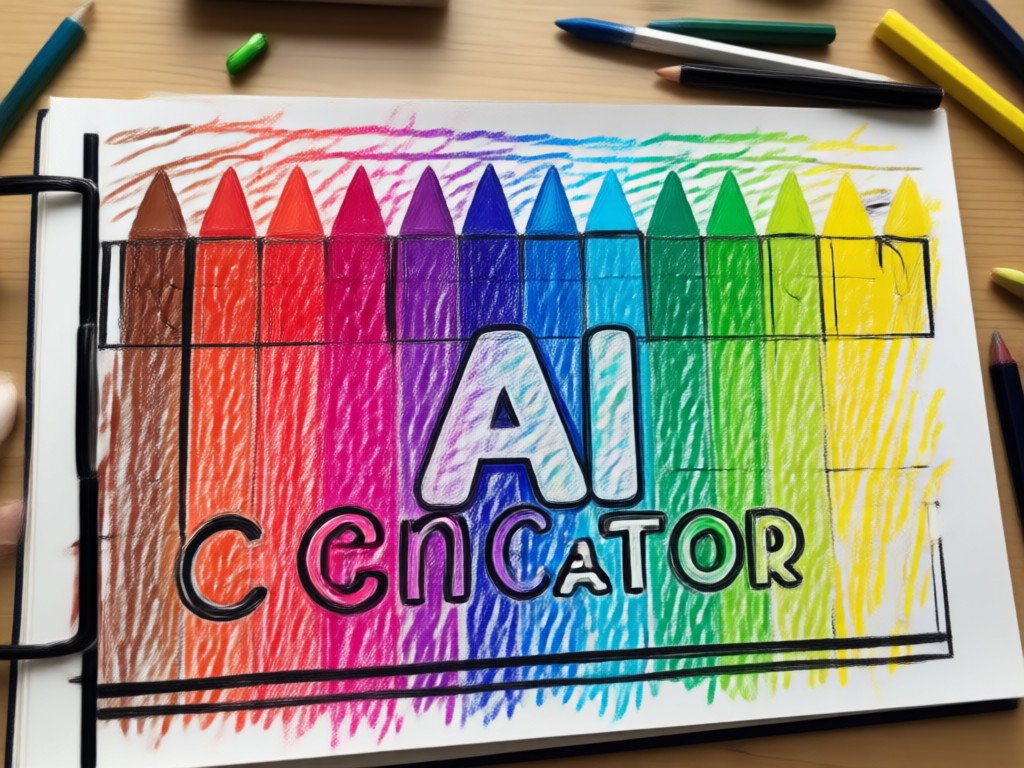
Describe a scene and let the AI build a crayon illustration from scratch. Choose from school crayon, oil pastel, or chalk effects without writing complex prompts.
Text to Crayon Art
Describe a scene and let the AI build a crayon illustration from scratch. Choose from school crayon, oil pastel, or chalk effects without writing complex prompts.
Crayon Style Transfer
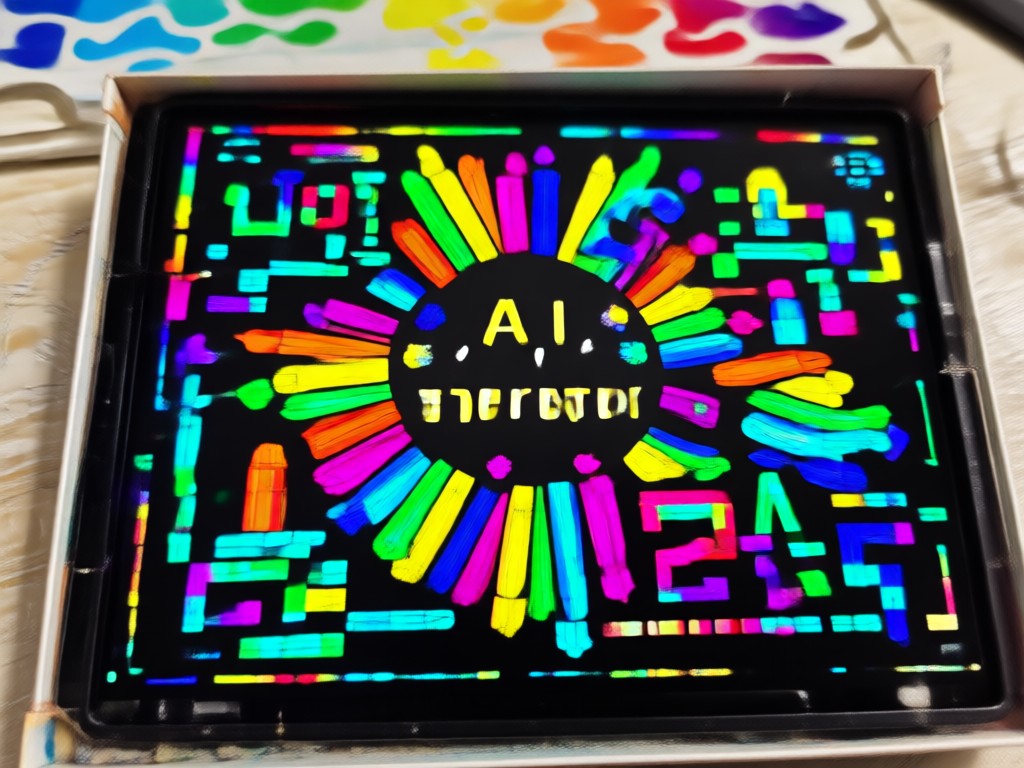
Apply a crayon filter to existing artwork or photos while keeping the original composition. Switch between soft wax, pressed crayon, and rough sketch finishes instantly.
Crayon Style Transfer
Apply a crayon filter to existing artwork or photos while keeping the original composition. Switch between soft wax, pressed crayon, and rough sketch finishes instantly.
Why viyo Is the Best Crayon AI Generator
viyo is more than a crayon filter app. It offers one tap crayon conversion, text to crayon art, and style transfer in a single mobile tool. You can create high resolution crayon portraits, pet art, and landscapes without a desktop or design training. Everything renders directly on your phone.
Why viyo Is the Best Crayon AI Generator
viyo is more than a crayon filter app. It offers one tap crayon conversion, text to crayon art, and style transfer in a single mobile tool. You can create high resolution crayon portraits, pet art, and landscapes without a desktop or design training. Everything renders directly on your phone.
How to Use the Crayon AI Generator
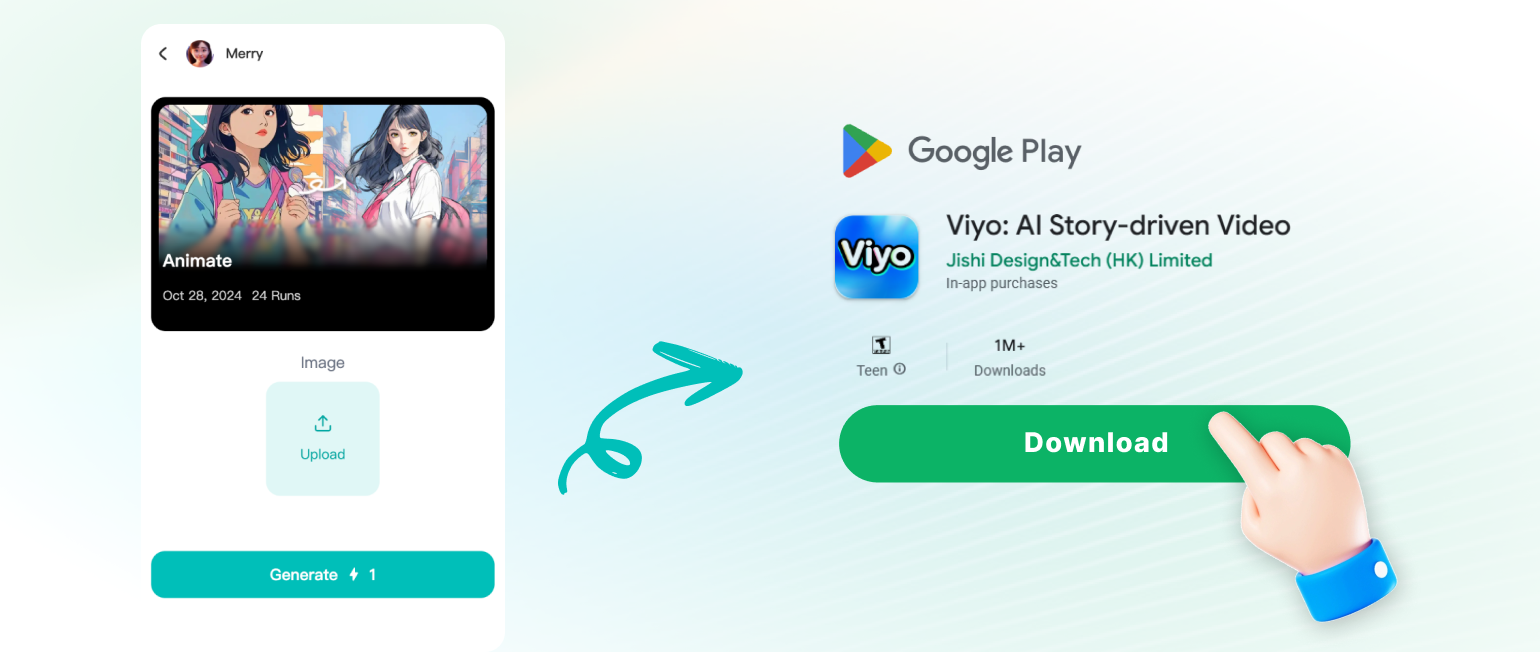
Create your first crayon artwork in three simple steps using the viyo app on your phone.
Popular Crayon AI Art Styles You Can Create
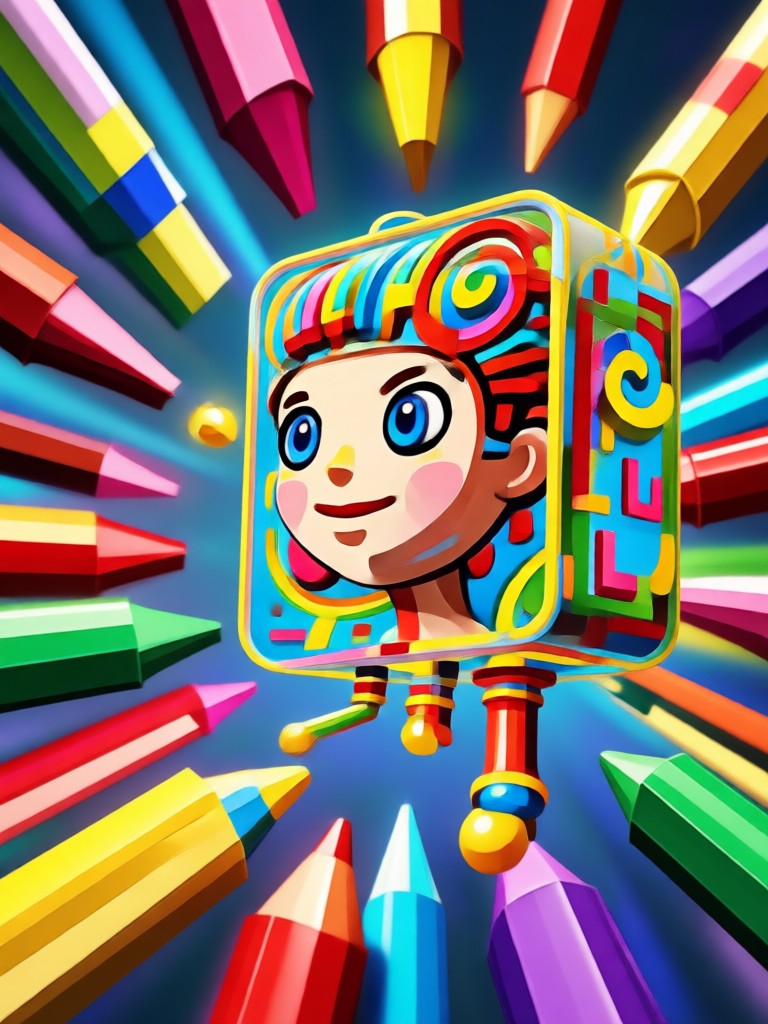
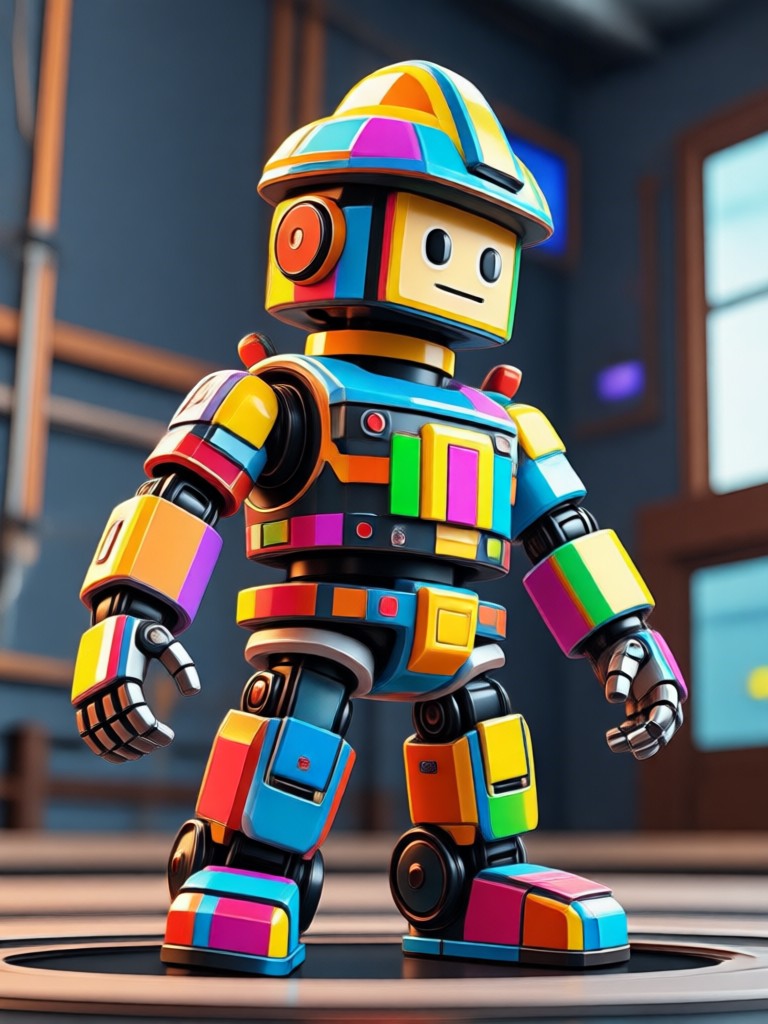
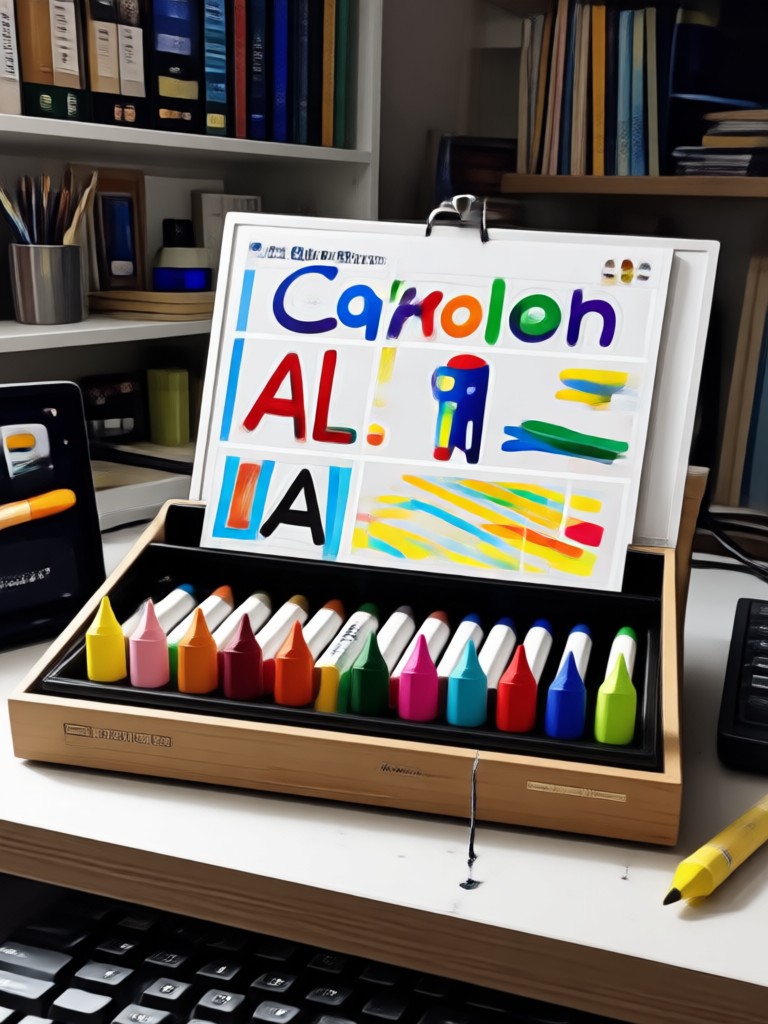
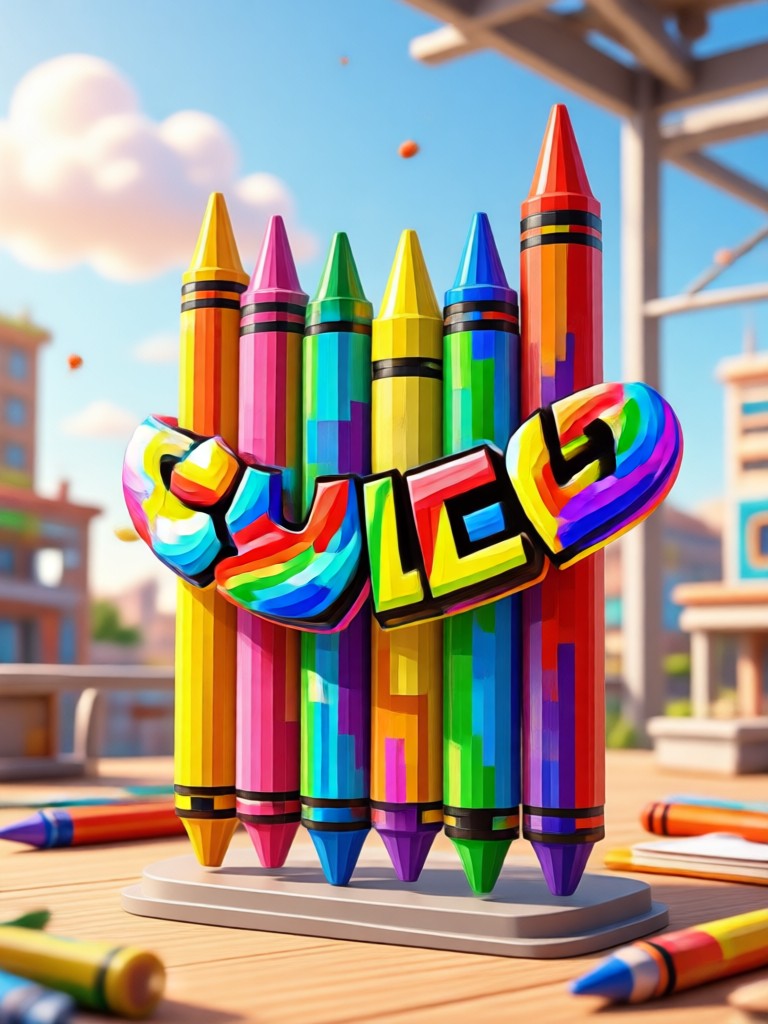
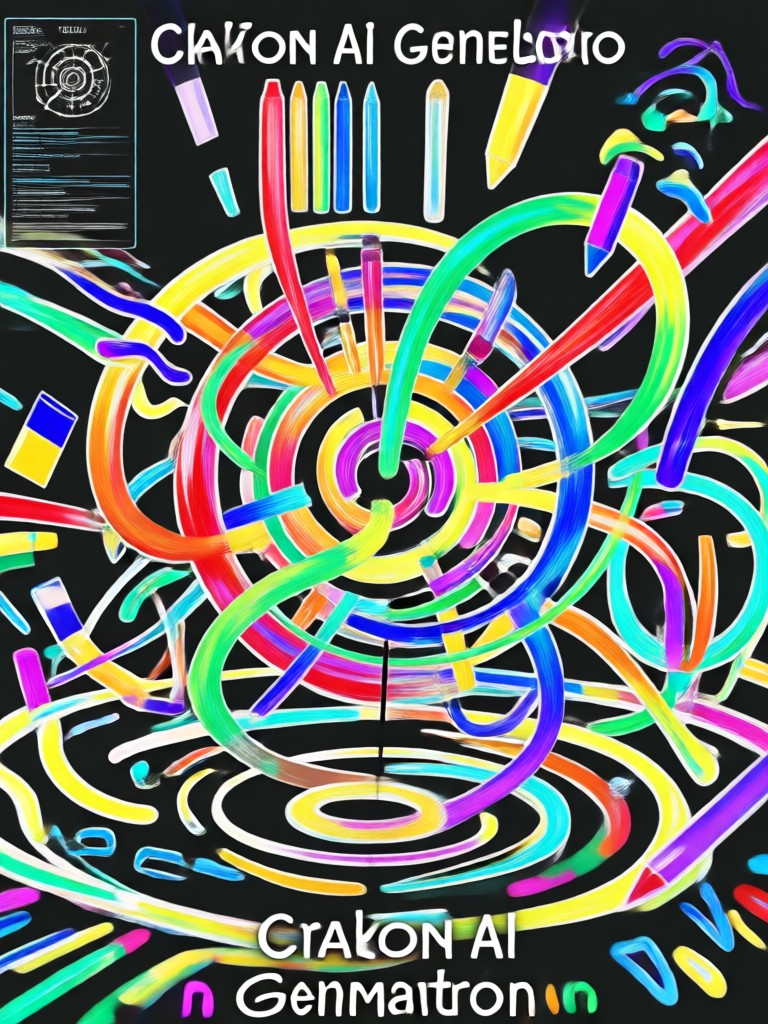
Browse real examples made with the viyo Crayon AI Generator. Each style is available as a one tap template inside the app.
Turn a Simple Photo into Hand Drawn Crayon Art
Upload a JPG or PNG photo to the viyo app and select a crayon filter. The AI adds realistic wax texture, soft shading, and rich color blending while keeping the original pose and expression. No drawing tablet or reference image needed.
Who Uses the Crayon AI Generator

Maya Collins
I create crayon style portraits for my Etsy shop. This app saves me hours compared to manual drawing, and customers love the wax texture on pet photos.
Daniel Park
I used the crayon filter on our family photo for a holiday card. The colors stayed vibrant and the faces looked recognizable, not distorted.

Sofia Reyes
As a teacher, I turn science diagrams into crayon style posters for my classroom. The text to crayon art feature is surprisingly good.

Liam Turner
I was skeptical about AI crayon filters, but viyo delivered sharp results even on a low light selfie. The chalk style is my favorite.
Maya Collins
I create crayon style portraits for my Etsy shop. This app saves me hours compared to manual drawing, and customers love the wax texture on pet photos.
Daniel Park
I used the crayon filter on our family photo for a holiday card. The colors stayed vibrant and the faces looked recognizable, not distorted.
Sofia Reyes
As a teacher, I turn science diagrams into crayon style posters for my classroom. The text to crayon art feature is surprisingly good.
Liam Turner
I was skeptical about AI crayon filters, but viyo delivered sharp results even on a low light selfie. The chalk style is my favorite.
Maya Collins
I create crayon style portraits for my Etsy shop. This app saves me hours compared to manual drawing, and customers love the wax texture on pet photos.
Daniel Park
I used the crayon filter on our family photo for a holiday card. The colors stayed vibrant and the faces looked recognizable, not distorted.
Sofia Reyes
As a teacher, I turn science diagrams into crayon style posters for my classroom. The text to crayon art feature is surprisingly good.
Liam Turner
I was skeptical about AI crayon filters, but viyo delivered sharp results even on a low light selfie. The chalk style is my favorite.
Frequently Asked Questions About Crayon AI Generator
Find quick answers about using the viyo Crayon AI Generator for photos, art, and style transfers.
More AI Art Topics You May Like
Explore more AI art styles and tools that complement your crayon generator workflow.

Convert Video Into Cartoon: AI Cartoonizer App in Seconds
Convert video into cartoon with viyo in a few taps. Upload any clip, pick from 1M+ filters, and get smooth AI cartoon videos instantly. No editing skills needed.

Remove Objects from Videos Instantly with AI
Easily remove unwanted objects, people, or watermarks from videos using viyo's AI editing tools. Upload, mark, and clean up in seconds. Try it free on mobile.

Cara Edit Foto Online Ganti Background dengan AI
Pelajari cara edit foto online ganti background dengan AI. Hapus dan ganti latar belakang foto secara otomatis, tanpa skill desain. Unduh aplikasi viyo dan ubah foto biasa jadi profesional.
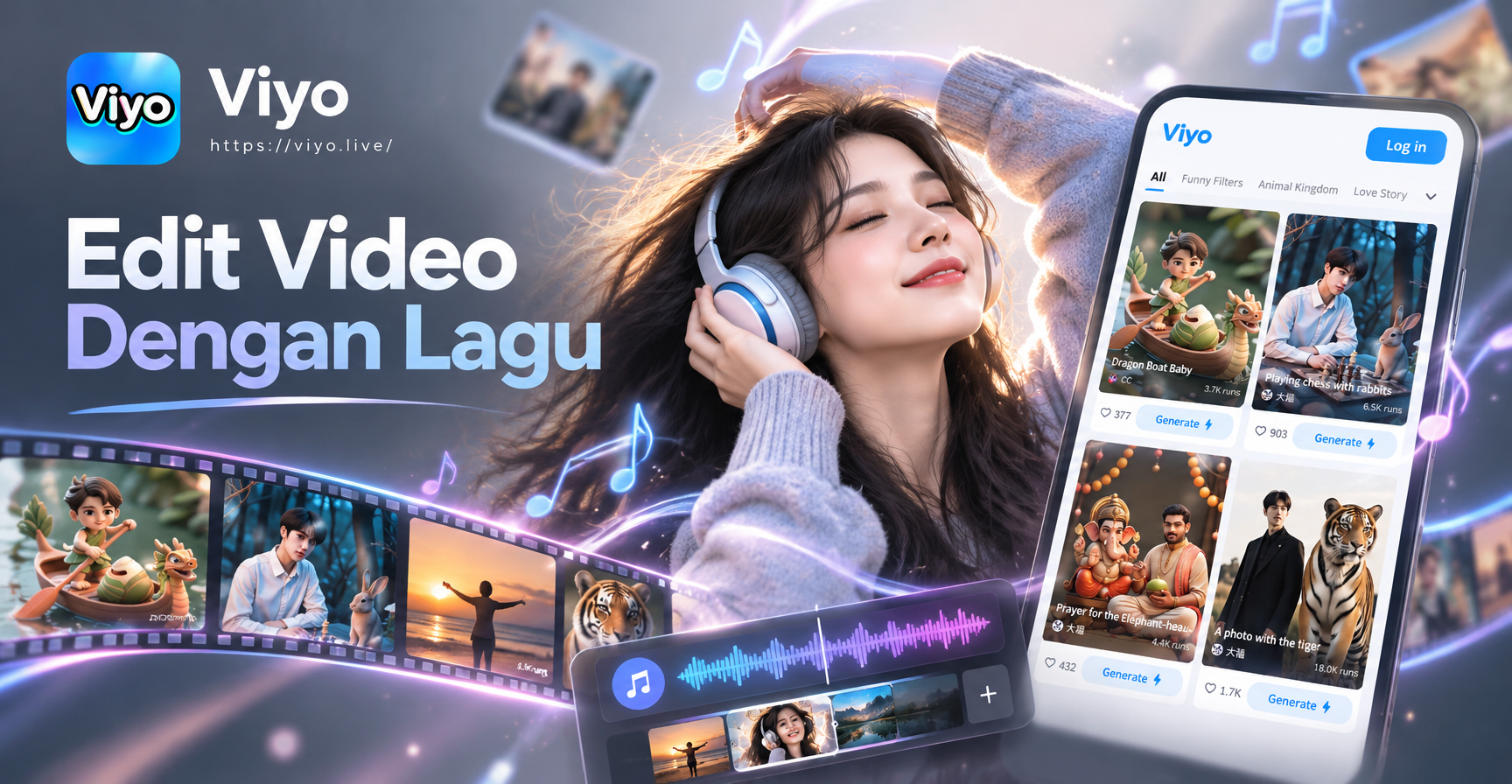
Aplikasi Edit Video dengan Lagu: Fitur AI Terbaik
Aplikasi edit video dengan lagu kini makin mudah. Buat video AI dengan musik dan efek kekinian, unduh viyo dan hasilkan konten menarik dalam hitungan detik.
Create Crayon Art in Seconds
Download viyo now and turn your photos into textured crayon drawings. Start with free credits and unlock hundreds of crayon styles, pastels, and chalk effects.
Create Crayon Art in Seconds
Download viyo now and turn your photos into textured crayon drawings. Start with free credits and unlock hundreds of crayon styles, pastels, and chalk effects.