Convert Video To Mp3
Audio and Video Tools For Every Creator
Explore powerful filters and tools designed for audio extraction, video enhancement, and creative editing. Find the right workflow for your content.
Why Convert Video To Mp3 With viyo
Stop struggling with bulky desktop converters and unreliable online tools. viyo brings professional audio extraction to your pocket with a streamlined mobile workflow.
Fast Audio Extraction
Upload a video from your gallery and let the AI process it in moments. The extraction engine identifies the primary audio track and prepares a clean MP3 file. You do not need to trim silence, adjust bitrates, or wait through endless progress bars. The app handles the technical work so you can focus on enjoying your audio.
Fast Audio Extraction
Upload a video from your gallery and let the AI process it in moments. The extraction engine identifies the primary audio track and prepares a clean MP3 file. You do not need to trim silence, adjust bitrates, or wait through endless progress bars. The app handles the technical work so you can focus on enjoying your audio.
High Fidelity Output
Maintain the original clarity of your video soundtrack. Whether you are saving a live concert, a voice memo, or a movie quote, viyo preserves the tonal quality of the source file. The result is an MP3 that sounds as good as the video itself, ready for editing, sharing, or offline listening.
High Fidelity Output
Maintain the original clarity of your video soundtrack. Whether you are saving a live concert, a voice memo, or a movie quote, viyo preserves the tonal quality of the source file. The result is an MP3 that sounds as good as the video itself, ready for editing, sharing, or offline listening.
Mobile First Workflow
Everything happens inside the app. You do not need a computer, a USB cable, or a third party converter. Record a video on your phone, import it to viyo, and convert video to MP3 before you even get home. It is the simplest way to build an audio library from your mobile footage.
Mobile First Workflow
Everything happens inside the app. You do not need a computer, a USB cable, or a third party converter. Record a video on your phone, import it to viyo, and convert video to MP3 before you even get home. It is the simplest way to build an audio library from your mobile footage.
How To Convert Video To MP3 In 3 Steps
Creating a clean MP3 from any video file takes only a few taps. Follow this simple guide to extract audio without ever leaving your phone.

Step 01.
Download viyo from Google Play and open the app on your Android device. No account registration is required to test the audio tools.

Step 02.
Select the video you want to extract audio from. Choose a file from your gallery or record a new clip inside the app.

Step 03.
Tap the audio extraction tool and wait for the AI to process the file. Preview the result, then save the MP3 to your device or share it directly to social media.
Audio Extraction Results and Creative Edits
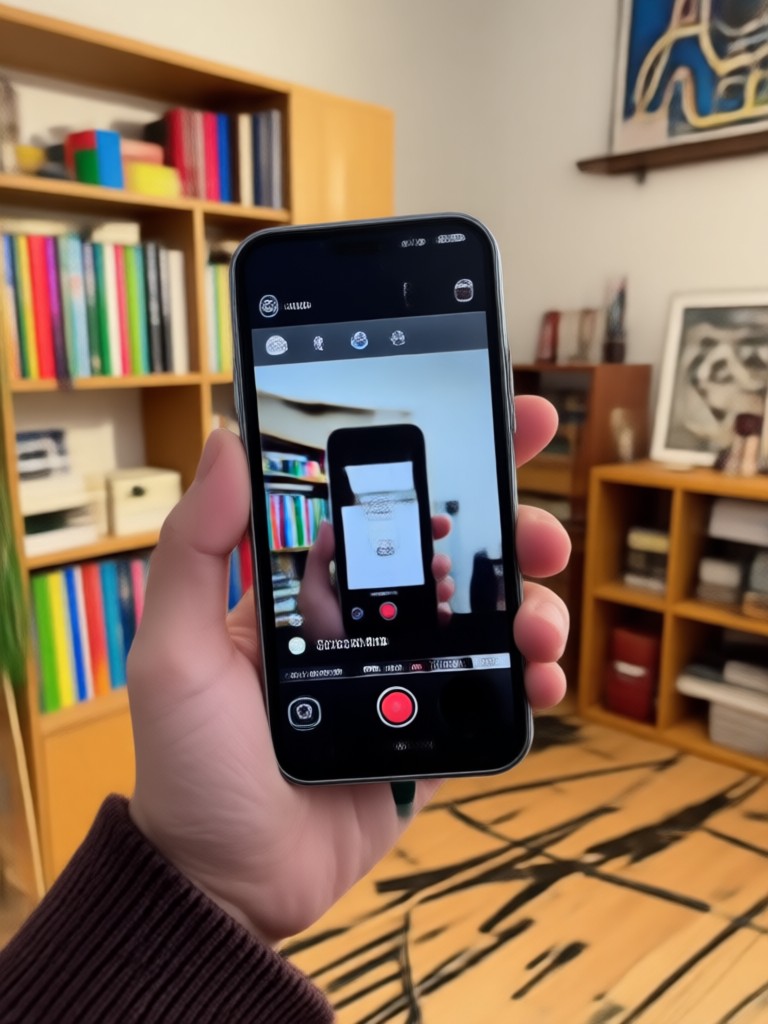
See how users turn videos into MP3 files and then use viyo to enhance, remix, or repurpose the audio for new creative projects.
Why Use A Mobile App To Convert Video To Mp3
Desktop converters feel outdated when your entire media library lives on your phone. viyo brings the extraction tool directly to the device you already use.
Your Phone Is Already The Best Tool For Audio Extraction
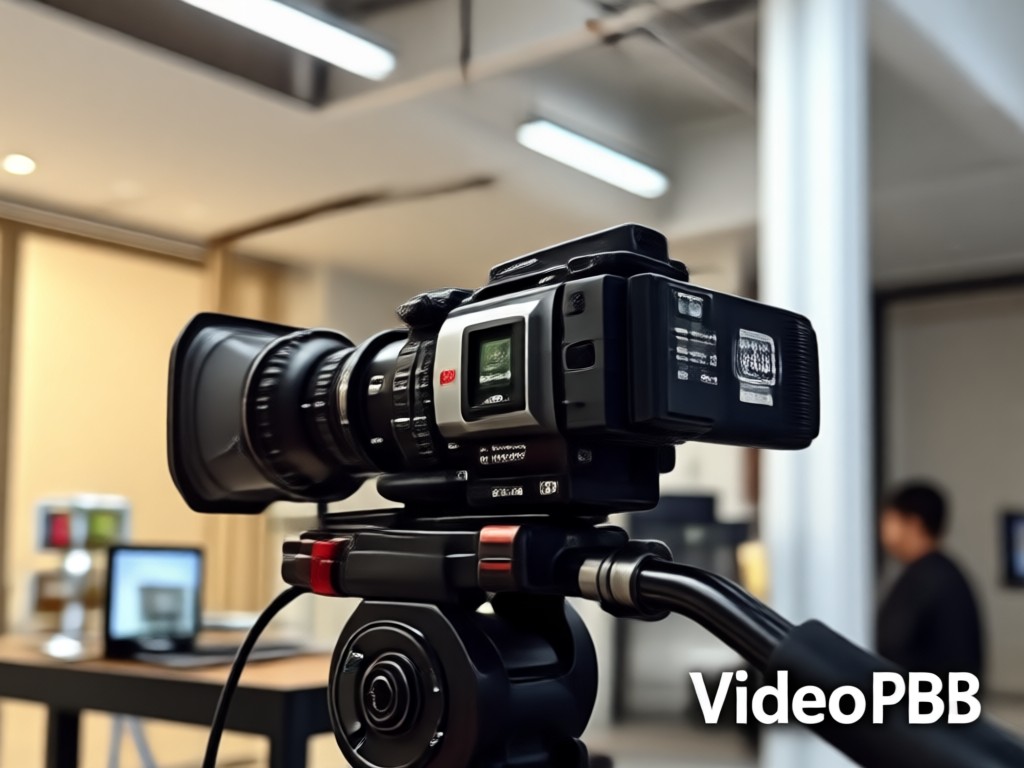
Think about where your videos actually live. They are on your phone, captured moments from concerts, classes, meetings, and family events. Sending those files to a computer just to extract the audio is an unnecessary step. With viyo, you can convert video to MP3 right after you finish recording. The app reads your gallery, processes the file locally, and saves the audio back to the same folder. No emailing files to yourself, no cloud uploads, no waiting for a desktop program to boot up. The result is a faster, more private, and more intuitive workflow. You get clean MP3 files for podcasts, ringtones, sample libraries, or offline playlists without ever opening a laptop. For creators, students, and everyday users, this is the simplest way to separate sound from picture.
Your Phone Is Already The Best Tool For Audio Extraction
Think about where your videos actually live. They are on your phone, captured moments from concerts, classes, meetings, and family events. Sending those files to a computer just to extract the audio is an unnecessary step. With viyo, you can convert video to MP3 right after you finish recording. The app reads your gallery, processes the file locally, and saves the audio back to the same folder. No emailing files to yourself, no cloud uploads, no waiting for a desktop program to boot up. The result is a faster, more private, and more intuitive workflow. You get clean MP3 files for podcasts, ringtones, sample libraries, or offline playlists without ever opening a laptop. For creators, students, and everyday users, this is the simplest way to separate sound from picture.
Convert Video To Mp3 On Android
Download viyo on Google Play and start extracting audio from videos in seconds. The app is designed for Android users who want a fast, reliable, and private conversion tool without any desktop software.

Who Uses viyo To Convert Video To Mp3

Maya Robinson
I record my piano practice sessions on my phone. With viyo I convert video to MP3 so I can listen back during my commute without draining my battery on video playback.

Daniel Kim
I save long video interviews and convert them to MP3 for offline listening. The audio extraction is fast and the quality is noticeably better than other mobile tools I have tried.

Sofia Alvarez
I often need the soundtrack from a video clip for my edits. viyo lets me grab the audio and import it into my editing timeline in under a minute. Total game changer.

Tom Becker
Converting lecture videos to MP3 helps me review my language classes while I walk. The app makes it easy to build a study playlist from my saved videos.
Maya Robinson
I record my piano practice sessions on my phone. With viyo I convert video to MP3 so I can listen back during my commute without draining my battery on video playback.
Daniel Kim
I save long video interviews and convert them to MP3 for offline listening. The audio extraction is fast and the quality is noticeably better than other mobile tools I have tried.
Sofia Alvarez
I often need the soundtrack from a video clip for my edits. viyo lets me grab the audio and import it into my editing timeline in under a minute. Total game changer.
Tom Becker
Converting lecture videos to MP3 helps me review my language classes while I walk. The app makes it easy to build a study playlist from my saved videos.
Maya Robinson
I record my piano practice sessions on my phone. With viyo I convert video to MP3 so I can listen back during my commute without draining my battery on video playback.
Daniel Kim
I save long video interviews and convert them to MP3 for offline listening. The audio extraction is fast and the quality is noticeably better than other mobile tools I have tried.
Sofia Alvarez
I often need the soundtrack from a video clip for my edits. viyo lets me grab the audio and import it into my editing timeline in under a minute. Total game changer.
Tom Becker
Converting lecture videos to MP3 helps me review my language classes while I walk. The app makes it easy to build a study playlist from my saved videos.
Frequently Asked Questions About Video To MP3 Conversion
Find clear answers to common questions about extracting audio from videos, output quality, supported formats, and mobile workflow.
More Topics You May Like
Explore more creative tools and workflows available in viyo, from audio extraction to AI powered video effects.

Body Reshaping Photo Editor: Sculpt Your Photos Instantly

Crayon AI Generator: Turn Any Photo into Crayon Art

Convert Video Into Cartoon: AI Cartoonizer App in Seconds
Remove Objects from Videos Instantly with AI
Body Reshaping Photo Editor: Sculpt Your Photos Instantly
Crayon AI Generator: Turn Any Photo into Crayon Art
Convert Video Into Cartoon: AI Cartoonizer App in Seconds
Remove Objects from Videos Instantly with AI
Ready To Convert Video To Mp3?
Download viyo now and turn any video into a high quality MP3 in seconds. Your mobile audio extraction tool is one tap away.
Ready To Convert Video To Mp3?
Download viyo now and turn any video into a high quality MP3 in seconds. Your mobile audio extraction tool is one tap away.