Portrait AI Image Generator: Turn Any Photo into a Masterpiece
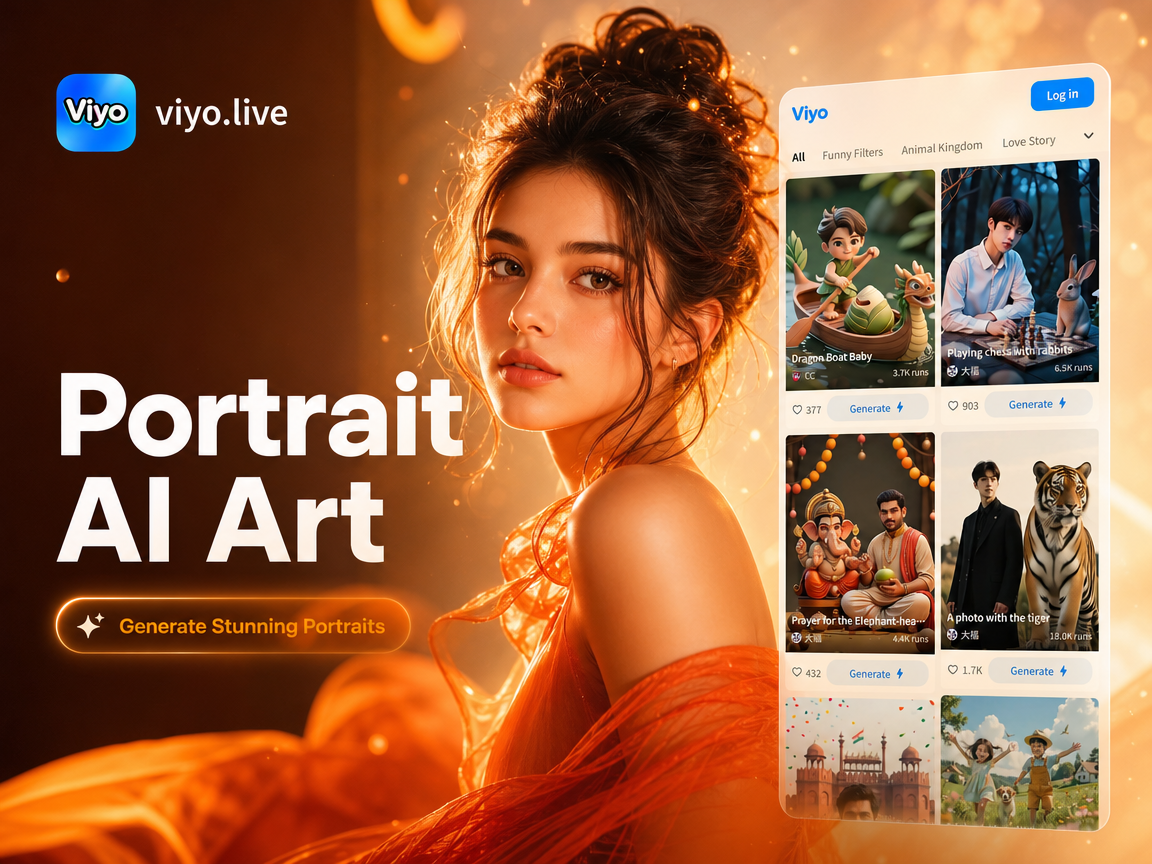
Choose the Perfect Portrait Style
Discover filters that match your mood, from photorealistic studio shots to anime, watercolor, and oil painting portraits.
Key Features of Our Portrait AI Image Generator
Create studio-quality portraits with zero editing experience. Our AI handles lighting, composition, and style transfer while keeping your facial features natural and sharp.
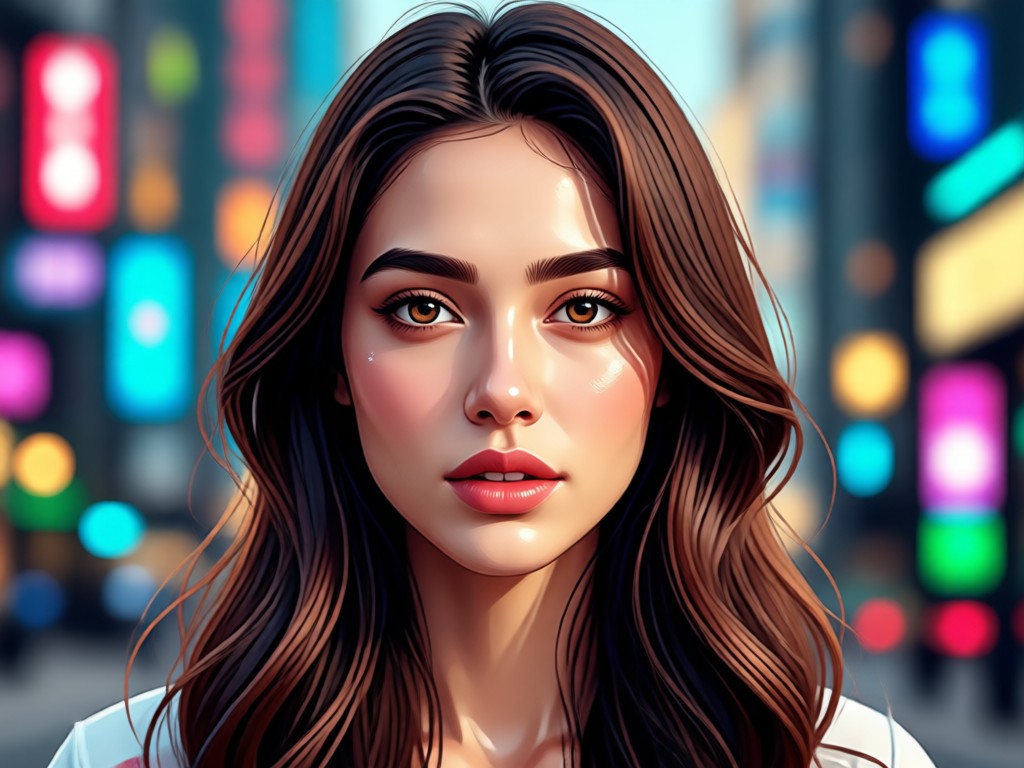
Photorealistic Portraits in Seconds
Generate studio-grade headshots and close up portraits from a single selfie or text prompt. The AI automatically adjusts lighting, skin tone, and background for a natural look that is ready to use on LinkedIn, resumes, or social profiles.
Photorealistic Portraits in Seconds
Generate studio-grade headshots and close up portraits from a single selfie or text prompt. The AI automatically adjusts lighting, skin tone, and background for a natural look that is ready to use on LinkedIn, resumes, or social profiles.
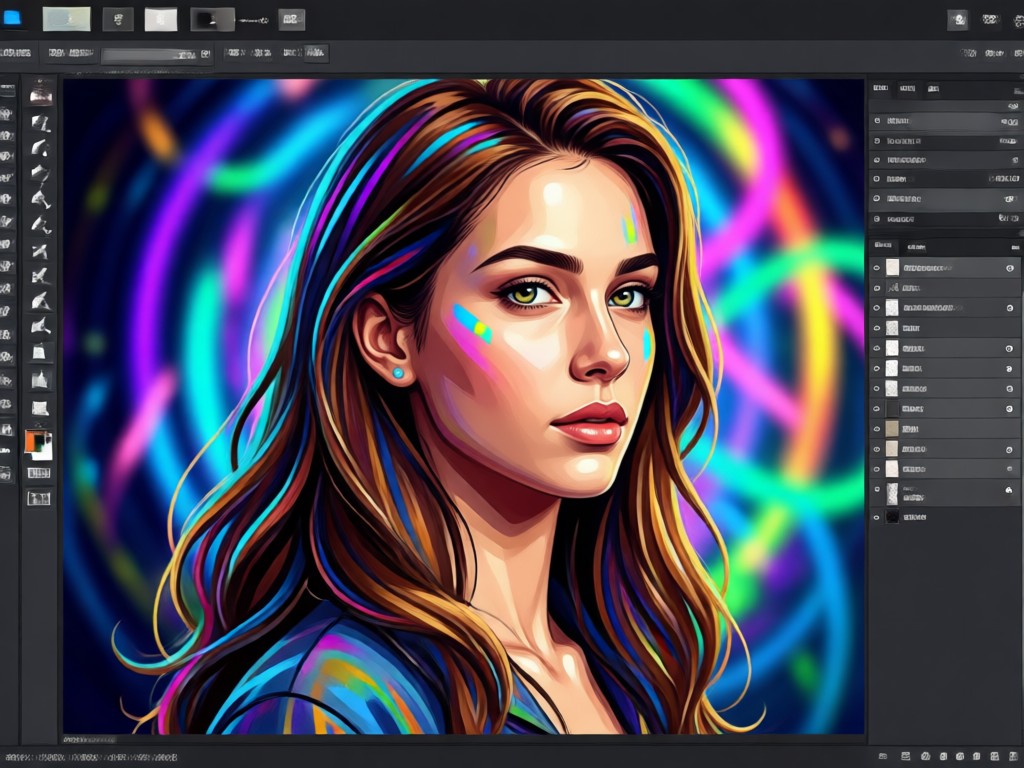
1 Million+ Creative Style Filters
Transform your portrait into anime, watercolor, oil painting, Ghibli style, cyberpunk, or 3D clay in one tap. Browse curated filters for every aesthetic, from cinematic to whimsical, without writing a single prompt.
1 Million+ Creative Style Filters
Transform your portrait into anime, watercolor, oil painting, Ghibli style, cyberpunk, or 3D clay in one tap. Browse curated filters for every aesthetic, from cinematic to whimsical, without writing a single prompt.
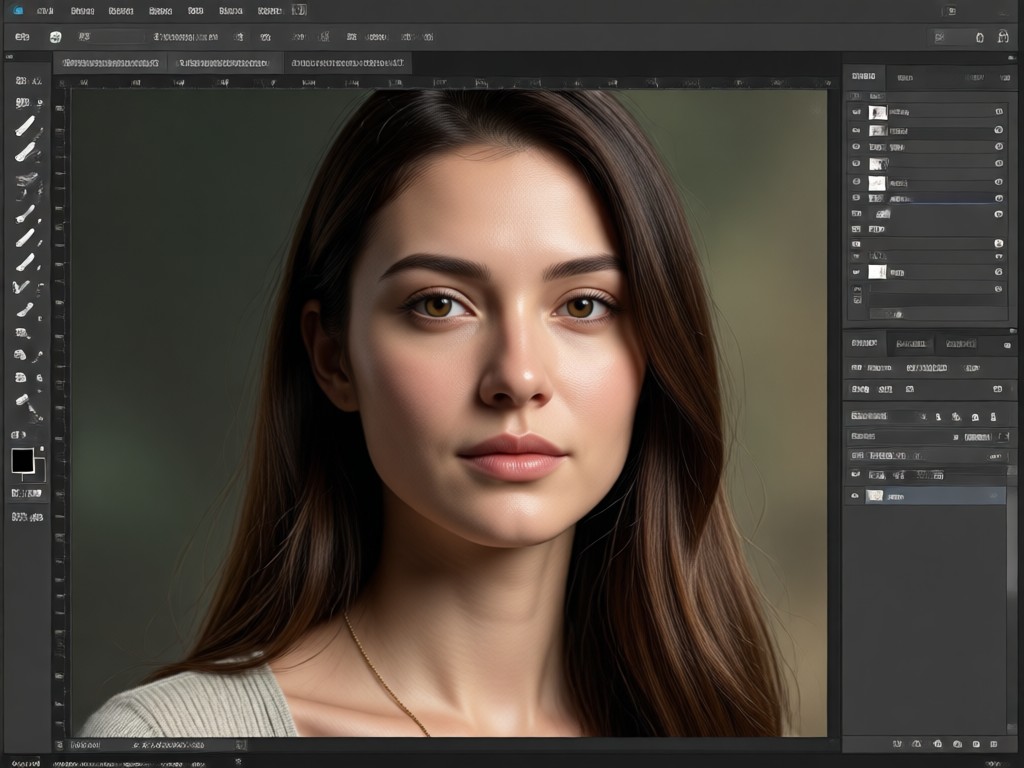
Smart Multi-Face Group Portraits
Upload a group photo and let AI identify each face individually. Generate stylized multi-person portraits without face blending or subject loss. Perfect for team photos, friend groups, and family portraits.
Smart Multi-Face Group Portraits
Upload a group photo and let AI identify each face individually. Generate stylized multi-person portraits without face blending or subject loss. Perfect for team photos, friend groups, and family portraits.
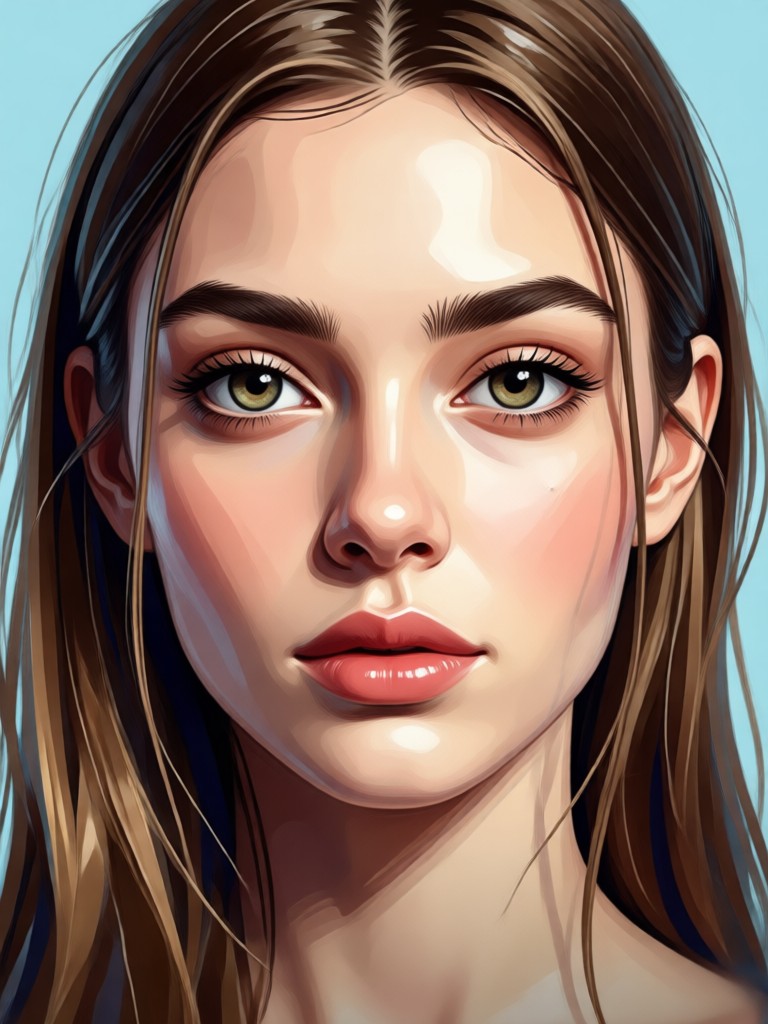
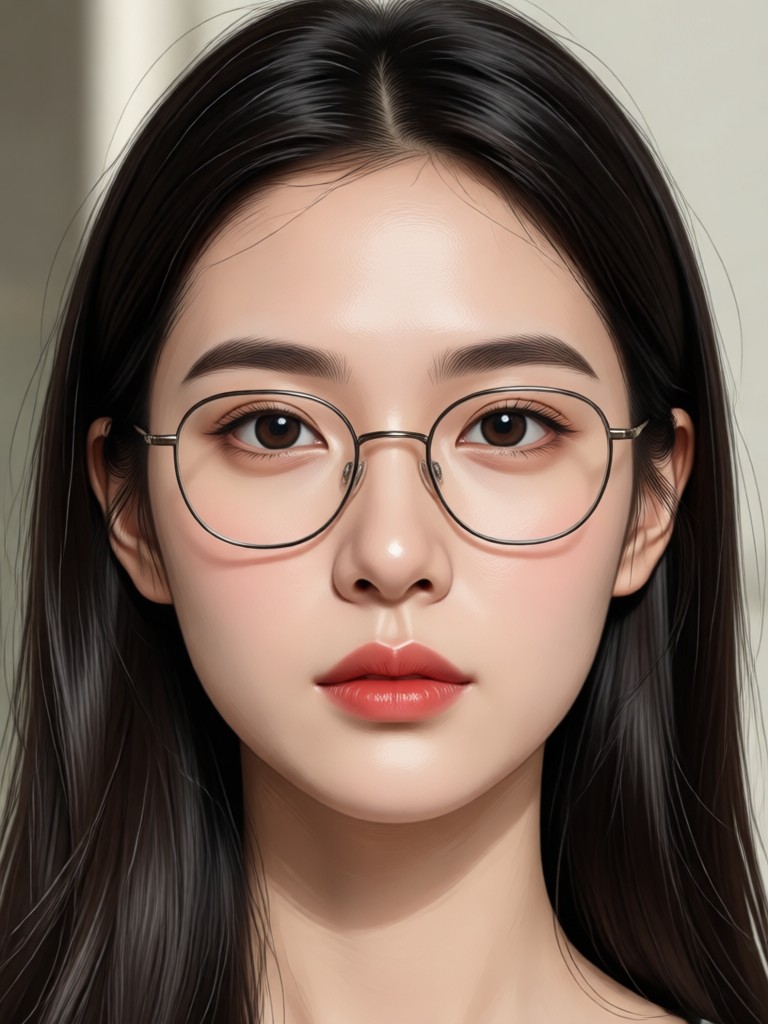
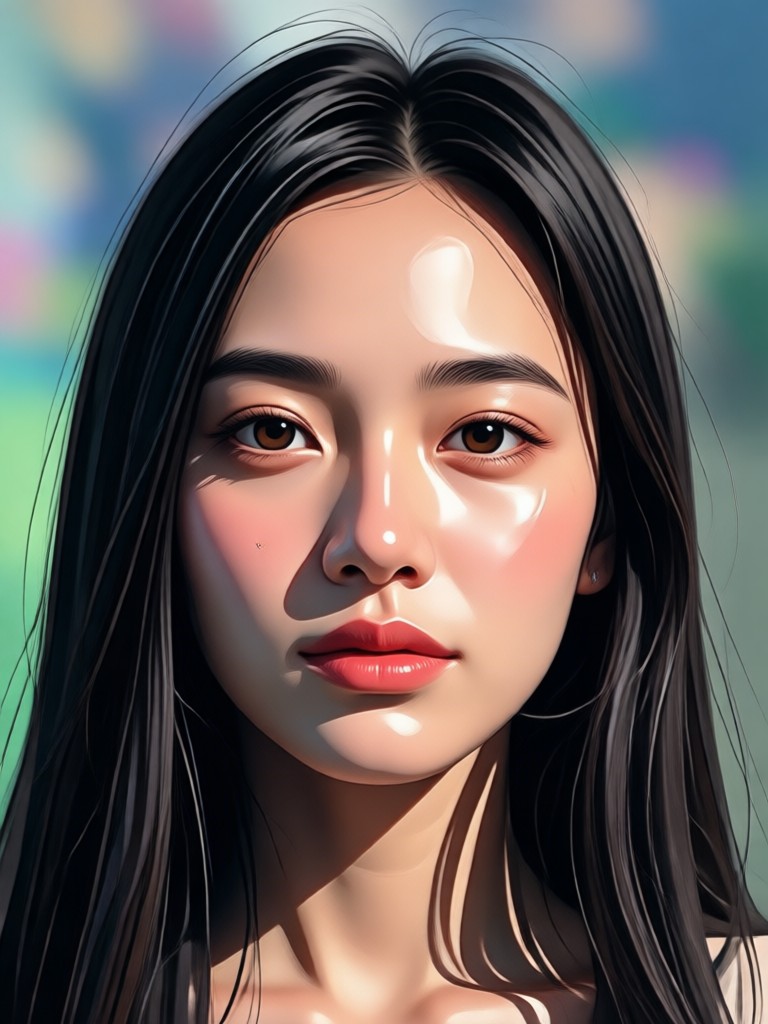
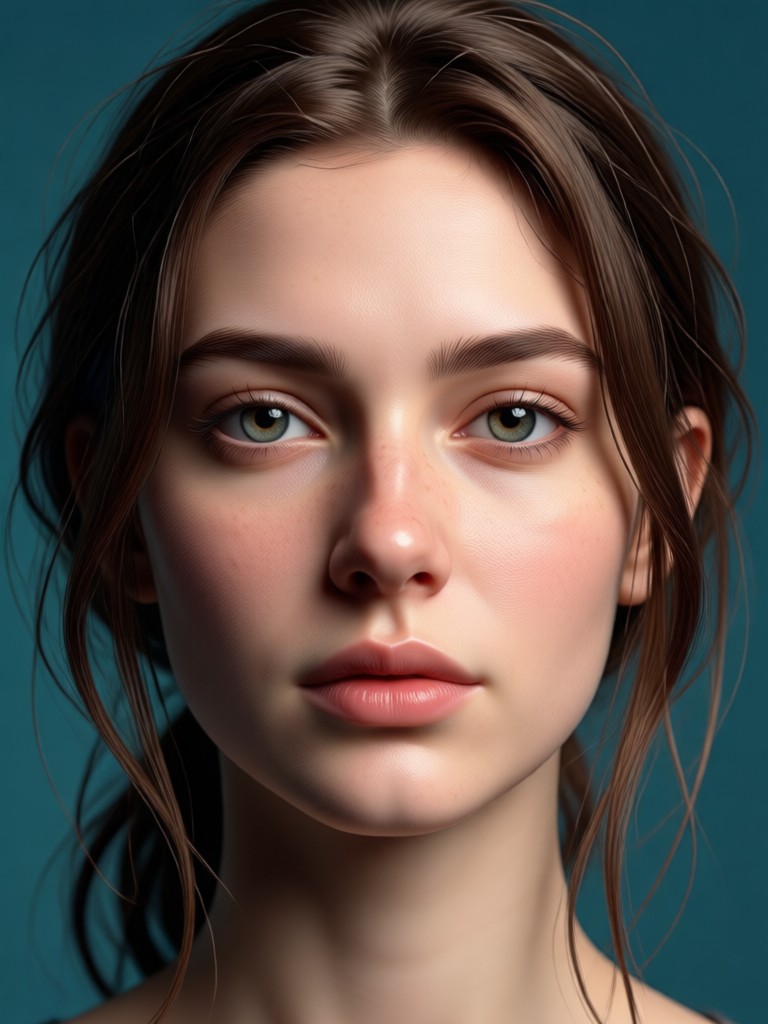
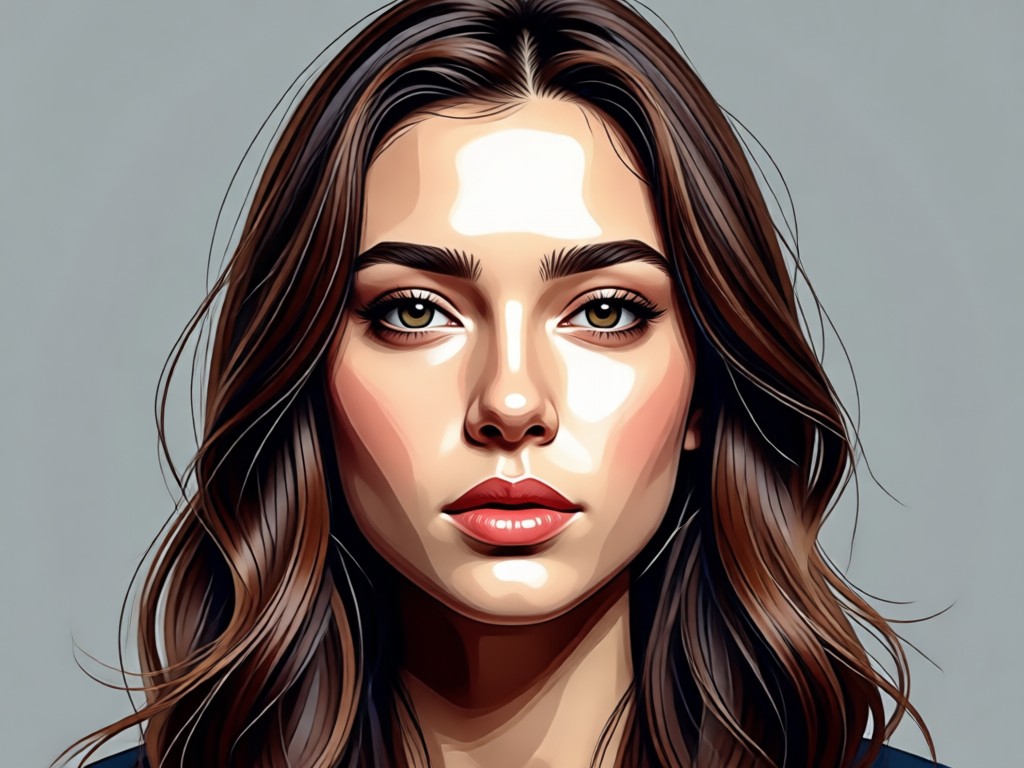
Portrait AI Generator: Stunning Results Gallery
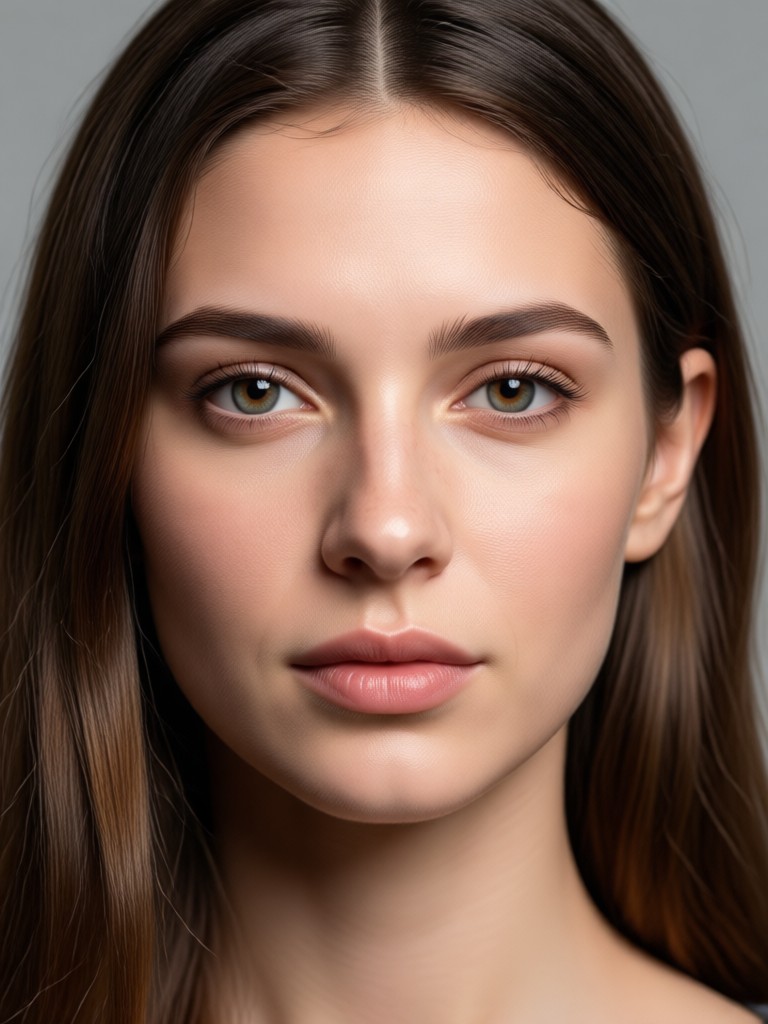
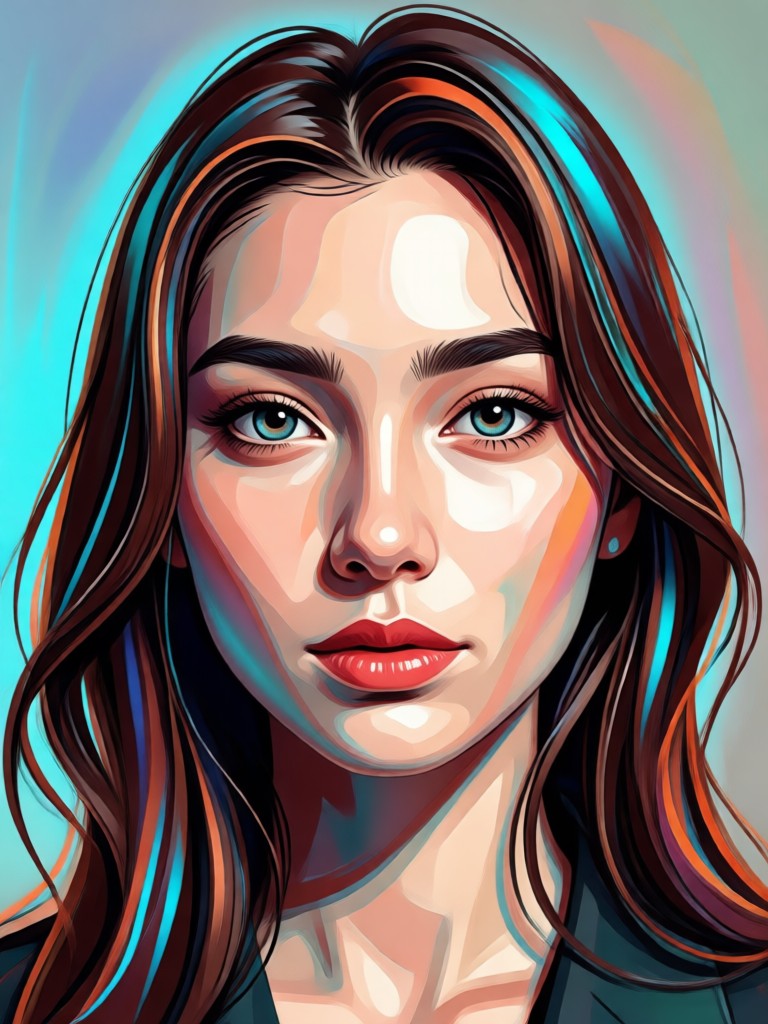
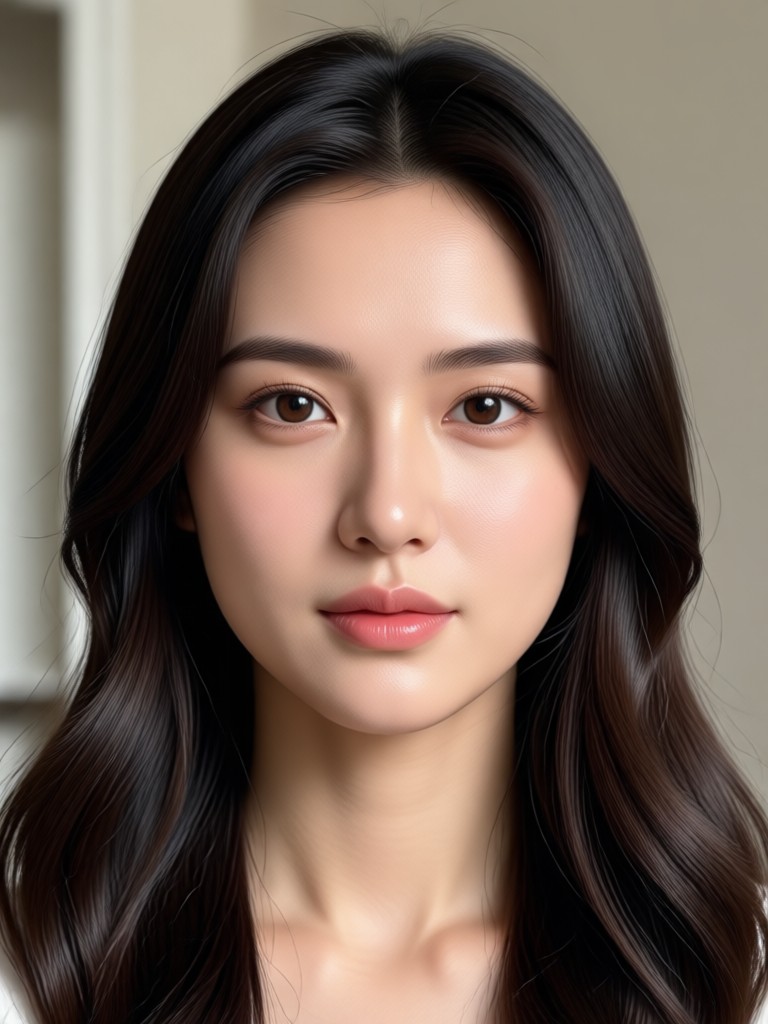
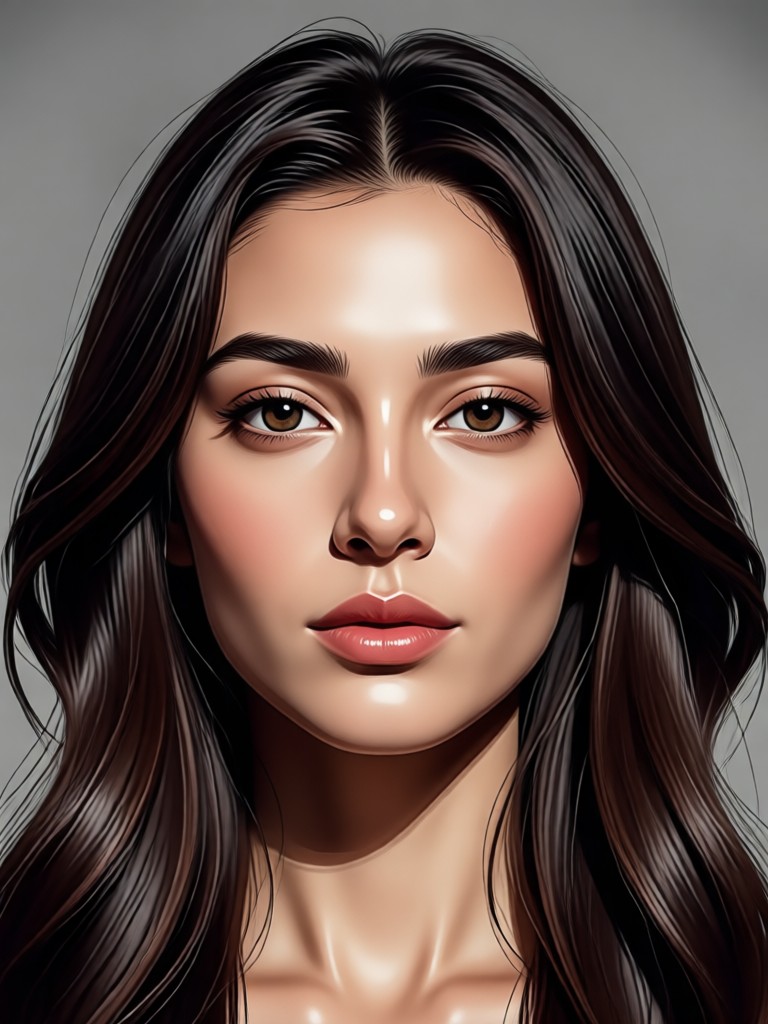
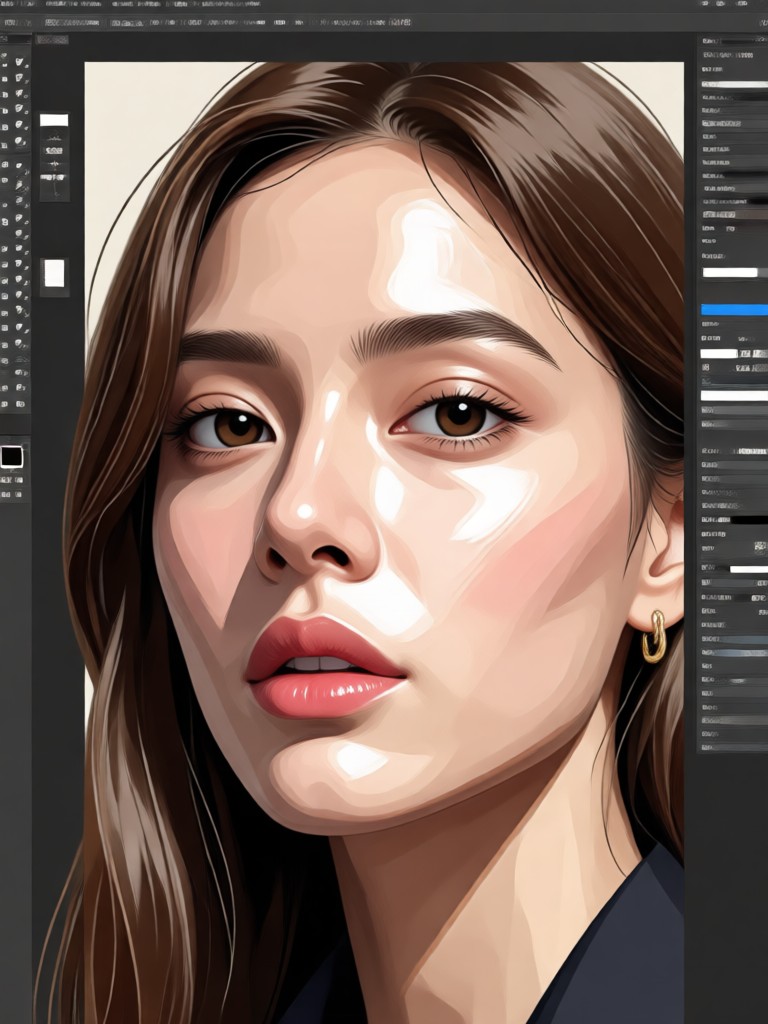
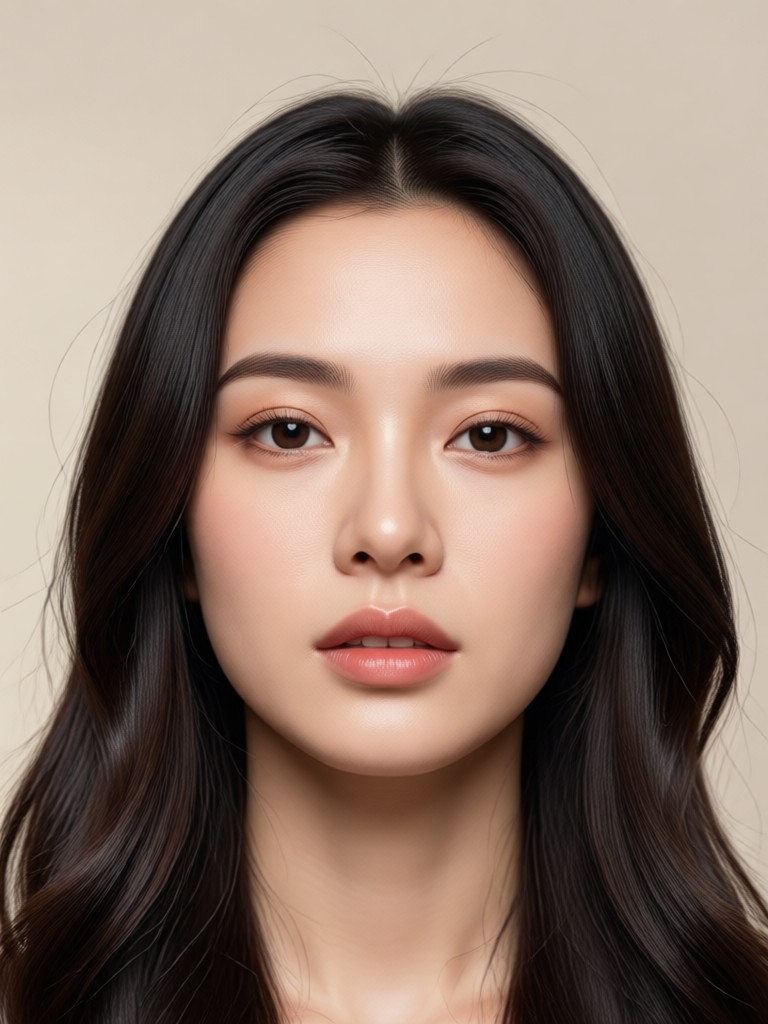
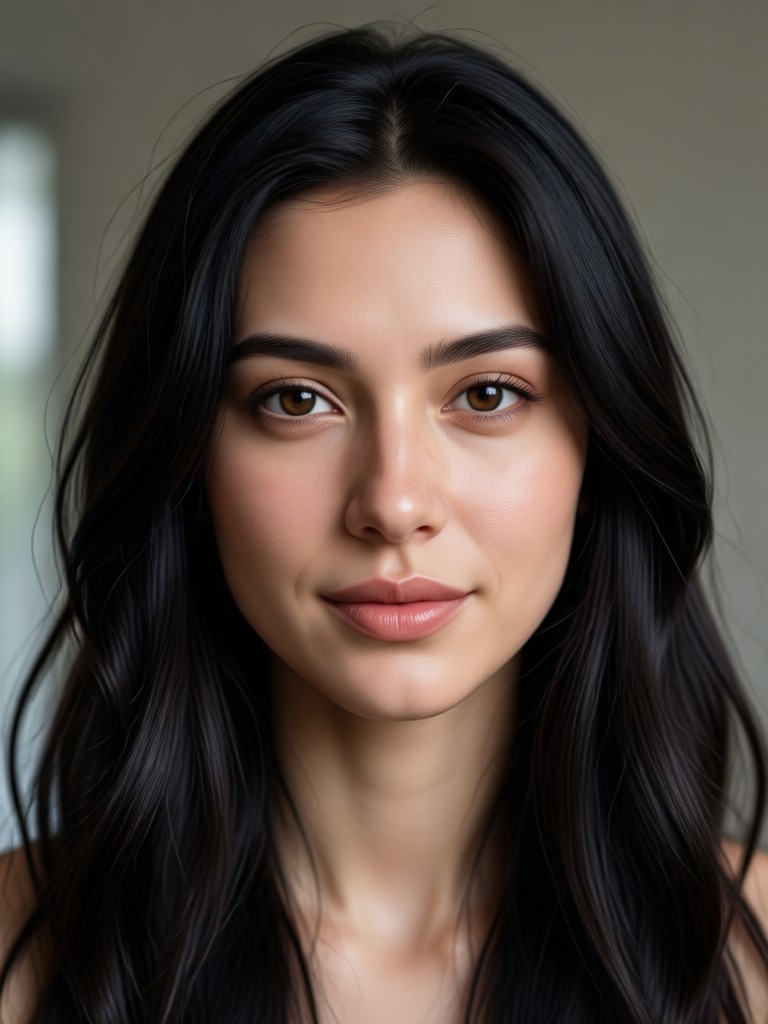
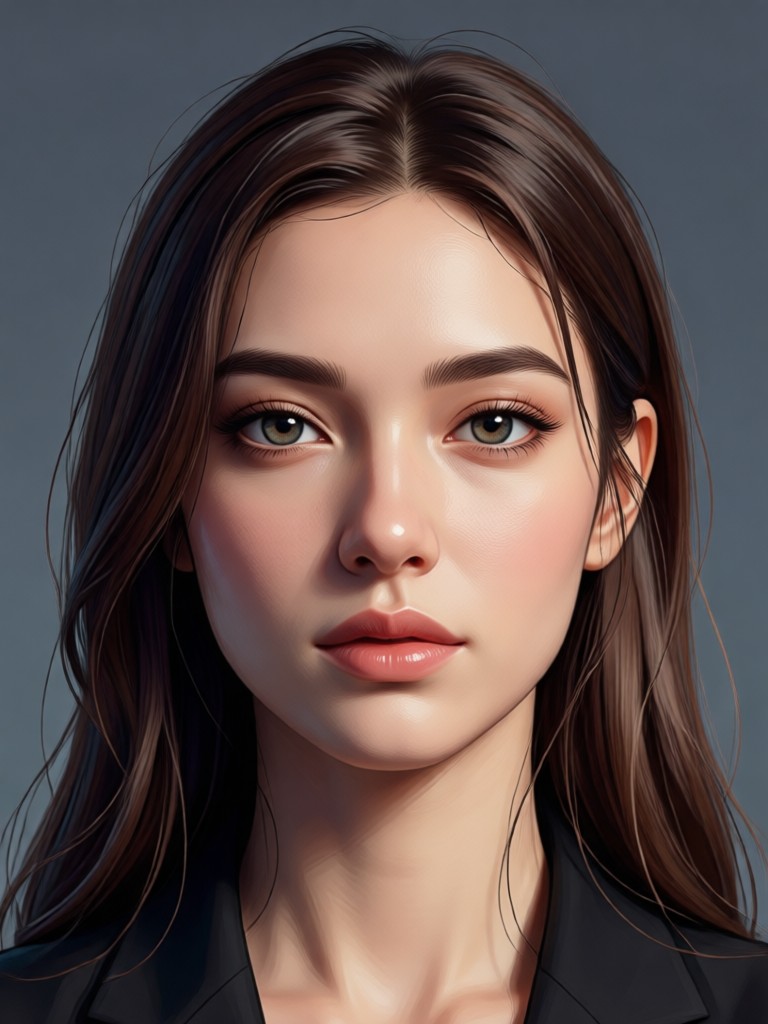
Browse a selection of AI-generated portraits made with viyo. From realistic studio shots to fantasy art styles, see what you can create in minutes.
Why Use viyo for AI Portrait Generation?
viyo puts professional portrait creation in your pocket. The mobile app combines a million style filters with one tap generation, so you skip complicated software and lengthy prompts. Whether you need a polished headshot or a fun artistic avatar, viyo delivers consistent, high quality results every time.
Why Use viyo for AI Portrait Generation?
viyo puts professional portrait creation in your pocket. The mobile app combines a million style filters with one tap generation, so you skip complicated software and lengthy prompts. Whether you need a polished headshot or a fun artistic avatar, viyo delivers consistent, high quality results every time.
How to Create Portraits with the AI Image Generator
Follow three simple steps to turn your photo into a beautiful AI portrait using viyo.

Step 01.
Download the viyo app from Google Play and open it on your mobile device. No account setup or complicated onboarding needed.

Step 02.
Upload a selfie or type a text prompt. Then choose a portrait style filter from the library, such as realistic, anime, or watercolor.

Step 03.
Tap generate and watch your portrait transform. Download the final image and share it directly to social media or with friends.
Who Uses the Portrait AI Image Generator?
Dana Reed
I use viyo to create quick headshot options for clients who cannot come to the studio. The realistic filter keeps skin texture natural and the results look professional.
Miguel Santos
This app changed my content workflow. I generate a new anime or cyberpunk avatar for every video thumbnail. It takes seconds and looks like custom art.
Aisha Patel
Our team needed consistent branded portraits for a campaign. viyo handled group photos perfectly and preserved each person's face. Very impressive.
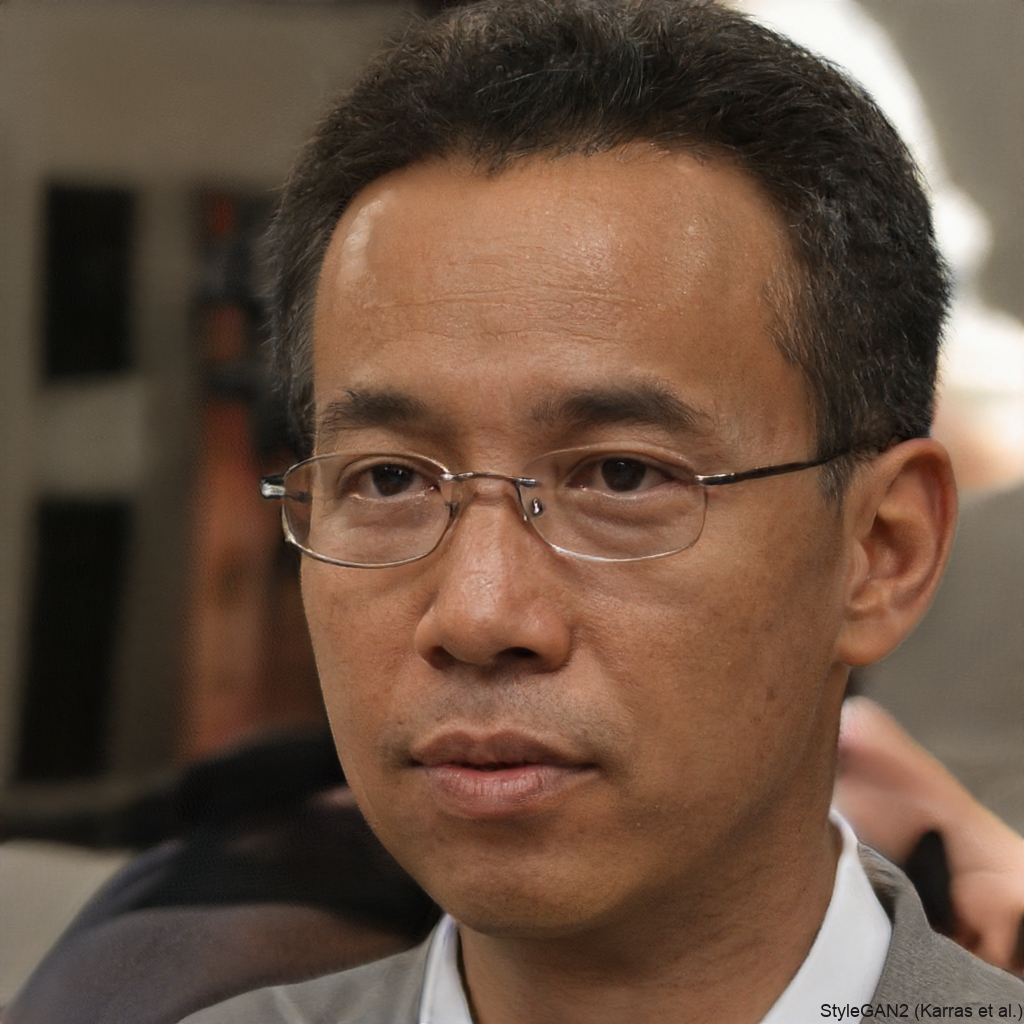
Erik Novak
I create character portraits for my indie game using the text to image feature. The style filters give me consistent fantasy art without hiring an illustrator.
Dana Reed
I use viyo to create quick headshot options for clients who cannot come to the studio. The realistic filter keeps skin texture natural and the results look professional.
Miguel Santos
This app changed my content workflow. I generate a new anime or cyberpunk avatar for every video thumbnail. It takes seconds and looks like custom art.
Aisha Patel
Our team needed consistent branded portraits for a campaign. viyo handled group photos perfectly and preserved each person's face. Very impressive.
Erik Novak
I create character portraits for my indie game using the text to image feature. The style filters give me consistent fantasy art without hiring an illustrator.
Dana Reed
I use viyo to create quick headshot options for clients who cannot come to the studio. The realistic filter keeps skin texture natural and the results look professional.
Miguel Santos
This app changed my content workflow. I generate a new anime or cyberpunk avatar for every video thumbnail. It takes seconds and looks like custom art.
Aisha Patel
Our team needed consistent branded portraits for a campaign. viyo handled group photos perfectly and preserved each person's face. Very impressive.
Erik Novak
I create character portraits for my indie game using the text to image feature. The style filters give me consistent fantasy art without hiring an illustrator.
Frequently Asked Questions About Portrait AI Image Generator
Find clear answers to common questions about generating AI portraits with viyo.
More Topics You May Like
Explore more AI portrait techniques and creative ideas to expand your skills.
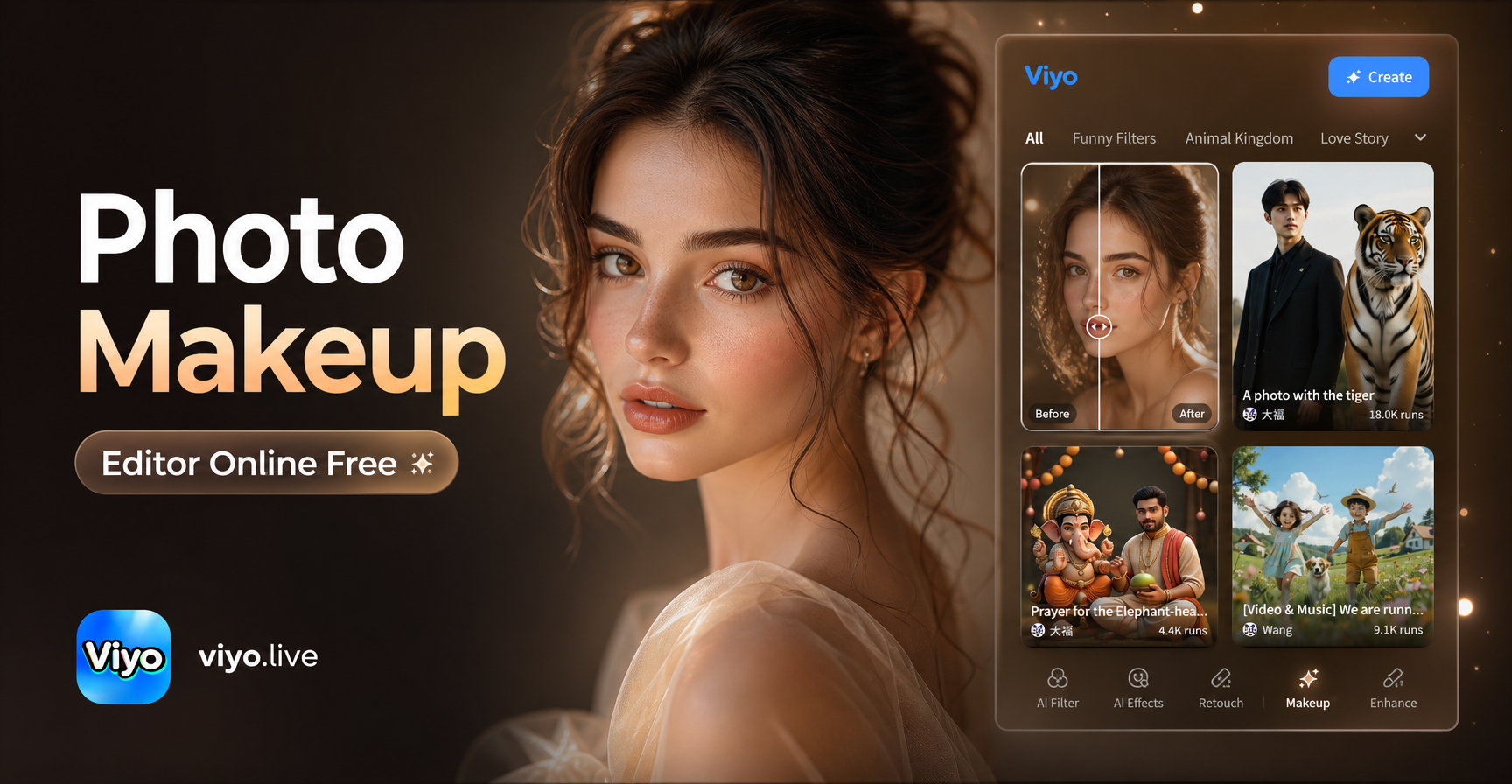
Get a Flawless Look with Free AI Photo Makeup
Try the best photo makeup editor online for free. Add virtual lipstick, eyeliner, and blush to any portrait. No design skills needed. Get realistic beauty edits in seconds.
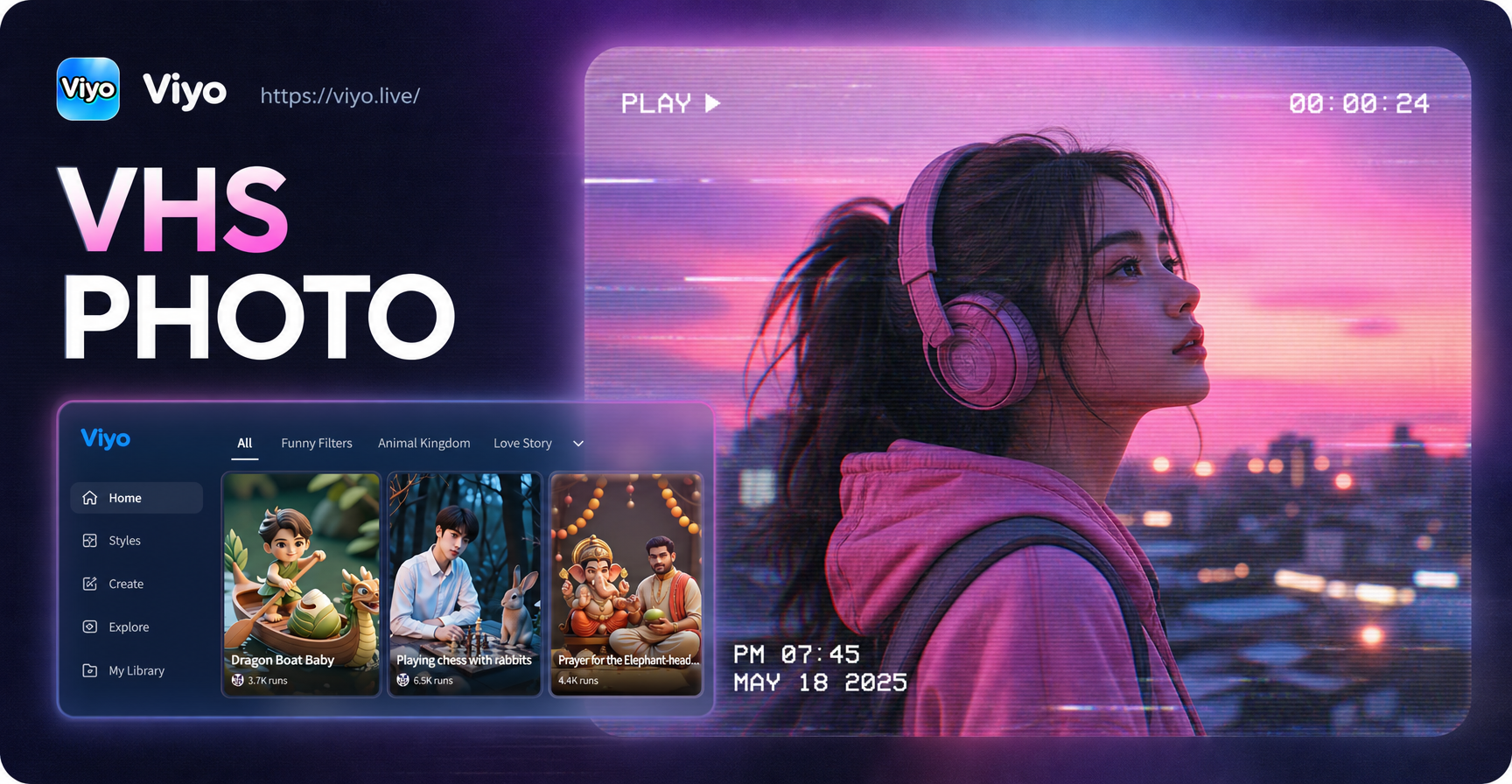
VHS Photo Effect: Transform Images with Retro VHS Look
Turn photos into retro VHS style with viyo. Add VHS filters, scanlines, date stamps, and glitch effects. Download the app and create VHS aesthetic images in seconds.
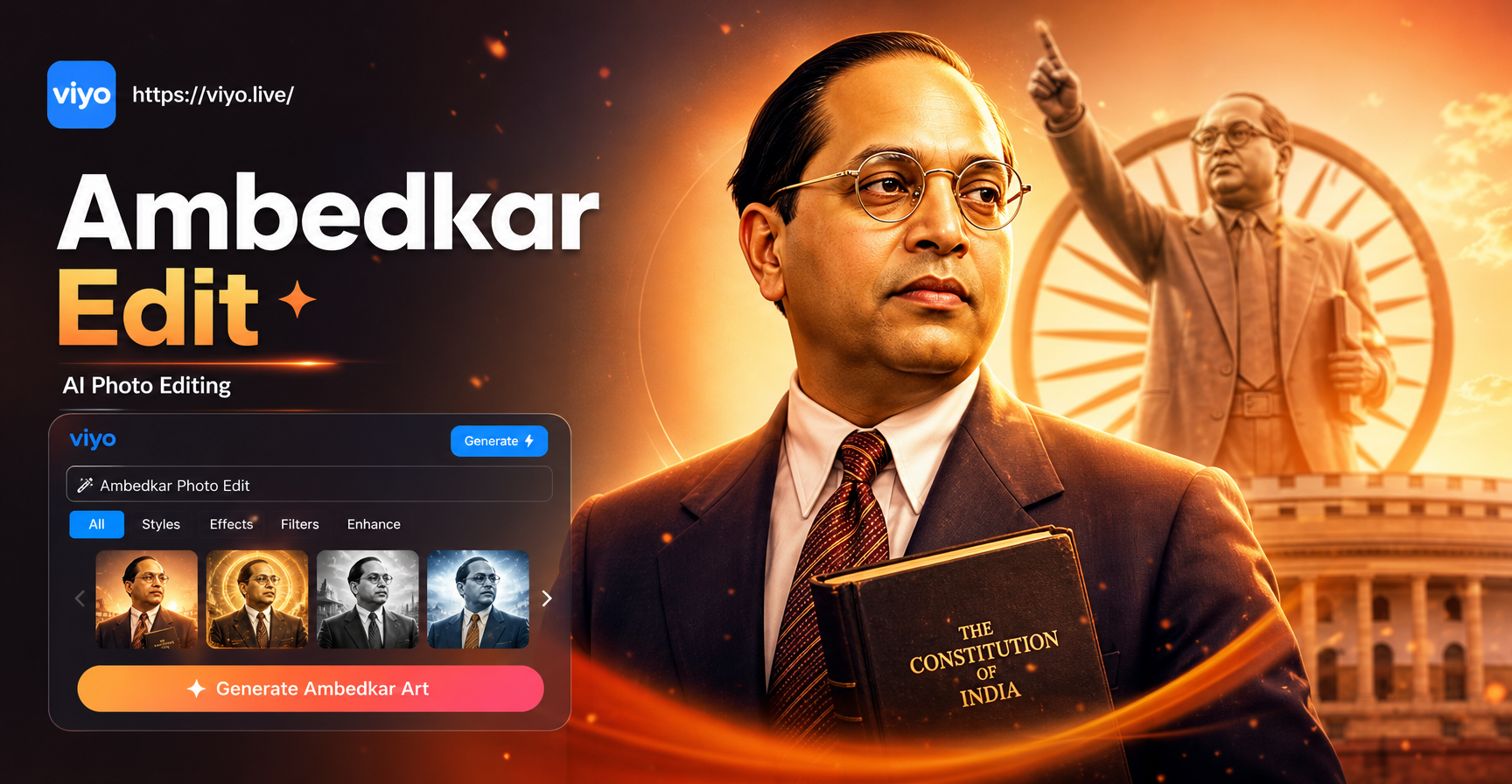
Ambedkar Photo Editing: Create Tribute Images in Style
Try Ambedkar photo editing with AI. Upload any photo, apply respectful tribute styles, and create high quality images for posters and social media.
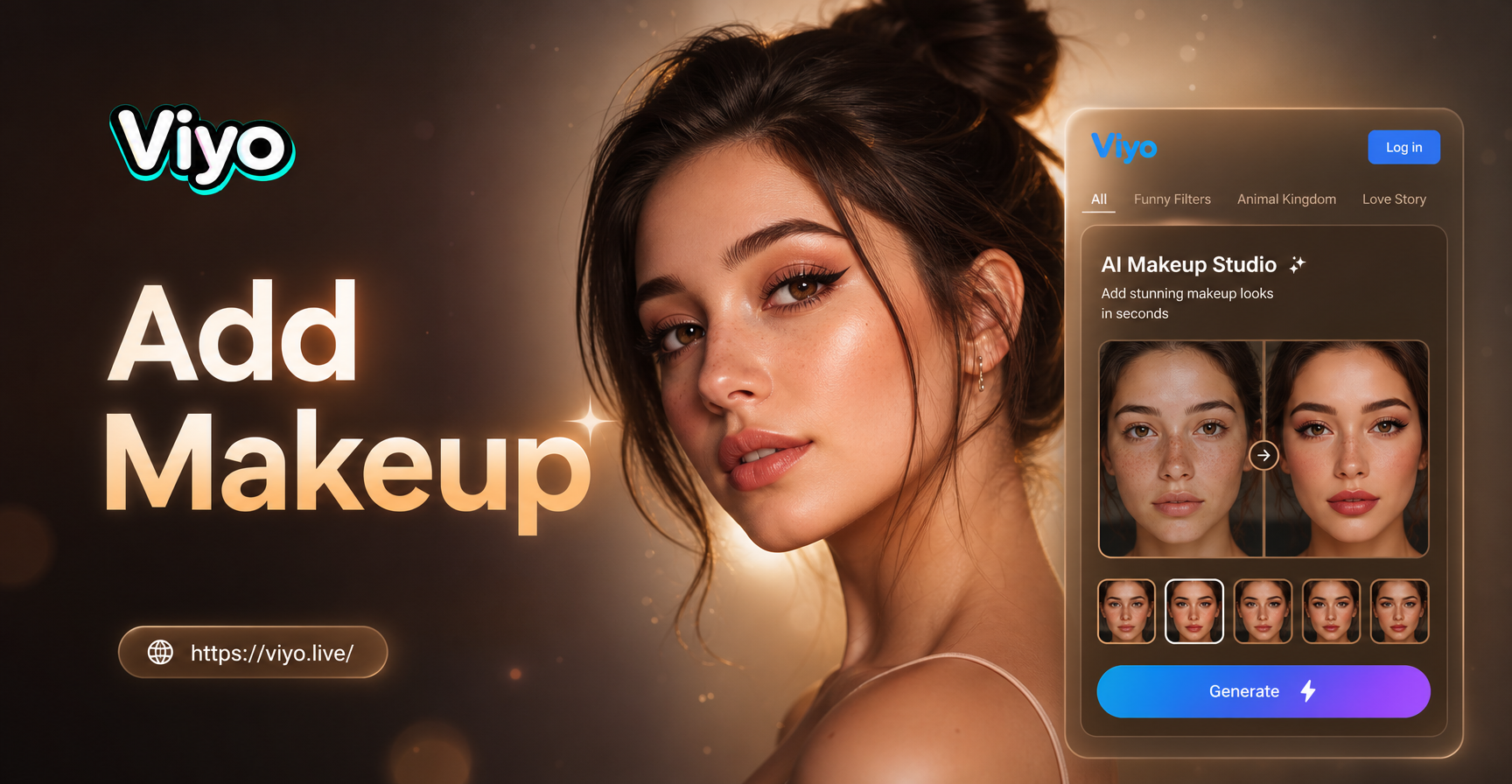
Add Makeup To Photo Online Free: Flawless Virtual Makeover
Add makeup to photo online free with realistic AI filters. Upload a selfie, pick from hundreds of beauty styles, and get stunning results in seconds.
Create Your Perfect AI Portrait Today
Download viyo and unlock over one million portrait styles. Generate, customize, and share stunning portraits in seconds, all from your phone.

Create Your Perfect AI Portrait Today
Download viyo and unlock over one million portrait styles. Generate, customize, and share stunning portraits in seconds, all from your phone.