Add Makeup To Photo Online Free
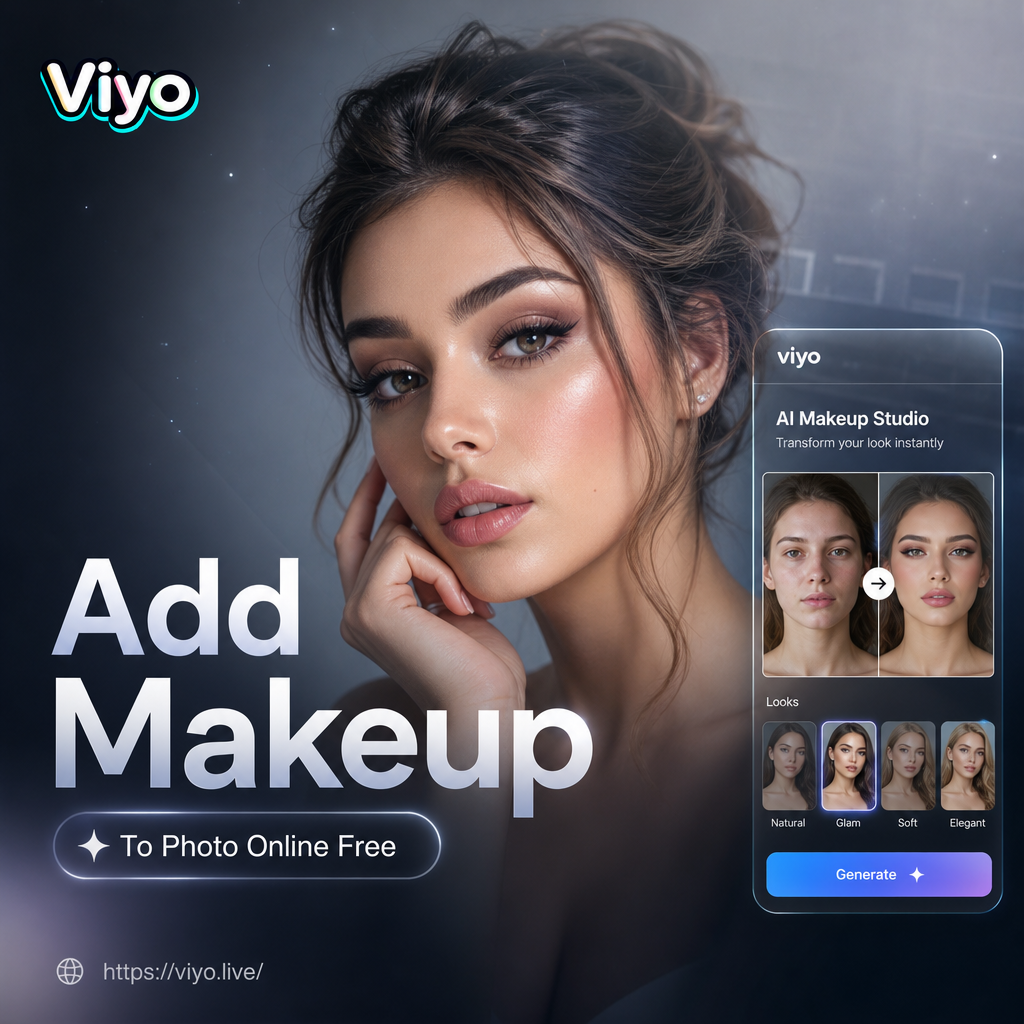
Explore Popular Makeup Filters
Discover trending makeup styles that match your mood, from subtle everyday looks to glamorous evening transformations. Every filter is designed to blend naturally with your facial features.
Why Use viyo to Add Makeup to Photos
viyo combines advanced AI face detection with a massive library of beauty filters, so you can give any photo a professional makeover in a single tap. No editing experience, no expensive software, and no complicated tutorials required.
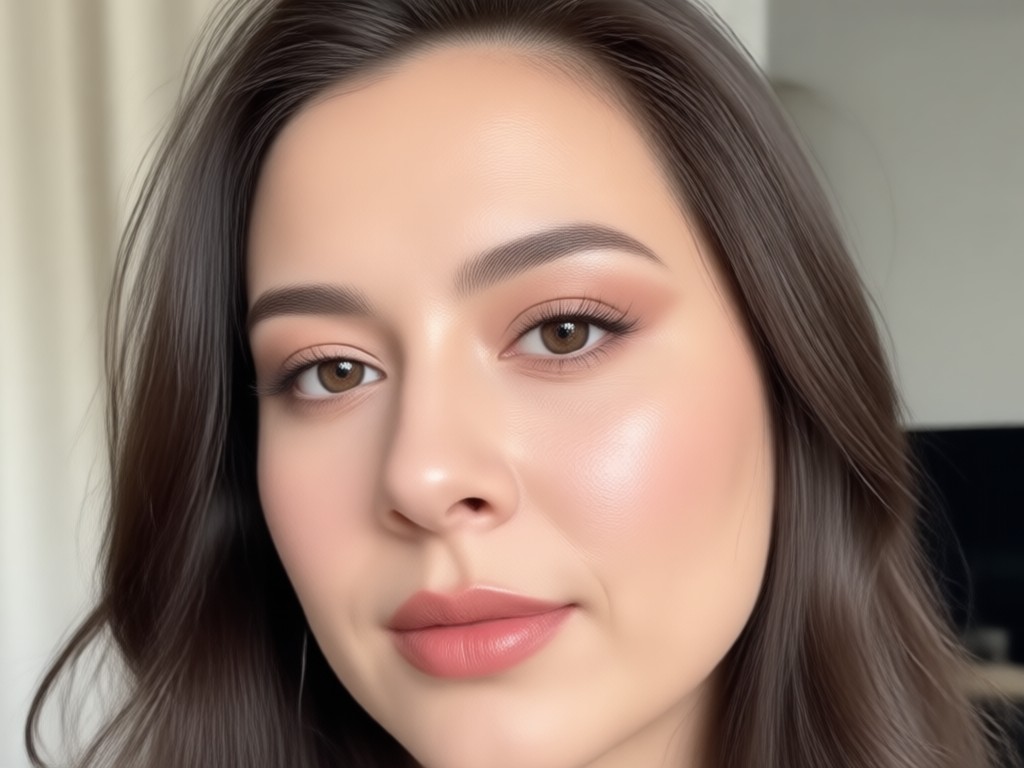
Realistic AI Makeup Application
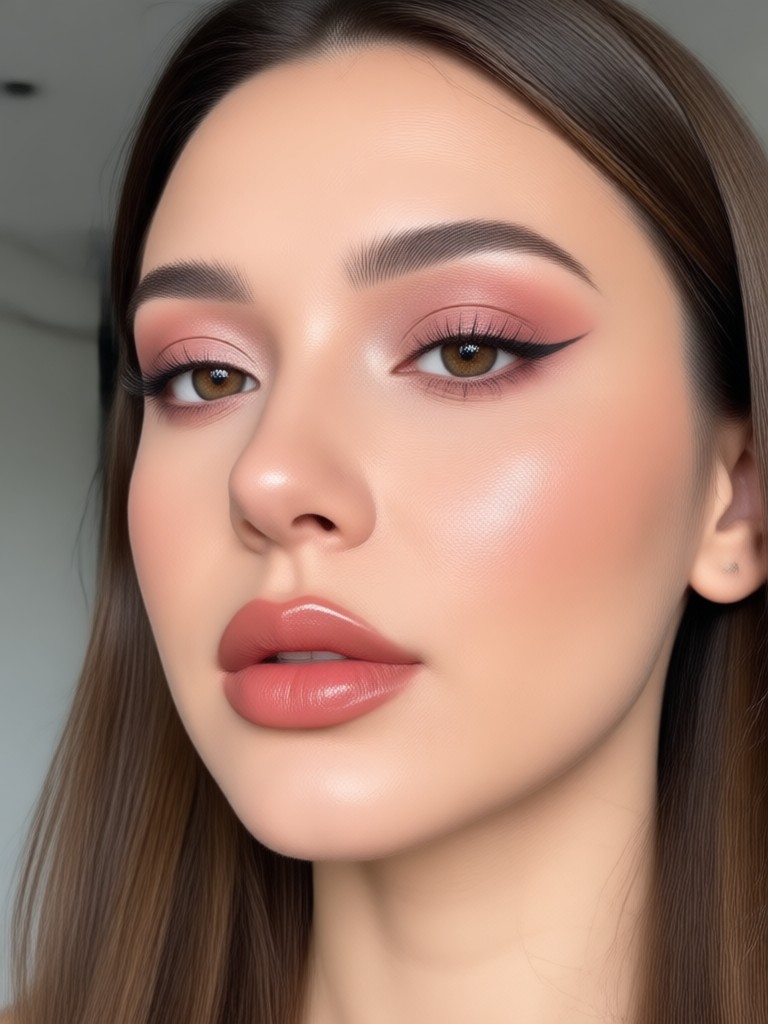
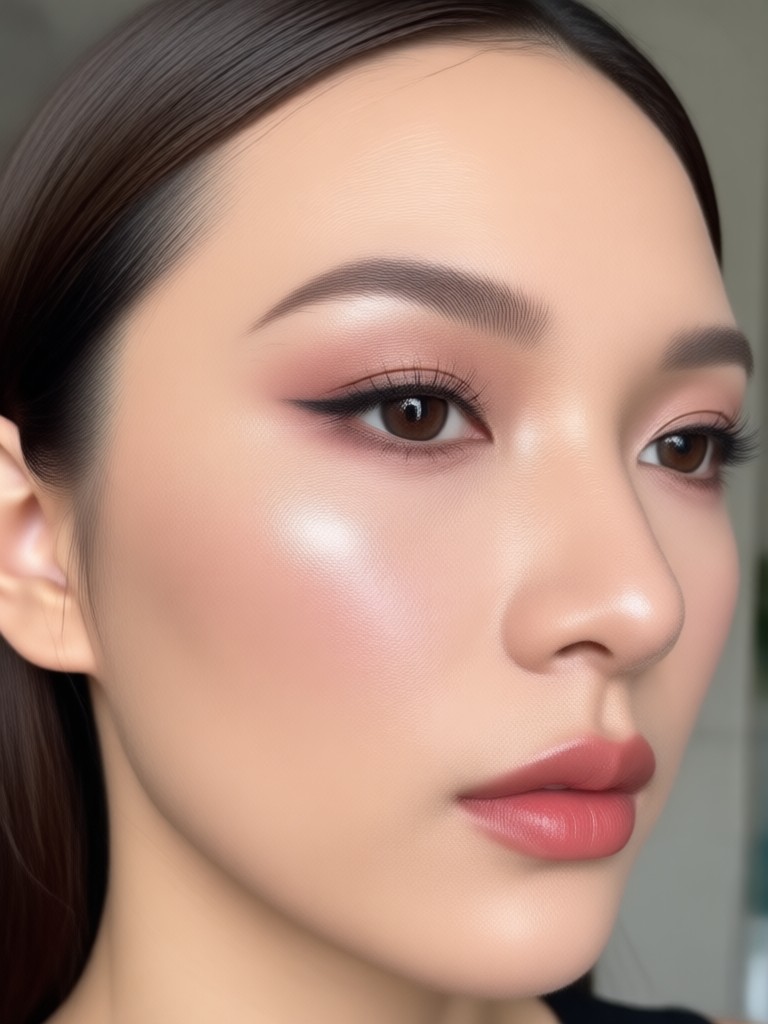
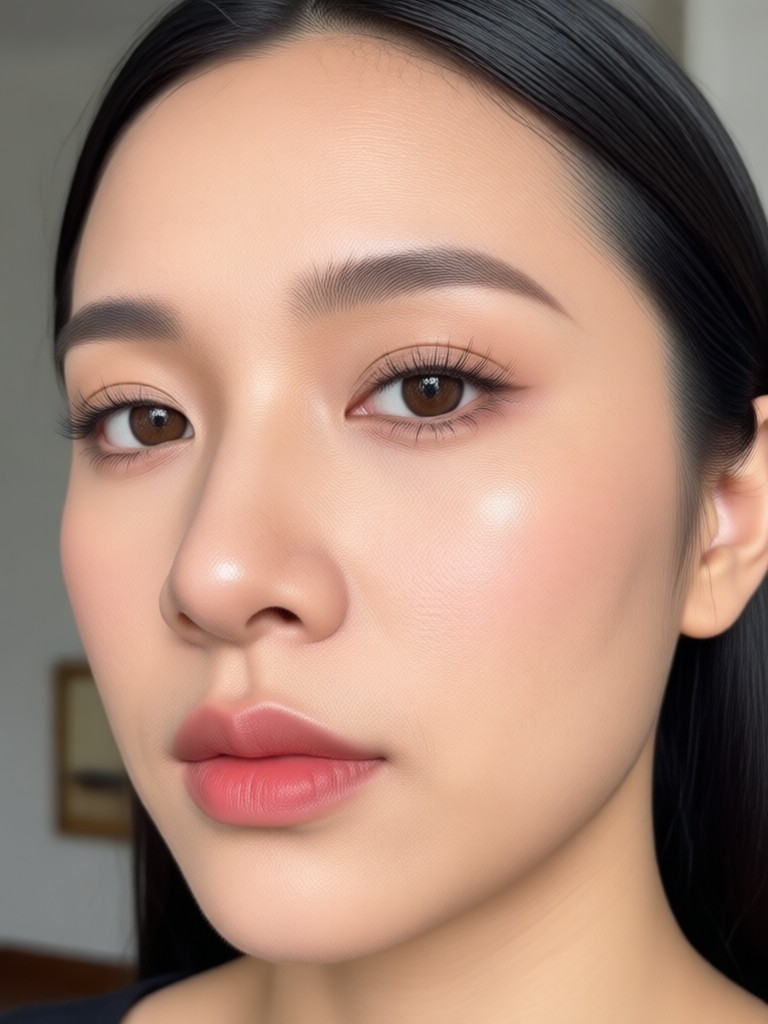
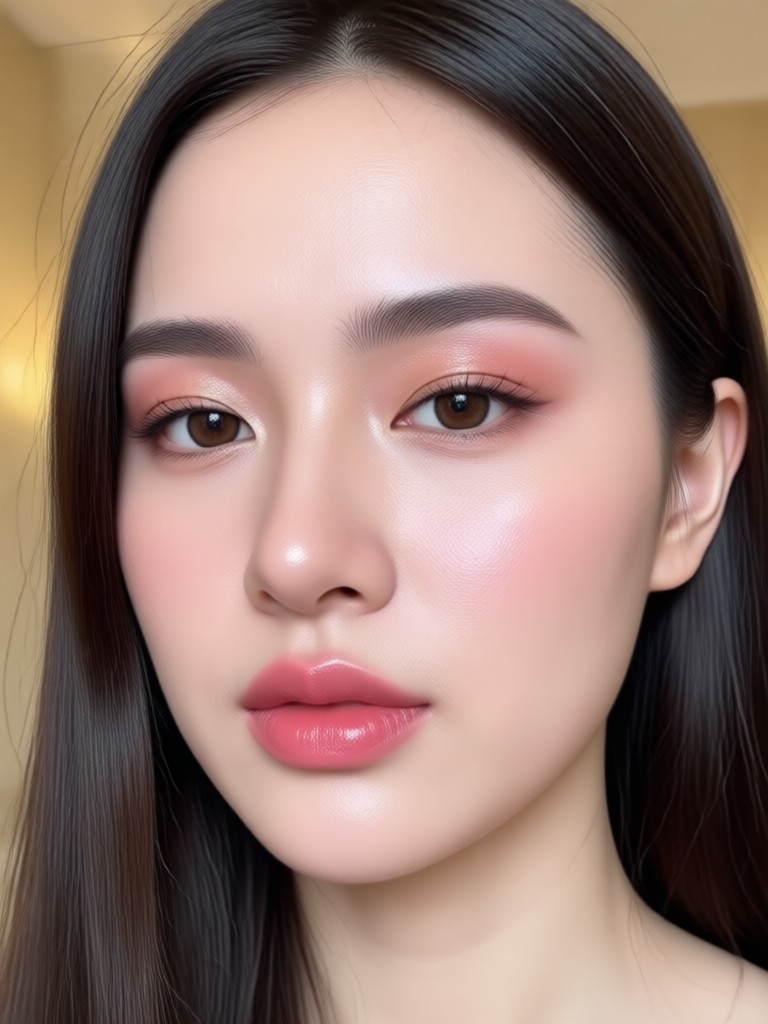
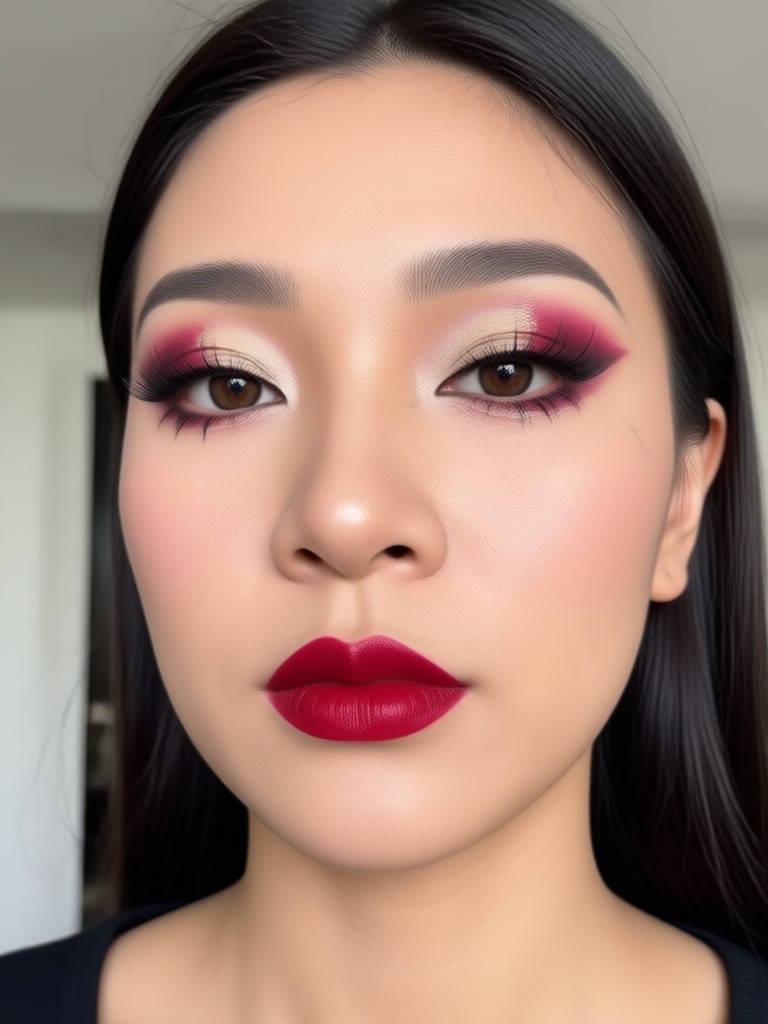
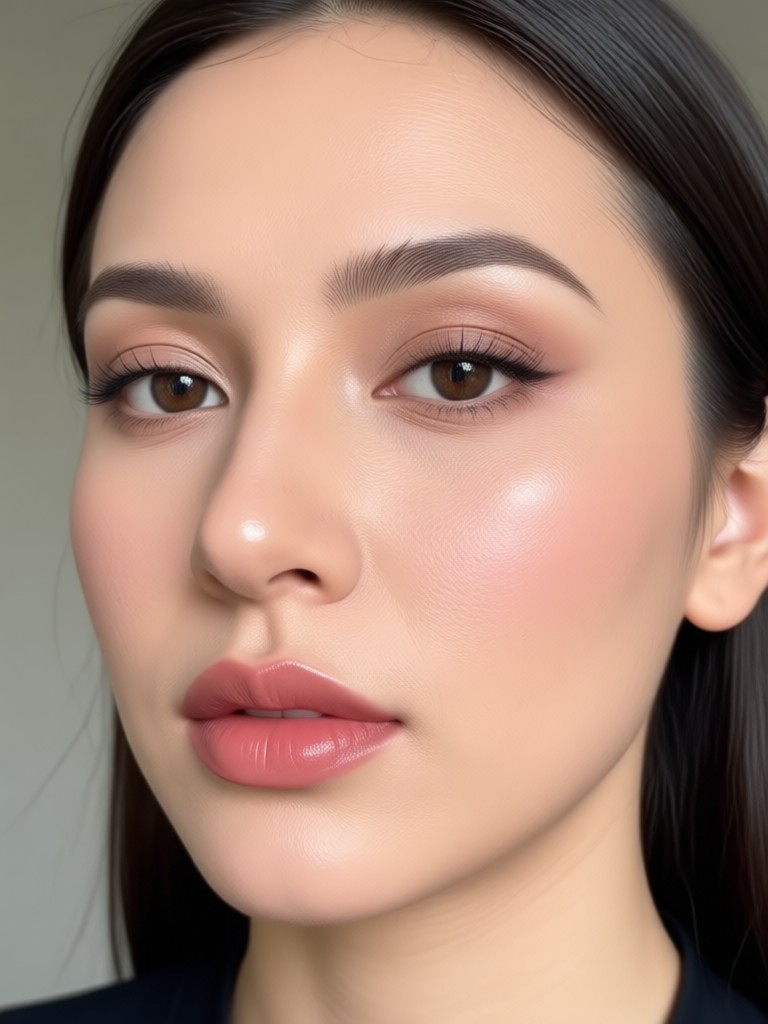
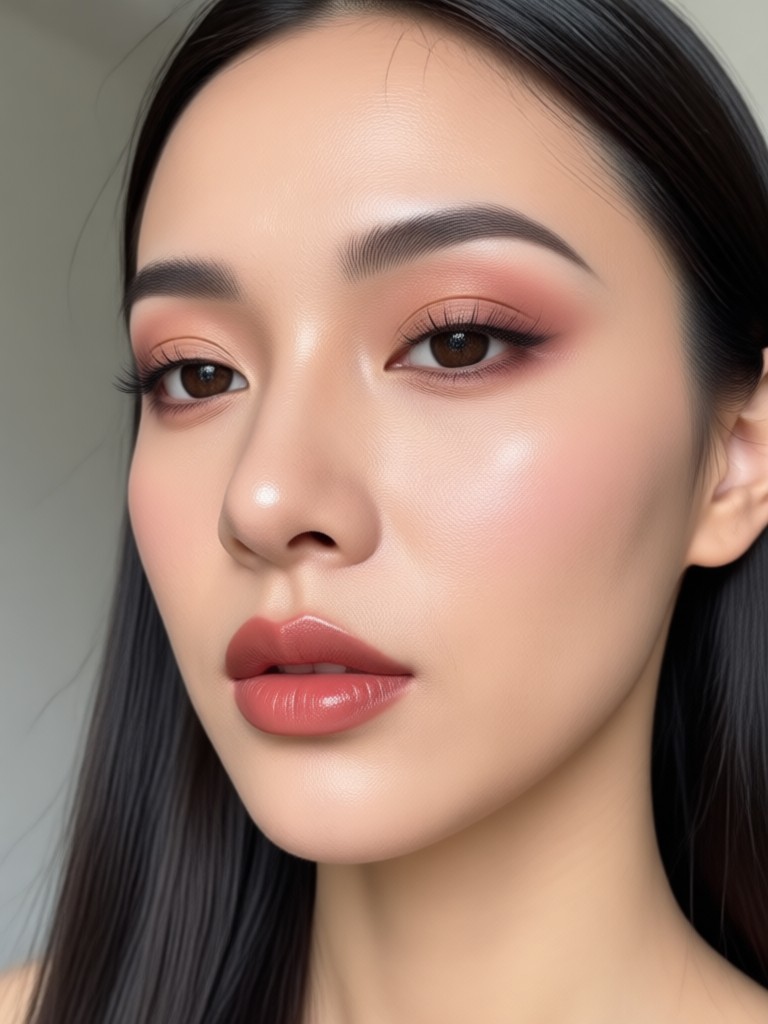
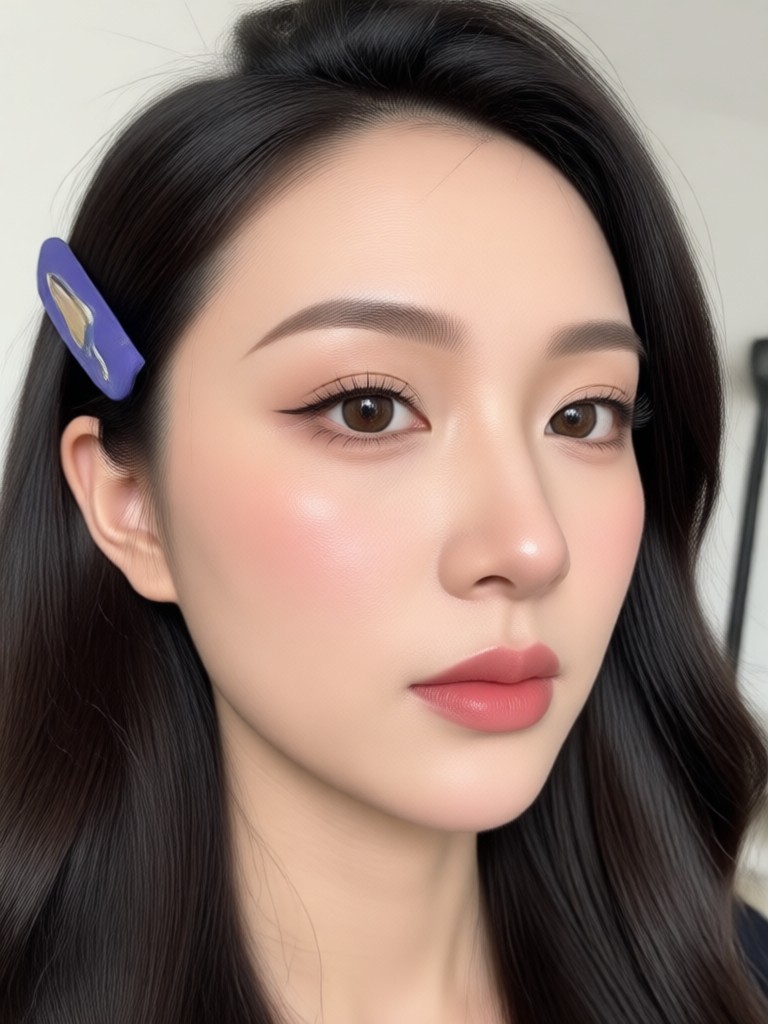
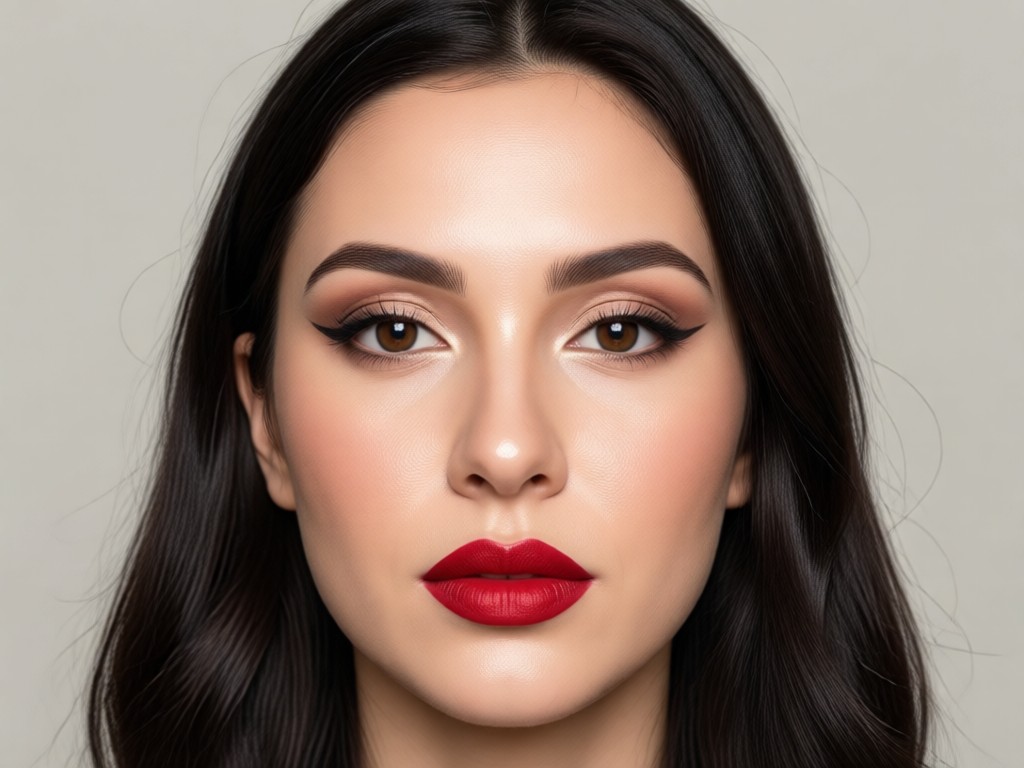
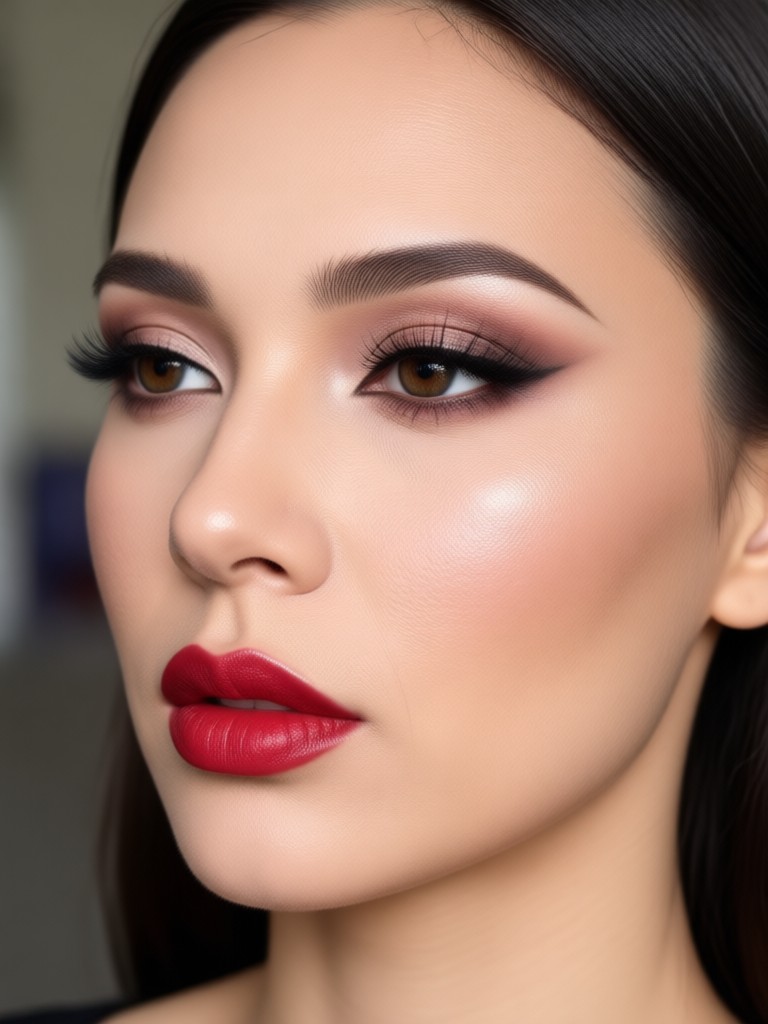
The AI precisely detects facial features and applies makeup naturally. Lipstick, eyeshadow, eyeliner, blush, and foundation blend seamlessly with your skin tone. The result looks like professional makeup application, not a cheap overlay or sticker effect.
Realistic AI Makeup Application
The AI precisely detects facial features and applies makeup naturally. Lipstick, eyeshadow, eyeliner, blush, and foundation blend seamlessly with your skin tone. The result looks like professional makeup application, not a cheap overlay or sticker effect.
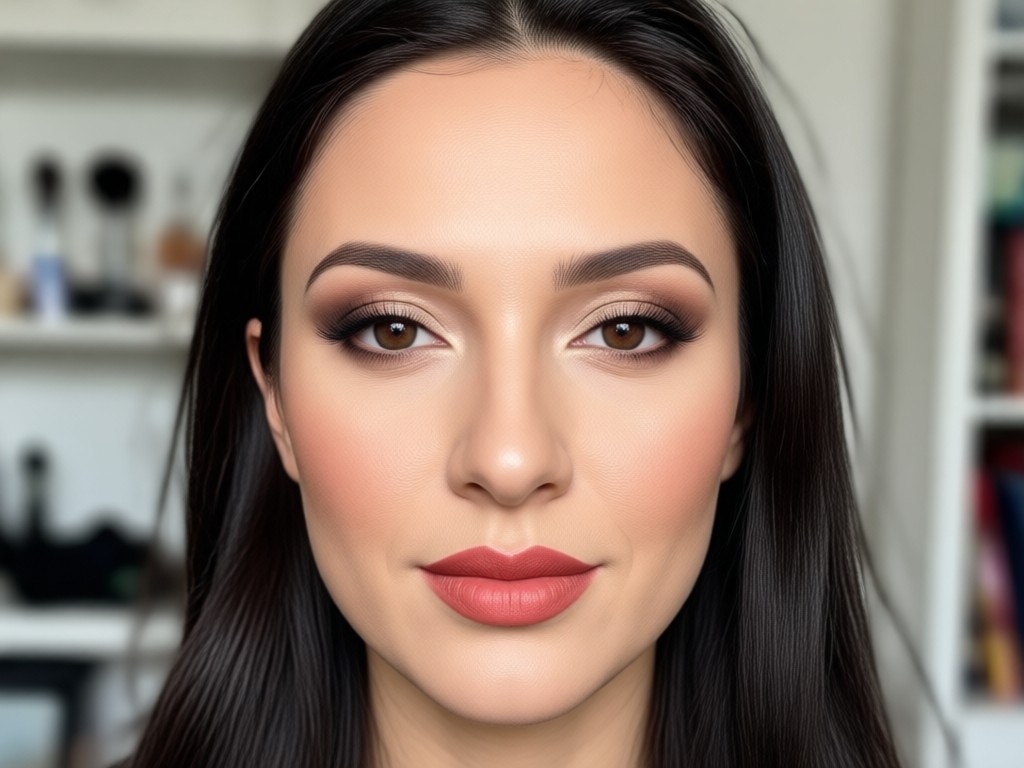
Hundreds of Makeup Styles
Browse an extensive library of makeup looks from soft daily wear to dramatic runway styles. Korean glass skin, Western glam, Japanese natural, vintage Hollywood, and bold editorial looks are all available. New filters are added regularly so you never run out of fresh looks to try.
Hundreds of Makeup Styles
Browse an extensive library of makeup looks from soft daily wear to dramatic runway styles. Korean glass skin, Western glam, Japanese natural, vintage Hollywood, and bold editorial looks are all available. New filters are added regularly so you never run out of fresh looks to try.
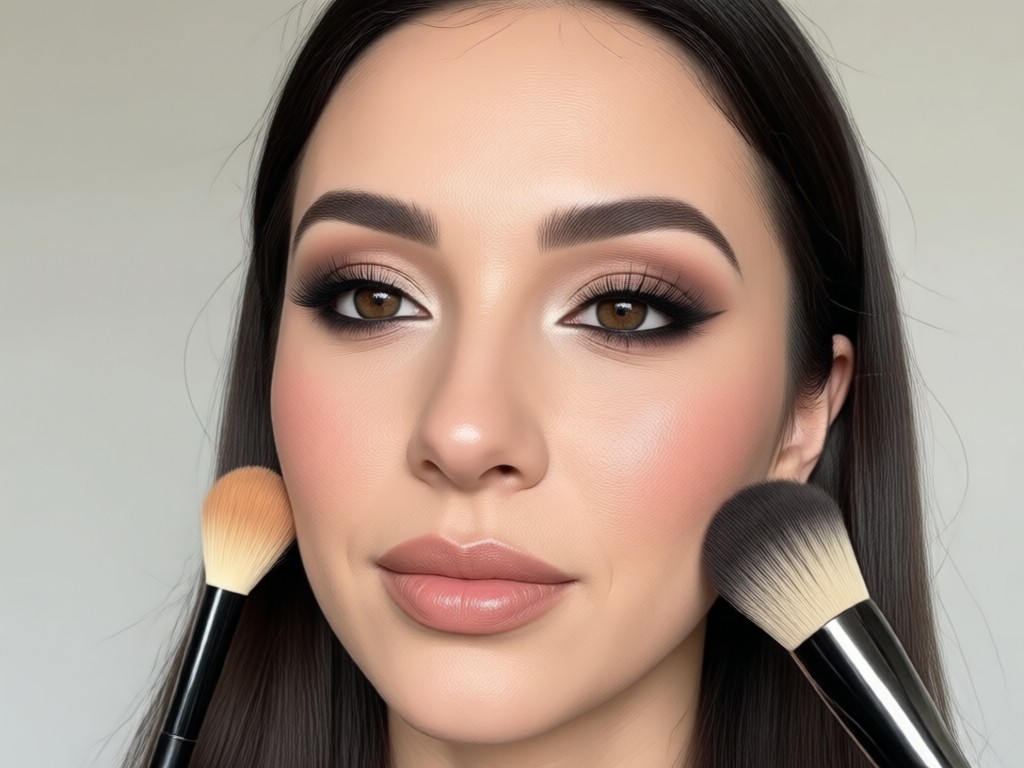
No Editing Skills Required
Skip complicated photo editing software entirely. Just upload a photo and tap a filter. The AI handles face detection, lighting adjustments, and blending automatically for flawless results every time. Even complete beginners get professional quality output on the first try.
No Editing Skills Required
Skip complicated photo editing software entirely. Just upload a photo and tap a filter. The AI handles face detection, lighting adjustments, and blending automatically for flawless results every time. Even complete beginners get professional quality output on the first try.
How to Add Makeup to a Photo Online Free
Give your selfies a complete virtual makeover in three simple steps using the viyo app on your phone.

Step 01.
Download viyo from Google Play and open the app. Sign up for a free account and you are ready to start your virtual makeover journey.

Step 02.
Upload a clear selfie and browse the makeup filter library. Pick from natural daily looks, glam evening styles, K-beauty trends, and many more options.

Step 03.
Tap Generate and watch the AI apply makeup to your photo. Save the transformed image and share it with friends or post it on social media.
AI Makeup Transformation Gallery
Browse stunning examples of AI-applied makeup on real photos. See how different styles transform the same face and get inspired for your own virtual makeover. Every result is generated in under a minute.
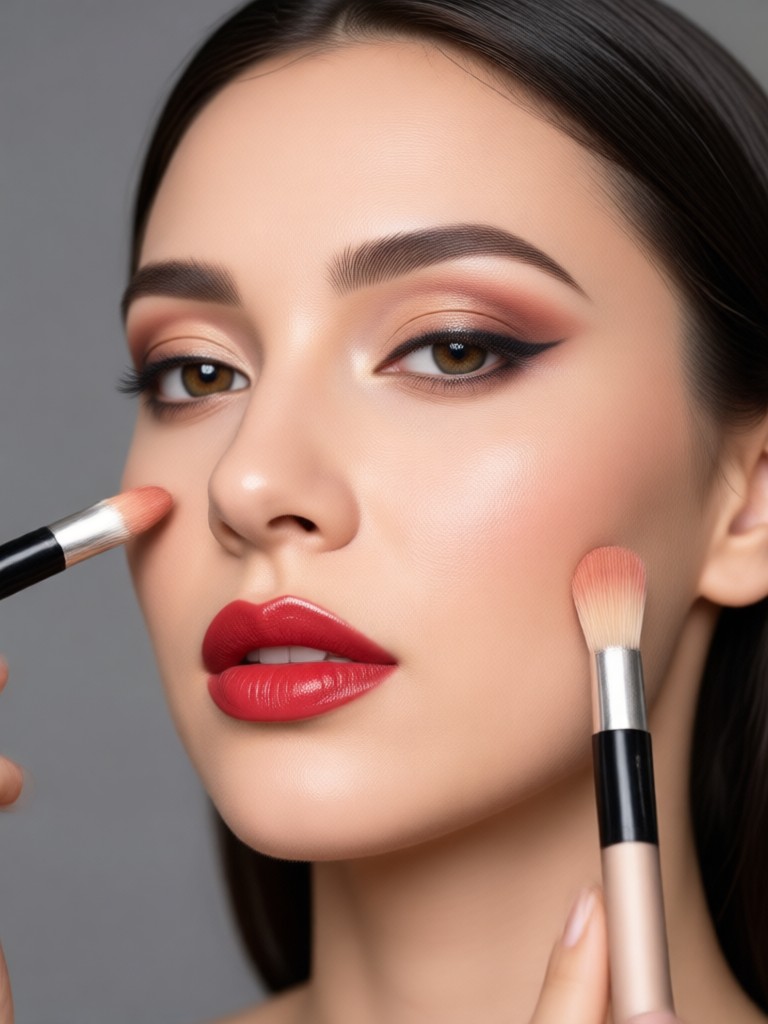
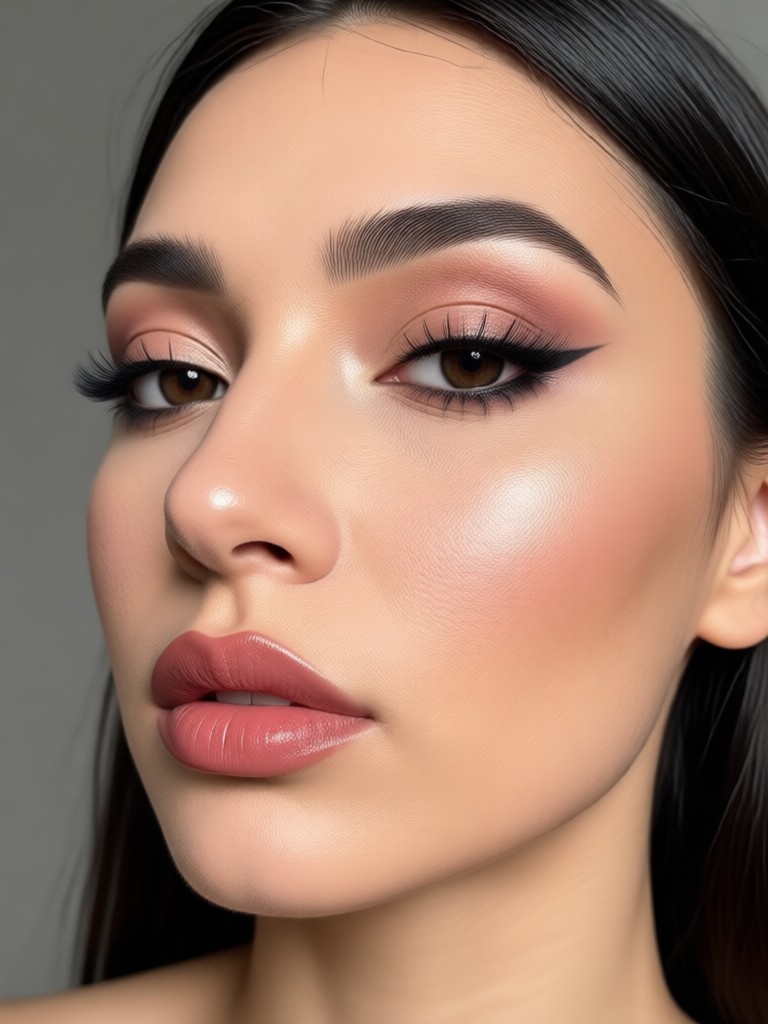
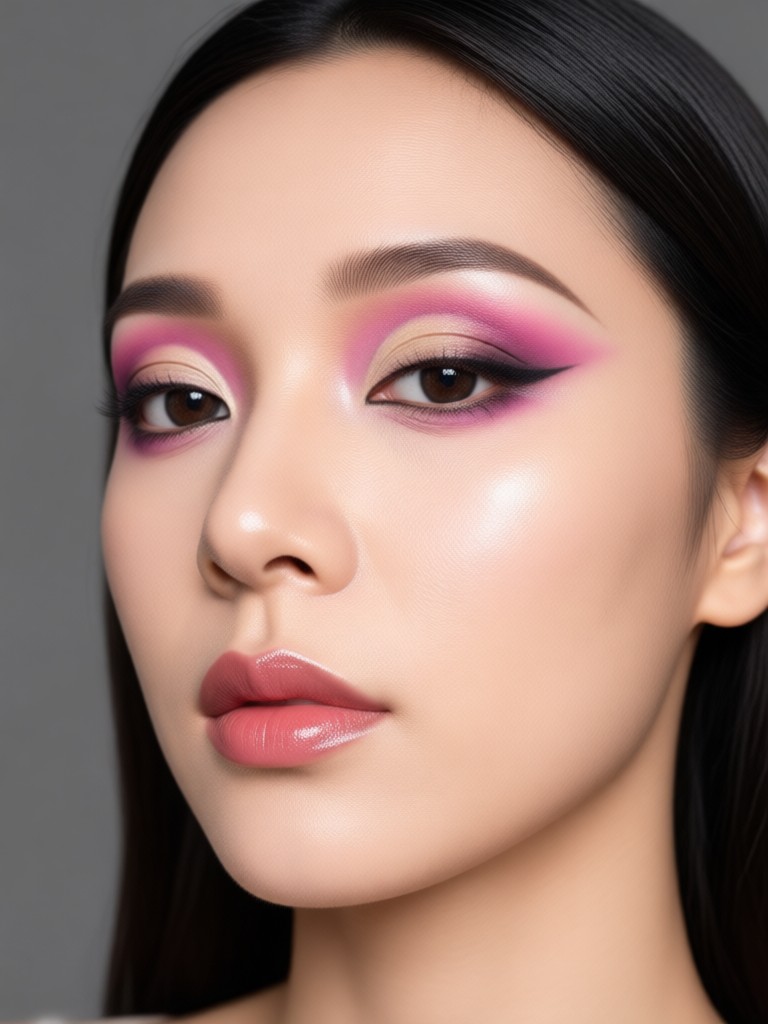
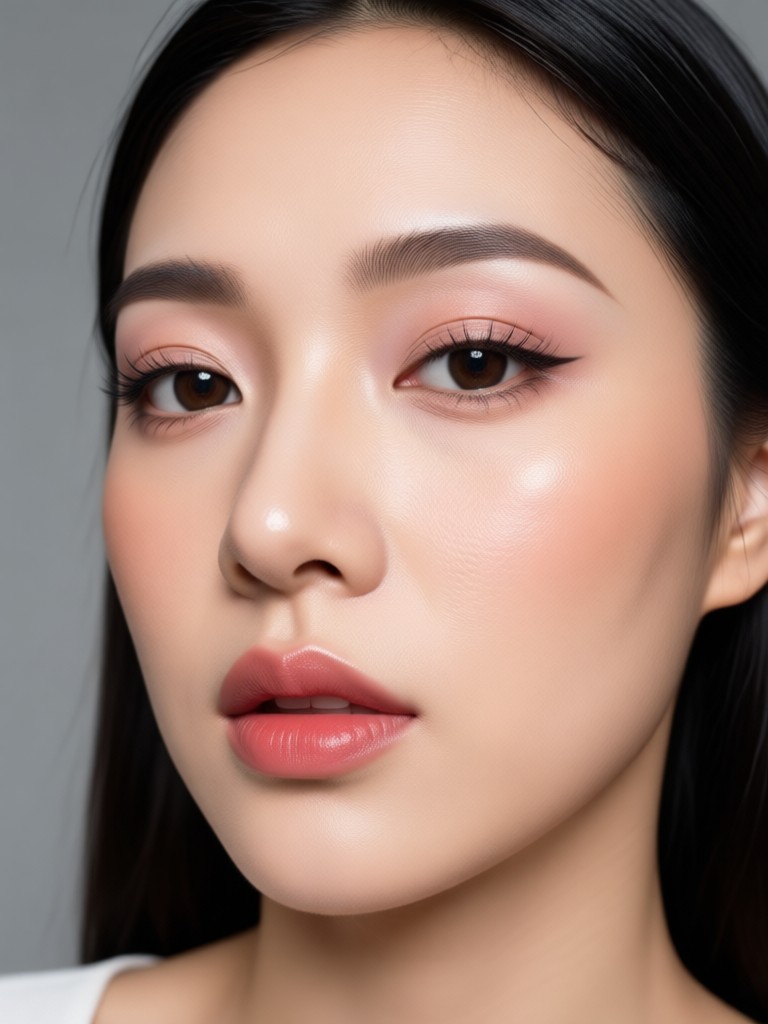
Why Add Makeup With AI Instead of Manual Editing
Manual makeup editing in Photoshop or other software takes hours of practice, expensive subscriptions, and painstaking brush work. AI makeup does all of that instantly. Upload a selfie, choose a style, and get a professional quality result in seconds. No brush tools, no layers, no learning curve. Just natural, realistic makeup that looks professionally applied.
Why Add Makeup With AI Instead of Manual Editing
Manual makeup editing in Photoshop or other software takes hours of practice, expensive subscriptions, and painstaking brush work. AI makeup does all of that instantly. Upload a selfie, choose a style, and get a professional quality result in seconds. No brush tools, no layers, no learning curve. Just natural, realistic makeup that looks professionally applied.
Get the AI Makeup App on Google Play
Download viyo to add realistic makeup to your photos anywhere, anytime. Natural looks, glam styles, and trending filters are all waiting in one powerful, easy to use app.

What Users Say About AI Makeup Filters
Sofia Reyes
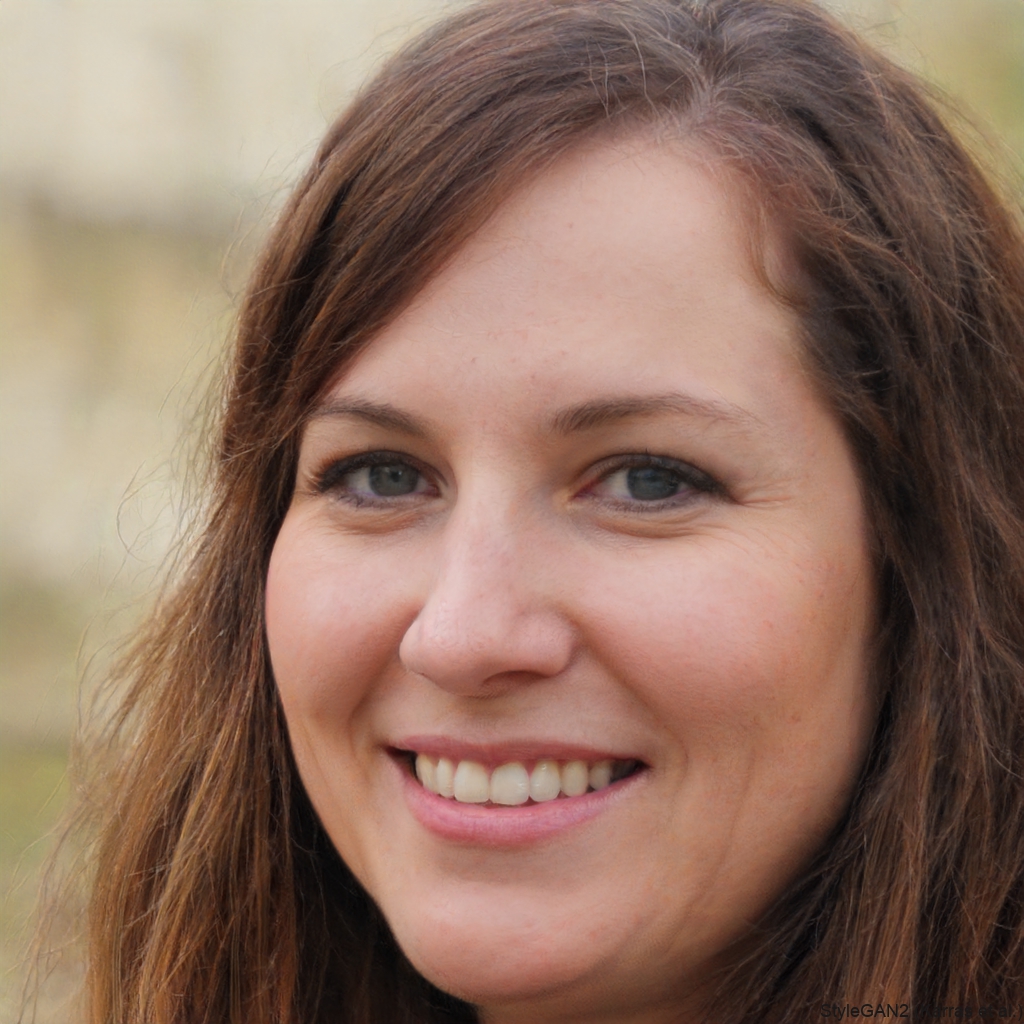
I use the AI makeup filters before posting on Instagram. The glam looks are so realistic that my followers always ask which salon I went to. It takes me less than a minute to get a perfect photo.

Mia Chen
Trying different makeup styles without spending money on actual products is amazing. The Korean beauty filters are my favorite. I can preview how a look suits me before I commit to buying real cosmetics.
Priya Sharma
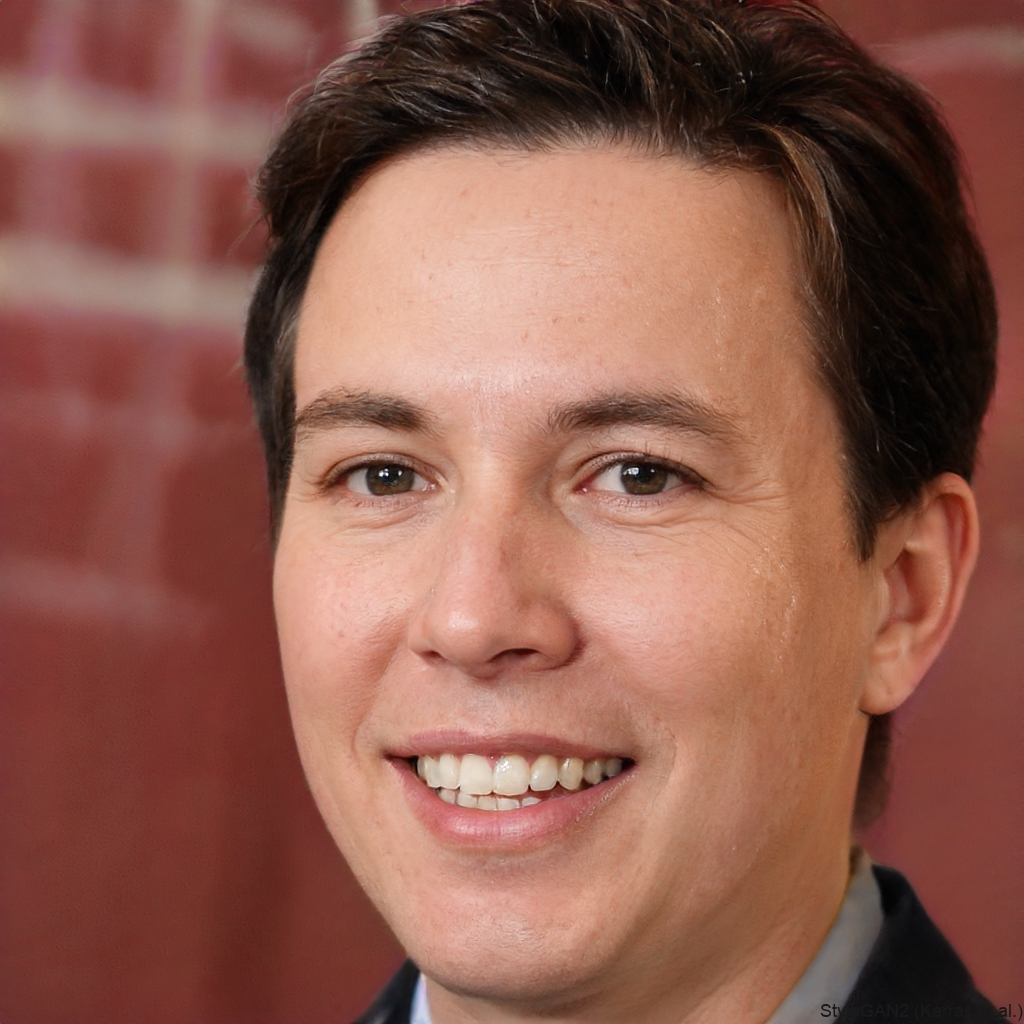
I have zero photo editing experience and the results still look professionally done. The AI handles everything automatically. My ID photo even got accepted with the natural makeup filter applied.
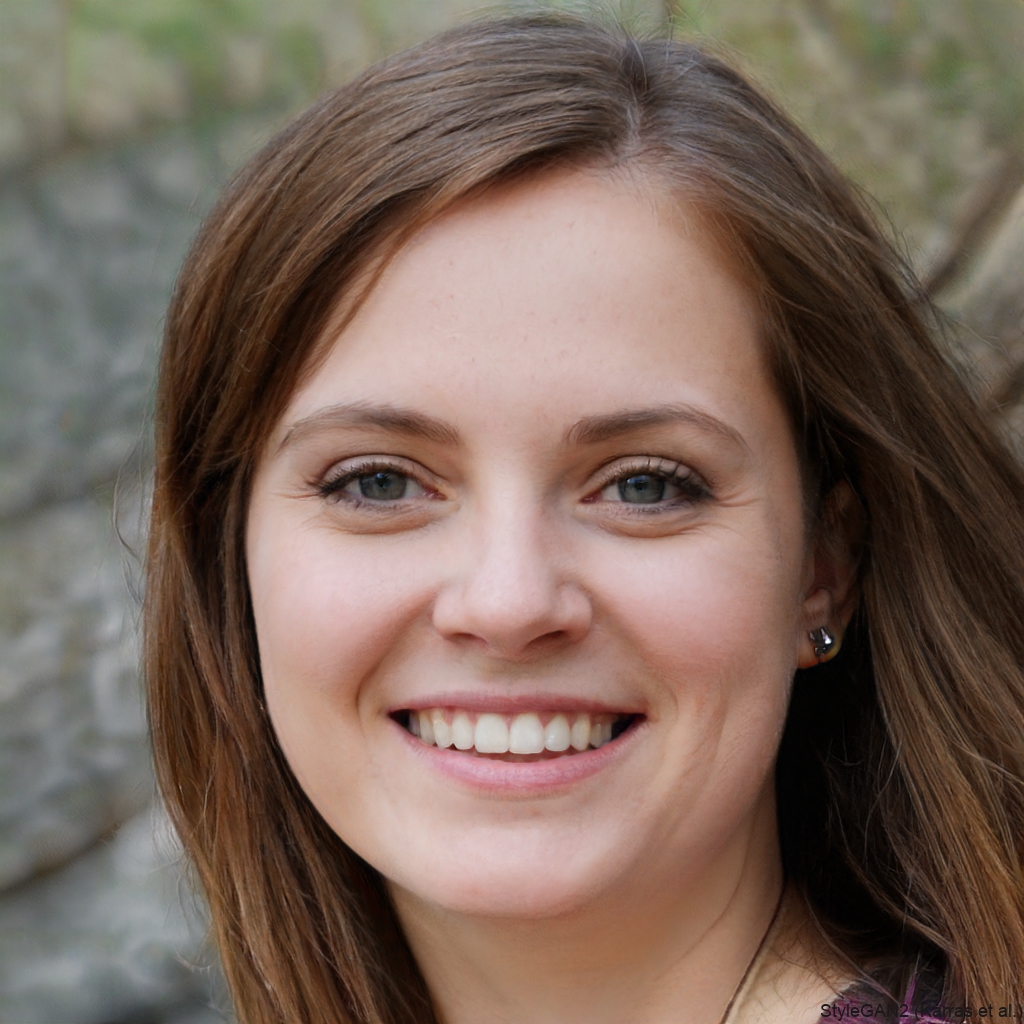
Emma Watson
The group photo feature is a game changer. I added matching glam makeup to a photo of me and my friends for a bachelorette party and everyone looked flawless. No one had to actually apply anything.
Sofia Reyes
I use the AI makeup filters before posting on Instagram. The glam looks are so realistic that my followers always ask which salon I went to. It takes me less than a minute to get a perfect photo.
Mia Chen
Trying different makeup styles without spending money on actual products is amazing. The Korean beauty filters are my favorite. I can preview how a look suits me before I commit to buying real cosmetics.
Priya Sharma
I have zero photo editing experience and the results still look professionally done. The AI handles everything automatically. My ID photo even got accepted with the natural makeup filter applied.
Emma Watson
The group photo feature is a game changer. I added matching glam makeup to a photo of me and my friends for a bachelorette party and everyone looked flawless. No one had to actually apply anything.
Sofia Reyes
I use the AI makeup filters before posting on Instagram. The glam looks are so realistic that my followers always ask which salon I went to. It takes me less than a minute to get a perfect photo.
Mia Chen
Trying different makeup styles without spending money on actual products is amazing. The Korean beauty filters are my favorite. I can preview how a look suits me before I commit to buying real cosmetics.
Priya Sharma
I have zero photo editing experience and the results still look professionally done. The AI handles everything automatically. My ID photo even got accepted with the natural makeup filter applied.
Emma Watson
The group photo feature is a game changer. I added matching glam makeup to a photo of me and my friends for a bachelorette party and everyone looked flawless. No one had to actually apply anything.
Frequently Asked Questions About Adding Makeup to Photos
Find clear answers to common questions about using AI makeup filters and get the guidance you need to create stunning photo makeovers with viyo.
More Topics You May Like
Explore more AI photo transformation tools and discover fresh ways to enhance your images with viyo.
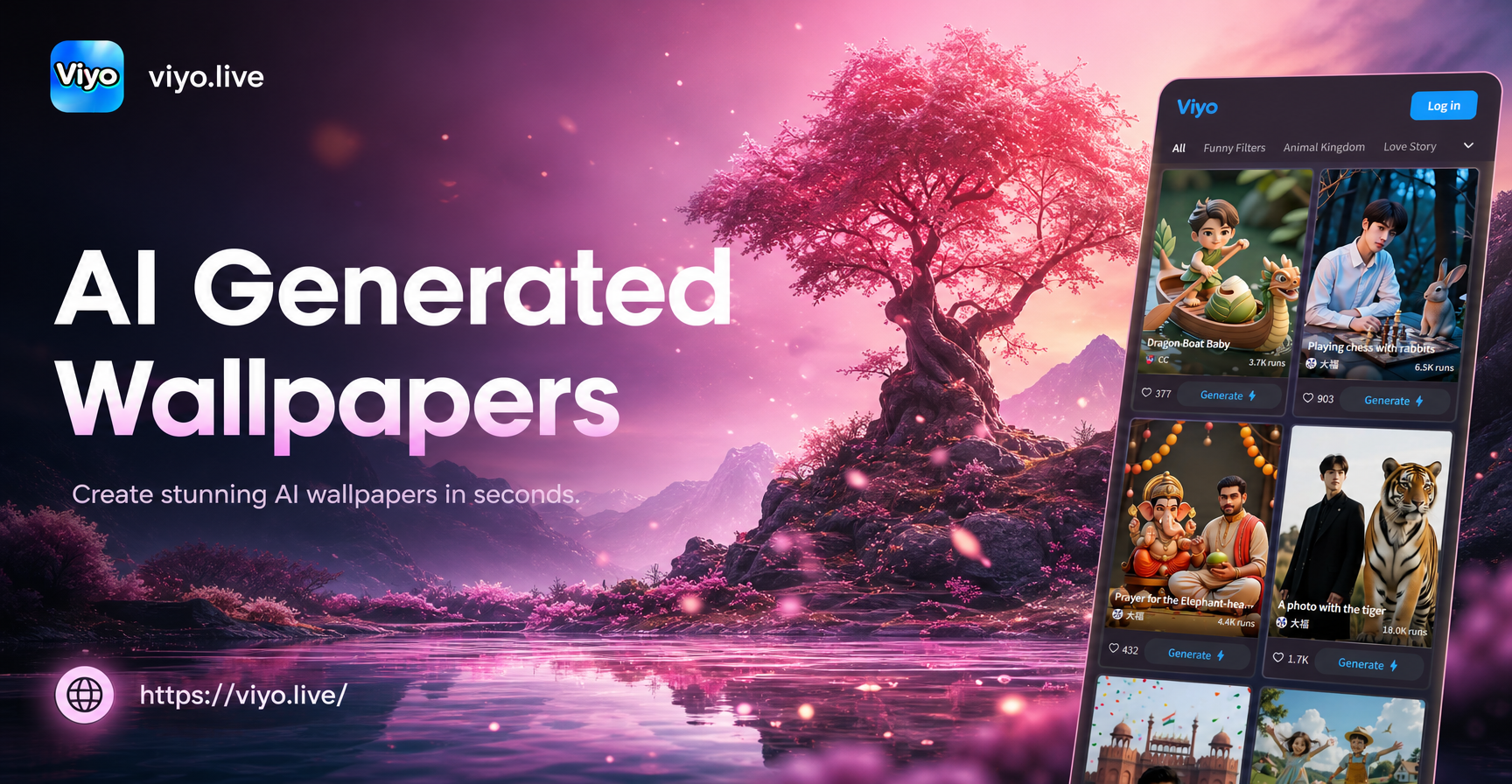
AI Generated Wallpapers: Turn Ideas Into Stunning Art
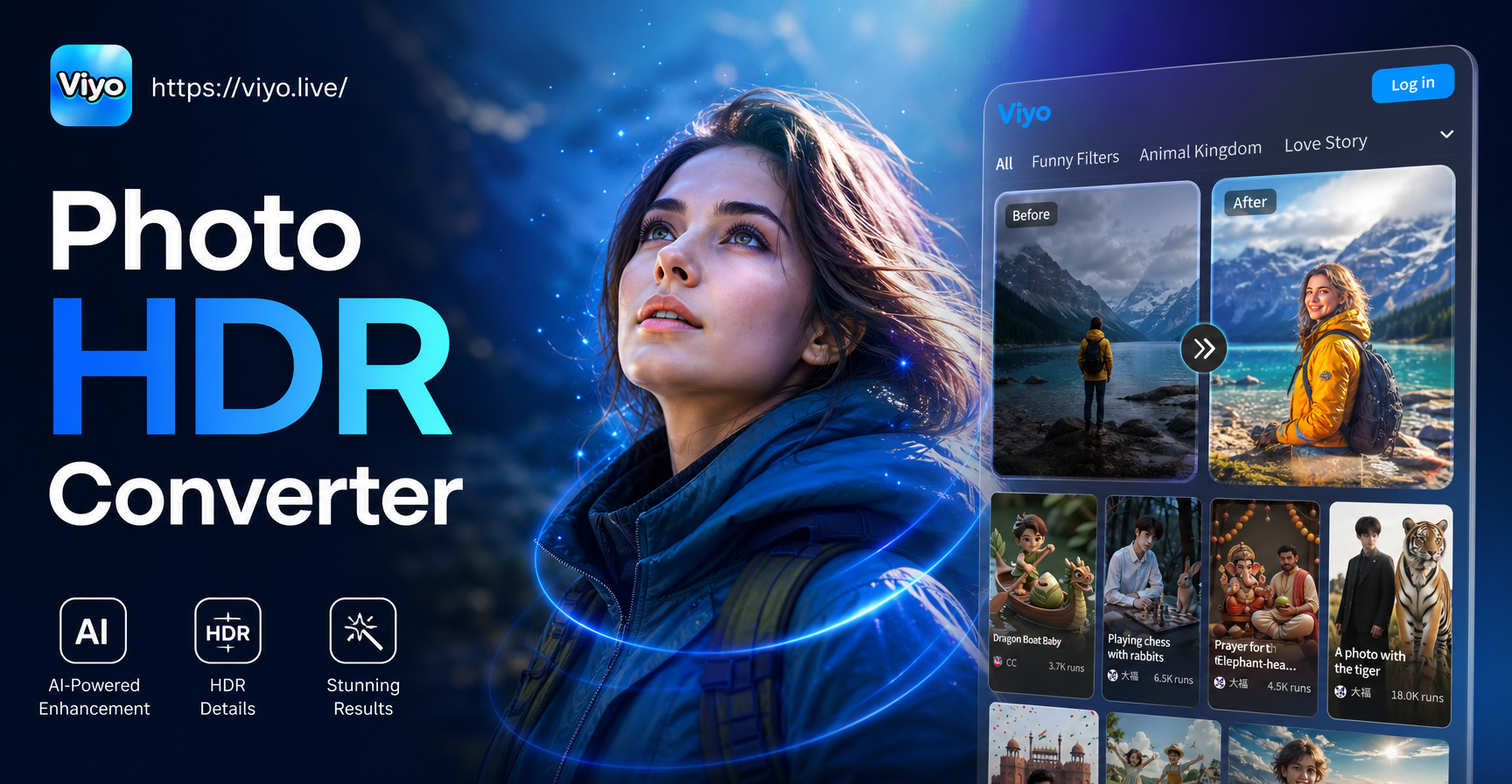
Turn Any Photo Into Stunning HDR With AI Converter
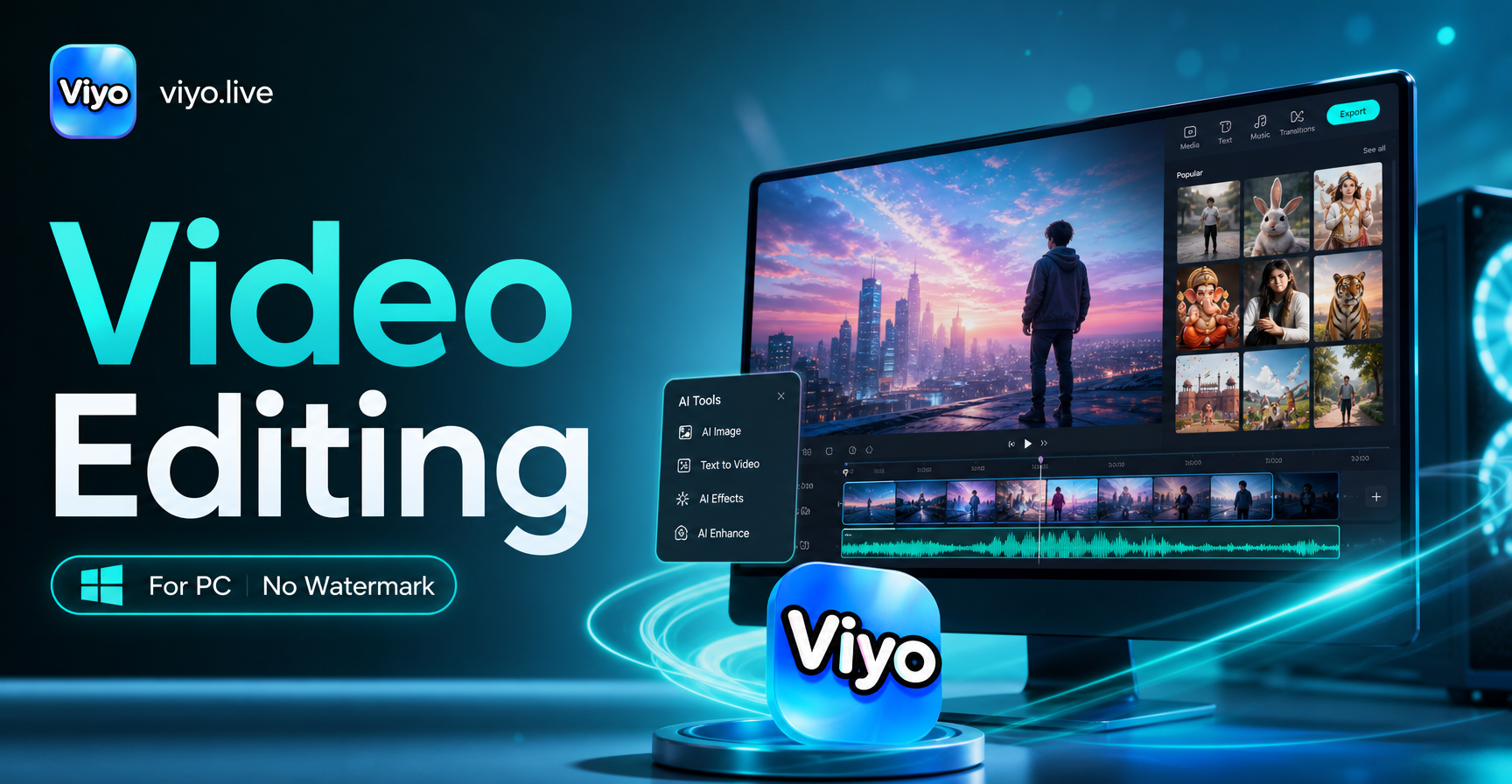
Free Video Editing Software For Pc Without Watermark - AI Powered Creative Tool | viyo
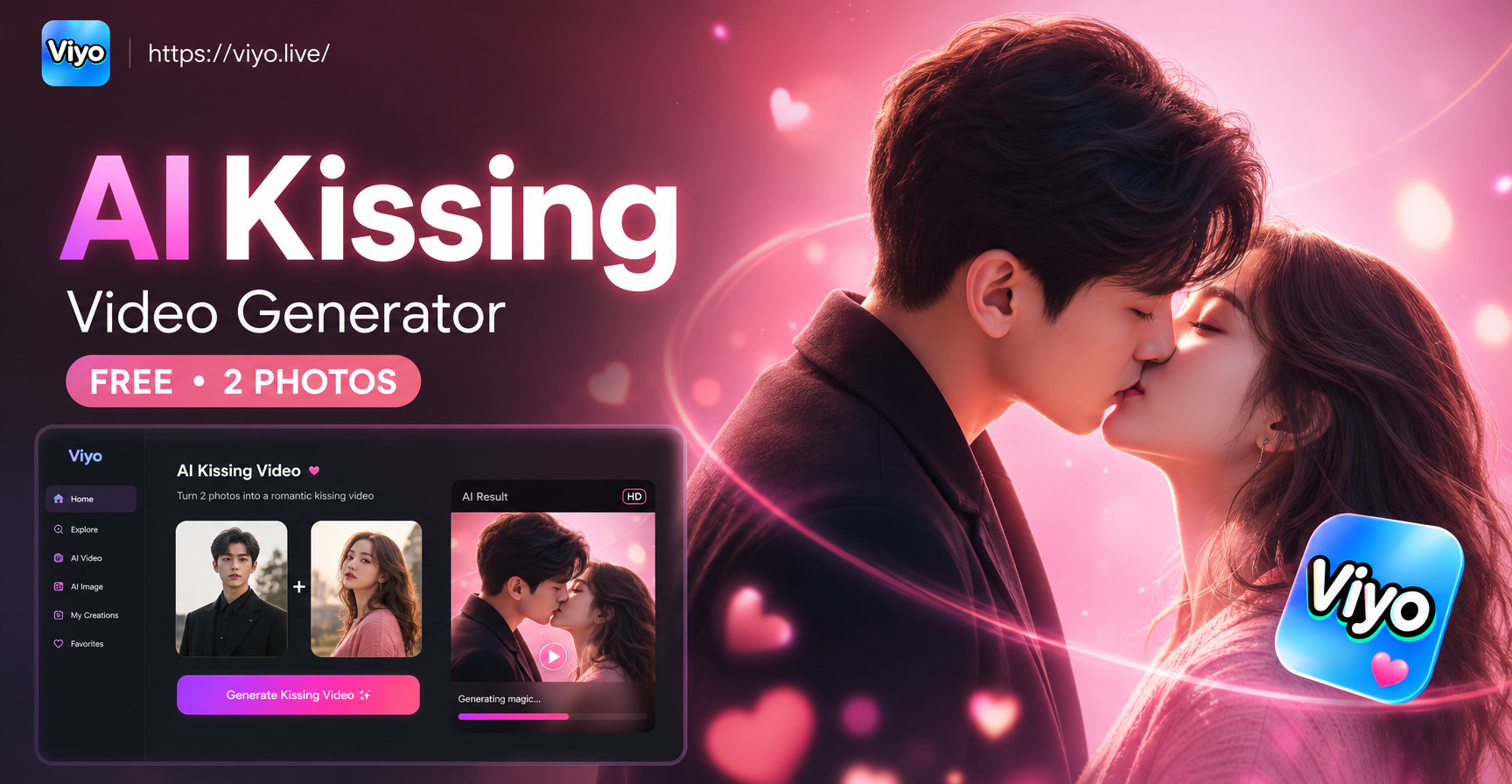
AI Kissing Video Generator Free 2 Photos - AI Powered Creative Tool | viyo
AI Generated Wallpapers: Turn Ideas Into Stunning Art
Turn Any Photo Into Stunning HDR With AI Converter
Free Video Editing Software For Pc Without Watermark - AI Powered Creative Tool | viyo
AI Kissing Video Generator Free 2 Photos - AI Powered Creative Tool | viyo
Add Makeup To Your Photos For Free Today
Download viyo and give your selfies a flawless virtual makeover in seconds. No skills needed, just pick a filter and transform your photo into something stunning.
Add Makeup To Your Photos For Free Today
Download viyo and give your selfies a flawless virtual makeover in seconds. No skills needed, just pick a filter and transform your photo into something stunning.