Photo Makeup Editor Online Free
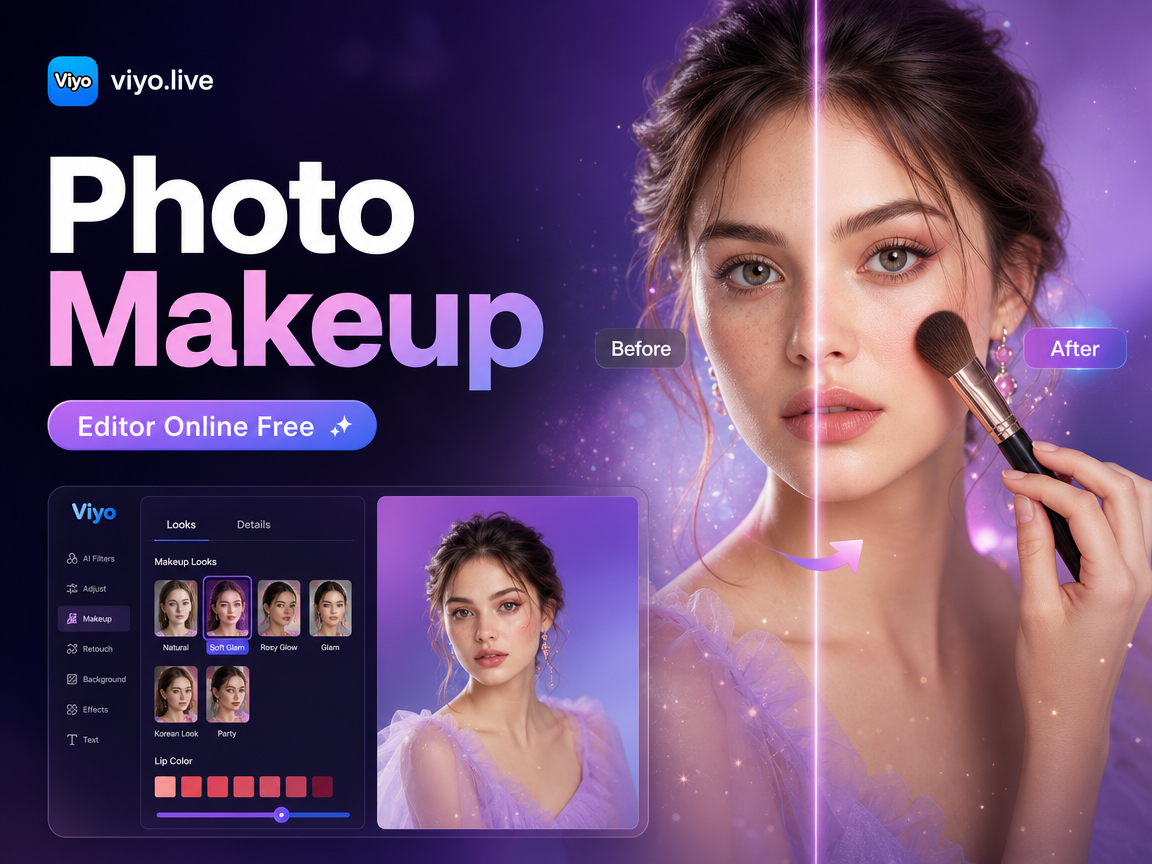
Explore Makeup and Beauty Filters That Suit You
Discover a wide range of AI-powered makeup filters and beauty styles. From subtle everyday looks to bold glam transformations, find the perfect filter for your portrait.
Key Features of Our Photo Makeup Editor
Turn ordinary selfies into stunning portraits with viyo. Our AI makeup editor gives you professional-grade beauty tools in the palm of your hand.
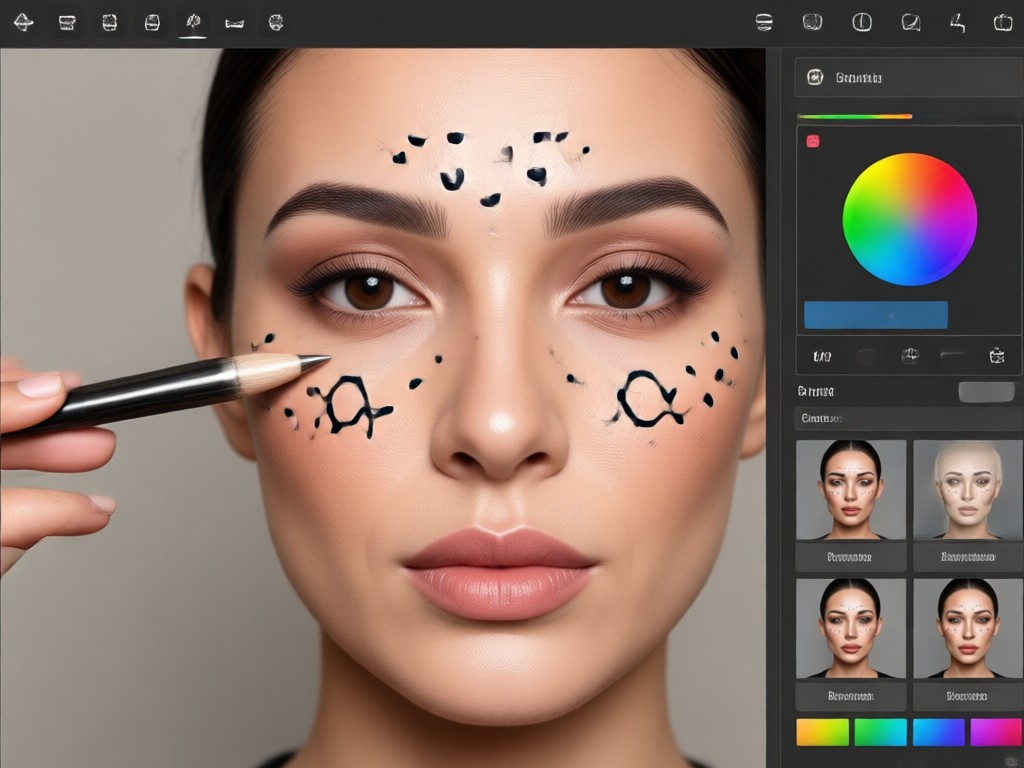
Realistic Virtual Makeup Application
Apply lipstick, eyeliner, eyeshadow, and blush with precision. The AI detects facial features and blends makeup naturally with your skin tone.
Realistic Virtual Makeup Application
Apply lipstick, eyeliner, eyeshadow, and blush with precision. The AI detects facial features and blends makeup naturally with your skin tone.
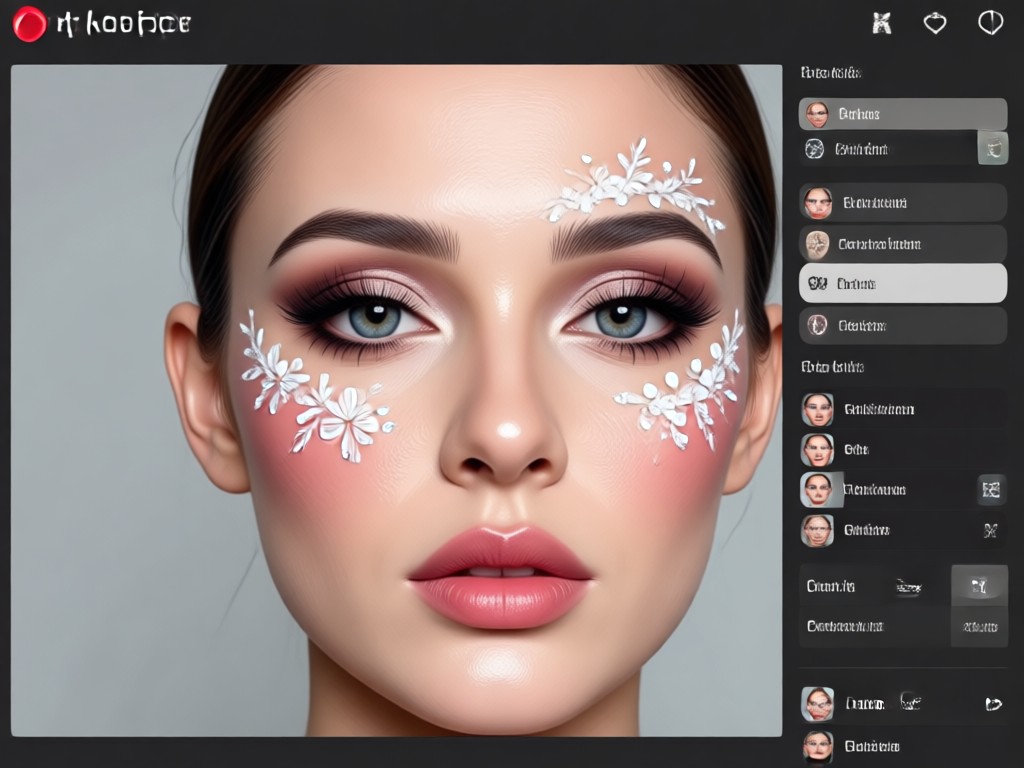
1,000,000+ Beauty Style Templates
Choose from a massive library of curated makeup looks. Find everyday natural styles, Korean beauty trends, Hollywood glam, and more.
1,000,000+ Beauty Style Templates
Choose from a massive library of curated makeup looks. Find everyday natural styles, Korean beauty trends, Hollywood glam, and more.
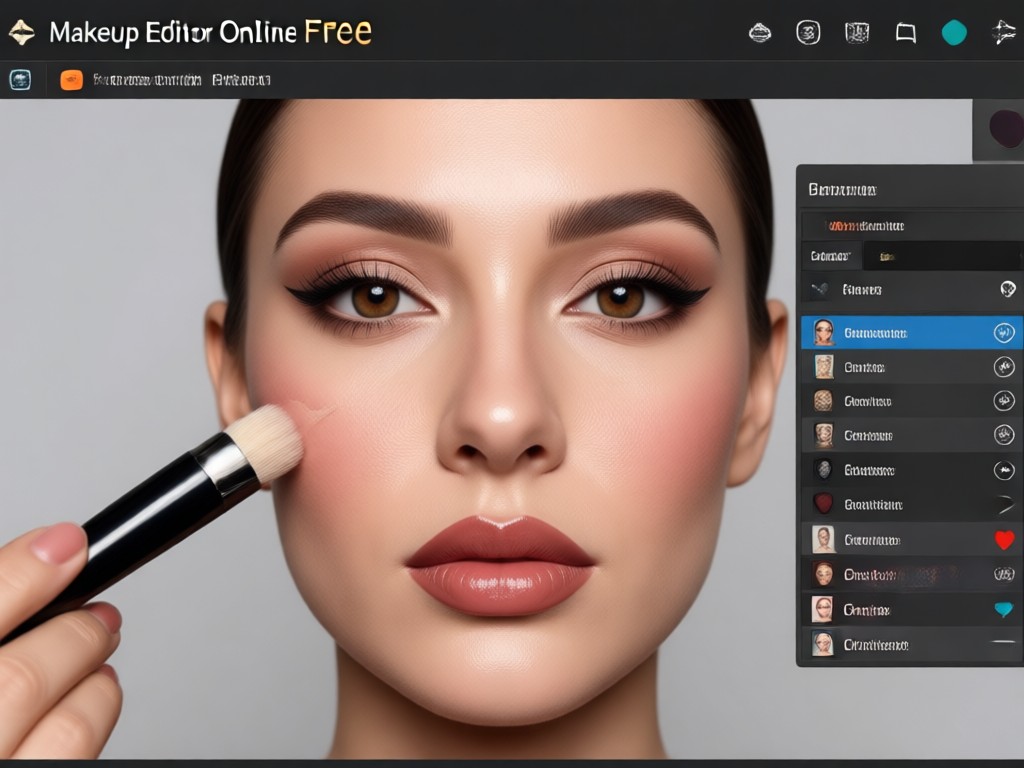
One-Tap Portrait Enhancement
Smooth skin, brighten eyes, and perfect your complexion with a single tap. Get a flawless look without any manual editing skills.
One-Tap Portrait Enhancement
Smooth skin, brighten eyes, and perfect your complexion with a single tap. Get a flawless look without any manual editing skills.
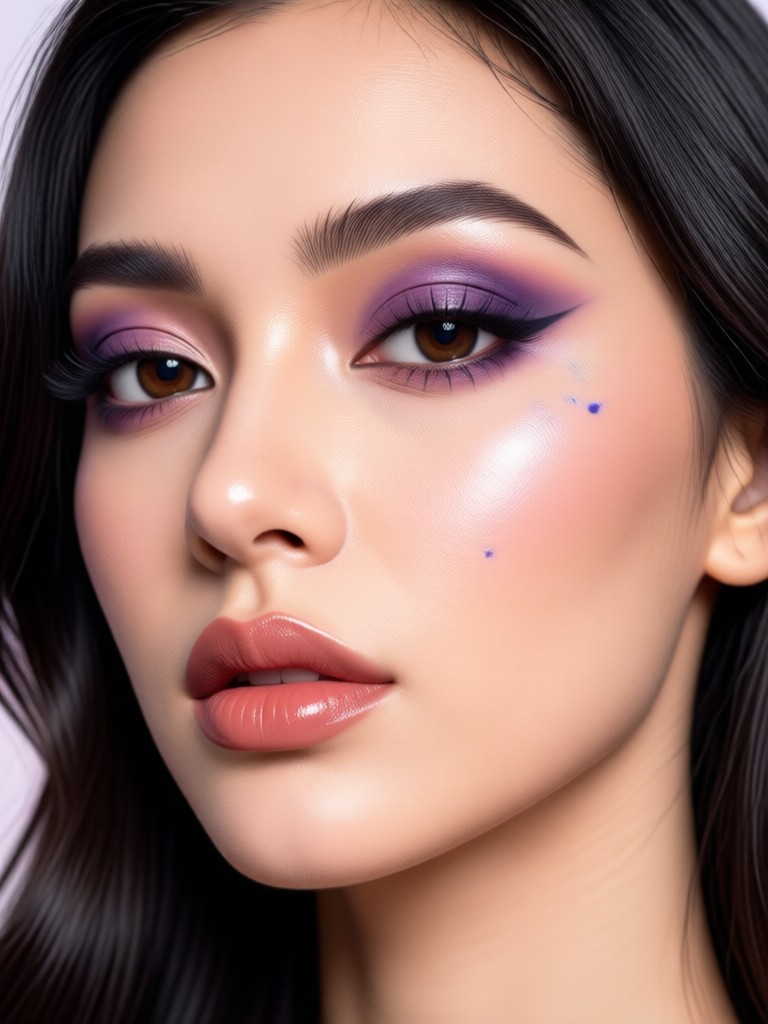
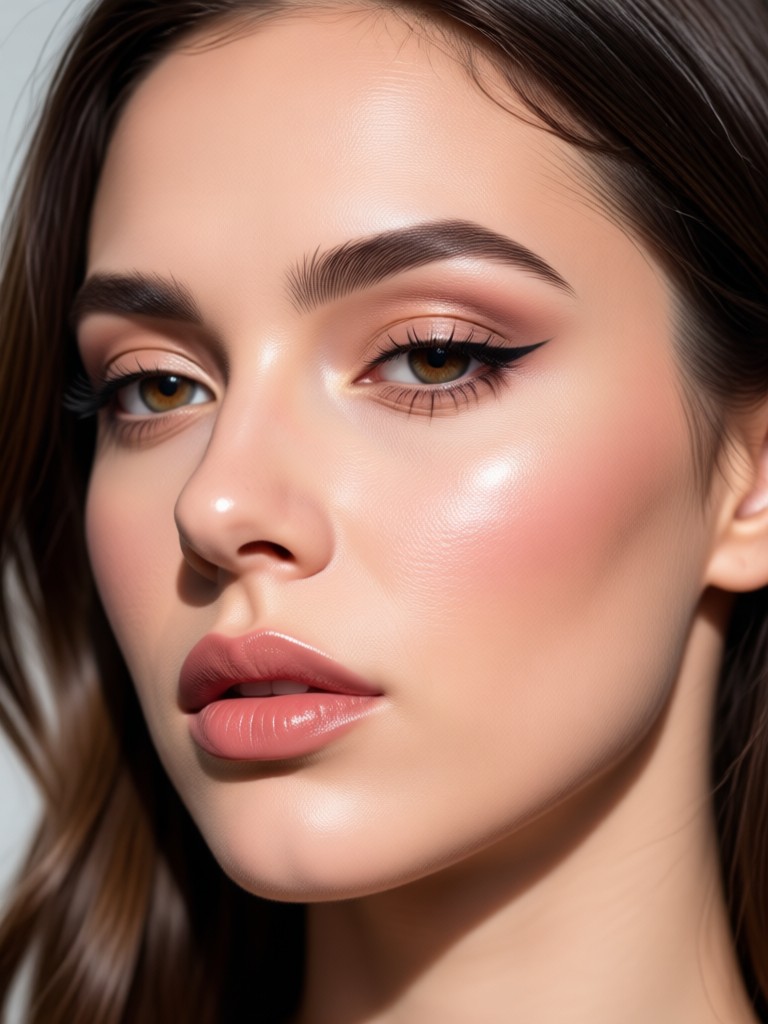
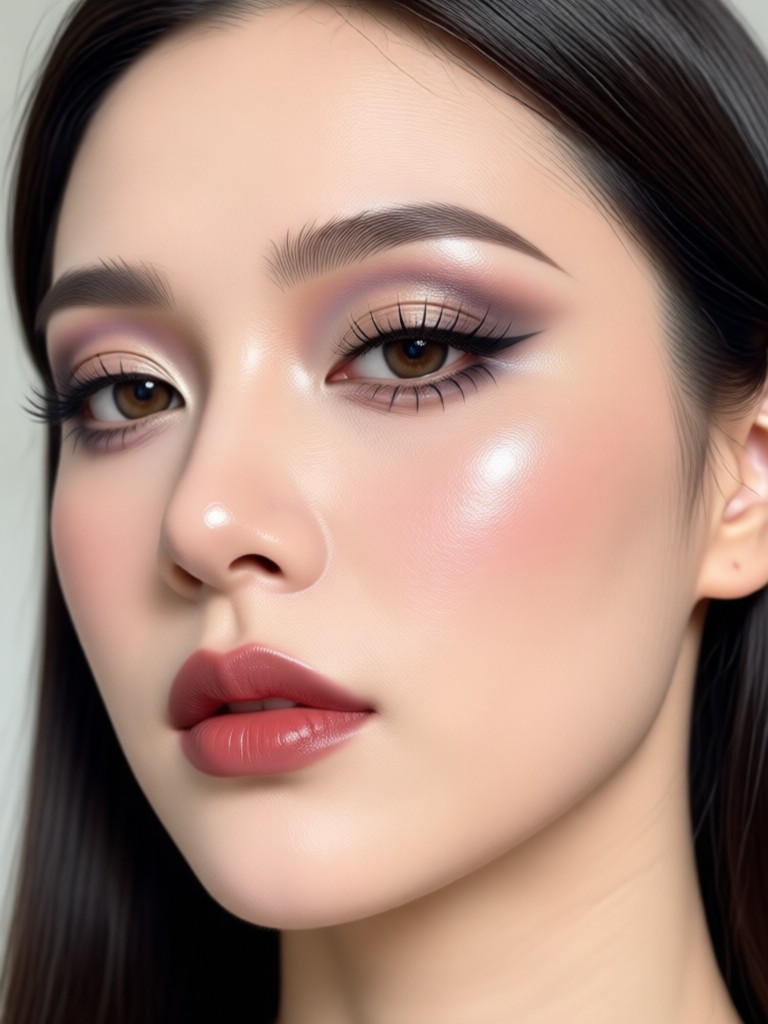
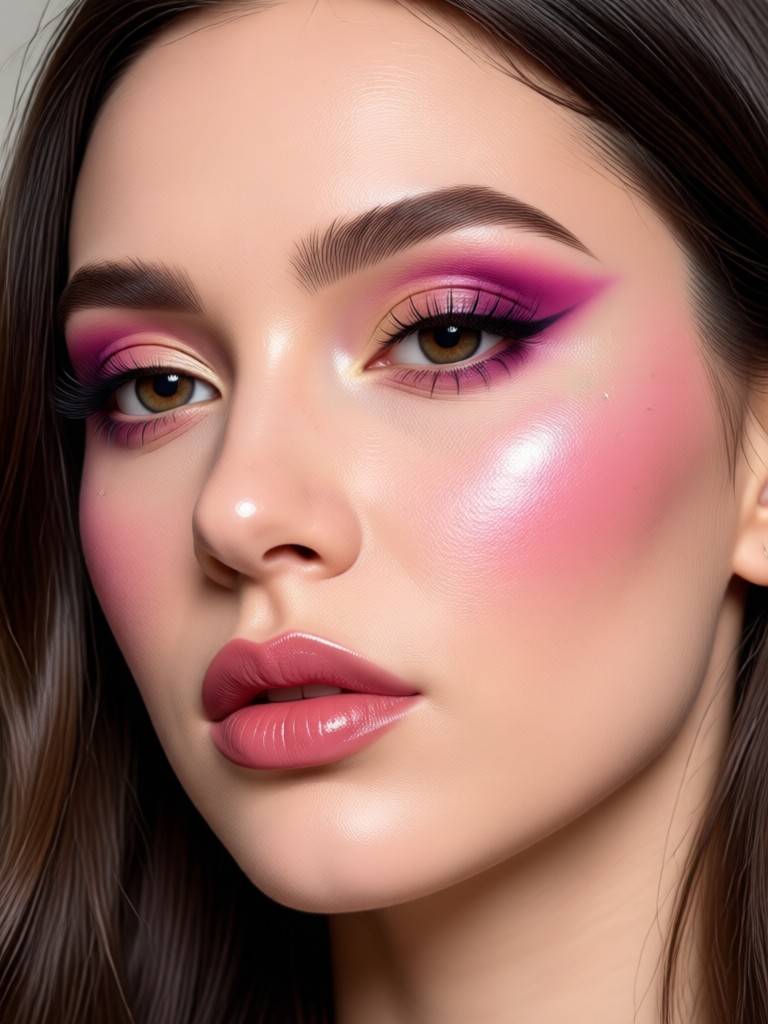
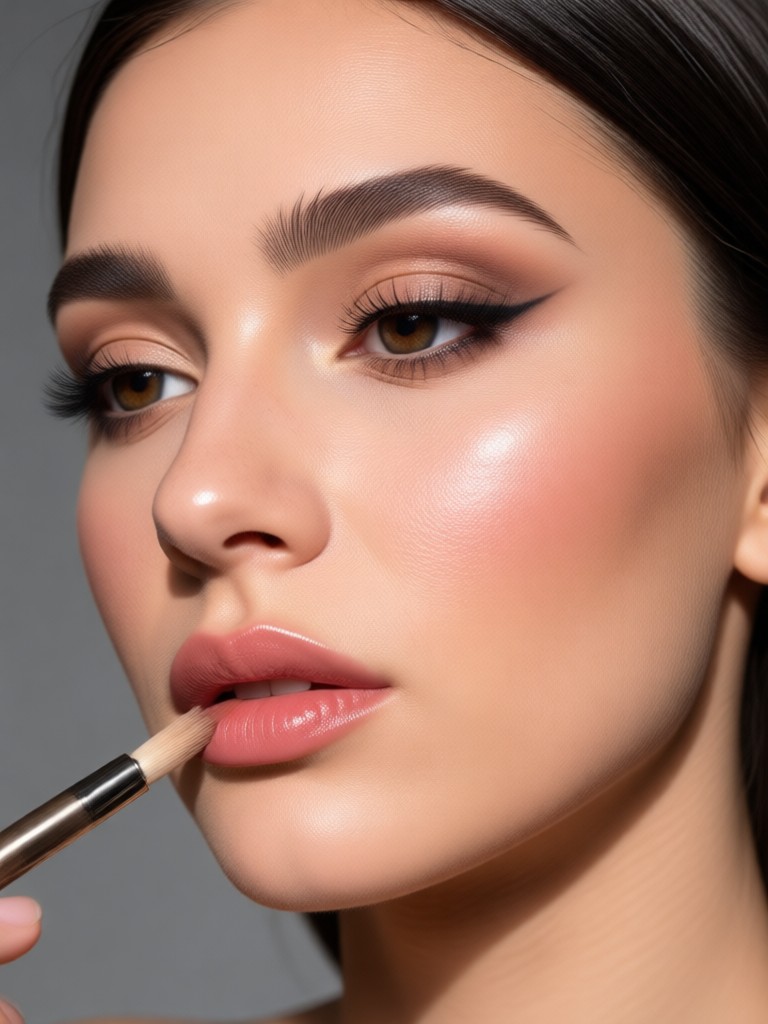
Stunning Makeup Transformation Results
See what users create with our free photo makeup editor. From subtle touch-ups to complete glam makeovers, the results speak for themselves.
How to Apply AI Makeup to Your Photo?
Get stunning virtual makeup in three simple steps with viyo.

Step 01.
Download the viyo app from Google Play and open the photo makeup editor feature.

Step 02.
Upload your photo and browse the makeup style templates. Choose your preferred lip color, eye shadow, or complete look.

Step 03.
Let the AI apply realistic makeup in seconds. Export and share your enhanced portrait on Instagram, TikTok, or with friends.
Why Choose viyo for Virtual Makeup
Our free photo makeup editor is designed for everyone. No Photoshop skills required, just instant beauty results.
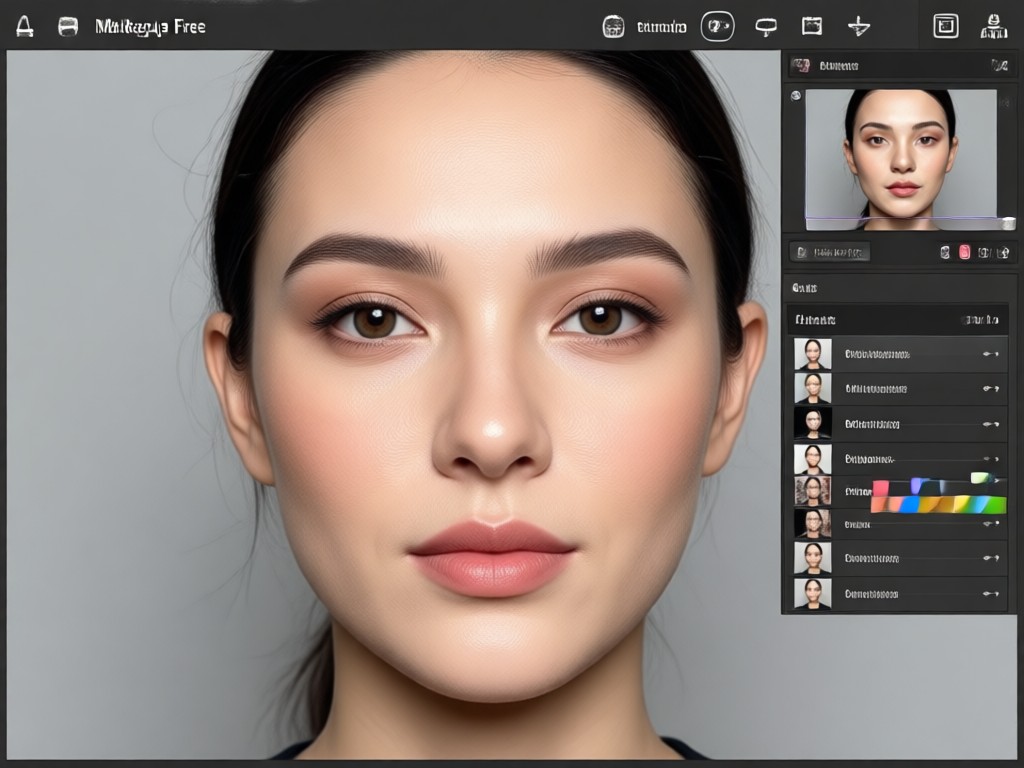
Professional Results Without the Cost or Complexity
Traditional photo editing software takes hours to master and expensive subscriptions to maintain. viyo changes that by putting powerful AI makeup tools directly on your phone. The app automatically maps your facial features and applies makeup that looks natural, not painted on. Whether you need a quick touch-up for a profile picture or want to experiment with a bold new look before trying it in real life, viyo gives you the freedom to explore. Best of all, the core makeup editing tools are available for free, making beautiful portraits accessible to everyone.
Professional Results Without the Cost or Complexity
Traditional photo editing software takes hours to master and expensive subscriptions to maintain. viyo changes that by putting powerful AI makeup tools directly on your phone. The app automatically maps your facial features and applies makeup that looks natural, not painted on. Whether you need a quick touch-up for a profile picture or want to experiment with a bold new look before trying it in real life, viyo gives you the freedom to explore. Best of all, the core makeup editing tools are available for free, making beautiful portraits accessible to everyone.
What Users Say About viyo Makeup Editor
Better than expensive editing apps
I used to pay for a beauty app subscription, but viyo gives me the same quality results for free. The lipstick colors look so real in my selfies. I use it every week for my Instagram posts.
Perfect for trying new looks
I love experimenting with bold eyeshadow and dramatic lashes without buying the actual makeup first. It saves me so much money and time. The AI is surprisingly accurate on my face shape.
Easy to use for my clients
As a freelance photographer, I show clients preview images with different makeup styles before the actual shoot. It helps them decide on a look and makes my service look super professional.
Photo Makeup Editor Online Free FAQs
Get answers to common questions about using viyo as a free photo makeup editor online.
Get Your Free AI Makeup Editor Today
Download viyo from Google Play and start transforming your selfies with realistic virtual makeup. No design skills, no watermarks, just stunning portraits.

Get Your Free AI Makeup Editor Today
Download viyo from Google Play and start transforming your selfies with realistic virtual makeup. No design skills, no watermarks, just stunning portraits.