Ambedkar Photo Editing Made Simple
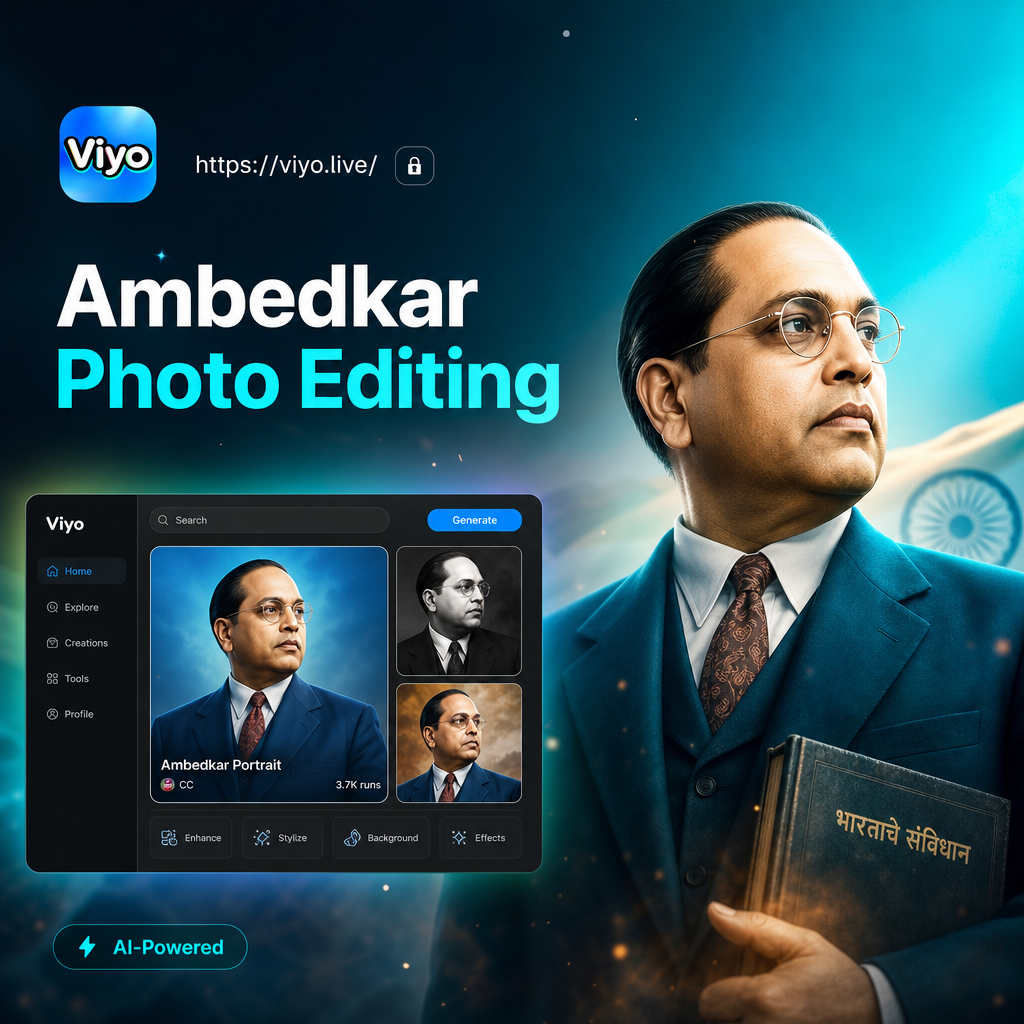
Choose the Right Filter for Ambedkar Photo Editing
Explore viyo filters that suit tribute posters, formal portraits, and artistic social media graphics.
Key Features for Ambedkar Photo Editing
Use viyo to turn ordinary photos into respectful and shareable tribute images with just a few taps.
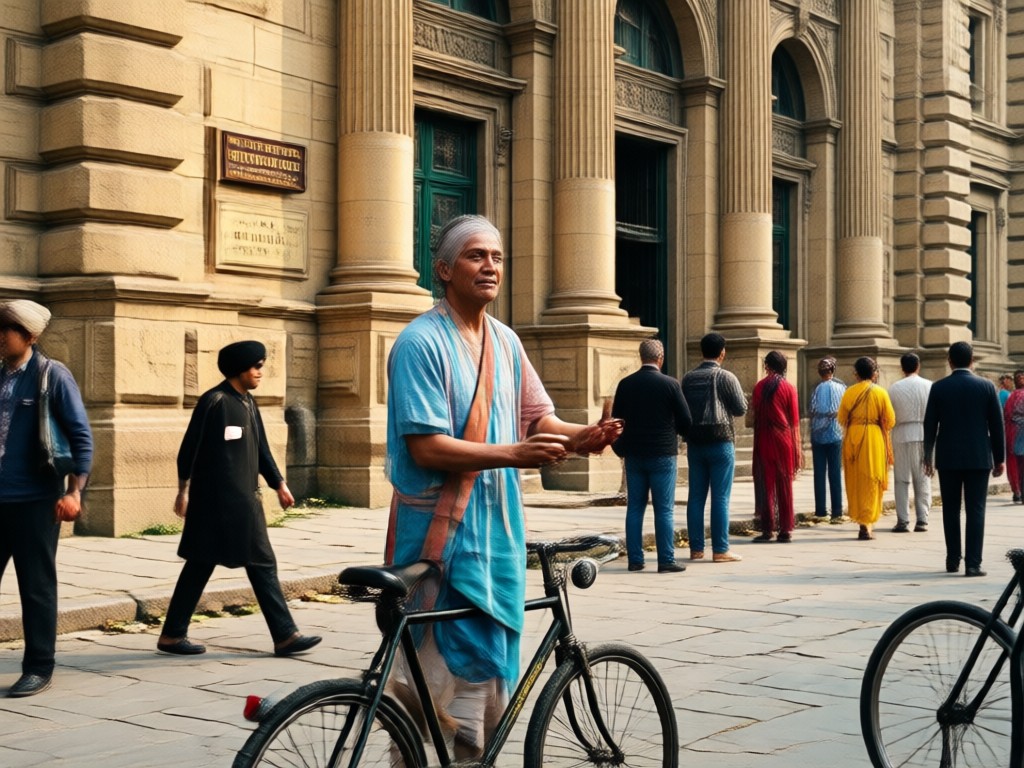
High Quality Portrait Conversion
Upload a clear photo and viyo will enhance facial details while applying your chosen tribute style. The result is sharp enough for printing on posters or banners without losing quality.
High Quality Portrait Conversion
Upload a clear photo and viyo will enhance facial details while applying your chosen tribute style. The result is sharp enough for printing on posters or banners without losing quality.
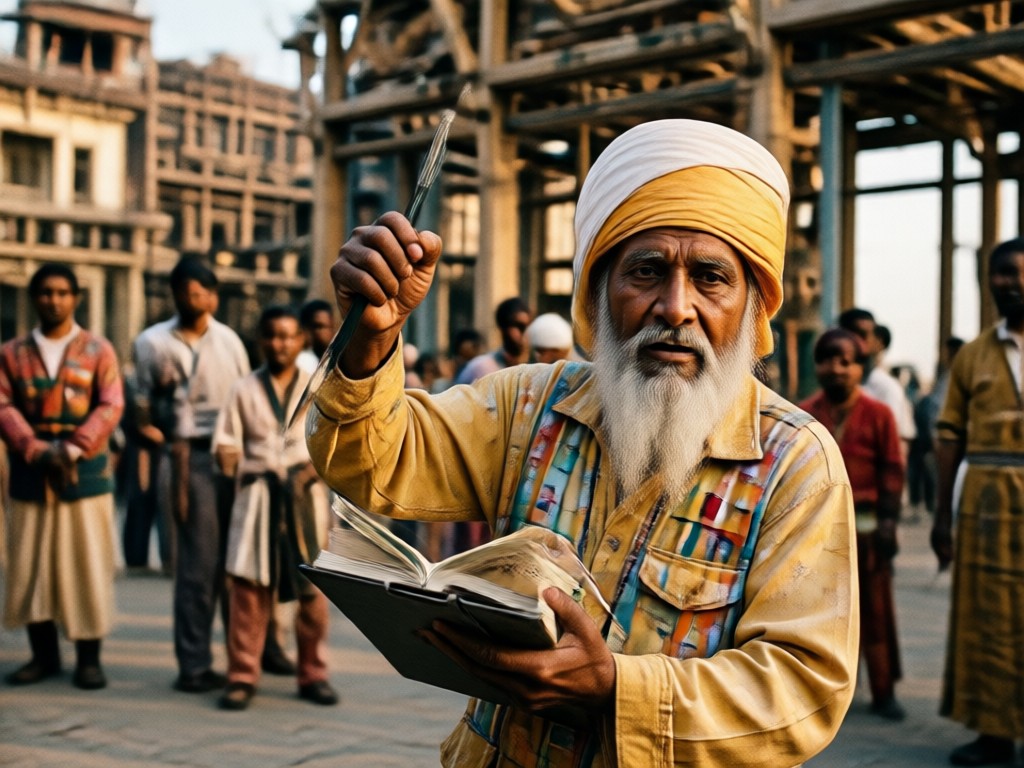
Poster and Frame Templates
Access templates designed for memorial posters and celebration banners. Add text, choose a background, and generate a complete design in one step instead of editing manually.
Poster and Frame Templates
Access templates designed for memorial posters and celebration banners. Add text, choose a background, and generate a complete design in one step instead of editing manually.
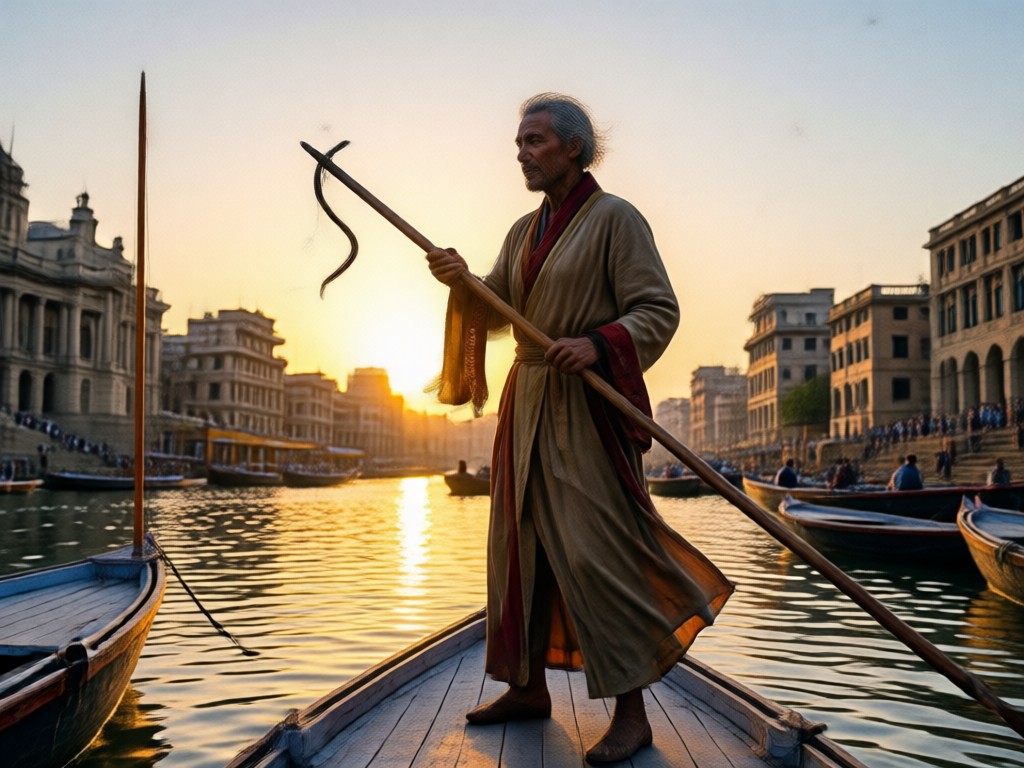
Fast Batch Creation
Create multiple variations of the same photo with different filters at once. Compare the results side by side and pick the one that best fits your social media or print needs.
Fast Batch Creation
Create multiple variations of the same photo with different filters at once. Compare the results side by side and pick the one that best fits your social media or print needs.
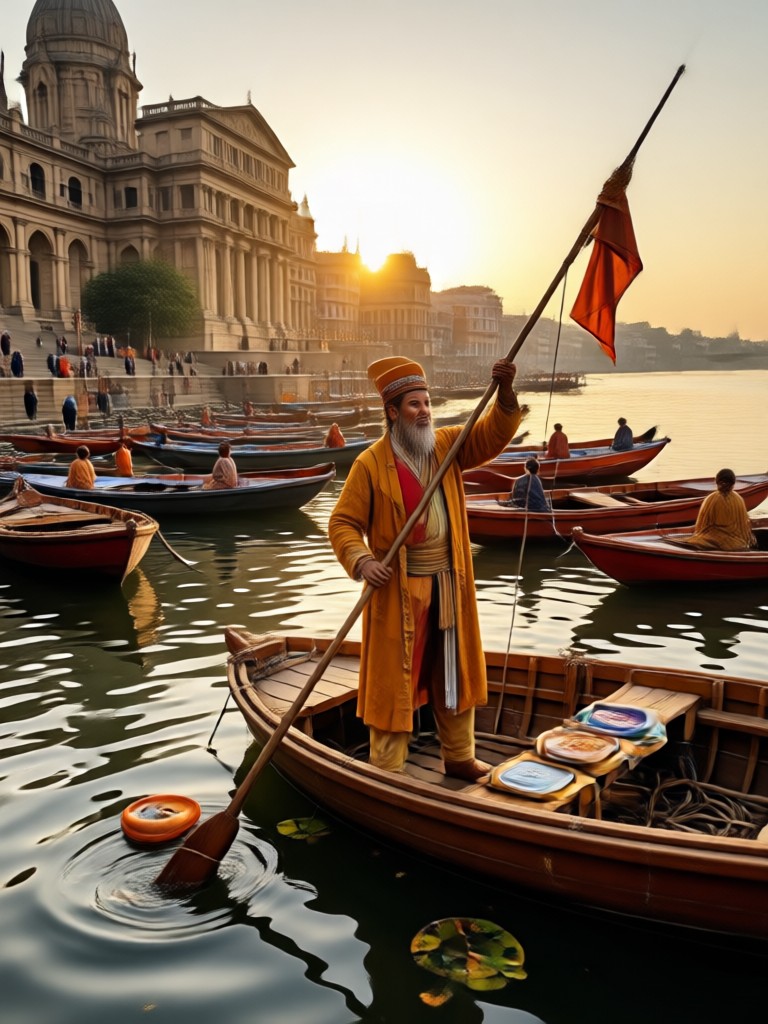
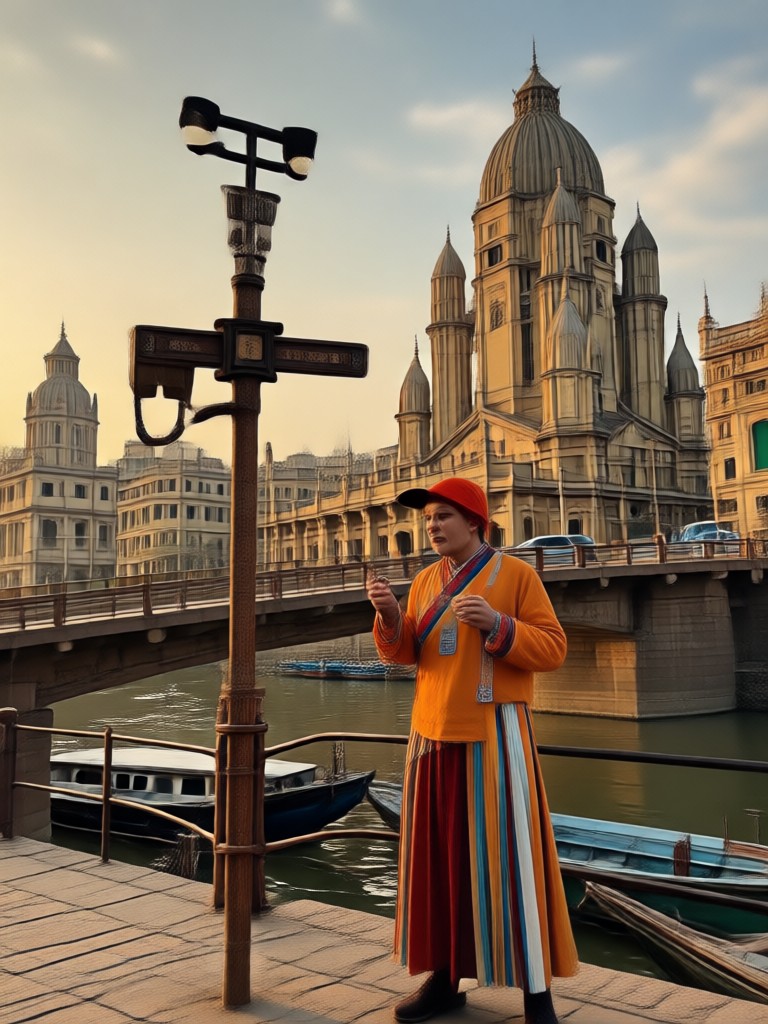
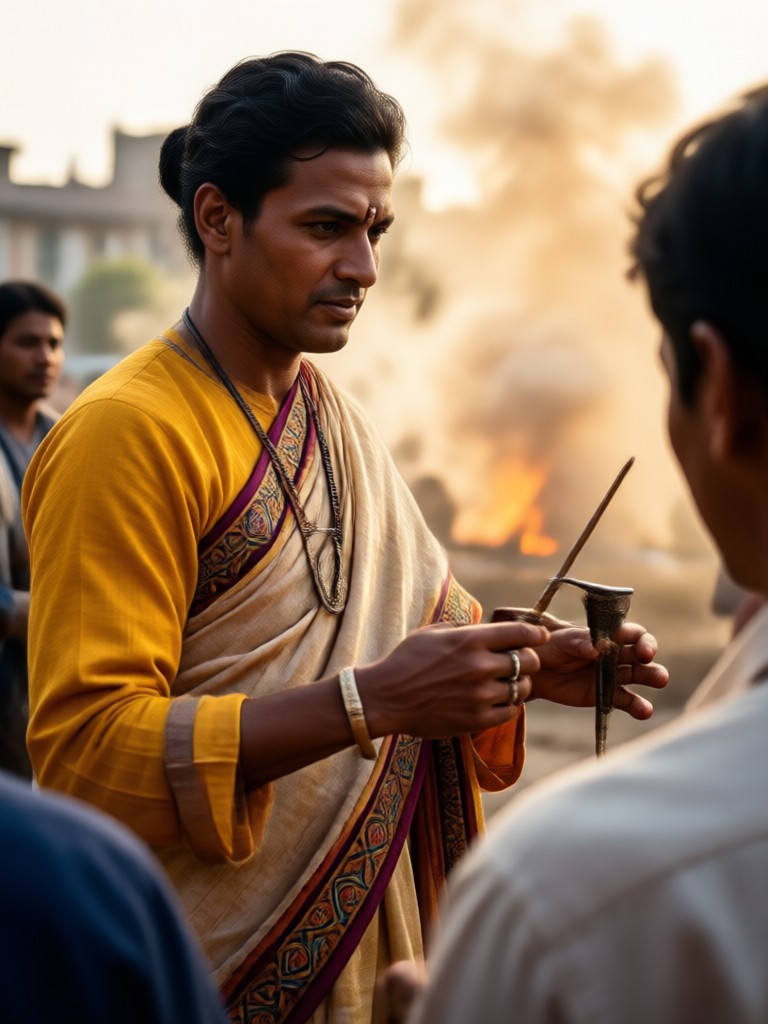
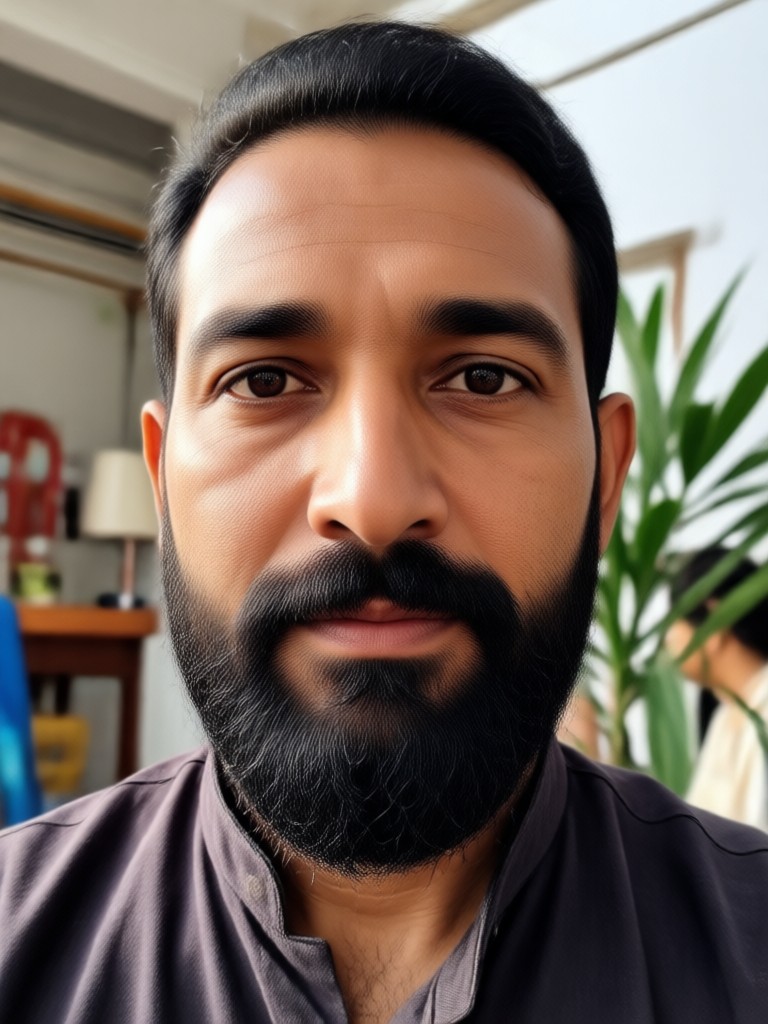
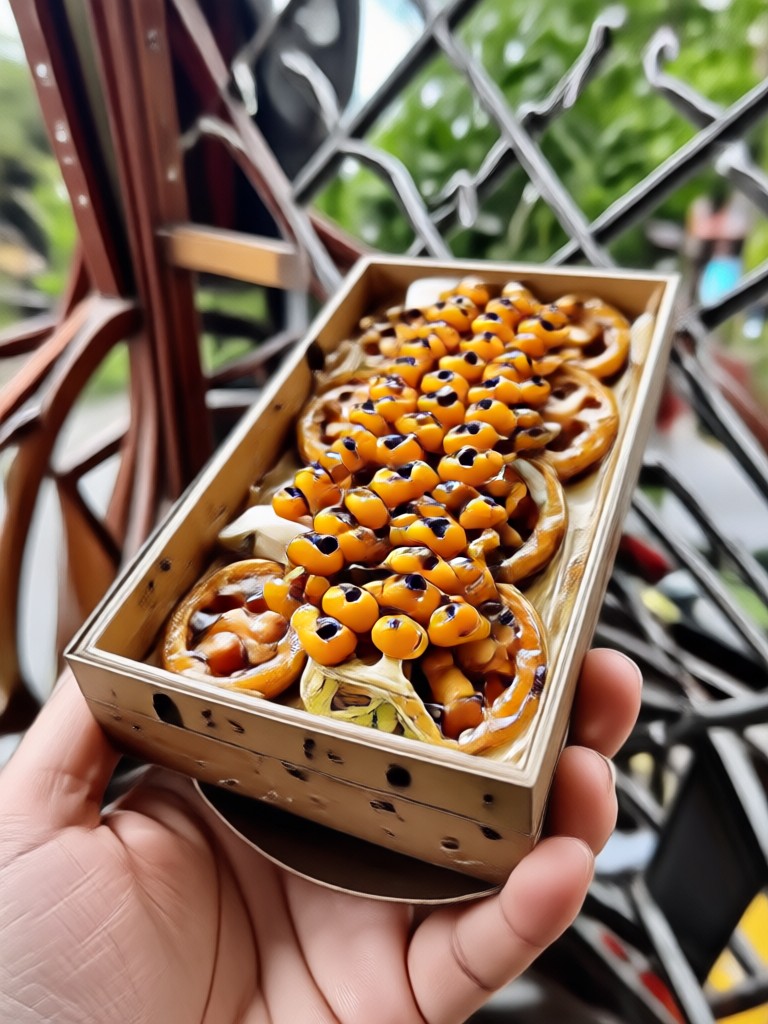
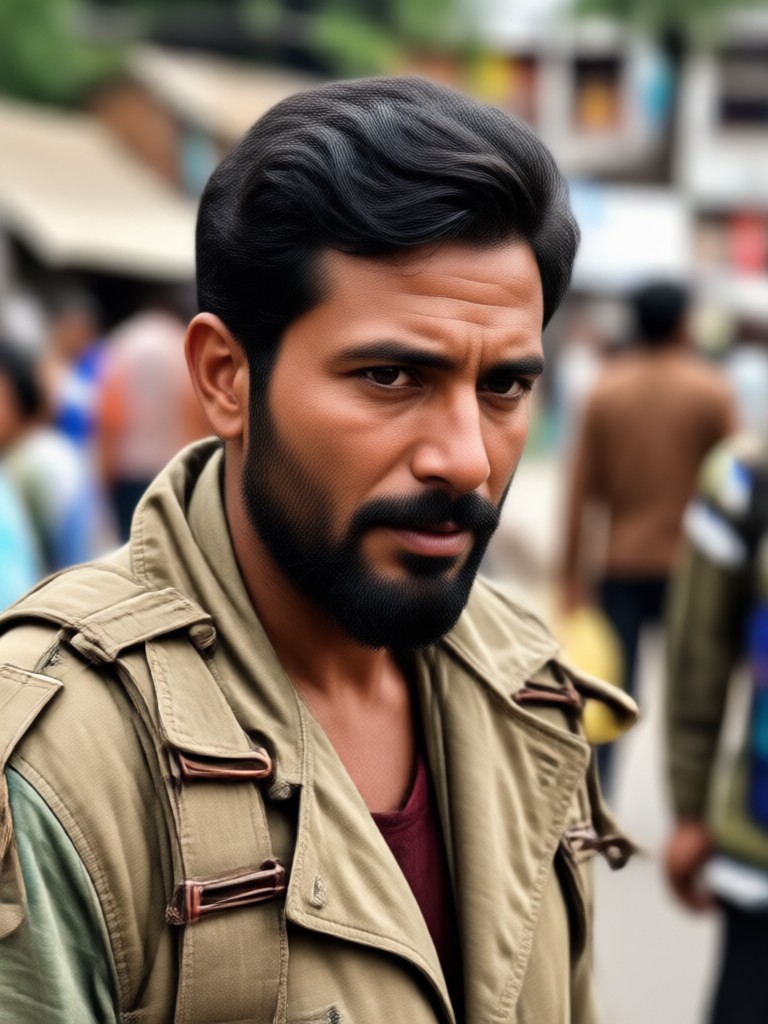
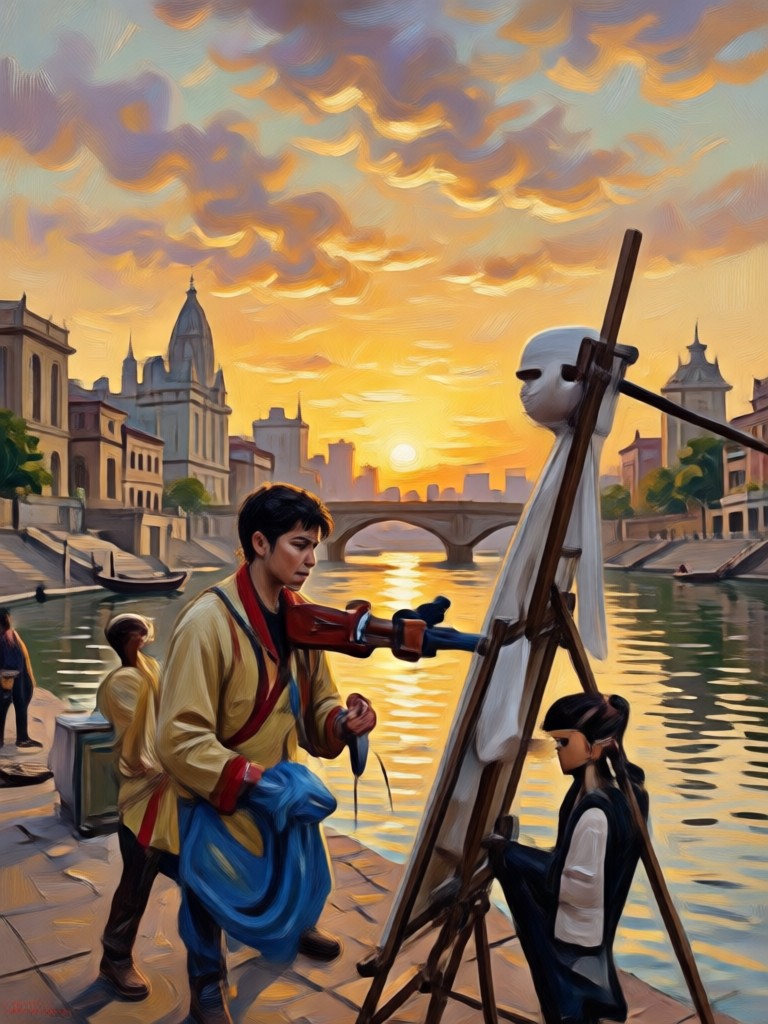
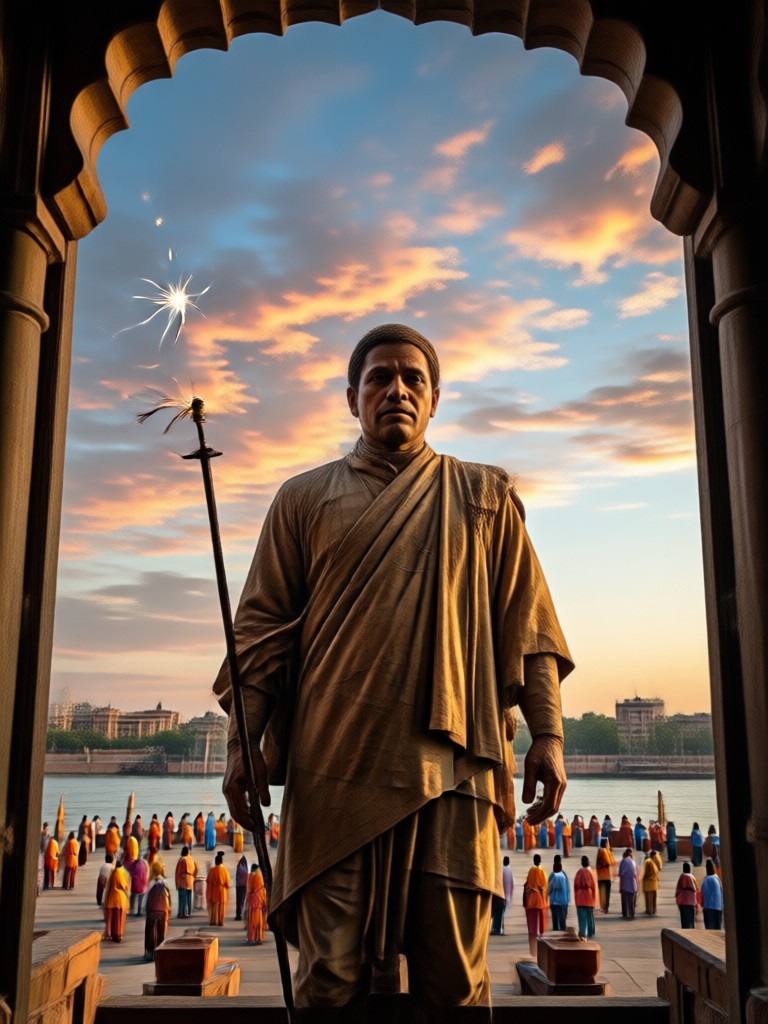
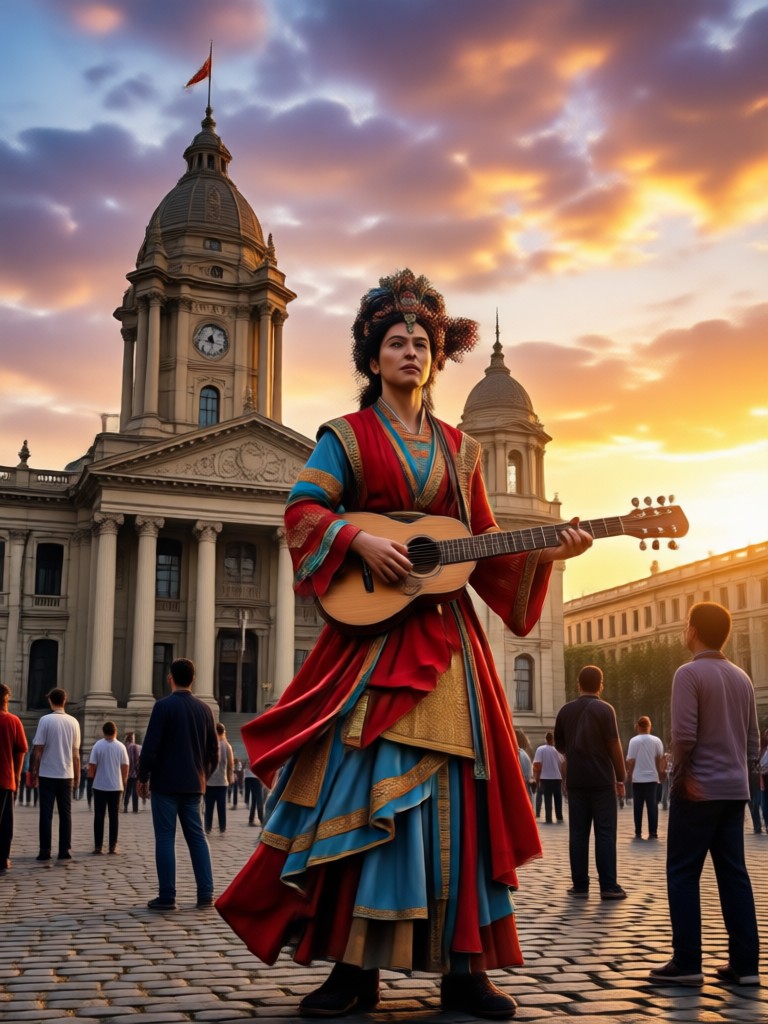
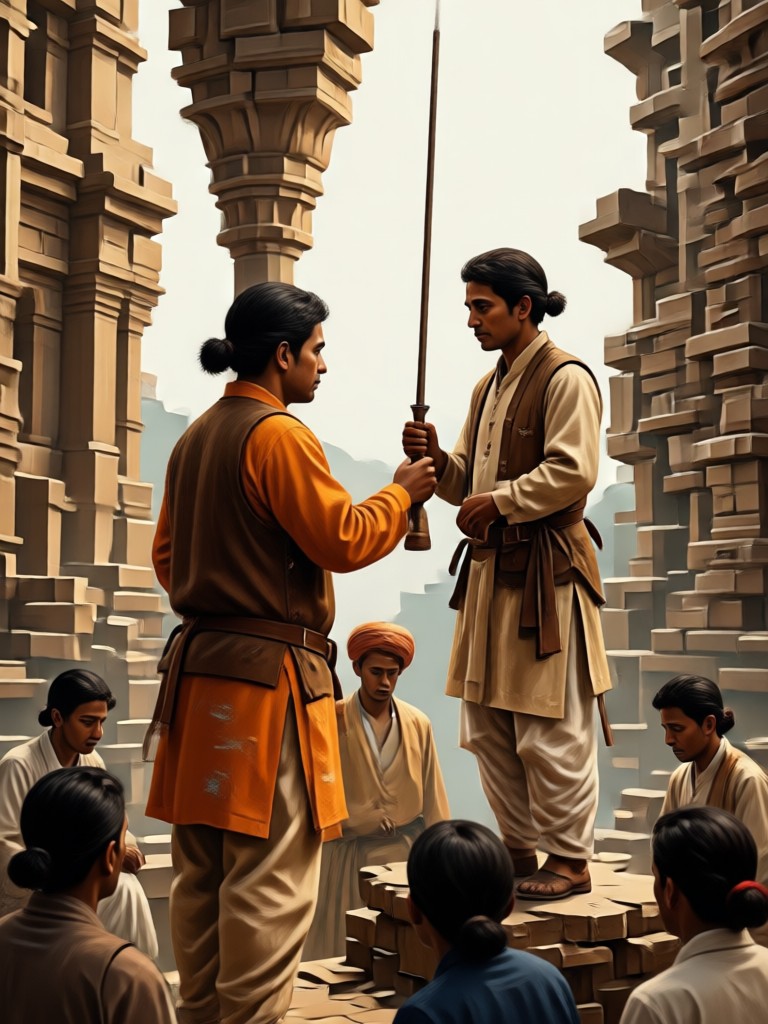
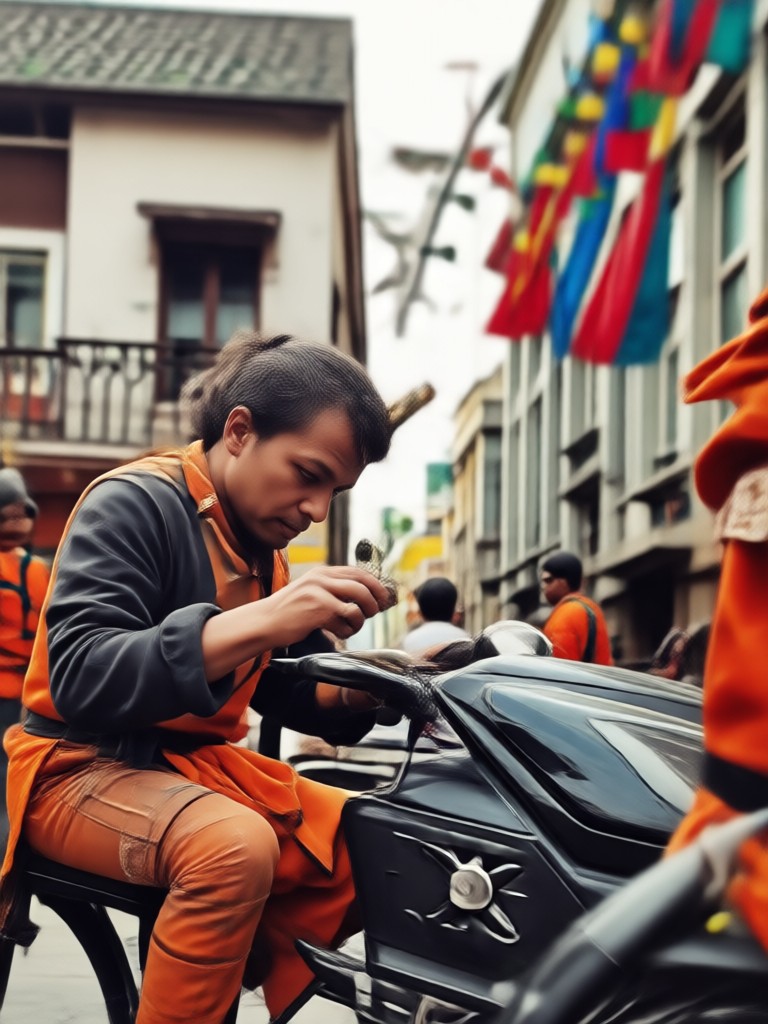
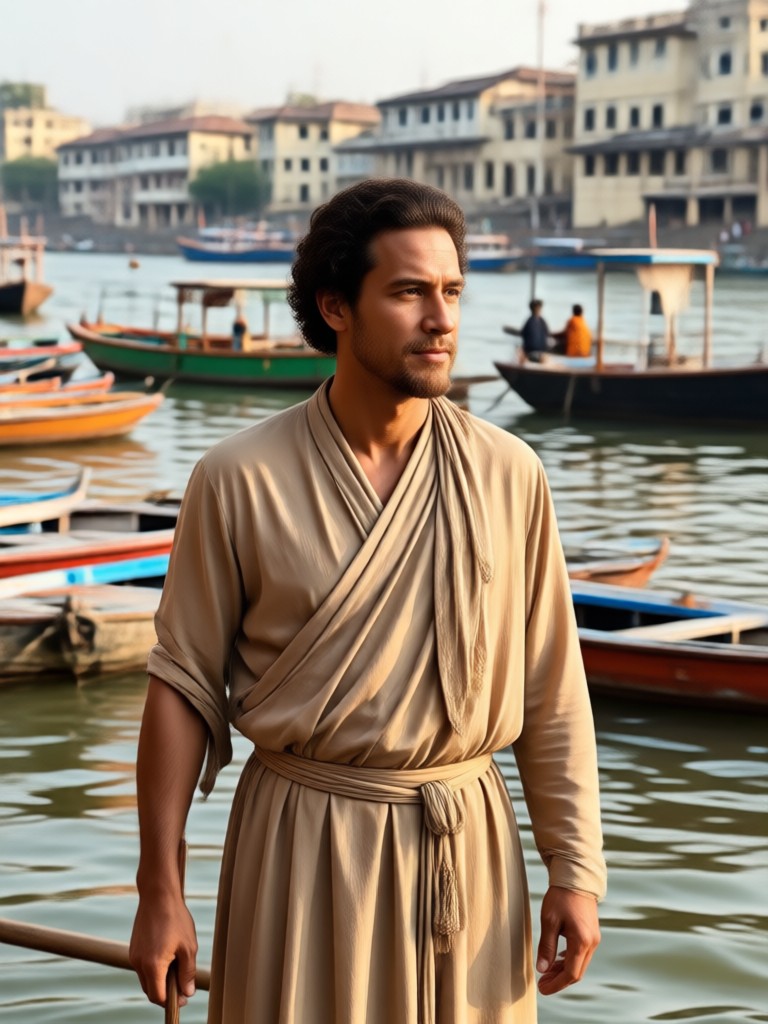
Ambedkar Photo Editing Results Gallery
See the variety of respectful and high quality images you can create with viyo.
How to Do Ambedkar Photo Editing?
Follow these three steps to create a respectful tribute image with viyo on your phone.

Step 01.
Download viyo from Google Play and open the app on your Android device to get started.

Step 02.
Upload a clear photo and choose a tribute filter, poster template, or specific style for your edit.

Step 03.
Generate the image and download the high resolution result for sharing on social media or printing.
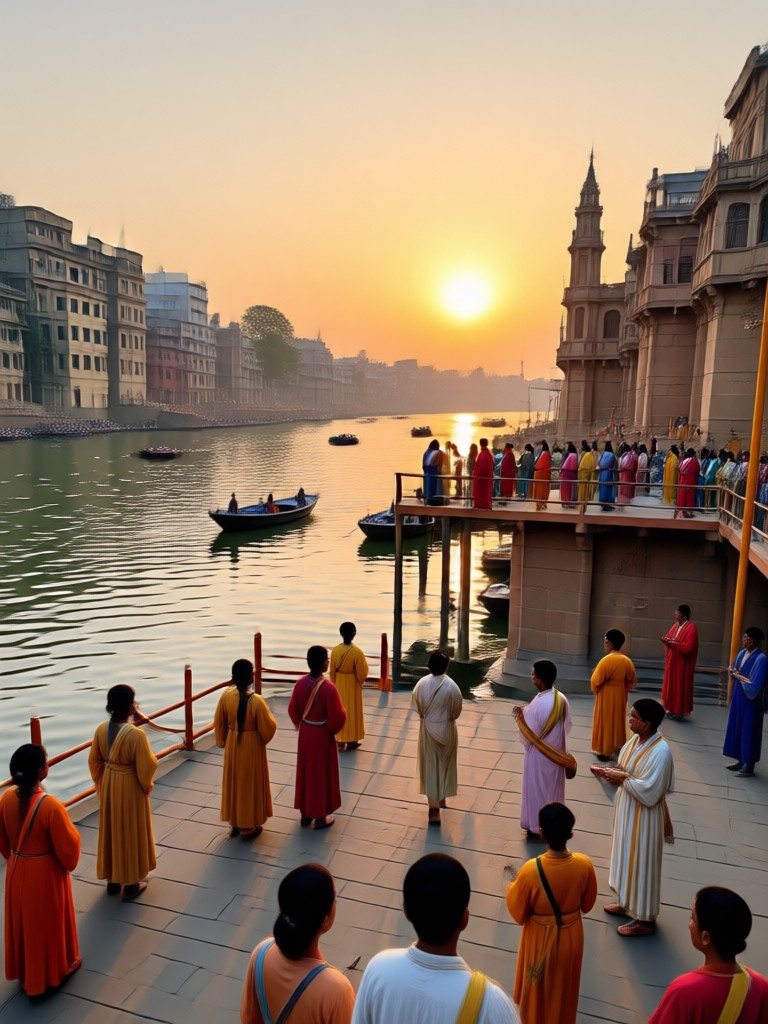
Ambedkar Photo Editing on Android
No computer needed. Use viyo on your phone to create Ambedkar tribute images anywhere, anytime.

Who Uses Ambedkar Photo Editing
Rohan Patil
I needed a clean Ambedkar image for our college event banner. The AI removed the messy background and gave it a professional finish in one try.
Sneha Kulkarni
Creating a Jayanti post used to take an hour in other apps. With viyo, I had four different designs ready in ten minutes.

Amit Deshmukh
The vintage filter looks amazing on old photos. It sharpened the face and kept the historic feel intact without making it look fake.
Kavita More
We printed a large banner for our housing society using a viyo edit. The resolution was high enough that it did not pixelate at all.
Rohan Patil
I needed a clean Ambedkar image for our college event banner. The AI removed the messy background and gave it a professional finish in one try.
Sneha Kulkarni
Creating a Jayanti post used to take an hour in other apps. With viyo, I had four different designs ready in ten minutes.
Amit Deshmukh
The vintage filter looks amazing on old photos. It sharpened the face and kept the historic feel intact without making it look fake.
Kavita More
We printed a large banner for our housing society using a viyo edit. The resolution was high enough that it did not pixelate at all.
Rohan Patil
I needed a clean Ambedkar image for our college event banner. The AI removed the messy background and gave it a professional finish in one try.
Sneha Kulkarni
Creating a Jayanti post used to take an hour in other apps. With viyo, I had four different designs ready in ten minutes.
Amit Deshmukh
The vintage filter looks amazing on old photos. It sharpened the face and kept the historic feel intact without making it look fake.
Kavita More
We printed a large banner for our housing society using a viyo edit. The resolution was high enough that it did not pixelate at all.
Frequently Asked Questions About Ambedkar Photo Editing
Quick answers to common questions about editing Ambedkar photos with viyo.
Ready to Create a Respectful Tribute?
Download viyo now and start your Ambedkar photo editing project in minutes.

Ready to Create a Respectful Tribute?
Download viyo now and start your Ambedkar photo editing project in minutes.