Emoji Remover From Picture
Choose the Filter That Suits You Best
Discover the filter that perfectly matches your photo cleanup needs.
Key Features of AI Emoji Remover
Clean up your photos with precision and ease. Here is what makes our emoji removal tool stand out.
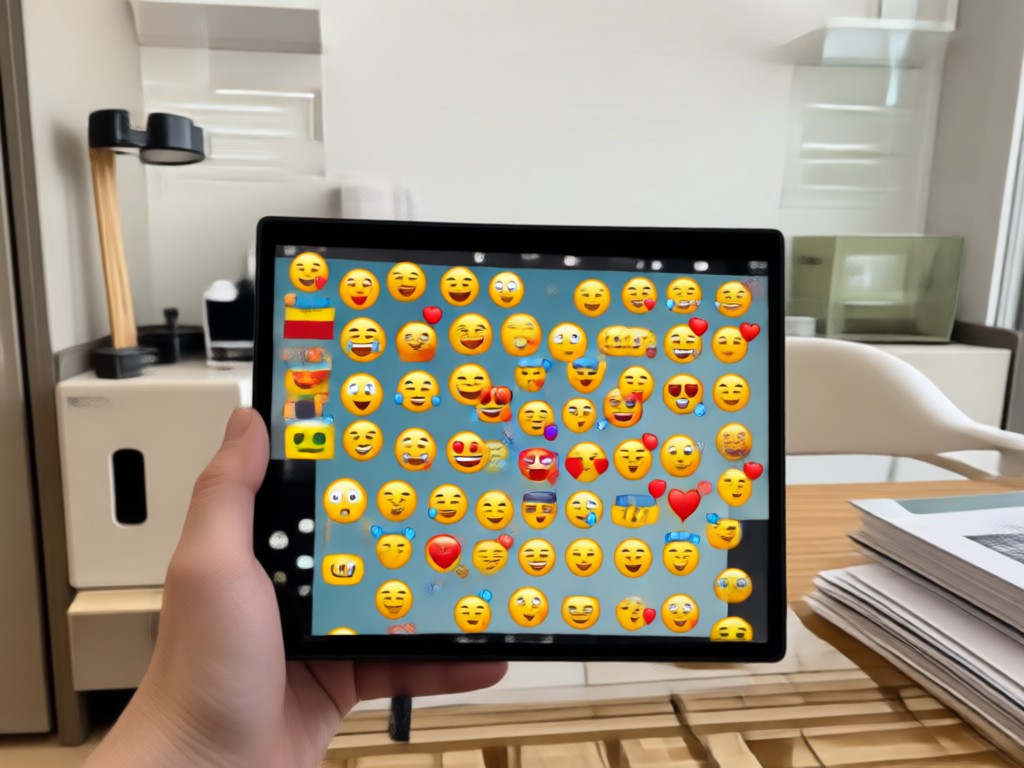
One-Tap Emoji Removal
Simply tap the emoji you want to remove and the AI handles the rest. No manual brushing or complex selections needed. The tool automatically detects emoji boundaries and erases them cleanly in seconds. Perfect for quick fixes on selfies, group photos, and screenshots. Your photo looks natural, not edited.
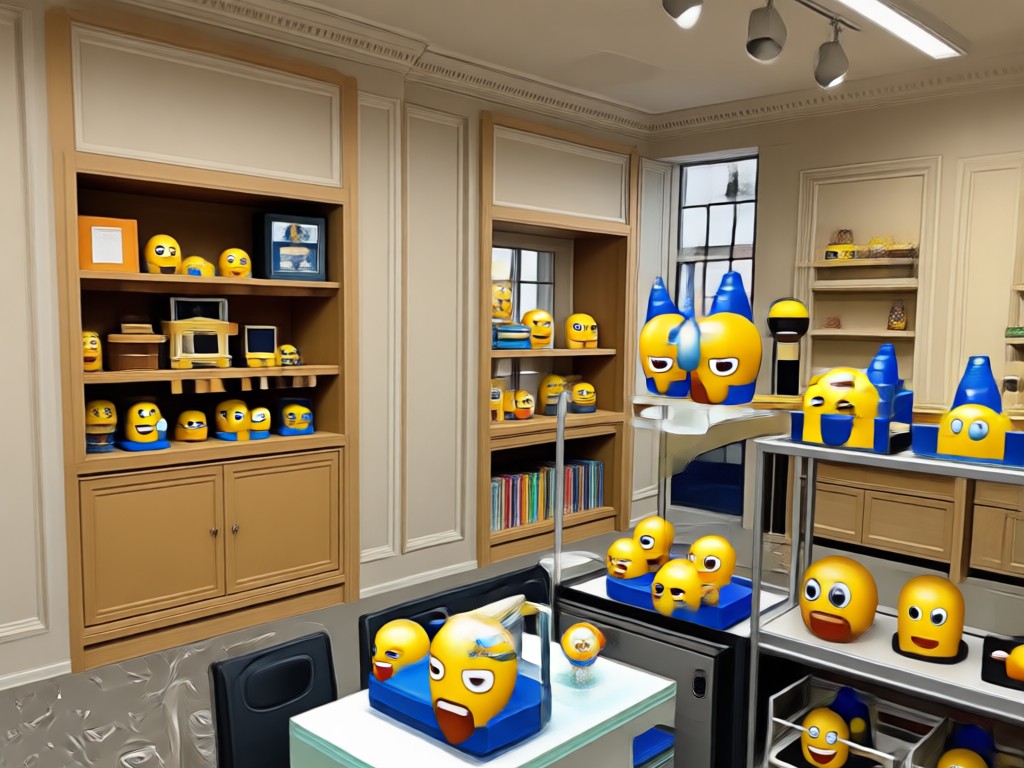
Smart Background Restoration
The AI does more than just delete emoji stickers. It intelligently reconstructs the area behind each emoji, filling in skin, clothing, furniture, or scenery based on the surrounding pixels. The result looks like the emoji was never there. Even complex backgrounds like textured walls or busy environments get a seamless restoration.
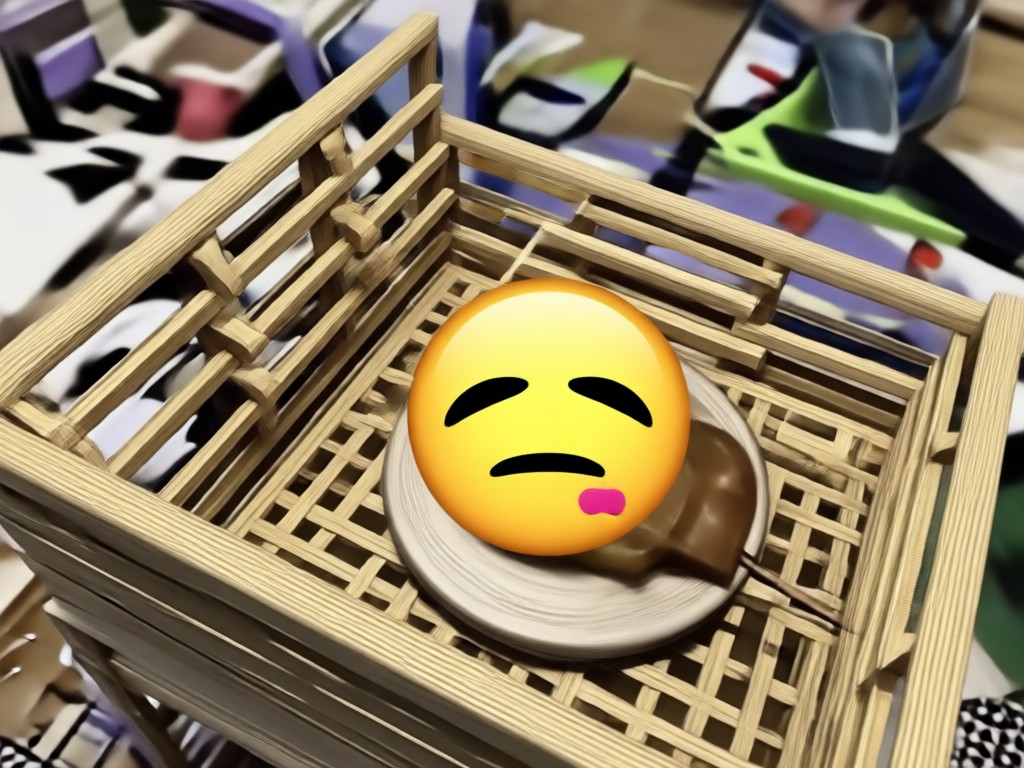
High-Resolution Output
Your cleaned image keeps its original sharpness and detail. No blurry patches, no pixelated areas, and no visible edit marks. The AI works at full resolution so you can confidently share your photos on social media, print them, or use them professionally. Quality is never sacrificed for speed.
How to Remove Emojis From a Picture?
Clean up your photos in just three simple steps using the viyo app.

Step 01.
Download the viyo app from Google Play and open the Emoji Remover tool.
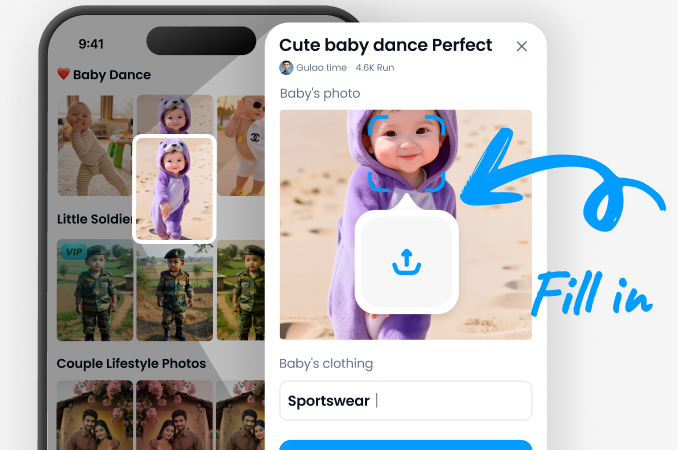
Step 02.
Upload your picture and tap on the emoji stickers you want to erase.
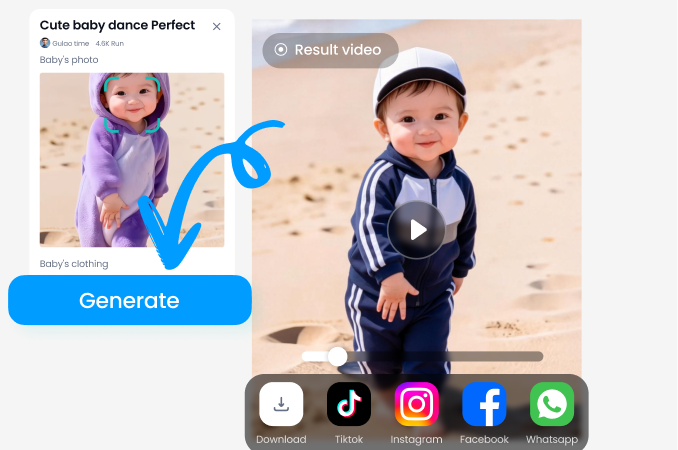
Step 03.
Let the AI restore the area and download your clean, emoji-free photo instantly.
Real Examples: Emoji Removal Results
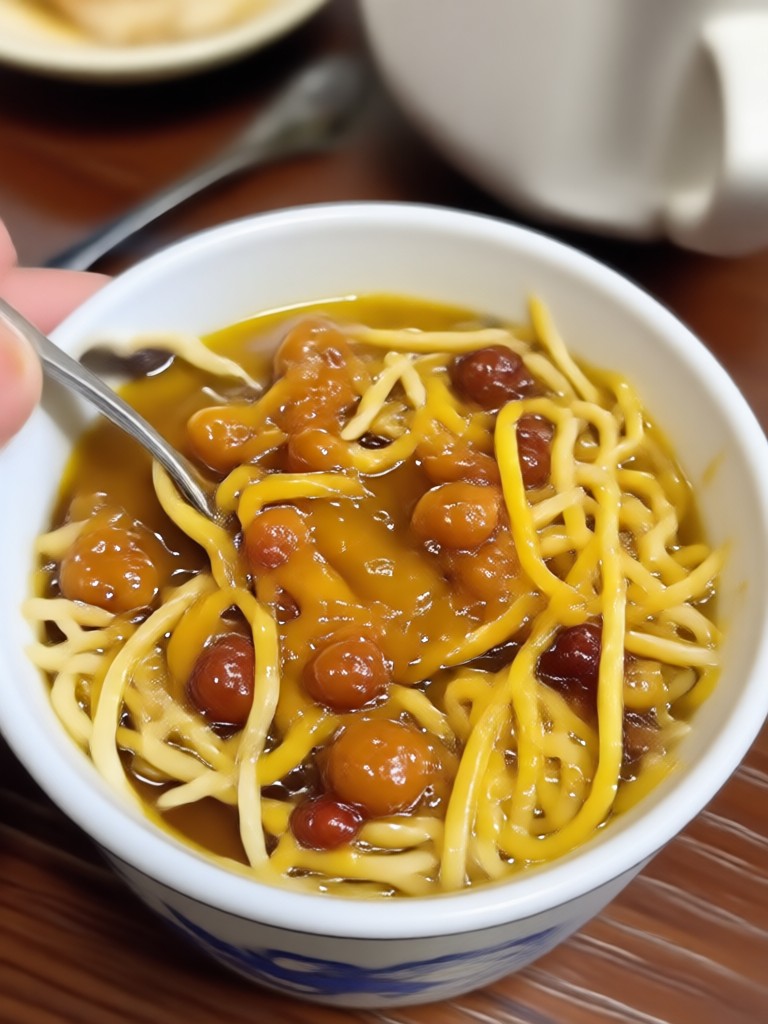
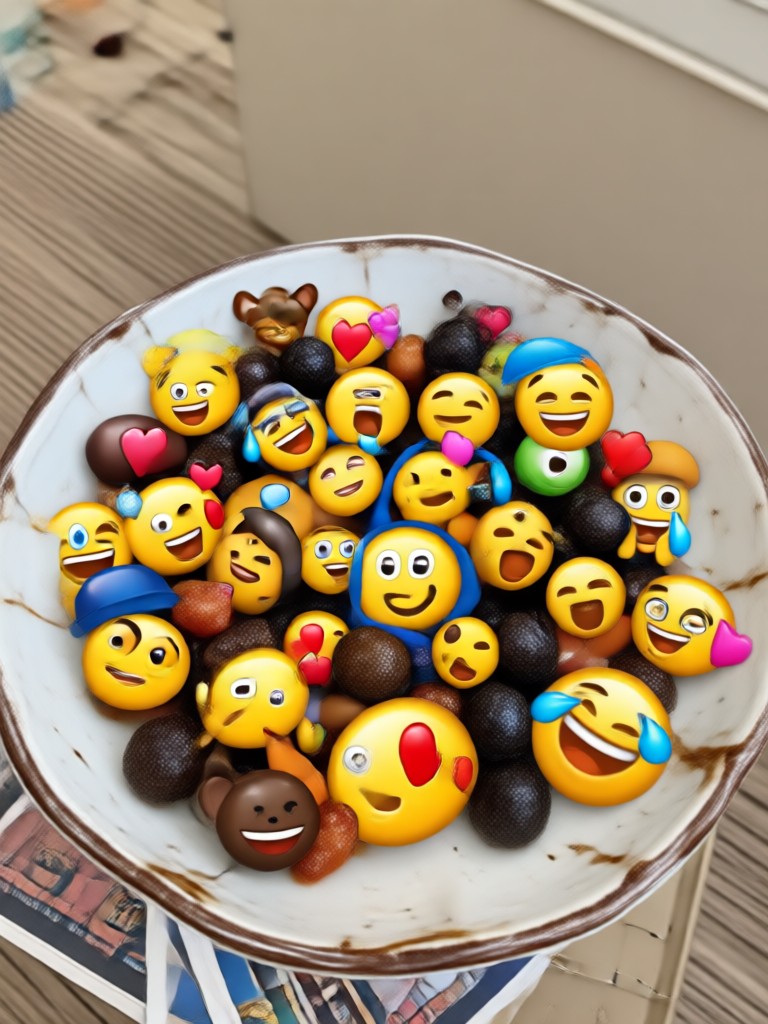
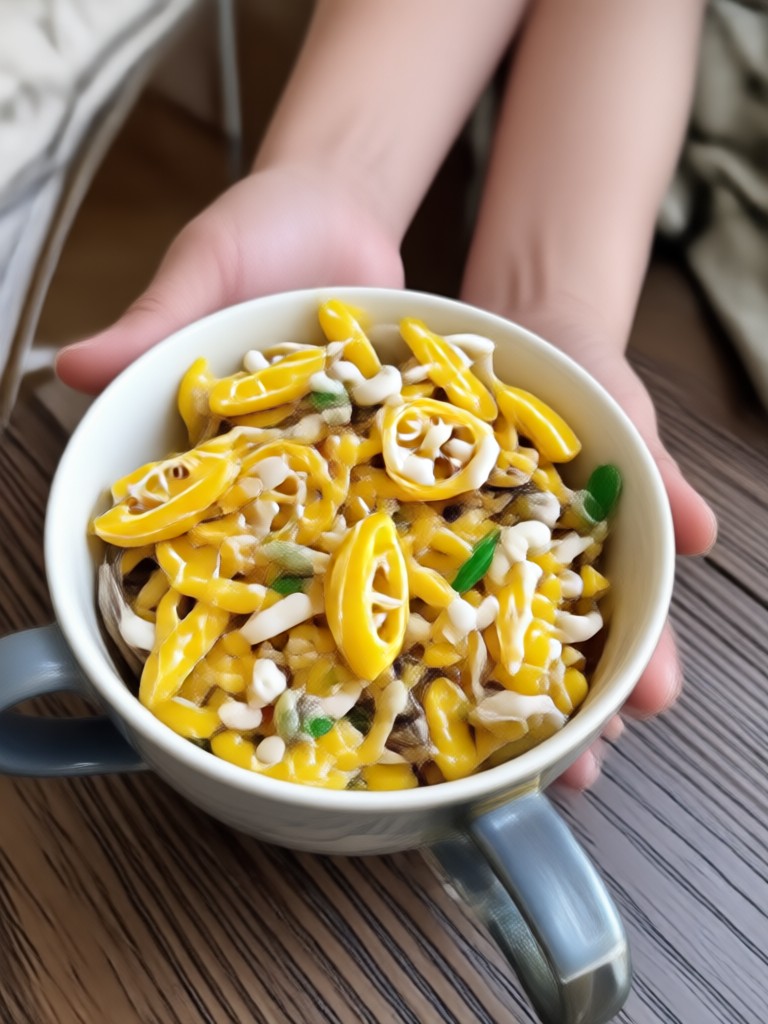
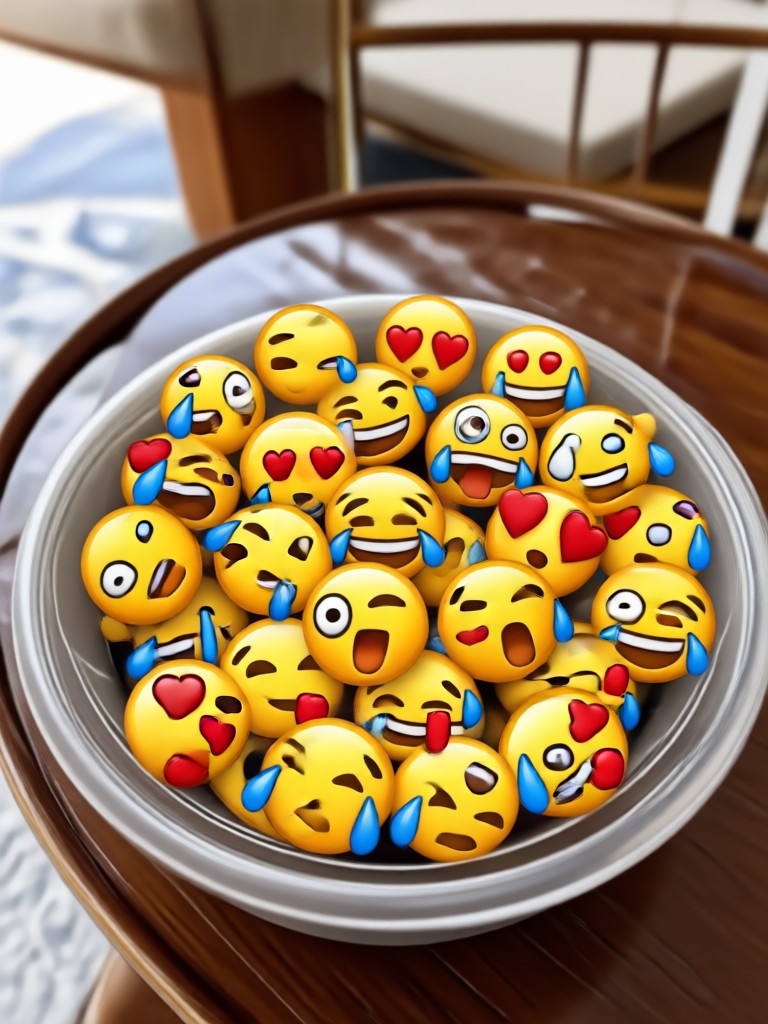
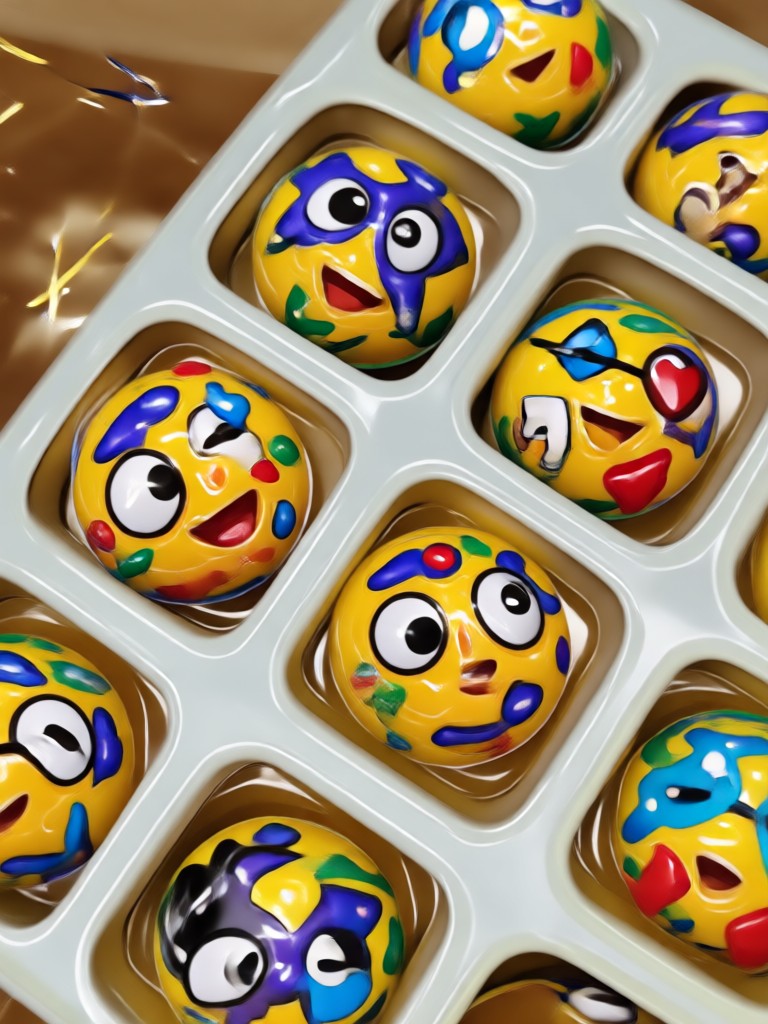
See how our AI removes emojis from pictures and restores the original image underneath. From single emoji stickers to full photo overlays, the results are clean, natural, and ready to share.
Who Uses Emoji Remover From Picture

Maya Chen
I repost client photos for social media campaigns, but they often have emoji stickers from previous posts. This tool removes them cleanly so the images look fresh and professional.

Jordan Patel
I used to spend 20 minutes in Photoshop cloning out emojis from collabs and reposts. Now I tap, wait, and it is done. The background restoration is shockingly accurate.

Priya Raman
For my online store photos, I often receive supplier images with emoji or watermark stickers. This app removes them without degrading the product image quality. Sales photos look clean now.

Alex Turner
My friend sent a group picture with a heart emoji covering my face as a joke. I used viyo to remove it and my face was fully restored. I could not believe the result.
Maya Chen
I repost client photos for social media campaigns, but they often have emoji stickers from previous posts. This tool removes them cleanly so the images look fresh and professional.
Jordan Patel
I used to spend 20 minutes in Photoshop cloning out emojis from collabs and reposts. Now I tap, wait, and it is done. The background restoration is shockingly accurate.
Priya Raman
For my online store photos, I often receive supplier images with emoji or watermark stickers. This app removes them without degrading the product image quality. Sales photos look clean now.
Alex Turner
My friend sent a group picture with a heart emoji covering my face as a joke. I used viyo to remove it and my face was fully restored. I could not believe the result.
Frequently Asked Questions About Emoji Remover
Get quick answers to common questions about removing emojis from pictures with AI.
More Topics You May Like
Explore more topics you may like and discover fresh ideas tailored to your interests.
Ambedkar Photo Editing: Create Tribute Images in Style
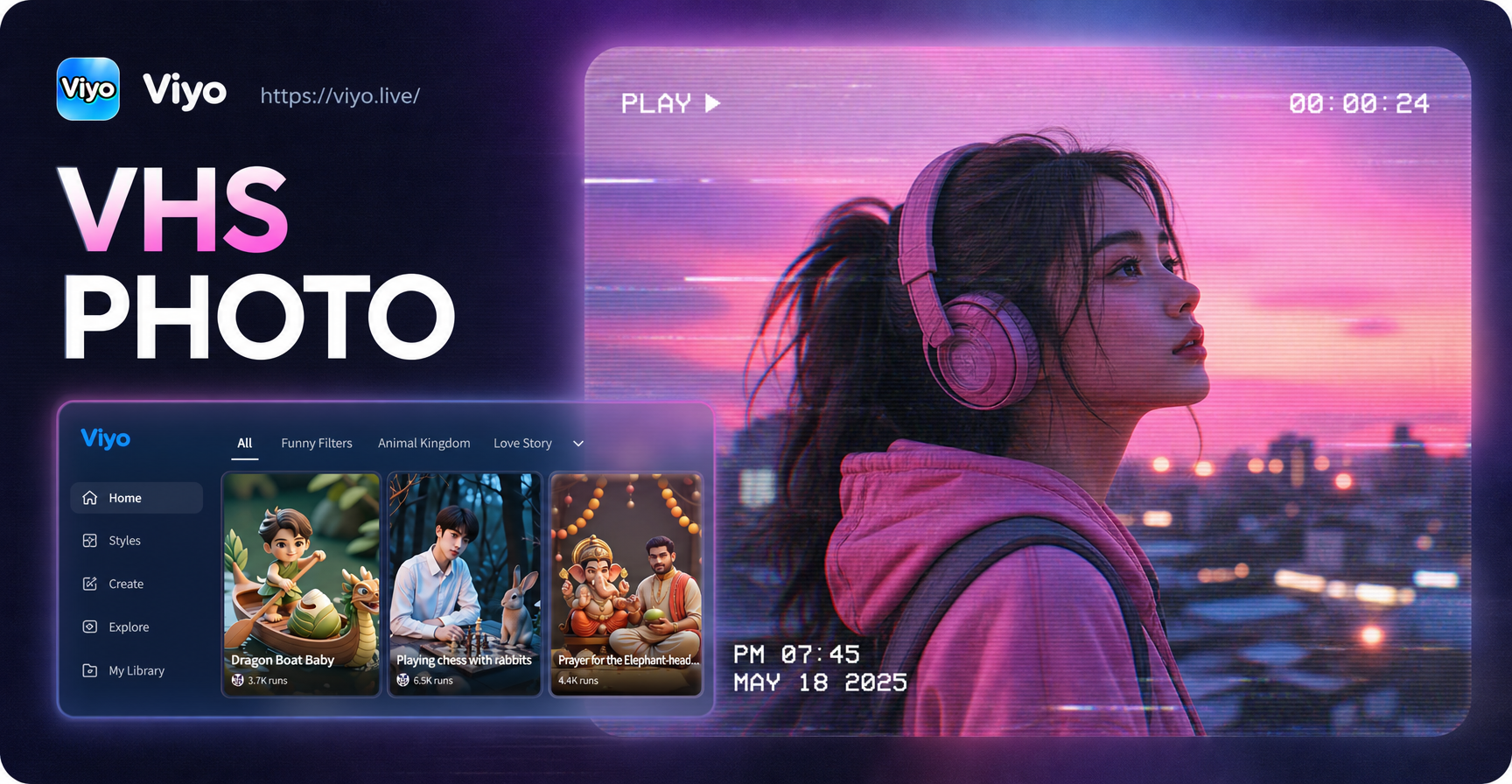
VHS Photo Effect: Transform Images with Retro VHS Look
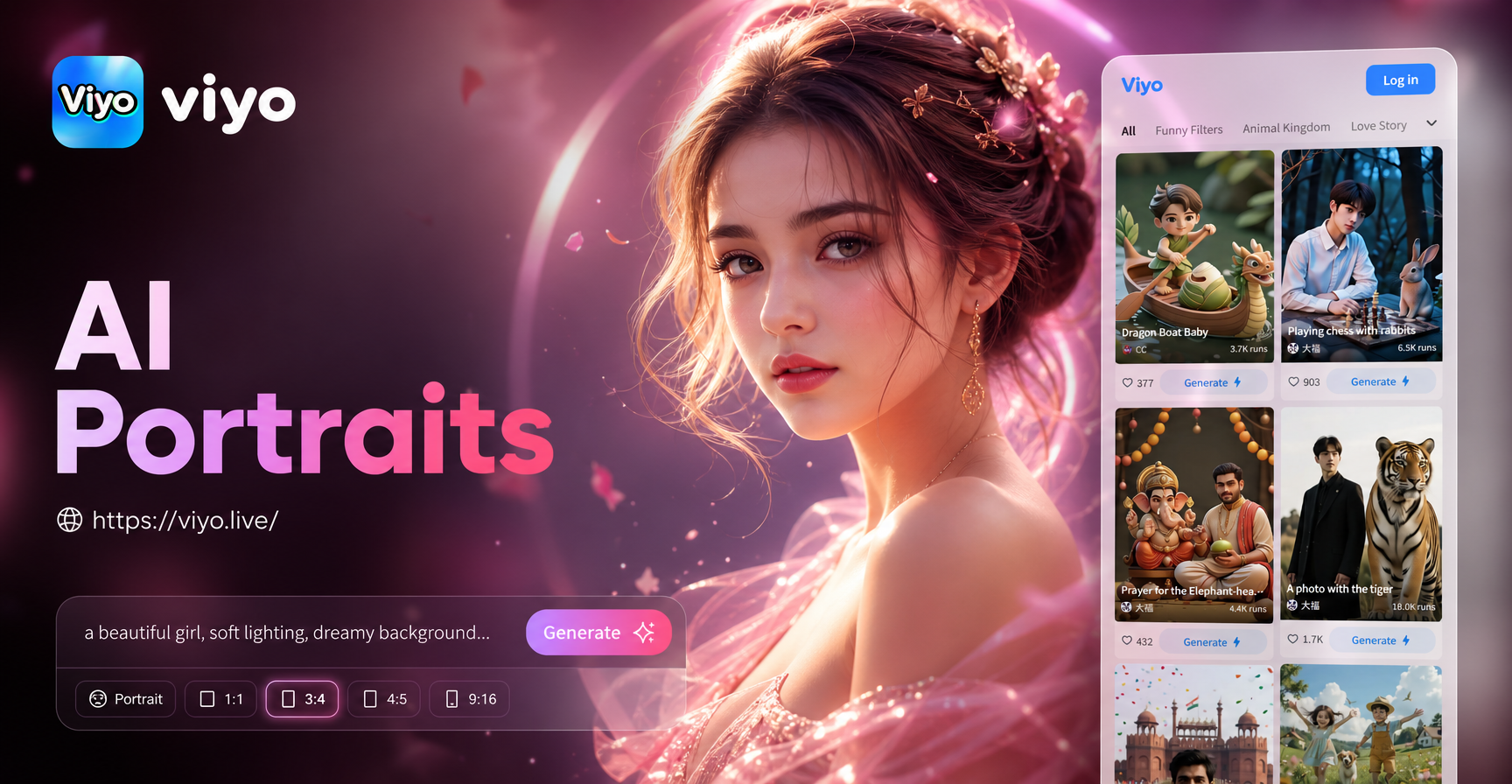
Portrait AI Image Generator: Turn Photos into Art
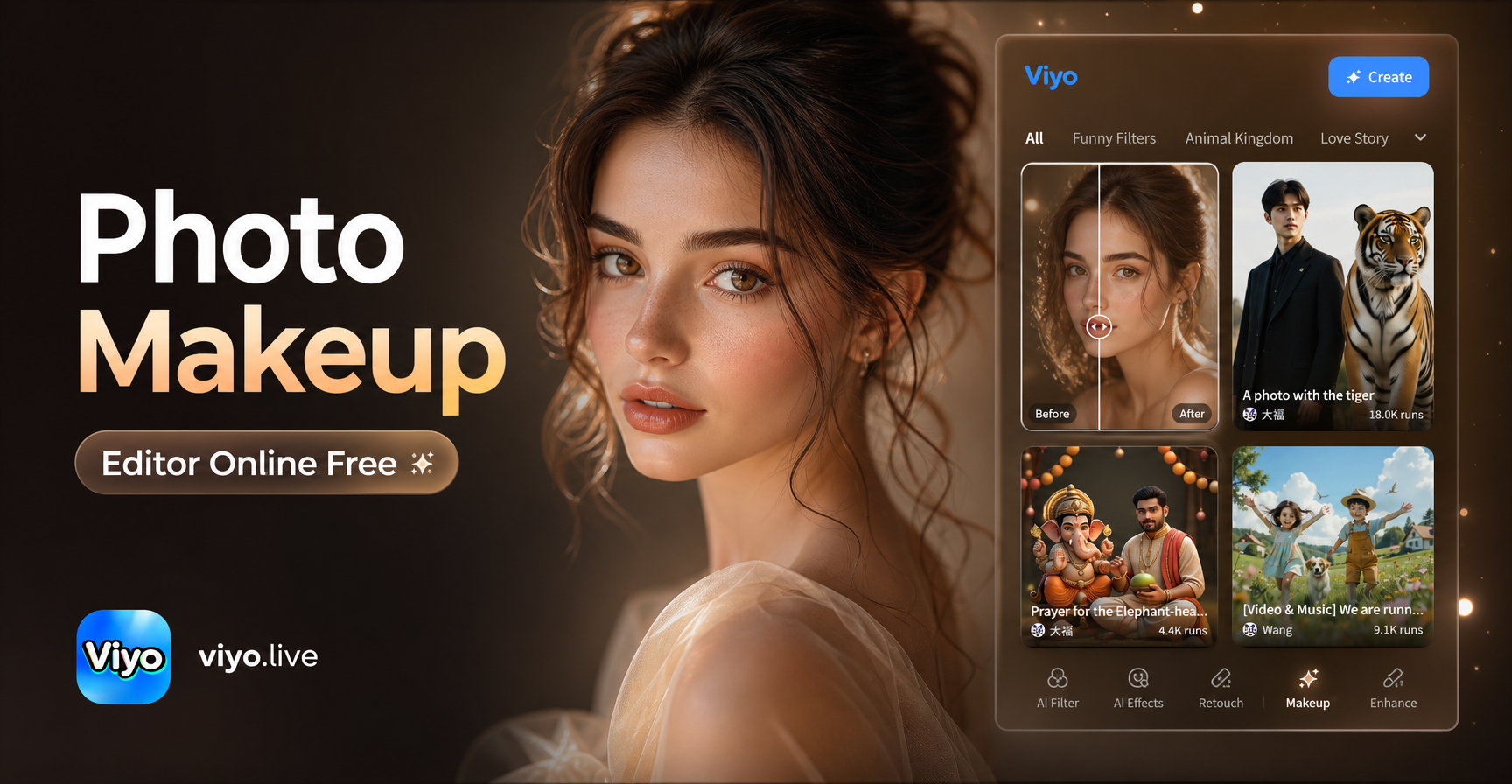
Get a Flawless Look with Free AI Photo Makeup
Ambedkar Photo Editing: Create Tribute Images in Style
VHS Photo Effect: Transform Images with Retro VHS Look
Portrait AI Image Generator: Turn Photos into Art
Get a Flawless Look with Free AI Photo Makeup
Remove Emojis From Pictures Instantly
Clean up your photos in seconds with AI. Download viyo now and get emoji-free, natural-looking pictures ready to share anywhere.

Remove Emojis From Pictures Instantly
Clean up your photos in seconds with AI. Download viyo now and get emoji-free, natural-looking pictures ready to share anywhere.