Convert Video WMV to MP4
Pick an AI Video Style for Your WMV Clip
Browse popular filters that revive old WMV videos, smooth motion, and turn clips into share ready MP4 files.
Why Convert WMV to MP4 with viyo
viyo combines video format change with AI powered enhancement, so your WMV files become modern MP4 clips without losing their original feel.
Old Video Revival
Breathe new life into WMV files by smoothing motion, reducing noise, and restoring faded details. The result is a crisp MP4 that looks like it was filmed today.
Old Video Revival
Breathe new life into WMV files by smoothing motion, reducing noise, and restoring faded details. The result is a crisp MP4 that looks like it was filmed today.
One Tap Style Transfer
Turn a plain WMV video into an anime scene, Ghibli artwork, or cinematic film with one tap. Keep the subject recognizable while the AI transforms the style.
One Tap Style Transfer
Turn a plain WMV video into an anime scene, Ghibli artwork, or cinematic film with one tap. Keep the subject recognizable while the AI transforms the style.
Share Ready MP4 Output
Export your converted video in MP4 format with HD quality. No watermark clutter, no complicated settings, just a file that plays everywhere you share it.
Share Ready MP4 Output
Export your converted video in MP4 format with HD quality. No watermark clutter, no complicated settings, just a file that plays everywhere you share it.
How to Convert Video WMV to MP4
Three simple steps to turn your WMV files into polished MP4 videos with viyo.

Step 01.
Download viyo from Google Play and open the app on your Android phone.
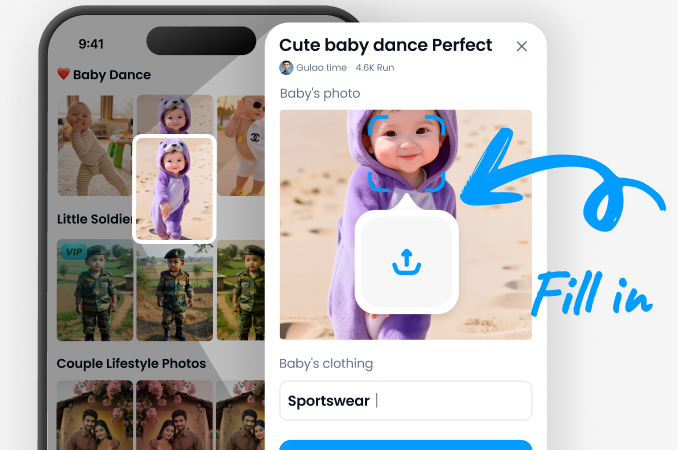
Step 02.
Upload your WMV video and choose an AI style template that fits your clip, from realistic upscaling to artistic animation.
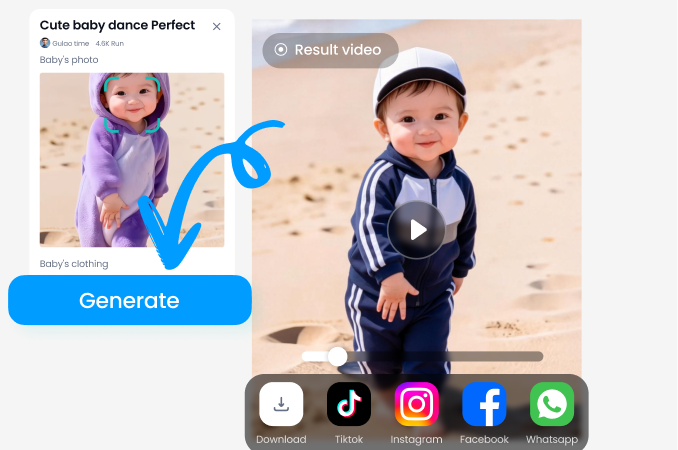
Step 03.
Generate your new video and save it as an MP4 ready to share on social media or with friends.
AI WMV to MP4 Conversion Examples
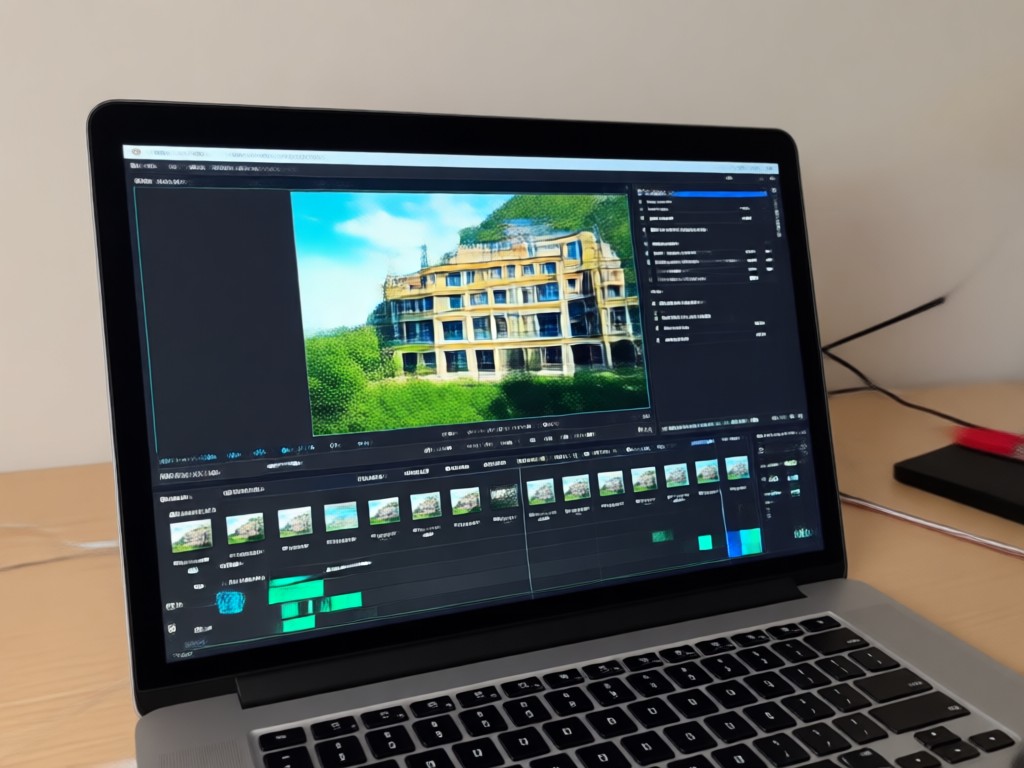
See how old WMV clips become smooth, stylish MP4 videos after processing with viyo. Each example uses a different built in template, from realistic enhancement to anime and cinematic looks.
Why Choose viyo for Video Format Change
viyo removes the usual roadblocks of WMV to MP4 conversion. You get a mobile app with one million plus style filters, automatic AI enhancement, and fast export. The interface is built for beginners, but the output quality satisfies creators.
Why Choose viyo for Video Format Change
viyo removes the usual roadblocks of WMV to MP4 conversion. You get a mobile app with one million plus style filters, automatic AI enhancement, and fast export. The interface is built for beginners, but the output quality satisfies creators.
Who Uses AI Video Format Conversion

Maya Chen
I had old family videos in WMV that would not play on my phone. viyo converted them to MP4 and the AI cleanup made faces sharper. Easy enough for anyone.

Jordan Lee
I upload short WMV clips from my old camera and turn them into anime style MP4 shorts. The style transfer is consistent and the export looks professional.

Priya Sharma
No desktop converter needed. I open viyo, upload the WMV, choose a cinematic style, and get an MP4 ready for Instagram Reels in under a minute.

Tom Alvarez
The old video revival filter is impressive. My low resolution WMV footage became smooth HD MP4 with better contrast and zero motion blur.
Maya Chen
I had old family videos in WMV that would not play on my phone. viyo converted them to MP4 and the AI cleanup made faces sharper. Easy enough for anyone.
Jordan Lee
I upload short WMV clips from my old camera and turn them into anime style MP4 shorts. The style transfer is consistent and the export looks professional.
Priya Sharma
No desktop converter needed. I open viyo, upload the WMV, choose a cinematic style, and get an MP4 ready for Instagram Reels in under a minute.
Tom Alvarez
The old video revival filter is impressive. My low resolution WMV footage became smooth HD MP4 with better contrast and zero motion blur.
Frequently Asked Questions About WMV to MP4
Find clear answers to common questions about converting WMV videos to MP4 and using viyo for AI video enhancement.
More Topics You May Like
Explore more topics you may like and discover fresh ideas tailored to your interests.

Emoji Remover From Picture: Clean Your Photos With AI
Remove emojis from pictures in seconds with AI. Upload a photo, erase unwanted emoji stickers, and restore the image underneath. Get clean, natural results.
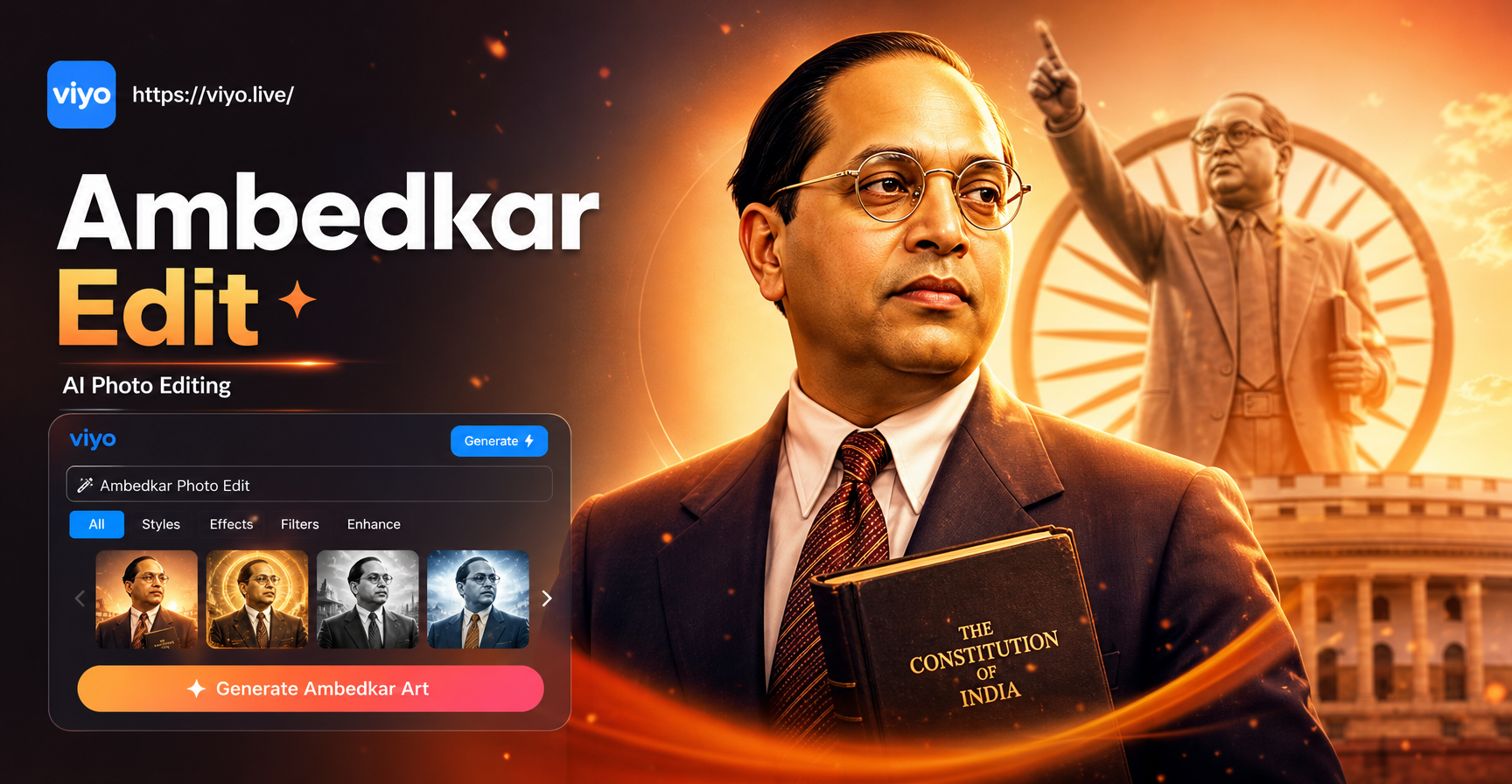
Ambedkar Photo Editing: Create Tribute Images in Style
Try Ambedkar photo editing with AI. Upload any photo, apply respectful tribute styles, and create high quality images for posters and social media.
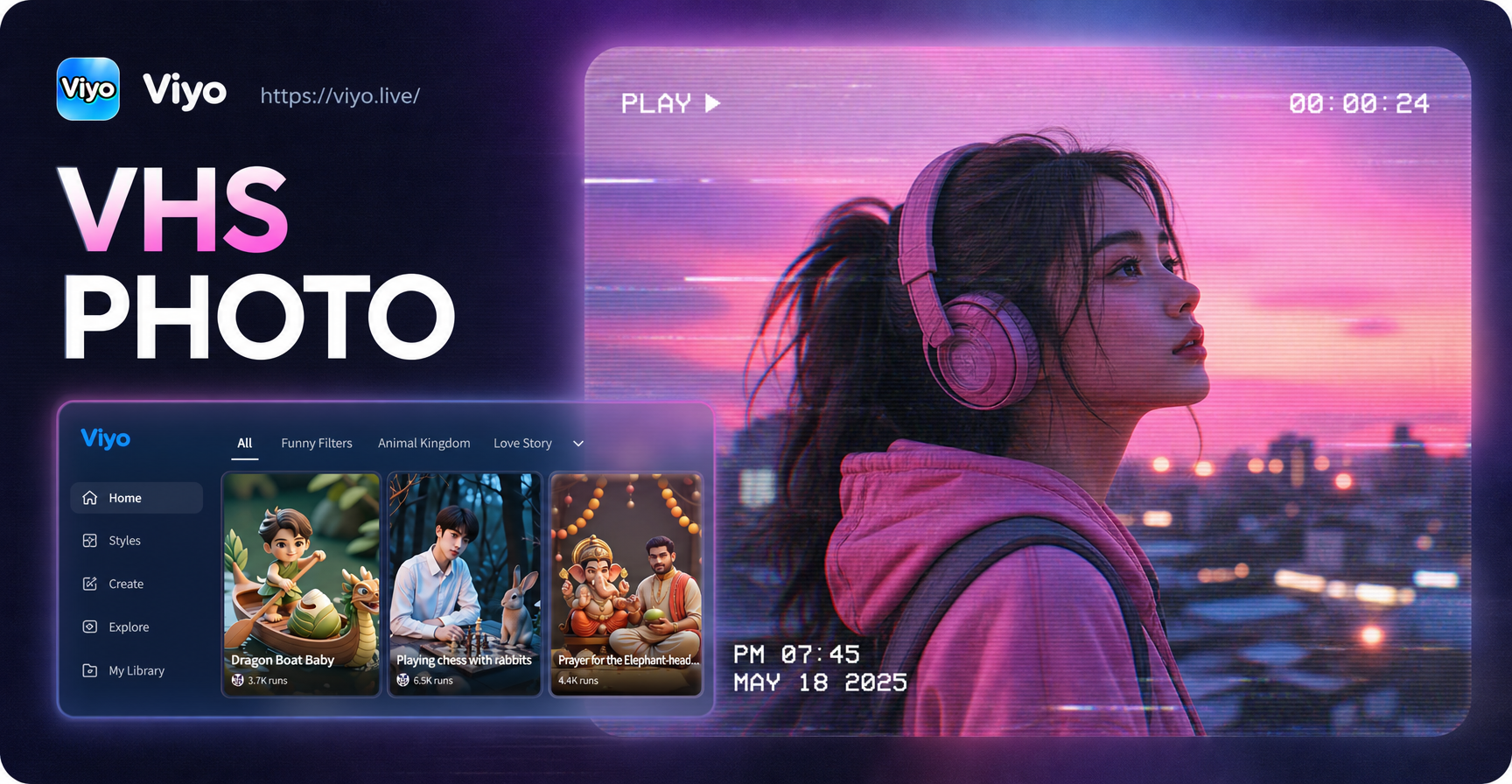
VHS Photo Effect: Transform Images with Retro VHS Look
Turn photos into retro VHS style with viyo. Add VHS filters, scanlines, date stamps, and glitch effects. Download the app and create VHS aesthetic images in seconds.
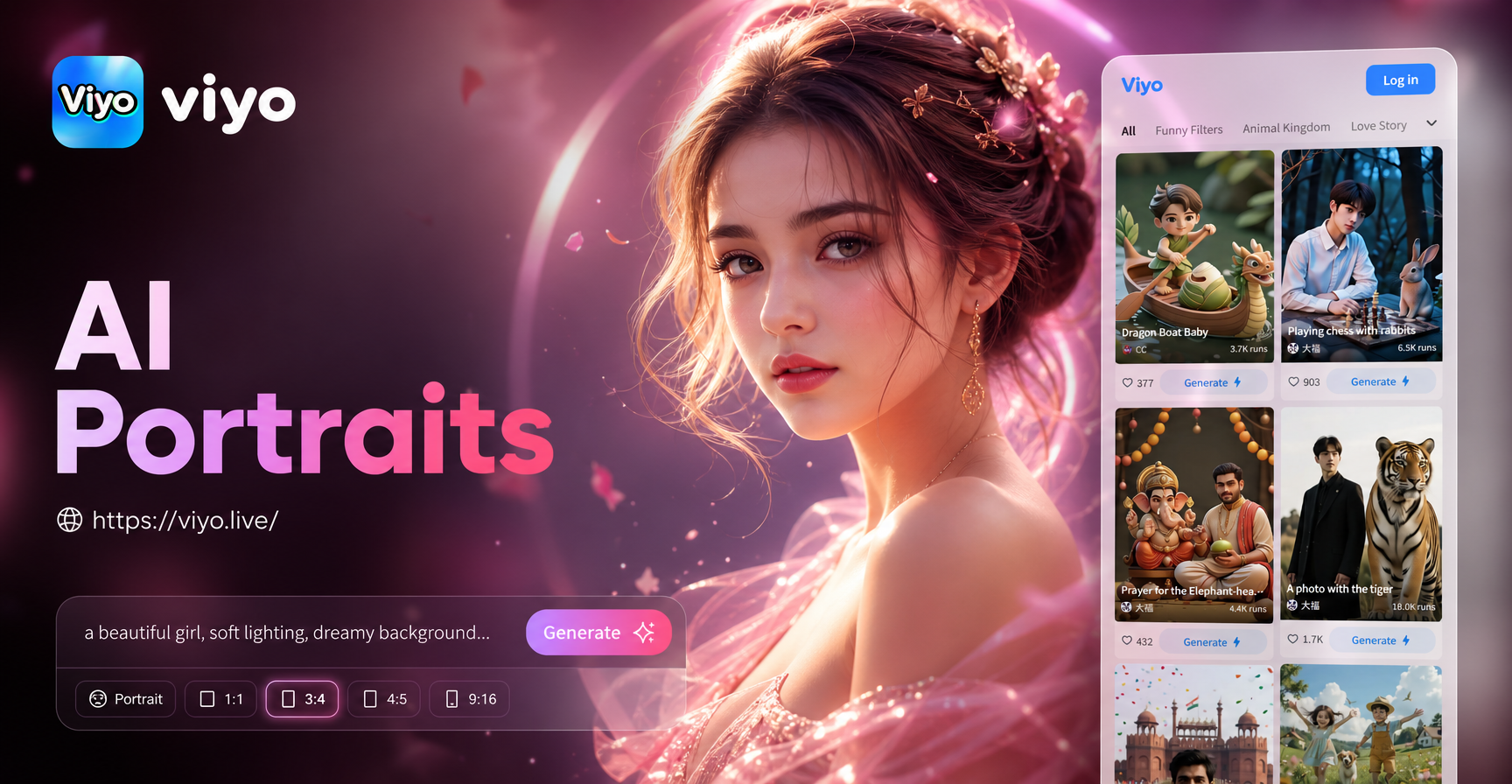
Portrait AI Image Generator: Turn Photos into Art
Turn photos into stunning portraits with the Portrait AI Image Generator app. Choose from 1M+ styles like realistic, anime, watercolor, and cyberpunk. Create in seconds.
Ready to Convert Video WMV to MP4?
Download viyo and turn old WMV files into smooth MP4 videos with AI style filters. Start creating today.

Ready to Convert Video WMV to MP4?
Download viyo and turn old WMV files into smooth MP4 videos with AI style filters. Start creating today.