Remove Object Video

Top AI Filters for Video Object Removal
Discover specialized filters designed to clean up your videos by removing unwanted objects, texts, logos, and more. Choose from multiple AI powered options that deliver seamless results while preserving original video quality.
Key Features of Remove Object Video AI
viyo provides an intuitive suite of AI tools that make object removal from videos easier than ever. Here are the core capabilities that set our app apart from traditional editing software.
Precision Object Detection
viyo automatically identifies objects, people, and text in your video frames. Simply tap the area you want to remove, and the AI understands the entire object boundary. Perfect for cleaning up busy scenes or removing photobombers.
Precision Object Detection
viyo automatically identifies objects, people, and text in your video frames. Simply tap the area you want to remove, and the AI understands the entire object boundary. Perfect for cleaning up busy scenes or removing photobombers.
Seamless Background Filling
After objects are removed, viyo's AI reconstructs the background with realistic textures and lighting. The result looks natural, with no visible smudges or artifacts. Ideal for professional looking edits without time consuming manual work.
Seamless Background Filling
After objects are removed, viyo's AI reconstructs the background with realistic textures and lighting. The result looks natural, with no visible smudges or artifacts. Ideal for professional looking edits without time consuming manual work.

High Quality Video Output
Export your cleaned videos in high resolution without sacrificing quality. viyo preserves sharpness, color accuracy, and frame rate. Whether for social media, YouTube, or client work, your videos will look crisp and polished.
High Quality Video Output
Export your cleaned videos in high resolution without sacrificing quality. viyo preserves sharpness, color accuracy, and frame rate. Whether for social media, YouTube, or client work, your videos will look crisp and polished.
Object Removal Results Gallery
See real examples of videos cleaned with viyo. These before and after results show how our AI removes unwanted elements while keeping the rest of the scene intact. Get inspired and imagine what you can fix in your own footage.












Why Use viyo to Remove Objects from Videos?
Traditional video editing software requires complex masking, frame by frame tracking, and hours of manual work. viyo replaces that with one tap AI removal. Simply upload your video, mark the object, and let the app handle the rest. You get professional results on your phone, anywhere, without any learning curve.
Why Use viyo to Remove Objects from Videos?
Traditional video editing software requires complex masking, frame by frame tracking, and hours of manual work. viyo replaces that with one tap AI removal. Simply upload your video, mark the object, and let the app handle the rest. You get professional results on your phone, anywhere, without any learning curve.
How to Remove Objects from Videos with viyo
Follow these three simple steps to clean up your videos using viyo's AI object removal tool. No experience needed, just download the app and start editing.

Remove Objects from Videos on the Go
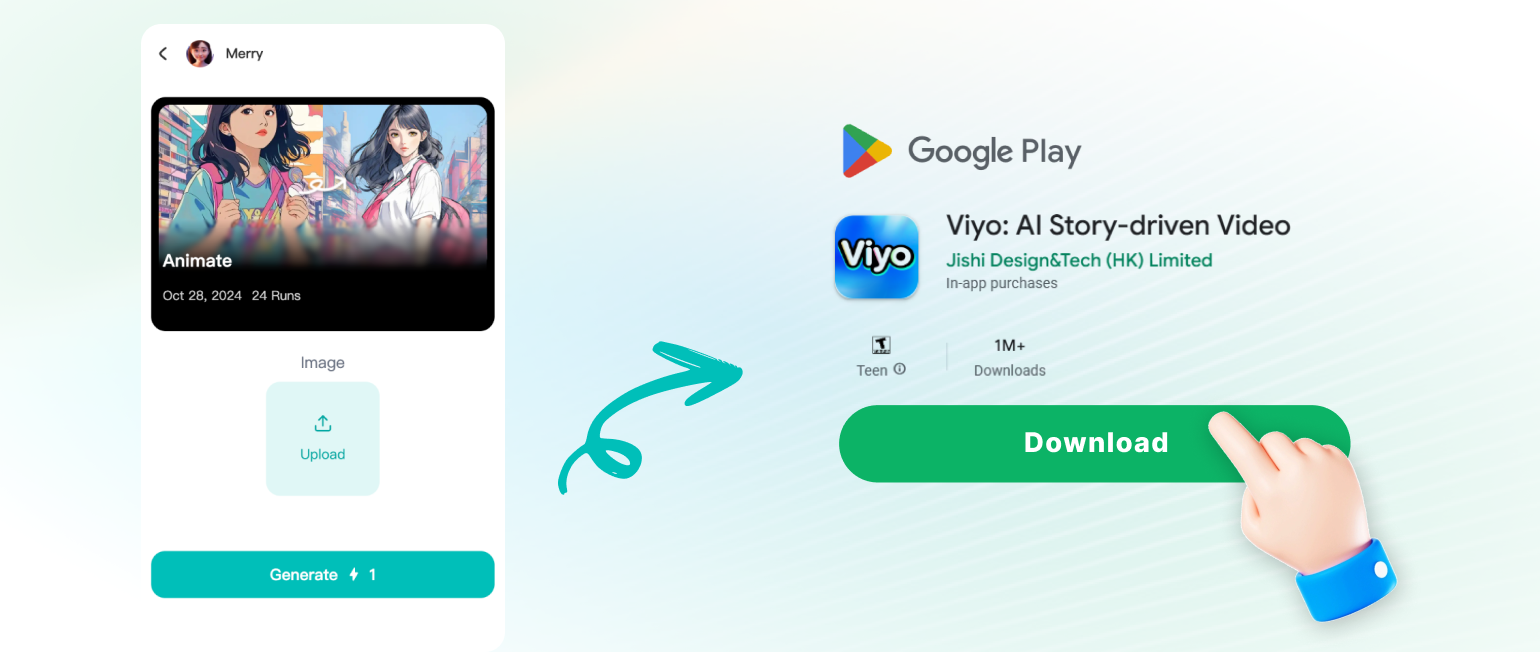
viyo is a mobile app, so you can clean up your videos wherever you are. Edit on your phone, during your commute, or while traveling. No need to transfer files to a computer or pay for expensive desktop software.

Creators Who Use viyo to Clean Up Videos

Sarah Kim
I removed a random stranger from my travel vlog in under a minute. The background looked perfect, like he was never there. This app is a lifesaver.

Mike Torres
Used viyo to erase a watermark from a client video. The result was seamless and saved me hours of manual cloning in Premiere.
Emily Chen
My dog kept photobombing my product shots. I removed him from the video and the AI filled the background naturally. Highly recommend.
David Osei
I clean up drone footage by removing power lines and trash. viyo does it quickly on my phone, and the export quality is surprisingly good.
Sarah Kim
I removed a random stranger from my travel vlog in under a minute. The background looked perfect, like he was never there. This app is a lifesaver.
Mike Torres
Used viyo to erase a watermark from a client video. The result was seamless and saved me hours of manual cloning in Premiere.
Emily Chen
My dog kept photobombing my product shots. I removed him from the video and the AI filled the background naturally. Highly recommend.
David Osei
I clean up drone footage by removing power lines and trash. viyo does it quickly on my phone, and the export quality is surprisingly good.
Sarah Kim
I removed a random stranger from my travel vlog in under a minute. The background looked perfect, like he was never there. This app is a lifesaver.
Mike Torres
Used viyo to erase a watermark from a client video. The result was seamless and saved me hours of manual cloning in Premiere.
Emily Chen
My dog kept photobombing my product shots. I removed him from the video and the AI filled the background naturally. Highly recommend.
David Osei
I clean up drone footage by removing power lines and trash. viyo does it quickly on my phone, and the export quality is surprisingly good.
Frequently Asked Questions About Remove Object Video
Find clear answers to common questions about removing objects from videos with viyo.
More Topics You May Like
Explore more topics you may like and discover fresh ideas tailored to your interests.

Cara Edit Foto Online Ganti Background dengan AI
Pelajari cara edit foto online ganti background dengan AI. Hapus dan ganti latar belakang foto secara otomatis, tanpa skill desain. Unduh aplikasi viyo dan ubah foto biasa jadi profesional.

Aplikasi Edit Video dengan Lagu: Fitur AI Terbaik
Aplikasi edit video dengan lagu kini makin mudah. Buat video AI dengan musik dan efek kekinian, unduh viyo dan hasilkan konten menarik dalam hitungan detik.

Duke Photo Editing: AI Style Transformation in Seconds
Duke Photo Editing transforms your portraits with regal aristocratic AI filters. Upload a photo and apply noble aesthetics in seconds. No design skills needed.
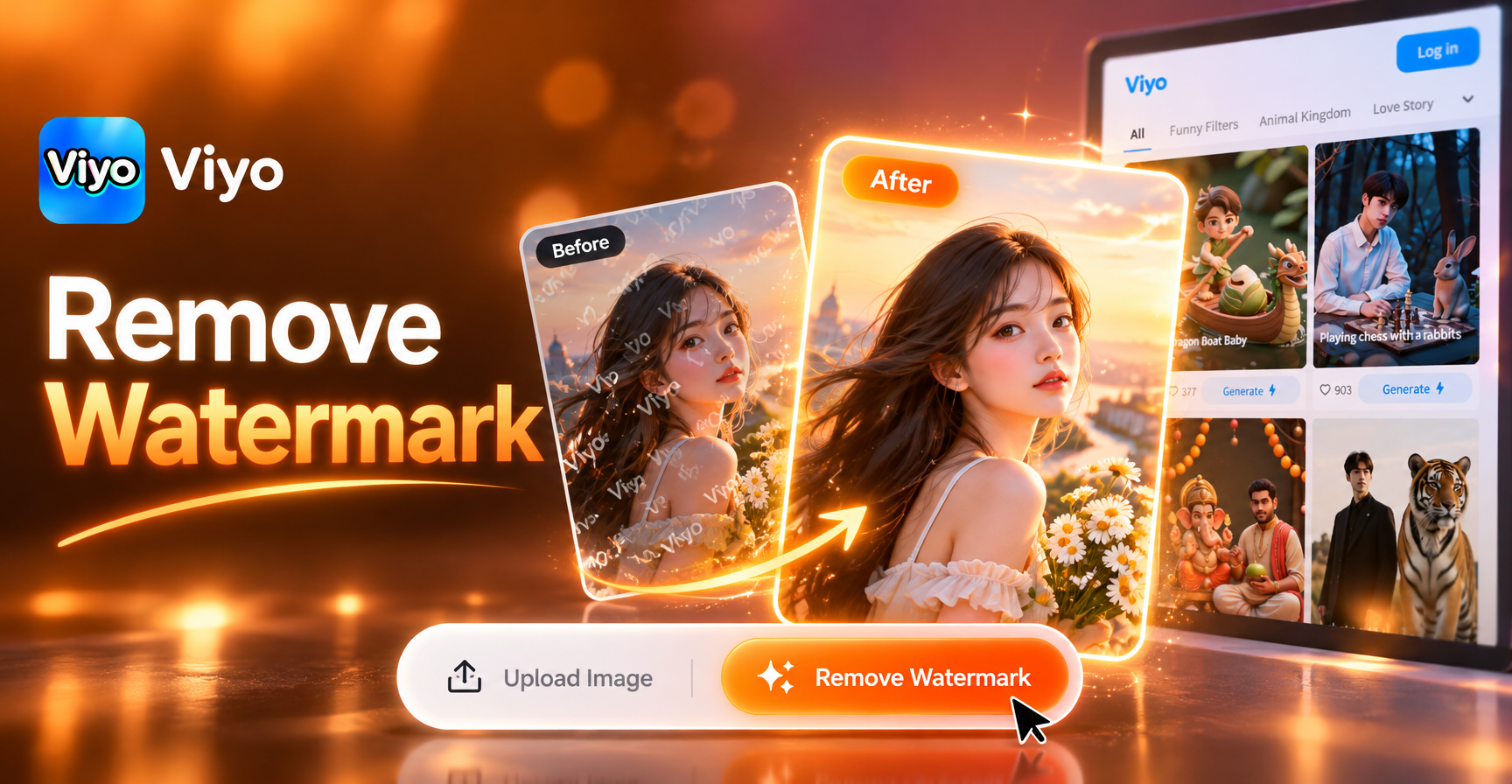
Remove Water Mark From The Image: Clean Photos in Seconds
Remove watermark from image instantly with AI. Upload a photo, brush over the mark, and let viyo restore a clean, natural looking picture. No editing skills needed.
Remove Objects from Any Video with viyo
Download viyo from Google Play and start cleaning up your videos today. Erase unwanted elements, fix mistakes, and create flawless content in minutes. Your audience will never know what was there before.

Remove Objects from Any Video with viyo
Download viyo from Google Play and start cleaning up your videos today. Erase unwanted elements, fix mistakes, and create flawless content in minutes. Your audience will never know what was there before.