Convert JPG to AI Art Instantly
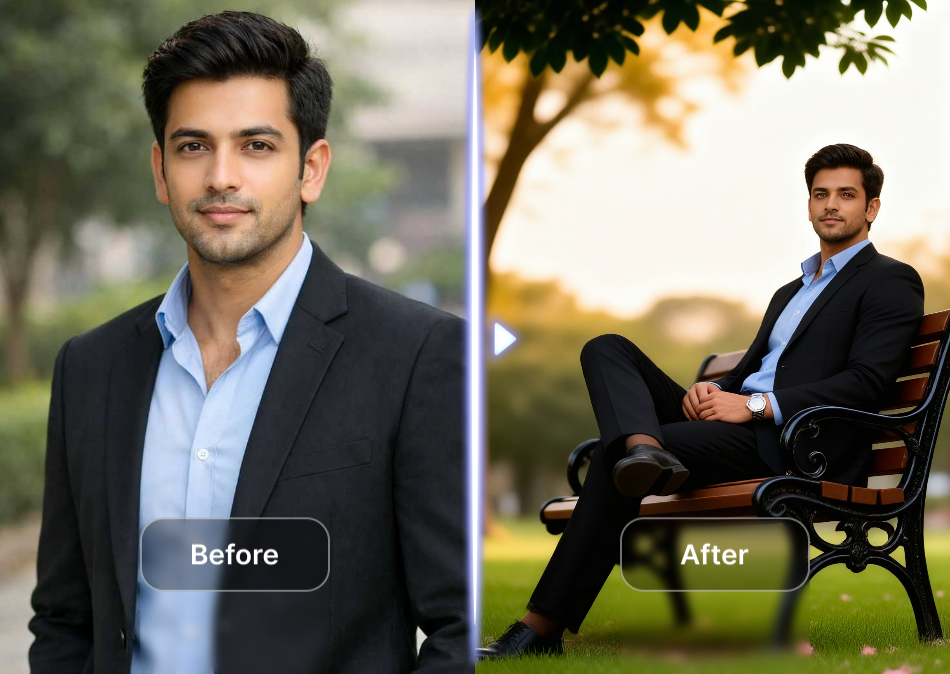
Choose the Filter That Suits Your JPG
Discover the perfect AI style for your photo, whether you want anime, 3D, oil painting, or cinematic looks.
Powerful Ways to Convert JPG to AI
viyo gives you complete control over your JPG transformation. Upload a photo, choose a filter, and get a polished AI result on your phone in just a few taps.
Image to AI Style Transfer
Upload a JPG and preserve the original pose while transforming clothes, background, and lighting into any artistic style.
Image to AI Style Transfer
Upload a JPG and preserve the original pose while transforming clothes, background, and lighting into any artistic style.
Over One Million AI Filters
Explore a huge library of filters including Ghibli, cyberpunk, realistic, anime, 3D clay, and watercolor.
Over One Million AI Filters
Explore a huge library of filters including Ghibli, cyberpunk, realistic, anime, 3D clay, and watercolor.
No Design Skills Needed
Describe what you want or simply tap a template. viyo handles the prompt engineering for you.
No Design Skills Needed
Describe what you want or simply tap a template. viyo handles the prompt engineering for you.
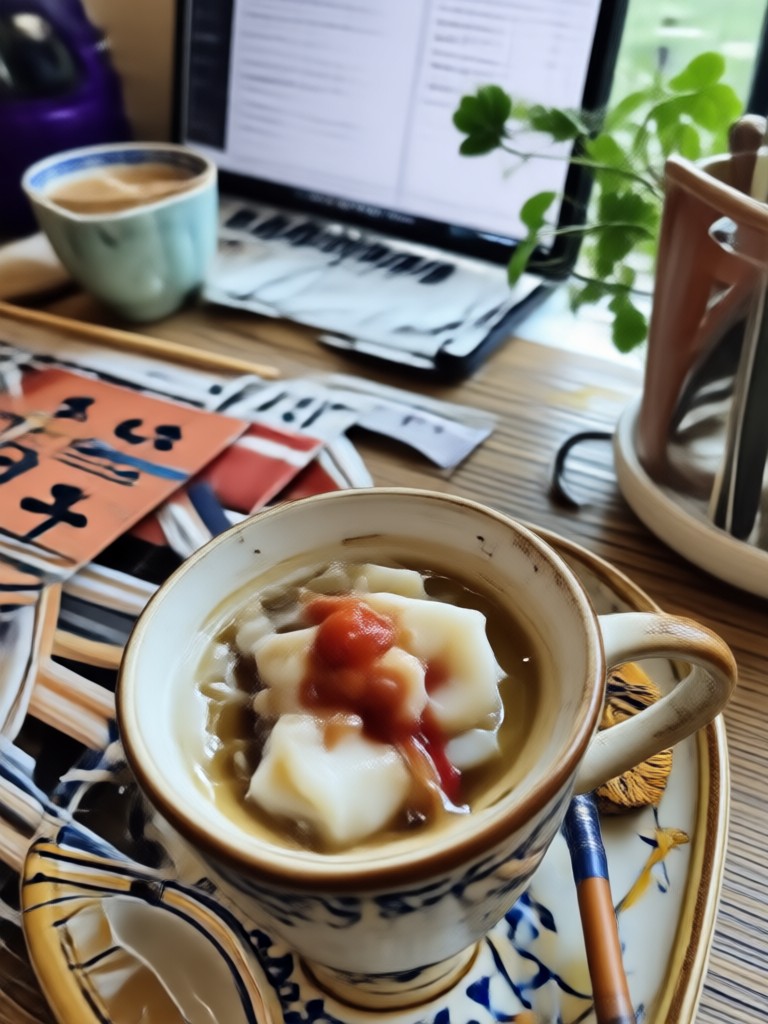
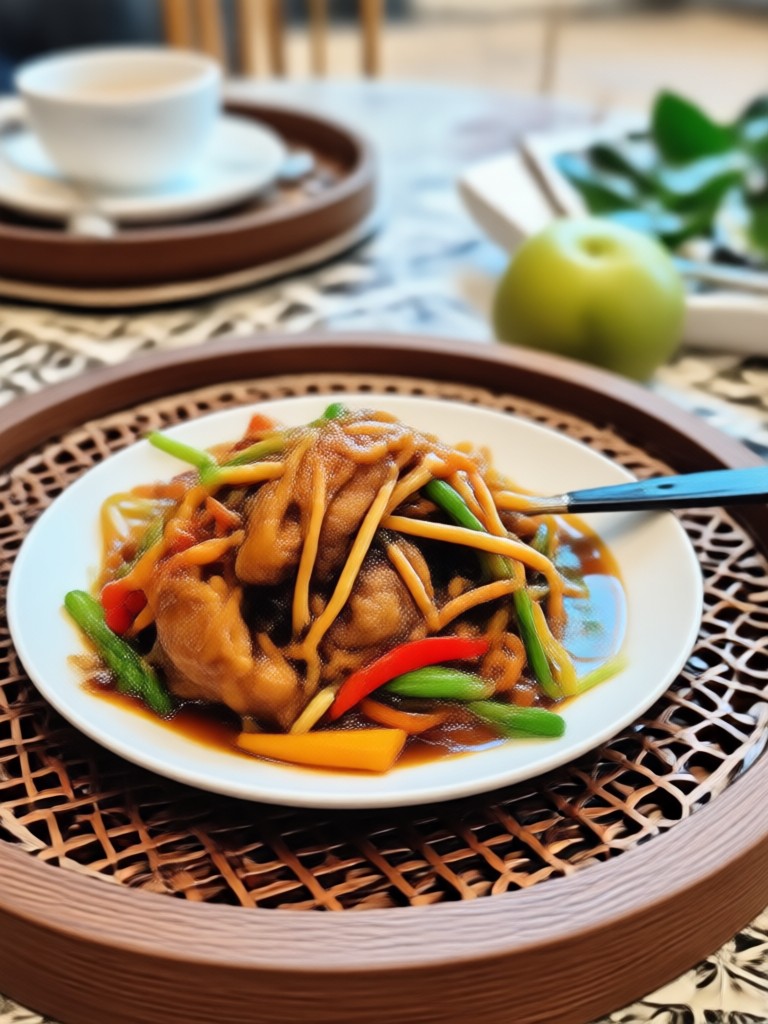
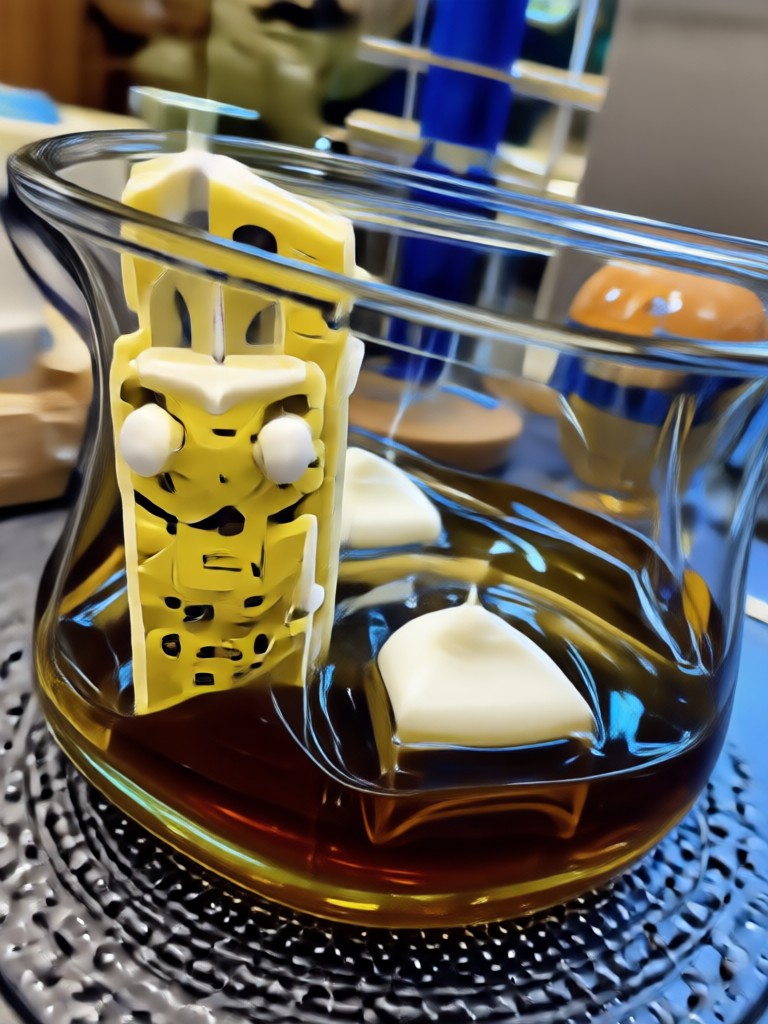
JPG to AI Transformation Gallery
See how ordinary JPG photos become anime portraits, oil paintings, 3D clay characters, and cinematic scenes using viyo.
How to Convert JPG to AI Art?
Turn your photo into an AI masterpiece in three simple steps on the viyo app.

Step 01.
Download the viyo app from Google Play. It is available on Android devices and ready to use immediately.

Step 02.
Upload your JPG photo and select a style filter. Choose from anime, 3D, painting, realistic, and more.

Step 03.
Generate your AI image in seconds. Save it to your phone or share it directly to social media.
Why Convert JPG to AI with viyo
Mobile apps can struggle with complex AI styles, but viyo is designed for effortless JPG to AI conversion. It preserves the original subject while applying high-quality filters, and every edit happens on your phone. No desktop software, no subscription hurdles, just instant creative results.
Why Convert JPG to AI with viyo
Mobile apps can struggle with complex AI styles, but viyo is designed for effortless JPG to AI conversion. It preserves the original subject while applying high-quality filters, and every edit happens on your phone. No desktop software, no subscription hurdles, just instant creative results.
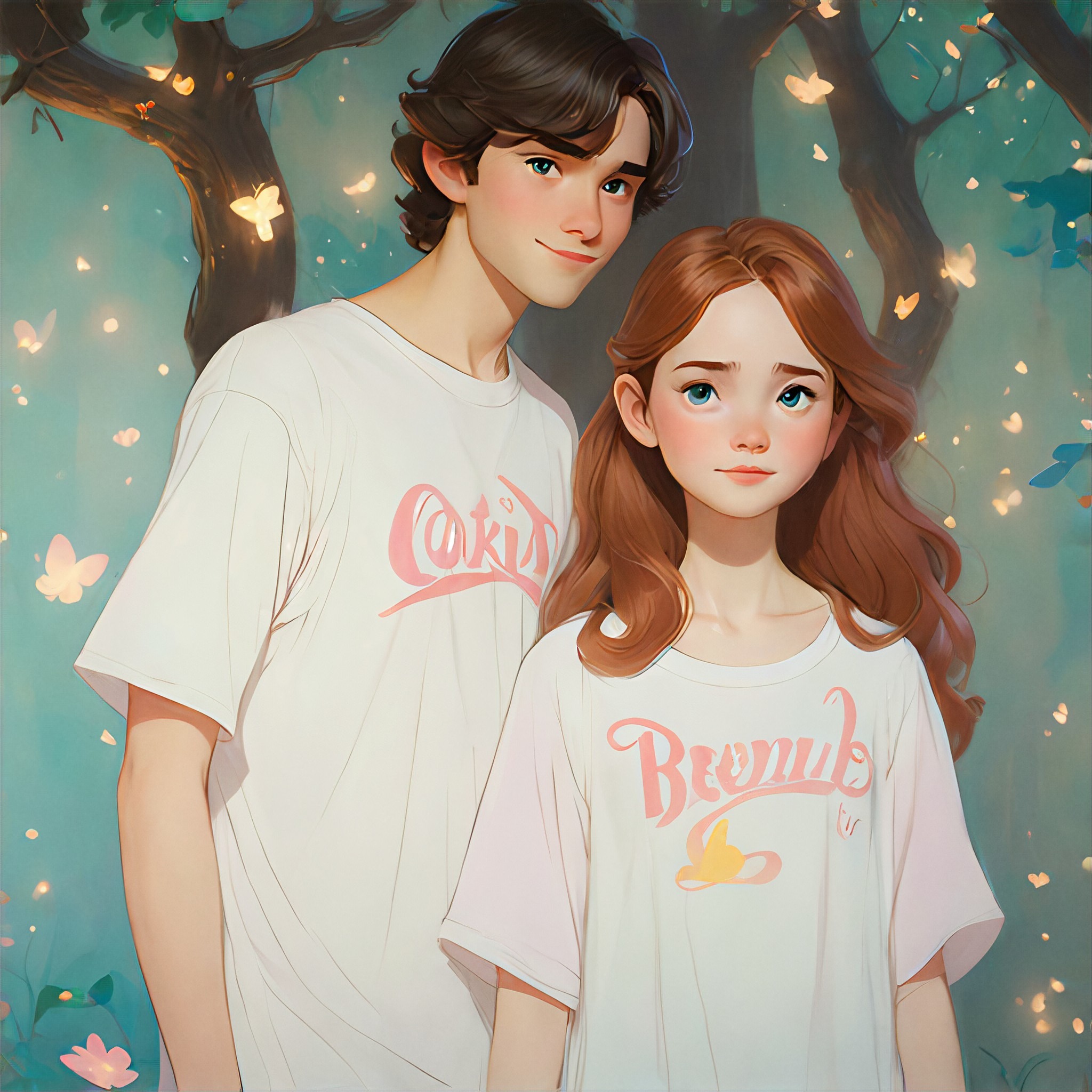
Convert JPG to AI on Your Phone
viyo is a mobile-first AI design app. Convert any JPG into AI art, anime, or 3D styles without uploading to a website.

Frequently Asked Questions About JPG to AI
Get clear answers about converting JPG images to AI art with the viyo app.
What Users Say About JPG to AI Conversion
Finally an app that makes AI art from my phone photos
I used to upload JPGs to complicated web tools. viyo makes converting JPG to AI so fast. The anime filter is my favorite and my Instagram looks amazing.
Perfect for quick style experiments
I convert my portrait JPGs into oil paintings and 3D characters without touching a computer. The results look professionally edited.
High quality results with zero learning curve
The app guides you through every step. I turned a simple JPG into a cinematic AI image in under three minutes.
More JPG to AI Ideas You May Like
Explore more ways to transform your photos with AI and discover fresh ideas tailored to your creative style.

Clean TikTok Photos in Seconds: Remove Watermarks Easily

Converter Video Mp4 Online: AI Style & Format Magic
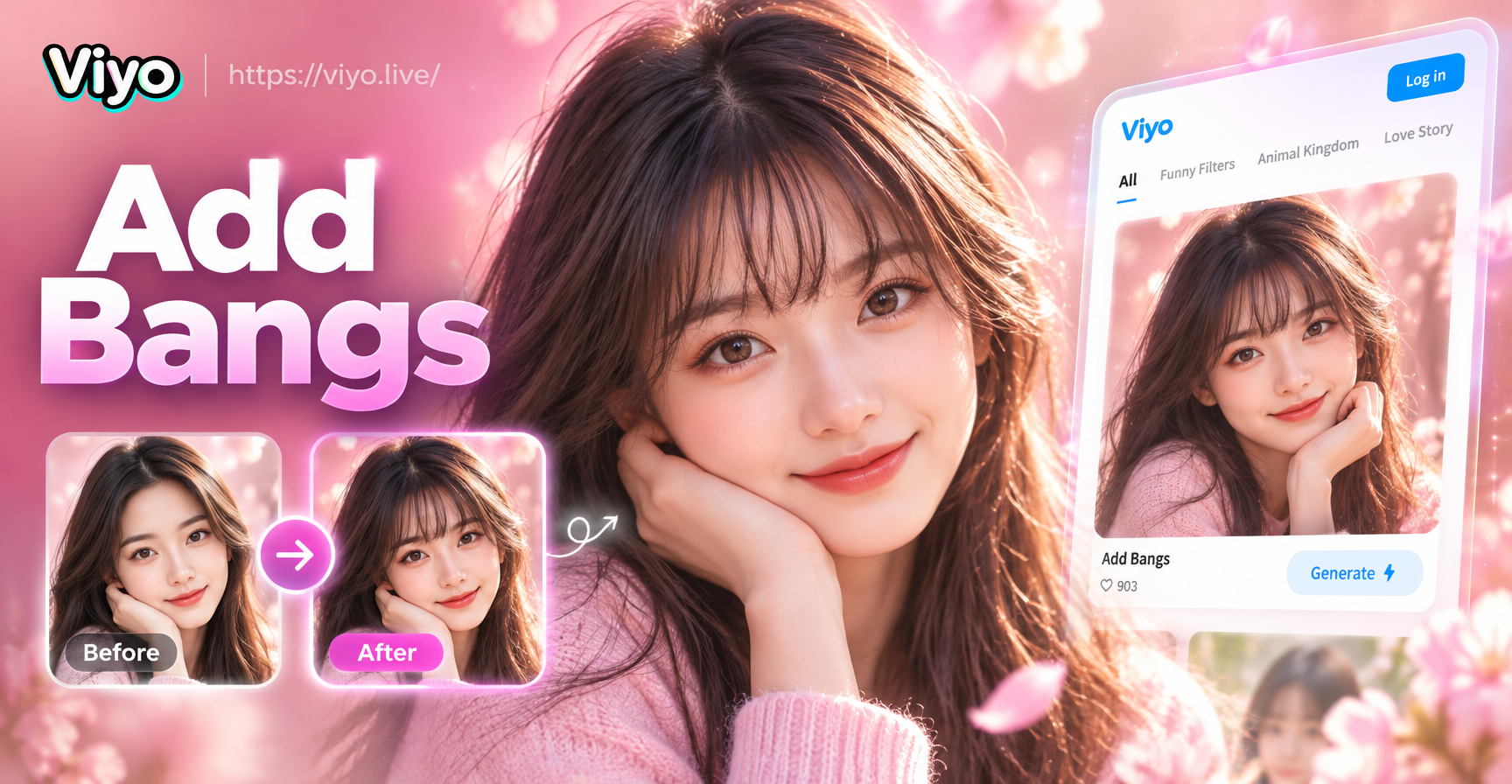
Add Bangs to Photo: Try Virtual Bangs on Any Selfie

Turn Anime Characters Into Realistic Human Photos
Clean TikTok Photos in Seconds: Remove Watermarks Easily
Converter Video Mp4 Online: AI Style & Format Magic
Add Bangs to Photo: Try Virtual Bangs on Any Selfie
Turn Anime Characters Into Realistic Human Photos
Trending AI Effects at Your Fingertips
Apply the latest viral effects to videos and images effortlessly. Stay ahead of trends and create content everyone will notice.

Trending AI Effects at Your Fingertips
Apply the latest viral effects to videos and images effortlessly. Stay ahead of trends and create content everyone will notice.