Converter Video Mp4 Online with AI Style

Choose the Perfect AI Video Converter Filter
Discover filters that turn ordinary footage into MP4 videos with anime flair, cinematic color, 3D clay charm, and more.
Why Convert Videos to MP4 with viyo
viyo is more than a simple MP4 converter. It combines AI video generation and style transfer so you can reformat and reimagine your clips at the same time.
Fast MP4 Format Output
Convert your clips into MP4 format quickly. Our mobile app handles the processing while you choose the style, giving you a shareable MP4 file ready for social media or personal storage.
Fast MP4 Format Output
Convert your clips into MP4 format quickly. Our mobile app handles the processing while you choose the style, giving you a shareable MP4 file ready for social media or personal storage.
AI Style Conversion
Instead of only changing the file format, change the entire look. Apply anime, watercolor, cyberpunk, or cinematic filters to your video while converting it to MP4 format.
AI Style Conversion
Instead of only changing the file format, change the entire look. Apply anime, watercolor, cyberpunk, or cinematic filters to your video while converting it to MP4 format.
Simple Mobile Workflow
No desktop software or complicated timelines. Upload your video, select a filter, and download your new MP4 file. The entire converter experience fits in your pocket.
Simple Mobile Workflow
No desktop software or complicated timelines. Upload your video, select a filter, and download your new MP4 file. The entire converter experience fits in your pocket.
How to Convert Video to MP4 Online with AI
Follow three simple steps to convert and enhance your video into an MP4 file using the viyo app.

Step 01.
Download the viyo app and open the video converter section on your phone.

Step 02.
Upload your clip and choose an AI filter or style template to apply while converting.

Step 03.
Generate your converted MP4 video and save it to your gallery or share it directly.
MP4 Conversion That Adds Value
A converter should do more than change file extensions. viyo uses AI to enhance and stylize your video while producing a clean MP4 output.
Beyond Basic File Conversion
Most online converters only change the container format. viyo goes further by letting you apply AI filters, animation effects, and visual upgrades during the MP4 conversion process. You get a video that is not only in the right format but also visually transformed. The app handles the technical compression while you focus on the creative direction. It is a practical tool for creators who want their videos to stand out on social media, in presentations, or in personal projects.
Beyond Basic File Conversion
Most online converters only change the container format. viyo goes further by letting you apply AI filters, animation effects, and visual upgrades during the MP4 conversion process. You get a video that is not only in the right format but also visually transformed. The app handles the technical compression while you focus on the creative direction. It is a practical tool for creators who want their videos to stand out on social media, in presentations, or in personal projects.
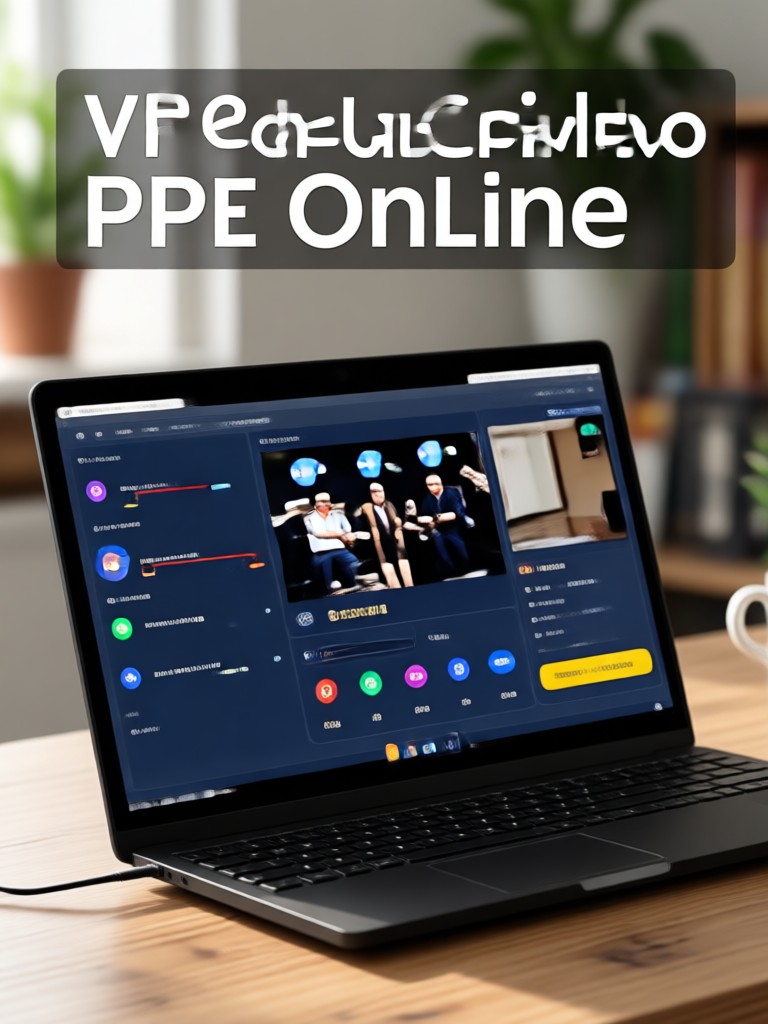
AI Converted MP4 Video Examples
Browse sample frames from videos converted and enhanced with AI filters. Each style turns a standard clip into a unique MP4 masterpiece.

Frequently Asked Questions About MP4 Video Conversion
Find clear answers about converting videos to MP4 with AI style filters in the viyo app.
Creators Who Convert Videos to MP4 with AI

Maya Torres
I shoot quick clips on my phone and convert them to MP4 with an anime filter. My reels look completely unique now and they still upload perfectly.

Daniel Kim
The MP4 output is clean and works everywhere. I love that I can add a cinematic style while converting my travel footage instead of just changing the format.

Sofia Patel
Converting my pet videos to MP4 with a 3D clay filter is the easiest way to make viral content. My followers always ask how I make these clips.

Aaron Lee
I use the app to convert product demos into MP4 with a clean watercolor background. The files are small enough to send to clients and look professional.
Maya Torres
I shoot quick clips on my phone and convert them to MP4 with an anime filter. My reels look completely unique now and they still upload perfectly.
Daniel Kim
The MP4 output is clean and works everywhere. I love that I can add a cinematic style while converting my travel footage instead of just changing the format.
Sofia Patel
Converting my pet videos to MP4 with a 3D clay filter is the easiest way to make viral content. My followers always ask how I make these clips.
Aaron Lee
I use the app to convert product demos into MP4 with a clean watercolor background. The files are small enough to send to clients and look professional.
Maya Torres
I shoot quick clips on my phone and convert them to MP4 with an anime filter. My reels look completely unique now and they still upload perfectly.
Daniel Kim
The MP4 output is clean and works everywhere. I love that I can add a cinematic style while converting my travel footage instead of just changing the format.
Sofia Patel
Converting my pet videos to MP4 with a 3D clay filter is the easiest way to make viral content. My followers always ask how I make these clips.
Aaron Lee
I use the app to convert product demos into MP4 with a clean watercolor background. The files are small enough to send to clients and look professional.
Convert Your Video to MP4 with AI
Download viyo and turn your clips into stunning MP4 videos with anime, cinematic, 3D, and artistic filters. No editing skills required.
Convert Your Video to MP4 with AI
Download viyo and turn your clips into stunning MP4 videos with anime, cinematic, 3D, and artistic filters. No editing skills required.