Remove An Emoji From A Picture

Choose the Right Photo Cleanup Filter for Your Picture
Explore viyo's dedicated filters for removing emojis, stickers, and unwanted objects from your photos. Pick the one that matches your editing need.
Why viyo Is the Best Emoji Remover App
Remove an emoji from a picture without leaving any trace. viyo's AI fills in the background so naturally that no one will ever know there was a sticker there.
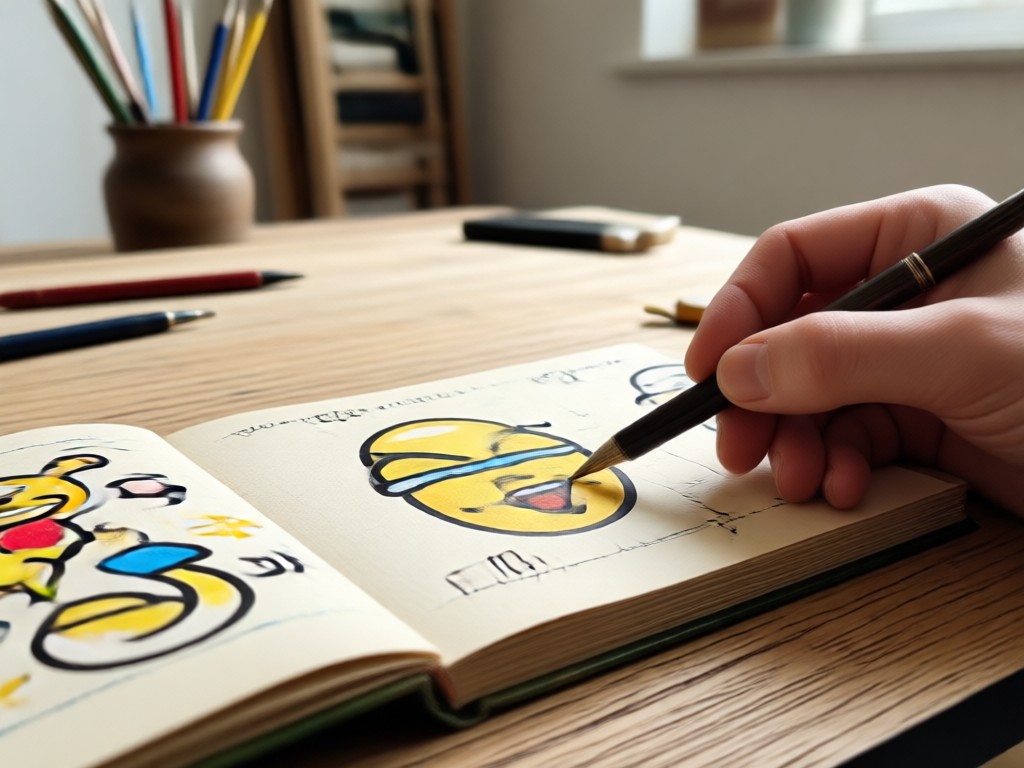
AI Powered Removal
viyo's smart detection identifies emojis and stickers instantly. The AI reconstructs the covered area using surrounding pixels for a seamless finish.
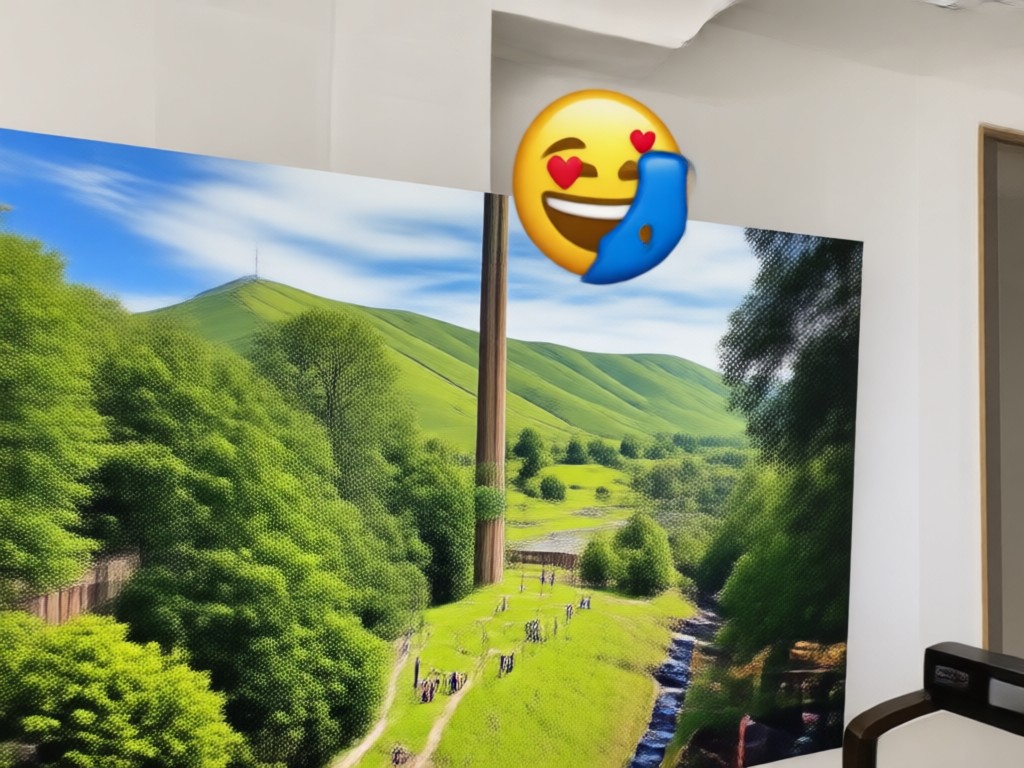
Preserve Image Quality
Unlike manual erasing tools that blur or smear, viyo maintains sharpness and color accuracy. Your edited photo looks as good as the original.
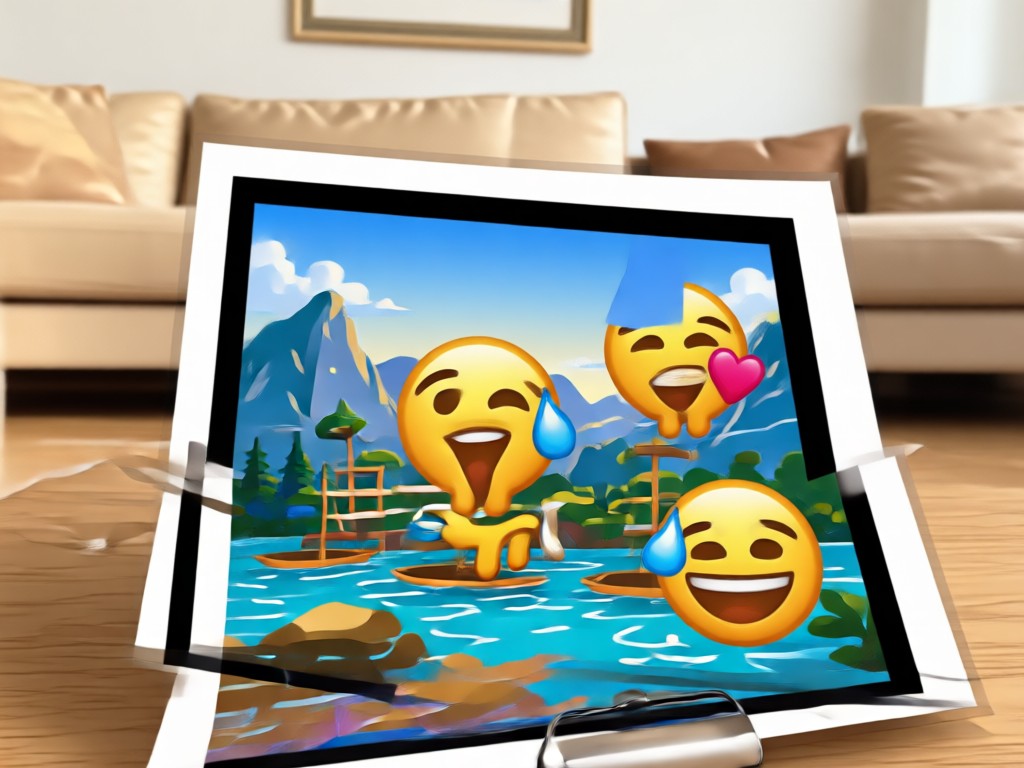
No Design Skills Needed
You do not need Photoshop or any editing experience. Tap, mark, and remove. The entire process takes less than 10 seconds on your phone.
How to Remove An Emoji From A Picture
Clean up your photos in three simple steps. Download viyo, pick a cleanup filter, and let AI do the heavy lifting.

Step 01.
Download the viyo app from Google Play and open it on your phone. No account setup hassles, just start creating right away.

Step 02.
Upload the photo with the emoji and choose an object removal or image cleanup filter. Mark the area you want to clean.

Step 03.
Tap generate and watch the AI remove the emoji instantly. Save your clean photo and share it with friends or on social media.
Emoji Removal Results That Look Completely Natural
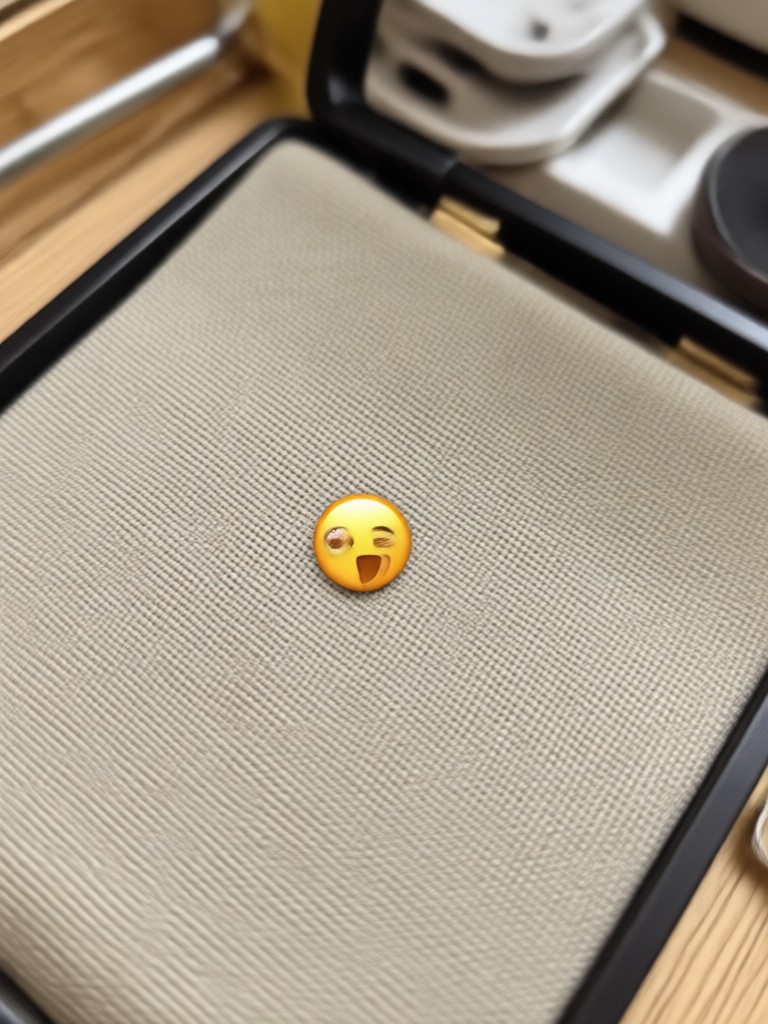
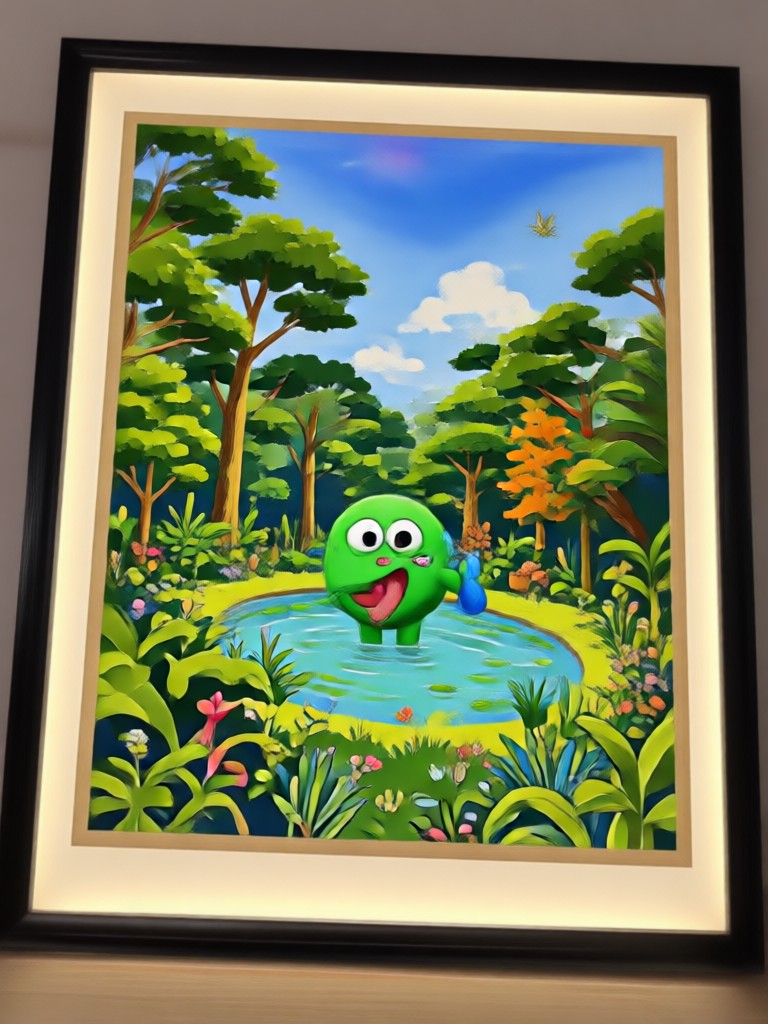
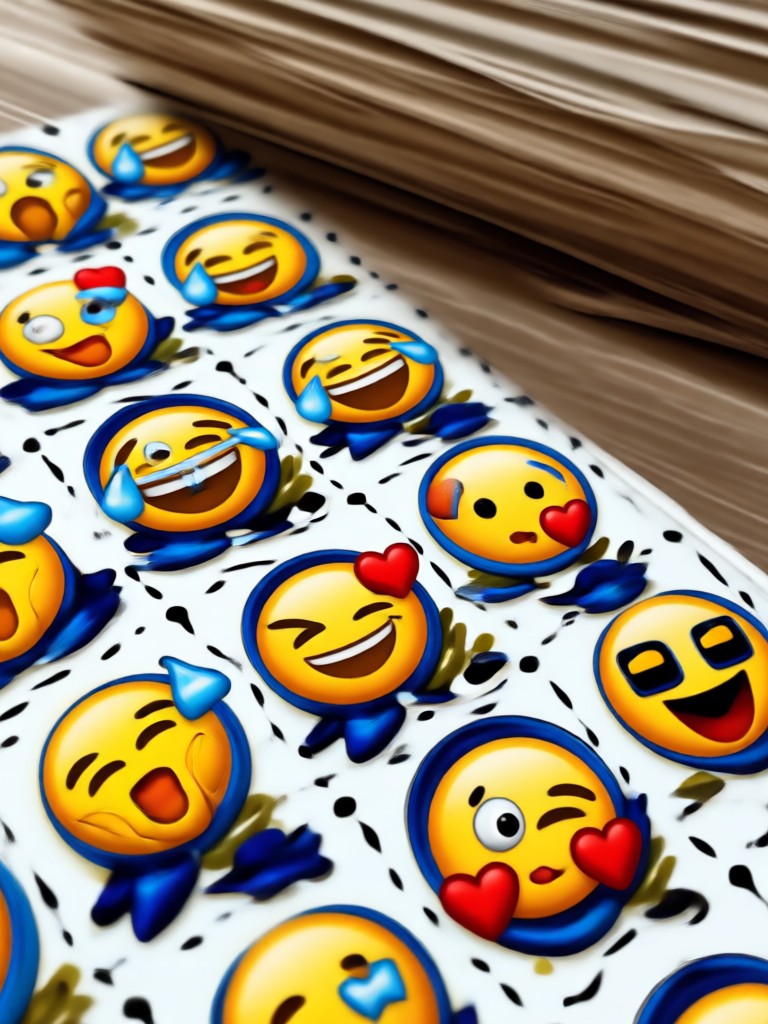
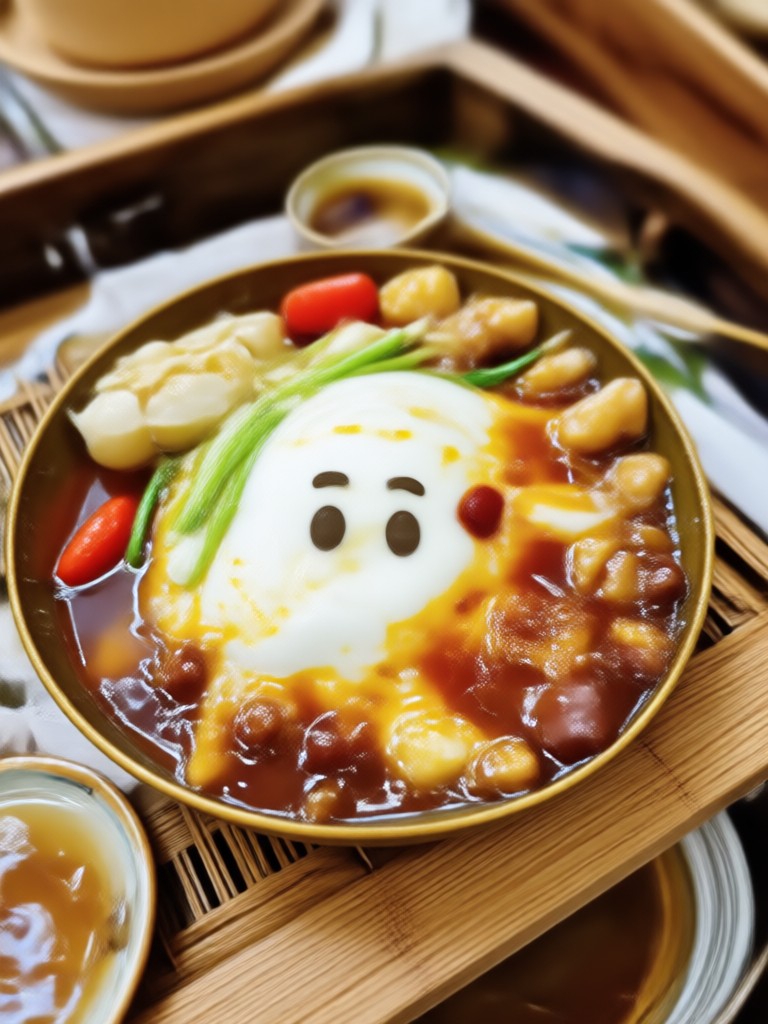
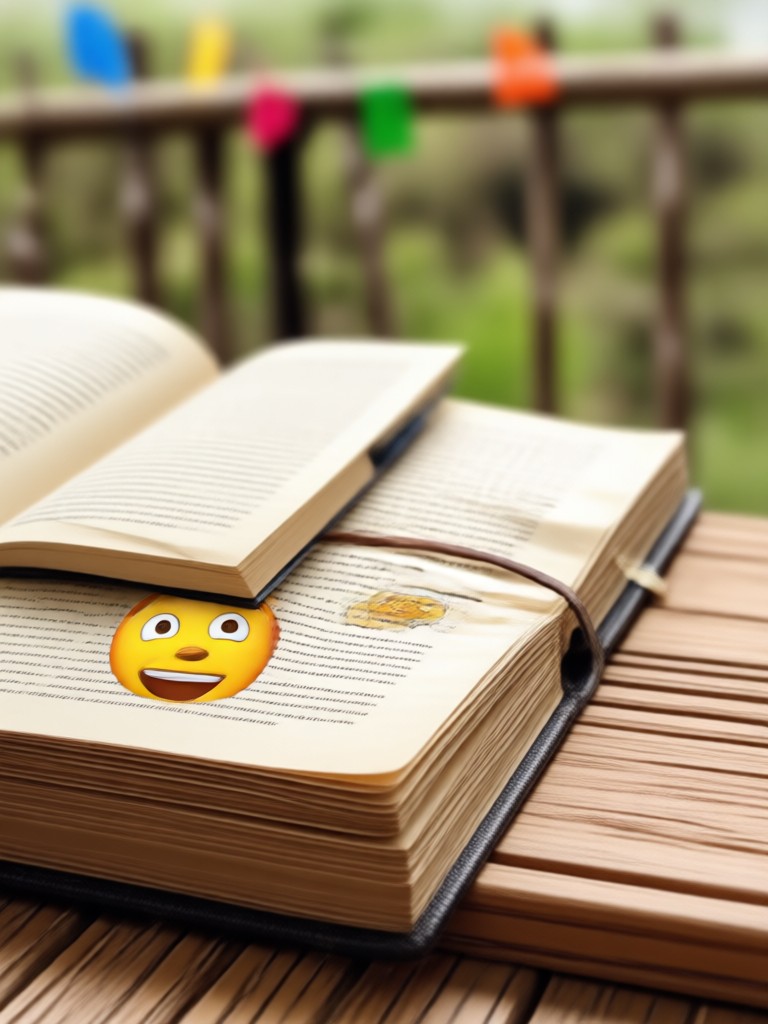
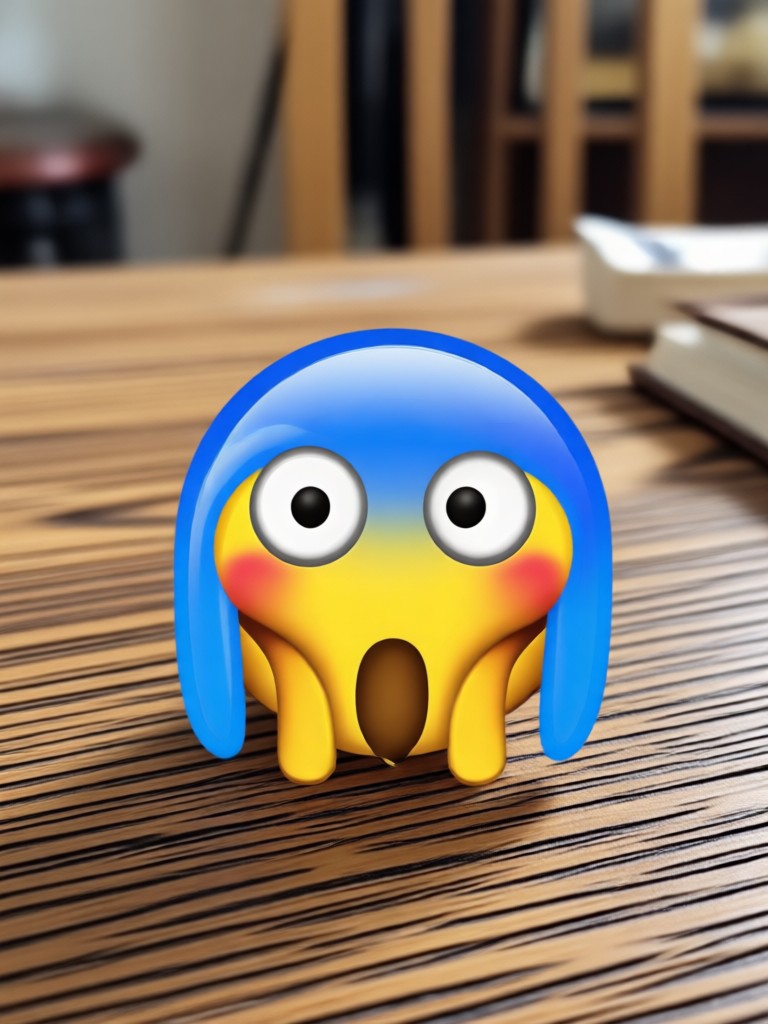
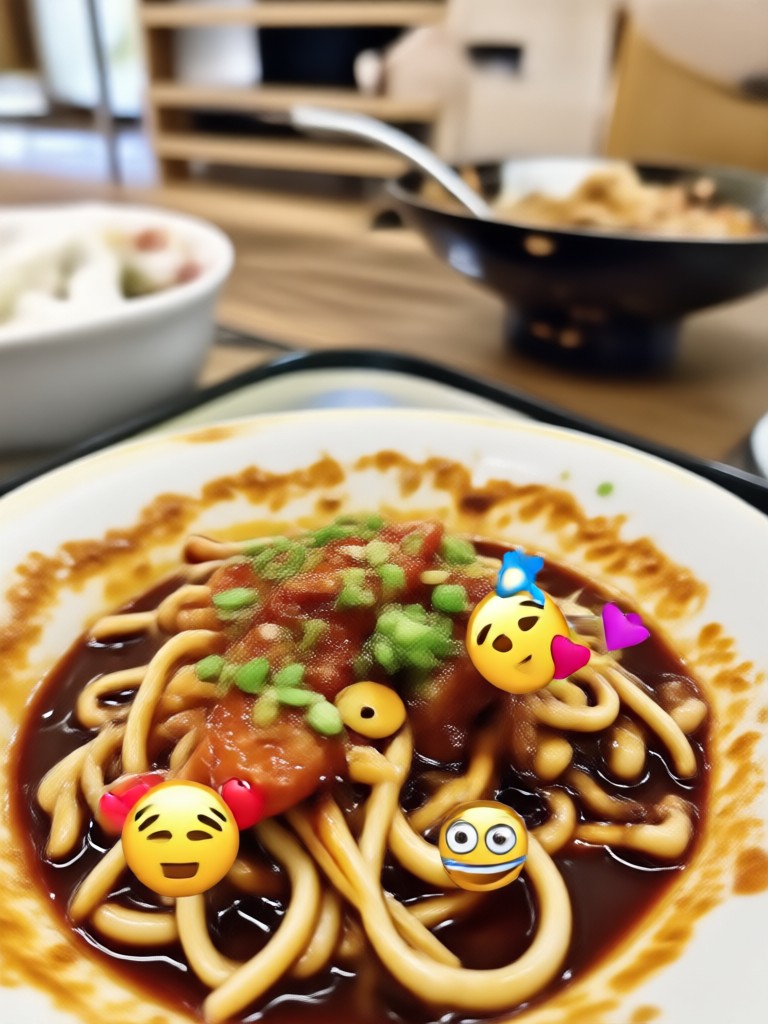
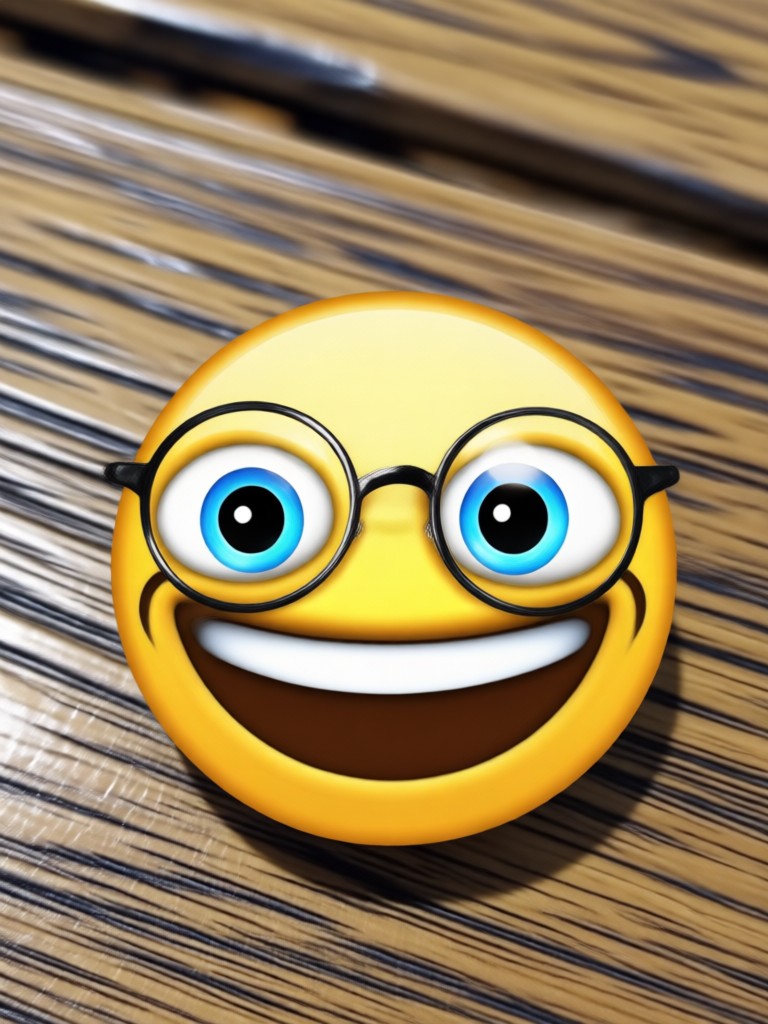
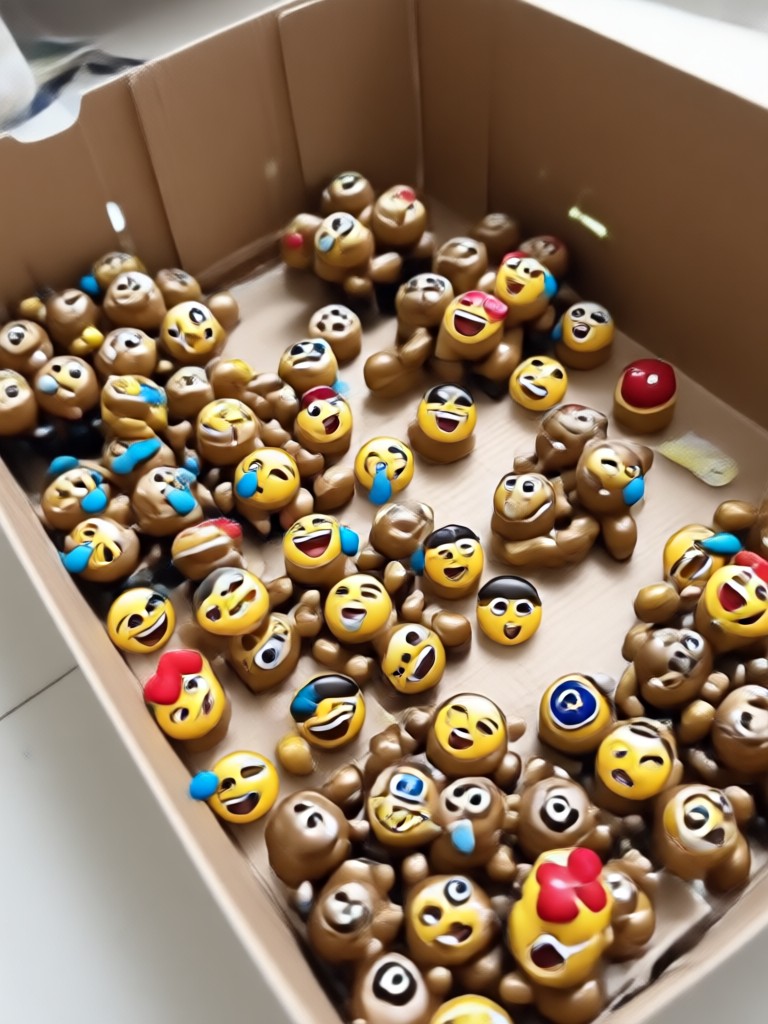
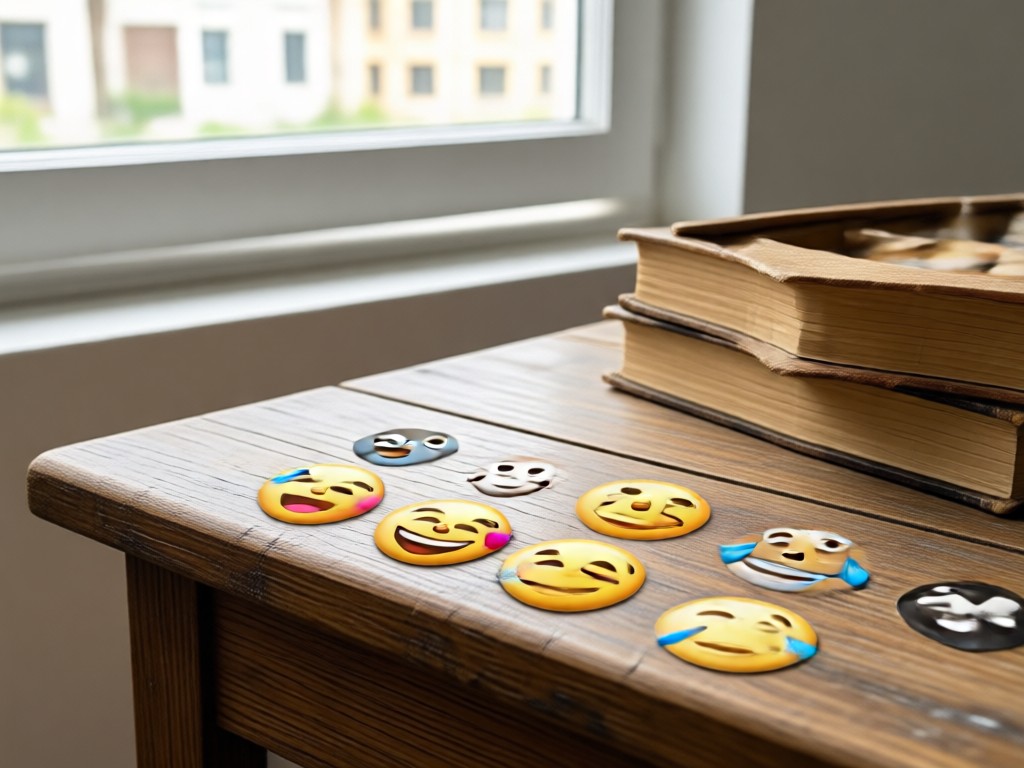
See how viyo's AI cleans up photos by removing emojis and stickers. Every result preserves the original quality with no smudges or blurry patches.
The AI That Understands Your Photo
Removing an emoji from a picture is not just about erasing pixels. It is about reconstructing what was underneath. viyo's AI analyzes the surrounding area, lighting, textures, and edges to rebuild the hidden portion naturally. That means no visible patches, no smears, and no color mismatches. Whether the emoji covers a face, a landscape, or a piece of clothing, the result looks exactly like the original scene. Millions of users trust viyo for photo cleanup because it gets the details right every single time.
The AI That Understands Your Photo
Removing an emoji from a picture is not just about erasing pixels. It is about reconstructing what was underneath. viyo's AI analyzes the surrounding area, lighting, textures, and edges to rebuild the hidden portion naturally. That means no visible patches, no smears, and no color mismatches. Whether the emoji covers a face, a landscape, or a piece of clothing, the result looks exactly like the original scene. Millions of users trust viyo for photo cleanup because it gets the details right every single time.
Who Uses viyo to Remove Emojis From Photos

Louis Yule
Accidentally sent a photo with an emoji covering the Eiffel Tower and it was the only shot I had. viyo removed it perfectly and now it is my profile picture.

Mandy Sander
I use viyo to clean product photos before posting them on my shop. Stickers and emojis from customer screenshots disappear in seconds.

Orville Garcia
My editor used to charge me to remove watermarks and emojis from photos. Now I do it myself with viyo. The results are honestly better than the paid edits.

Sam Green
My son loves putting emojis on every photo on my phone. viyo is the only app that can actually clean them off without ruining the picture underneath.
Louis Yule
Accidentally sent a photo with an emoji covering the Eiffel Tower and it was the only shot I had. viyo removed it perfectly and now it is my profile picture.
Mandy Sander
I use viyo to clean product photos before posting them on my shop. Stickers and emojis from customer screenshots disappear in seconds.
Orville Garcia
My editor used to charge me to remove watermarks and emojis from photos. Now I do it myself with viyo. The results are honestly better than the paid edits.
Sam Green
My son loves putting emojis on every photo on my phone. viyo is the only app that can actually clean them off without ruining the picture underneath.
Louis Yule
Accidentally sent a photo with an emoji covering the Eiffel Tower and it was the only shot I had. viyo removed it perfectly and now it is my profile picture.
Mandy Sander
I use viyo to clean product photos before posting them on my shop. Stickers and emojis from customer screenshots disappear in seconds.
Orville Garcia
My editor used to charge me to remove watermarks and emojis from photos. Now I do it myself with viyo. The results are honestly better than the paid edits.
Sam Green
My son loves putting emojis on every photo on my phone. viyo is the only app that can actually clean them off without ruining the picture underneath.
Frequently Asked Questions About Removing Emojis From Pictures
Find clear answers to common questions about cleaning up your photos and erasing unwanted emojis, stickers, and overlays with viyo.
More Topics You May Like
Explore more topics you may like and discover fresh ideas tailored to your interests.

AI Shoe Generator: Design Custom Sneakers Fast
Create custom sneakers, boots, and heels with AI. Upload a photo or prompt, pick a style, and get realistic shoe designs in seconds. No design skills needed.

Portrait AI Image Generator: Turn Photos into Art
Turn photos into stunning portraits with the Portrait AI Image Generator app. Choose from 1M+ styles like realistic, anime, watercolor, and cyberpunk. Create in seconds.

Get a Flawless Look with Free AI Photo Makeup
Try the best photo makeup editor online for free. Add virtual lipstick, eyeliner, and blush to any portrait. No design skills needed. Get realistic beauty edits in seconds.
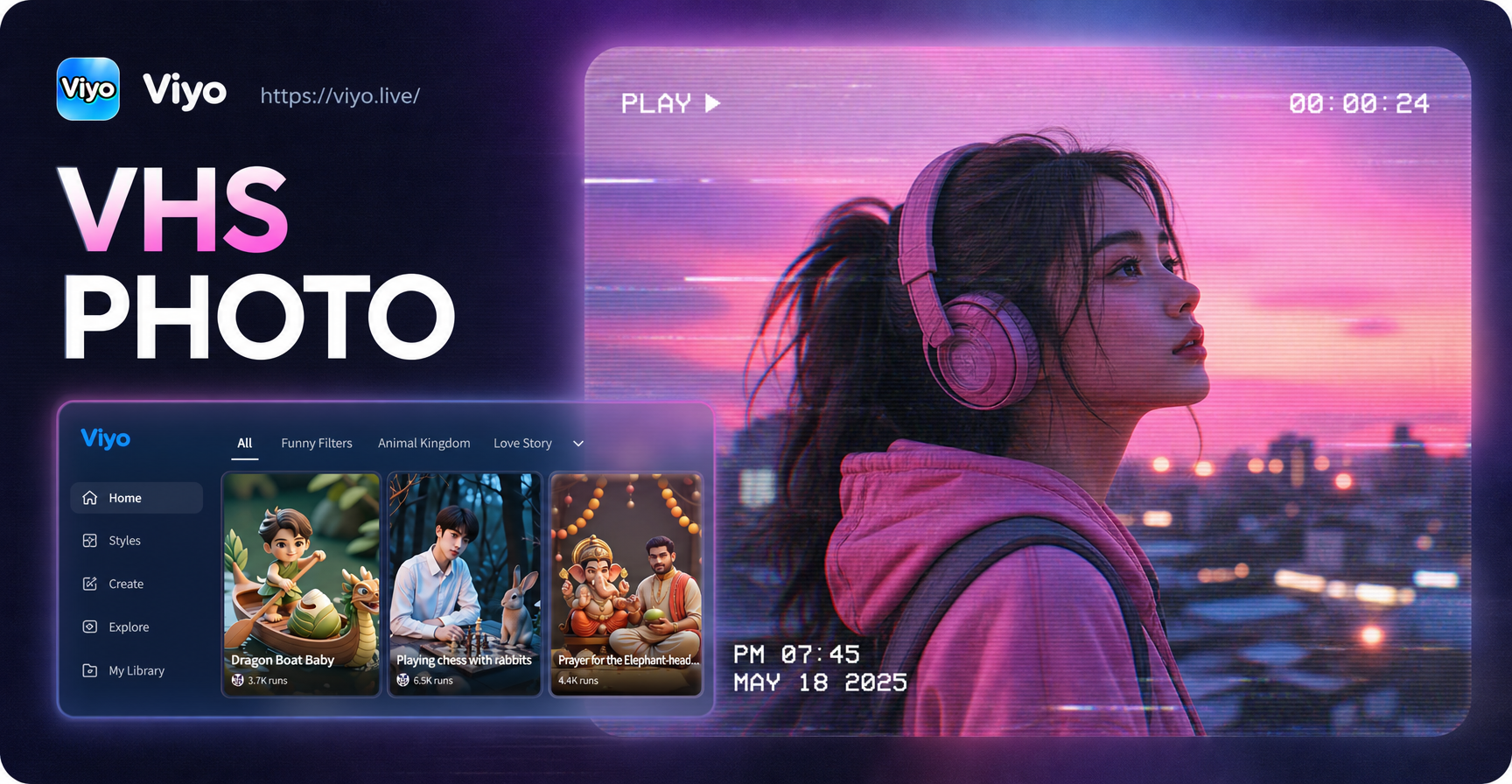
VHS Photo Effect: Transform Images with Retro VHS Look
Turn photos into retro VHS style with viyo. Add VHS filters, scanlines, date stamps, and glitch effects. Download the app and create VHS aesthetic images in seconds.
Remove An Emoji From A Picture Right Now
Download viyo from Google Play and clean up your photos in seconds. Erase emojis, stickers, and unwanted overlays with AI precision. Your best photos deserve to be emoji free.

Remove An Emoji From A Picture Right Now
Download viyo from Google Play and clean up your photos in seconds. Erase emojis, stickers, and unwanted overlays with AI precision. Your best photos deserve to be emoji free.