Free App to Remove Wrinkles From Photos
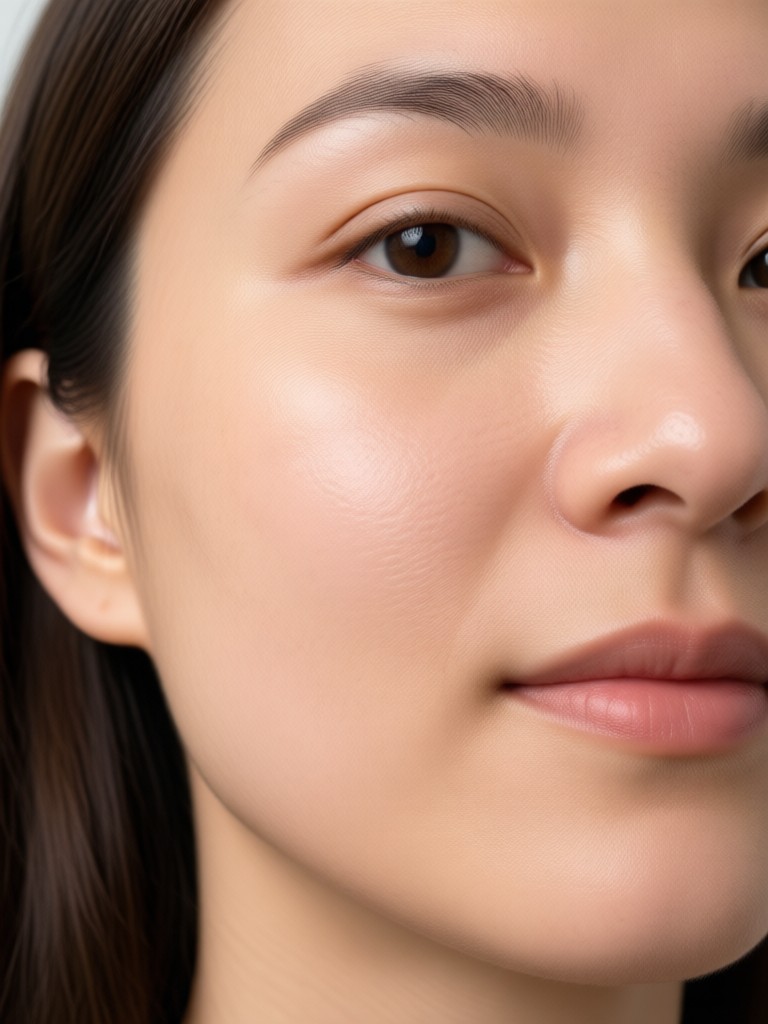
Select a Skin Retouching Filter That Matches Your Look
Explore viyo's collection of AI powered portrait filters designed to smooth skin, remove wrinkles, and restore a youthful glow without looking artificial.
Why viyo Is the Best Free App to Remove Wrinkles From Photos
Discover a smarter way to retouch portraits. viyo combines advanced AI with simple tools so anyone can erase wrinkles, smooth skin, and enhance facial features in seconds.
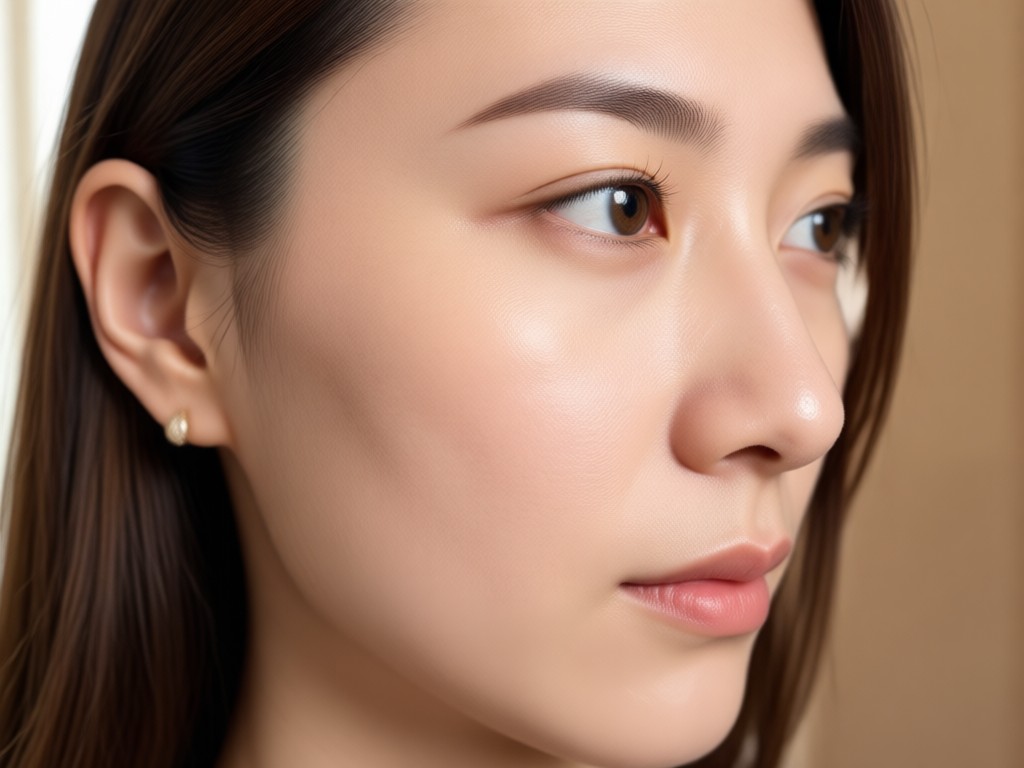
AI Wrinkle Removal
Upload your photo and let viyo detect fine lines, crow's feet, forehead creases, and nasolabial folds automatically. The AI removes wrinkles while preserving your natural skin texture, so results never look plastic or overdone.
AI Wrinkle Removal
Upload your photo and let viyo detect fine lines, crow's feet, forehead creases, and nasolabial folds automatically. The AI removes wrinkles while preserving your natural skin texture, so results never look plastic or overdone.
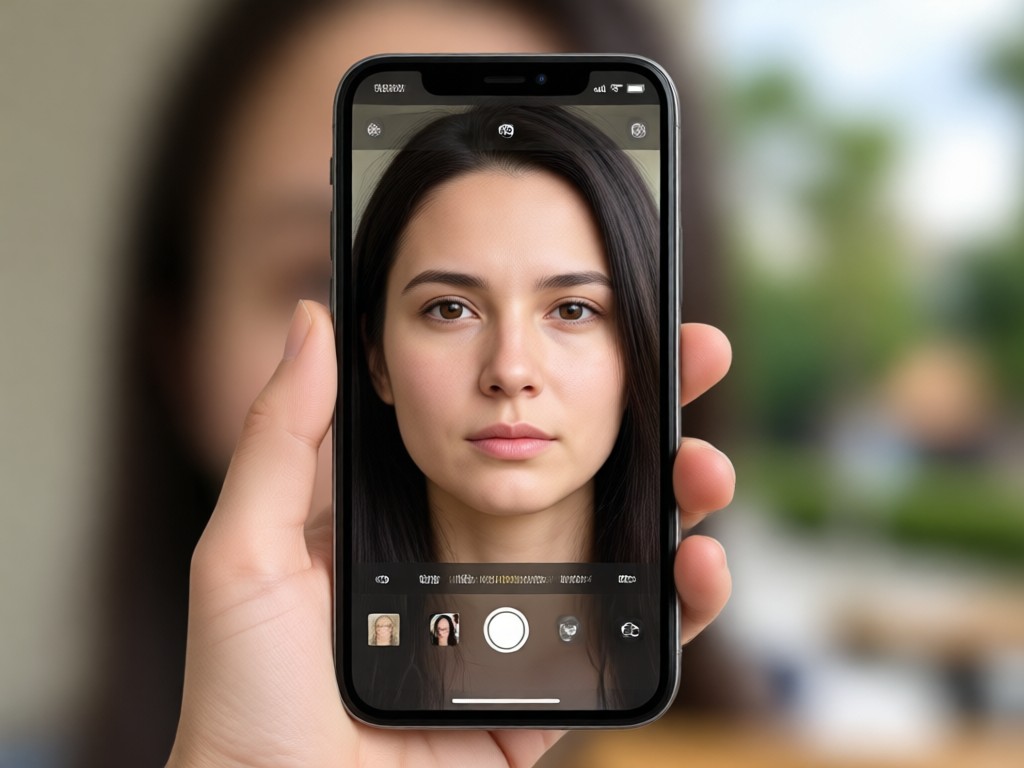
Natural Skin Smoothing
Unlike basic blur tools, viyo smooths only uneven areas and leaves pores, freckles, and facial contours intact. You get a fresh, youthful look without losing the details that make your face unique.
Natural Skin Smoothing
Unlike basic blur tools, viyo smooths only uneven areas and leaves pores, freckles, and facial contours intact. You get a fresh, youthful look without losing the details that make your face unique.
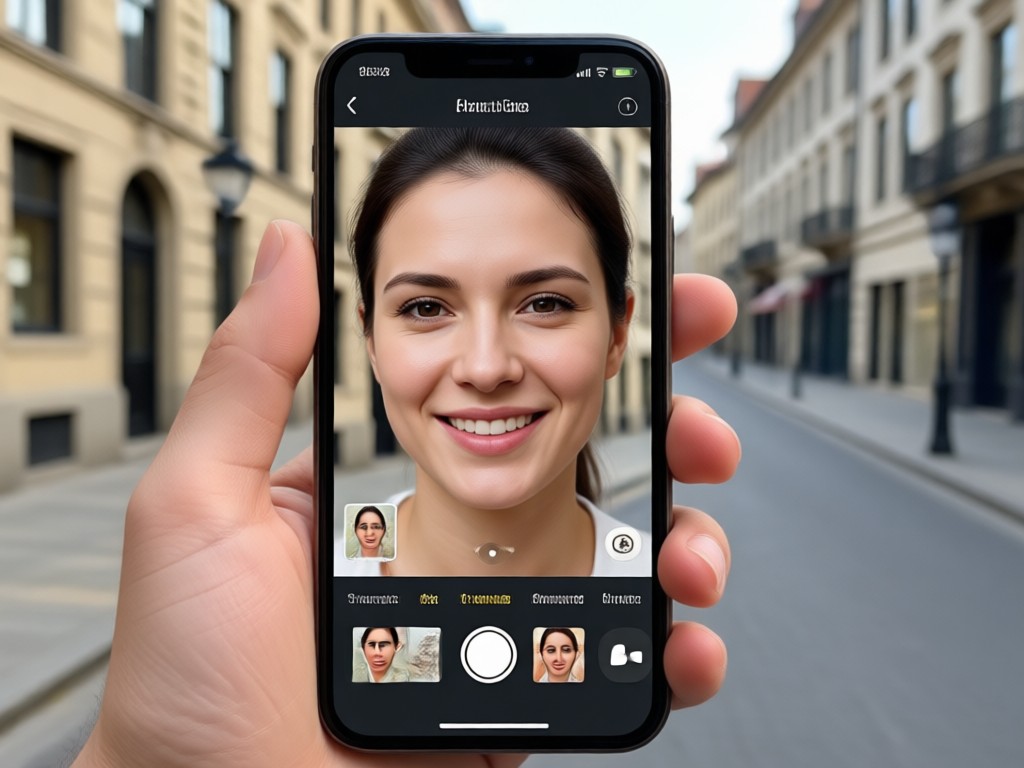
One Tap Face Retouch
No complicated sliders or manual healing brushes. Choose a filter, tap once, and viyo removes wrinkles, brightens skin, and evens tone in a single step. Perfect for selfies, family photos, and profile pictures.
One Tap Face Retouch
No complicated sliders or manual healing brushes. Choose a filter, tap once, and viyo removes wrinkles, brightens skin, and evens tone in a single step. Perfect for selfies, family photos, and profile pictures.
How to Remove Wrinkles From Photos for Free
Download viyo and follow three simple steps to erase wrinkles from any portrait in under a minute.

Step 01.
Download the viyo app from Google Play. It is free to install and works directly on your phone, so you can retouch portraits anywhere.

Step 02.
Upload a selfie or portrait and choose from skin smoothing and anti aging filter templates. Pick the intensity that looks most natural to you.

Step 03.
Tap generate to remove wrinkles, fine lines, and blemishes. Save your polished portrait and share it on social media or with friends.
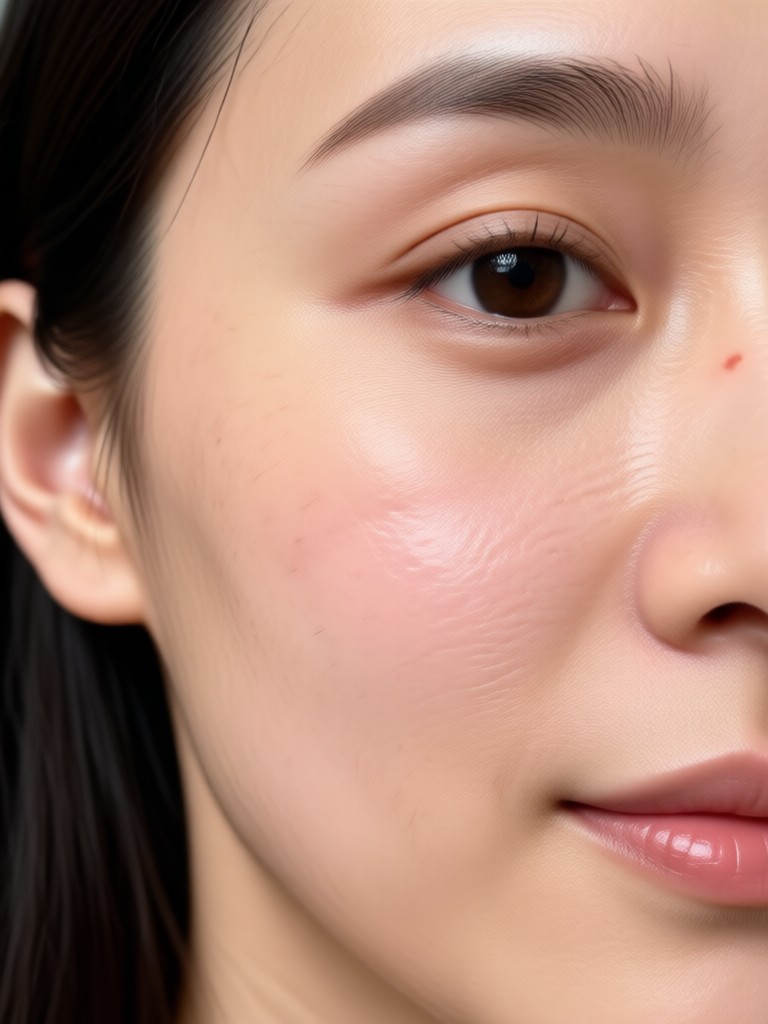
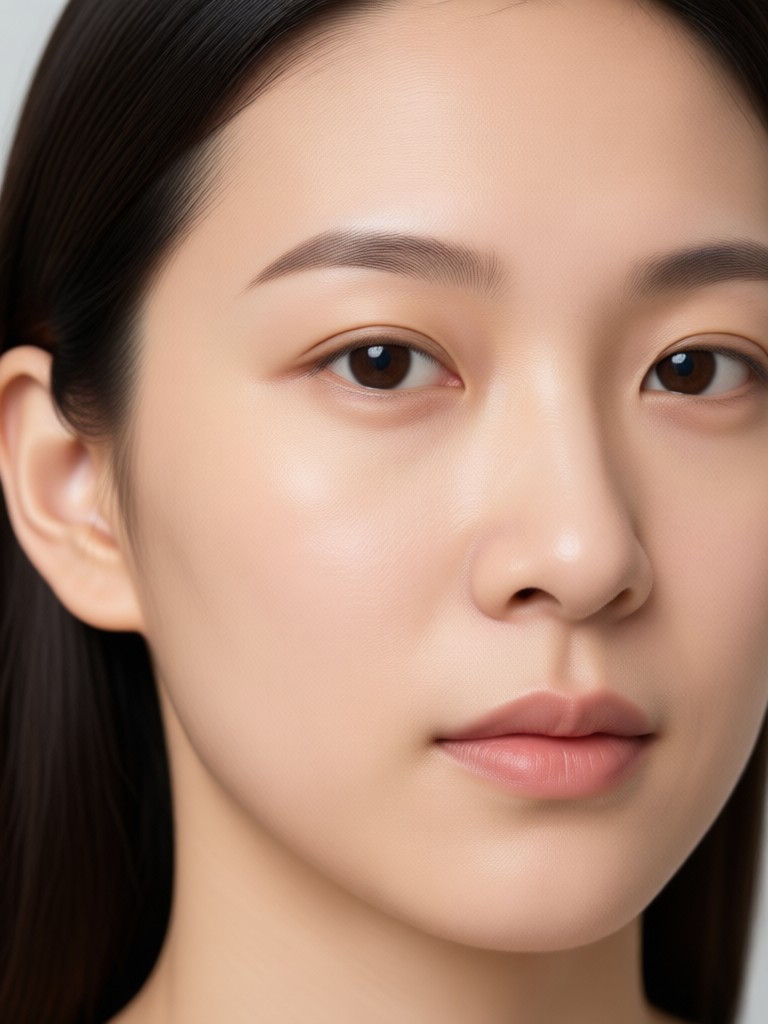
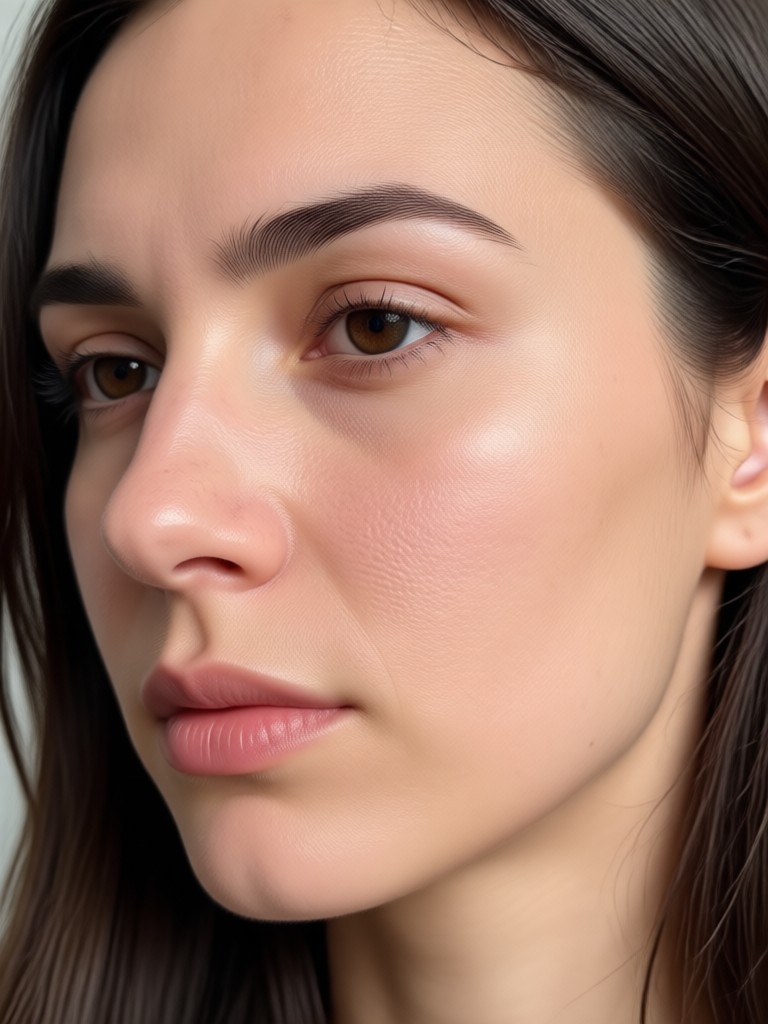
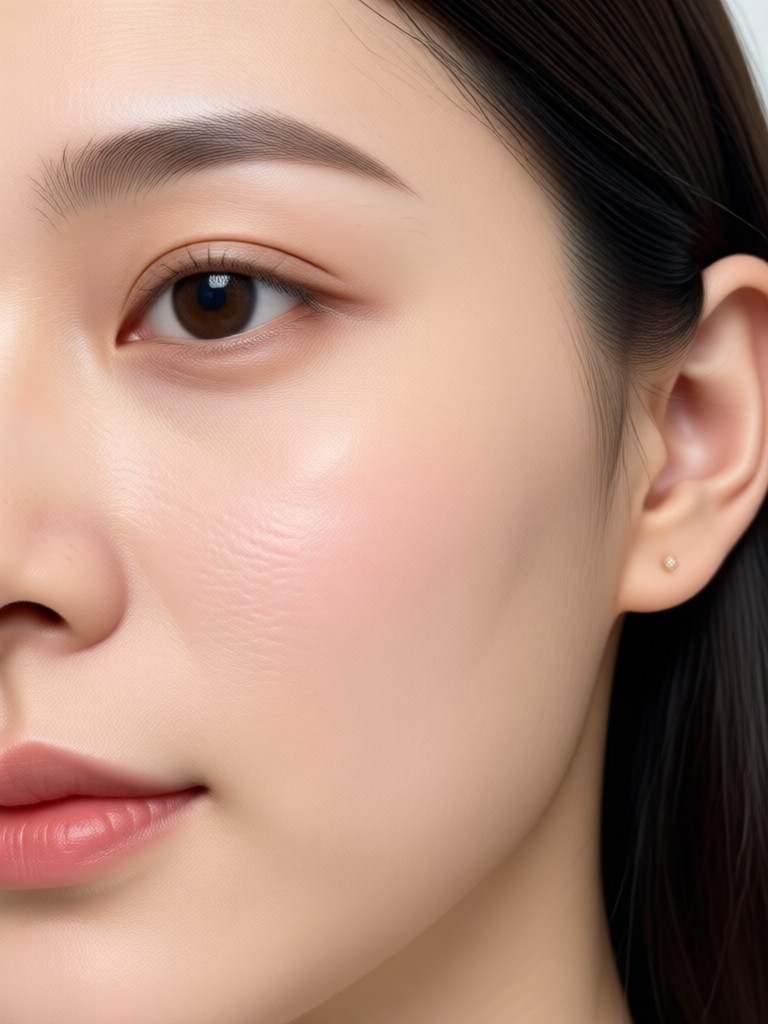
Realistic Wrinkle Removal Results Created With viyo
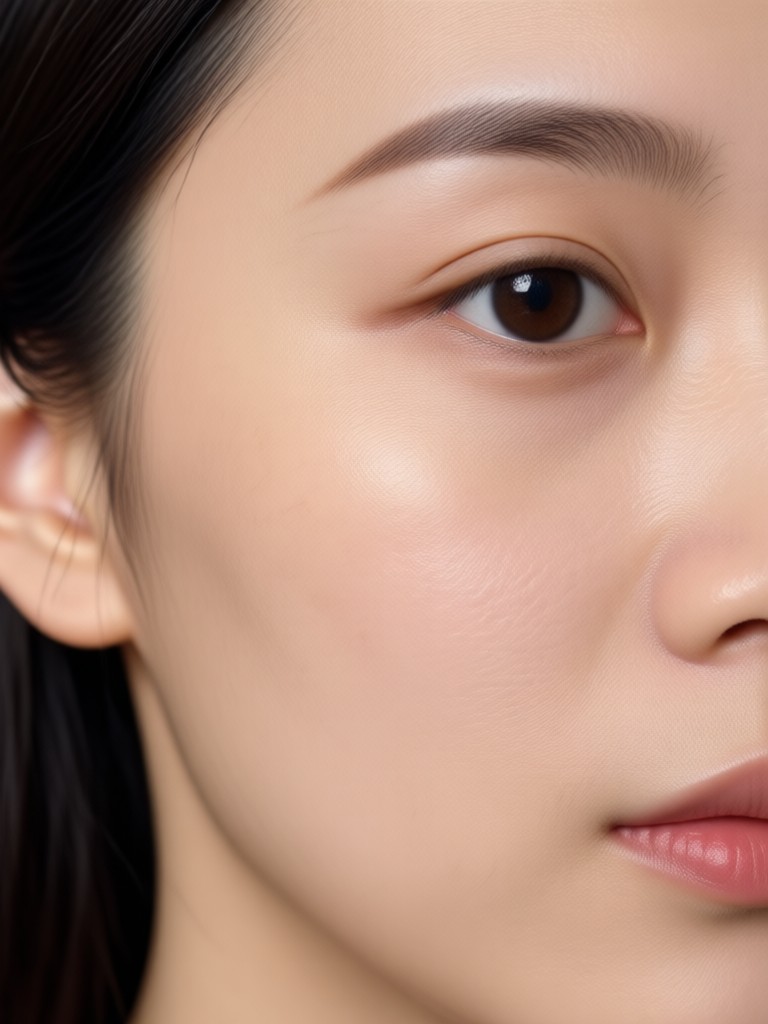
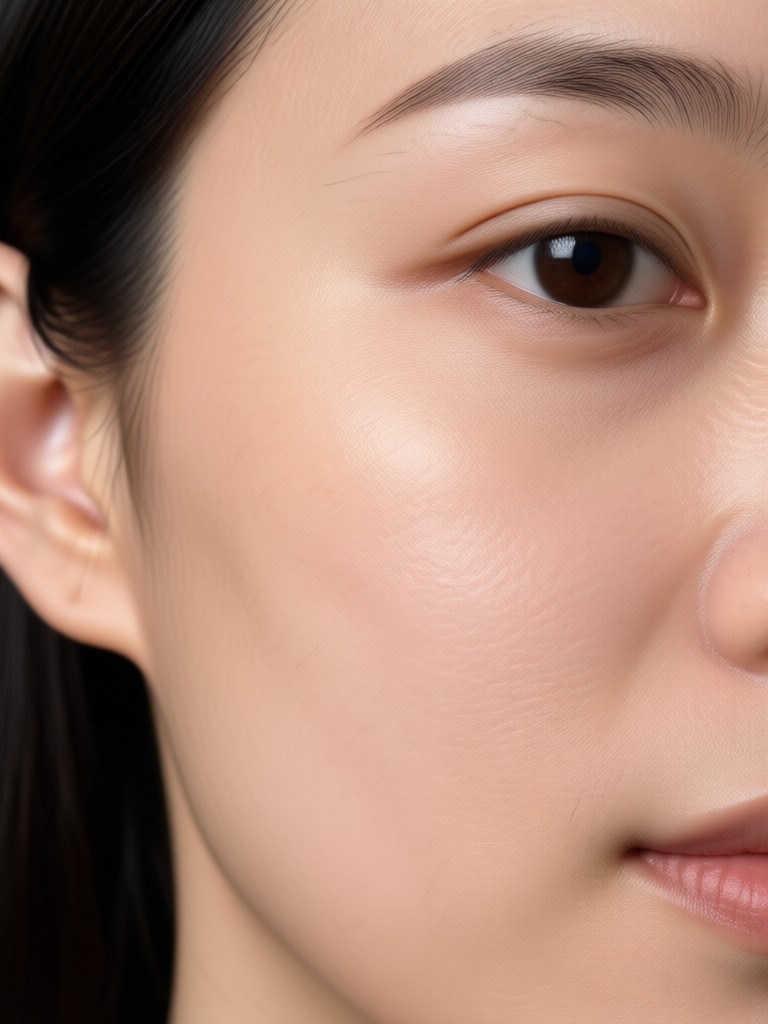
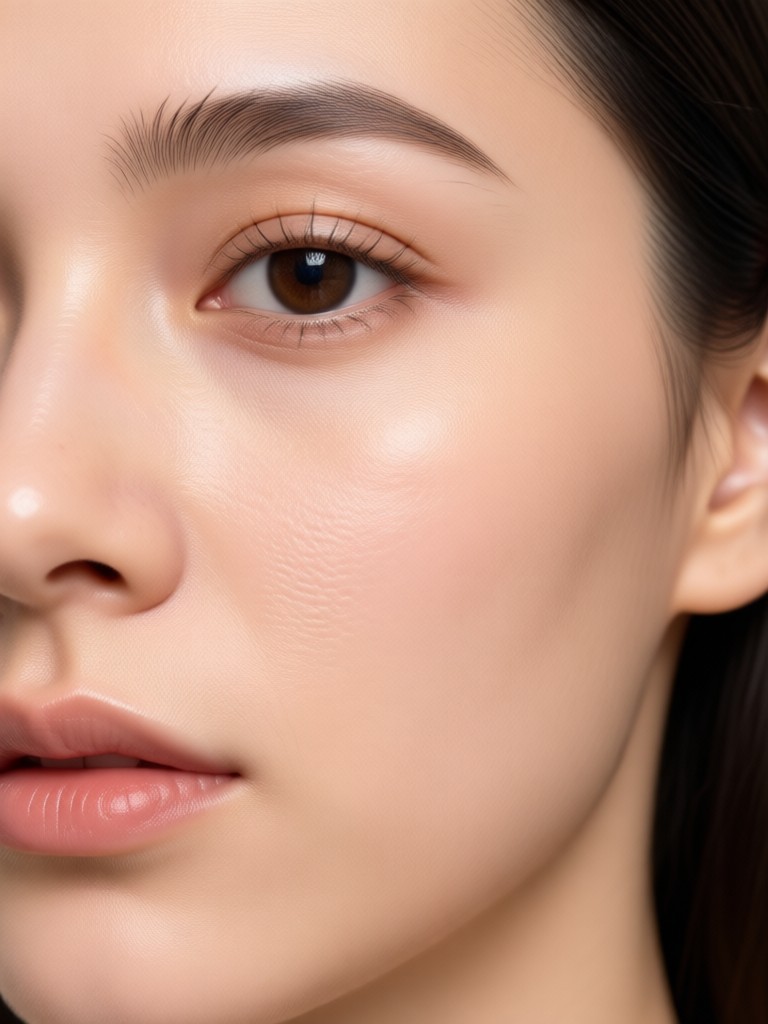
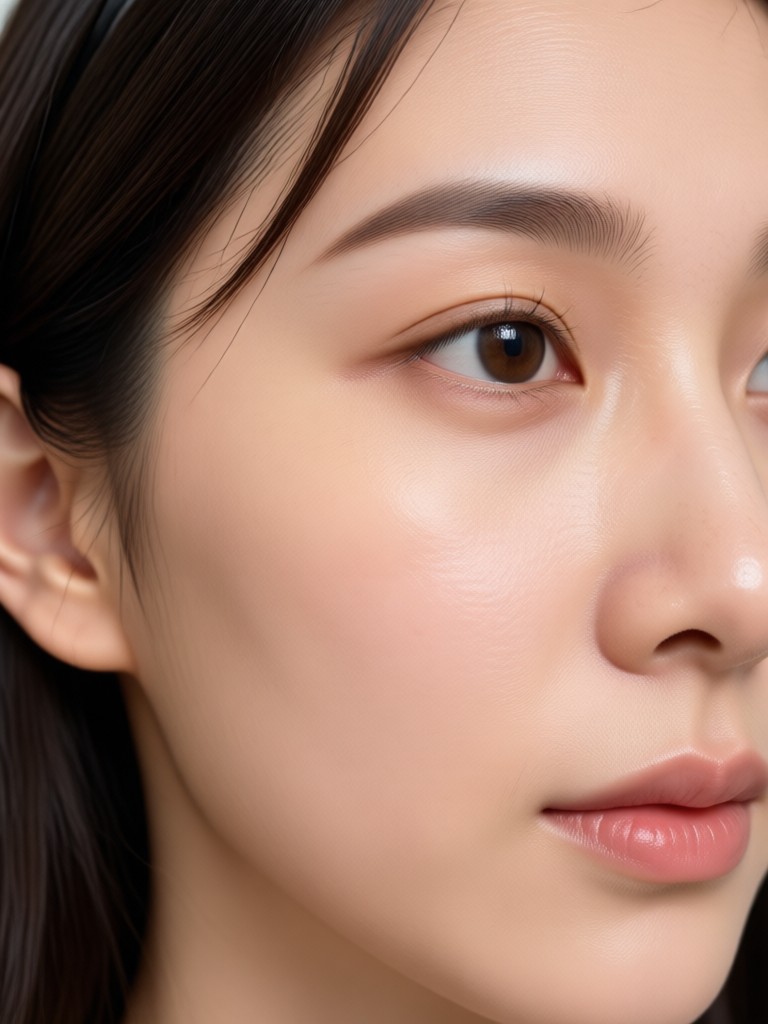
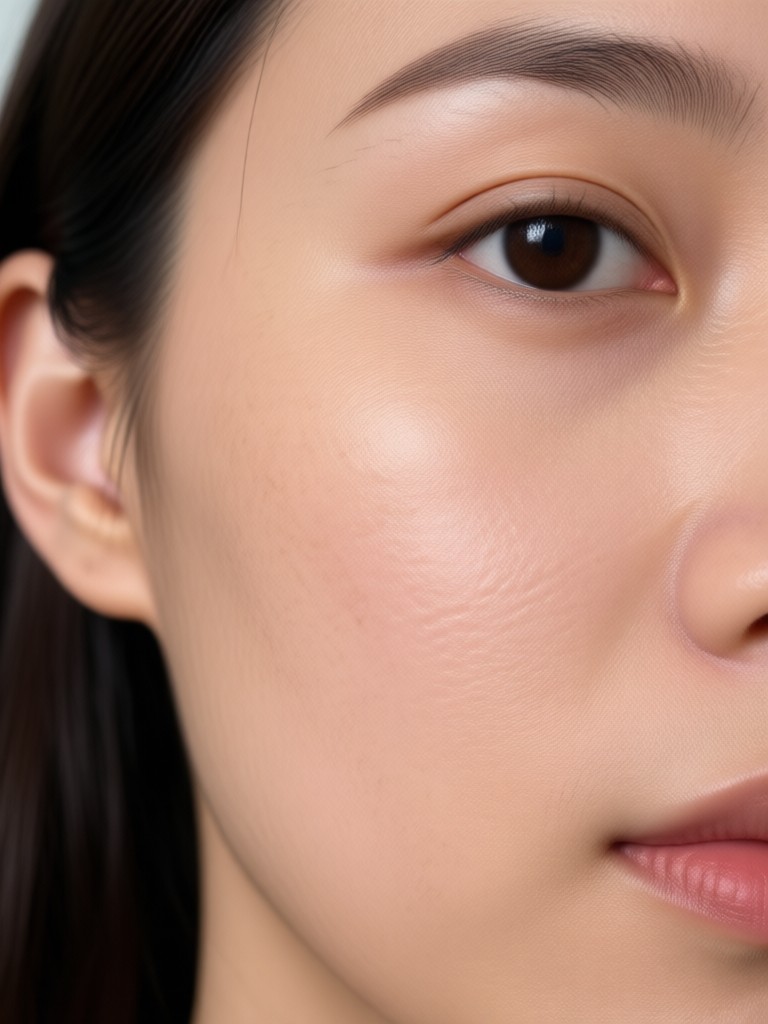
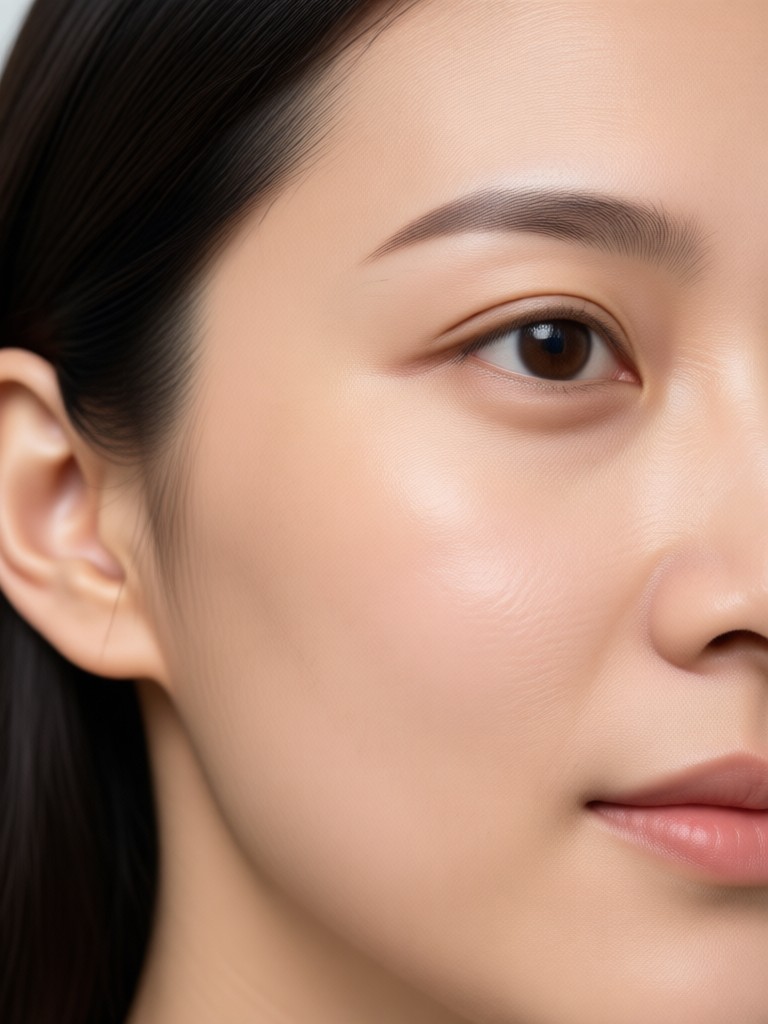
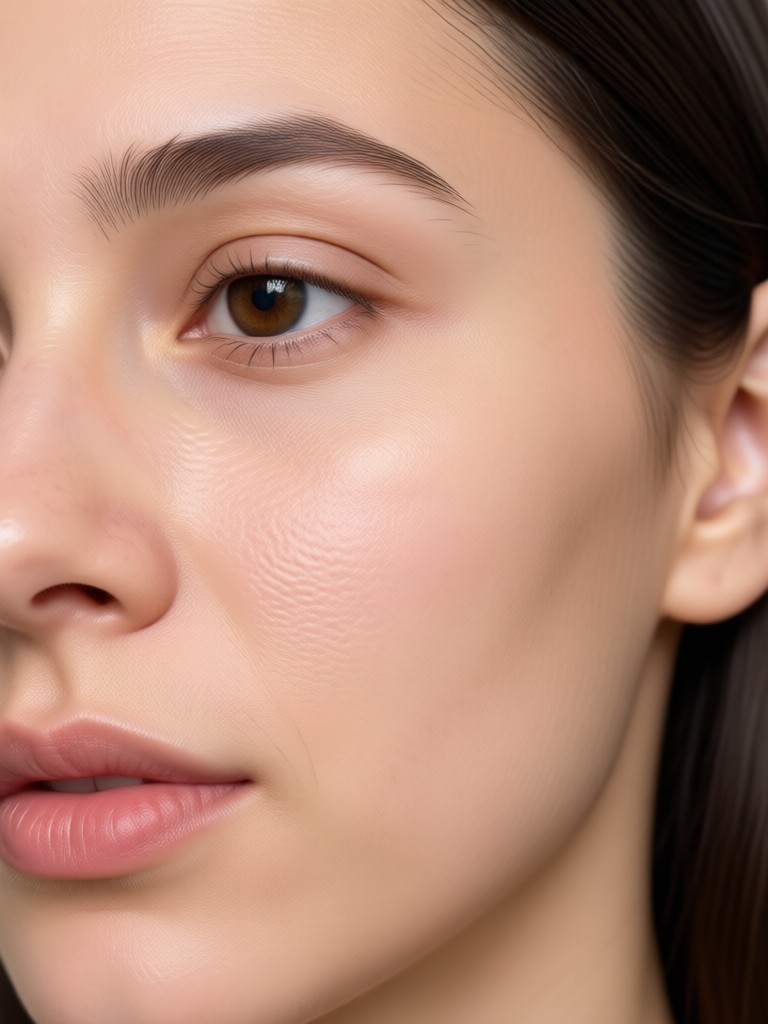
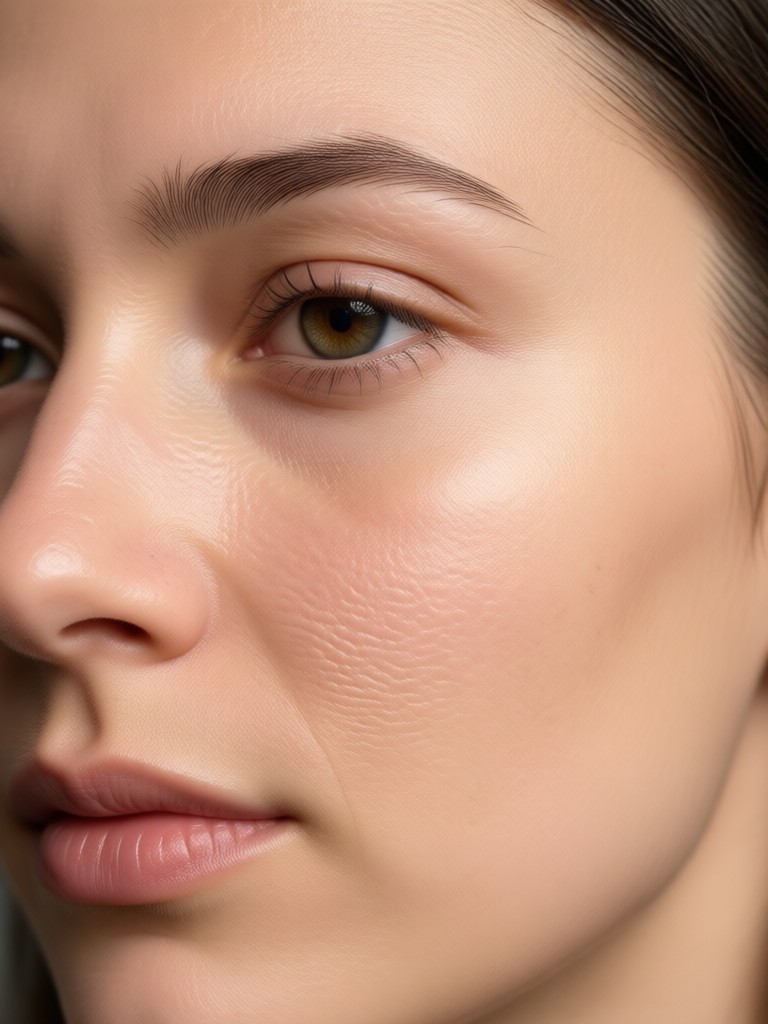
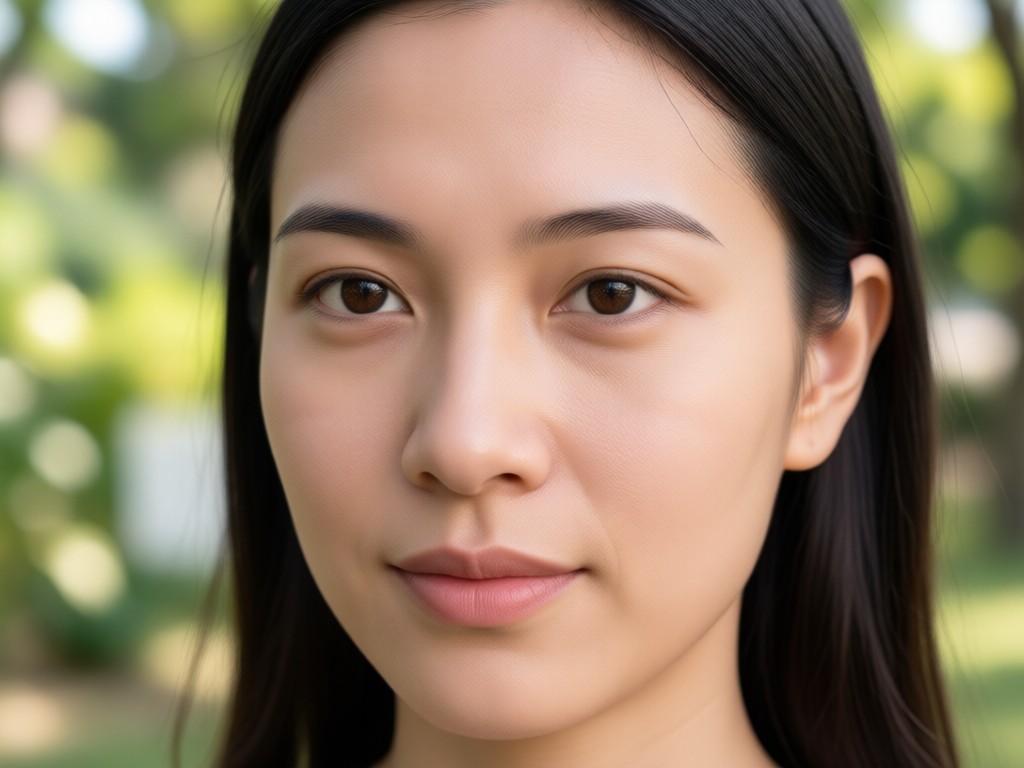
Browse before and after style examples made with viyo's free AI retouching tools. Each image shows how naturally wrinkles, crow's feet, and under eye lines disappear while keeping the person's expression and personality intact.
A Free Wrinkle Remover App That People Actually Trust
viyo uses advanced AI trained on diverse portraits to understand real skin texture. It targets wrinkles and fine lines without shrinking facial features or changing your identity. The result is a refreshed version of you, not a stranger.
A Free Wrinkle Remover App That People Actually Trust
viyo uses advanced AI trained on diverse portraits to understand real skin texture. It targets wrinkles and fine lines without shrinking facial features or changing your identity. The result is a refreshed version of you, not a stranger.
Free App to Remove Wrinkles From Photos
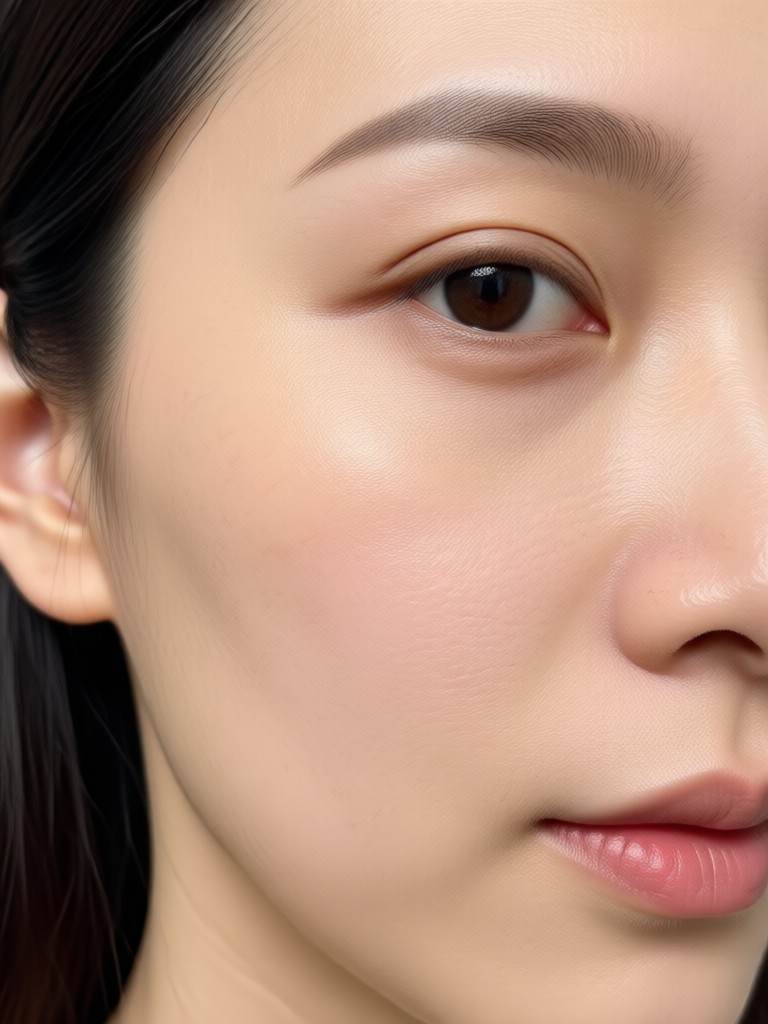
Download the viyo app from Google Play and get instant access to AI powered face retouching tools. Erase wrinkles, smooth texture, and brighten portraits with no ads, no watermarks, and no editing experience needed.

Who Uses a Free App to Remove Wrinkles From Photos

Maya Chen
I use viyo before posting selfies on Instagram. It removes my forehead lines and eye wrinkles in one tap without making me look filtered or fake.

Daniel Roberts
As a real estate agent, my LinkedIn profile needed a fresh headshot. viyo smoothed under eye circles and wrinkles while keeping my face natural. I got more responses within a week.

Priya Nair
Family photos from my wedding showed tired skin after a long day. I ran them through viyo and the results were stunning. Everyone looked rested and radiant.
Tom Alvarez
I do not know anything about photo editing. viyo made it easy to remove wrinkles from my passport style photo. It took less than a minute.
Maya Chen
I use viyo before posting selfies on Instagram. It removes my forehead lines and eye wrinkles in one tap without making me look filtered or fake.
Daniel Roberts
As a real estate agent, my LinkedIn profile needed a fresh headshot. viyo smoothed under eye circles and wrinkles while keeping my face natural. I got more responses within a week.
Priya Nair
Family photos from my wedding showed tired skin after a long day. I ran them through viyo and the results were stunning. Everyone looked rested and radiant.
Tom Alvarez
I do not know anything about photo editing. viyo made it easy to remove wrinkles from my passport style photo. It took less than a minute.
Maya Chen
I use viyo before posting selfies on Instagram. It removes my forehead lines and eye wrinkles in one tap without making me look filtered or fake.
Daniel Roberts
As a real estate agent, my LinkedIn profile needed a fresh headshot. viyo smoothed under eye circles and wrinkles while keeping my face natural. I got more responses within a week.
Priya Nair
Family photos from my wedding showed tired skin after a long day. I ran them through viyo and the results were stunning. Everyone looked rested and radiant.
Tom Alvarez
I do not know anything about photo editing. viyo made it easy to remove wrinkles from my passport style photo. It took less than a minute.
Frequently Asked Questions About Wrinkle Removal Apps
Get clear answers about using a free app to remove wrinkles from photos, including safety, natural results, and device compatibility.
More Topics You May Like
Explore more photo editing topics and discover fresh ideas for portrait retouching and AI powered beauty tools.
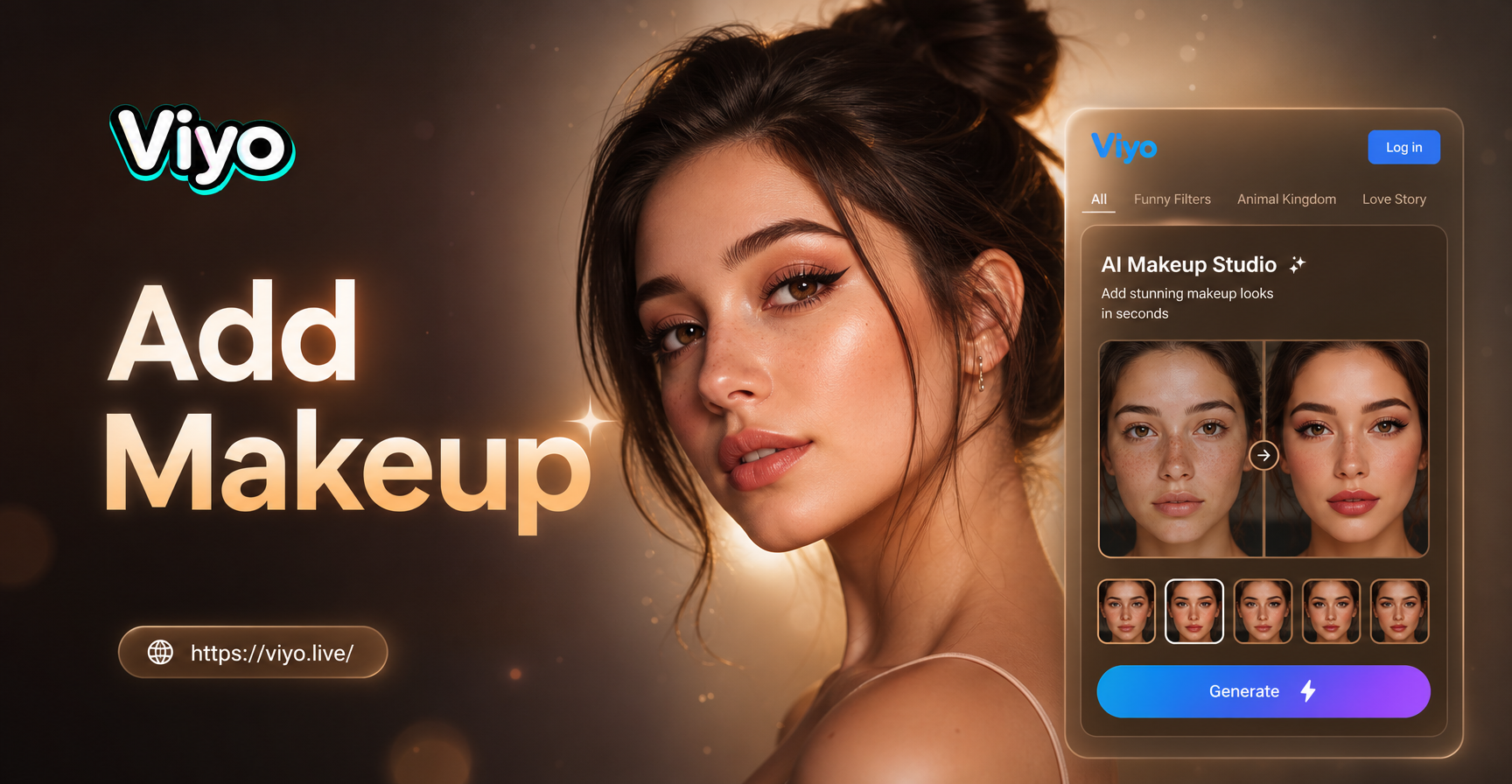
Add Makeup To Photo Online Free: Flawless Virtual Makeover
AI Generated Wallpapers: Turn Ideas Into Stunning Art
Turn Any Photo Into Stunning HDR With AI Converter
Free Video Editing Software For Pc Without Watermark - AI Powered Creative Tool | viyo
Add Makeup To Photo Online Free: Flawless Virtual Makeover
AI Generated Wallpapers: Turn Ideas Into Stunning Art
Turn Any Photo Into Stunning HDR With AI Converter
Free Video Editing Software For Pc Without Watermark - AI Powered Creative Tool | viyo
Erase Wrinkles From Any Photo for Free
Download viyo now and get instant access to natural looking AI wrinkle removal tools. Smooth fine lines, erase age spots, and restore a youthful glow without editing skills.

Erase Wrinkles From Any Photo for Free
Download viyo now and get instant access to natural looking AI wrinkle removal tools. Smooth fine lines, erase age spots, and restore a youthful glow without editing skills.