Photo Hdr Converter
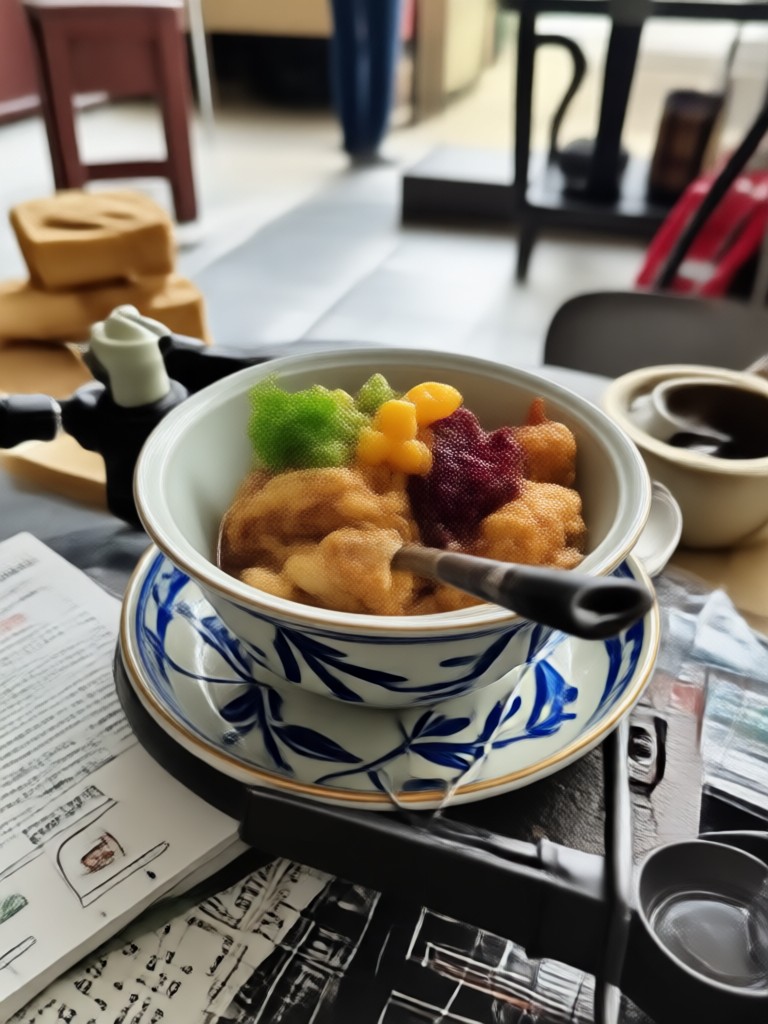
Choose the Perfect HDR Filter for Your Photo
Discover a variety of HDR filters that suit every scene, from natural landscapes to dramatic portraits. Tap a filter to preview and apply instantly.
How to Convert Photo to HDR?
Convert any photo to HDR in three simple steps using the viyo app.

Step 01.
Download the viyo app from Google Play and open it on your phone.

Step 02.
Upload your photo and choose an HDR filter from the style library.

Step 03.
Tap Generate and watch your photo transform into a vibrant HDR image. Save and share.
HDR Photo Conversion Gallery
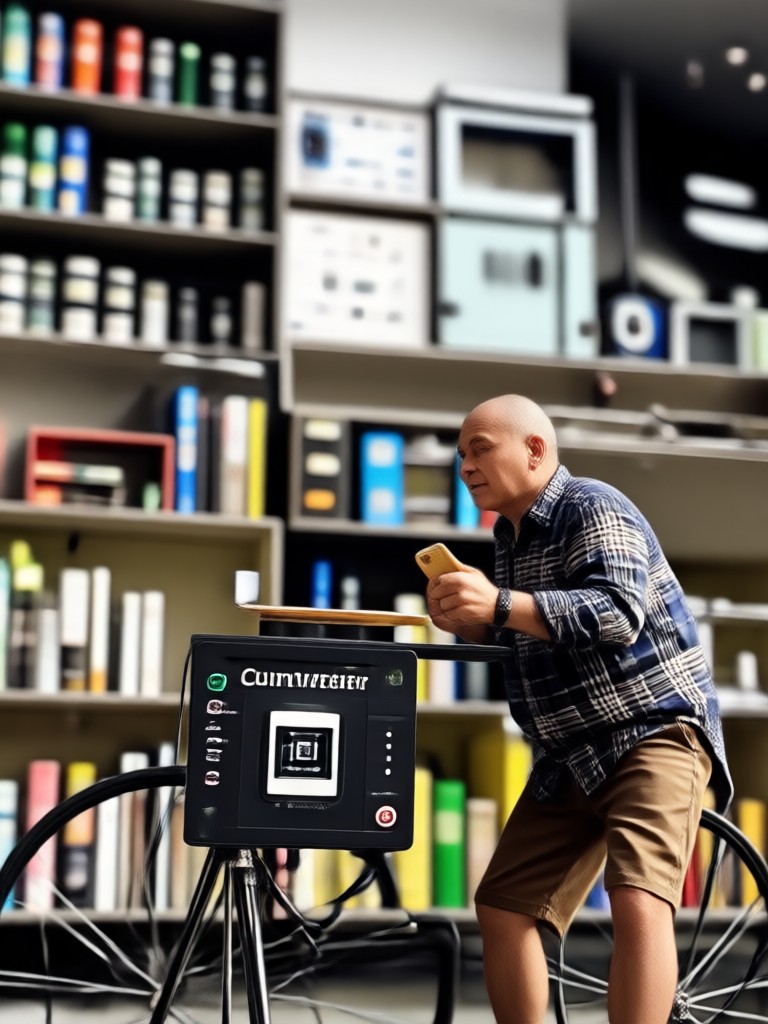
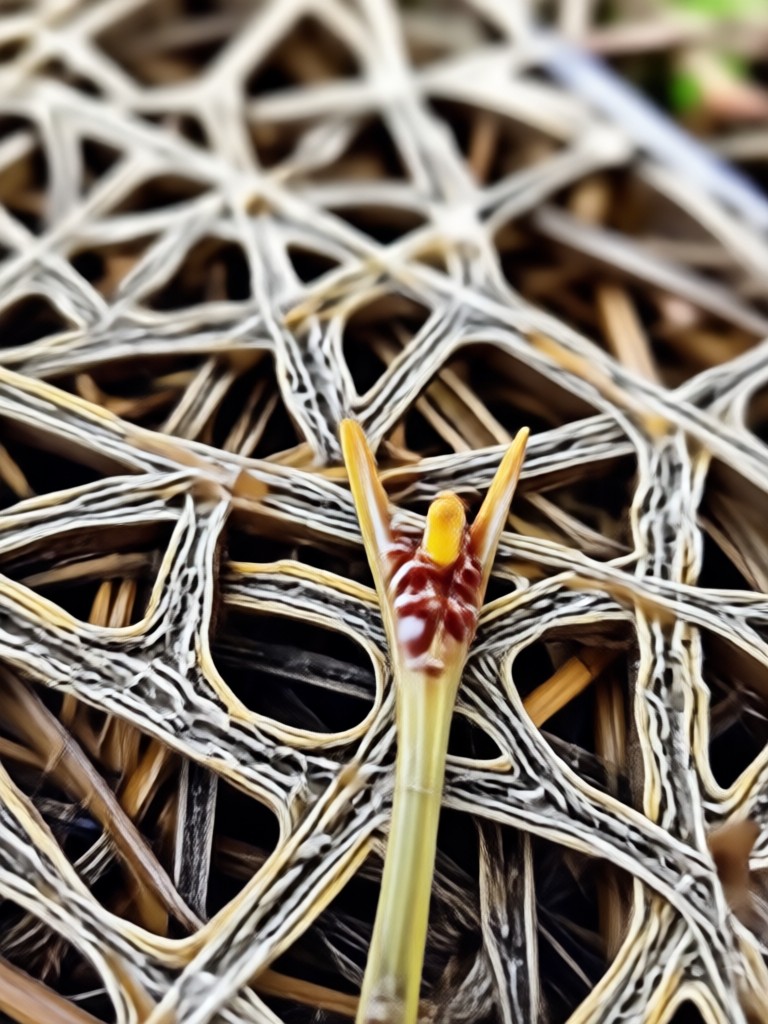
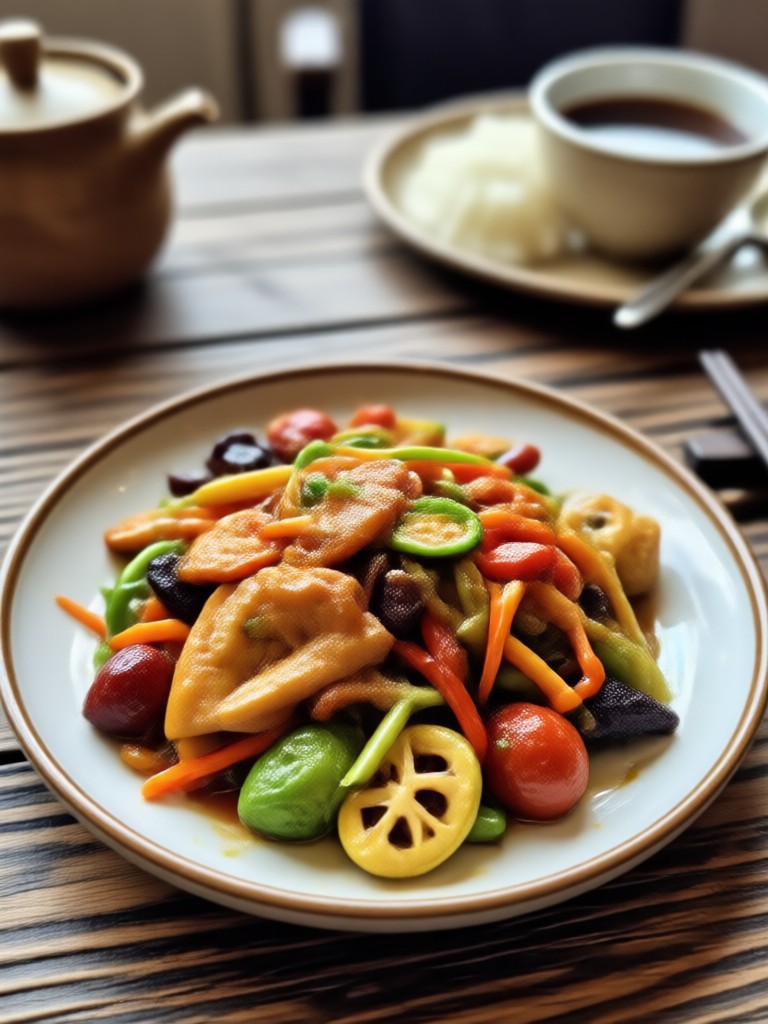
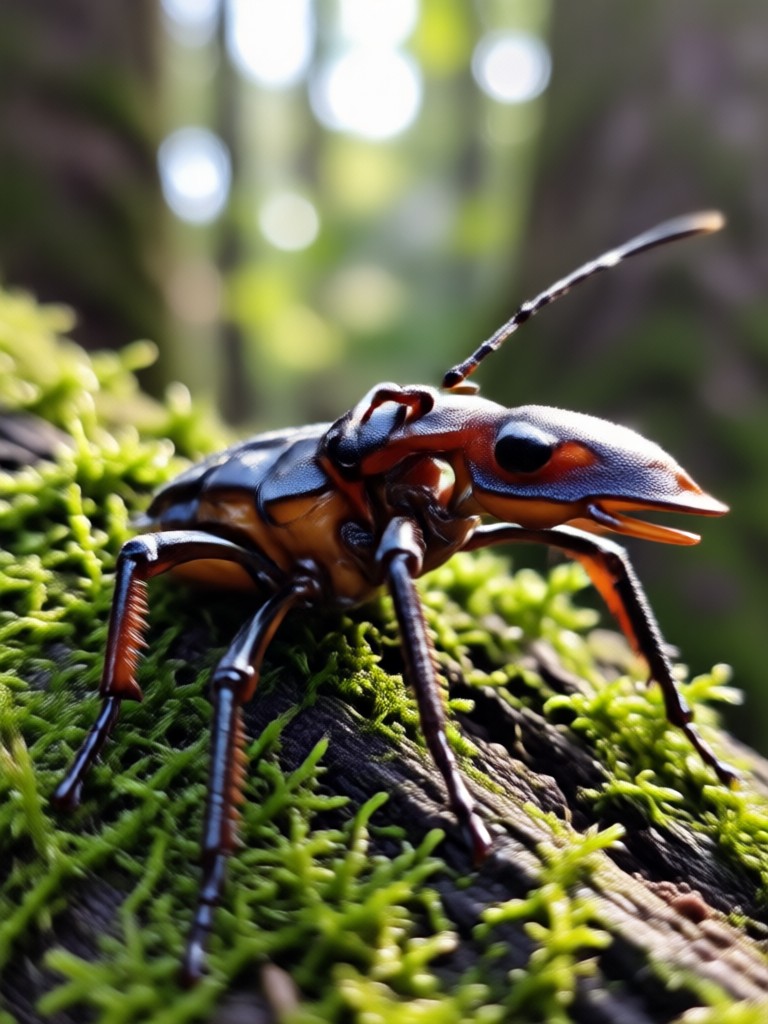
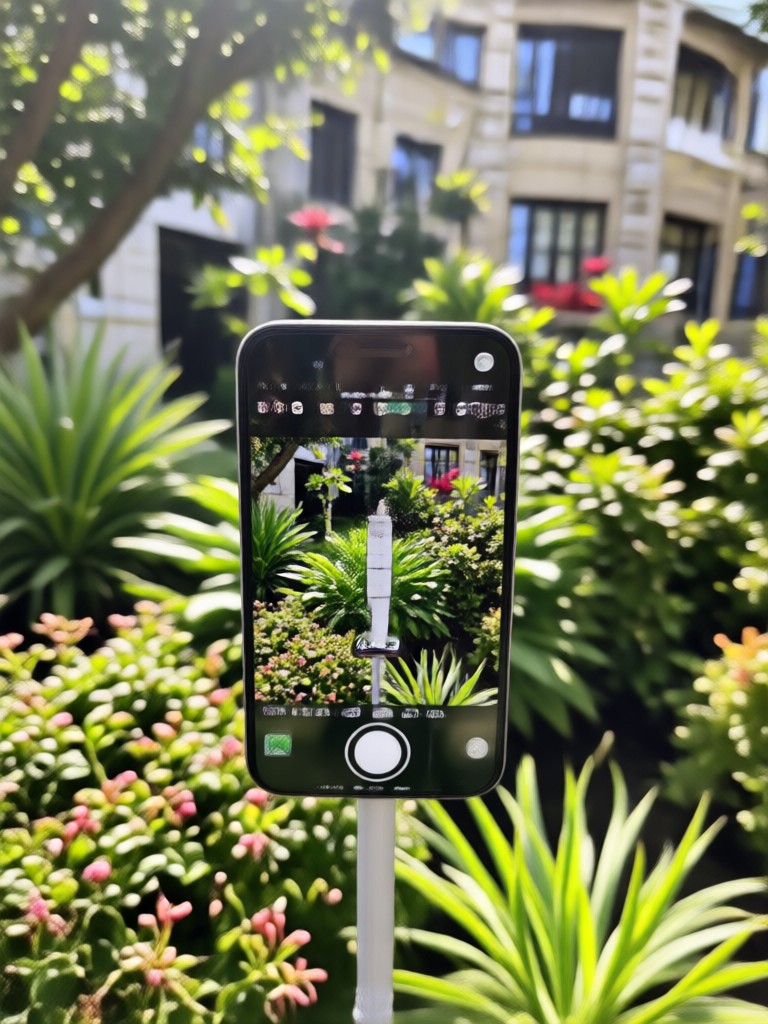
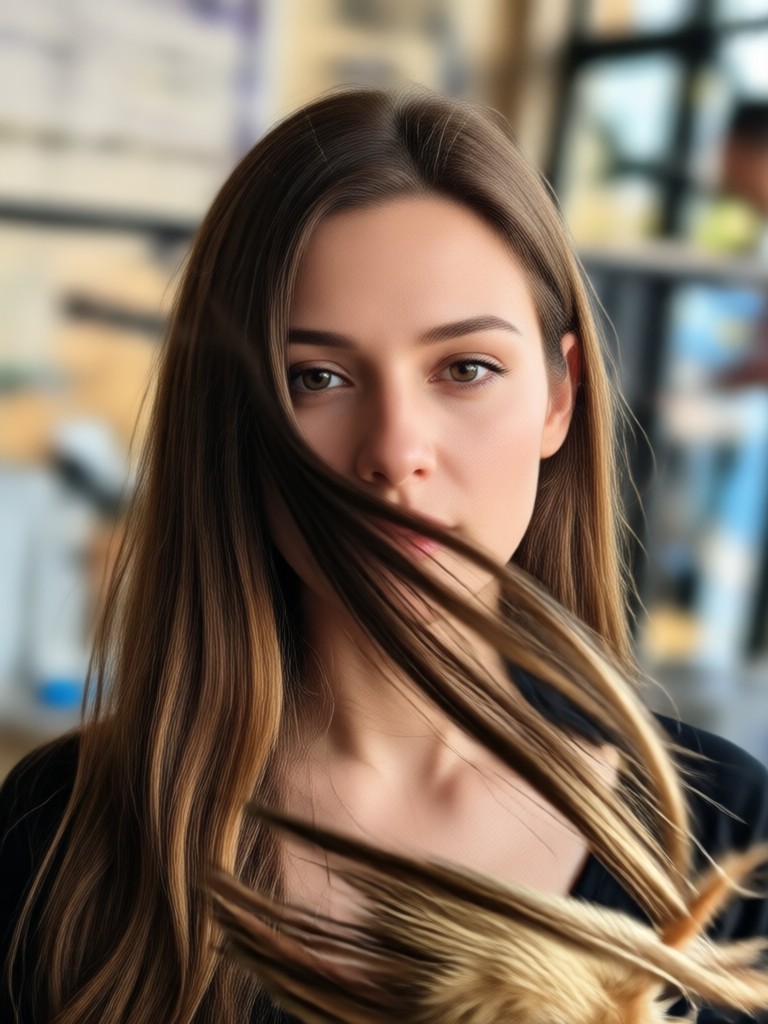
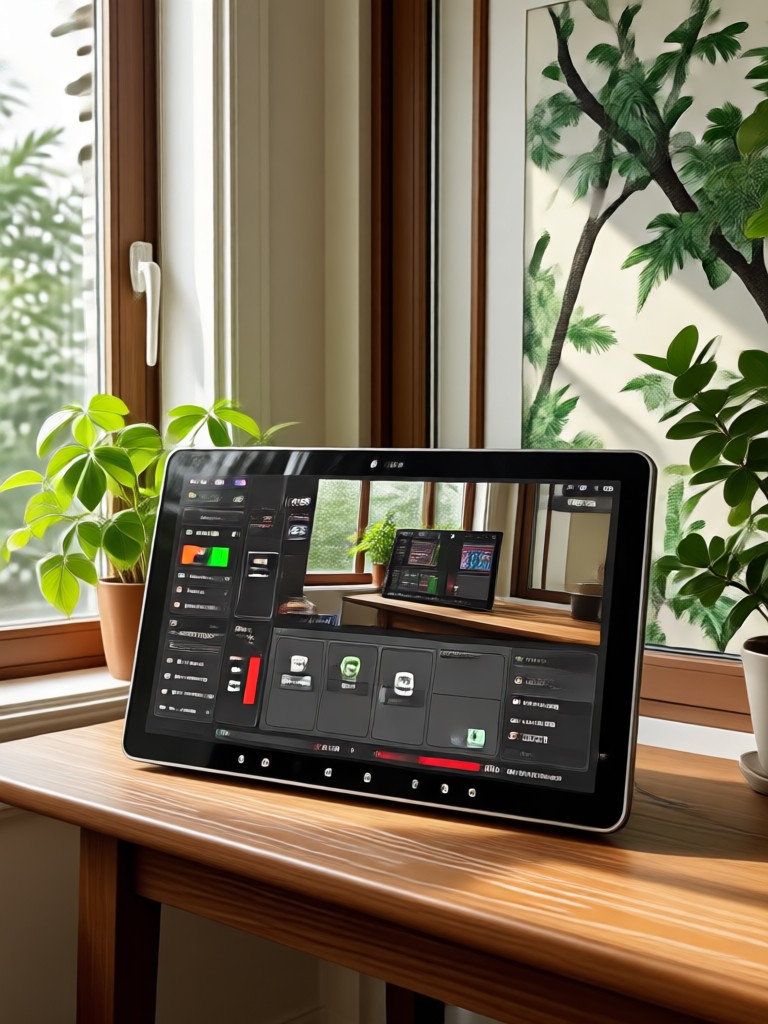
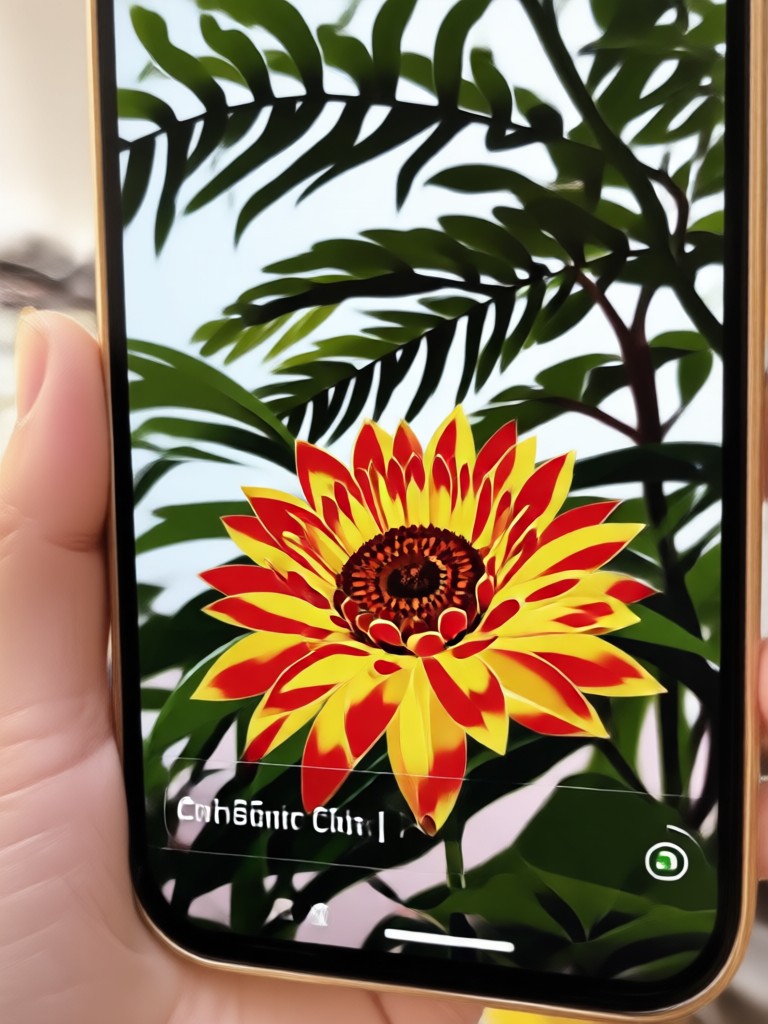
See stunning examples of photos transformed with our HDR converter. Each image showcases the dramatic range, color depth, and detail enhancement you can achieve.
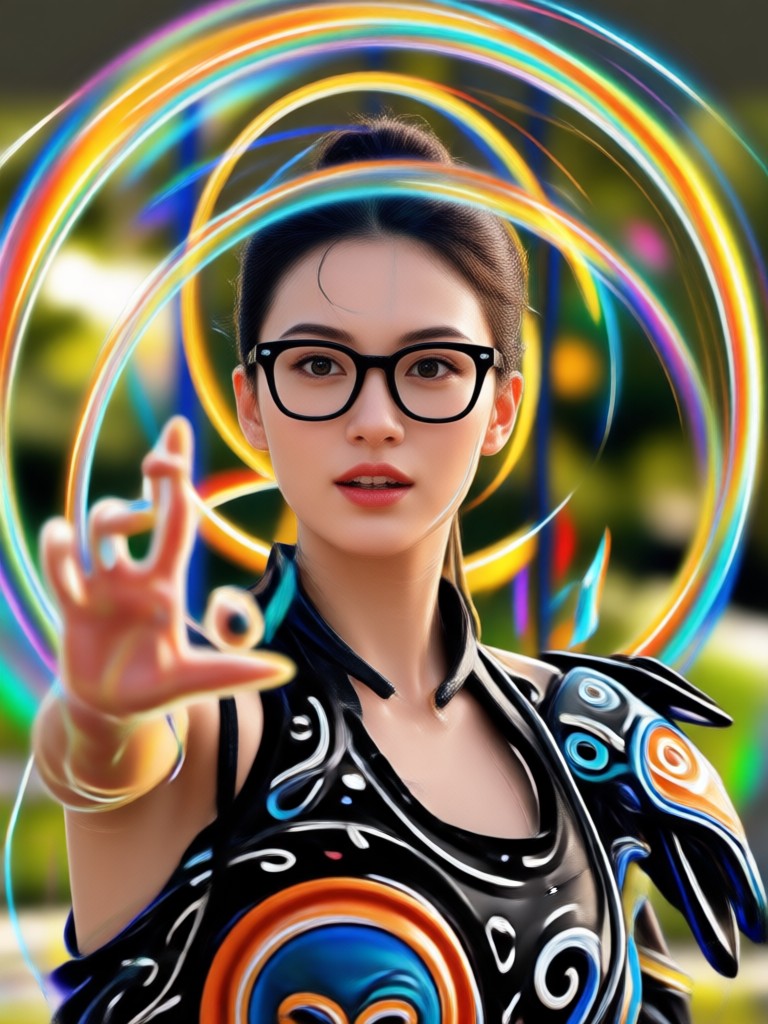
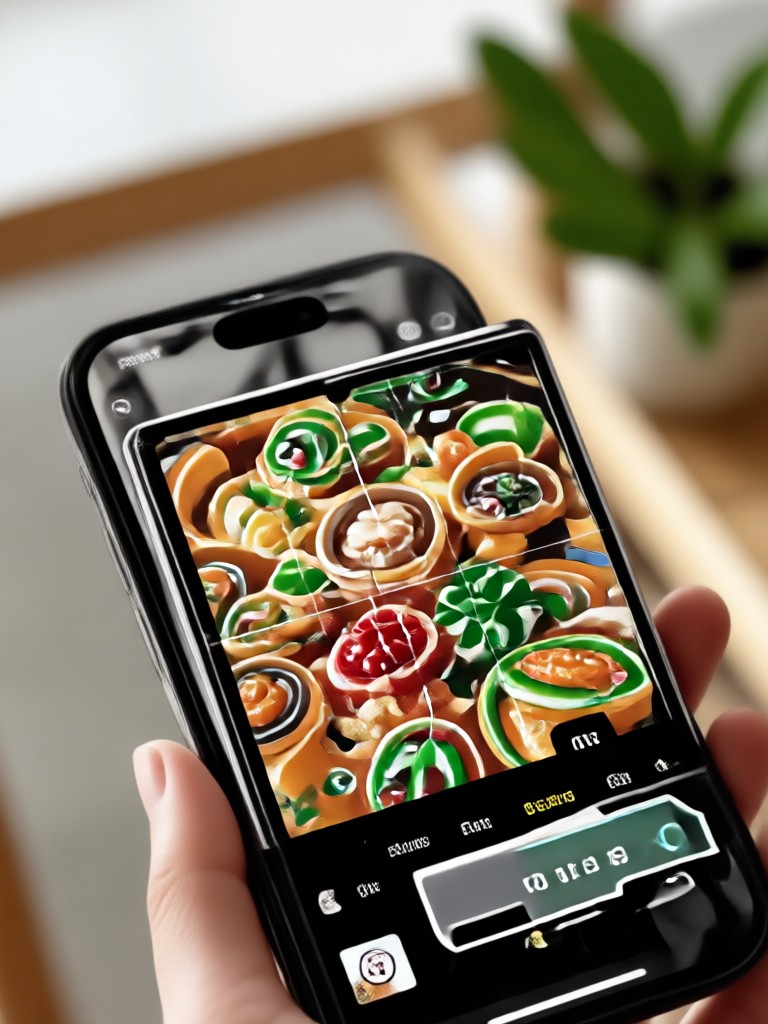
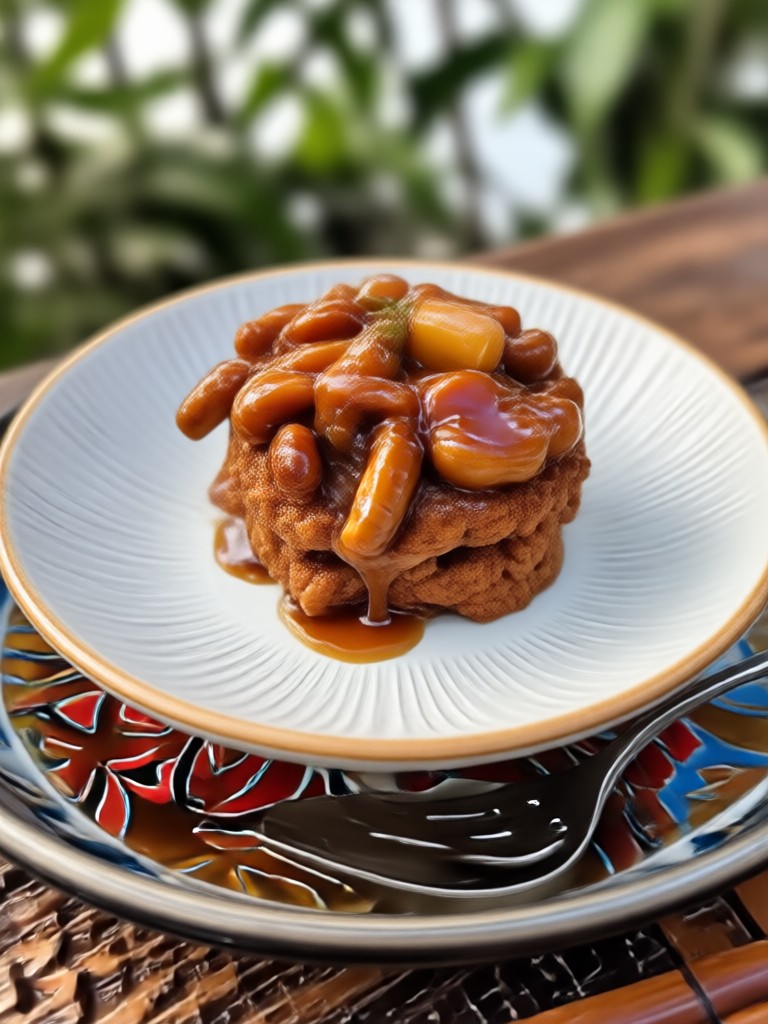
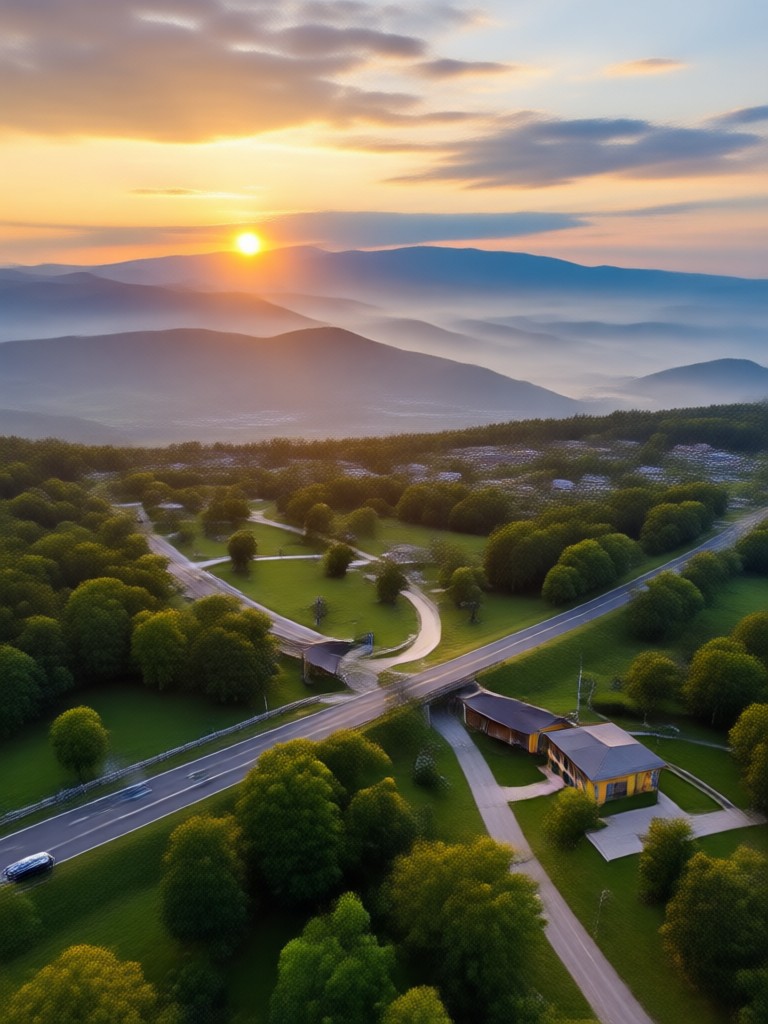
Key Features of Photo HDR Converter
Our HDR converter is built for speed, quality, and simplicity. Here is what makes it stand out.
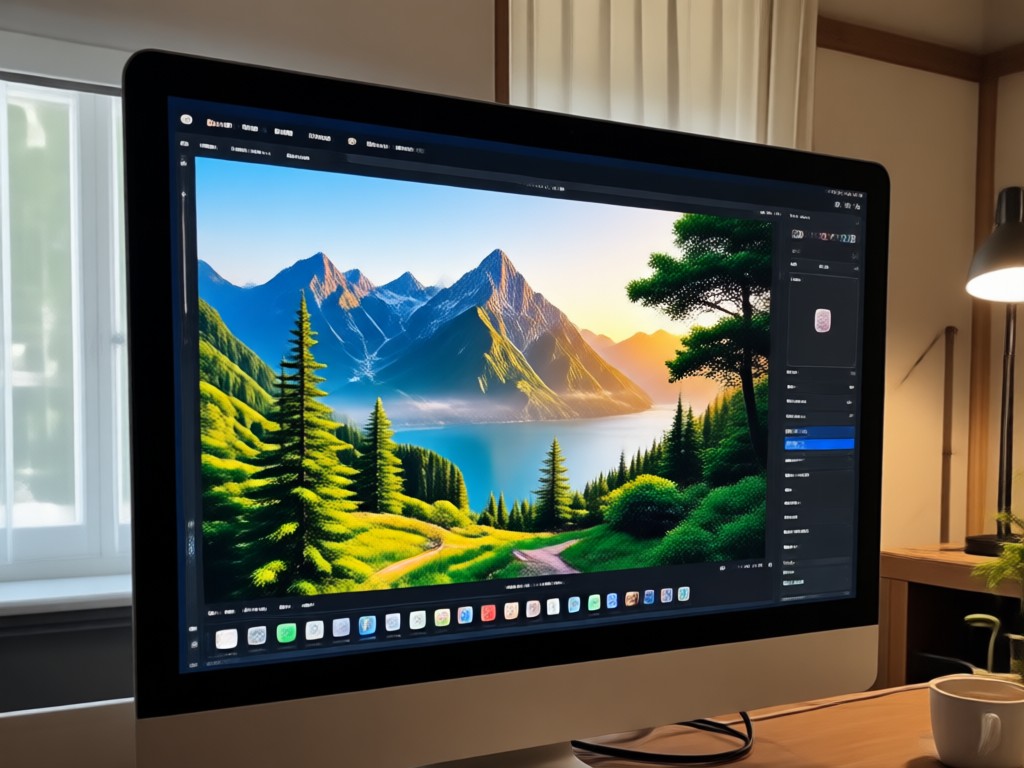
One-Tap HDR Enhancement
Apply advanced HDR algorithms to any photo instantly. Adjust brightness, contrast, and color saturation automatically for a stunning result.
One-Tap HDR Enhancement
Apply advanced HDR algorithms to any photo instantly. Adjust brightness, contrast, and color saturation automatically for a stunning result.
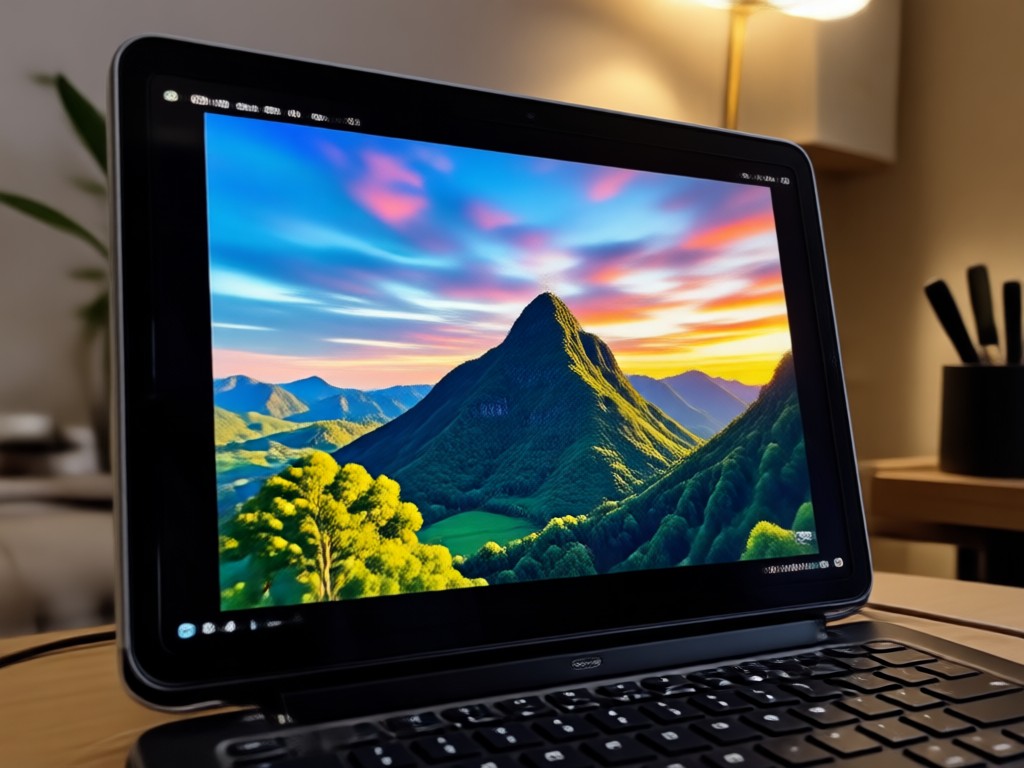
Customizable HDR Intensity
Fine tune the HDR effect to match your vision. Use sliders to control strength, tone mapping, and detail preservation for a natural or dramatic look.
Customizable HDR Intensity
Fine tune the HDR effect to match your vision. Use sliders to control strength, tone mapping, and detail preservation for a natural or dramatic look.
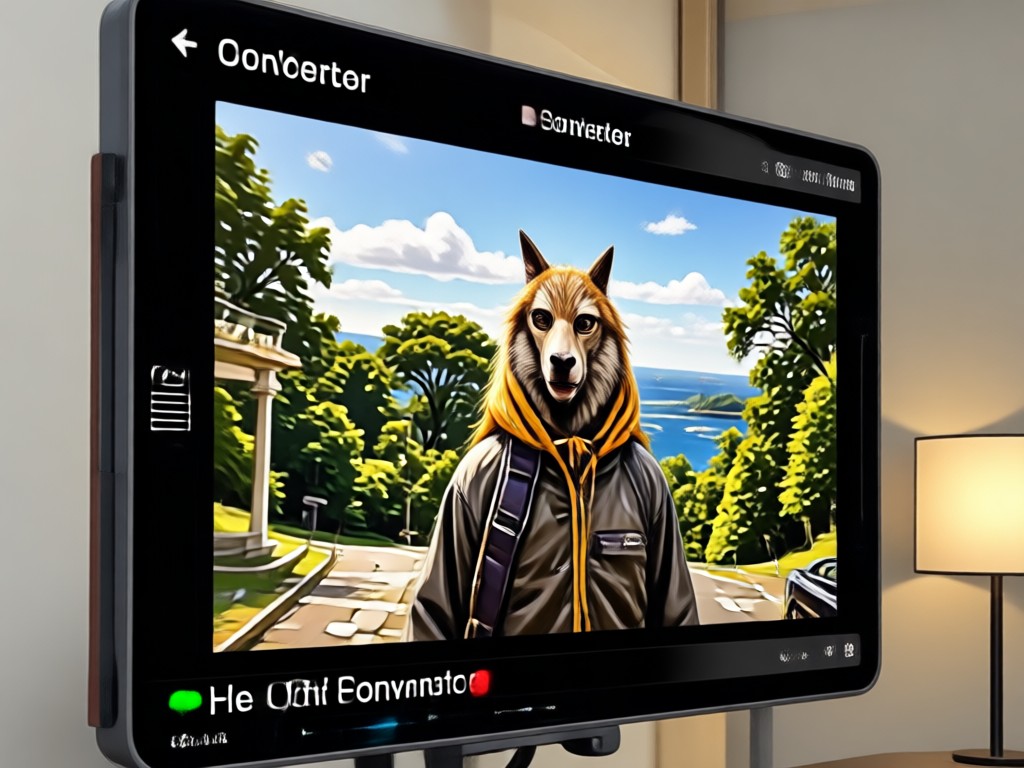
Preserve Original Quality
Our AI processes photos without losing resolution. The final HDR image remains crisp and detailed, ready for printing or sharing on social media.
Preserve Original Quality
Our AI processes photos without losing resolution. The final HDR image remains crisp and detailed, ready for printing or sharing on social media.
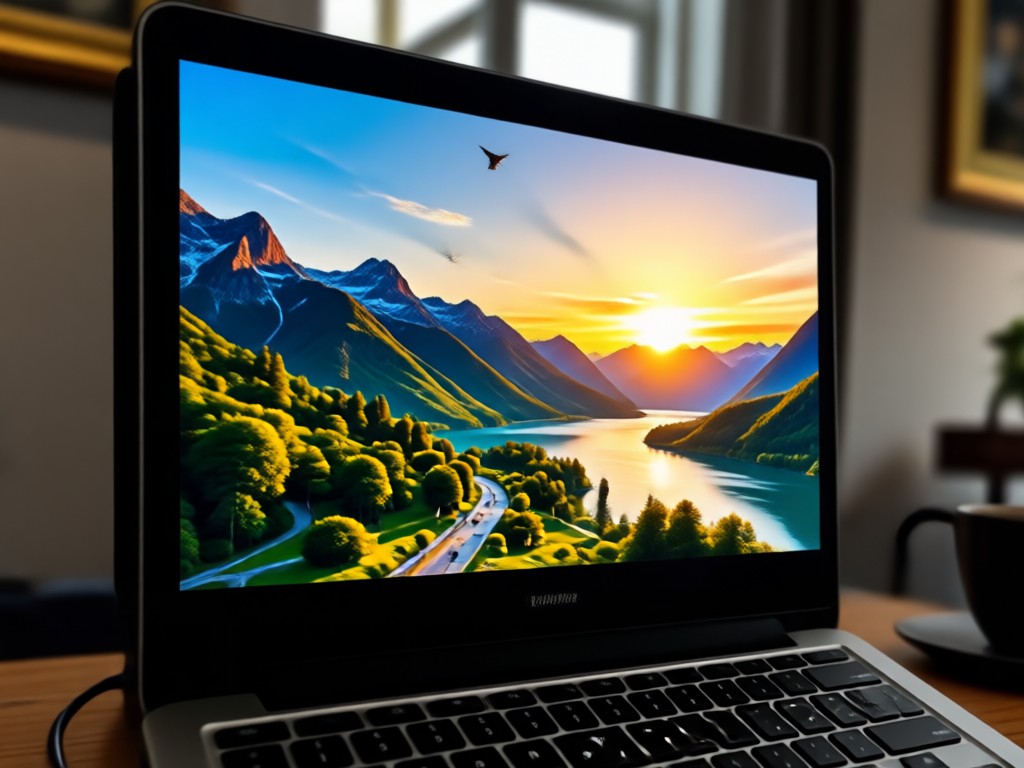
Why Use Our Photo HDR Converter?
Most HDR tools require complex editing software. Our app makes HDR conversion as easy as applying a filter. No photography skills needed, just tap and transform.
Why Use Our Photo HDR Converter?
Most HDR tools require complex editing software. Our app makes HDR conversion as easy as applying a filter. No photography skills needed, just tap and transform.
What Users Say About Our HDR Converter
Finally, HDR without Photoshop
I always wanted to make my travel photos pop like professional HDR shots. This app does it in seconds and the results look natural, not overcooked.
Perfect for real estate photos
As a real estate agent, I need bright and detailed interior shots. The HDR converter brings out window views and room details beautifully.
My phone photos look amazing now
I used to think my phone camera was average, but after converting to HDR, the colors and contrast are incredible. Highly recommend.
Frequently Asked Questions About Photo HDR Converter
Find clear answers to common questions about HDR conversion and our app.
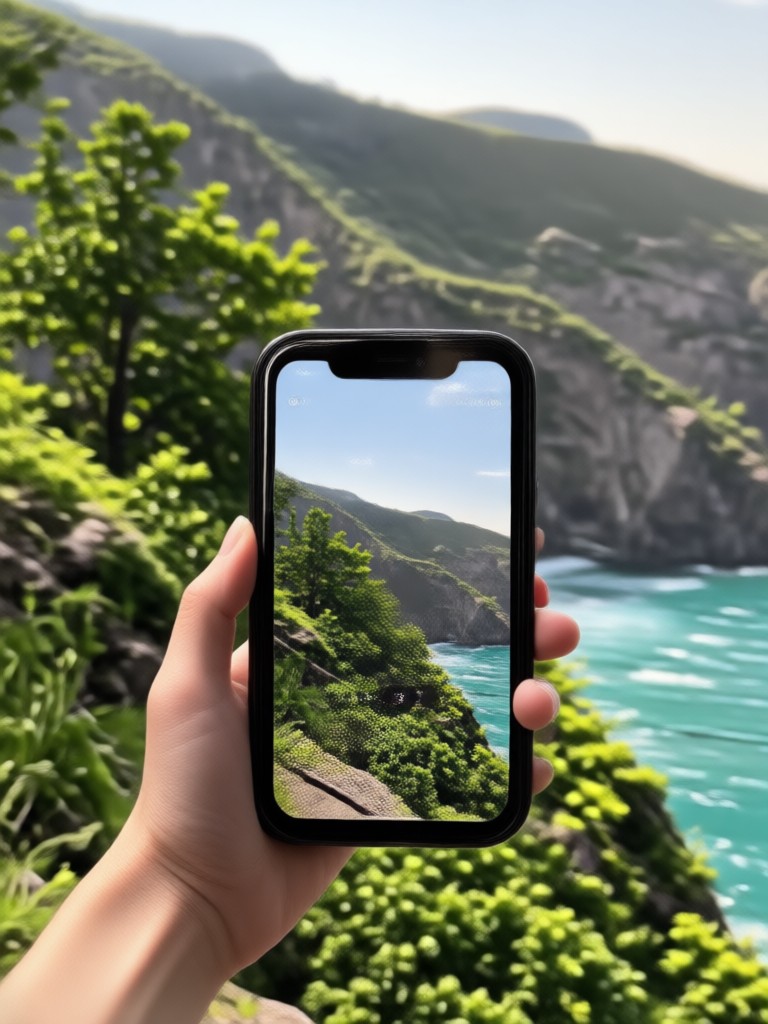
Photo HDR Converter App
Download the viyo app and start converting your photos to stunning HDR images today. Available on Google Play.

More Topics You May Like
Explore more topics related to HDR photo editing and AI enhancements.
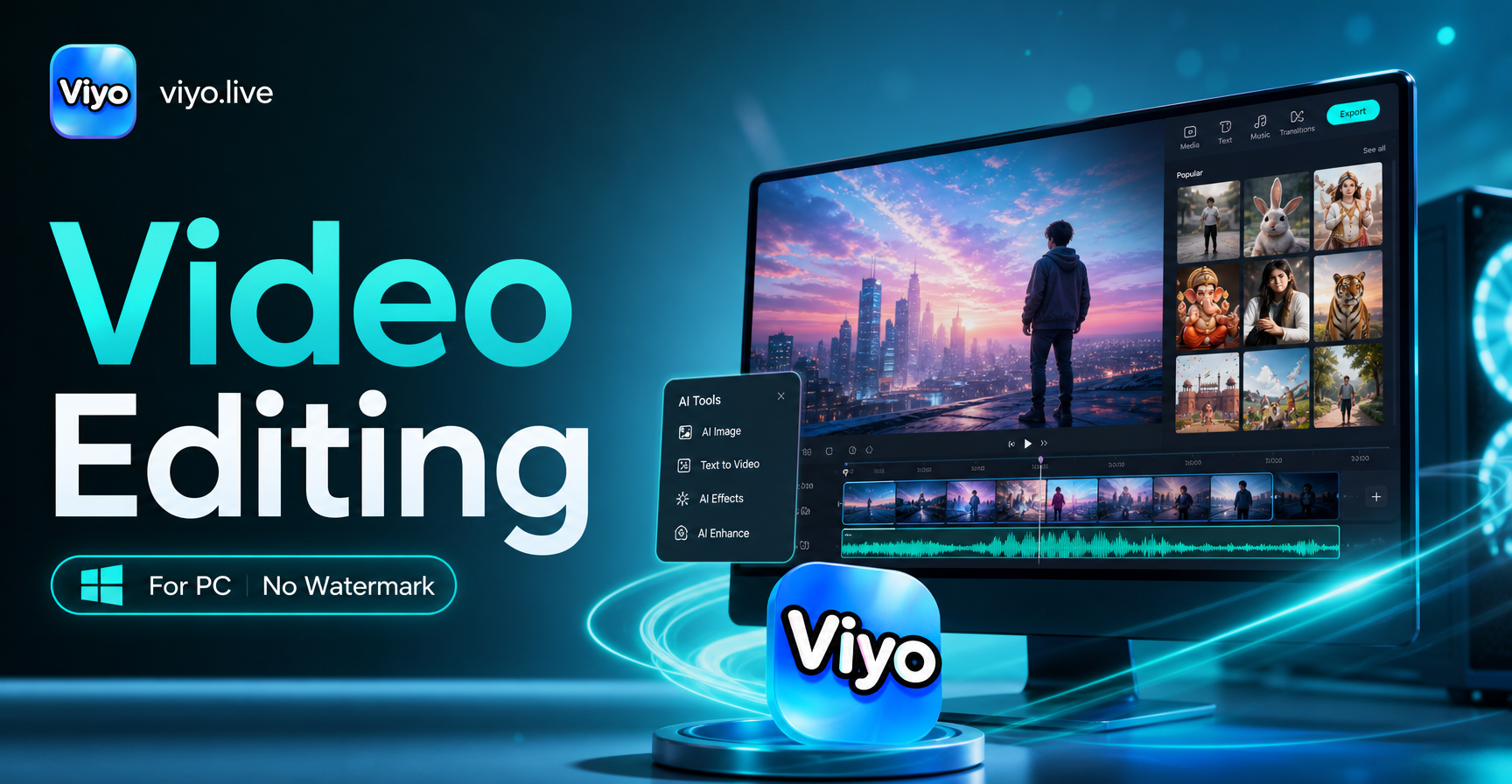
Free Video Editing Software For Pc Without Watermark - AI Powered Creative Tool | viyo
Create stunning Free Video Editing Software For Pc Without Watermark with viyo AI. Generate images, videos, and art instantly with one tap. Download the app and start creating today.
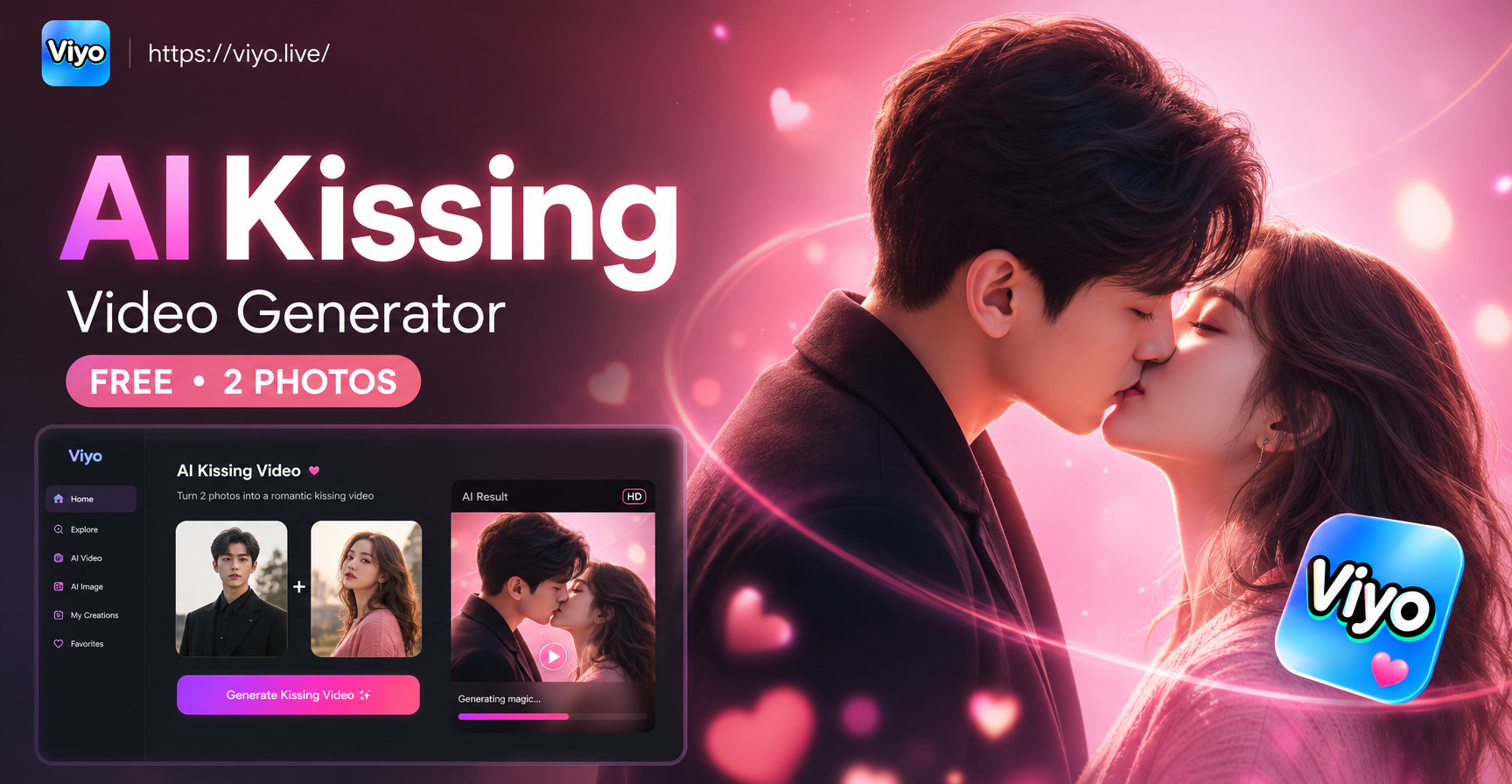
AI Kissing Video Generator Free 2 Photos - AI Powered Creative Tool | viyo
Create stunning AI Kissing Video Generator Free 2 Photos with viyo AI. Generate images, videos, and art instantly with one tap. Download the app and start creating today.
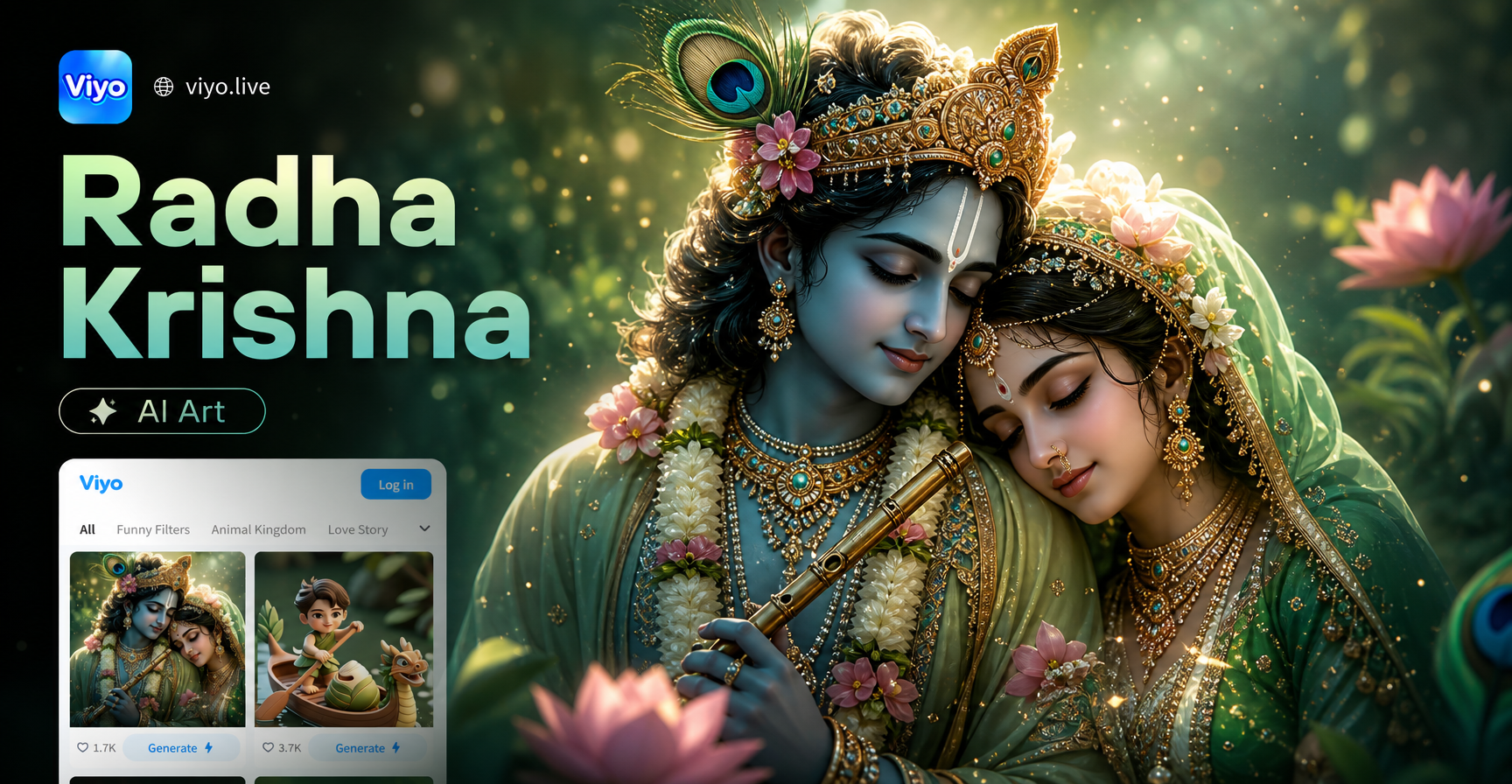
Generated Images Radha Krishna AI Art - AI Powered Creative Tool | viyo
Create stunning Generated Images Radha Krishna AI Art with viyo AI. Generate images, videos, and art instantly with one tap. Download the app and start creating today.

Choose My Makeup Filter Online Free - AI Powered Creative Tool | viyo
Create stunning Choose My Makeup Filter Online Free with viyo AI. Generate images, videos, and art instantly with one tap. Download the app and start creating today.
Your Photos Deserve HDR Brilliance
Download viyo and transform any photo into a vibrant HDR image with one tap. Start creating stunning visuals today.
Your Photos Deserve HDR Brilliance
Download viyo and transform any photo into a vibrant HDR image with one tap. Start creating stunning visuals today.