Duke Photo Editing
Choose the Duke Style That Suits You Best
Discover regal, aristocratic, and collegiate filters that perfectly match your photo editing mood.
Key Features of Duke Photo Editing
Elevate your portraits with regal AI style filters that deliver polished, dignified results in seconds.
Duke Aesthetic Filters
Access a massive library of Duke inspired style templates, from royal portrait treatments to collegiate blue tones. Each filter captures the dignified, polished look you want without manual retouching. Simply select a template and let the AI handle color grading, lighting adjustments, and facial refinement.
Duke Aesthetic Filters
Access a massive library of Duke inspired style templates, from royal portrait treatments to collegiate blue tones. Each filter captures the dignified, polished look you want without manual retouching. Simply select a template and let the AI handle color grading, lighting adjustments, and facial refinement.

Regal Portrait Transformation
Turn ordinary selfies into aristocratic portraits with one tap. The AI analyzes facial structure, skin texture, and lighting to apply a noble, refined appearance. Results preserve your identity while elevating every detail with a regal finish that looks professionally photographed.
Regal Portrait Transformation
Turn ordinary selfies into aristocratic portraits with one tap. The AI analyzes facial structure, skin texture, and lighting to apply a noble, refined appearance. Results preserve your identity while elevating every detail with a regal finish that looks professionally photographed.
Instant Style Presets
Browse one million plus ready to use filters organized by mood and aesthetic. From classic Duke blue energy to vintage noble charm, find the perfect preset for your photo. Every filter is optimized for portraits and group shots, so you can edit multiple people at once.
Instant Style Presets
Browse one million plus ready to use filters organized by mood and aesthetic. From classic Duke blue energy to vintage noble charm, find the perfect preset for your photo. Every filter is optimized for portraits and group shots, so you can edit multiple people at once.
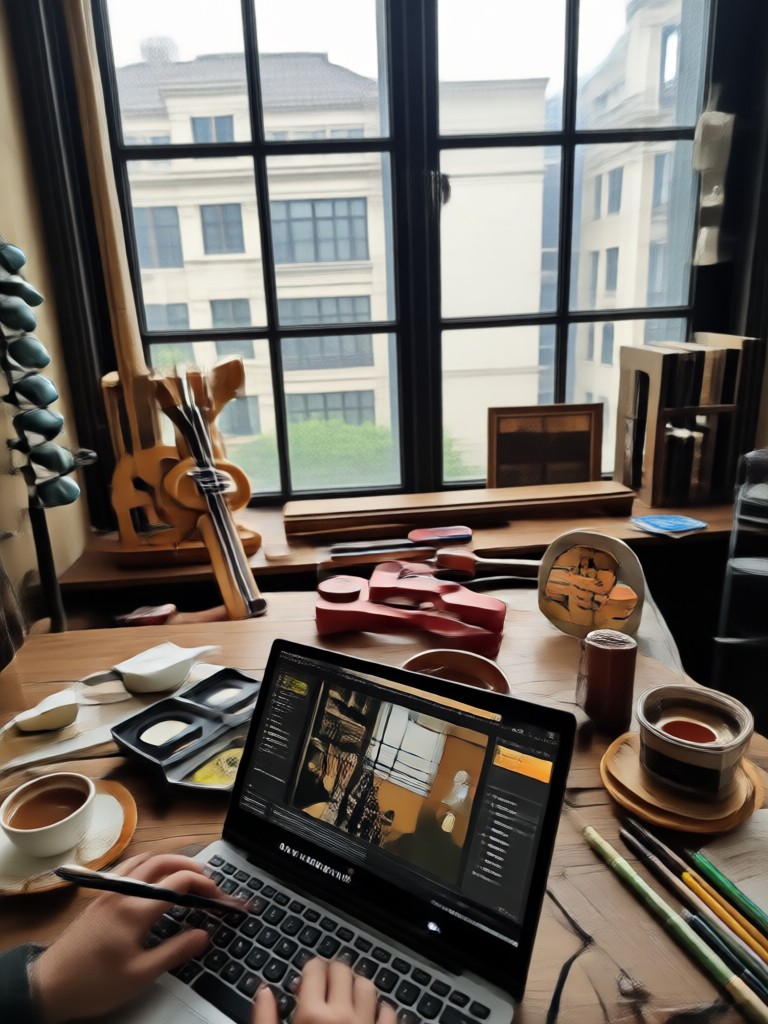
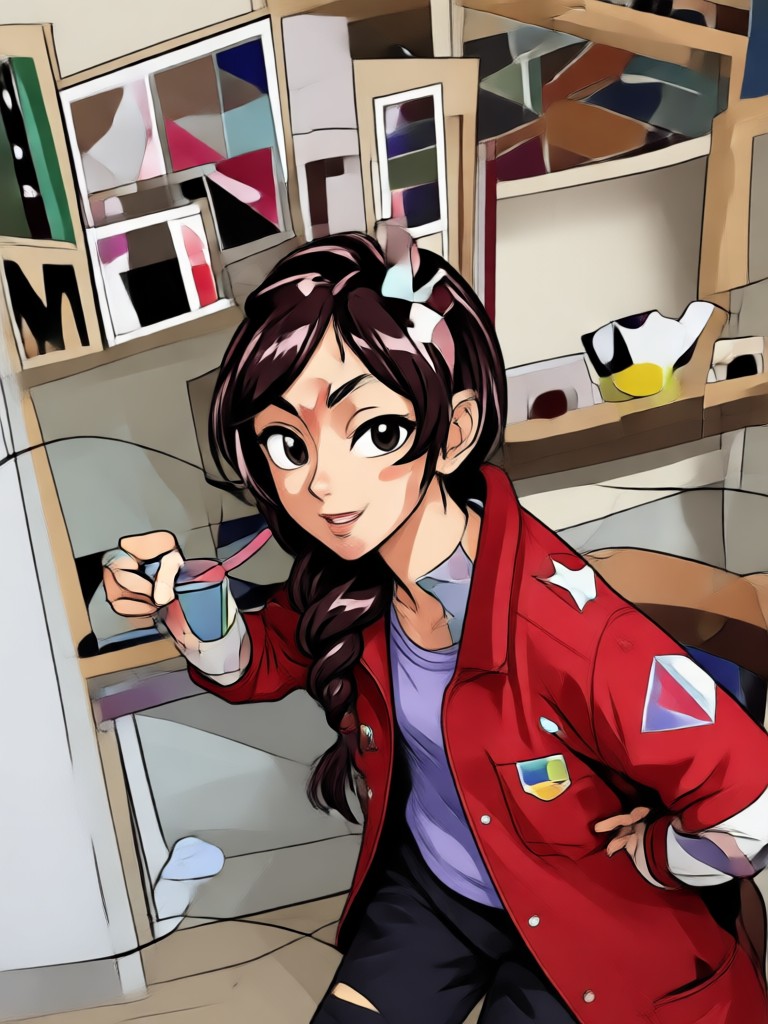
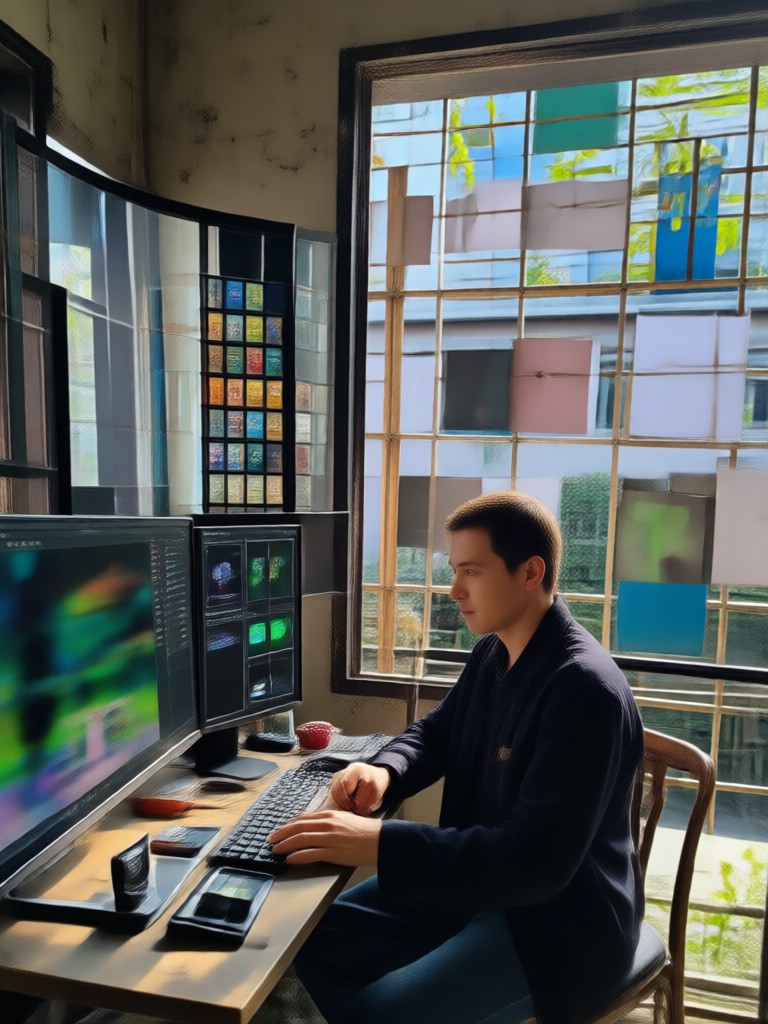
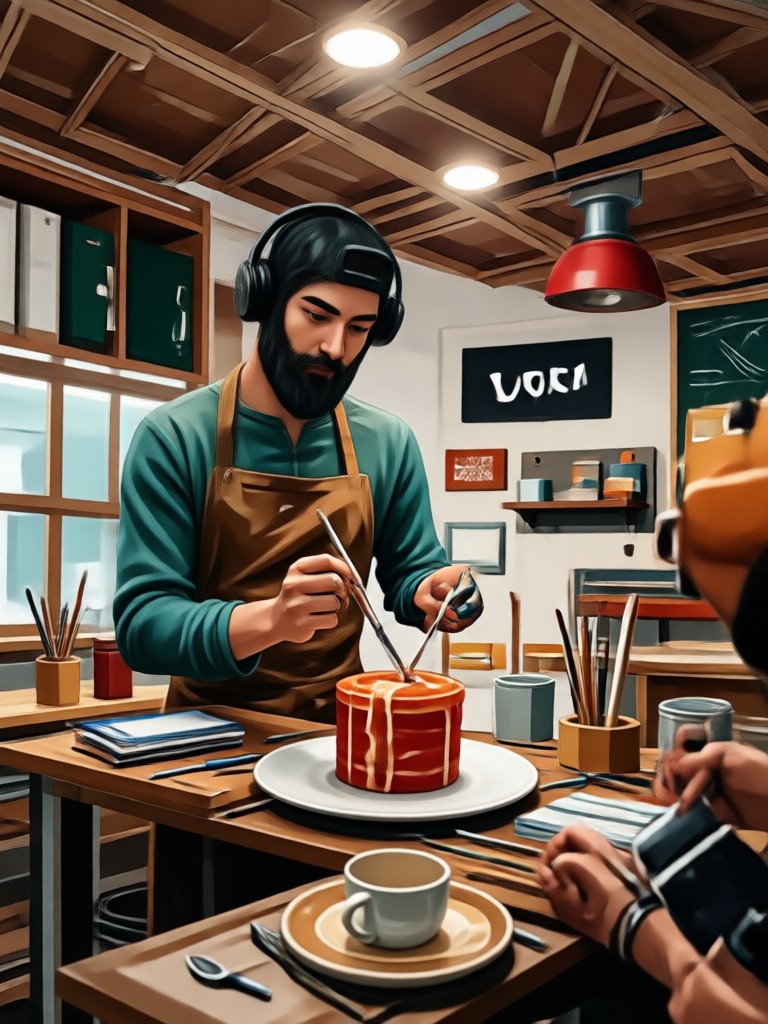
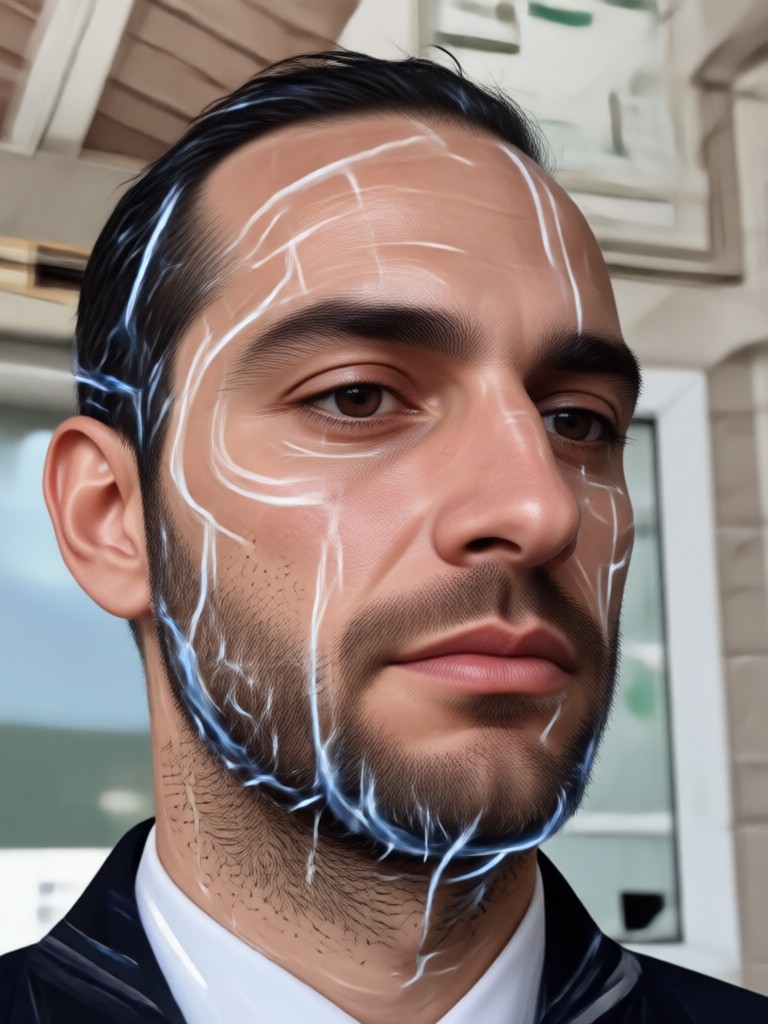
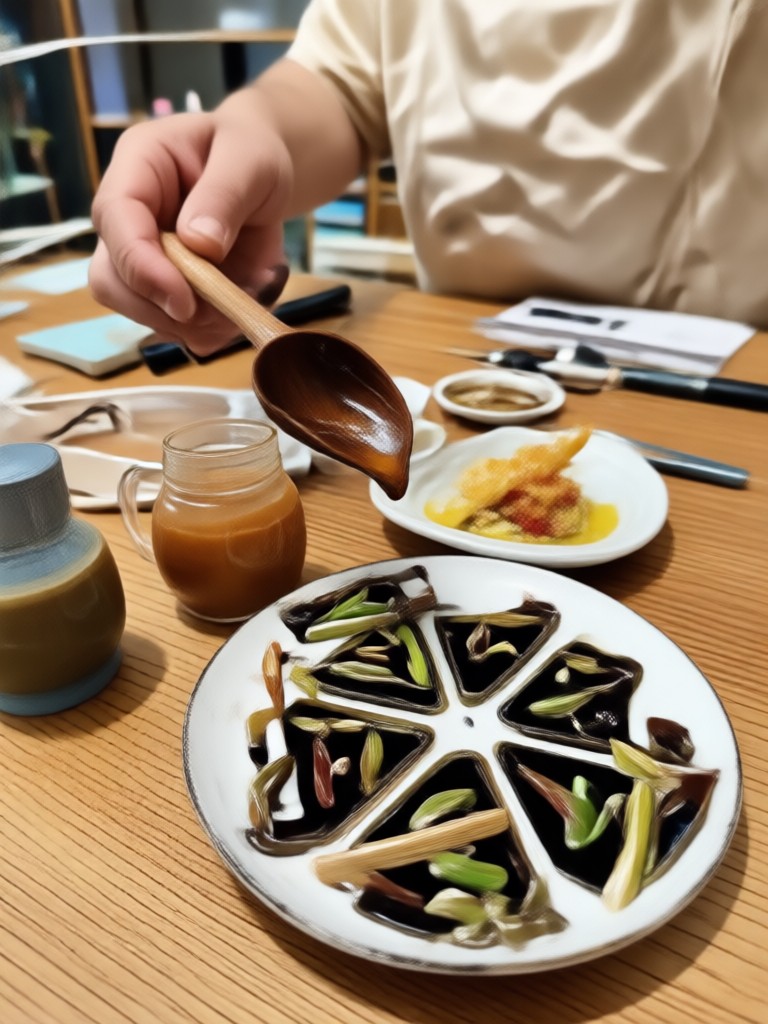
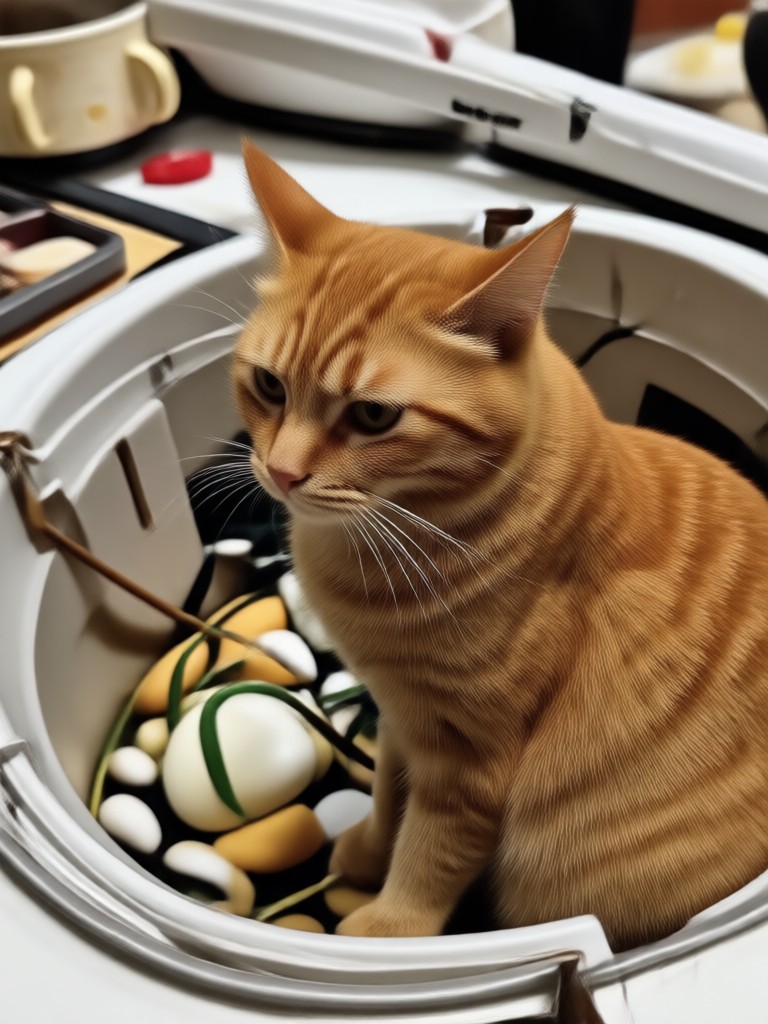
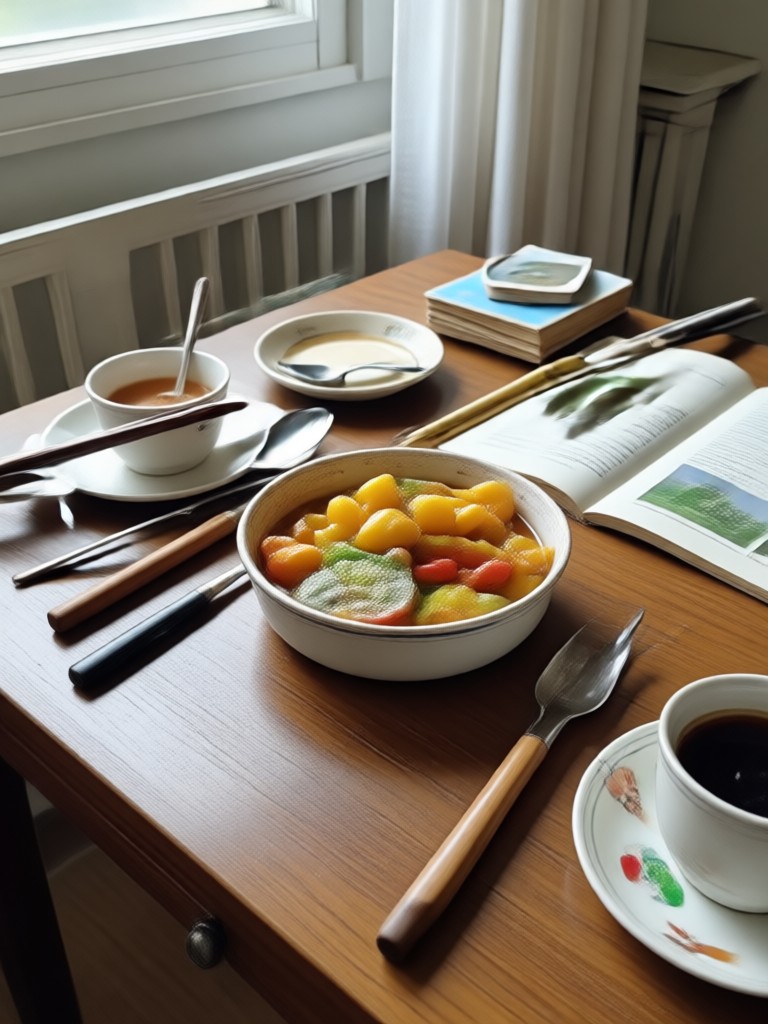
Explore Duke Photo Editing Results
Browse stunning portraits transformed with the Duke AI style. From regal individual shots to polished group photos, see what viyo can create in seconds.

How to Edit Photos in Duke Style?
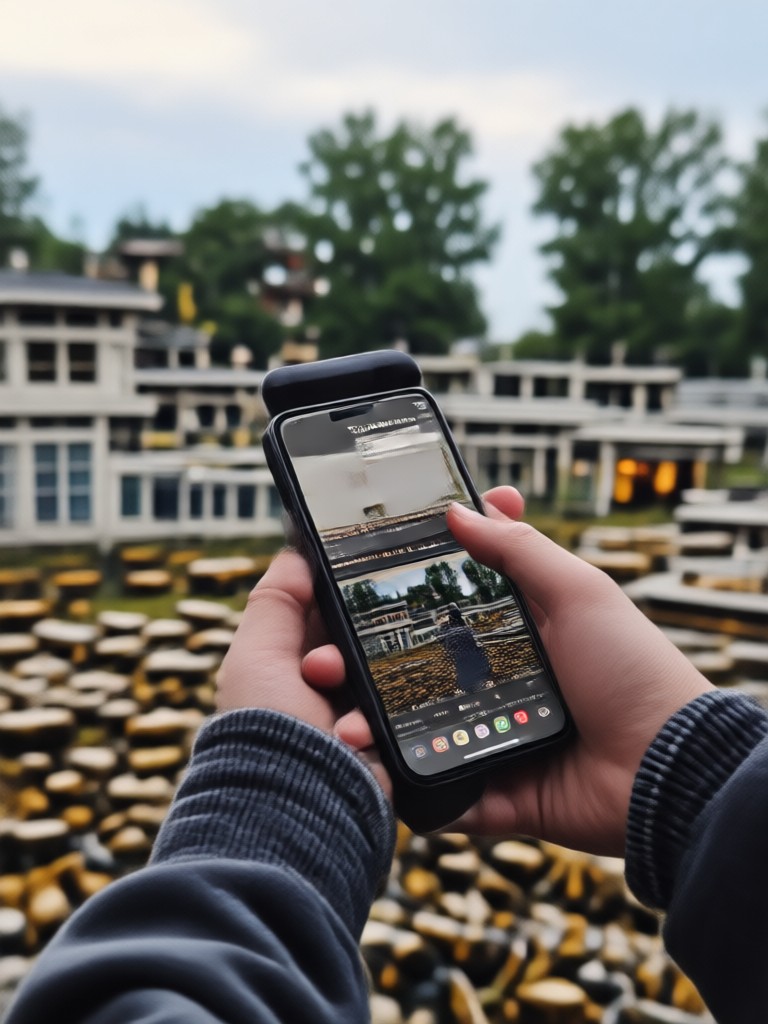
Create stunning Duke style portraits in three simple steps using the viyo app.

Step 01.
Download the viyo app from Google Play and open it on your Android device.

Step 02.
Upload a photo and browse the Duke style filters to find your favorite regal look.

Step 03.
Generate your transformed portrait and share it directly to social media or save it to your device.
Why Choose viyo for Duke Photo Editing?
Unlike traditional editors, viyo uses advanced AI to understand facial features and apply style transfers that keep you recognizable while adding a polished Duke aesthetic. No manual masking, no complicated layers, just instant results that look professionally crafted.
Why Choose viyo for Duke Photo Editing?
Unlike traditional editors, viyo uses advanced AI to understand facial features and apply style transfers that keep you recognizable while adding a polished Duke aesthetic. No manual masking, no complicated layers, just instant results that look professionally crafted.
What Creators Say About Duke Photo Editing
My profile picture has never looked this clean
I tried the Duke style filter for my Instagram profile and the results were instantly impressive. The AI keeps my face natural while adding that royal tone I wanted. It took less than a minute.
Perfect for team photos
We used the Duke aesthetic for our basketball team promo shots. The multi-person processing worked flawlessly, everyone looked cohesive and polished. No face blending issues at all.
The easiest style editor I have used
I have tried Photoshop and Lightroom but nothing comes close to how simple this is. Pick a filter, tap generate, and the Duke look is ready. Saved me hours of manual color grading.
Frequently Asked Questions About Duke Photo Editing
Find clear answers to common questions about Duke style photo editing with the viyo app.
More Topics You May Like
Explore more topics you may like and discover fresh ideas tailored to your interests.
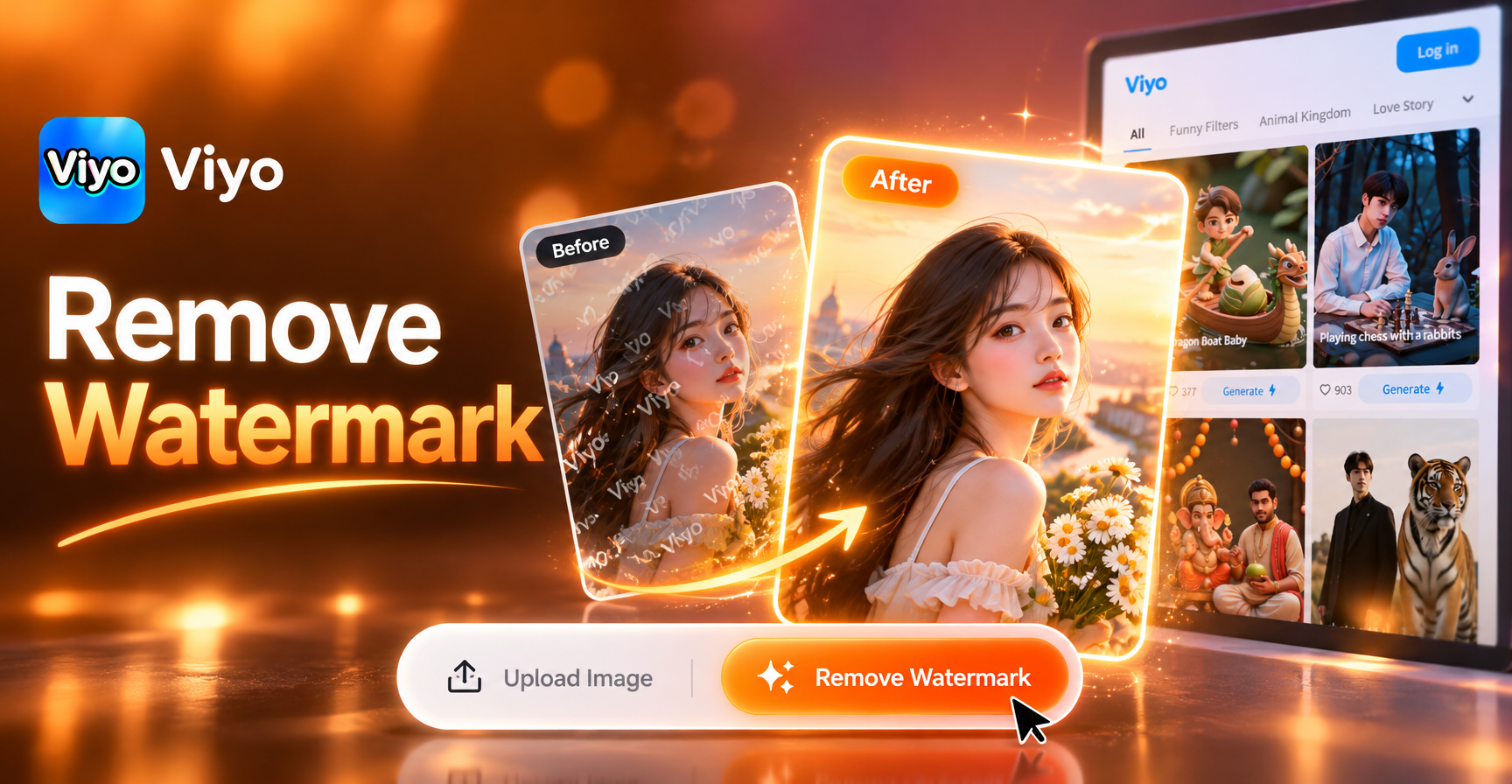
Remove Water Mark From The Image: Clean Photos in Seconds

Create Clean AI Images: No Watermark Generator
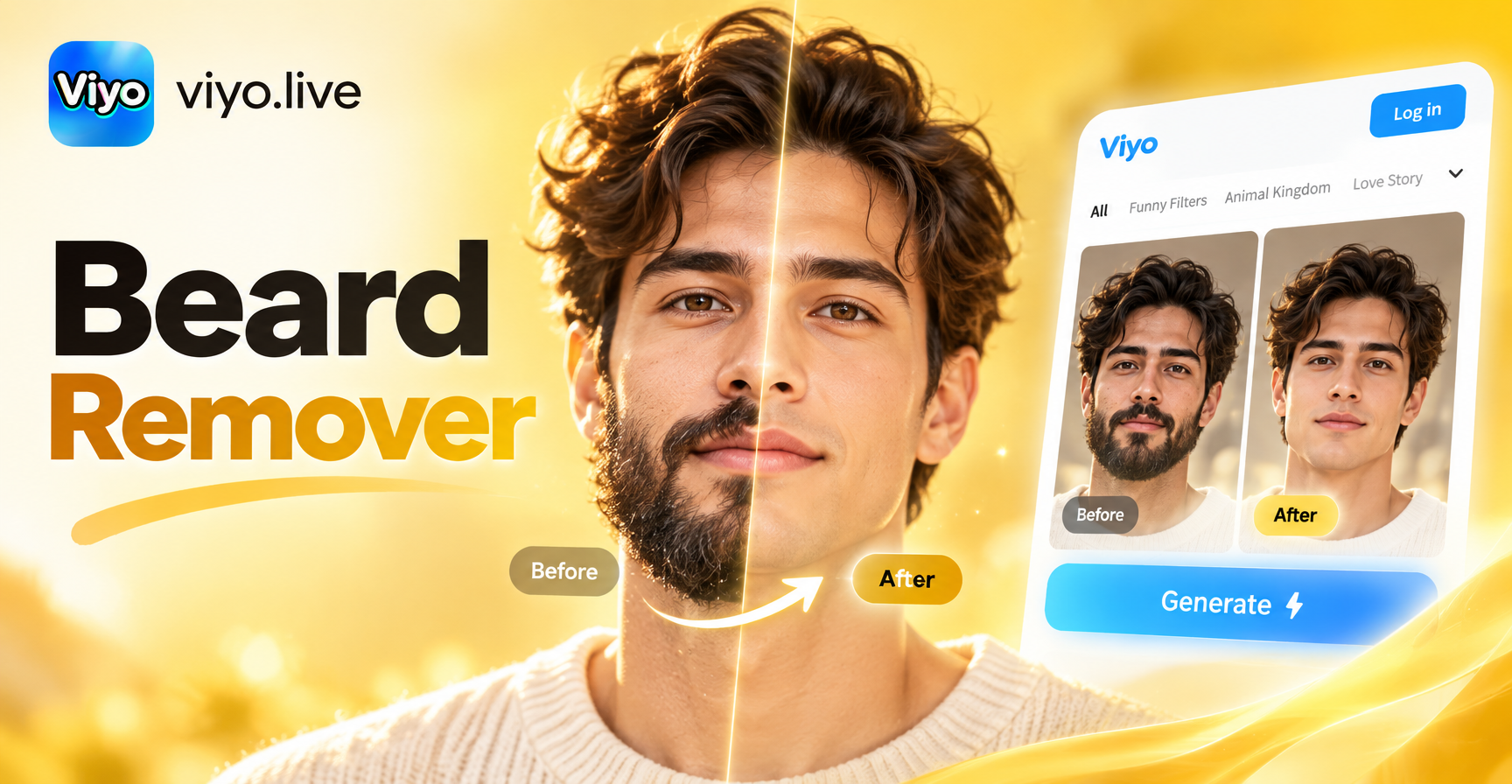
Beard Remover From Photo: Preview Your Clean Look Instantly

AI Car Image Generator: Turn Photos Into Dream Cars
Remove Water Mark From The Image: Clean Photos in Seconds
Create Clean AI Images: No Watermark Generator
Beard Remover From Photo: Preview Your Clean Look Instantly
AI Car Image Generator: Turn Photos Into Dream Cars
Transform Your Photos with Duke Style Today
Download viyo and unlock a million plus filters including the regal Duke aesthetic. Create polished portraits, group shots, and videos in seconds.
Transform Your Photos with Duke Style Today
Download viyo and unlock a million plus filters including the regal Duke aesthetic. Create polished portraits, group shots, and videos in seconds.