Face Animation App Free
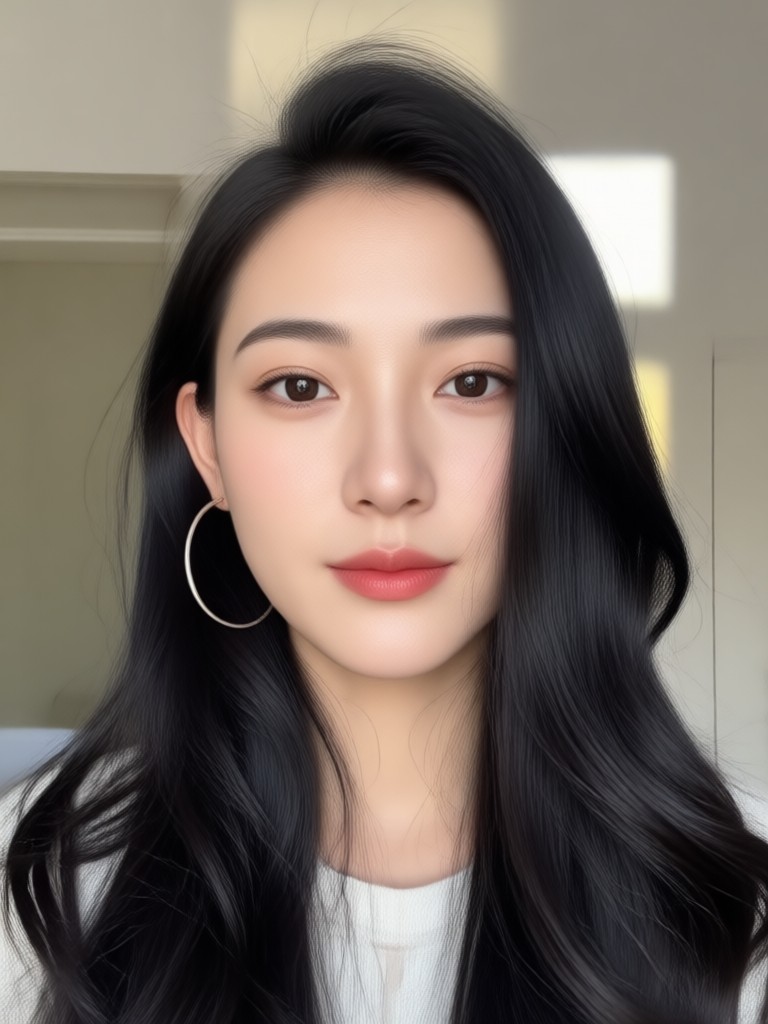
Popular Face Animation Filters
Pick a face animation style that matches your mood. From subtle smiles to dramatic talking avatars, these free filters make your portraits move instantly.
Why People Love This Face Animation App Free
viyo combines powerful AI motion technology with an incredibly simple mobile interface. You focus on having fun while the app handles the complex facial tracking and rendering.
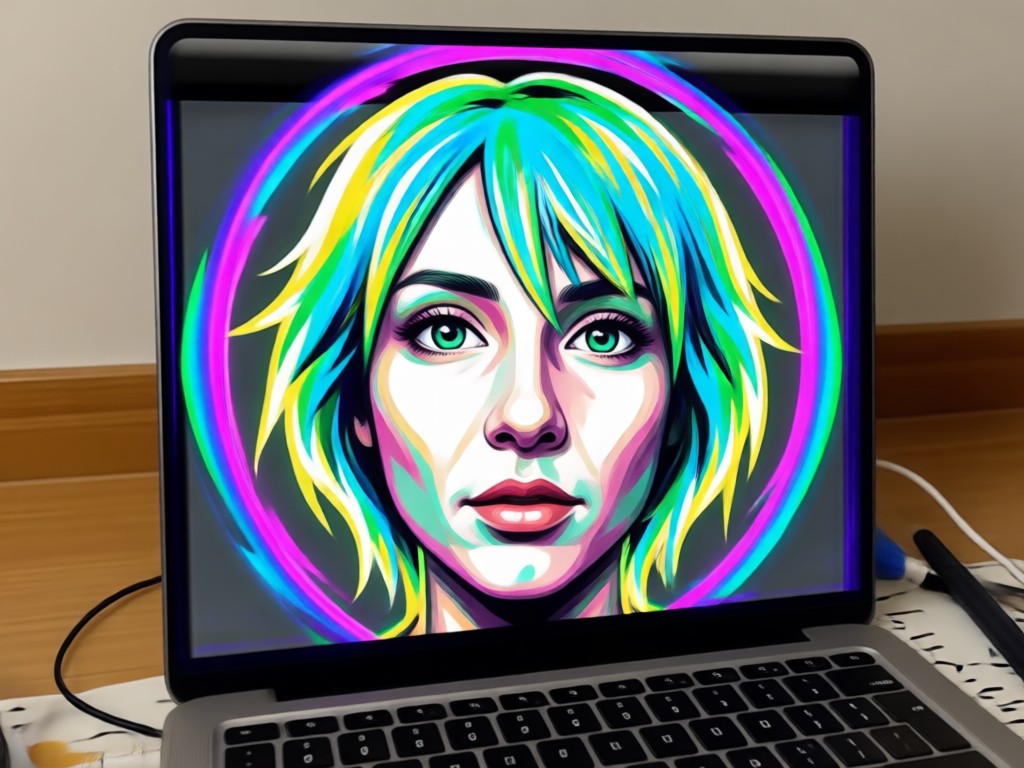
Realistic Facial Motion
Advanced AI tracks facial landmarks to create natural blinks, smiles, and head turns. The animation stays true to the original photo without looking robotic or distorted.
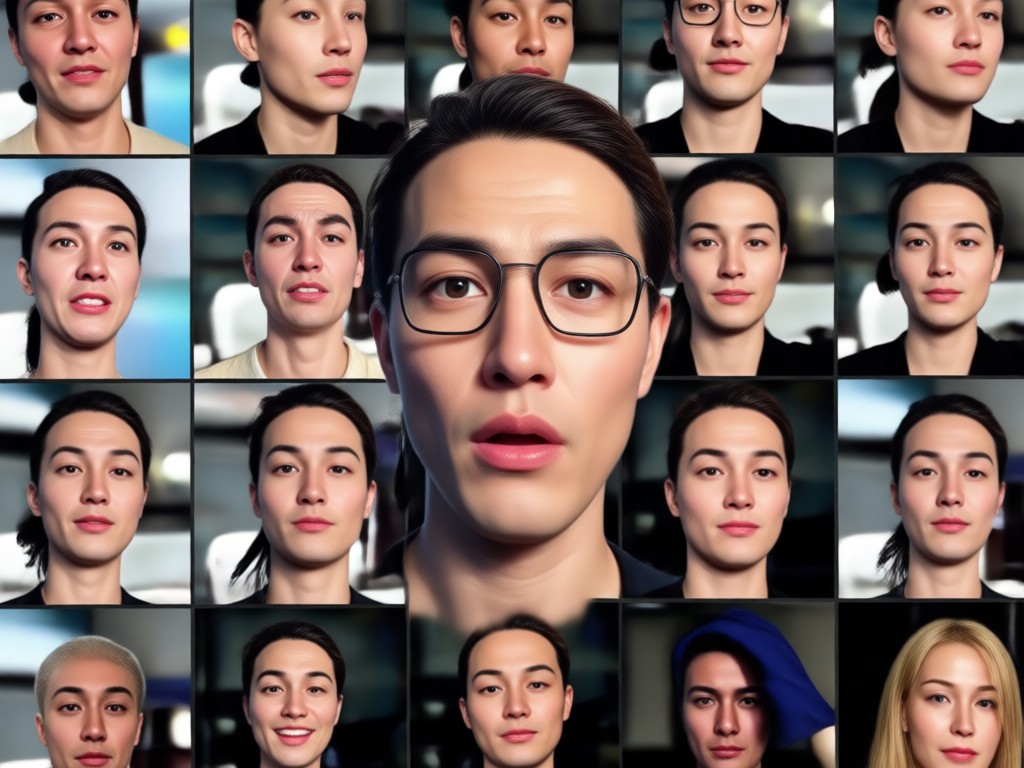
Multiple Animation Templates
Choose from dozens of ready to use motion presets. Make your photo sing, talk, laugh, or react with surprise. Each template is tested for smooth, believable output.
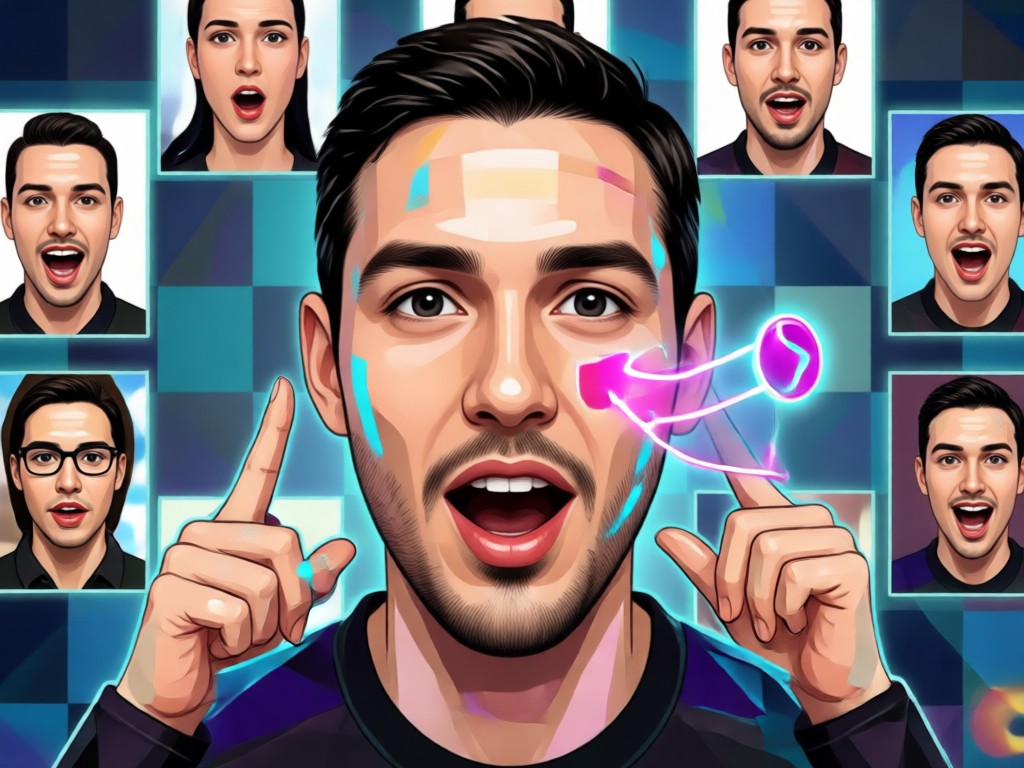
Share Ready Results
Download your animated face clip in high quality and post it directly to TikTok, Instagram, or WhatsApp. The free face animation app makes every portrait social media friendly.
See What a Face Animation App Free Can Do
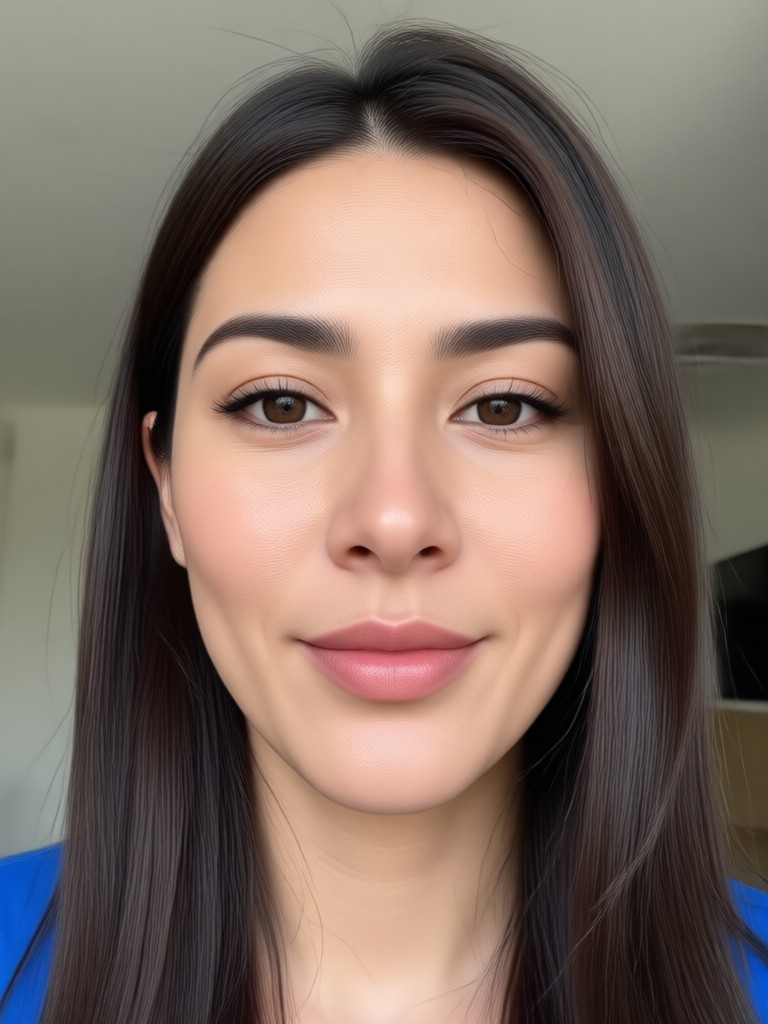
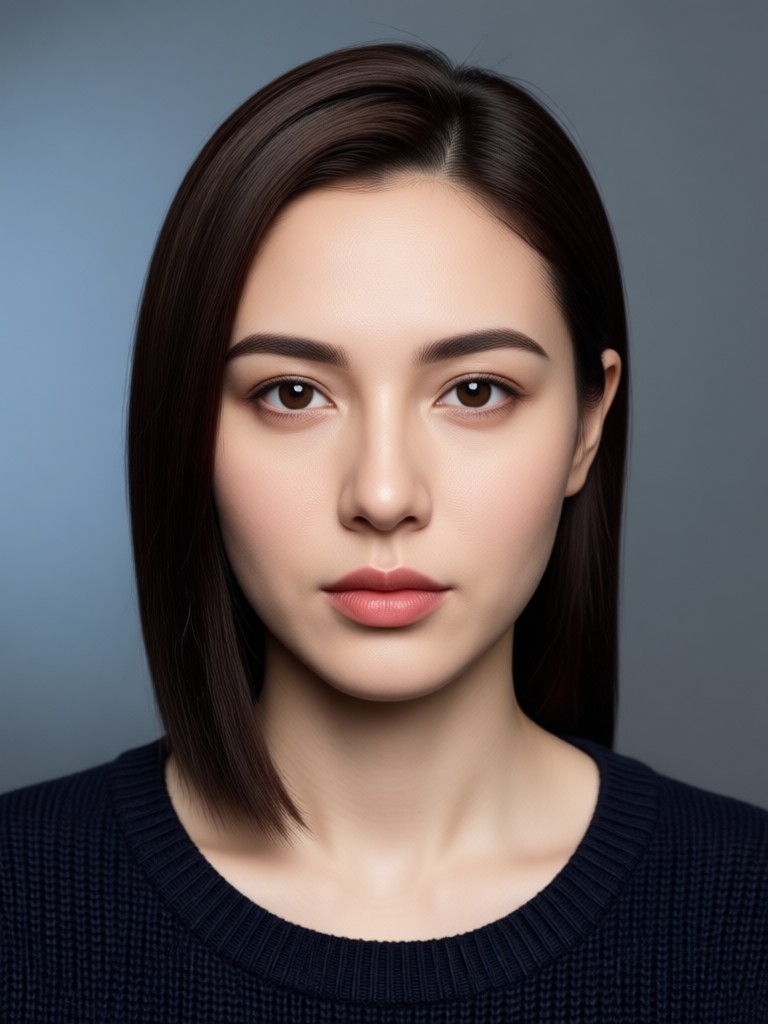
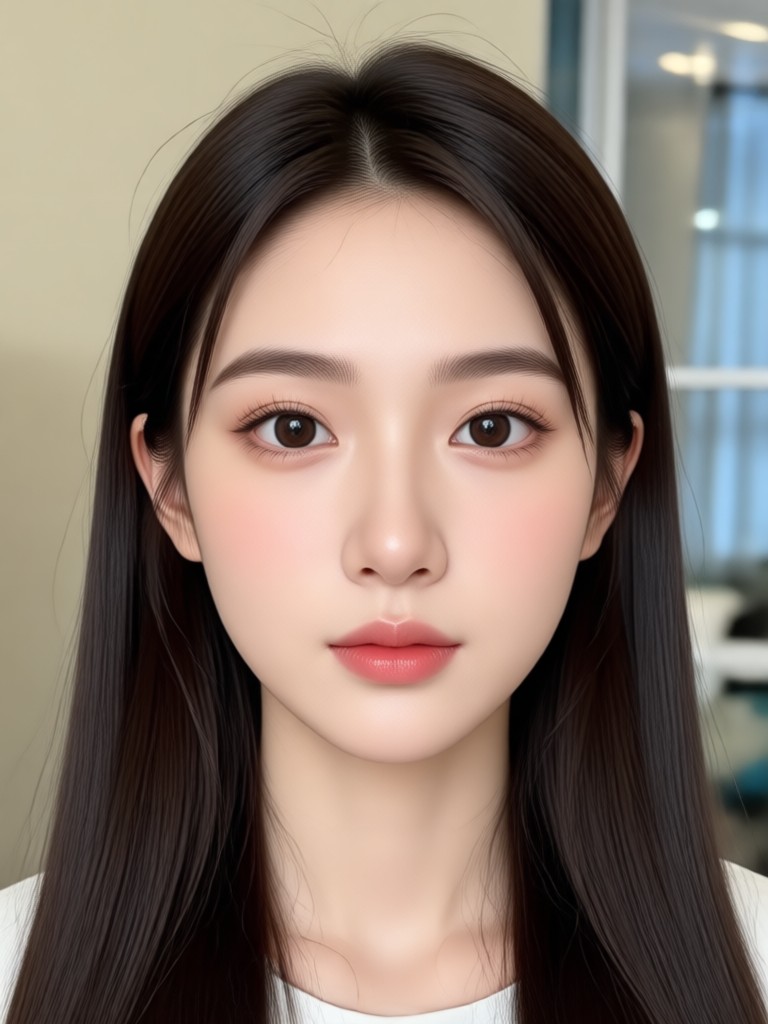
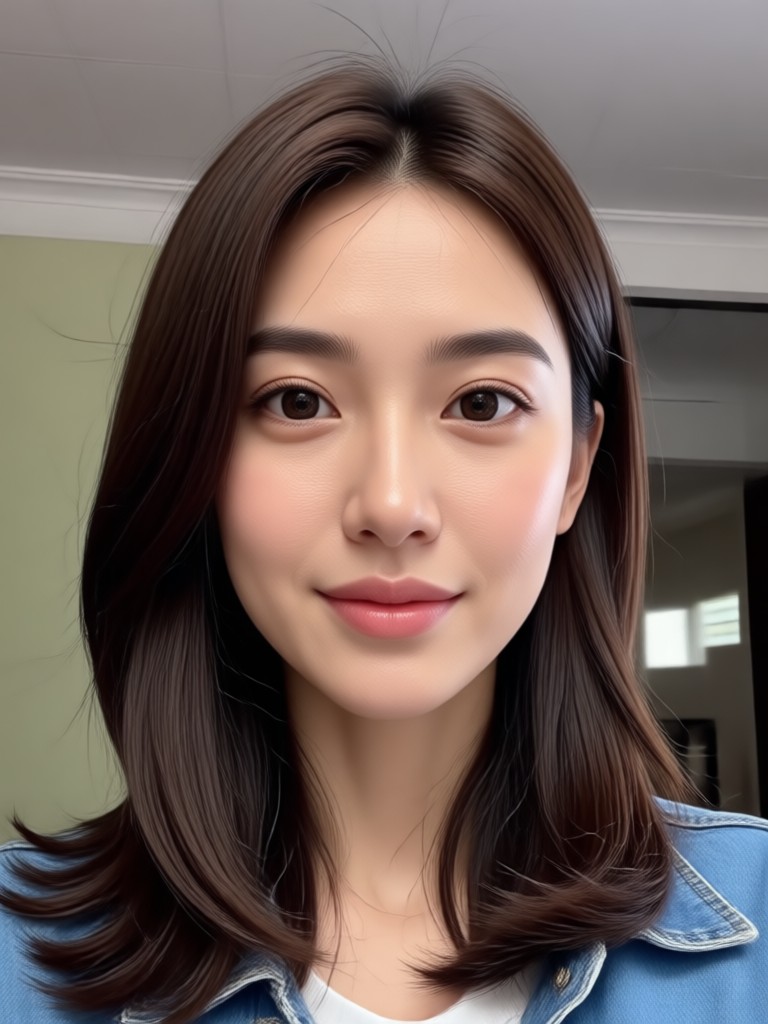
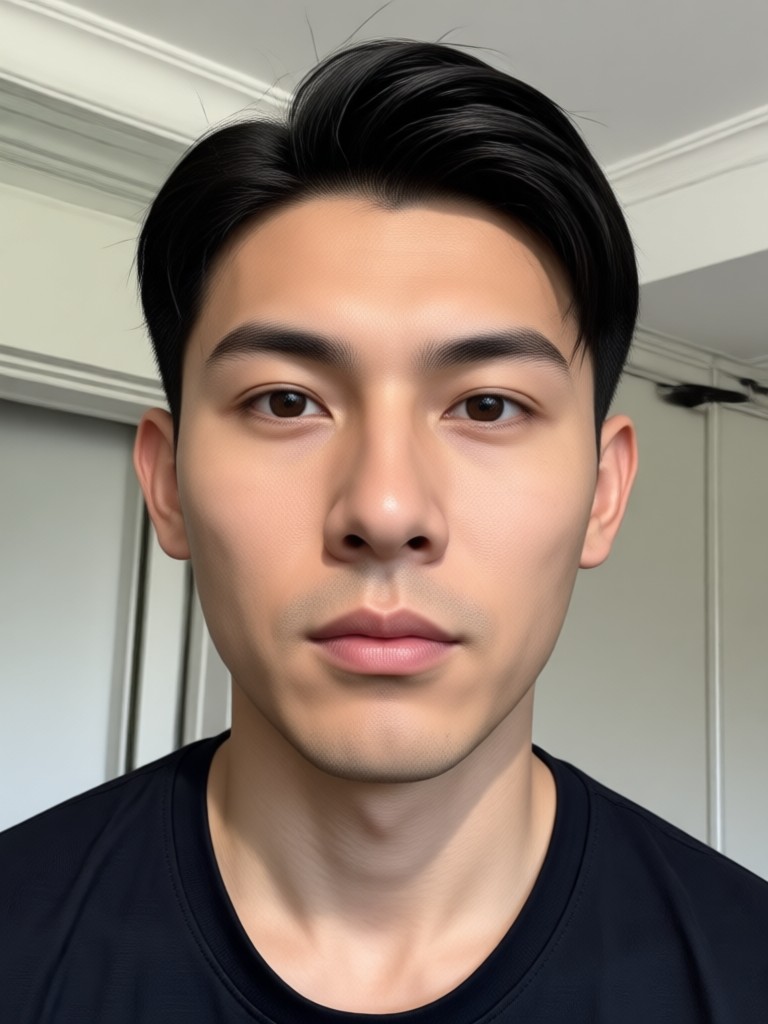
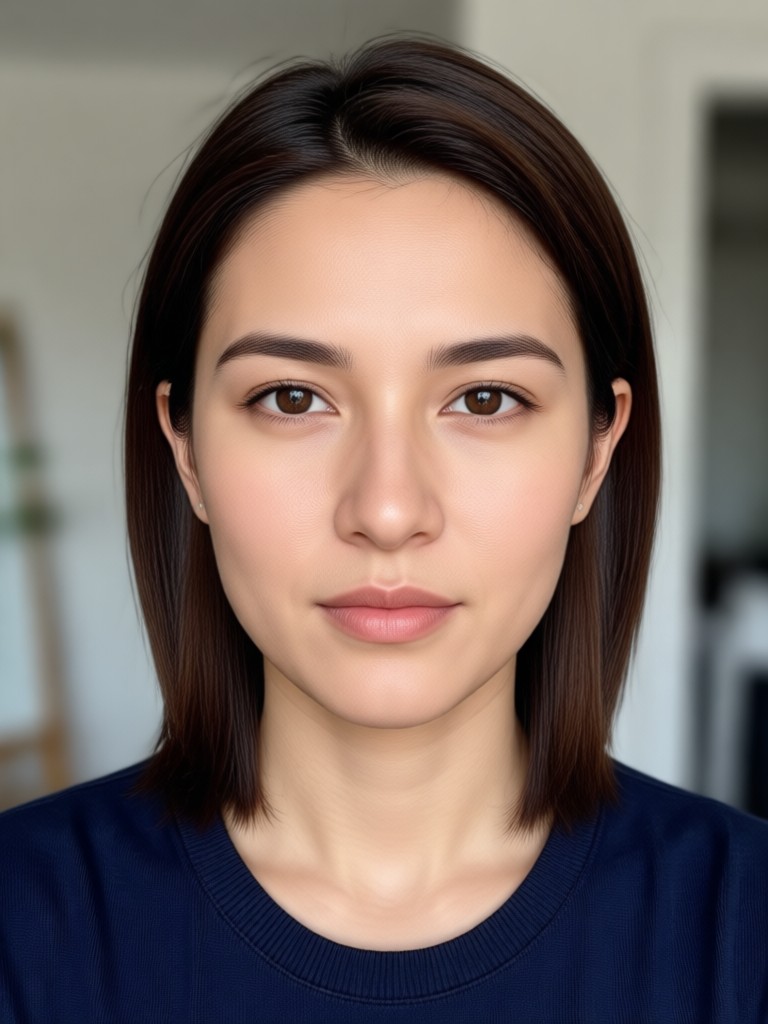
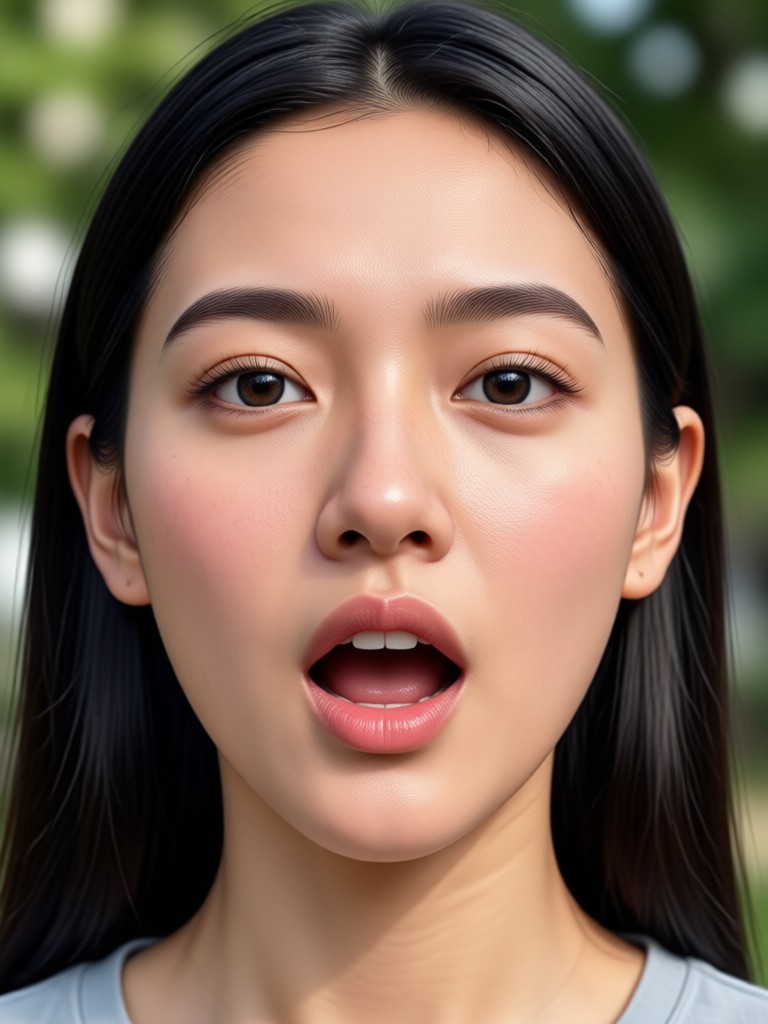
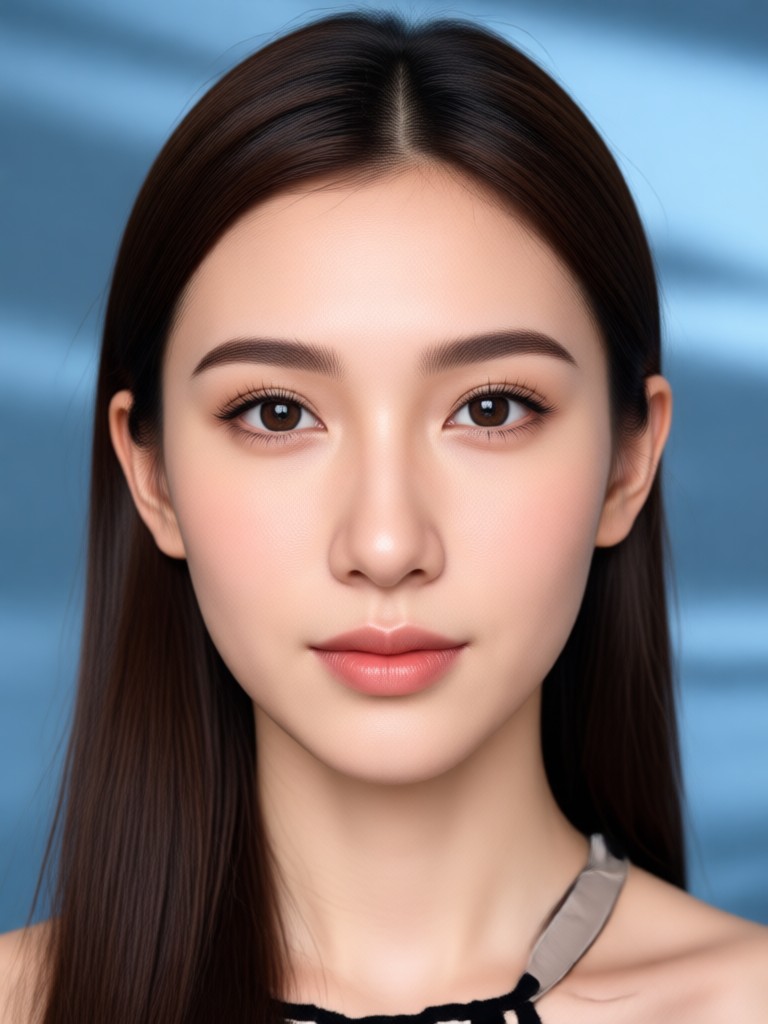
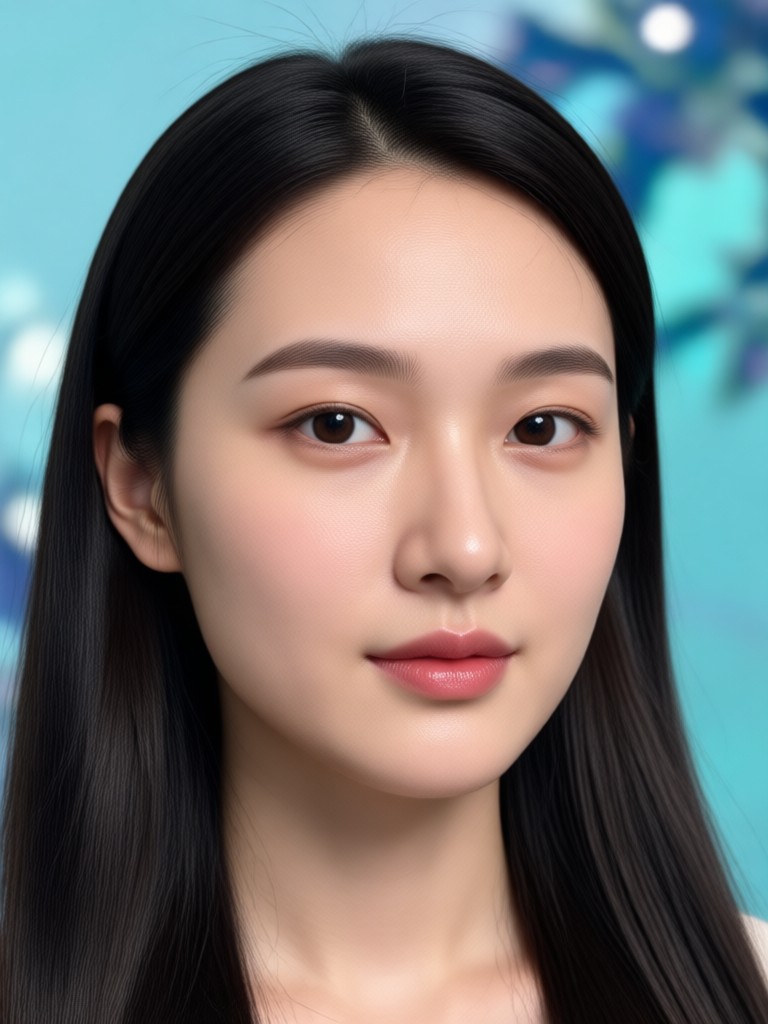
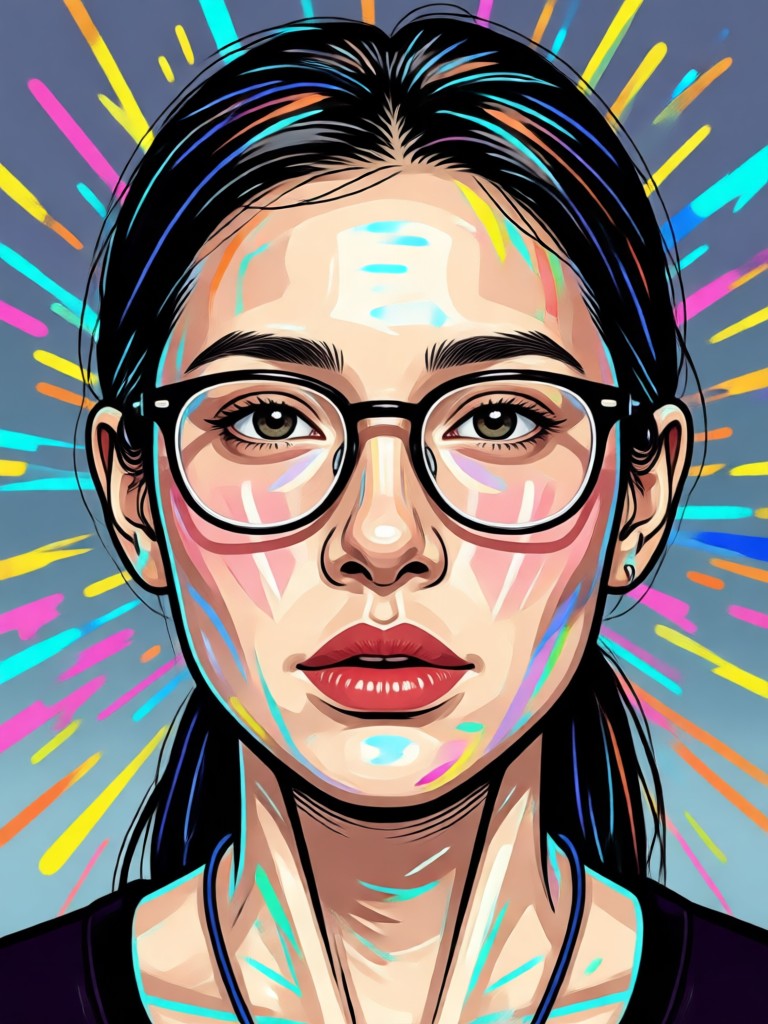
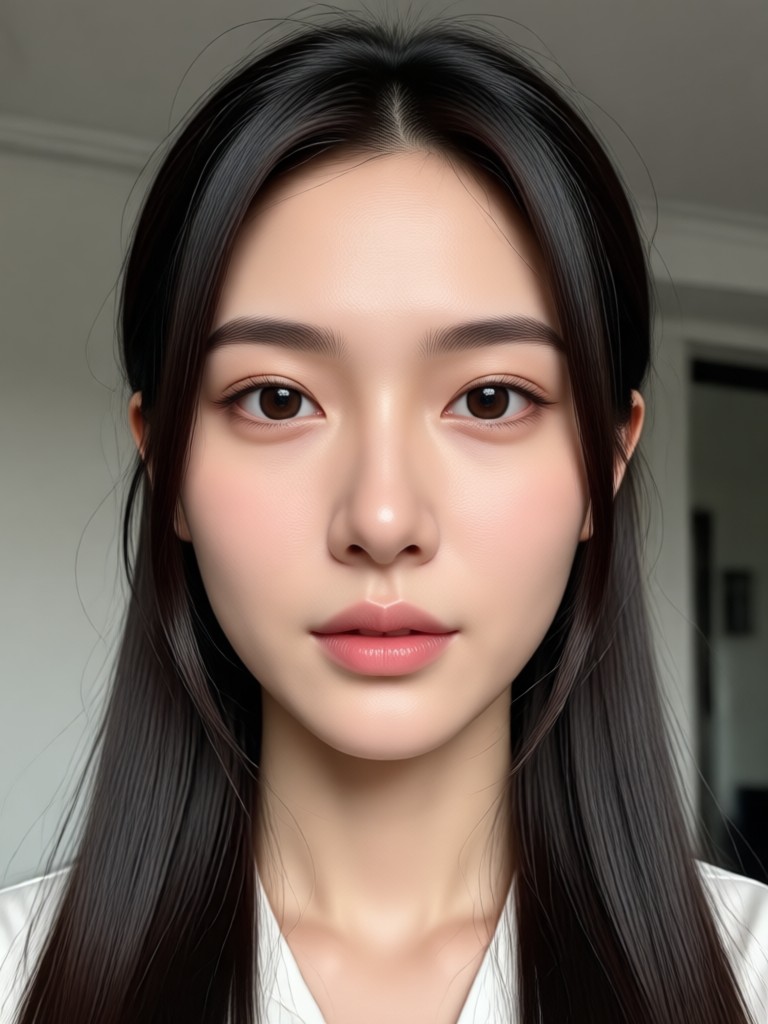
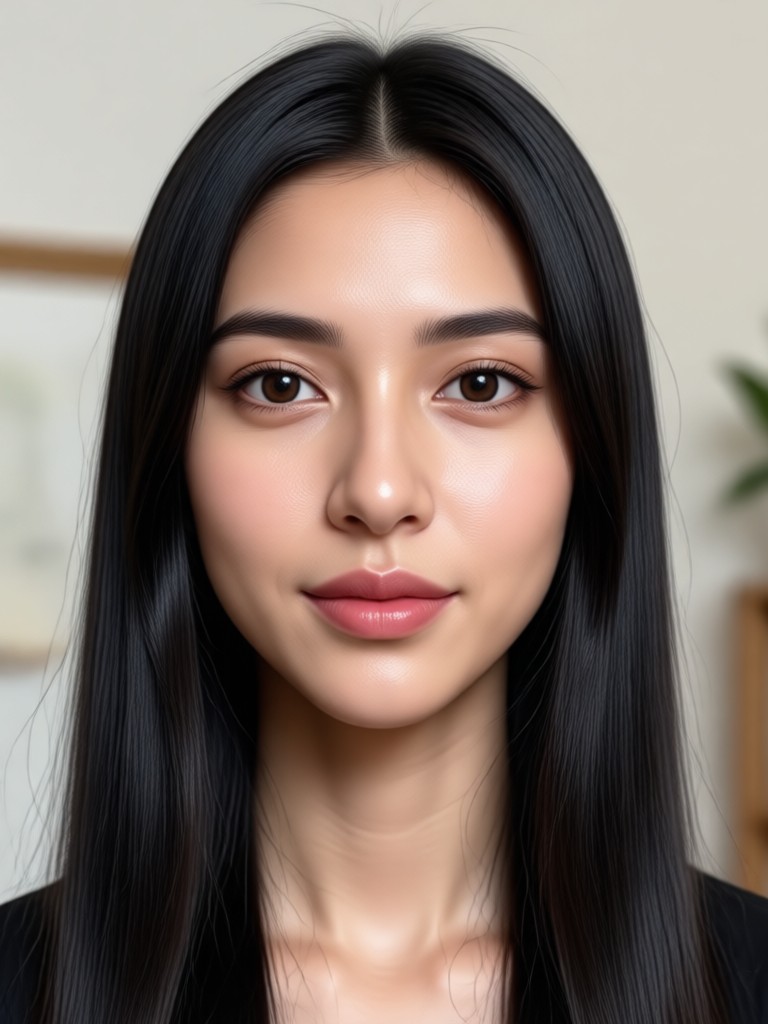
Browse results made by real users. These examples show how viyo turns ordinary selfies, family photos, and pet portraits into moving, talking, and dancing clips.
How to Animate a Face for Free
Creating moving face videos with viyo takes just a few taps. Follow these steps to transform your favorite portrait into a realistic animated clip.
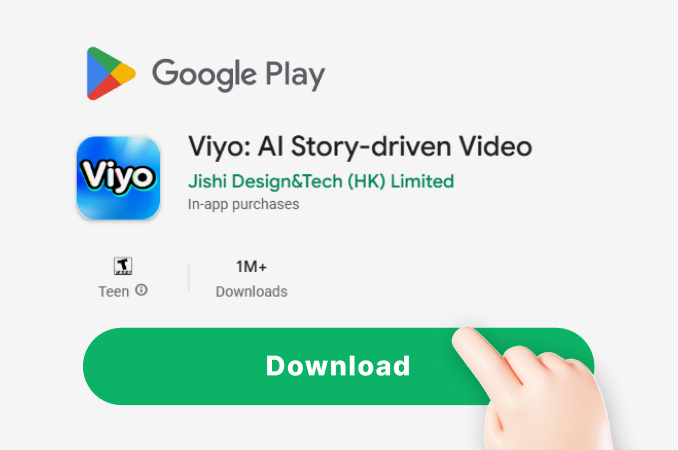
Step 01.
Download viyo from Google Play and open the app on your Android phone. The face animation tool is available right on the home screen.
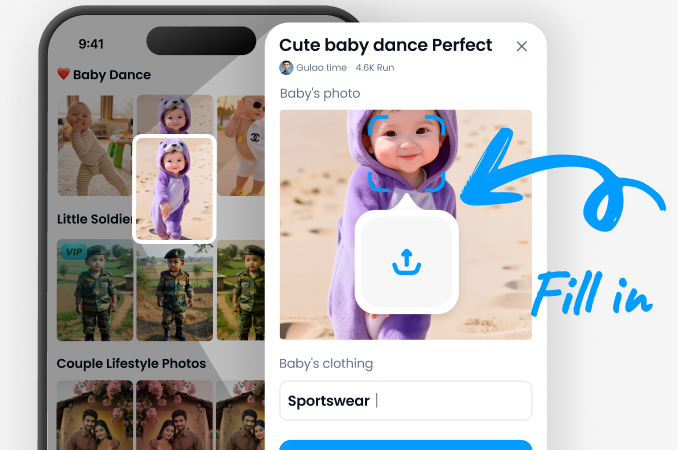
Step 02.
Upload a clear portrait photo and choose an animation template. Options include talking, singing, blinking, and various emotional reactions.
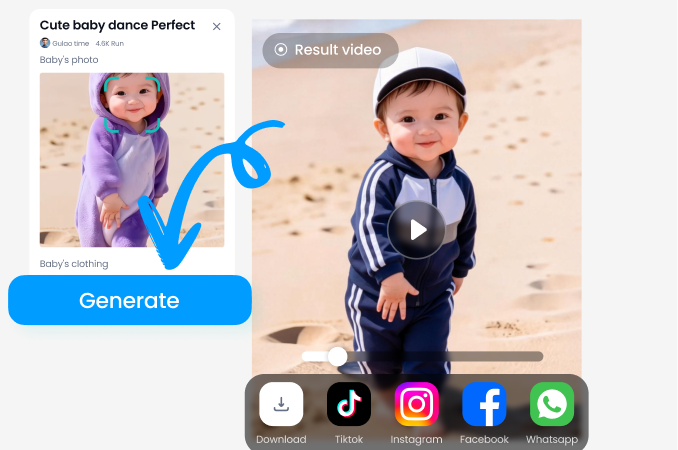
Step 03.
Let the AI process the animation, preview the result, and save the video. Share it directly to social media or message friends.
A Face Animation App Free That Actually Looks Good
Many free animation tools produce wobbly, unnatural results. viyo uses refined AI models trained on thousands of facial expressions, so the motion feels authentic. The interface is clean and uncluttered, making it easy for beginners to get started. You can animate selfies, family photos, or even historical portraits without paying a subscription. The free features include core animation templates, while optional upgrades unlock even more styles.
Face Animation App Free FAQs
Get clear answers about using viyo as a free face animation app. Learn about photo requirements, animation quality, and sharing options.
Who Uses Viyo Face Animation
Mia Chen
I use the face animation feature to make my old travel photos talk. It adds so much personality to my Instagram Stories and always gets a reaction from followers.
Daniel Brooks
Animated a photo of my grandparents for their anniversary. Seeing them smile and nod again made the whole family emotional. Very easy to use even for someone like me.

Sofia Reyes
I create short educational videos and use the talking avatar effect to present scripts. It saves me from recording on camera and the lip sync is surprisingly accurate.
Leo Park
Made a funny singing face video of my roommate for his birthday. The animation was smooth and the export quality was great for our group chat. Highly recommend this free app.
Mia Chen
I use the face animation feature to make my old travel photos talk. It adds so much personality to my Instagram Stories and always gets a reaction from followers.
Daniel Brooks
Animated a photo of my grandparents for their anniversary. Seeing them smile and nod again made the whole family emotional. Very easy to use even for someone like me.
Sofia Reyes
I create short educational videos and use the talking avatar effect to present scripts. It saves me from recording on camera and the lip sync is surprisingly accurate.
Leo Park
Made a funny singing face video of my roommate for his birthday. The animation was smooth and the export quality was great for our group chat. Highly recommend this free app.
More Topics You May Like
Explore more creative AI tools and effects available on viyo.

14 August Picture Editing: AI Independence Day Photo Maker
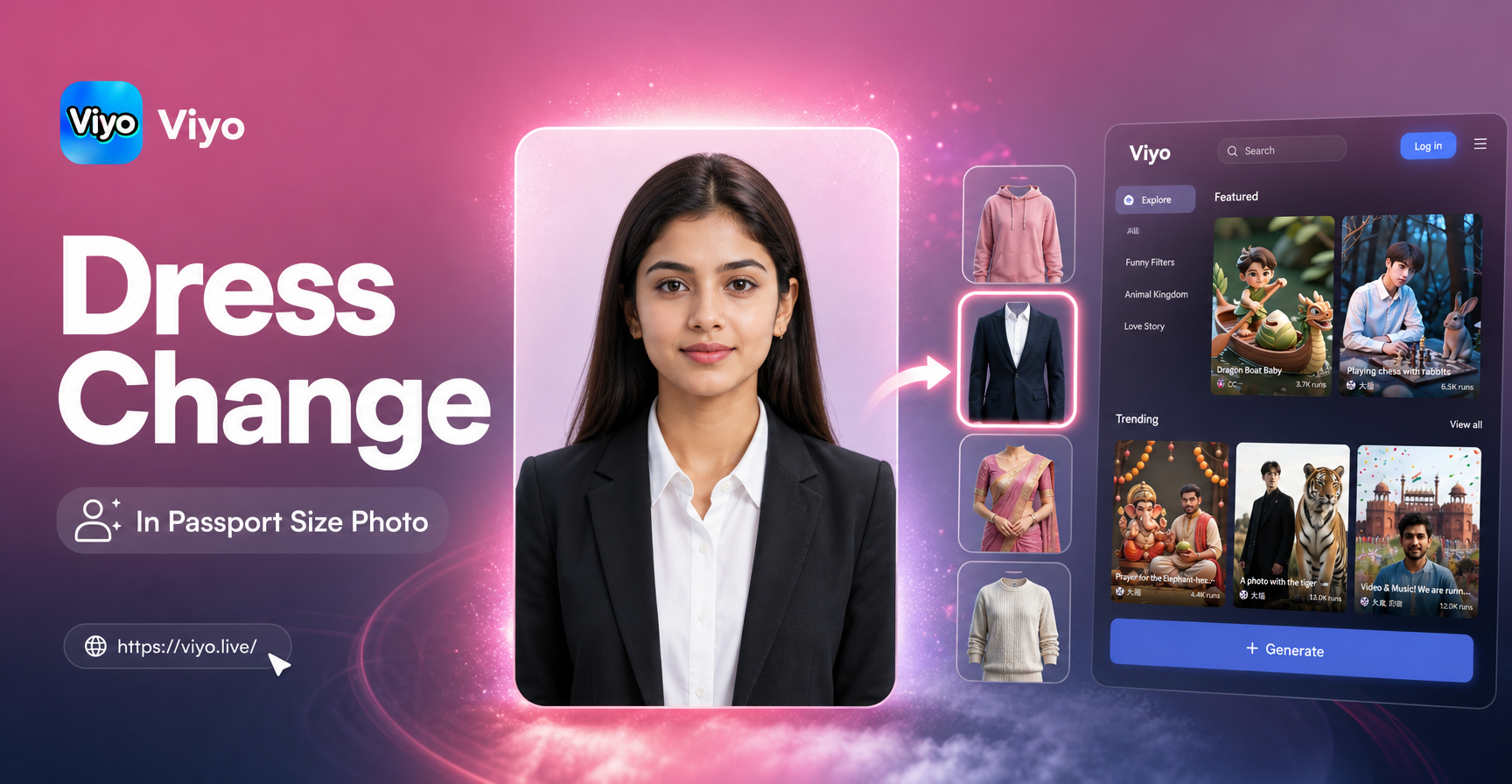
Dress Change in Passport Size Photo: AI Clothing Swap
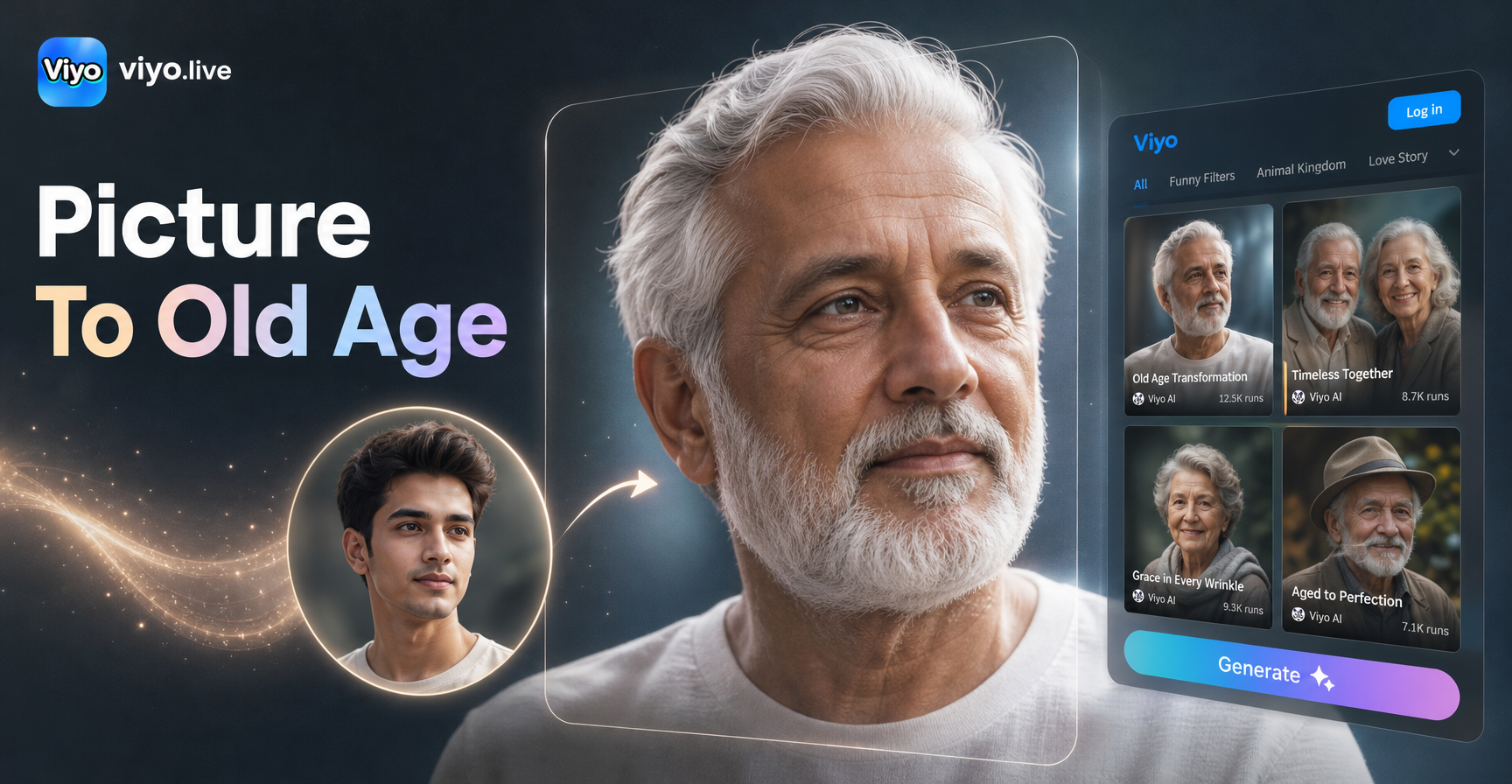
Convert Picture To Old Age Online: AI Aging Filter App
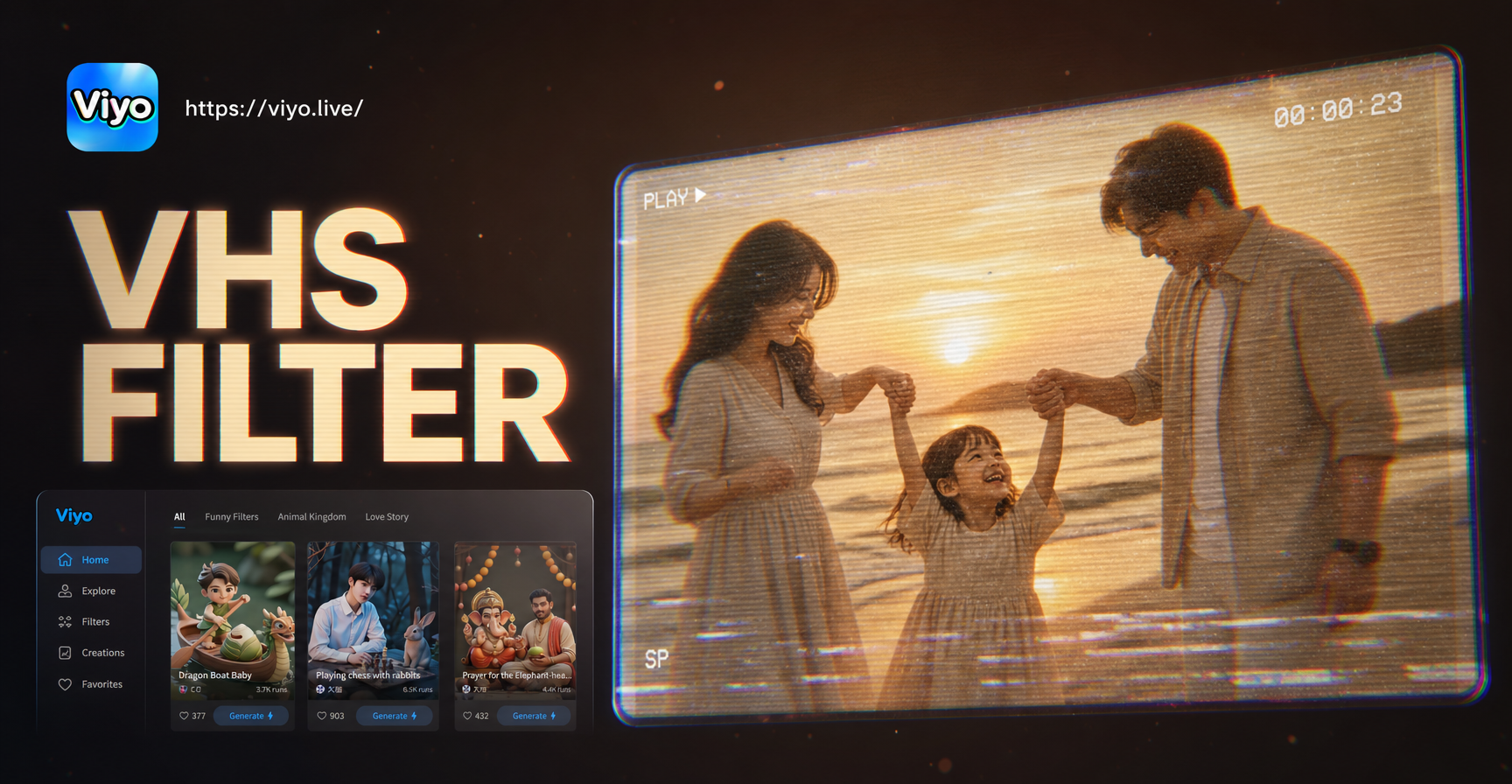
Vhs Photo Filter: Turn Modern Photos into Retro Memories
14 August Picture Editing: AI Independence Day Photo Maker
Dress Change in Passport Size Photo: AI Clothing Swap
Convert Picture To Old Age Online: AI Aging Filter App
Vhs Photo Filter: Turn Modern Photos into Retro Memories
Ready to Animate Your Photos?
Download viyo now and turn any portrait into a moving, talking, or singing video. The free face animation app is waiting on Google Play.
Ready to Animate Your Photos?
Download viyo now and turn any portrait into a moving, talking, or singing video. The free face animation app is waiting on Google Play.