Convert Picture To Old Age Online
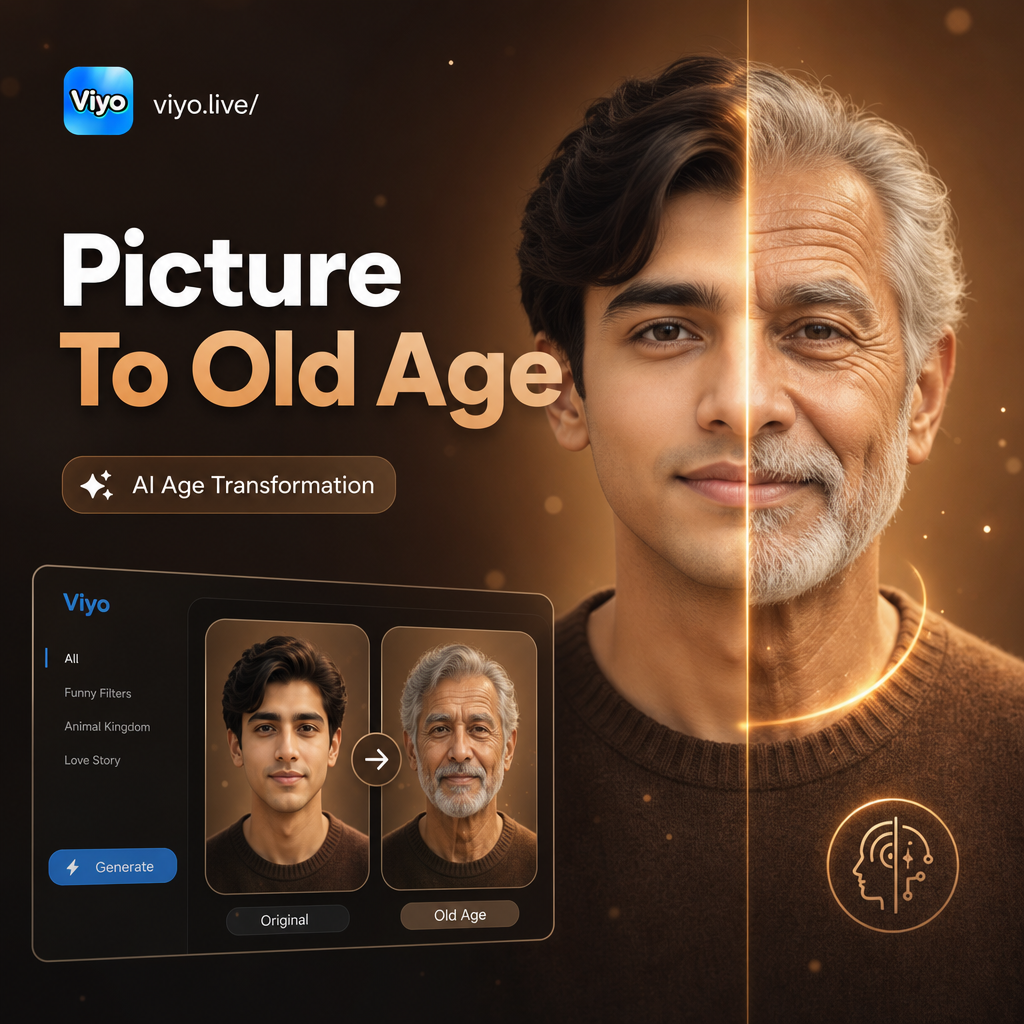
Try These Popular Aging Filters
From subtle mature looks to dramatic elderly transformations, discover the aging filter that matches the style you want to see.
Realistic Old Age Transformations
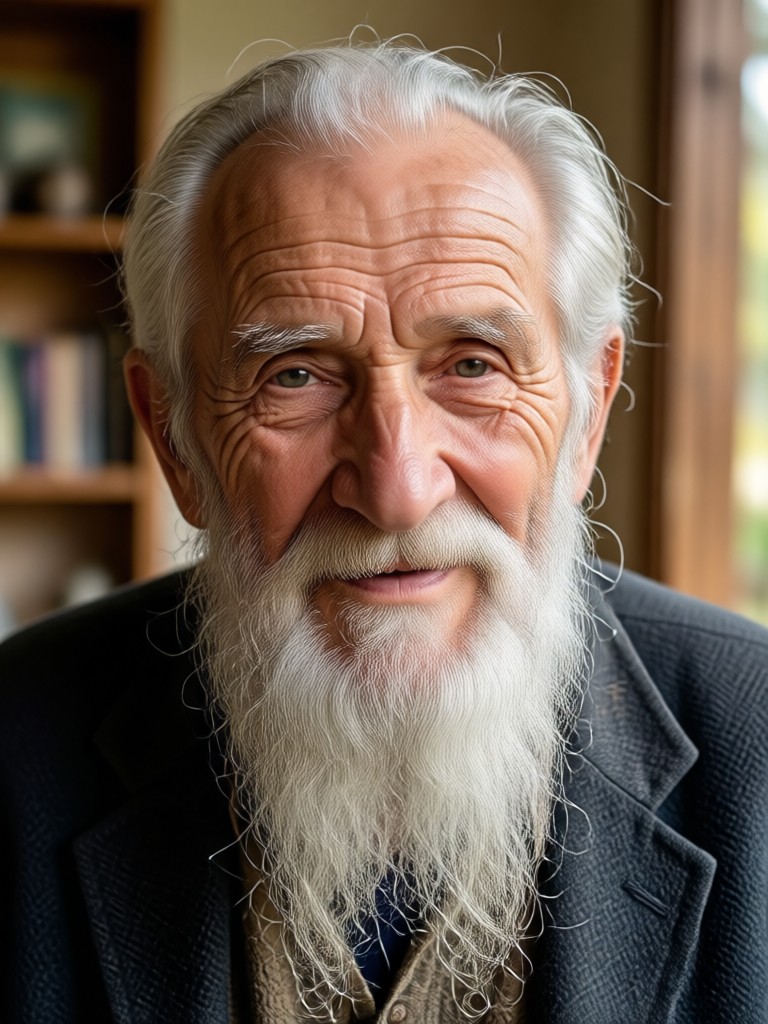
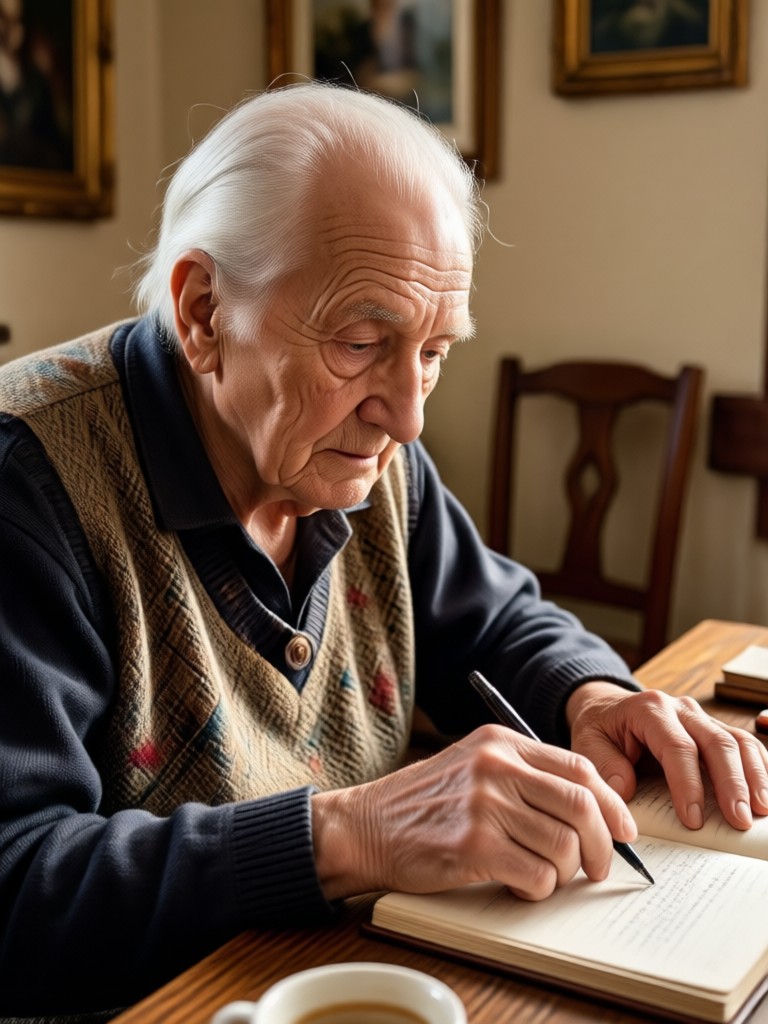
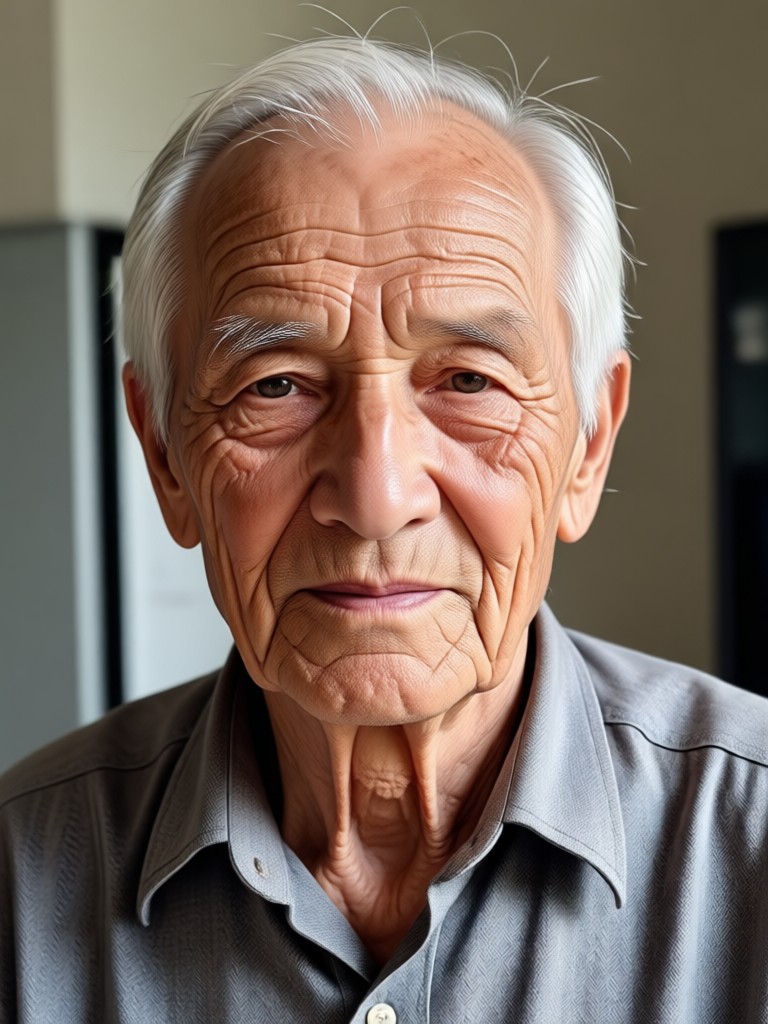
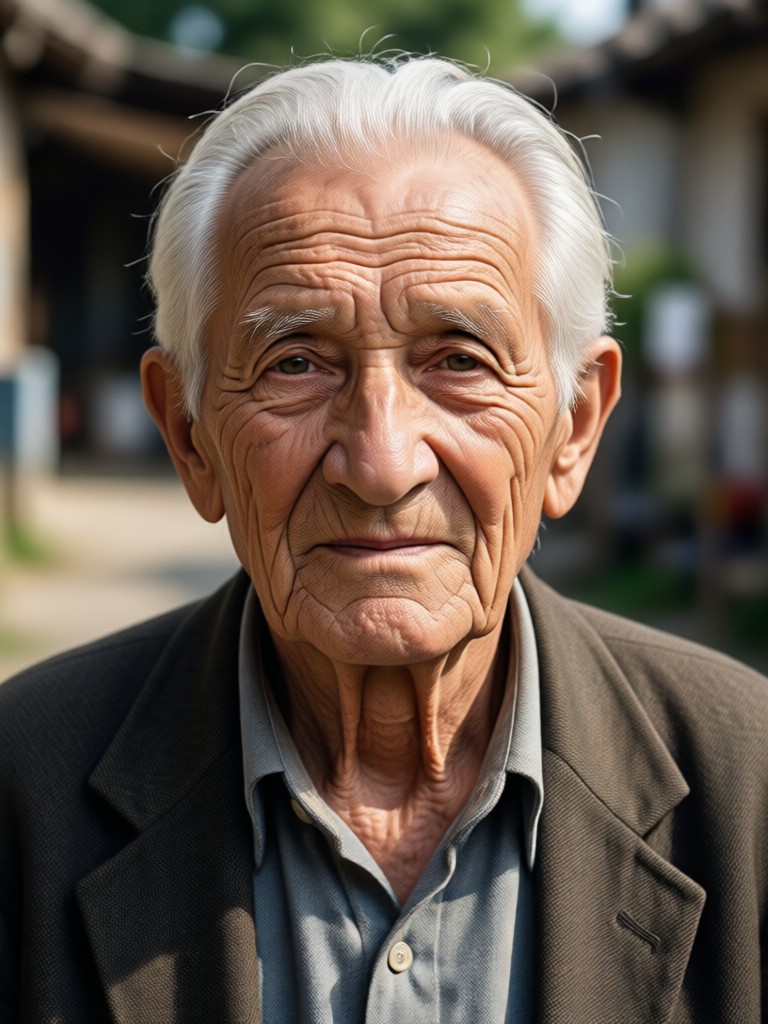
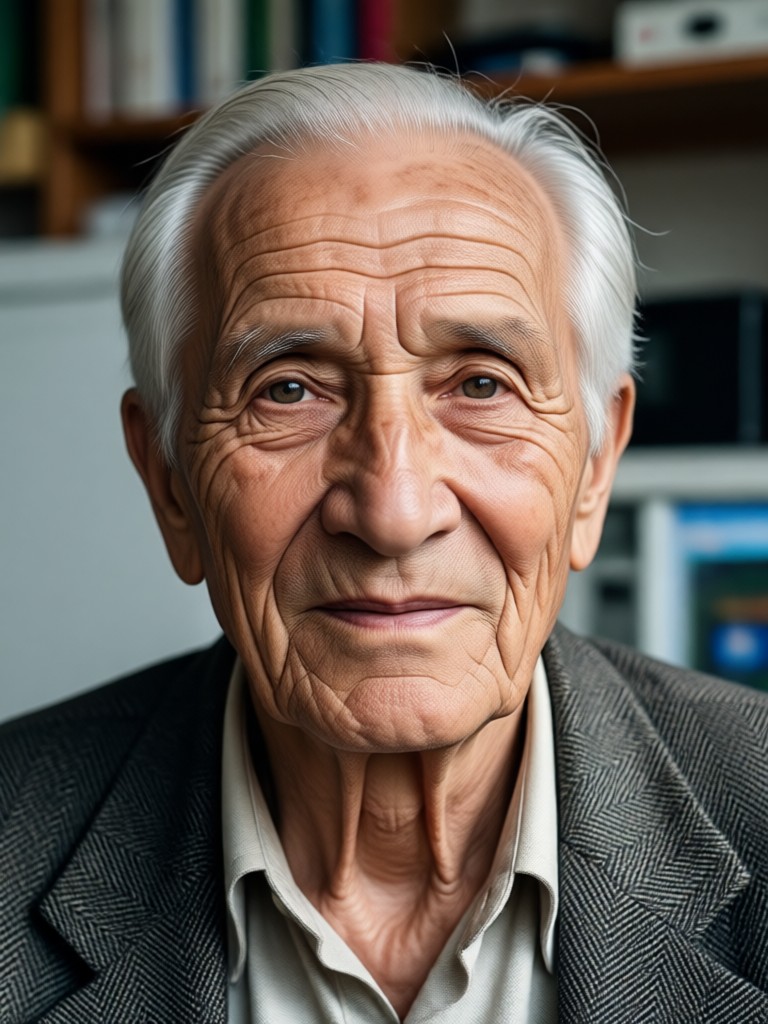
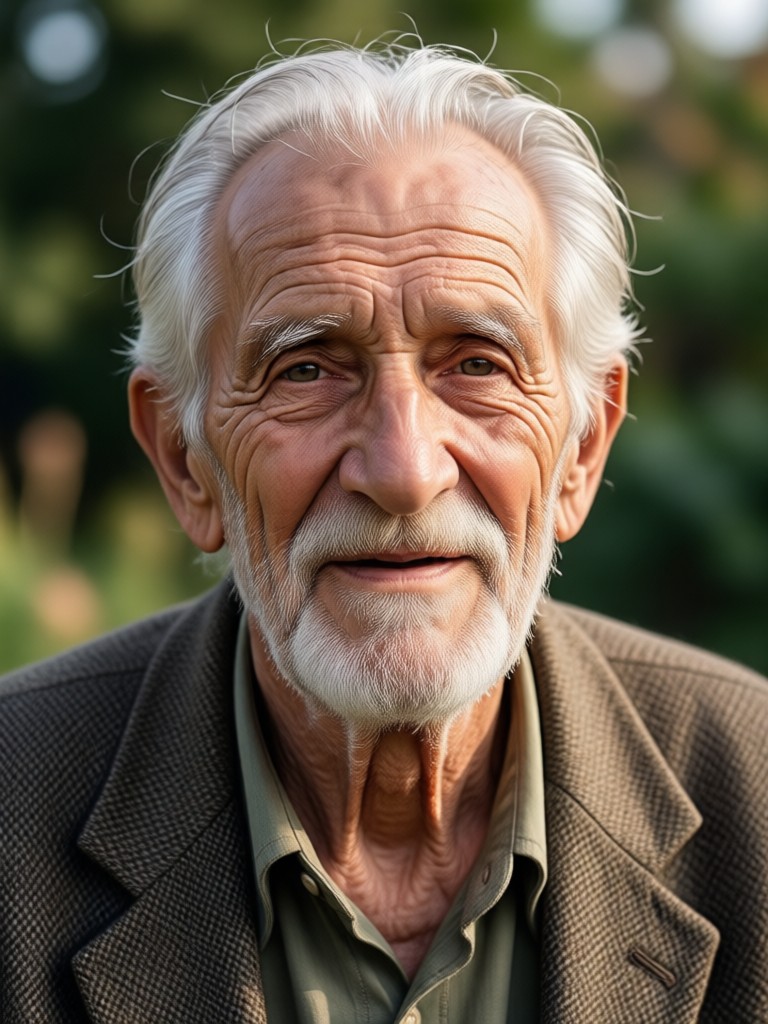
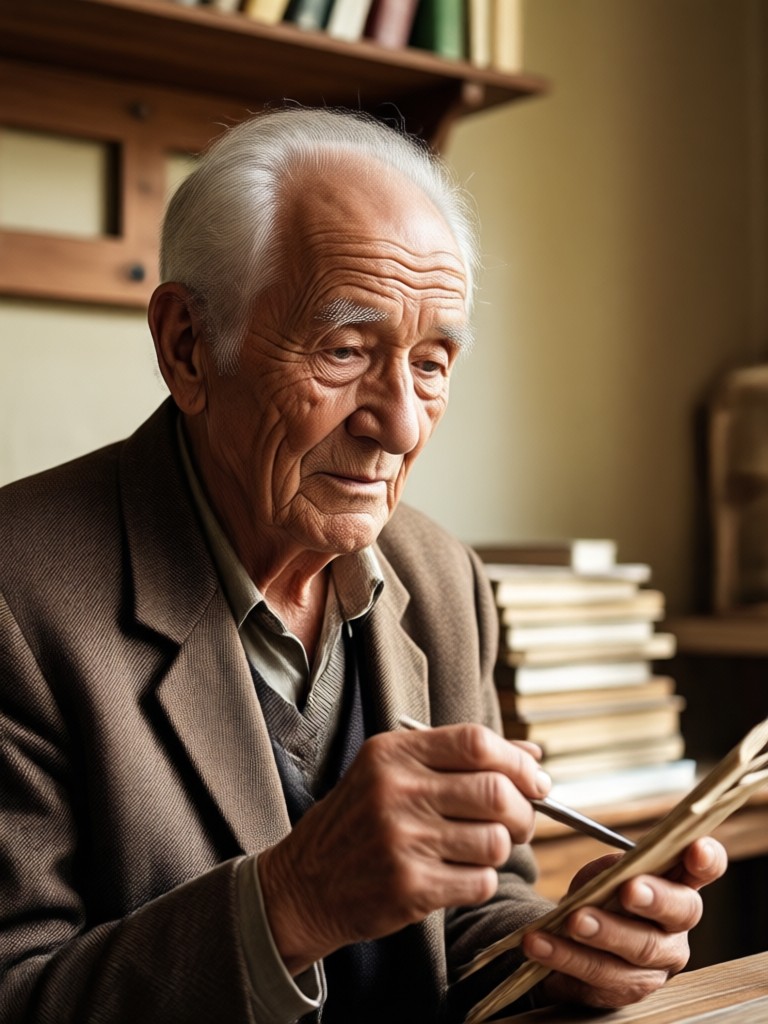
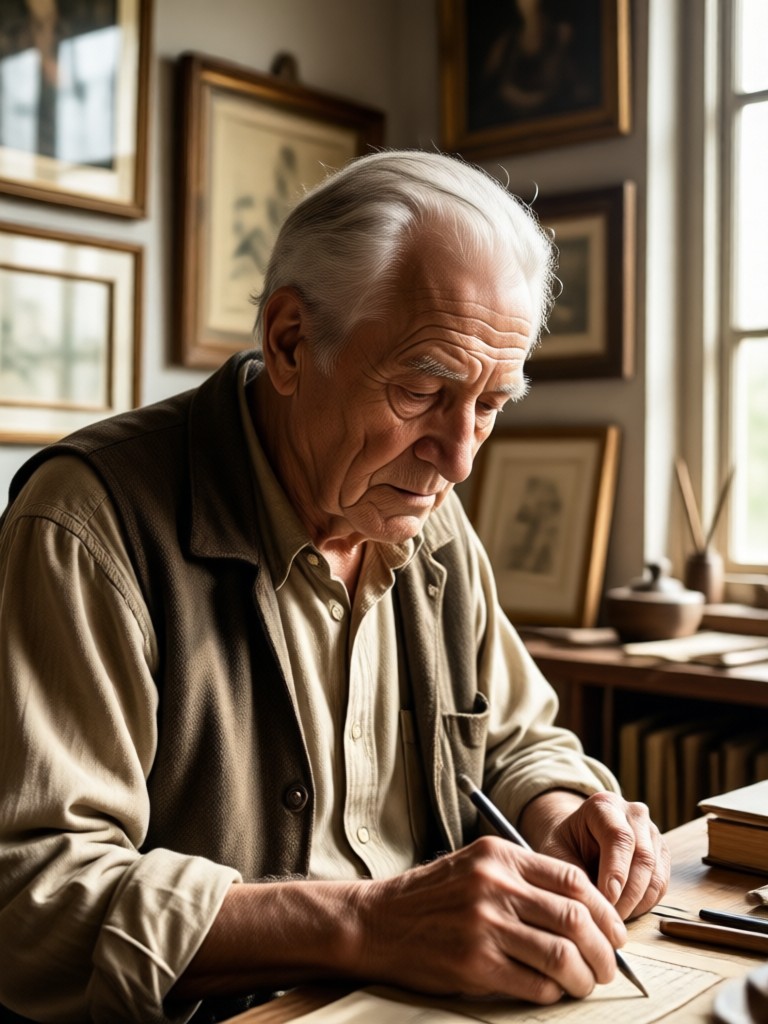
See how viyo's AI aging filter adds wrinkles, grey hair, and natural skin texture while keeping facial features fully recognizable. These examples show the impressive detail and realism you can achieve when you convert a picture to old age online.
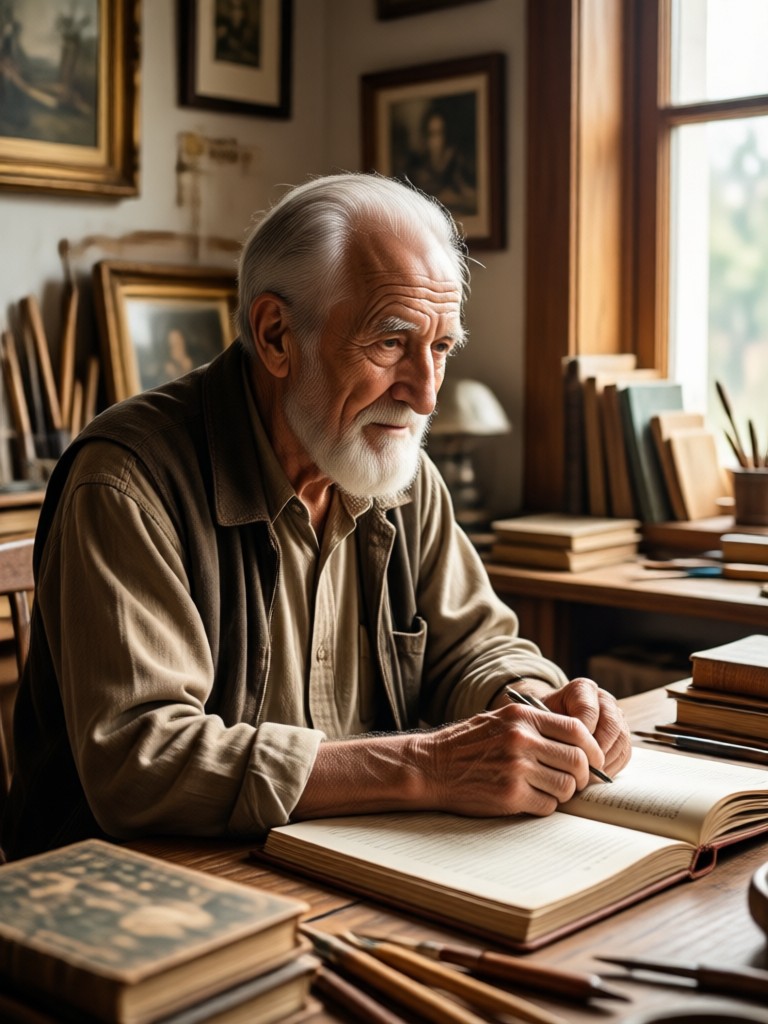
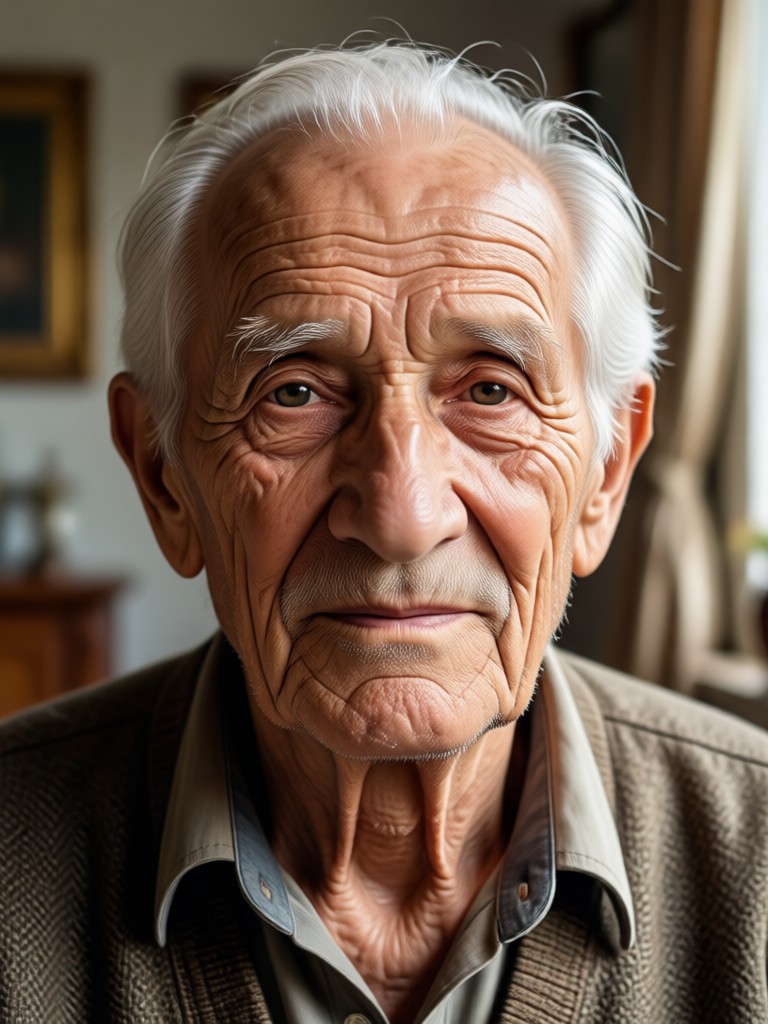
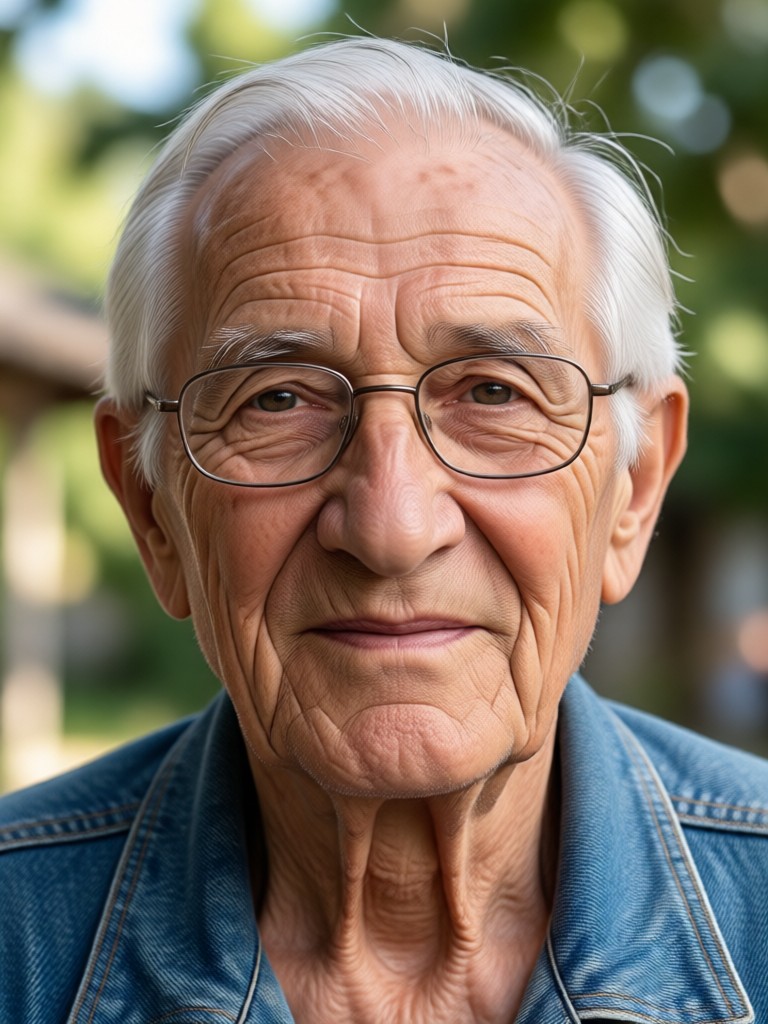

Why Use viyo to Convert Picture to Old Age Online
viyo makes photo aging fun, fast, and surprisingly realistic. The mobile app handles all the complex AI processing so you can focus on enjoying the results.

Realistic Aging Details
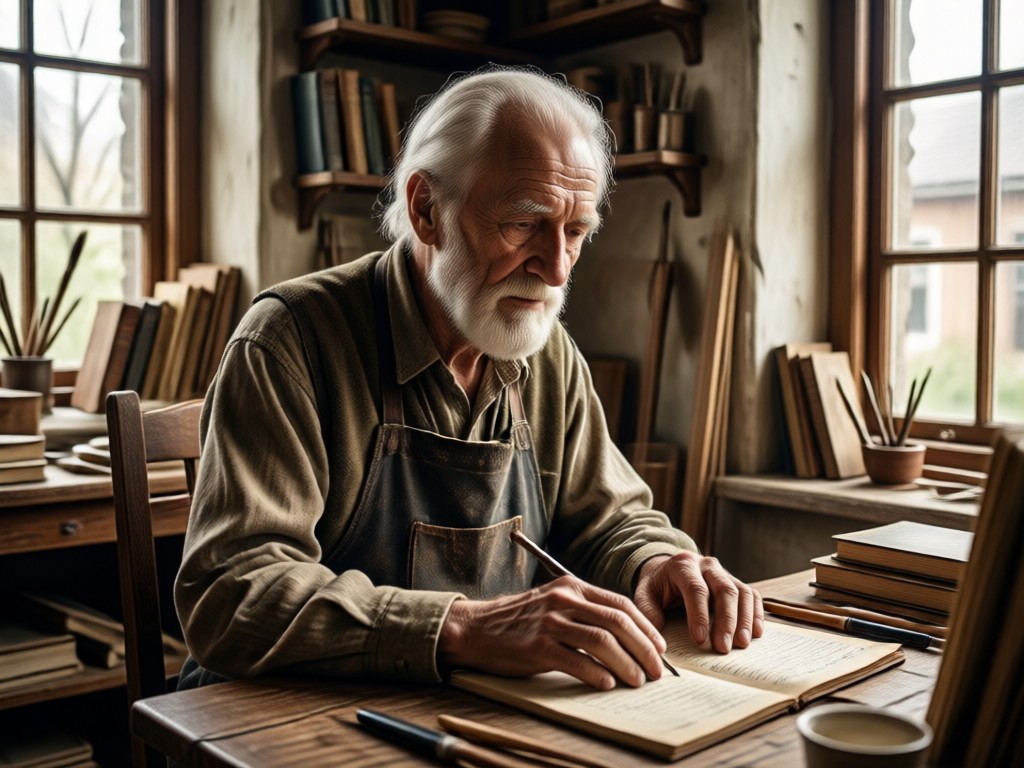
The AI aging filter adds natural wrinkles, age spots, grey hair, and subtle facial structure changes. Instead of a cartoon effect, you get a believable photo of your older self that keeps your core features intact. The result looks like a real photograph taken years in the future.
Realistic Aging Details
The AI aging filter adds natural wrinkles, age spots, grey hair, and subtle facial structure changes. Instead of a cartoon effect, you get a believable photo of your older self that keeps your core features intact. The result looks like a real photograph taken years in the future.
Multiple Aging Styles
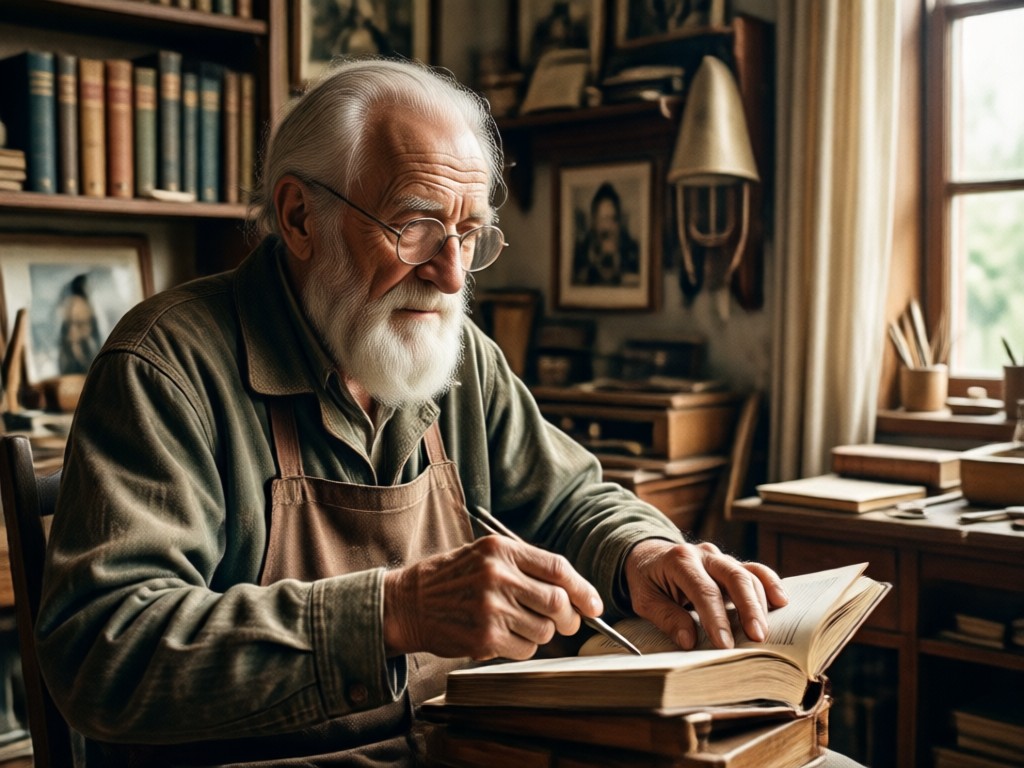
Choose from mild mature looks, middle aged appearance, or full elderly transformation. Each style template adjusts the intensity of the aging filter differently. You can generate several versions from one photo and pick your favorite result without needing any photo editing experience.
Multiple Aging Styles
Choose from mild mature looks, middle aged appearance, or full elderly transformation. Each style template adjusts the intensity of the aging filter differently. You can generate several versions from one photo and pick your favorite result without needing any photo editing experience.
Works on Any Photo
Use a current selfie, an old family photo, or even a group picture. viyo's AI identifies every face in the image and applies the old age effect consistently to each person. No manual masking, no complicated settings. Upload once and let the aging filter do the work.
Works on Any Photo
Use a current selfie, an old family photo, or even a group picture. viyo's AI identifies every face in the image and applies the old age effect consistently to each person. No manual masking, no complicated settings. Upload once and let the aging filter do the work.
How to Convert Picture to Old Age Online?
Turn any photo into a realistic elderly portrait in three simple steps using the viyo app.

Step 01.
Download viyo from Google Play and open the app on your phone. No account setup is required to start exploring the aging filters.

Step 02.
Upload a clear photo of yourself or someone else. Then browse the style templates and select the old age or aging filter that matches the look you want.

Step 03.
Tap generate and watch the AI age the face in seconds. Save the image to your gallery or share the aged photo directly with friends and social media.
Mobile First Photo Aging
Convert picture to old age online without uploading your private photos to a random website. viyo processes everything inside the mobile app, keeping your images on your device while you create.

Aging Filter That Respects Your Privacy
Many online aging tools require you to upload photos to a browser based server. viyo works differently. The app runs AI image generation directly through your Google Play installed application, giving you a faster and more private way to create. You control which photos you use, where the results are saved, and who you share them with. No suspicious websites, no forced email sign up, no confusing desktop interface. Just open the app, choose a photo, apply the aging filter, and save your realistic old age portrait. The entire experience is optimized for quick social sharing and casual fun, which is exactly what a face aging tool should be.
Aging Filter That Respects Your Privacy
Many online aging tools require you to upload photos to a browser based server. viyo works differently. The app runs AI image generation directly through your Google Play installed application, giving you a faster and more private way to create. You control which photos you use, where the results are saved, and who you share them with. No suspicious websites, no forced email sign up, no confusing desktop interface. Just open the app, choose a photo, apply the aging filter, and save your realistic old age portrait. The entire experience is optimized for quick social sharing and casual fun, which is exactly what a face aging tool should be.
Frequently Asked Questions About Aging Filters
Find clear answers about converting pictures to old age online and how the viyo aging filter works.
What People Are Saying About viyo
Finally a convincing old age filter
I have tried several websites to convert picture to old age online, but they always looked fake. viyo's aging filter is different. The wrinkles and grey hair look incredibly real. My grandmother laughed for ten minutes when I showed her my 80 year old version.
So easy to use on my phone
I am not technical at all. I downloaded viyo, picked a selfie, tapped the old age style, and got a realistic elderly portrait in about ten seconds. My whole family started doing it. We made aged versions of everyone at the dinner table.
Great for a fun family slideshow
I used viyo to age photos of my parents for their 40th anniversary. The aging filter was surprisingly respectful and realistic. No gimmicky cartoon effects. The results looked like professional age progression photos we could have paid a studio for.
More Topics You May Like
Explore more topics you may like and discover fresh ideas tailored to your interests.
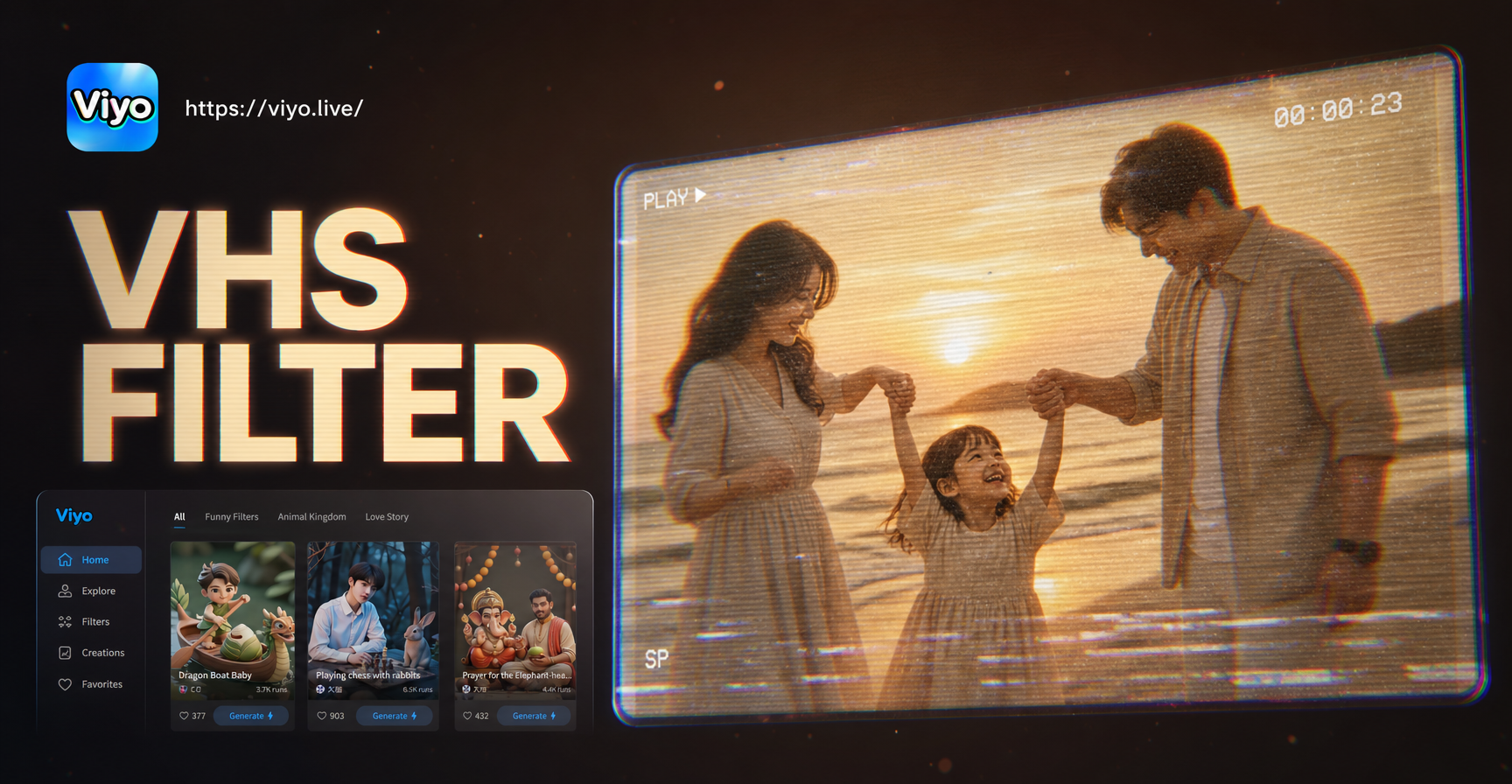
Vhs Photo Filter: Turn Modern Photos into Retro Memories

AI Generated Monster: Make Scary Creatures in Seconds
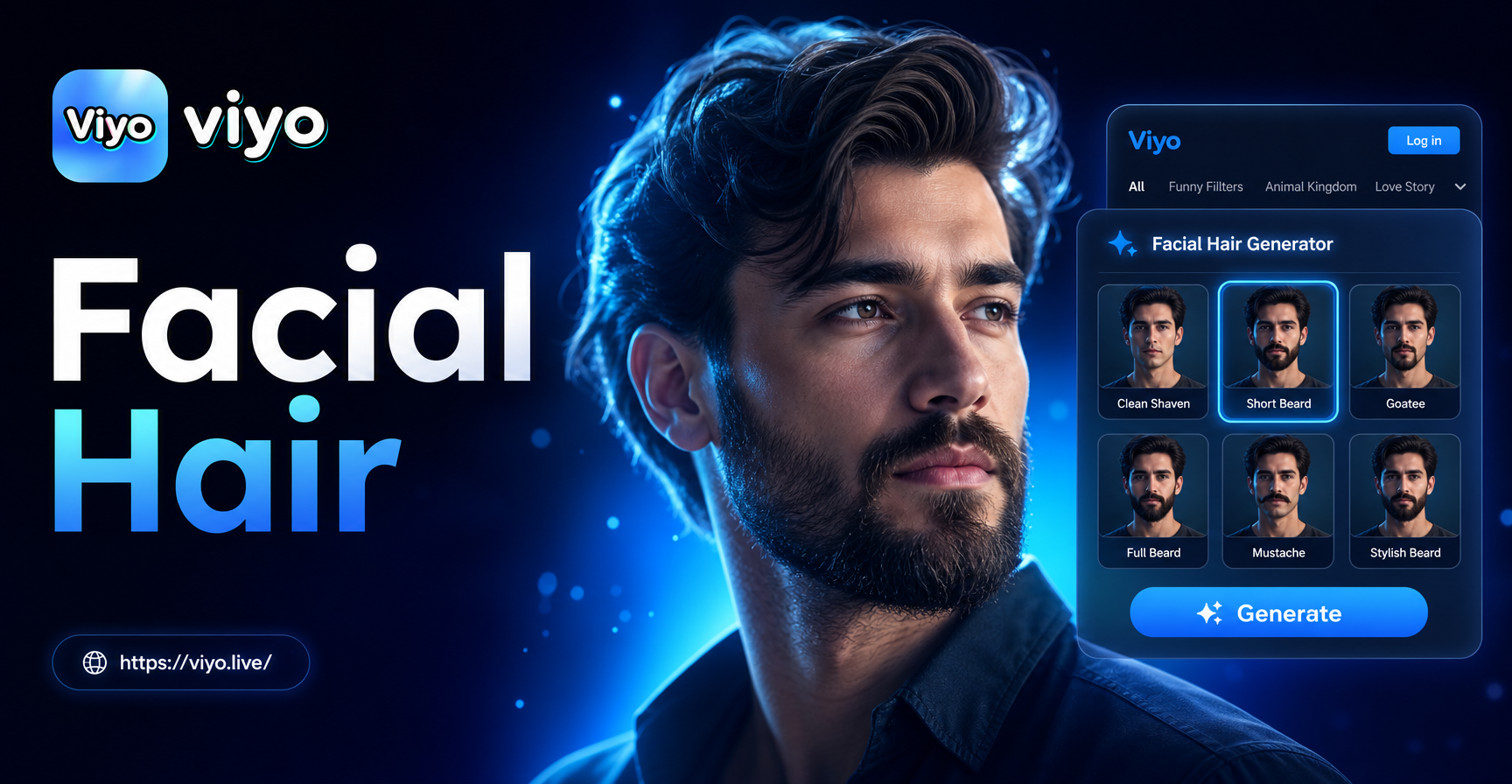
Facial Hair Generator: Try On Beards & Mustaches in Seconds
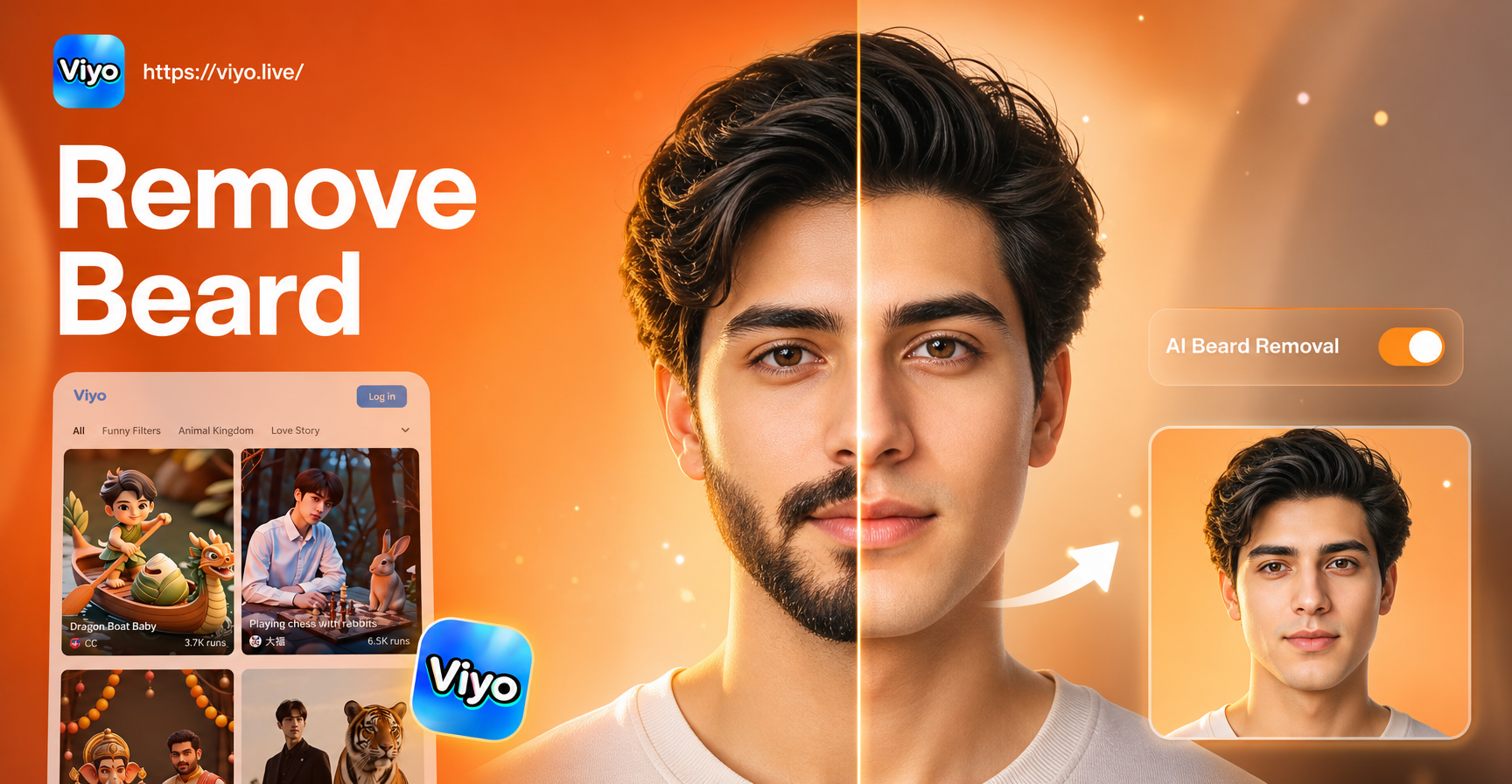
Remove Beard and Mustache from Photo Online in Seconds
Vhs Photo Filter: Turn Modern Photos into Retro Memories
AI Generated Monster: Make Scary Creatures in Seconds
Facial Hair Generator: Try On Beards & Mustaches in Seconds
Remove Beard and Mustache from Photo Online in Seconds
Convert Your Picture Today
Download viyo now and see your older self with a realistic AI aging filter. Fun, fast, and private.

Convert Your Picture Today
Download viyo now and see your older self with a realistic AI aging filter. Fun, fast, and private.