Beard Remover From Photo
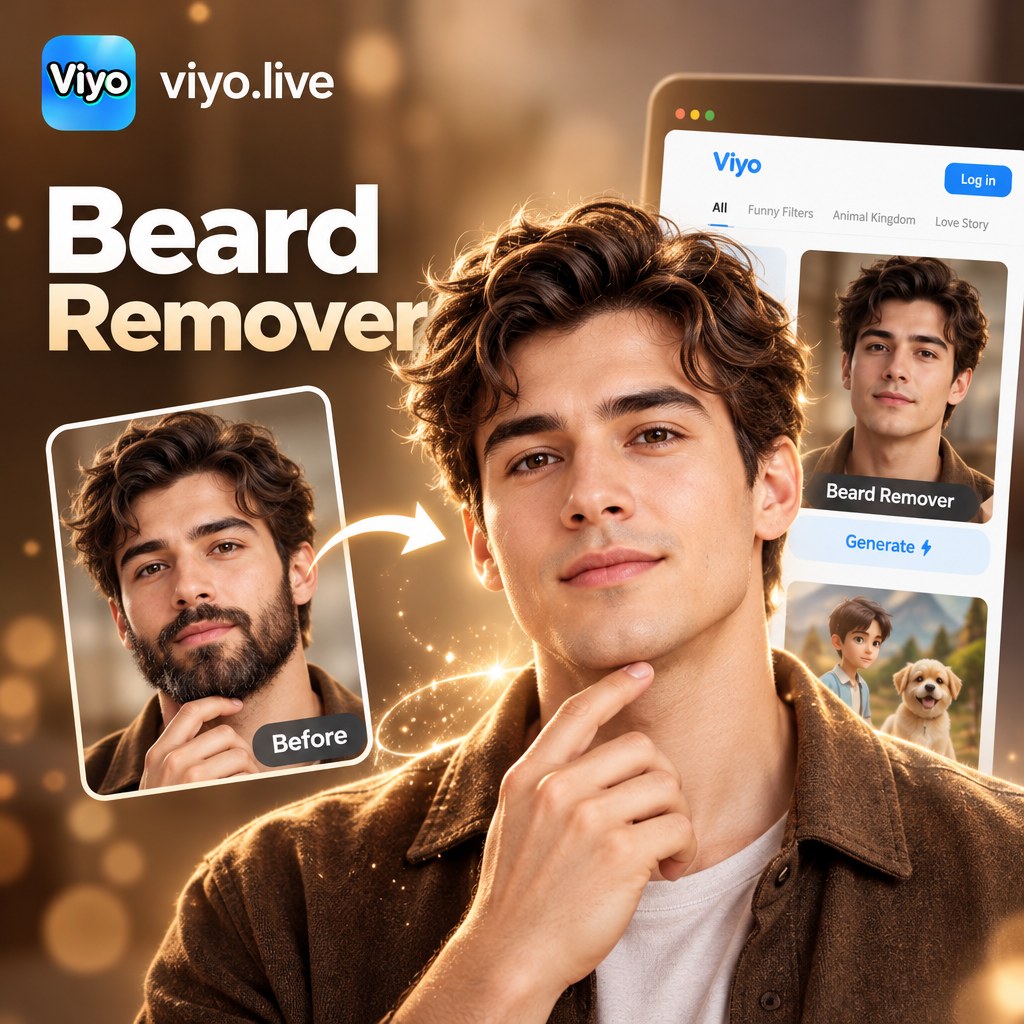
Choose the Right Photo Editing Filter
Explore specialized AI filters for facial hair removal, face retouching, and realistic style transfers. Find the perfect tool for your next profile picture.
How to Remove a Beard From a Photo
Use viyo to erase facial hair and preview your clean shaven face in three straightforward steps.

Step 01.
Download the viyo app from Google Play and open the AI photo editor on your mobile device.

Step 02.
Upload a front facing photo. Choose the facial hair removal or retouch filter that best matches your goal.

Step 03.
Generate your clean shaven preview. Save the high quality result and share it with friends or on social media.
Smart Tools for Realistic Beard Removal
viyo combines advanced AI detection with natural skin synthesis to create convincing results that look like you actually shaved.
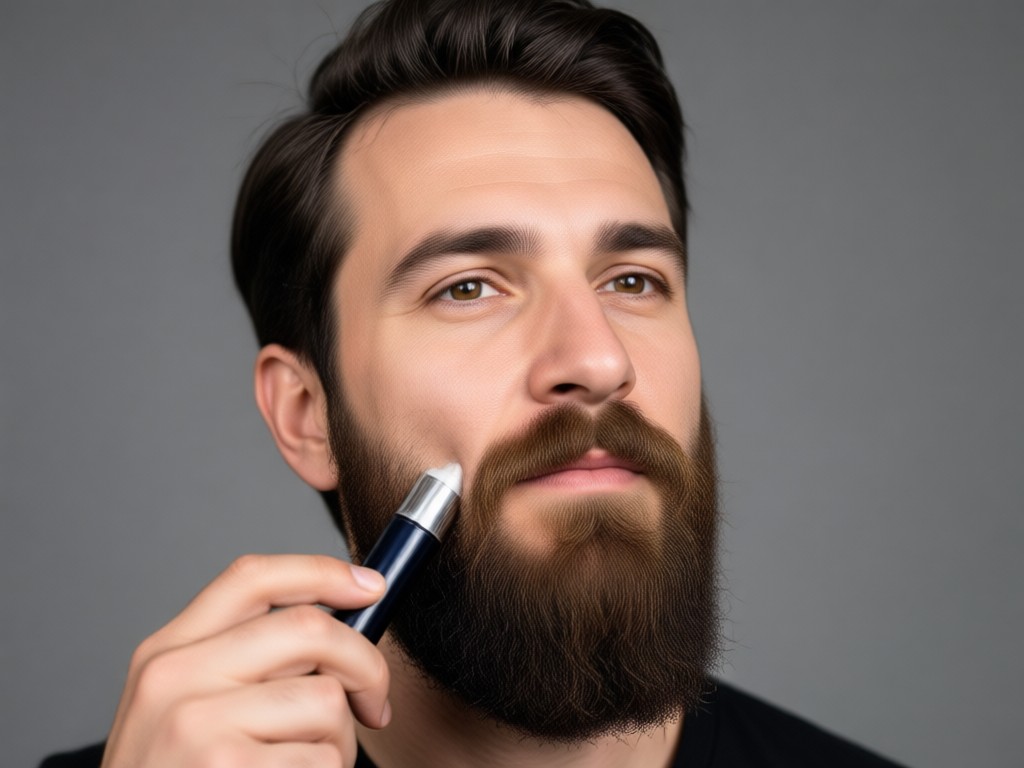
Accurate Facial Hair Detection
The AI identifies the jawline, cheeks, and upper lip to isolate facial hair without altering your eyes, nose, or natural facial structure.
Accurate Facial Hair Detection
The AI identifies the jawline, cheeks, and upper lip to isolate facial hair without altering your eyes, nose, or natural facial structure.
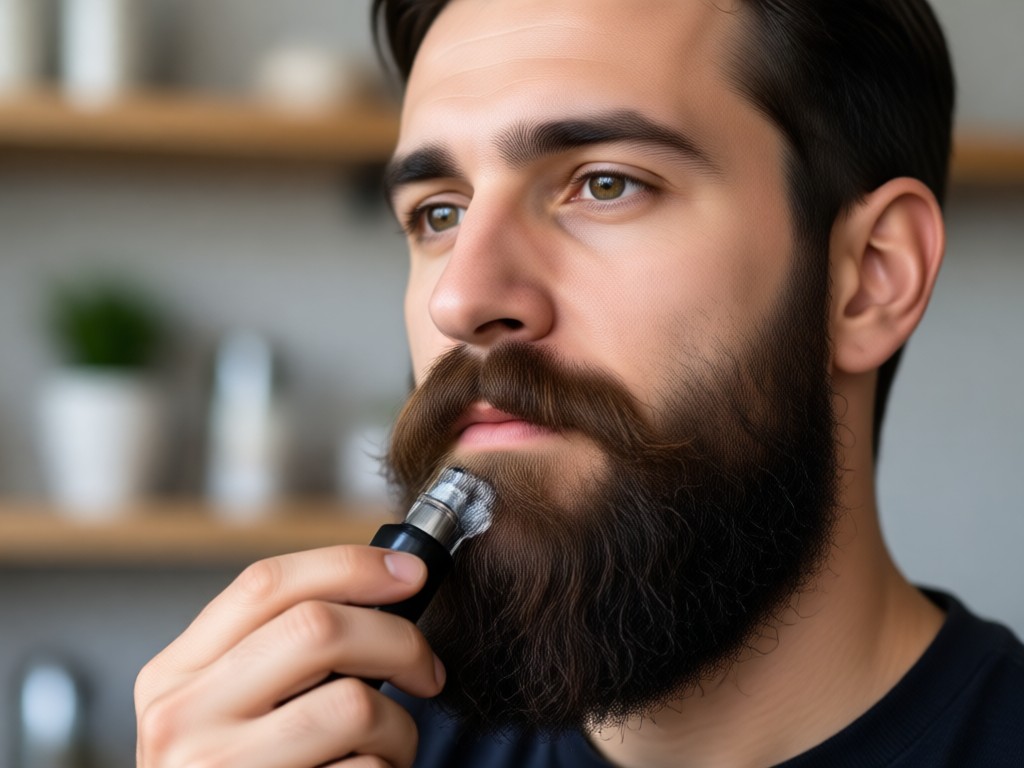
Natural Skin Texture Restoration
After removing the beard, the generator reconstructs pores and shading so your chin and cheeks look natural rather than blurred or plastic.
Natural Skin Texture Restoration
After removing the beard, the generator reconstructs pores and shading so your chin and cheeks look natural rather than blurred or plastic.
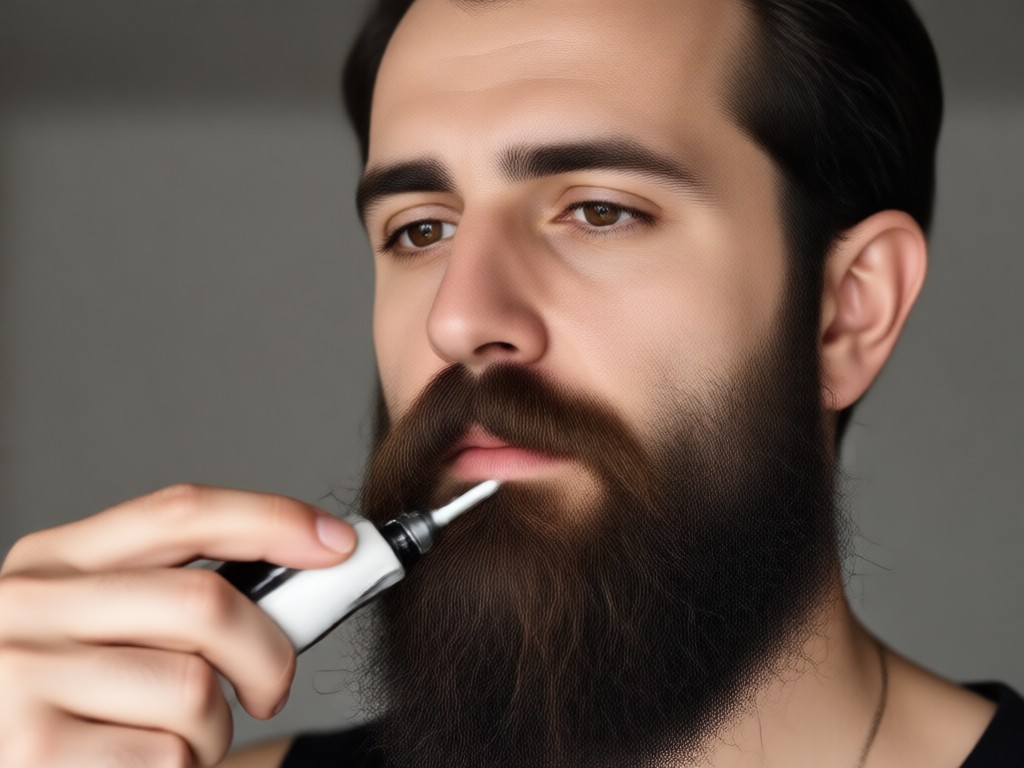
Instant Style Comparison
Keep your original bearded photo side by side with the new clean shaven version to decide which look you prefer before committing.
Instant Style Comparison
Keep your original bearded photo side by side with the new clean shaven version to decide which look you prefer before committing.
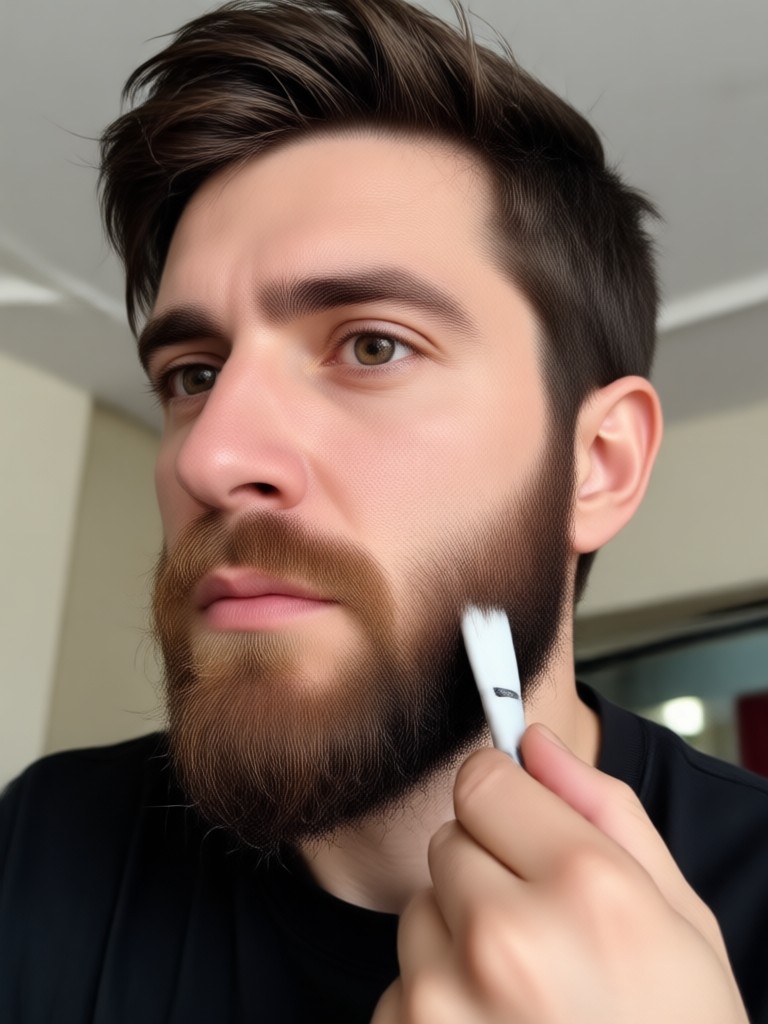
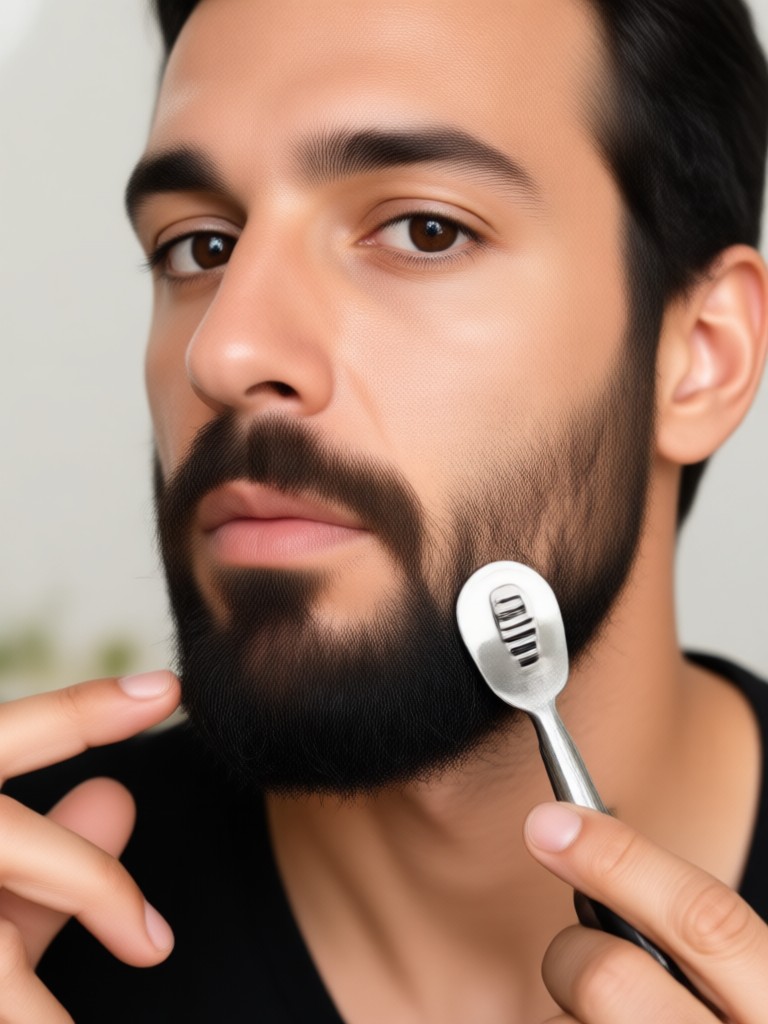
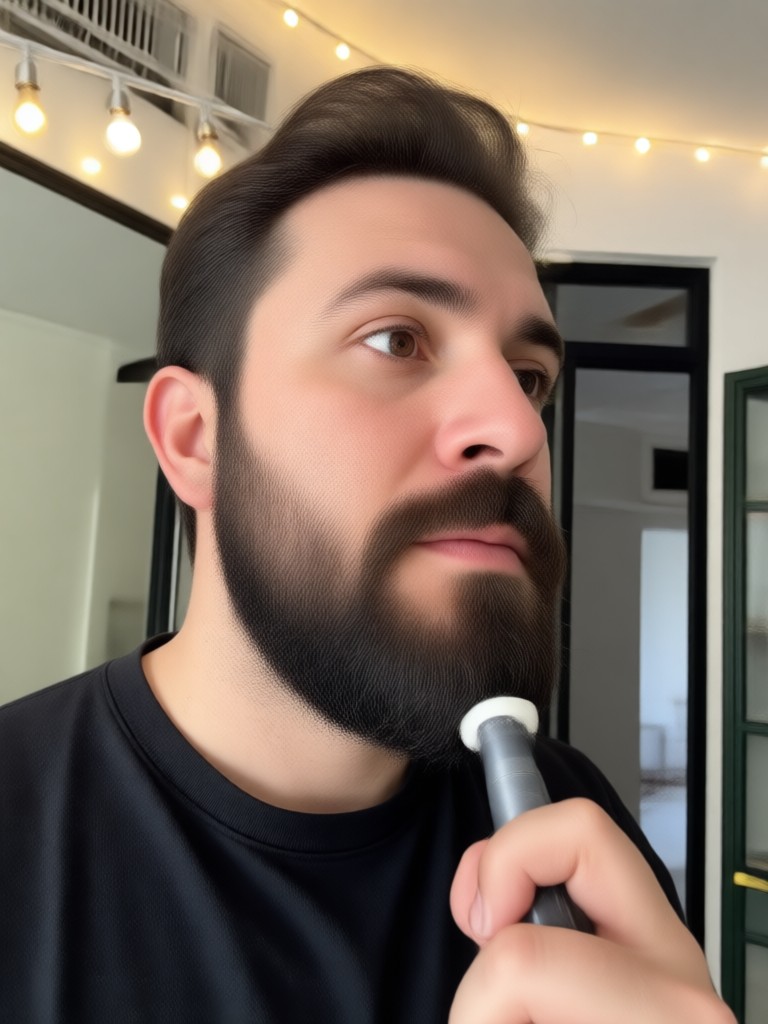
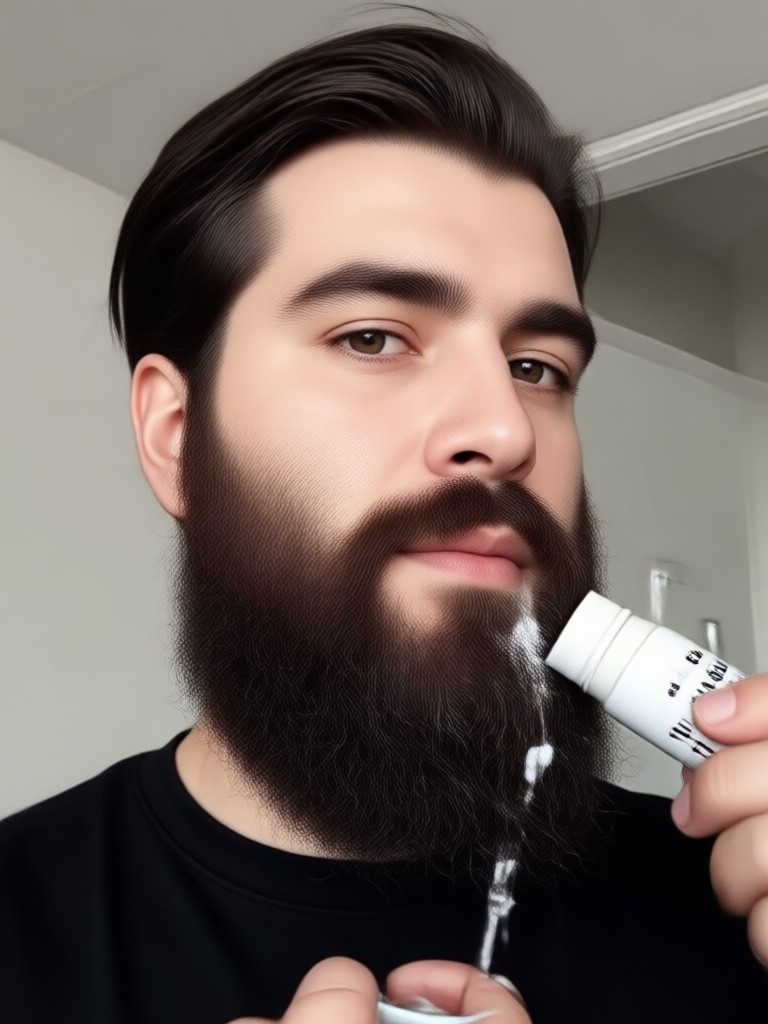
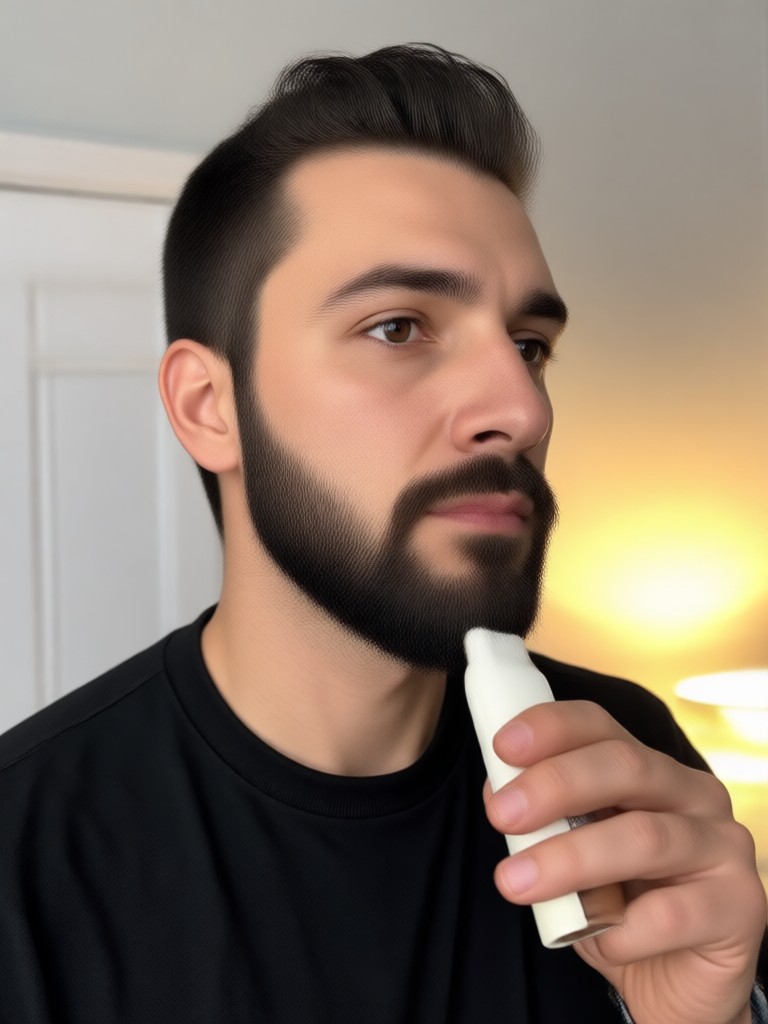
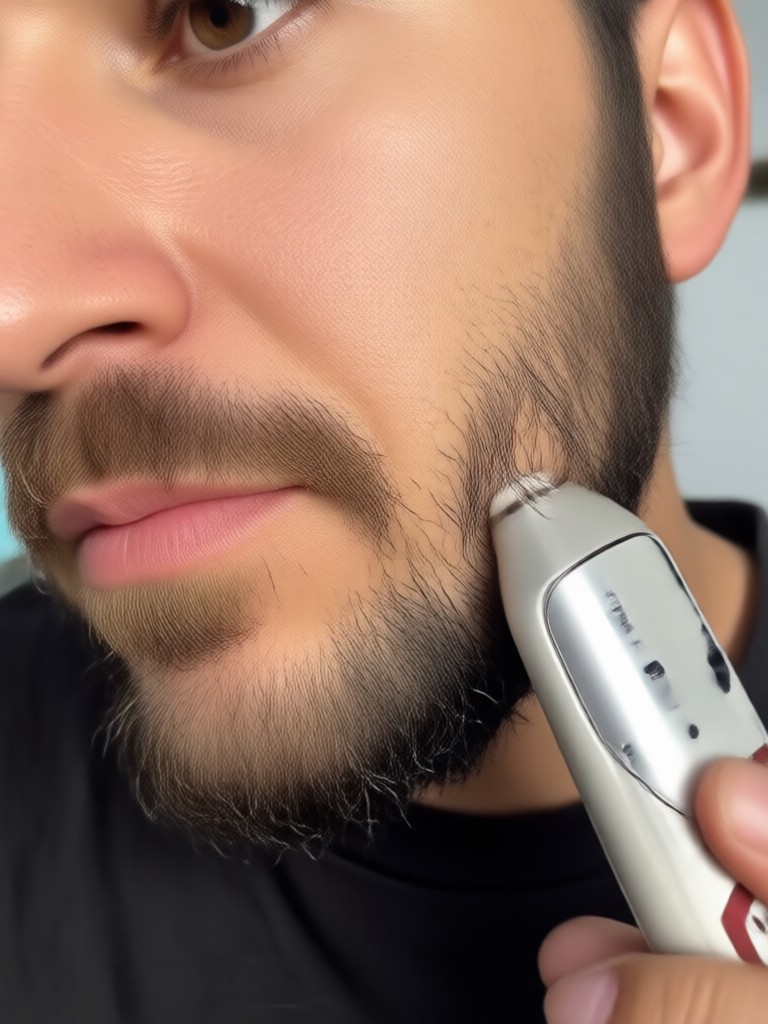
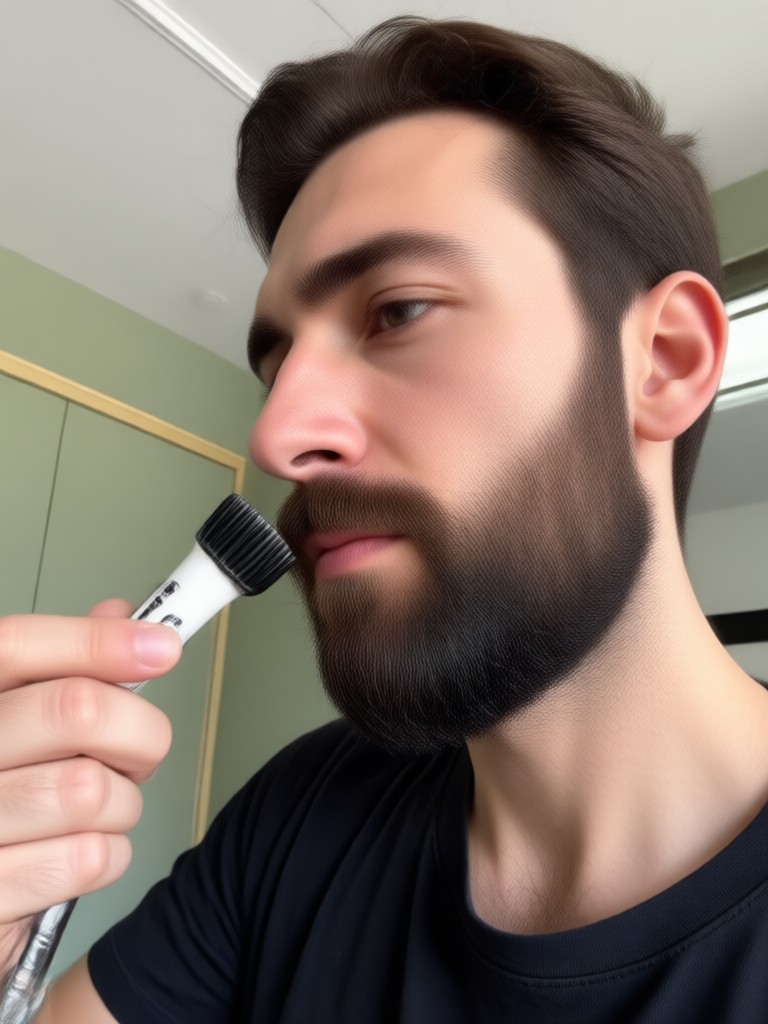
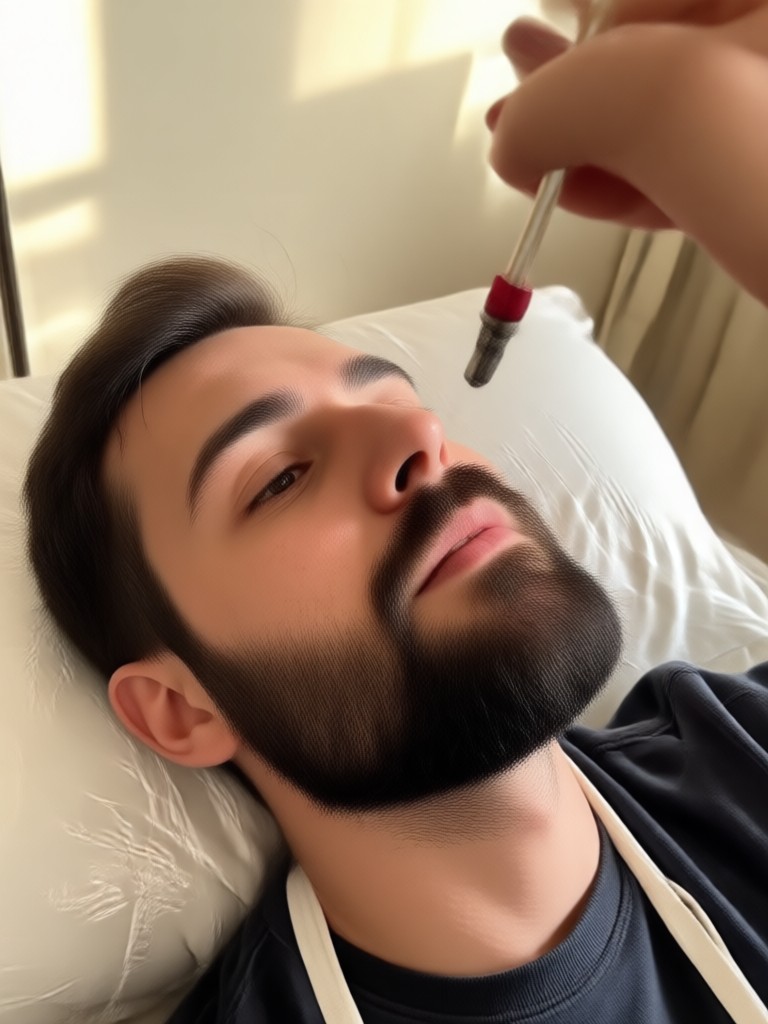
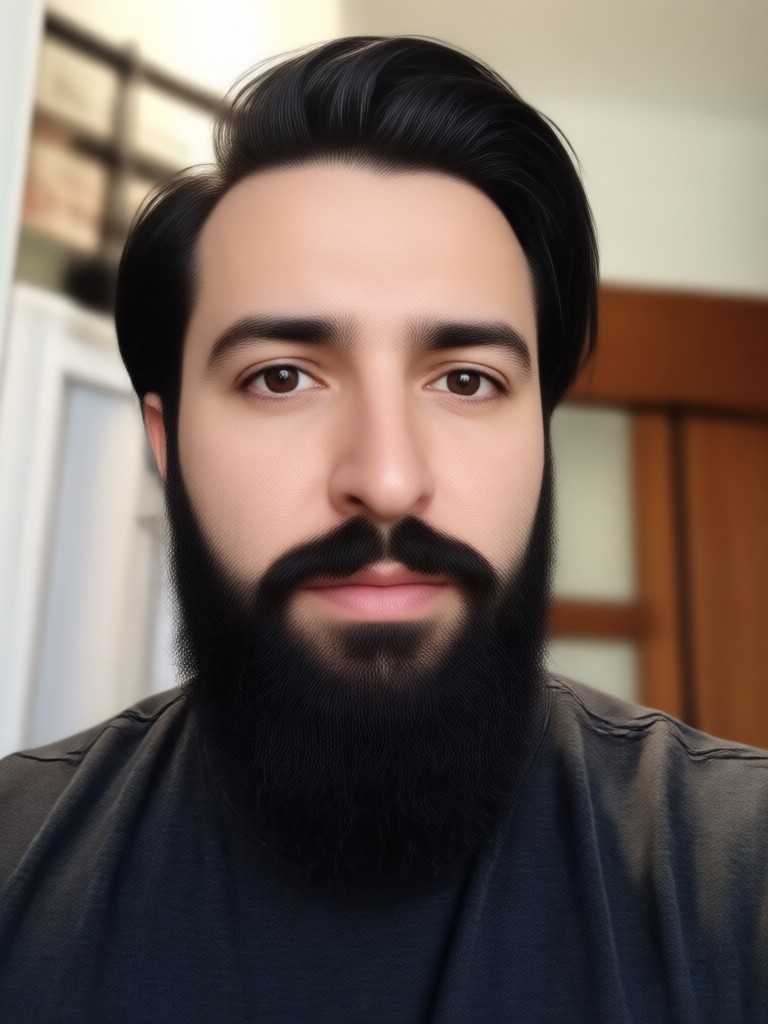
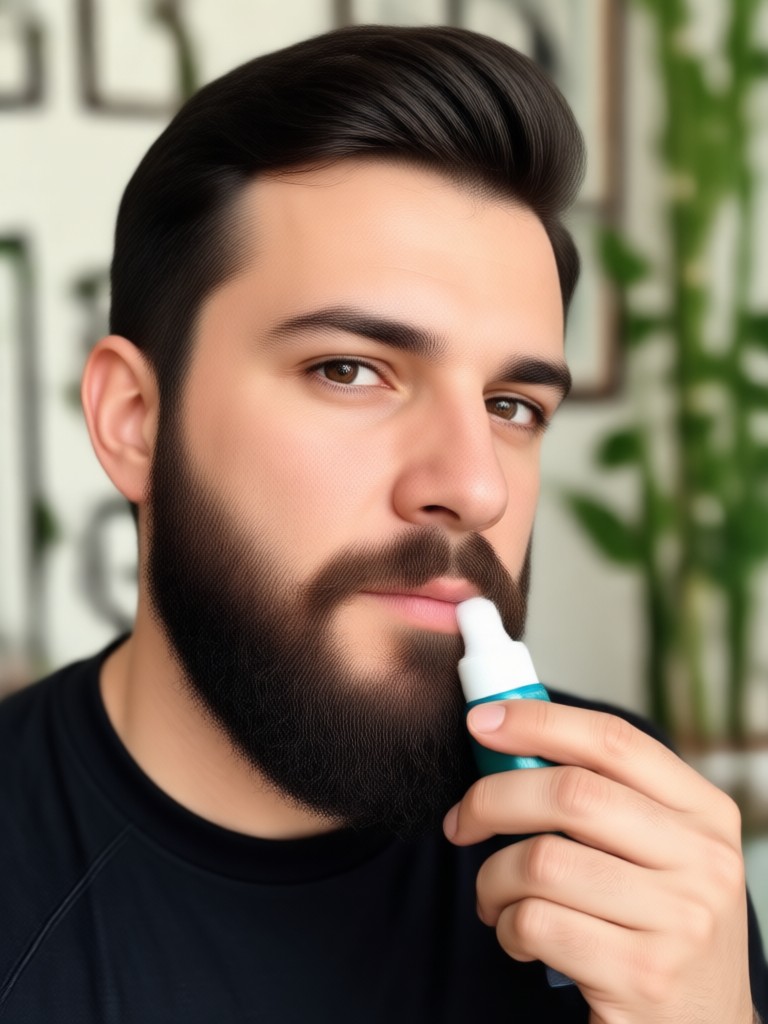
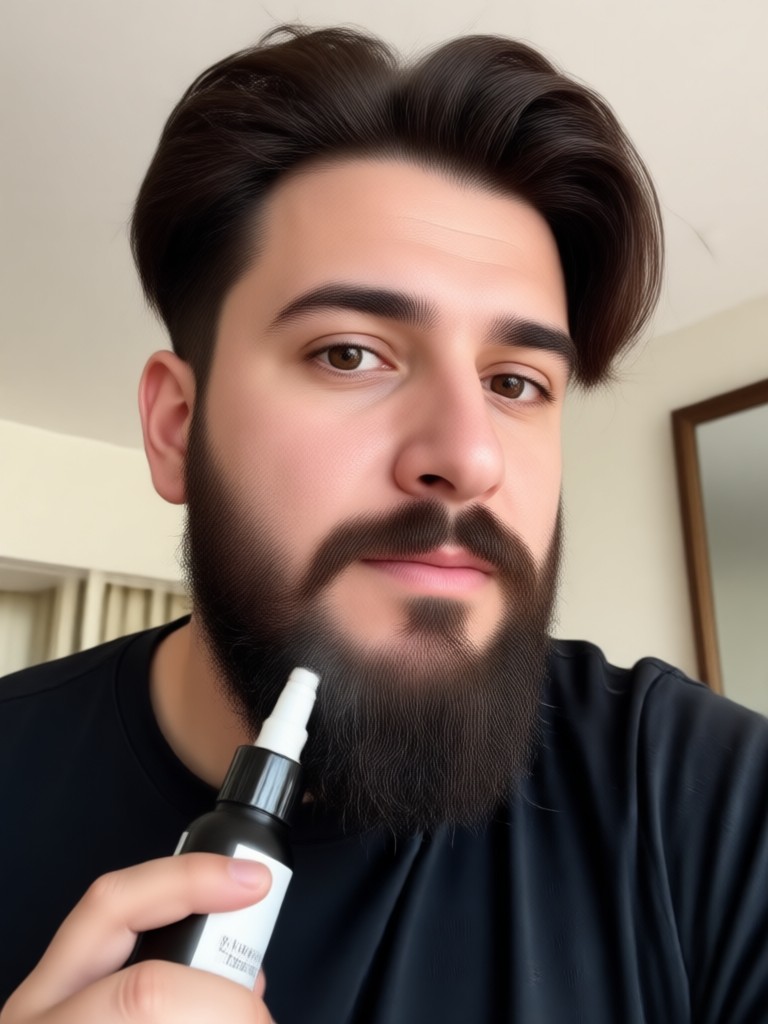
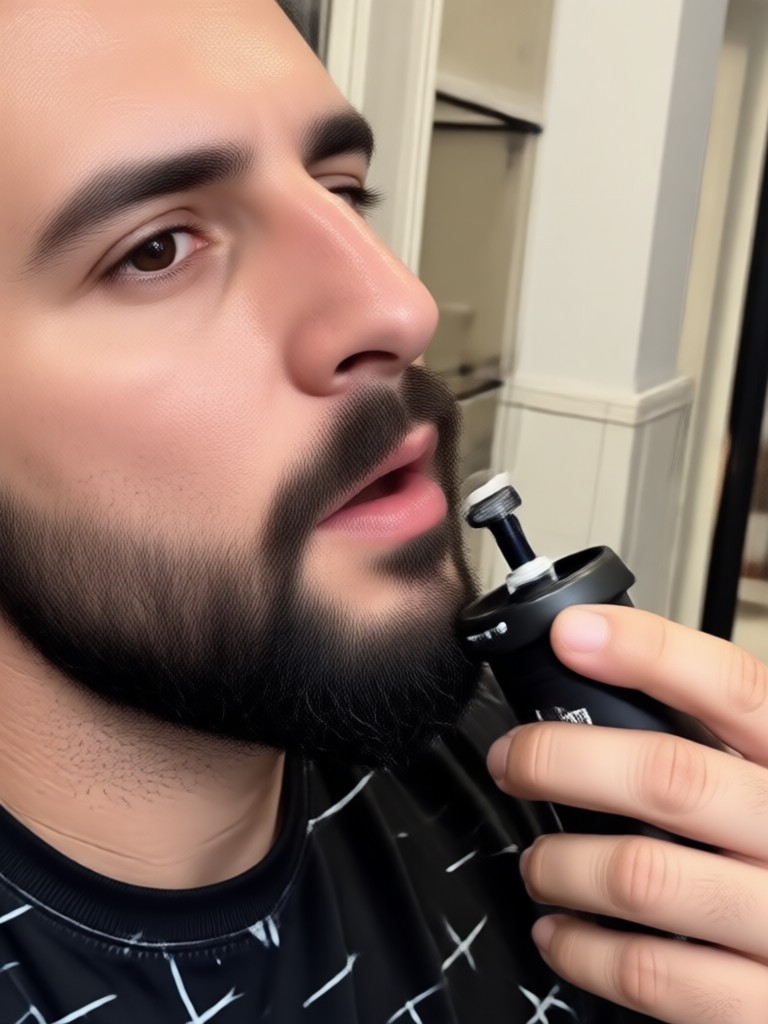
Beard Removal Results Gallery
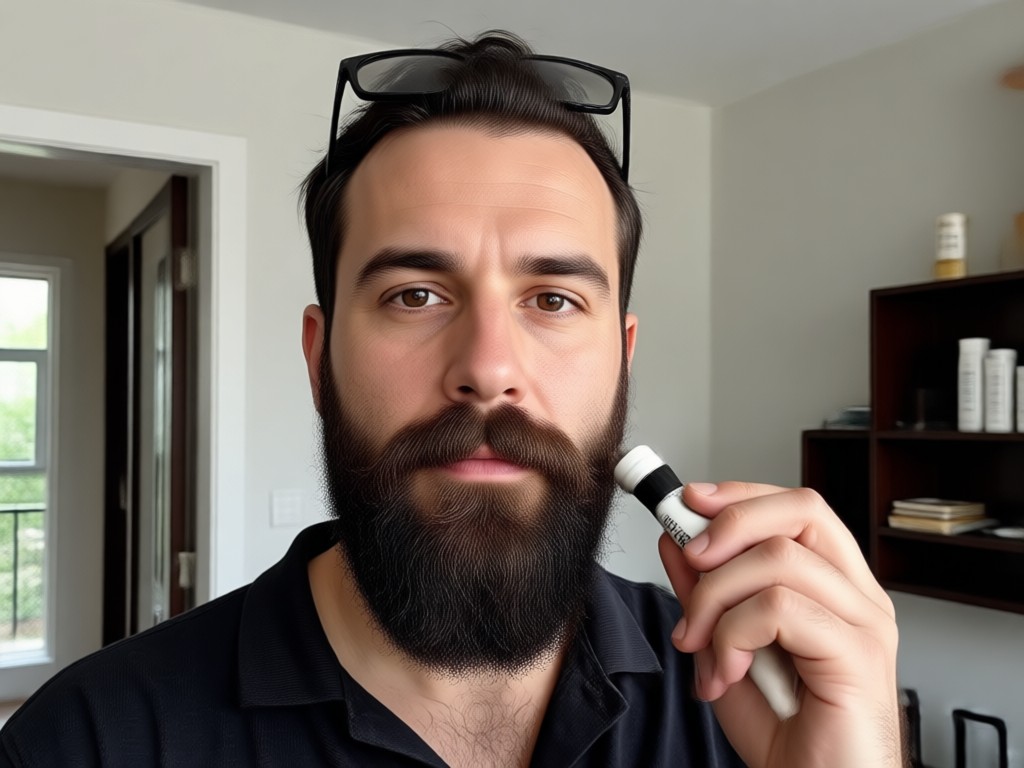
See how viyo transforms bearded portraits into clean shaven looks while preserving identity and image quality.
Why Use viyo for Beard Removal
Skip the risky real life shave and preview the result digitally first. viyo gives you a risk free way to test a new look, update your profile picture, or visualize a grooming change before you touch a razor. The mobile app processes everything on the go so you can experiment anywhere.
Why Use viyo for Beard Removal
Skip the risky real life shave and preview the result digitally first. viyo gives you a risk free way to test a new look, update your profile picture, or visualize a grooming change before you touch a razor. The mobile app processes everything on the go so you can experiment anywhere.
What Users Say About the Beard Remover
Finally saw my face after 8 years
I was terrified to shave my beard after almost a decade. This app showed me exactly what I would look like. The result was so realistic that I actually went to the barber the next day.
Perfect for dating profile pictures
I wanted a fresh look for my profile but did not want to commit to shaving. I removed my beard in a photo and got way more matches. It looks completely natural.
Great for job interviews
I needed an updated professional headshot without my scruff. The AI cleaned up my jawline perfectly. The skin texture looks real, not like a blur filter.
Is Beard Removal Safe for Your Photos?
Yes. The AI only edits the selected image on your device. viyo does not permanently alter your original file or require you to actually shave. You can keep both the bearded and clean shaven versions in your gallery. All processing respects your privacy and focuses on delivering a realistic visual preview.
Frequently Asked Questions About Beard Removal
Get clear answers about removing beards from photos, the technology behind it, and how to get the best results.
Try Your Clean Shaven Look Today
Download viyo and remove the beard from your photo in seconds. See the new you before you make a change.

Try Your Clean Shaven Look Today
Download viyo and remove the beard from your photo in seconds. See the new you before you make a change.