Prompt For Smiling Face


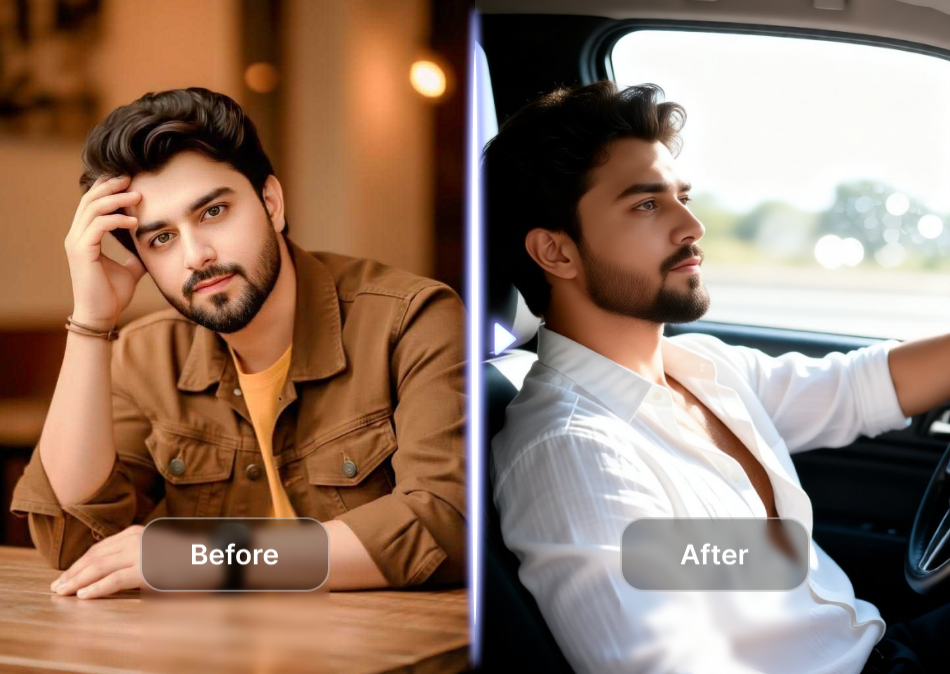
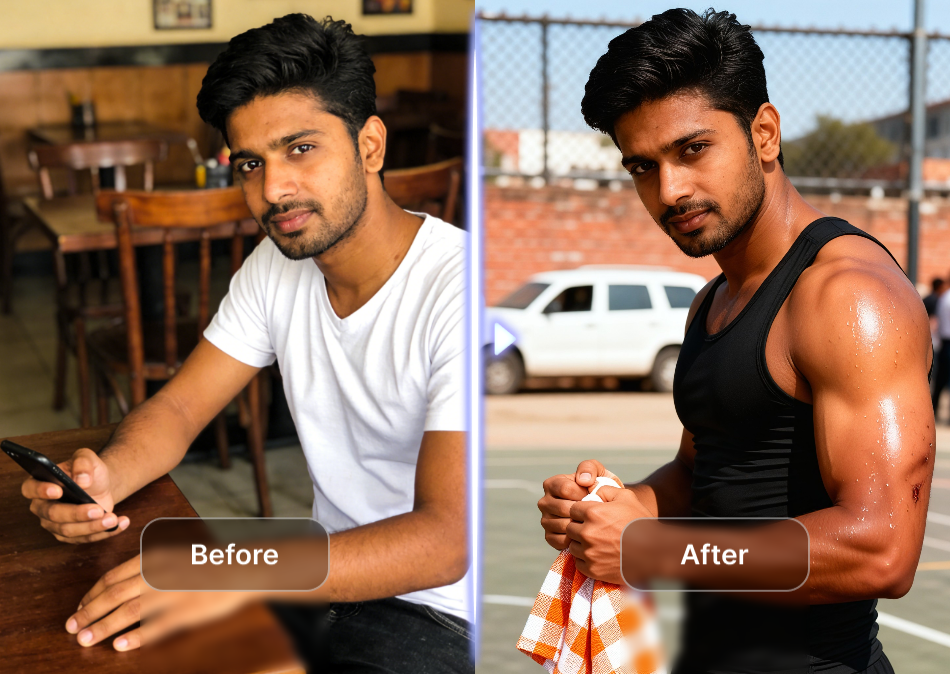
Choose the Smile Style That Suits You
Pick from a curated set of portrait, realistic, and artistic filters. Each template works perfectly with your smile prompt to produce exactly the expression and mood you want.
What a Good Smiling Face Prompt Gives You
Describe the smile you want and viyo handles the rest. Each prompt unlocks precise control over facial expression, lighting, and artistic direction.
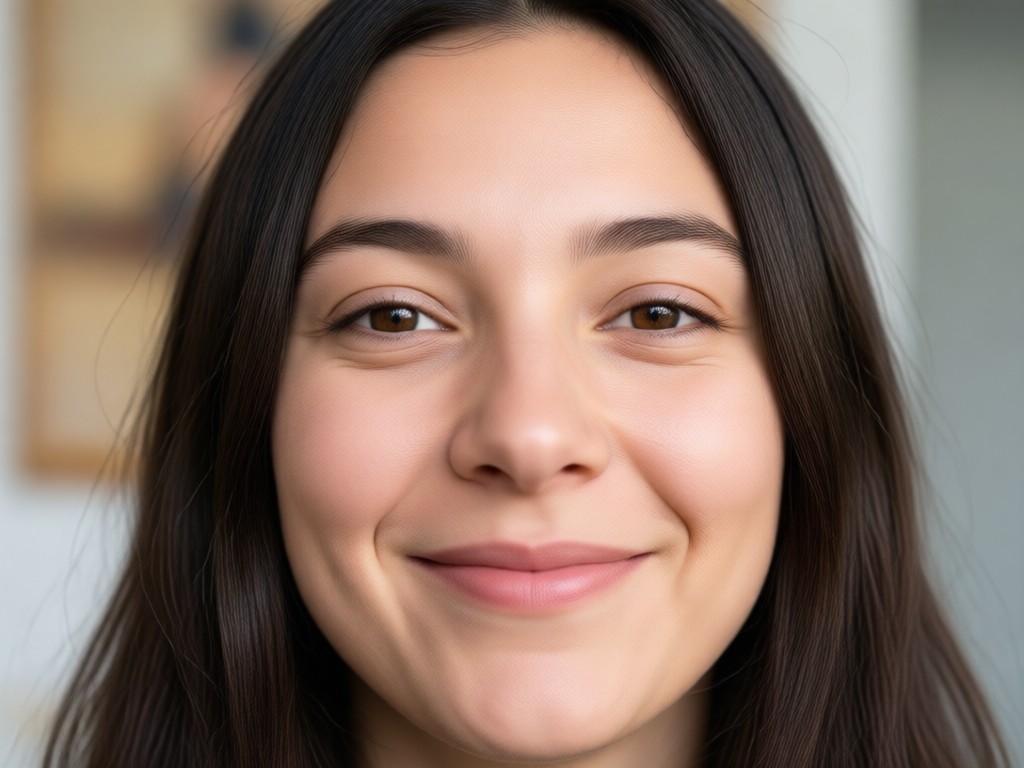
Natural Expression Control
Use words like subtle smile, wide grin, or soft laugh to control exactly how much teeth show and how the eyes crinkle. Your prompt guides the AI precisely.
Original Features Preserved
viyo keeps your face shape, eye color, and bone structure intact while adjusting only the mouth, cheeks, and eye area. You still look like you, just happier.
Unlimited Style Combinations
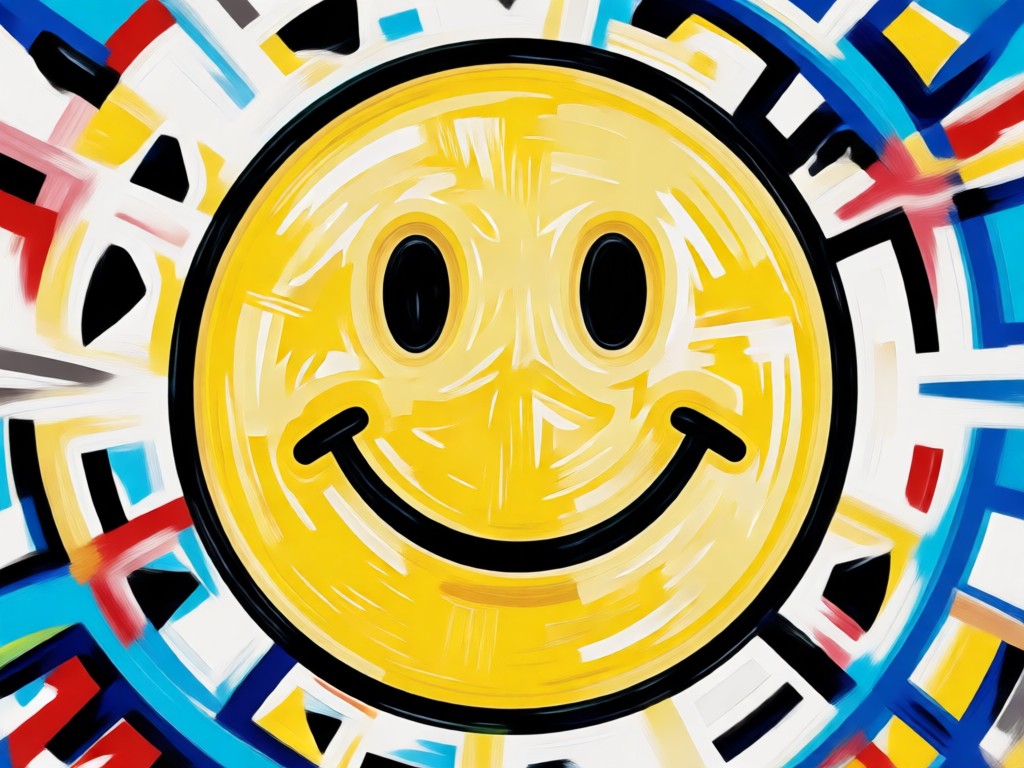
Pair your smiling face prompt with realistic photography, anime, watercolor, or cinematic style filters. One phrase, endless creative variations.
How to Generate a Smiling Face with Prompts
Creating a natural smile from a photo takes only three simple steps inside the viyo mobile app.

Step 01.
Download the viyo app from Google Play and open it on your phone.

Step 02.
Upload the photo you want to change. Type a descriptive prompt for smiling face, such as gentle smile with soft lighting.

Step 03.
Choose a style template and tap generate. Save your smiling photo and share it with friends or on social media.
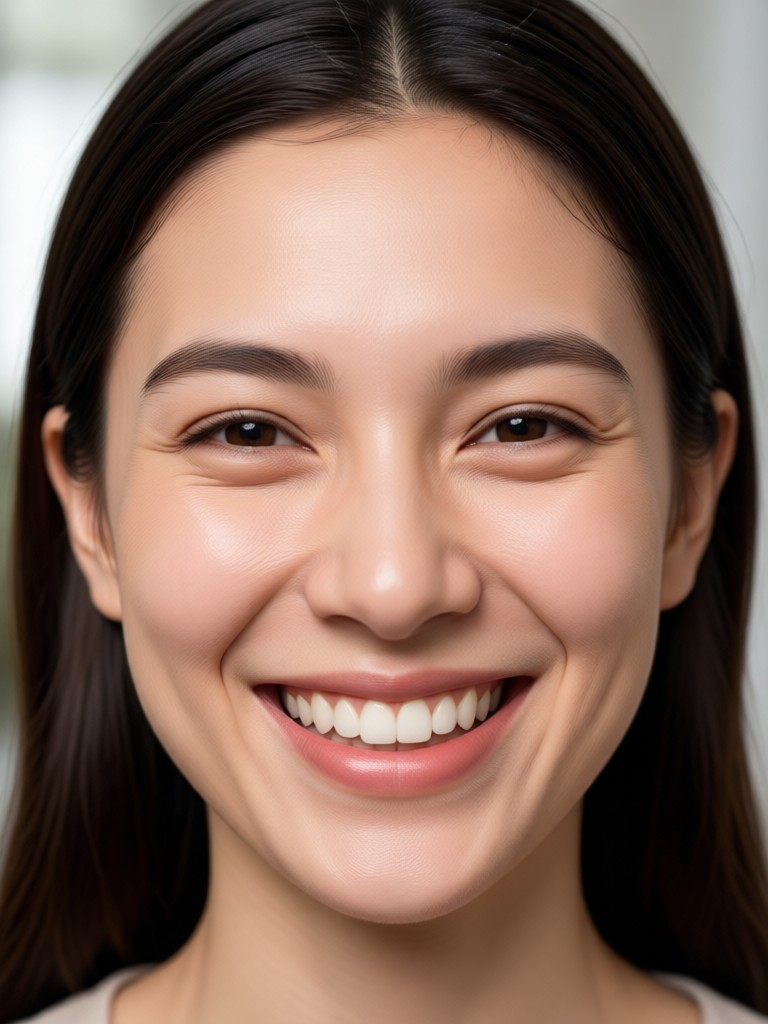
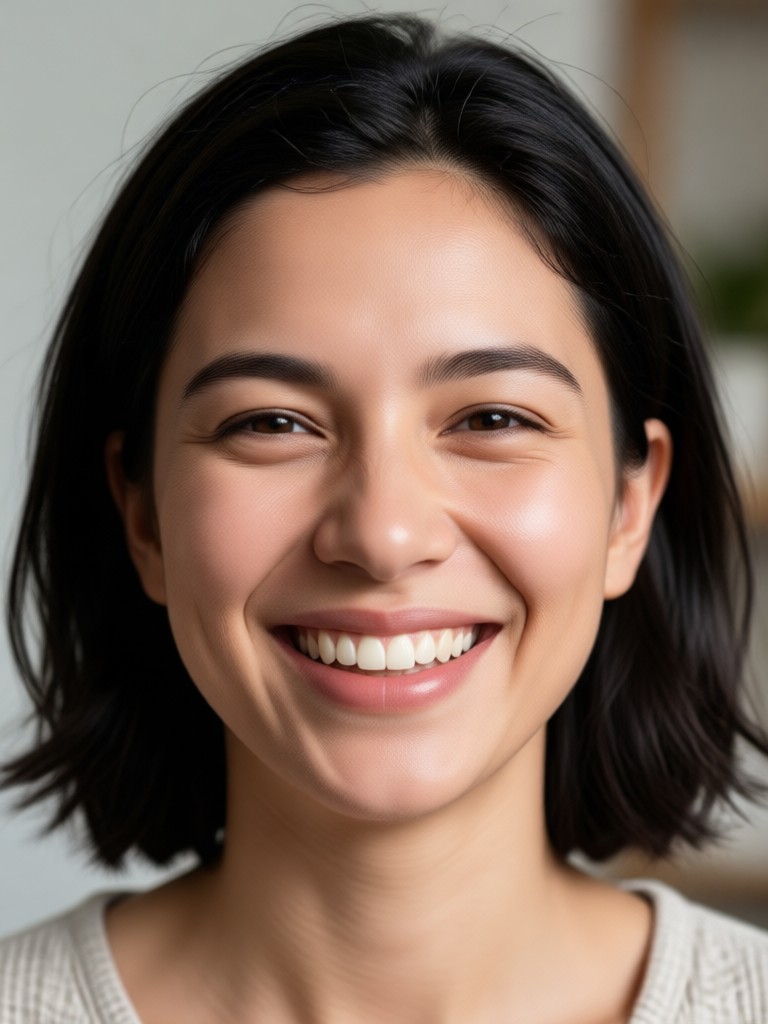
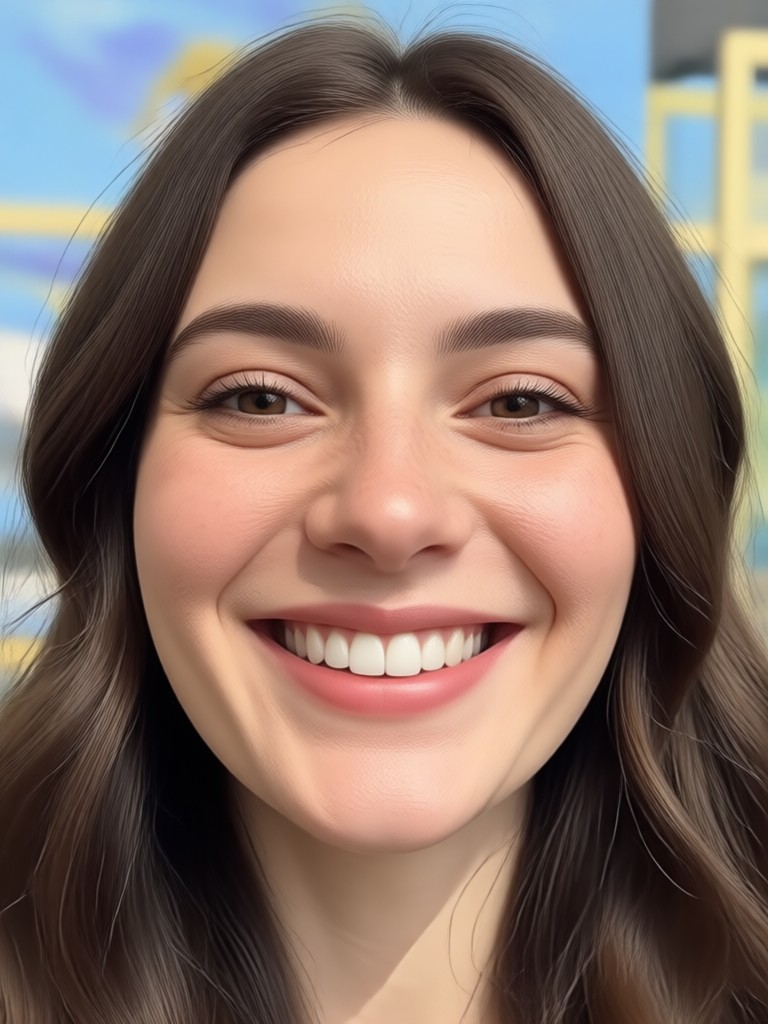
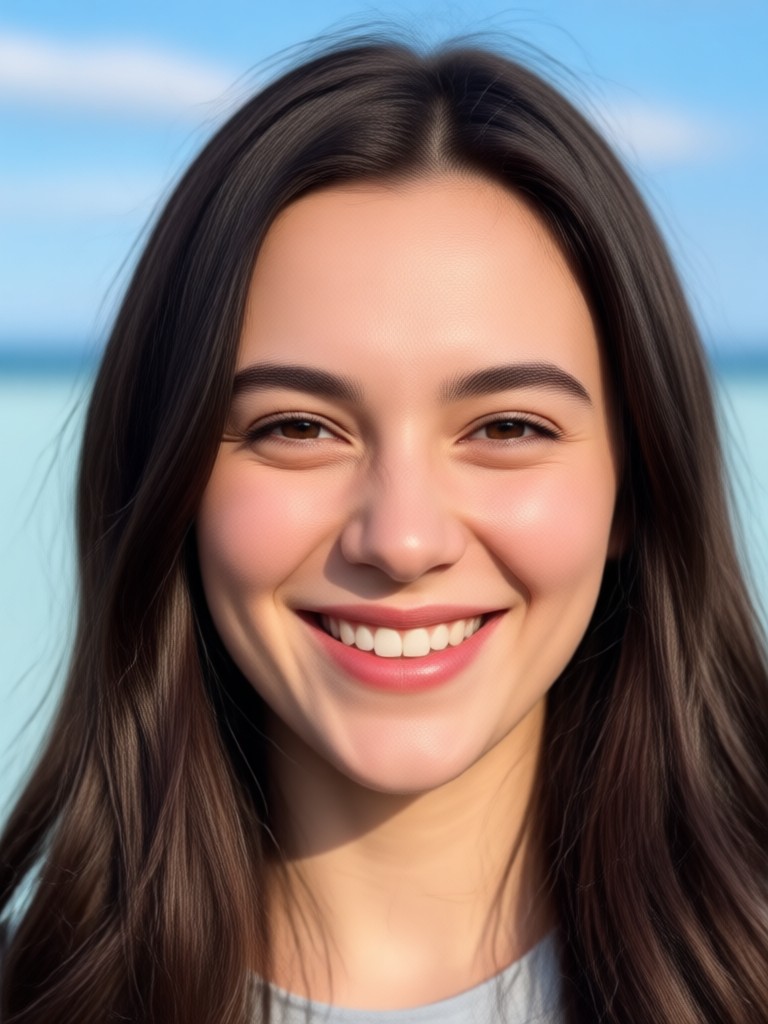
Smiling Face Prompt Results Gallery
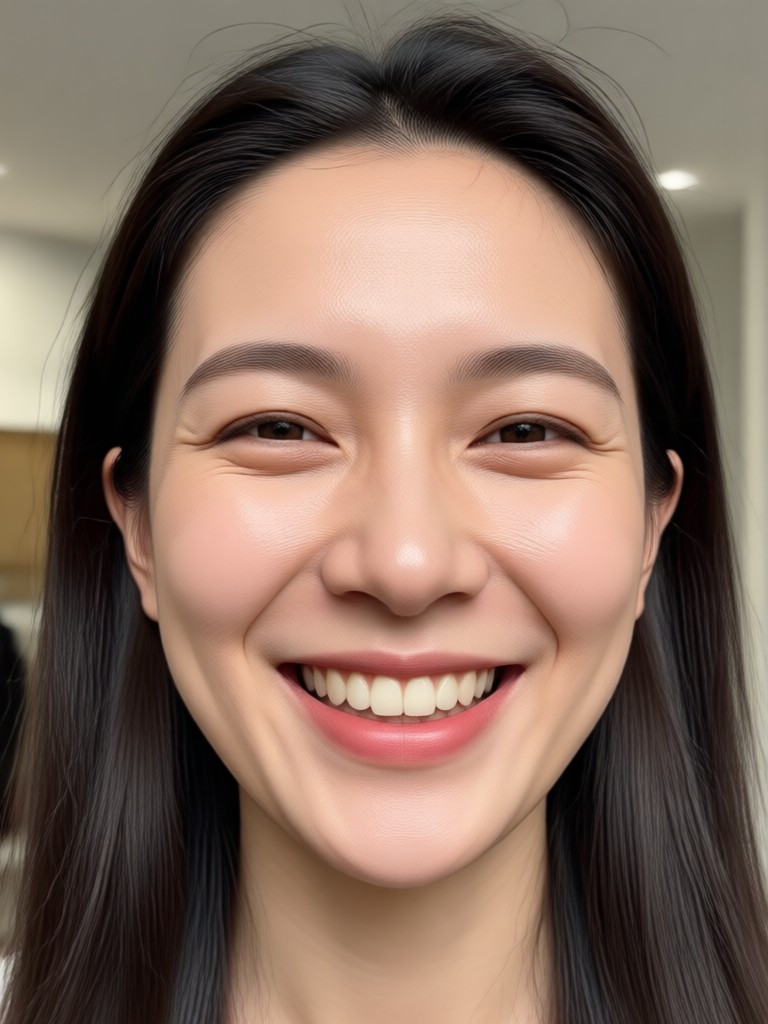
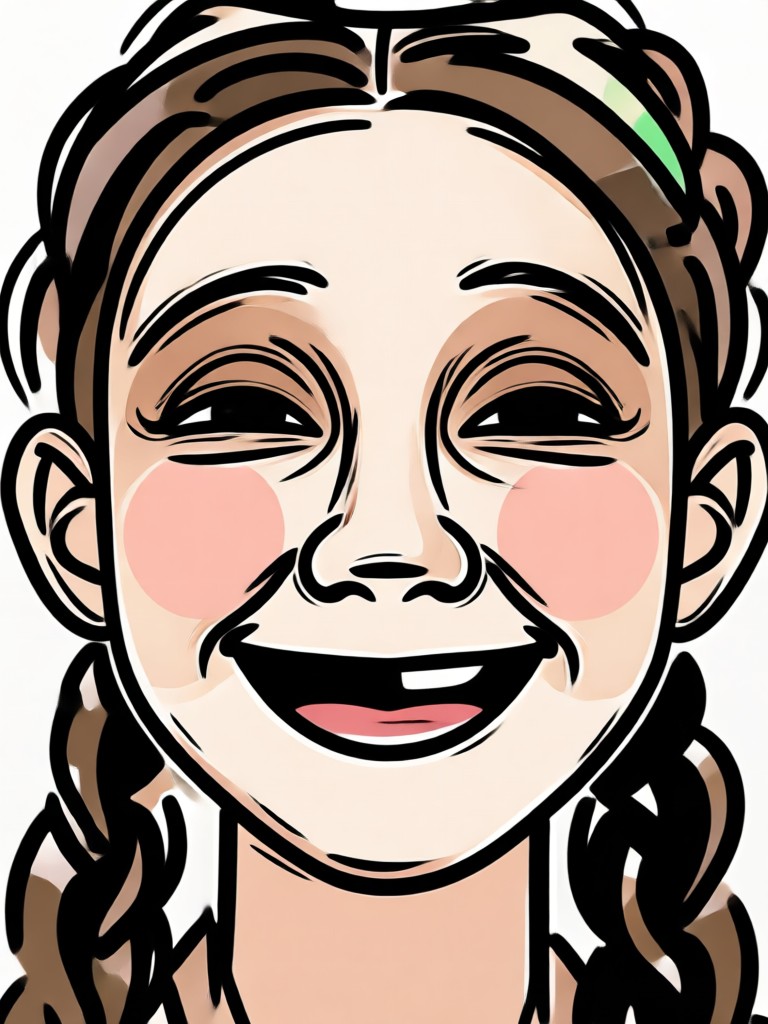
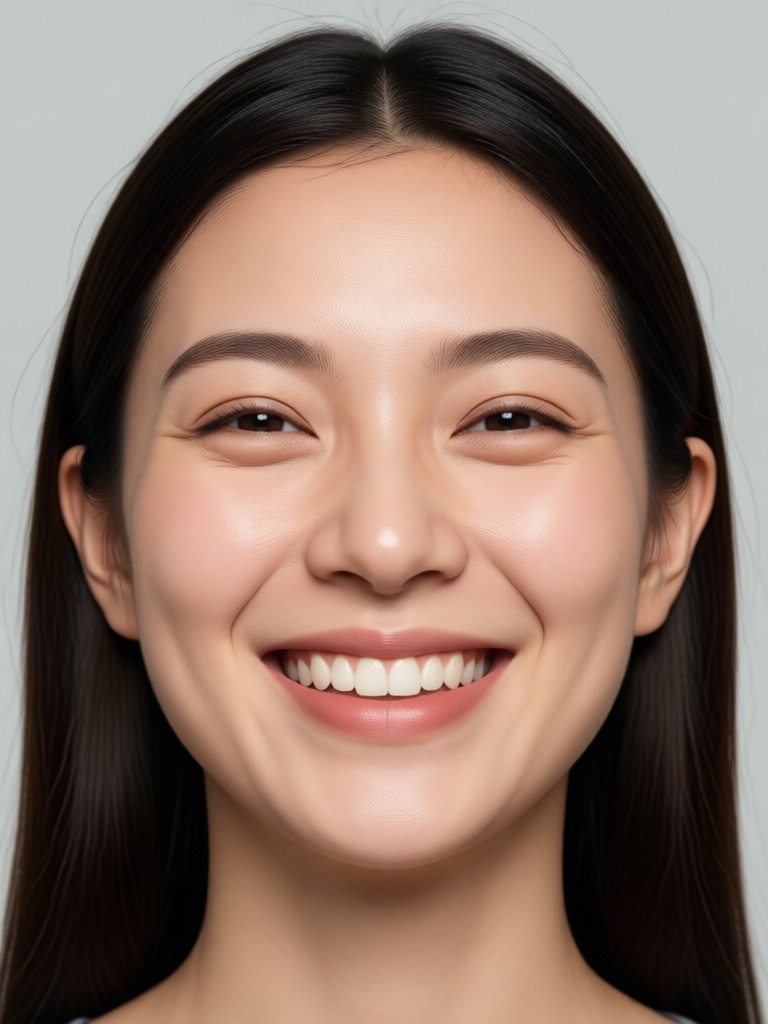
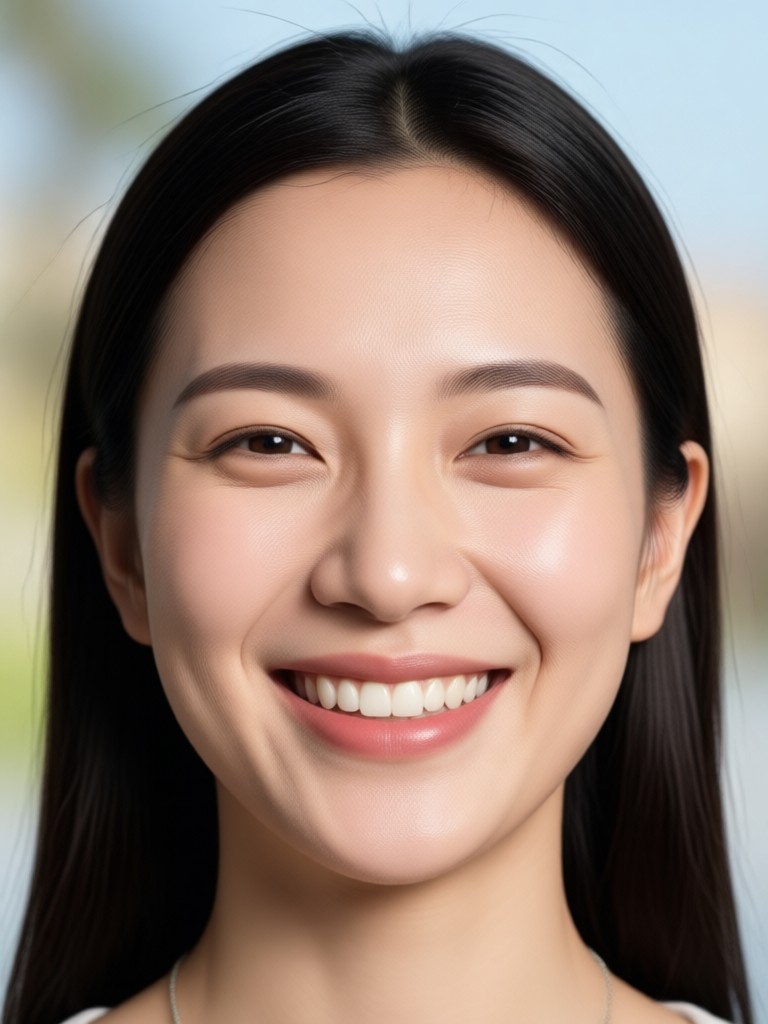
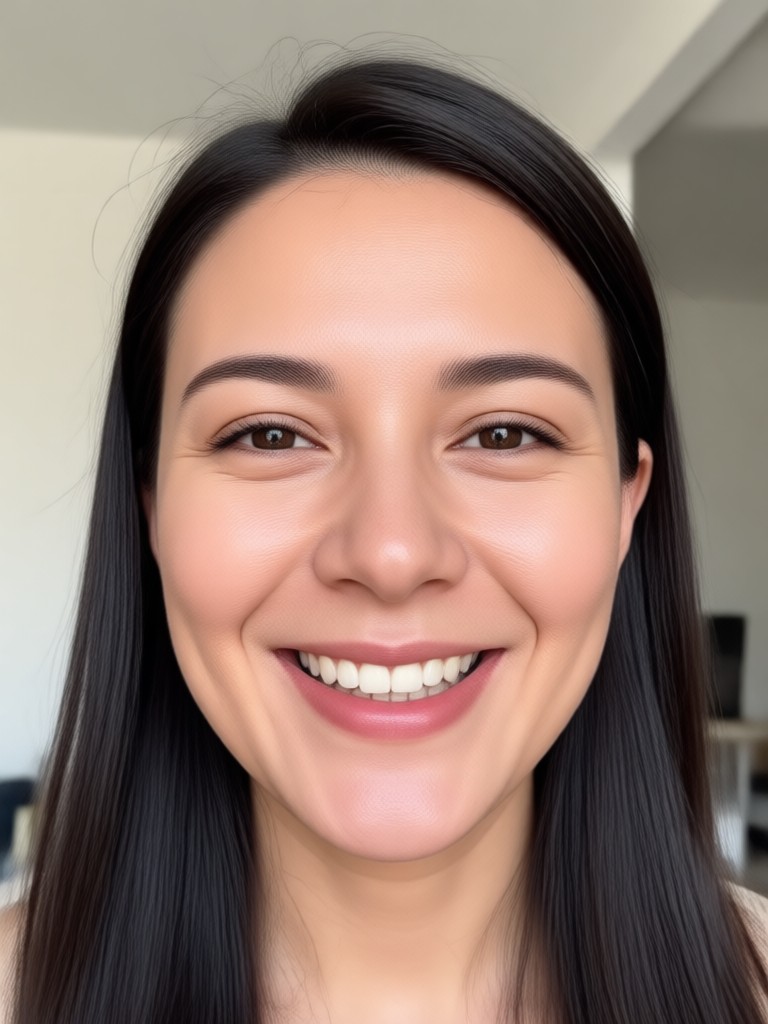
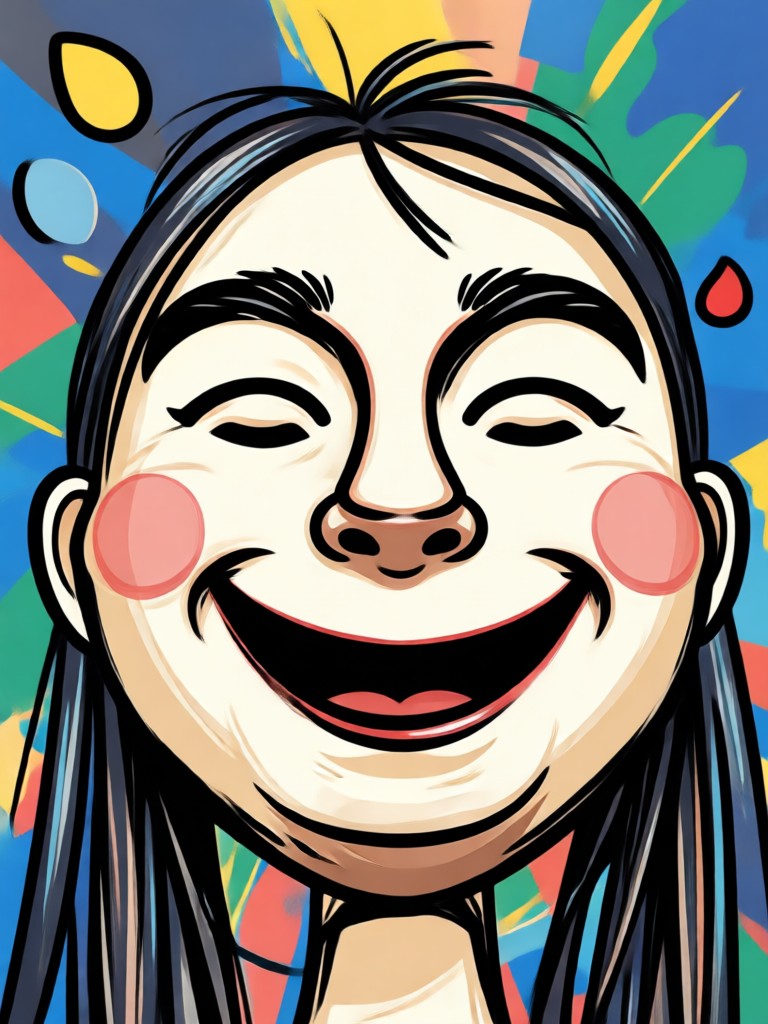
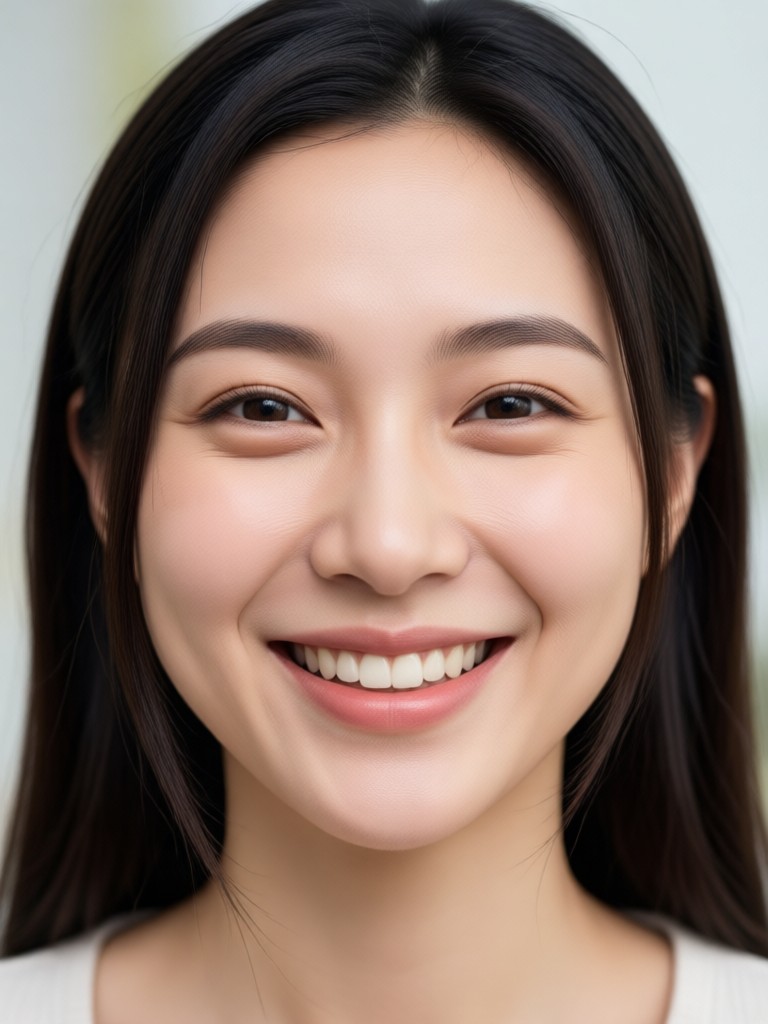
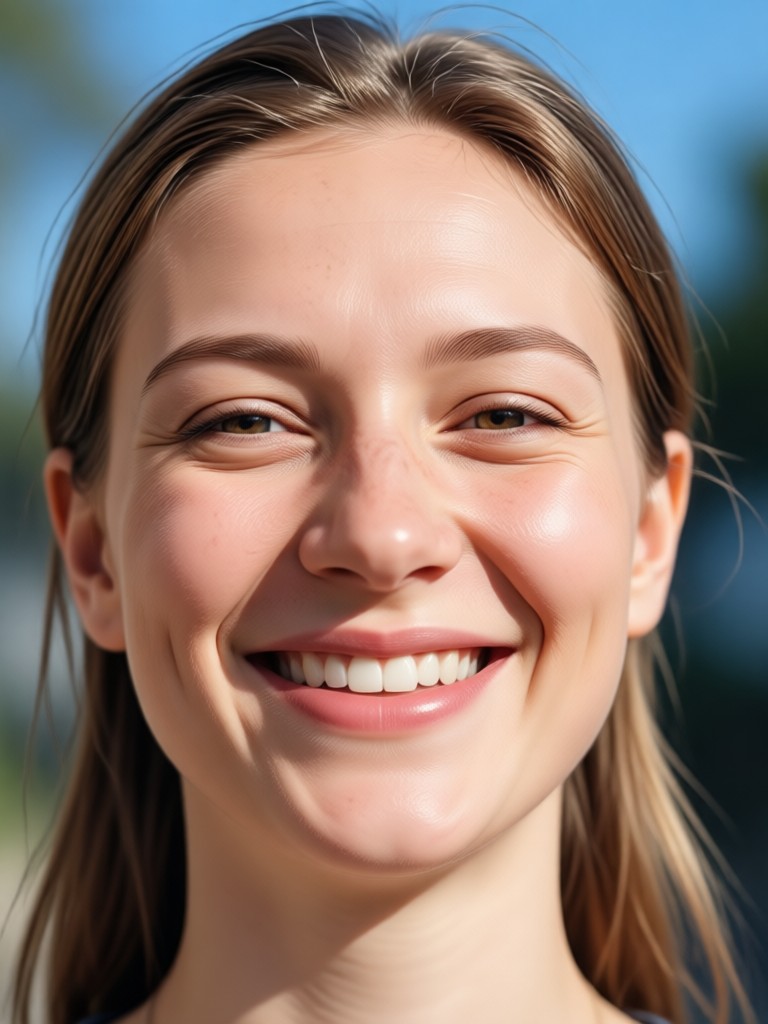
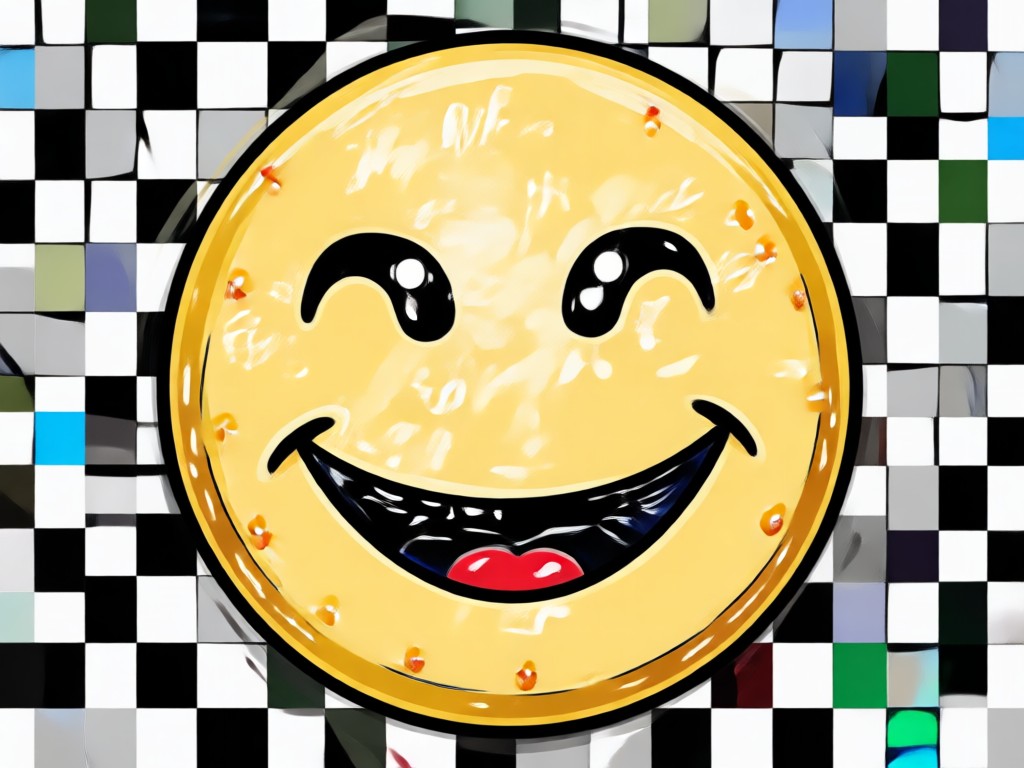
Browse real examples generated with viyo. From subtle closed mouth smiles to bright genuine laughter, see how descriptive prompts transform ordinary portraits into joyful expressions.
Why viyo Is the Best Tool for Smiling Face Prompts
Unlike generic photo editors that warp pixels unnaturally, viyo uses advanced generative AI trained on millions of facial expressions. When you type a prompt for smiling face, the model understands context, emotion, and lighting to rebuild the expression realistically. You get authentic results every time without needing Photoshop skills or a professional photographer.
Why viyo Is the Best Tool for Smiling Face Prompts
Unlike generic photo editors that warp pixels unnaturally, viyo uses advanced generative AI trained on millions of facial expressions. When you type a prompt for smiling face, the model understands context, emotion, and lighting to rebuild the expression realistically. You get authentic results every time without needing Photoshop skills or a professional photographer.
What People Say About Smiling Face Generation
My old ID photo finally looks human
I had a serious passport style photo from years ago. I typed a prompt for a soft natural smile and got a result that looked exactly like me on a good day. The lighting and expression are so believable.
Perfect for fixing group photos
We took family pictures but my dad blinked and my sister looked annoyed. With viyo I applied smiles to both of them in minutes. The prompt system is simple enough that I did not need any tutorial.
This app saved my LinkedIn headshot
I needed a friendly yet professional headshot. I uploaded my old neutral photo and used a prompt that described a confident smile with soft office lighting. The result looks like a professional studio shot.
Frequently Asked Questions About Smiling Face Prompts
Find clear answers about how to use prompts to generate natural smiles and improve your photos.
More Topics You May Like
Explore more topics you may like and discover fresh ideas tailored to your interests.
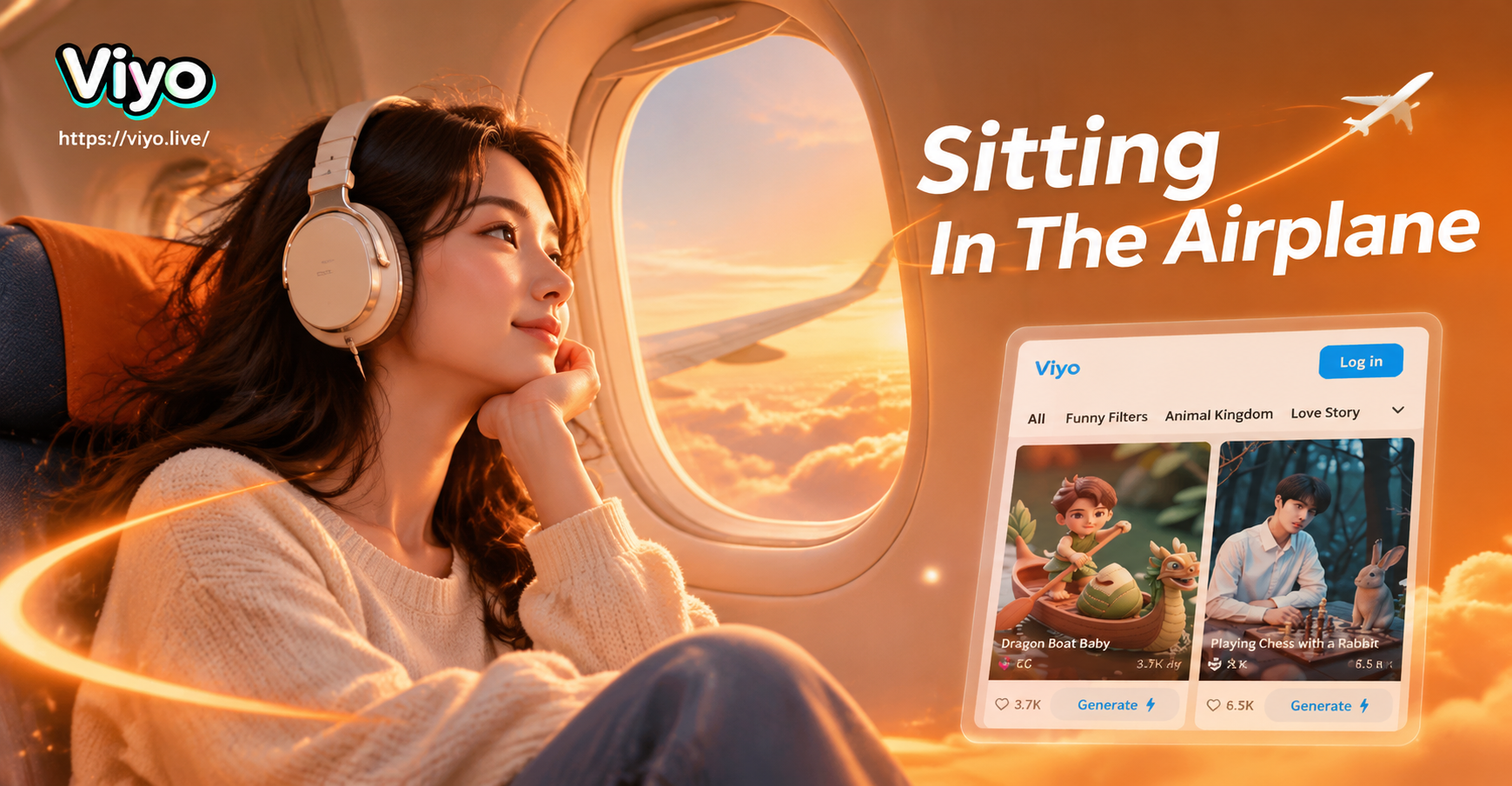
Prompt For Sitting In The Airplane: Stunning AI Travel Photos
Use viyo's prompt for sitting in the airplane to create realistic window seat photos, cabin scenes, and travel portraits. Download the app, pick a style, and generate.
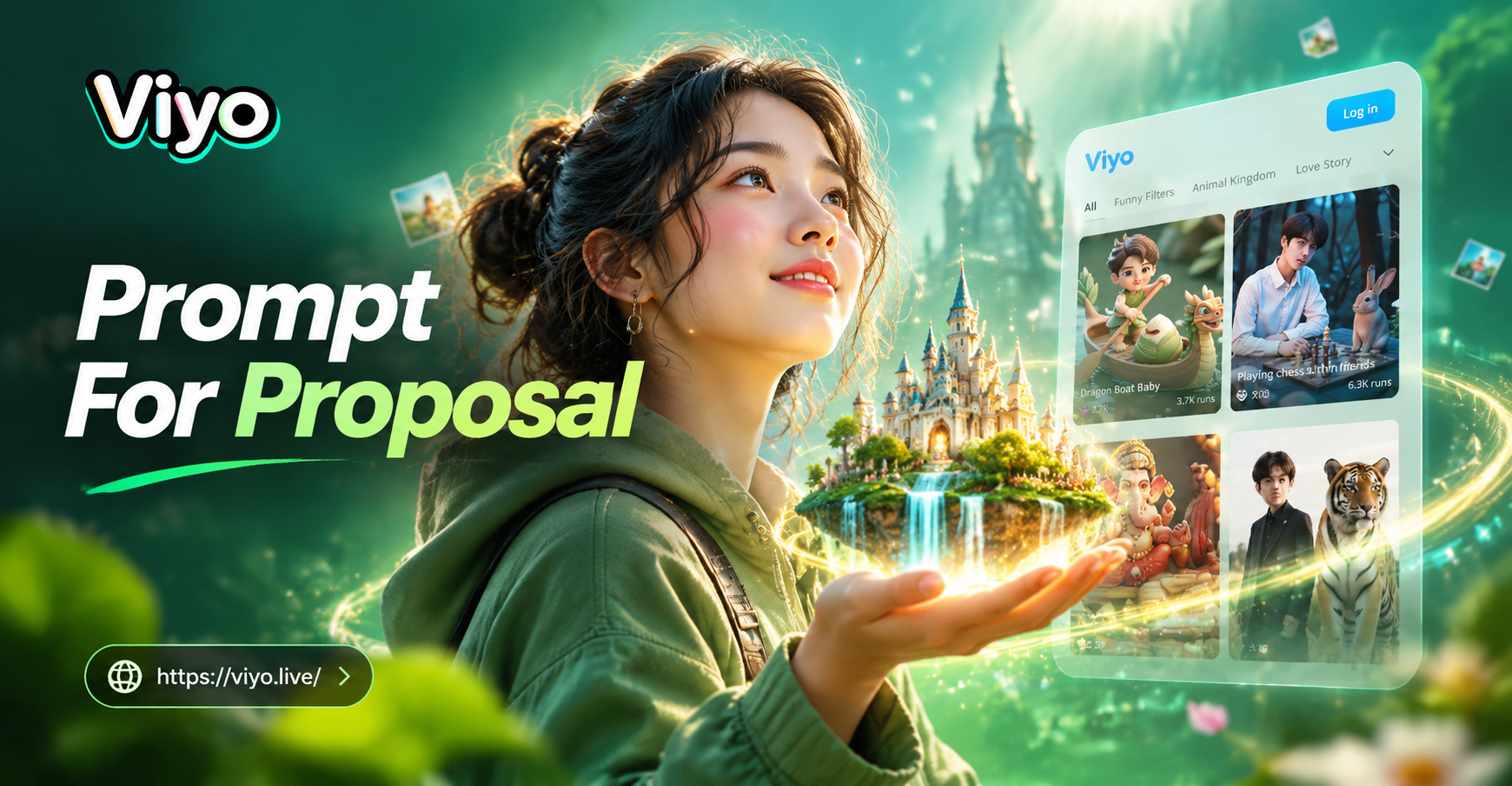
Creative Proposal Prompts for Stunning AI Images & Videos
Discover creative prompt for proposal ideas. Generate romantic proposal images and videos with AI. Choose cinematic, anime, realistic and more styles. Download the app.
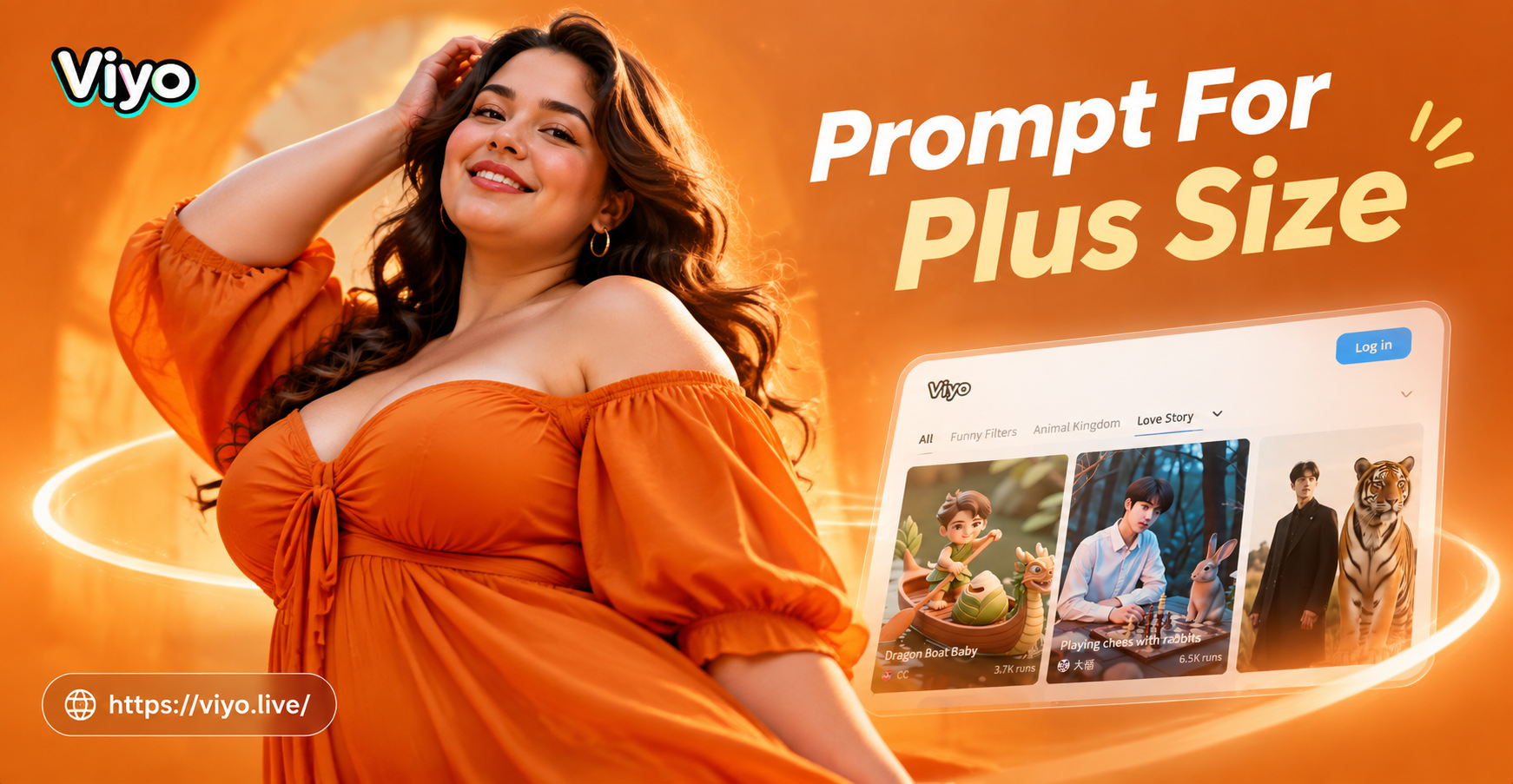
Prompt For Plus Size: Create Curvy Fashion Art
Use prompt for plus size to generate curvy fashion photos, body positive art, and editorial style images. Upload a photo and apply AI filters in seconds. No design skills needed. Download the app to start creating beautiful plus size portraits and fashion looks.
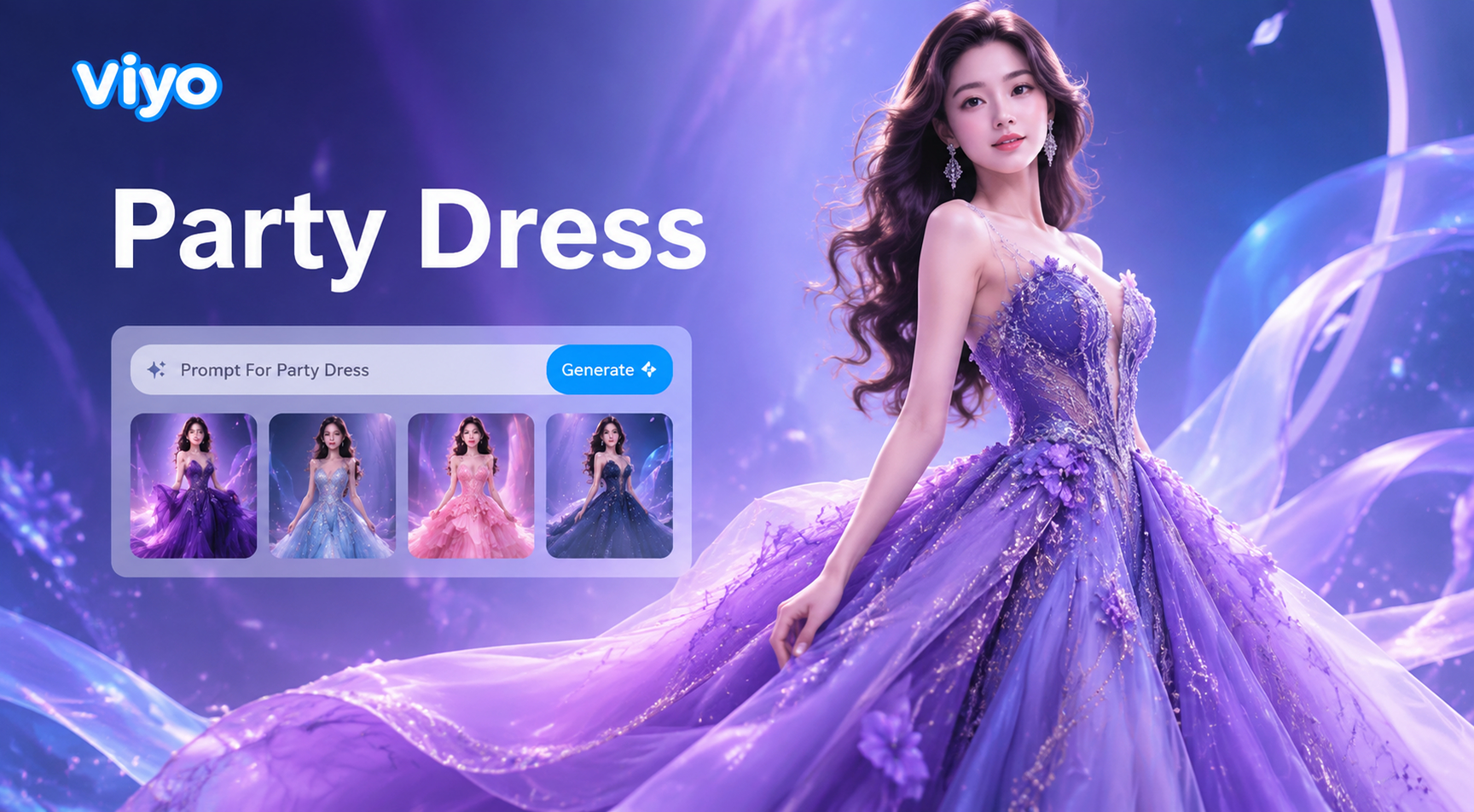
Prompt For Party Dress: 50+ Stylish AI Fashion Ideas
Find the best prompt for party dress designs. Get 50+ ready-to-use AI prompts for cocktail, sequin, and formal gown looks. Download viyo to generate stunning fashion images in seconds.
Generate Your Perfect Smile in Seconds
Download viyo from Google Play, upload any photo, and use a simple text prompt to add a natural, realistic smile. No editing skills needed. Get joyful portraits, fixed group photos, and professional headshots instantly.

Generate Your Perfect Smile in Seconds
Download viyo from Google Play, upload any photo, and use a simple text prompt to add a natural, realistic smile. No editing skills needed. Get joyful portraits, fixed group photos, and professional headshots instantly.