Gender Swap Photos

Choose the Gender Swap Filter That Suits You Best
Discover the gender swap filter and other face transformation styles that match your mood. Whether you want a subtle change or a dramatic new look, viyo has a style for you.
Key Features of AI Gender Swap Photos
Turn a selfie into an opposite gender portrait with realistic AI. No manual editing needed.

Realistic Opposite Gender Portraits
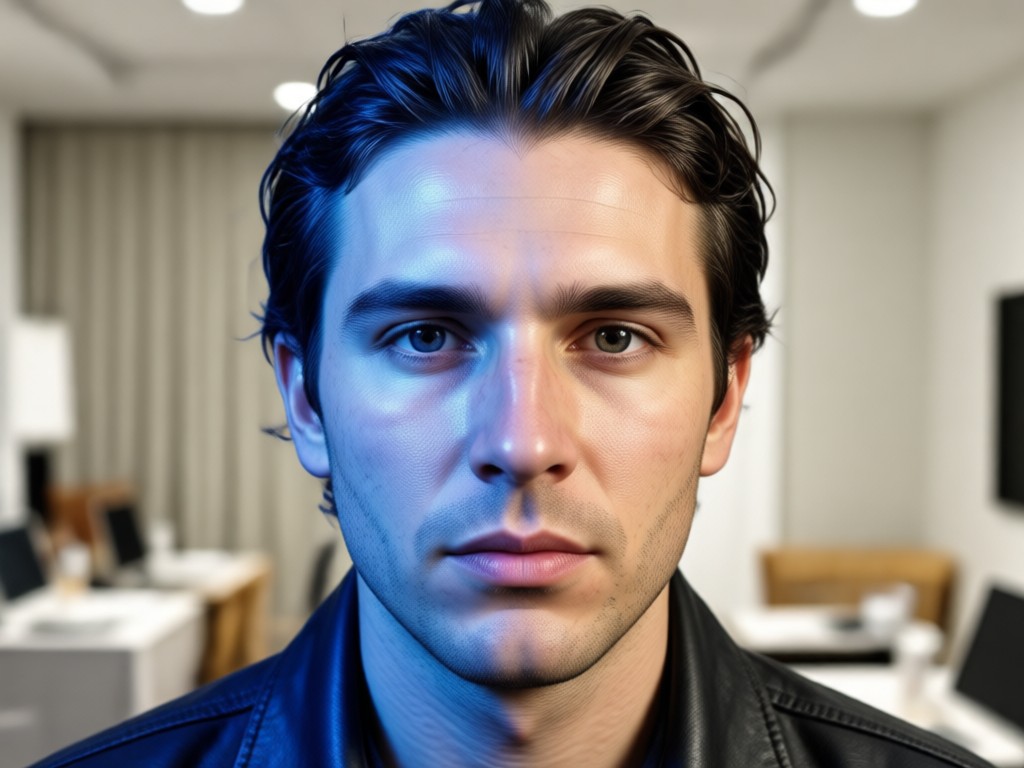
Upload a clear front facing selfie and let the AI remap facial structure, hair, and skin tone. The result keeps your identity while presenting a believable opposite gender look, perfect for fun or creative experiments.
Realistic Opposite Gender Portraits
Upload a clear front facing selfie and let the AI remap facial structure, hair, and skin tone. The result keeps your identity while presenting a believable opposite gender look, perfect for fun or creative experiments.
Simple One Tap Filters
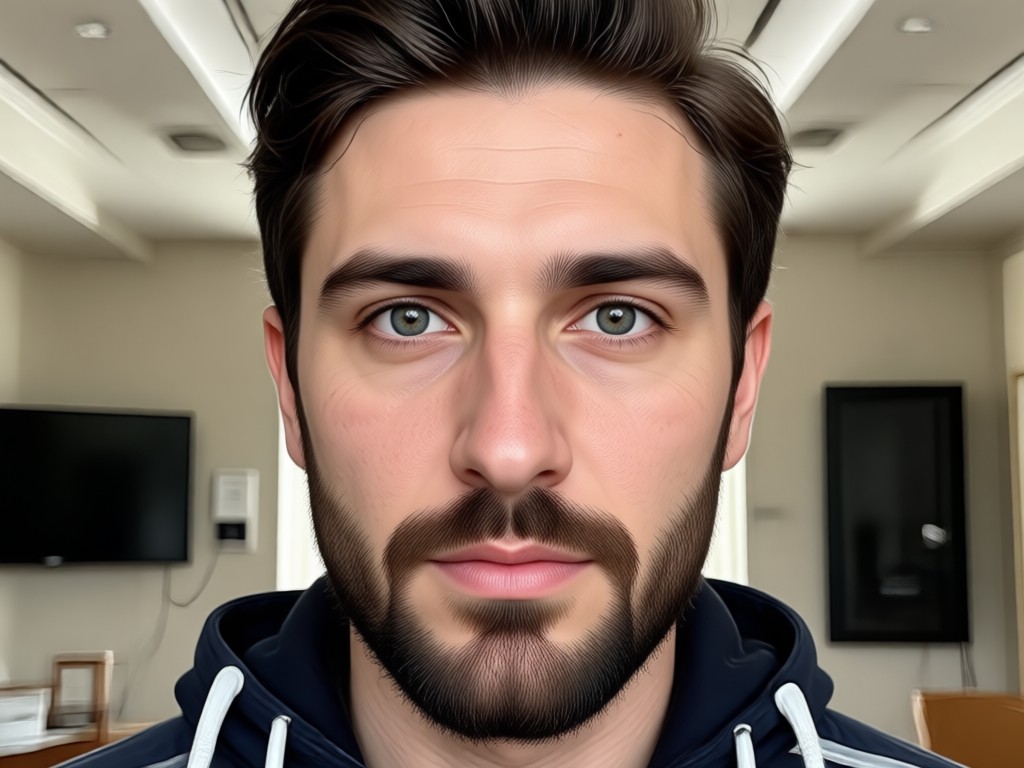
No confusing sliders or complex tools. Choose from a curated set of gender transformation styles and apply them instantly. The app handles facial geometry, lighting, and texture so you stay focused on the result.
Simple One Tap Filters
No confusing sliders or complex tools. Choose from a curated set of gender transformation styles and apply them instantly. The app handles facial geometry, lighting, and texture so you stay focused on the result.
Private and Fast Processing
Your photos are processed securely and never stored for public use. Get high resolution results in seconds on your phone, ready to download or share directly to your favorite social platforms.
Private and Fast Processing
Your photos are processed securely and never stored for public use. Get high resolution results in seconds on your phone, ready to download or share directly to your favorite social platforms.
Explore Gender Swap Transformations Gallery
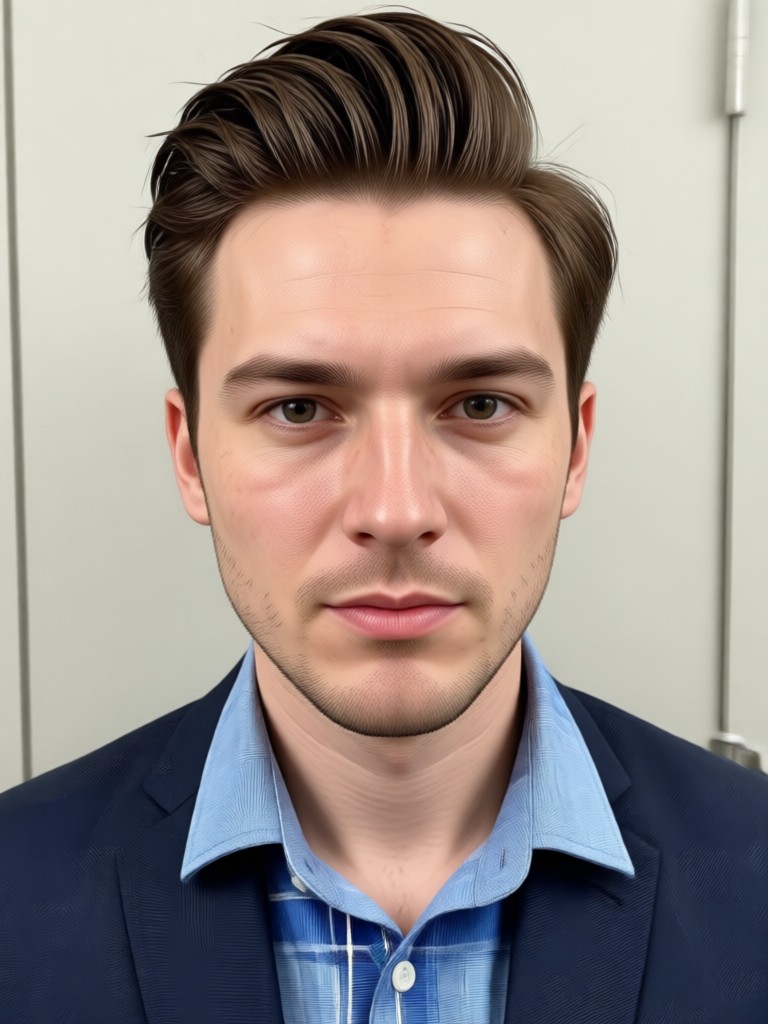
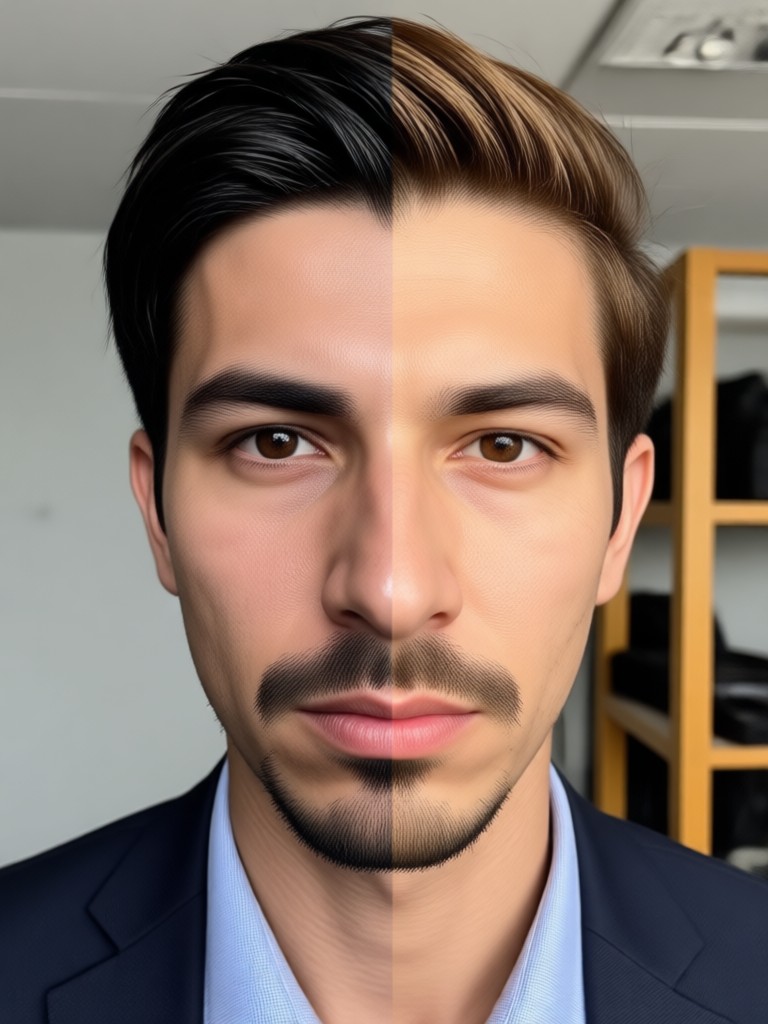
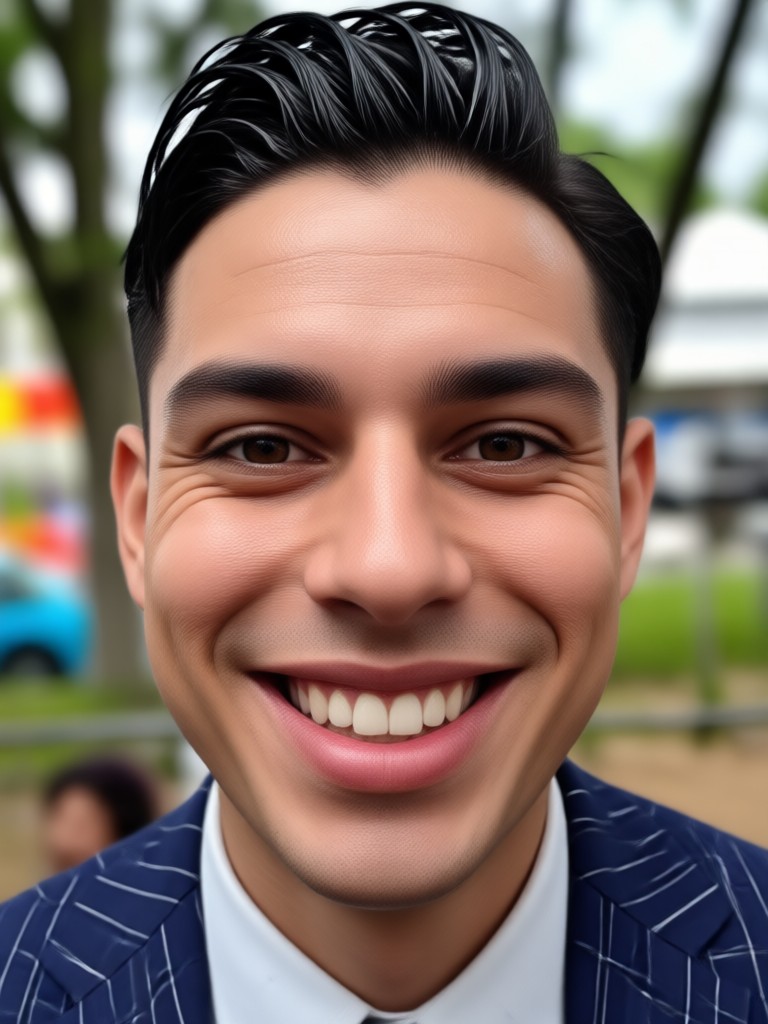
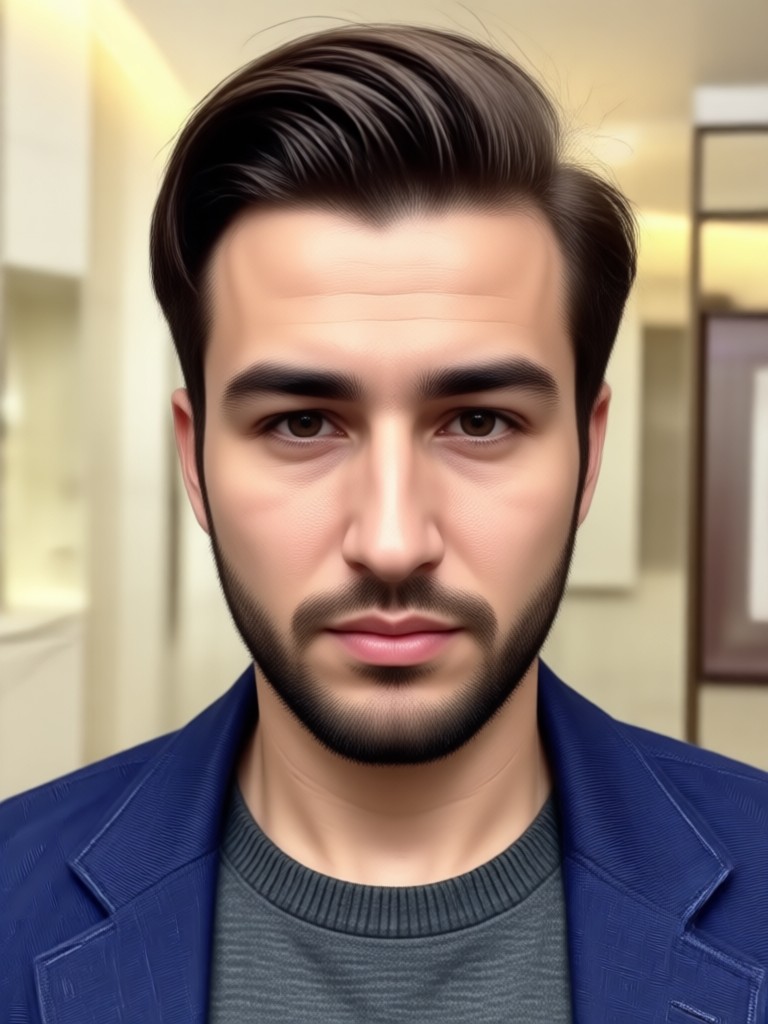
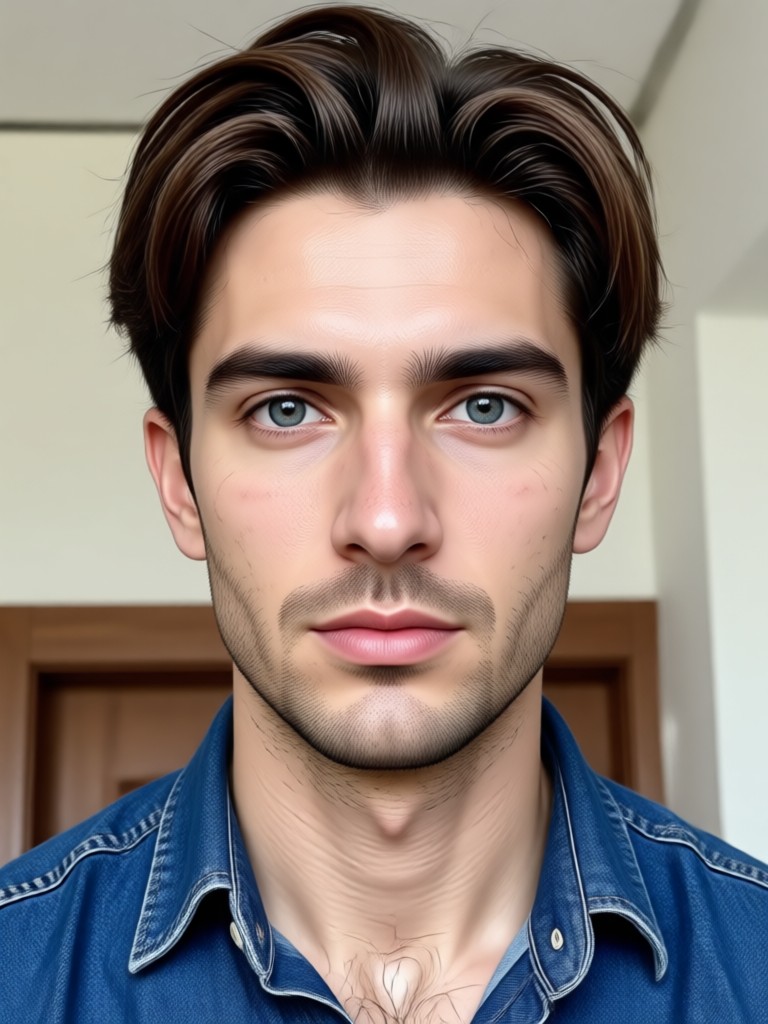
Browse stunning AI generated gender swap photos made with viyo. See how different filters and styles can create believable opposite gender portraits from a single selfie.







How to Create Gender Swap Photos?
Create a realistic opposite gender version of yourself in just a few simple steps using viyo on your phone.

Step 01.
Get started by downloading the viyo app from Google Play and opening it on your phone.

Step 02.
Upload a clear selfie and select the gender swap filter that matches the look you want.

Step 03.
Generate your opposite gender image or video, then save it and share it with friends.
Why Use viyo for Gender Swap Photos
viyo combines a powerful face transformation engine with a simple mobile interface. You do not need Photoshop or design experience. Just pick a style and let the AI handle the details.
Realistic Results Without the Learning Curve
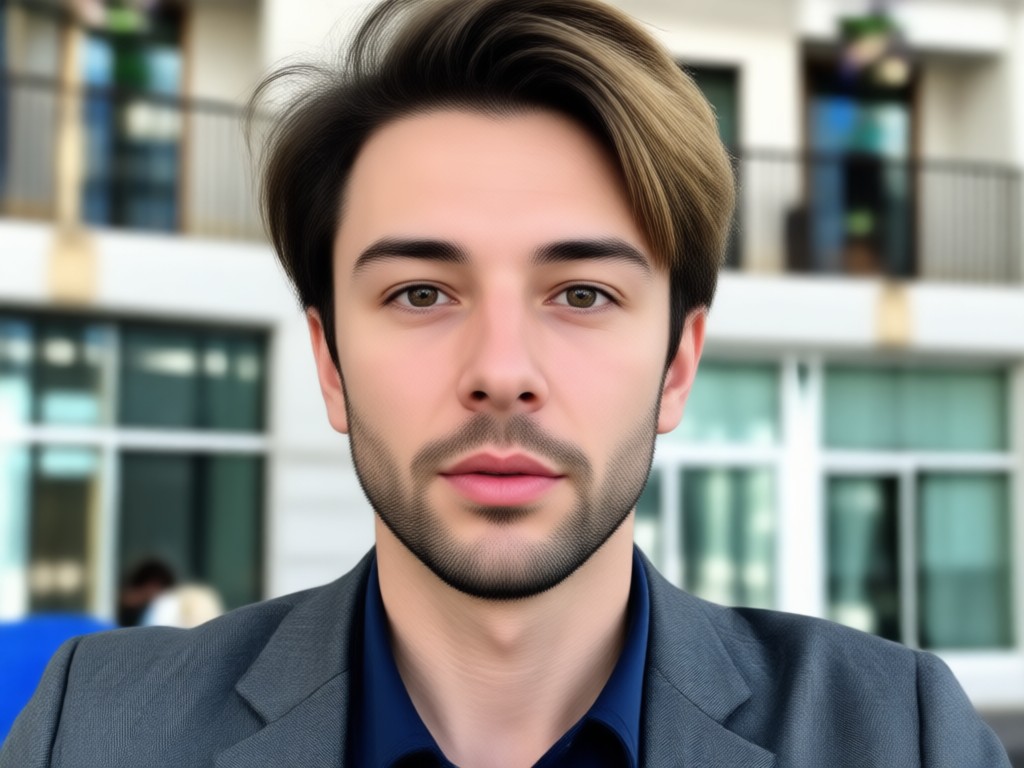
viyo focuses on making gender swap photos feel natural and believable. The AI adjusts facial features, hair, and skin texture while preserving your likeness. Whether you are curious, making content, or just having fun, the app delivers quick results. All processing happens on your phone through a clean interface, and you can experiment with different styles until you find the right one. No subscriptions required to try basic features, and your images remain private. Download now and see your opposite gender portrait in under a minute.
Realistic Results Without the Learning Curve
viyo focuses on making gender swap photos feel natural and believable. The AI adjusts facial features, hair, and skin texture while preserving your likeness. Whether you are curious, making content, or just having fun, the app delivers quick results. All processing happens on your phone through a clean interface, and you can experiment with different styles until you find the right one. No subscriptions required to try basic features, and your images remain private. Download now and see your opposite gender portrait in under a minute.
Here is What People Think About Gender Swap Photos
A surprisingly realistic gender swap filter
I tried a few apps before viyo and this one gave the most natural face shape and hair. It kept my eyes and smile, but the overall look was clearly a different gender. Super fun for my social posts.
Great for creative photo projects
I used the gender swap feature for a digital art challenge. The app processed the photo fast and the results were clean. I love that I can try multiple looks without restarting.
Easy enough for anyone
I am not tech savvy and I figured this out in seconds. Upload a photo, pick a filter, done. The opposite gender version looked like a sibling I never had. Highly recommend for fun.
Frequently Asked Questions
Find clear answers to common questions about gender swap photos and how to get the best results with viyo.
More Topics You May Like
Explore more AI photo and video transformations that pair well with gender swap effects.

Turn Blurry Photos Into Stunning 4K Quality
Transform low-resolution photos into crisp 4K images with viyo AI. Upload a photo, enhance details, and get studio-quality results in seconds. Download the app now.

Photo Zoom In Effect: AI Zoom, Enhance & Style in Seconds
Photo Zoom In Effect transforms any image with dramatic AI zoom and detail enhancement. Upload a photo, pick a style, and see close-up magic in seconds.

AI Princess Generator: Create Royal Portraits from Photos
Turn any photo into a fairy tale princess portrait with AI Princess Generator. Upload a picture, pick a royal style, and get stunning results in seconds.

AI Tool To Remove Watermark From Video: Clean Videos Instantly
Use our AI tool to remove watermark from video on your phone. Upload a clip, mark the logo or text, and get clean results in seconds. No editing skills needed.
Ready to See Your Opposite Gender Look?
Download viyo now and create gender swap photos in seconds. No editing skills needed, just a selfie and a tap.

Ready to See Your Opposite Gender Look?
Download viyo now and create gender swap photos in seconds. No editing skills needed, just a selfie and a tap.