Fire Double Exposure Portrait Generator
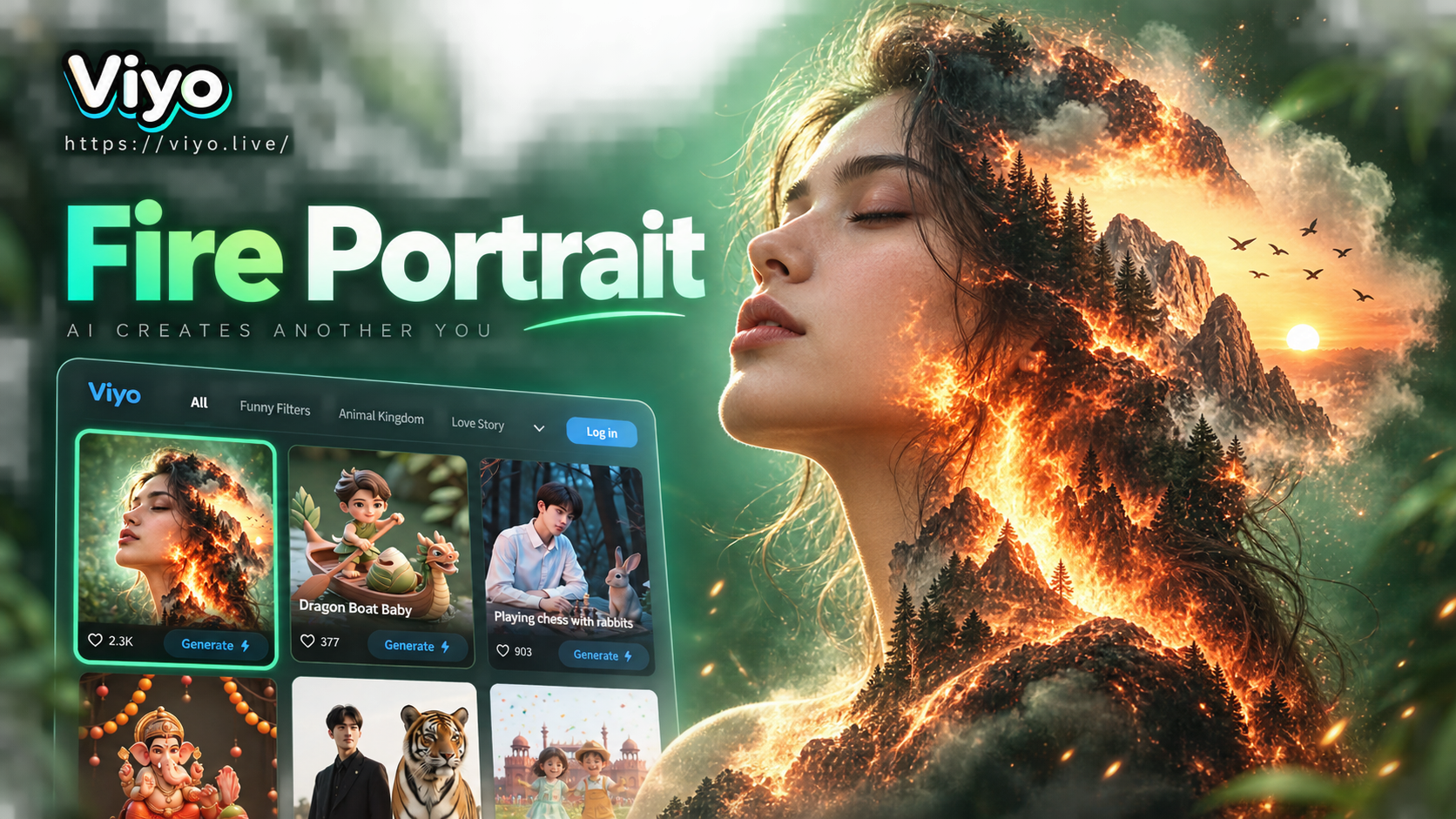
Blend Your Portrait with Elemental Fire
Explore different fiery aesthetics and intensity levels to find the perfect fusion for your portrait.
How Our Fire Double Exposure Generator Works
Go from a simple portrait to a masterpiece of elemental fusion in just a few taps.
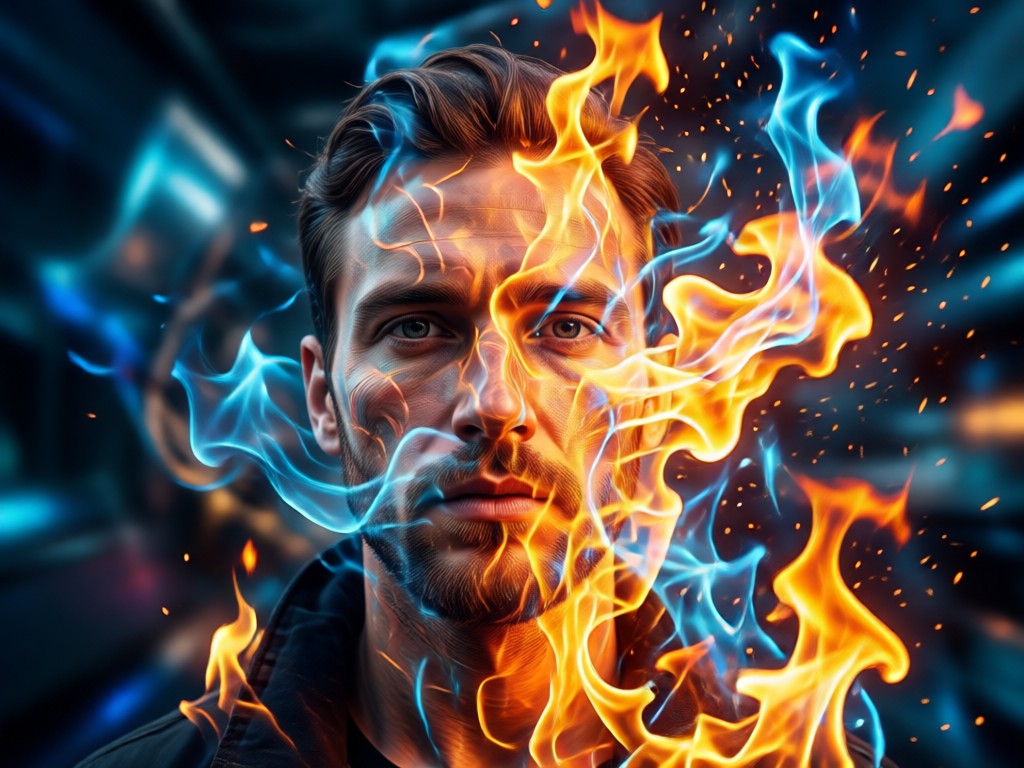
Intelligent Portrait Detection
Our AI precisely isolates your subject, ensuring clean edges and perfect composition for the double exposure effect. It preserves facial details while preparing the canvas for fire.
Intelligent Portrait Detection
Our AI precisely isolates your subject, ensuring clean edges and perfect composition for the double exposure effect. It preserves facial details while preparing the canvas for fire.
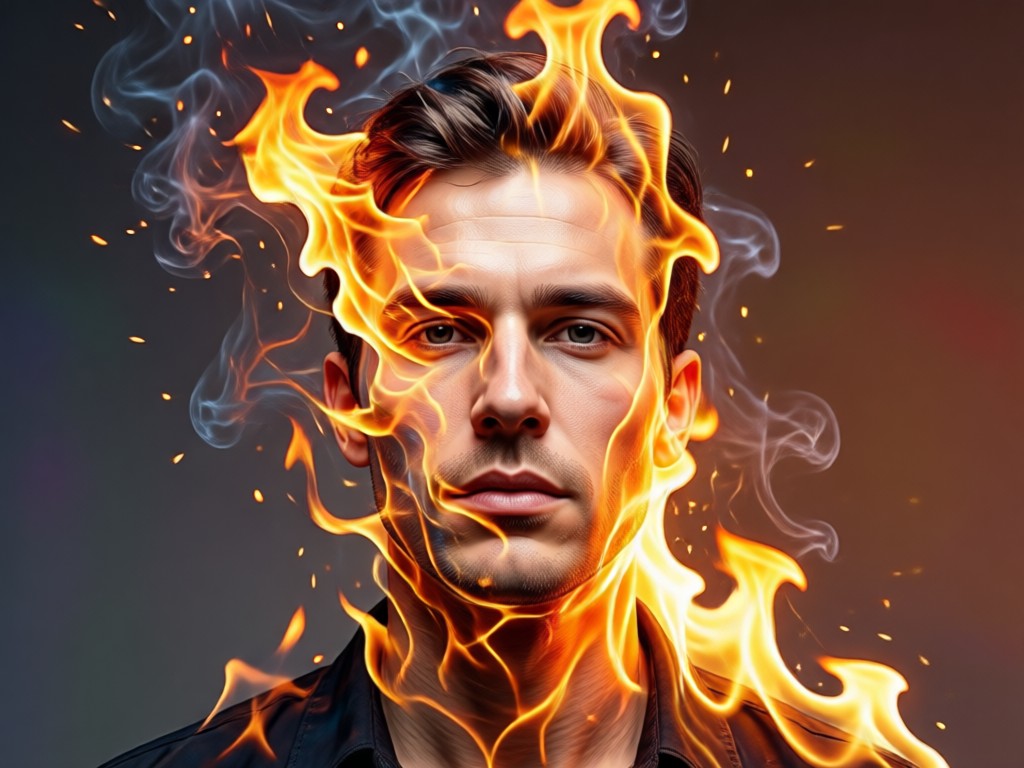
Dynamic Fire & Element Fusion
Choose from libraries of roaring flames, glowing embers, or volcanic textures. The AI intelligently blends these elements into your portrait's shadows and highlights.
Dynamic Fire & Element Fusion
Choose from libraries of roaring flames, glowing embers, or volcanic textures. The AI intelligently blends these elements into your portrait's shadows and highlights.
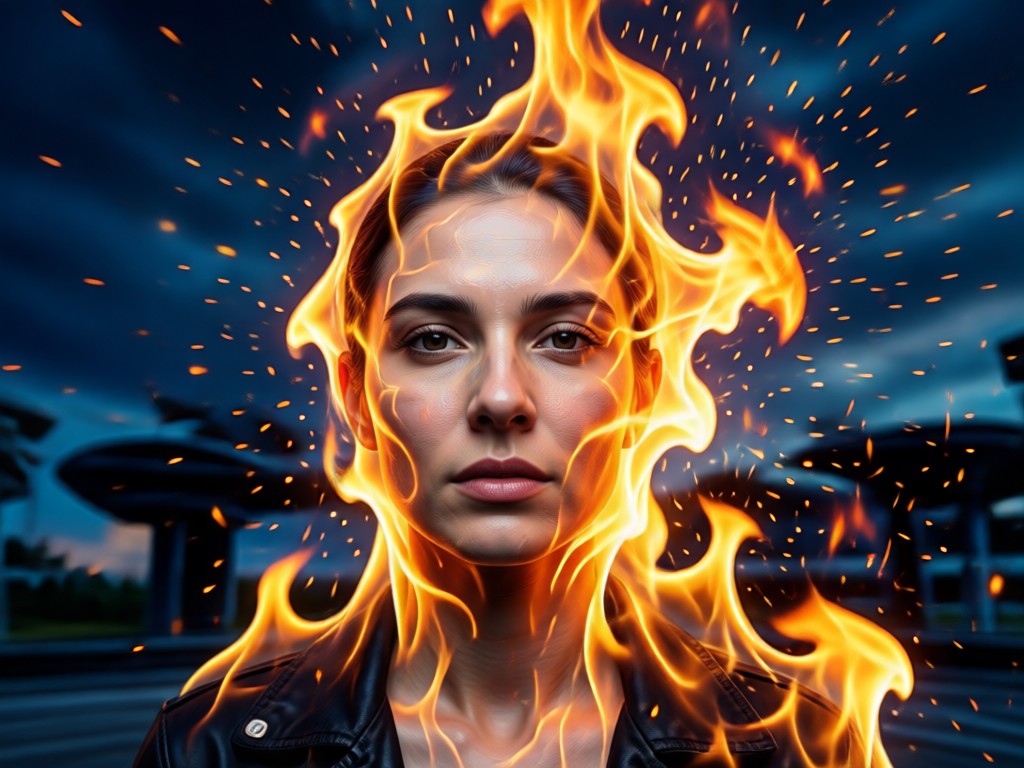
Artistic Style & Fine-Tuning
Adjust blend intensity, color temperature, and contrast. Apply final artistic filters like cinematic, painterly, or high-contrast monochrome for a unique finish.
Artistic Style & Fine-Tuning
Adjust blend intensity, color temperature, and contrast. Apply final artistic filters like cinematic, painterly, or high-contrast monochrome for a unique finish.
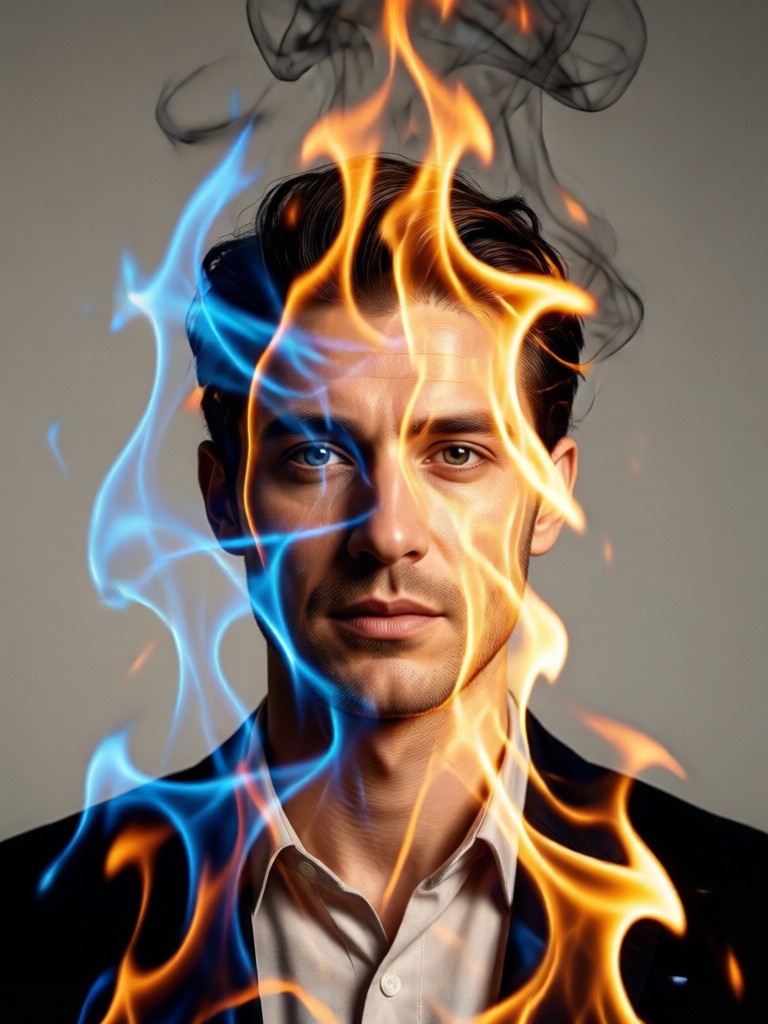
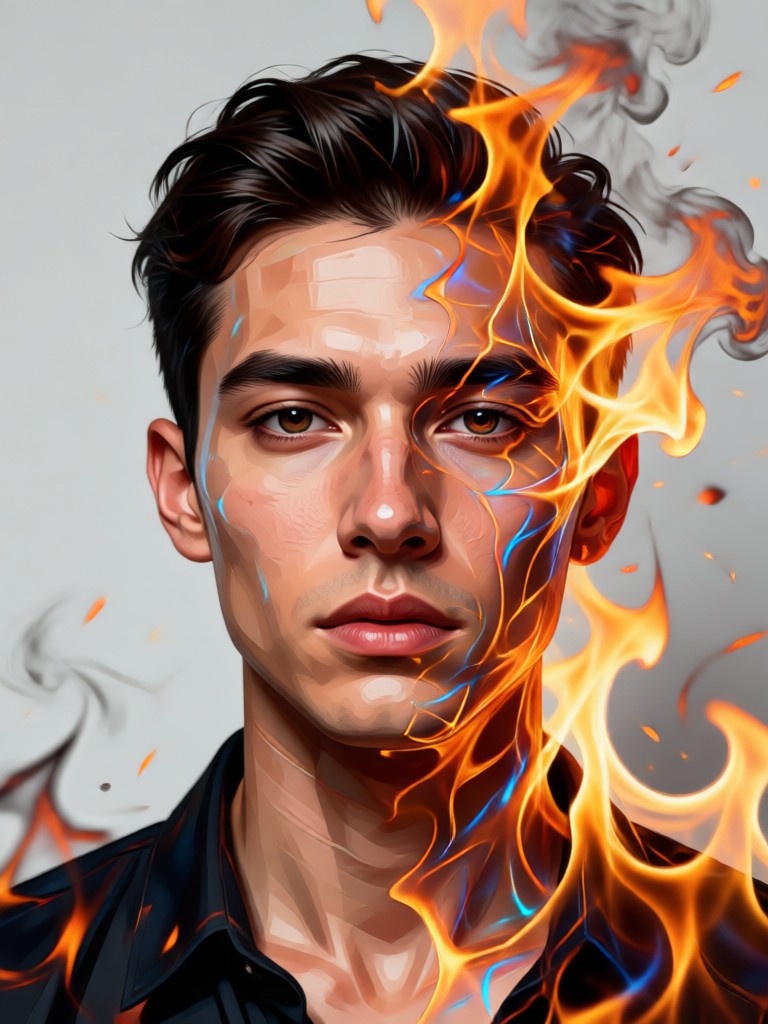
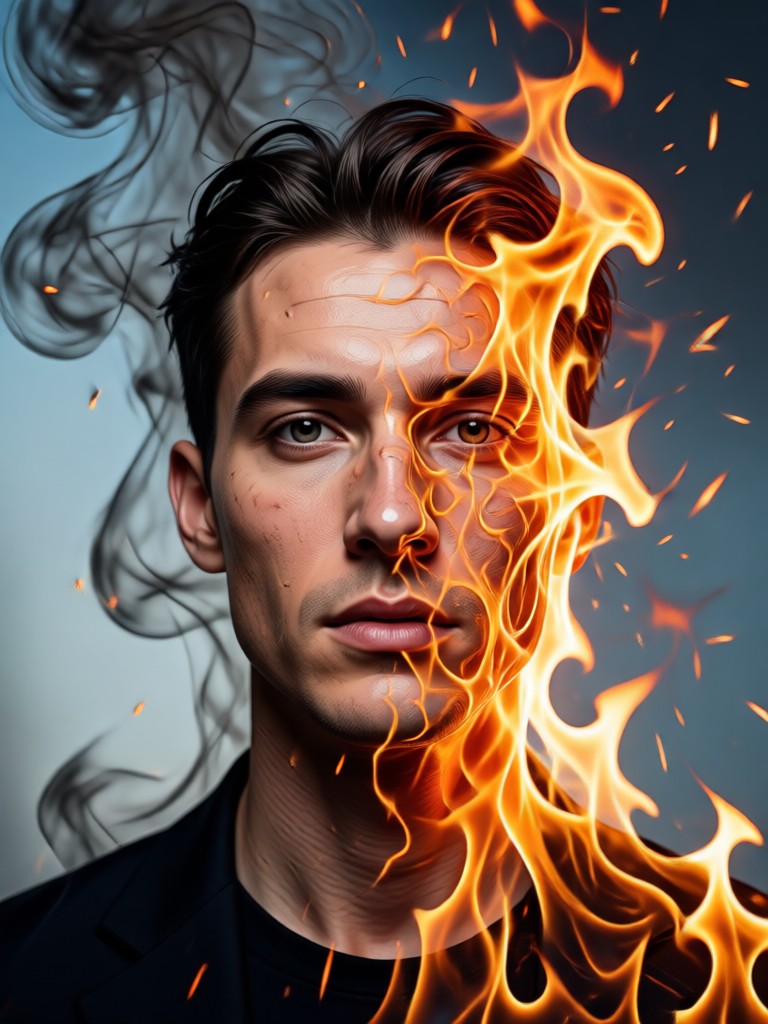
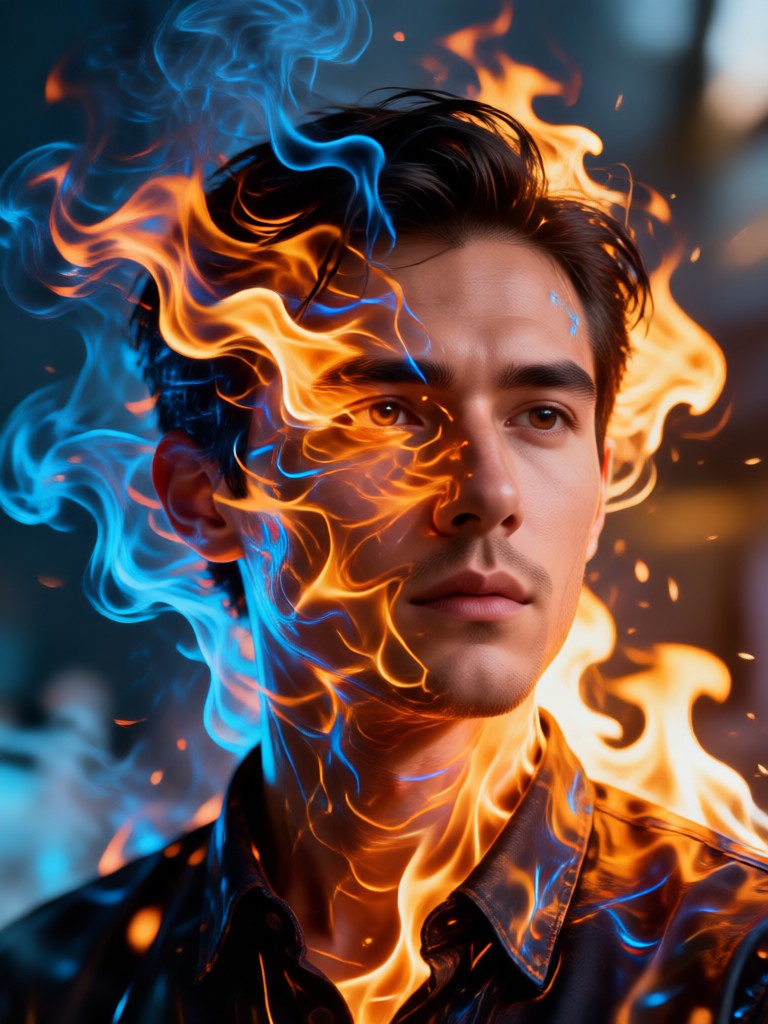
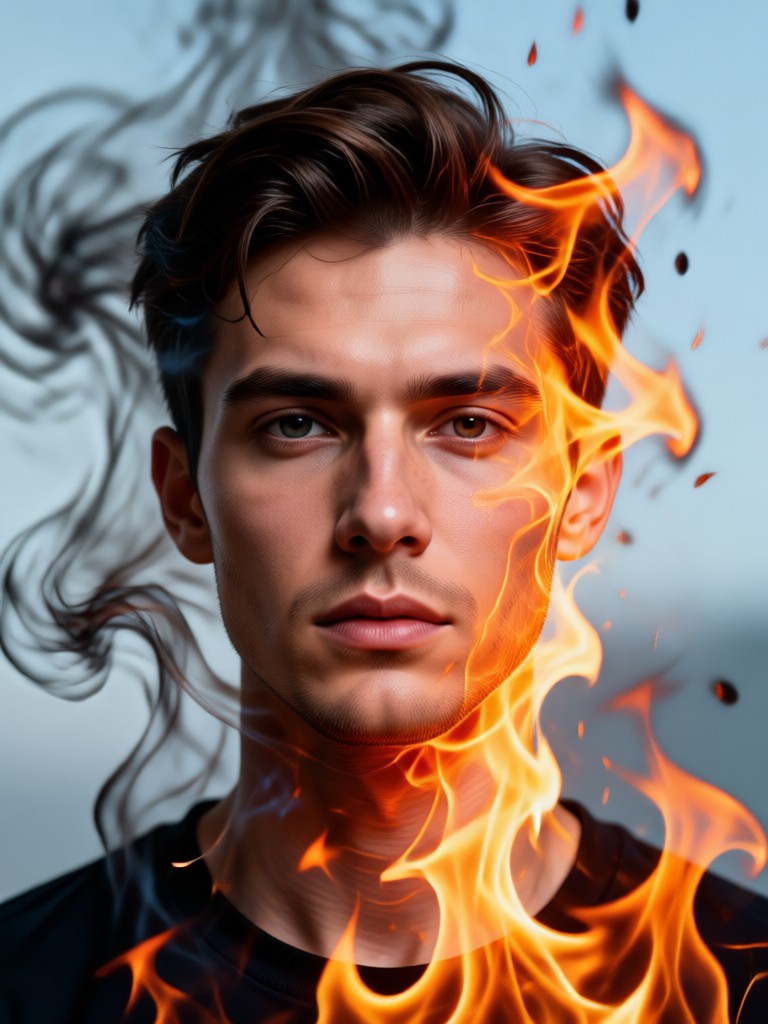
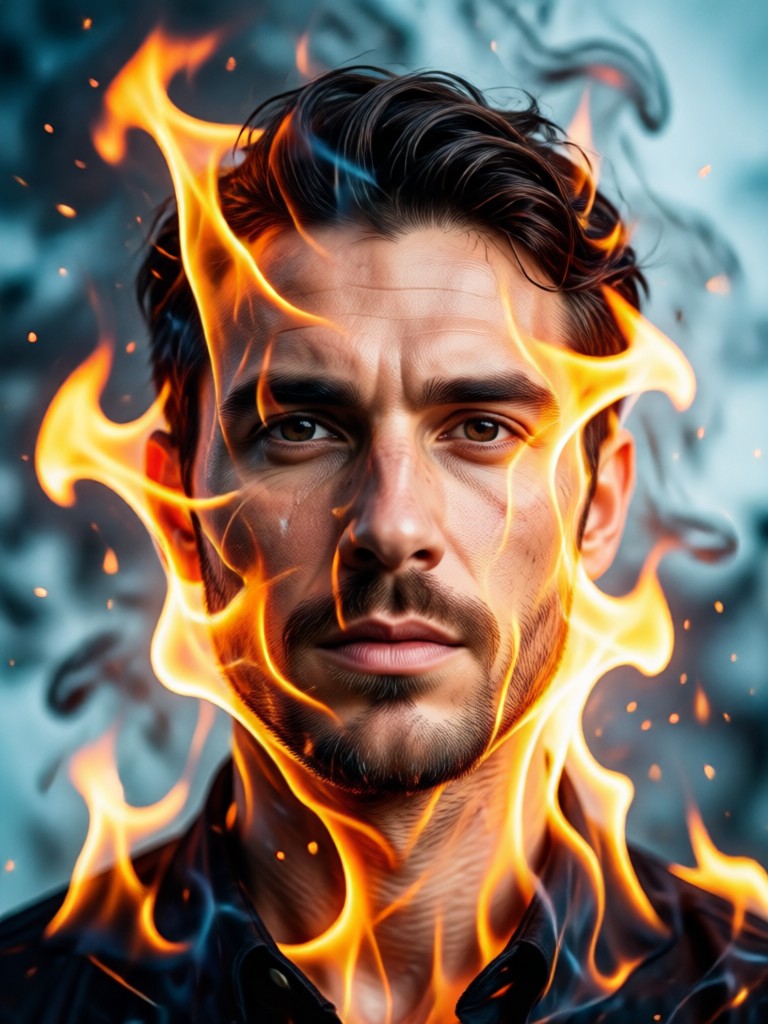
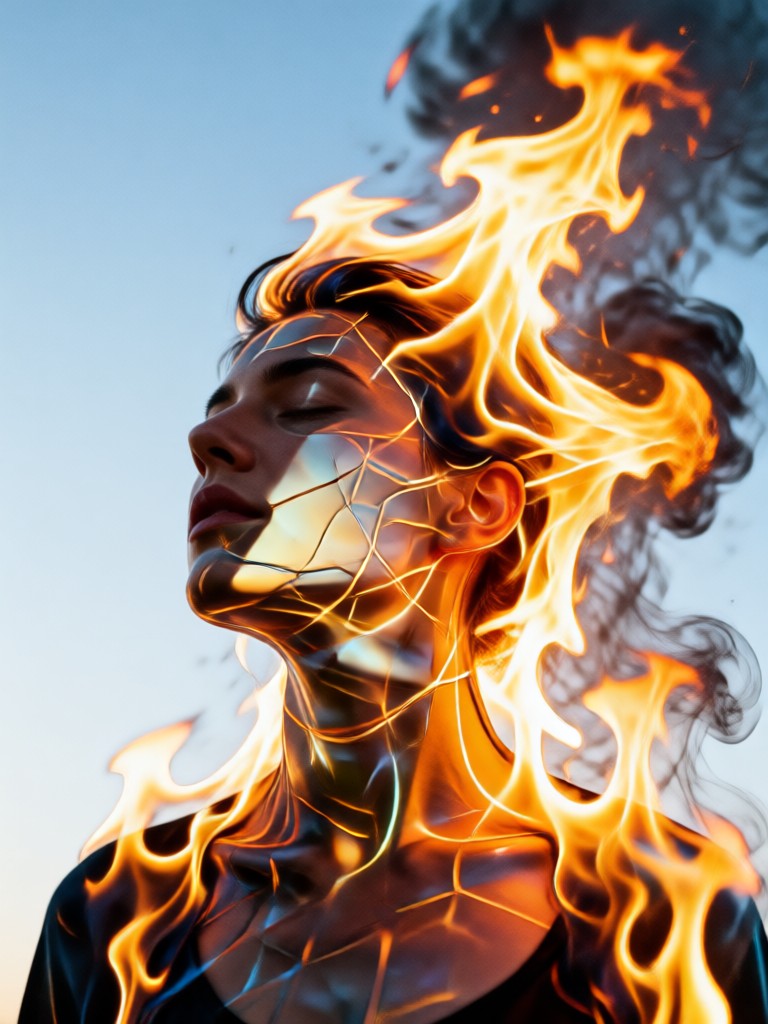
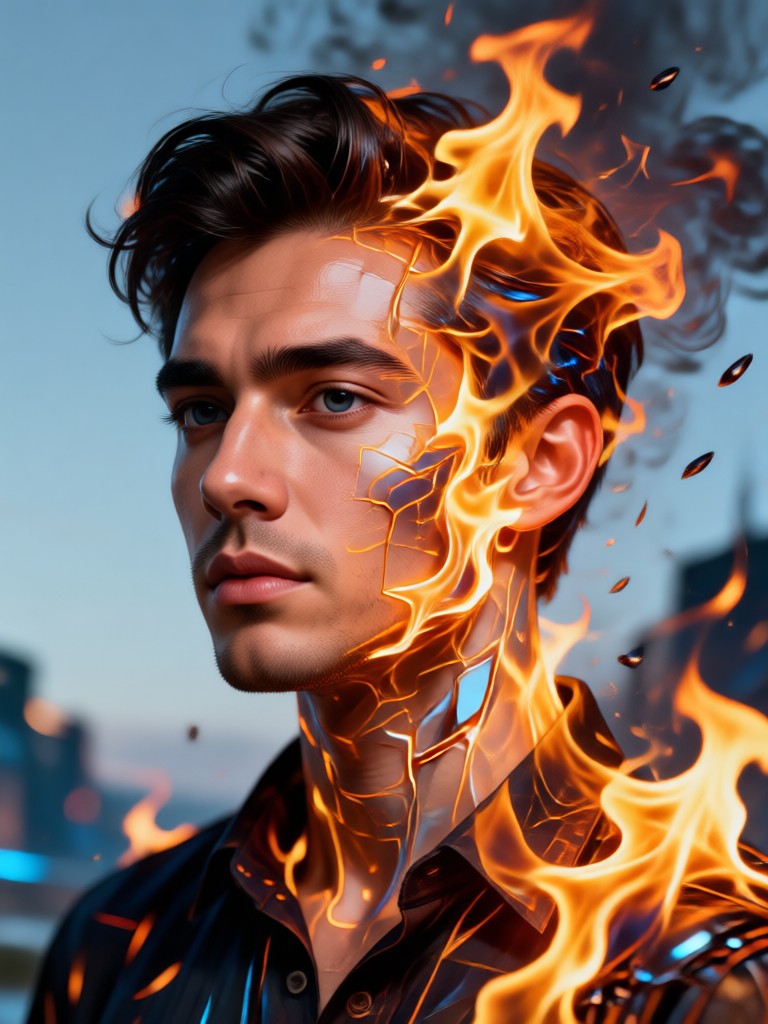
Fire Double Exposure Portrait Inspiration
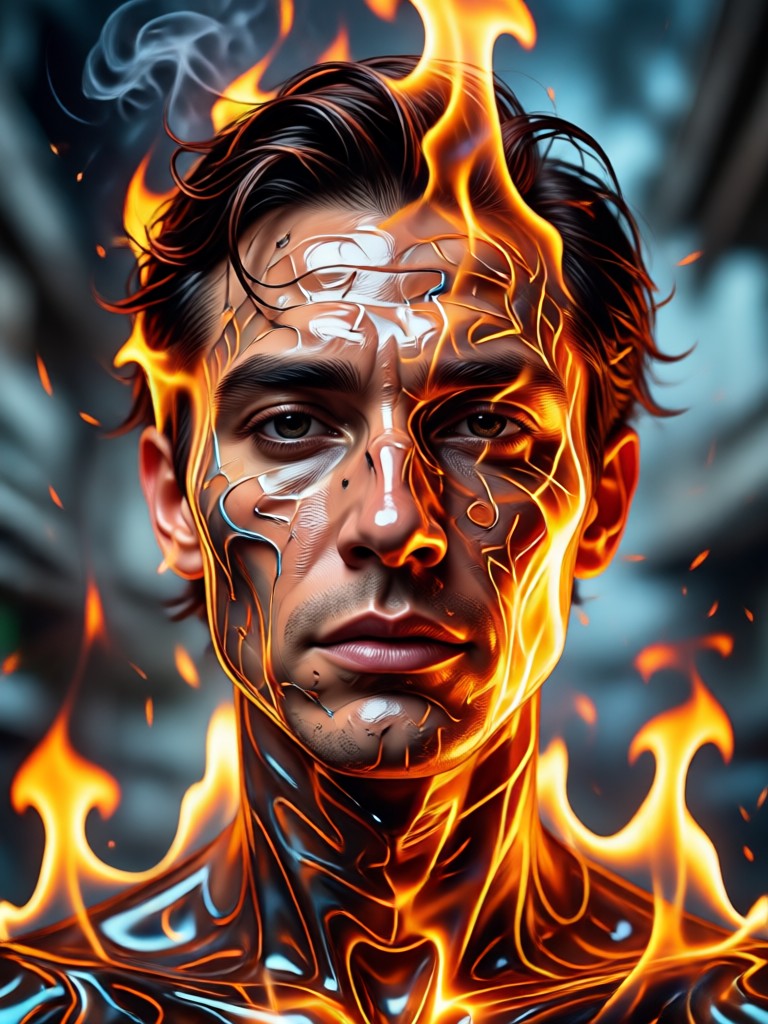
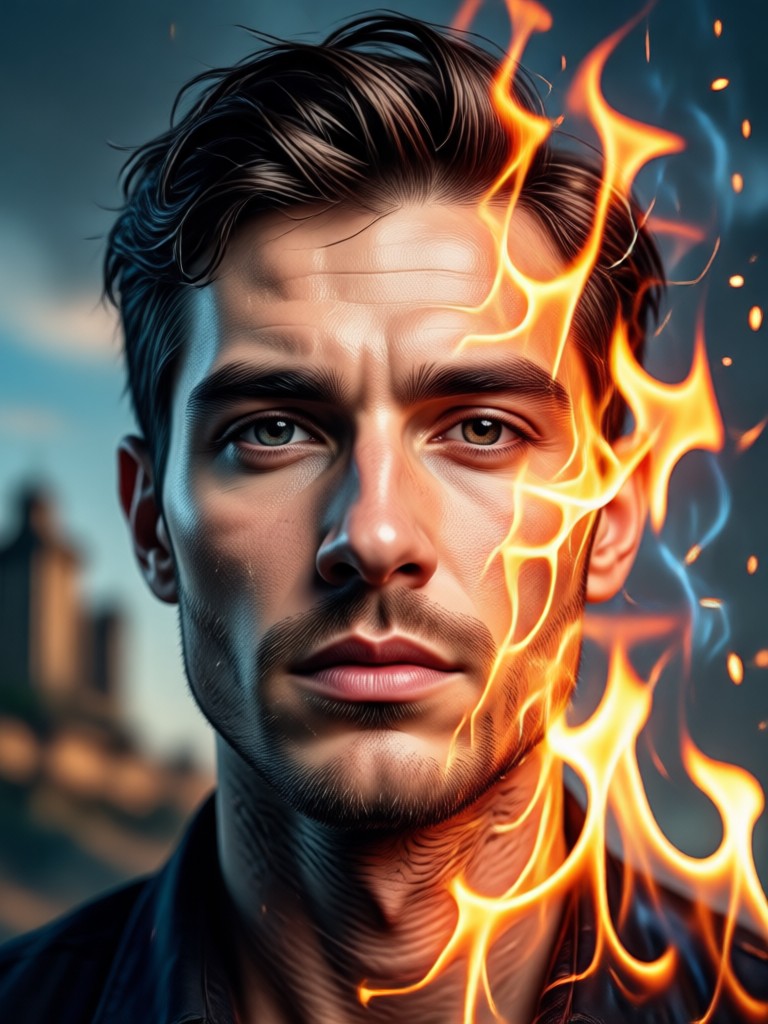
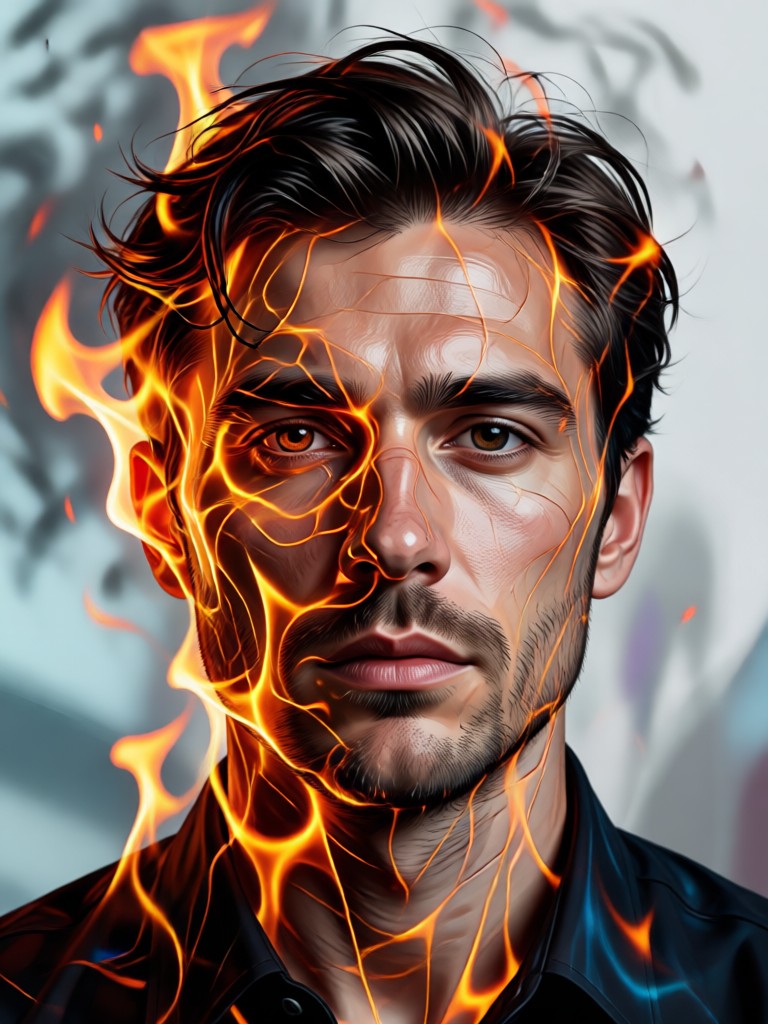
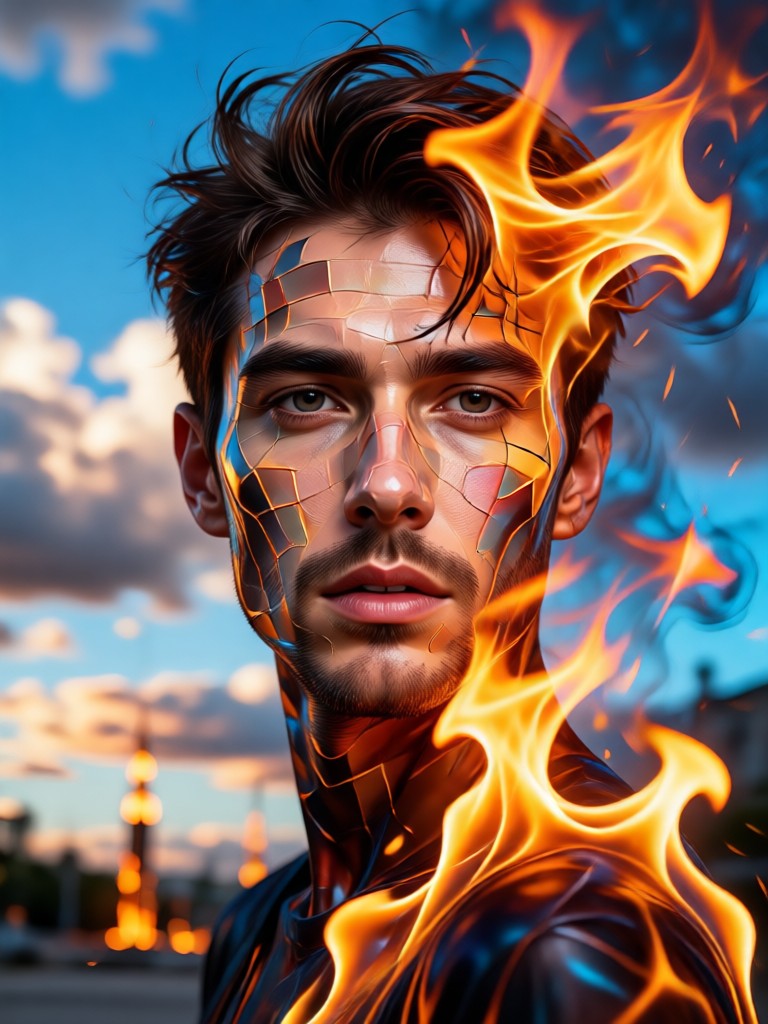
See how users have transformed ordinary photos into extraordinary fiery artworks. Each piece showcases a unique blend of portrait and flame.
How to Create a Fire Double Exposure Portrait?
Follow three simple steps to generate your own stunning fiery portrait artwork in minutes.

Step 01.
Download the viyo app from Google Play. Open it and navigate to the portrait effects section to find the Fire Double Exposure tool.
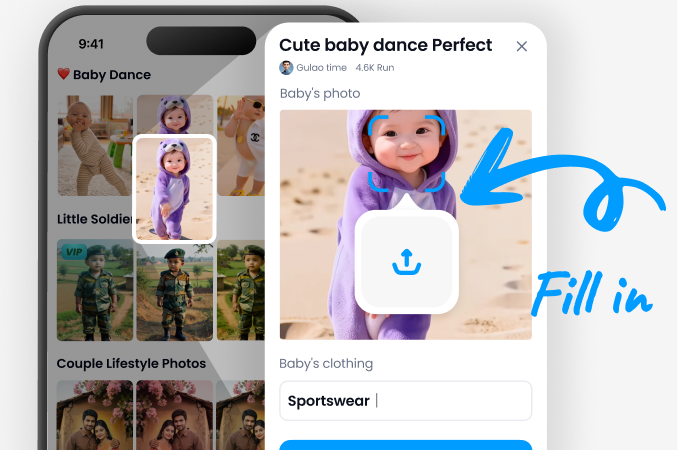
Step 02.
Upload a clear portrait photo. Then, browse and select your preferred fire style template, from gentle embers to raging infernos.
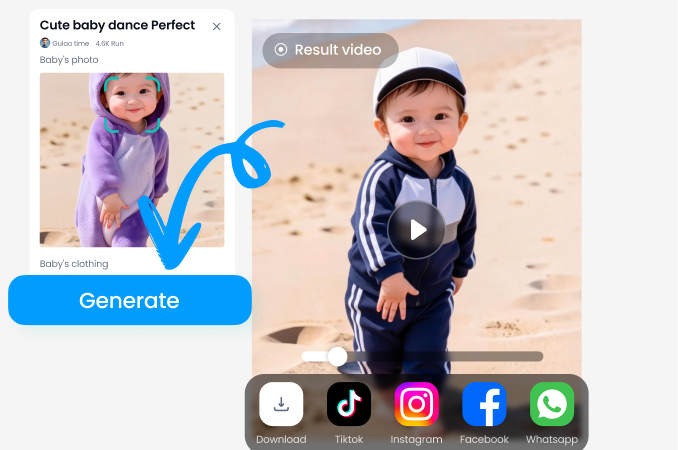
Step 03.
Generate your artwork instantly. Adjust settings like blend mode or intensity if desired, then save and share your fiery masterpiece.
What Creators Are Saying
Transformed my band's album cover
I used this to create the cover art for our metal album. The way it fused my photo with these volcanic textures was exactly the intense, raw vibe we needed. It looked professionally designed.
Perfect for fantasy character art
As a Dungeon Master, I'm always creating character portraits for my campaign. This generator is a game-changer. It turns a simple player photo into a fire-wielding sorcerer or a phoenix-born hero in seconds.
Breathed life into my photography portfolio
My portrait photography was getting stale. This tool let me create a stunning, cohesive series of 'elemental' portraits. The fire double exposure pieces are the most popular on my social media now.
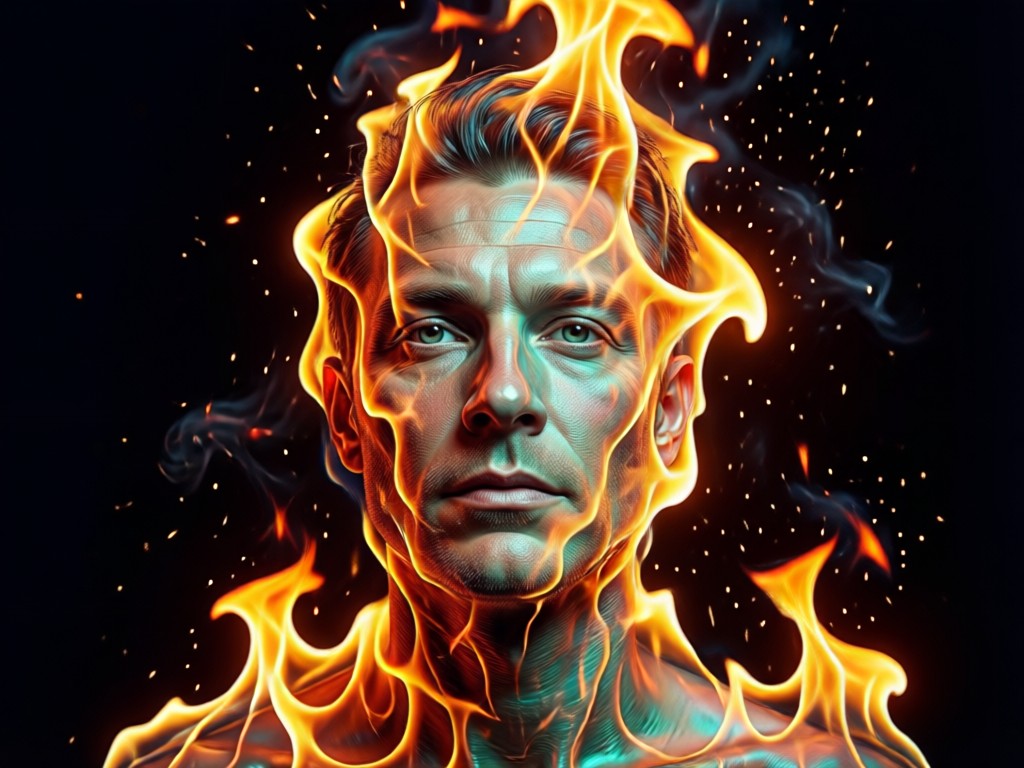
Why Choose Our Fire Portrait Generator?
Unlike basic photo editors, our AI specializes in the complex art of double exposure. It doesn't just overlay an image, it understands light, form, and texture to create a believable, artistic fusion between person and element.
Why Choose Our Fire Portrait Generator?
Unlike basic photo editors, our AI specializes in the complex art of double exposure. It doesn't just overlay an image, it understands light, form, and texture to create a believable, artistic fusion between person and element.
Fire Double Exposure Portrait FAQs
Get answers to common questions about creating and using your fiery double exposure portraits.
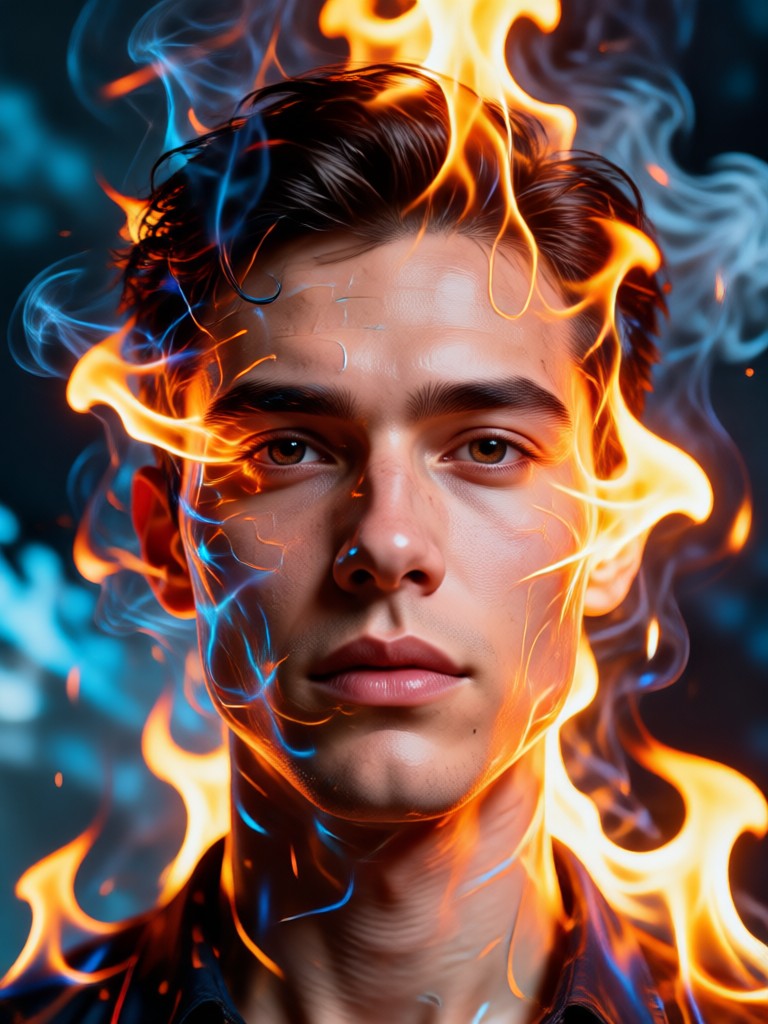
Create Fire Art On The Go
Turn any moment into inspiration. Download the viyo app and carry the power of a fire double exposure studio in your pocket.

Ignite Your Creativity
Stop imagining and start creating. Transform your portrait into a powerful symbol of passion, strength, and transformation with one tap.
Ignite Your Creativity
Stop imagining and start creating. Transform your portrait into a powerful symbol of passion, strength, and transformation with one tap.