Convert Image To 4K
Explore More AI Photo Enhancement Filters
Discover other powerful tools and filters in viyo to elevate your photos beyond 4K.
Key Features of Convert Image To 4K
Explore the core capabilities that make viyo the go to app for 4K image upscaling.
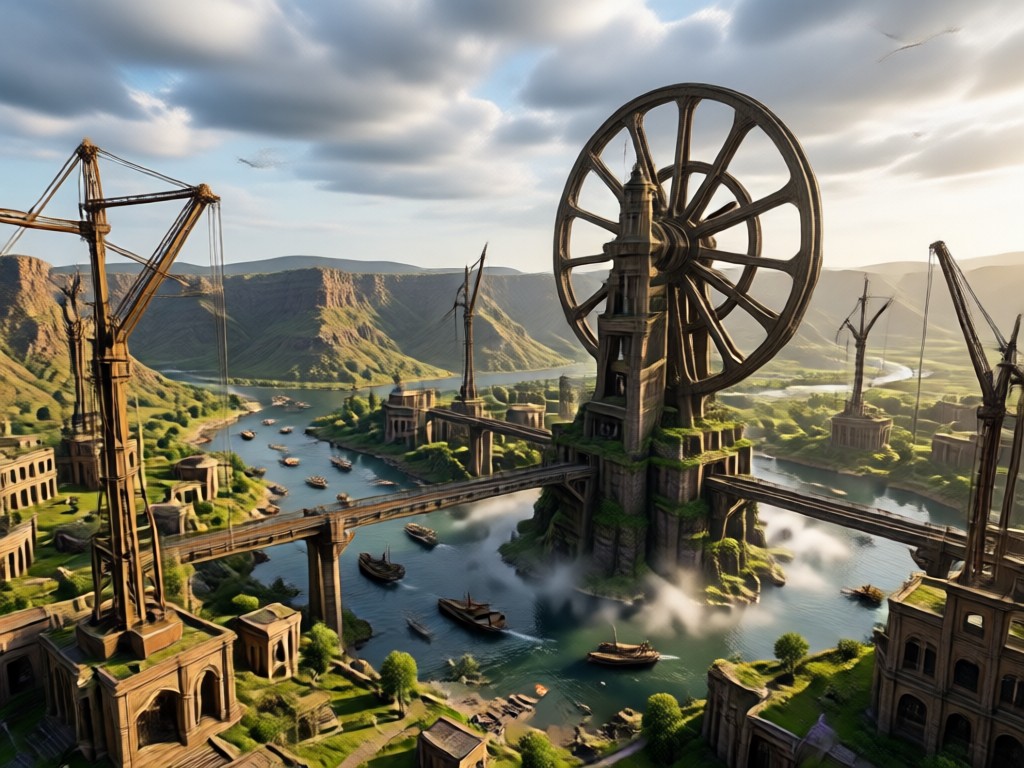
Smart AI Upscaling
Upscale any image to 4K resolution using advanced AI algorithms that preserve fine details and natural textures.
Smart AI Upscaling
Upscale any image to 4K resolution using advanced AI algorithms that preserve fine details and natural textures.
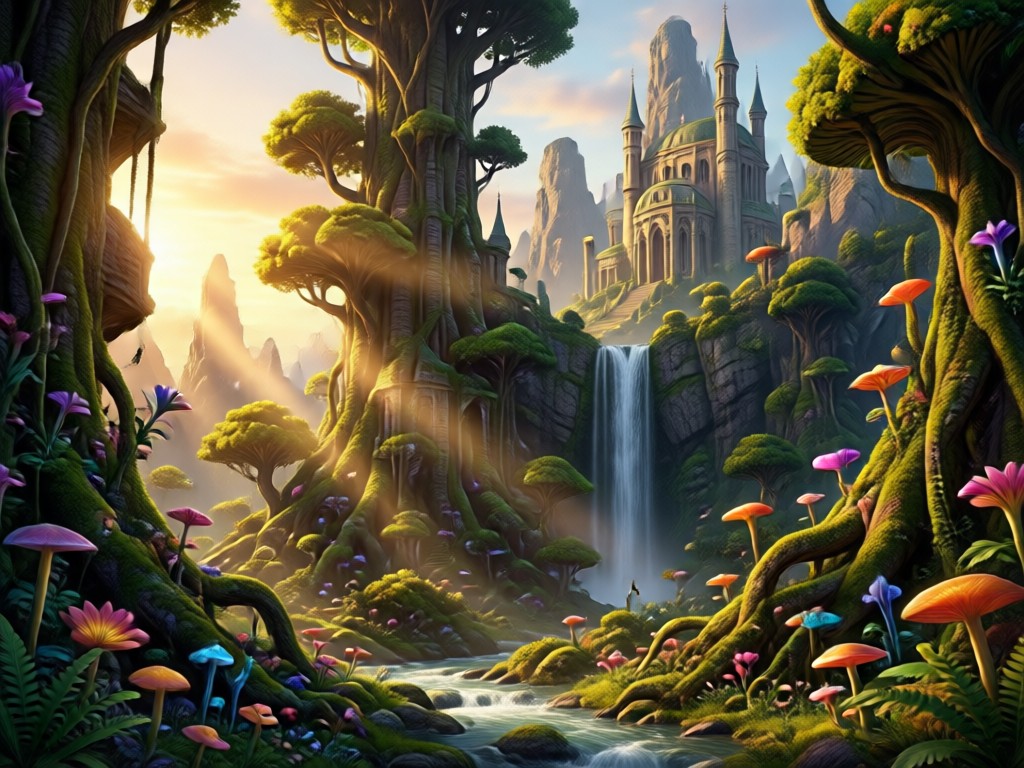
Noise Reduction & Sharpening
Automatically remove grain and blur while enhancing edge clarity and contrast for a crisp finish.
Noise Reduction & Sharpening
Automatically remove grain and blur while enhancing edge clarity and contrast for a crisp finish.
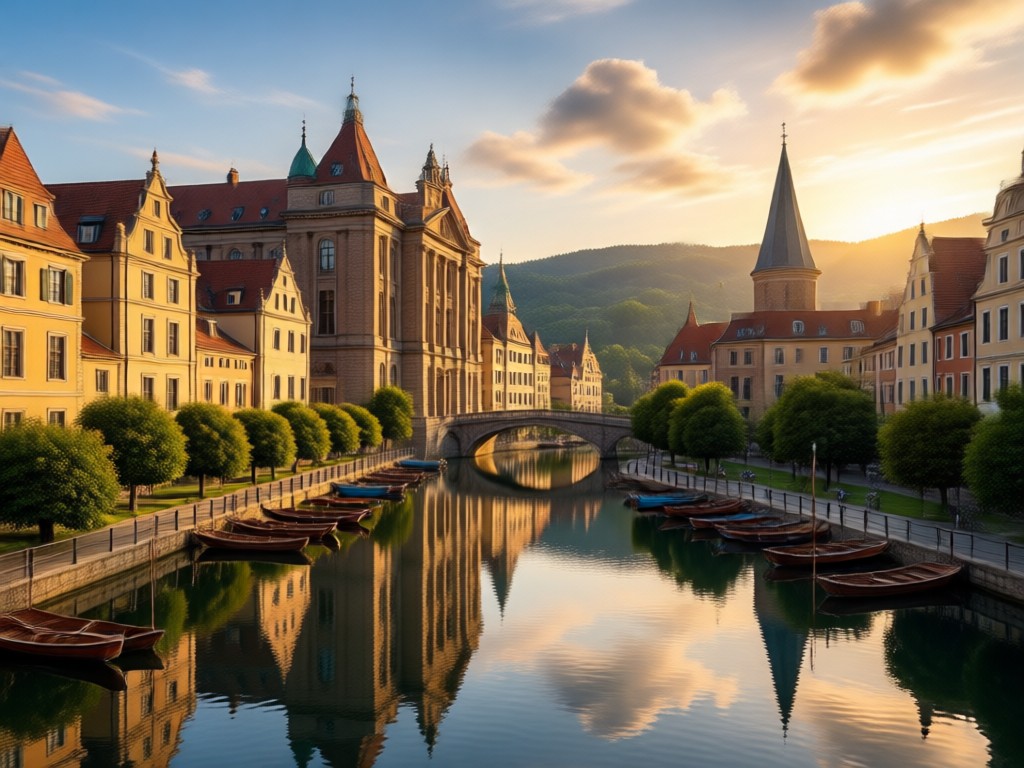
Batch Processing
Convert multiple images to 4K at once, saving time without sacrificing quality.
Batch Processing
Convert multiple images to 4K at once, saving time without sacrificing quality.
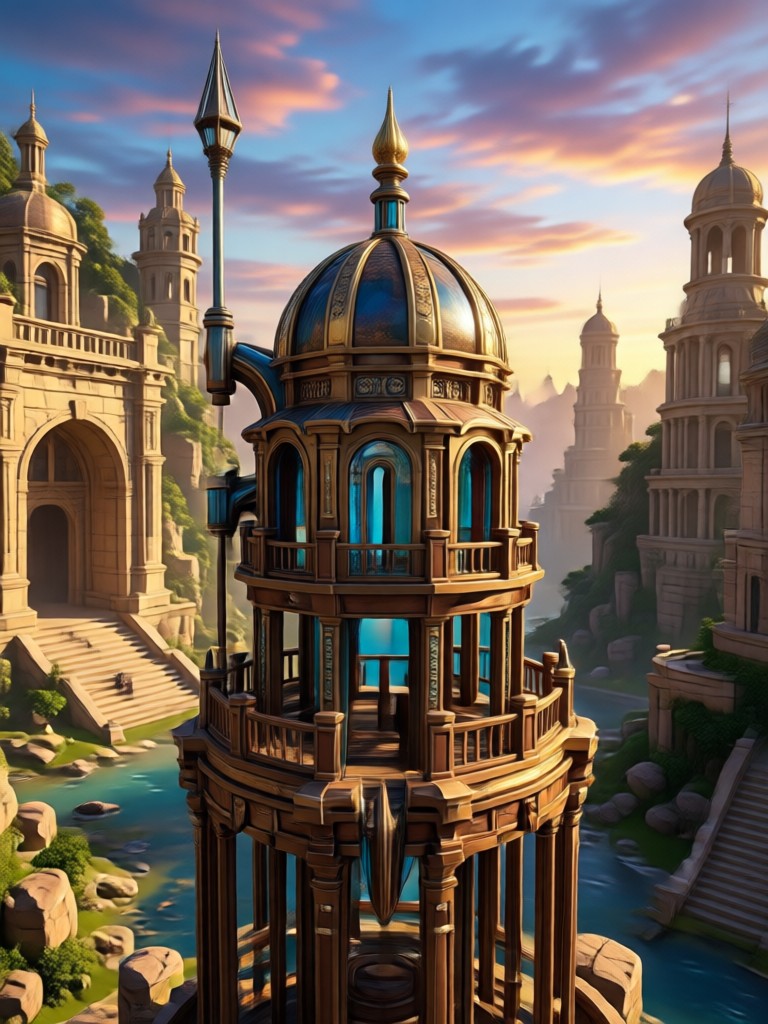
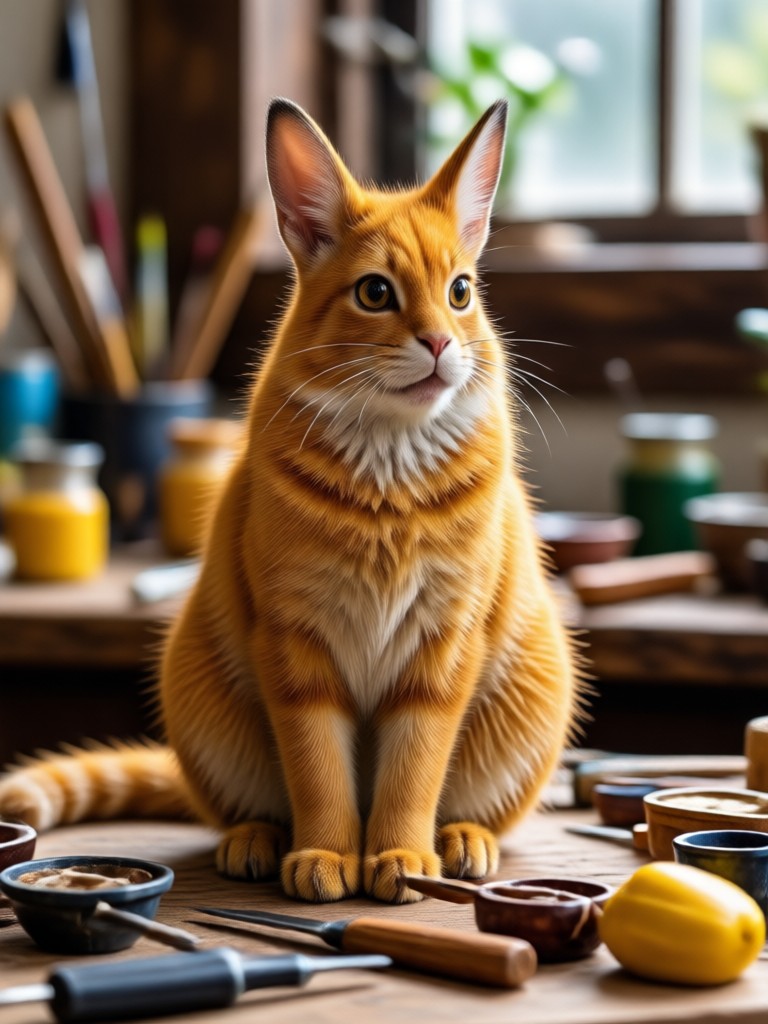
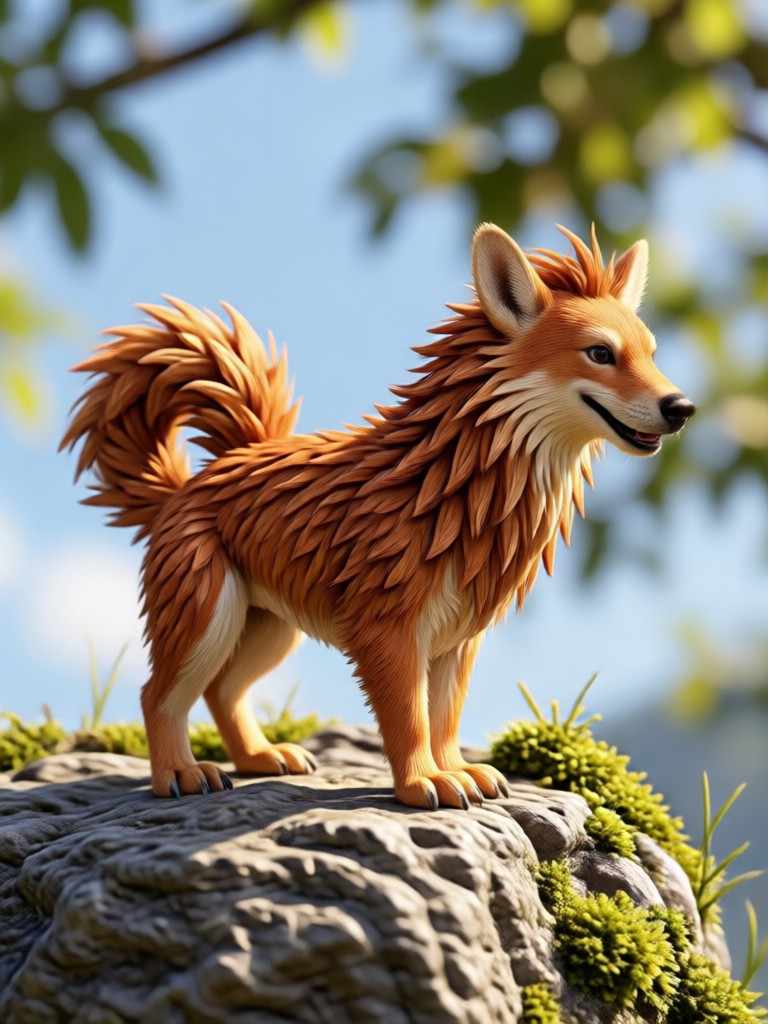
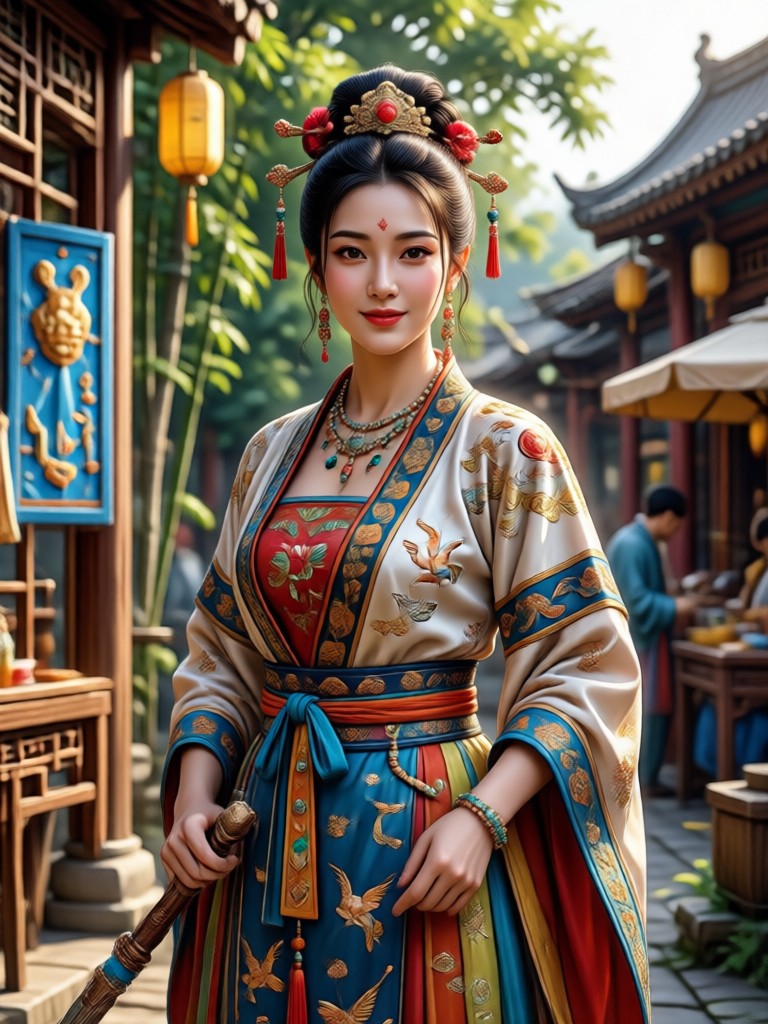
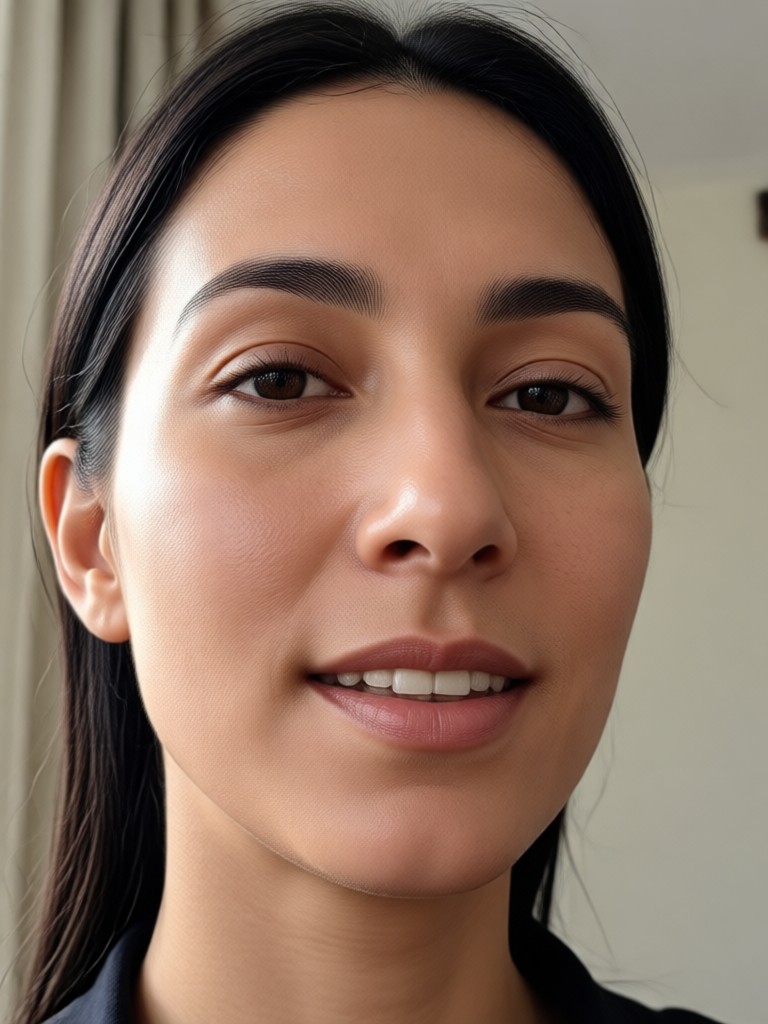
Before and After: 4K Upscale Examples
See the dramatic difference when you convert image to 4K. Our AI restores lost details and delivers stunning clarity.
How to Convert Image to 4K in 3 Simple Steps
Transform your photos into ultra high definition with viyo. Follow these steps to upscale any image to 4K.

Step 01.
Download the viyo app from Google Play and install it on your phone.
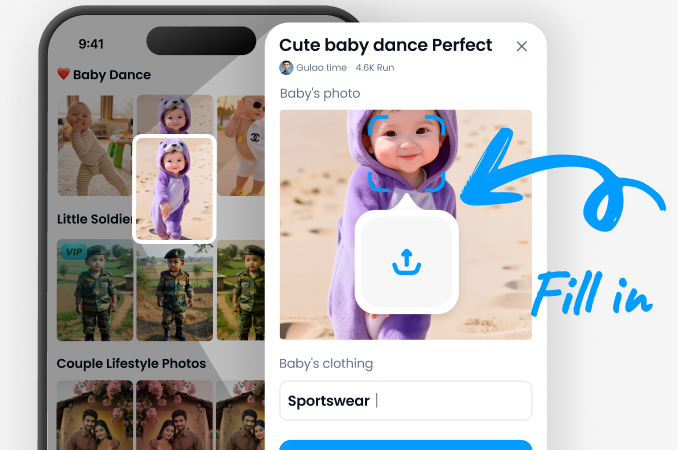
Step 02.
Open the app, upload the image you want to convert, and select the 4K upscale option.
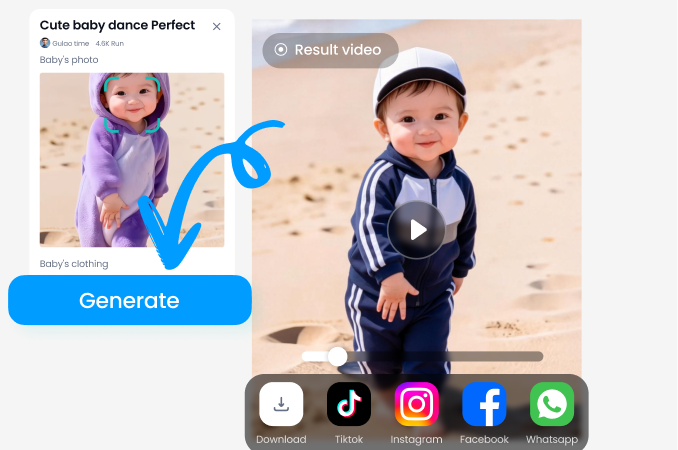
Step 03.
Generate your 4K image, preview the result, and save or share it directly from the app.
Why viyo Is the Best Tool to Convert Image to 4K
viyo combines cutting edge AI technology with an intuitive mobile interface. You get professional grade upscaling without needing expensive desktop software. The app processes images quickly, preserves color accuracy, and supports all common formats. Whether you are a photographer, social media creator, or small business owner, viyo delivers 4K results that impress.
Frequently Asked Questions About 4K Image Conversion
Find answers to common questions about converting images to 4K with viyo.
What Users Love About viyo 4K Upscaling
Emily Carter
I converted old family photos to 4K and the detail restored was incredible. Faces look so much clearer and colors pop.
Marcus Lee
As a real estate agent, I use viyo to upscale listing photos to 4K. Clients love the sharpness and it makes my listings stand out.
Sophia Turner
The noise reduction is amazing. I upscaled some low light shots to 4K and they look like they were taken with a pro camera.

David Kim
viyo's batch processing saved me hours. I had 50 product images to convert to 4K and got them all done in minutes.
Emily Carter
I converted old family photos to 4K and the detail restored was incredible. Faces look so much clearer and colors pop.
Marcus Lee
As a real estate agent, I use viyo to upscale listing photos to 4K. Clients love the sharpness and it makes my listings stand out.
Sophia Turner
The noise reduction is amazing. I upscaled some low light shots to 4K and they look like they were taken with a pro camera.
David Kim
viyo's batch processing saved me hours. I had 50 product images to convert to 4K and got them all done in minutes.
Ready to Convert Image to 4K?
Download viyo now and transform your photos into stunning 4K quality. It is fast, easy, and free to start.
Ready to Convert Image to 4K?
Download viyo now and transform your photos into stunning 4K quality. It is fast, easy, and free to start.