Cinematic Smoky Portrait
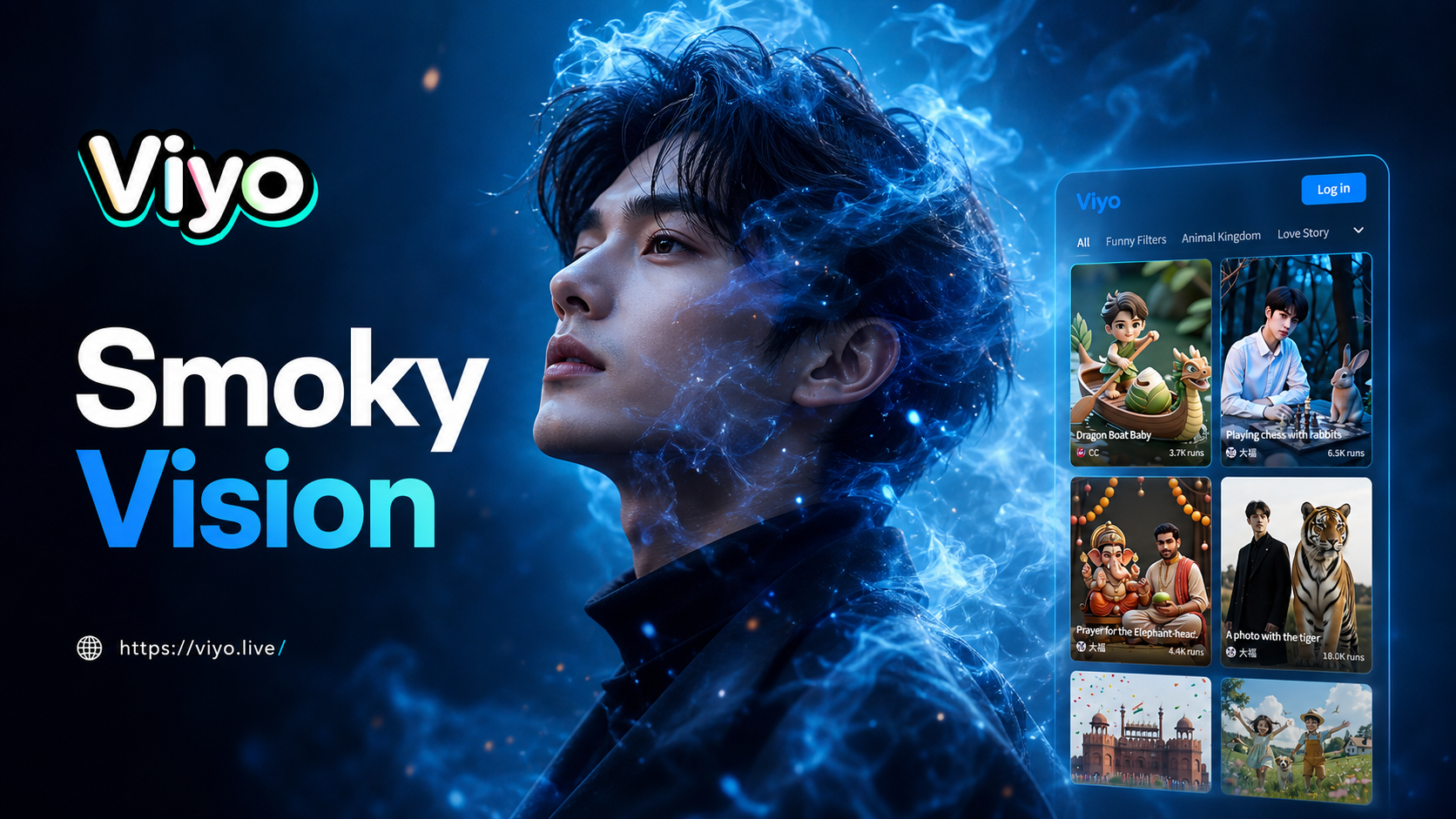
Choose Your Cinematic Smoke Style
Select from a curated collection of AI filters designed to create different moods and intensities of cinematic smoke effects.
Create Professional Smoky Portraits Instantly
Our AI technology simplifies complex cinematic editing. Upload a photo, choose a smoke effect, and watch as your portrait is transformed with realistic atmospheric elements and professional color grading.
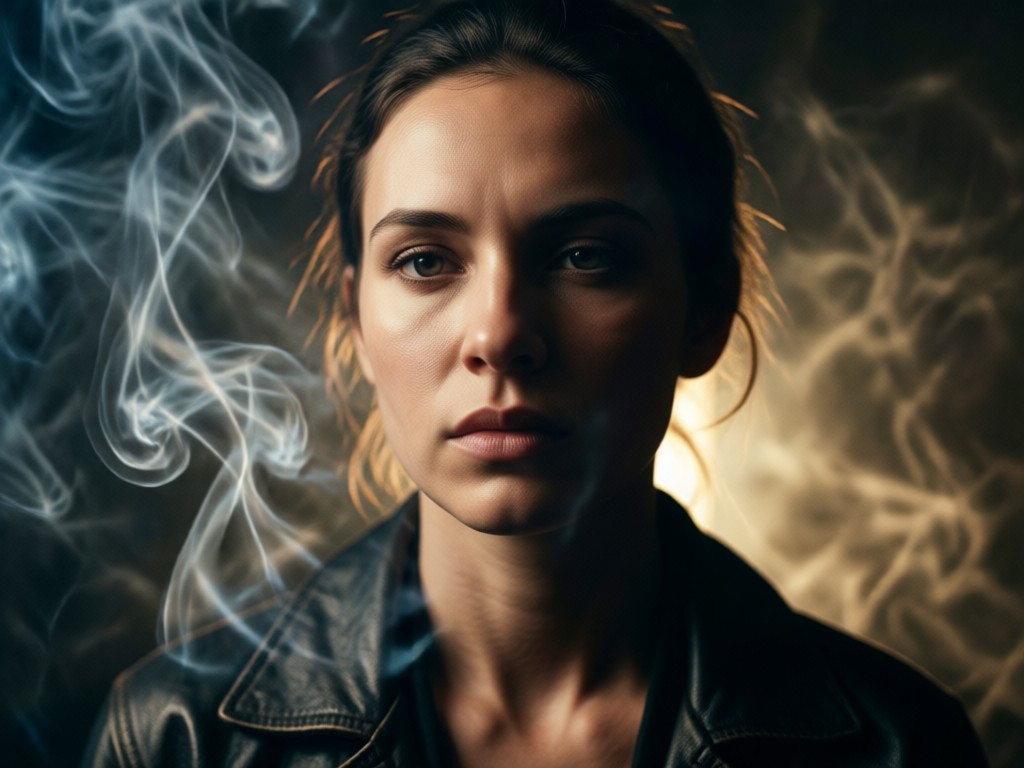
Realistic Smoke Simulation
AI generates photorealistic smoke, fog, and haze that interacts naturally with your portrait's lighting and depth. Effects range from subtle wisps to dense, dramatic clouds.
Realistic Smoke Simulation
AI generates photorealistic smoke, fog, and haze that interacts naturally with your portrait's lighting and depth. Effects range from subtle wisps to dense, dramatic clouds.
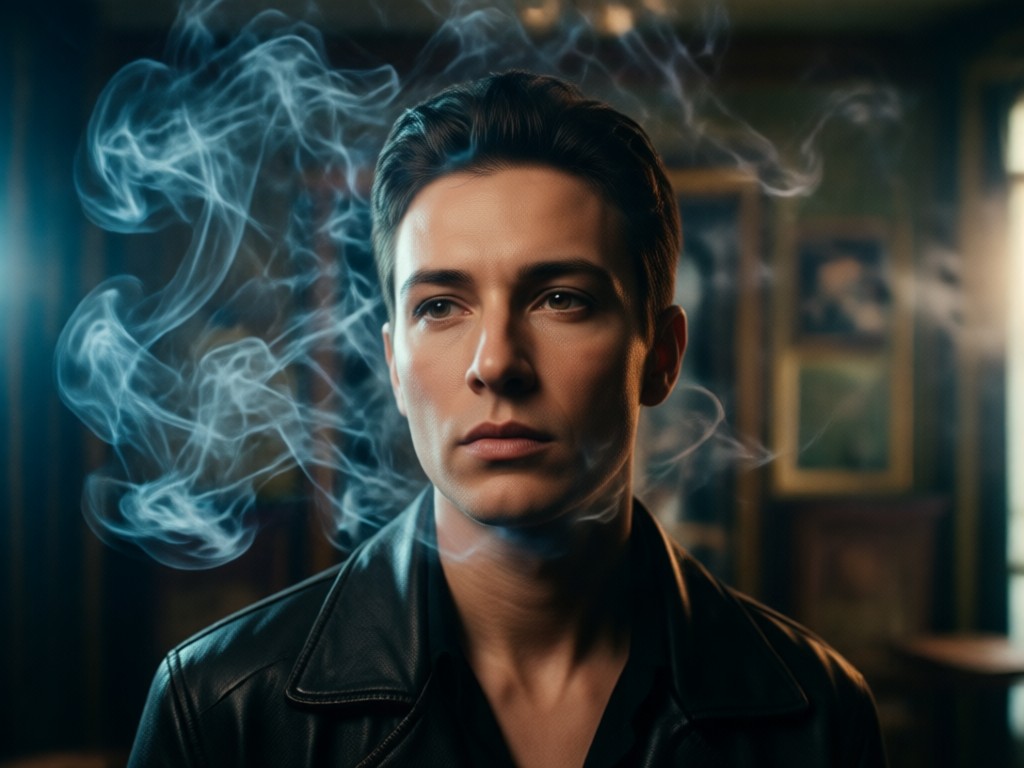
Cinematic Lighting & Color Grading
Automatically apply cinematic color palettes and dynamic lighting that complements the smoke. Enhance shadows, highlights, and contrast for a truly movie-like aesthetic.
Cinematic Lighting & Color Grading
Automatically apply cinematic color palettes and dynamic lighting that complements the smoke. Enhance shadows, highlights, and contrast for a truly movie-like aesthetic.
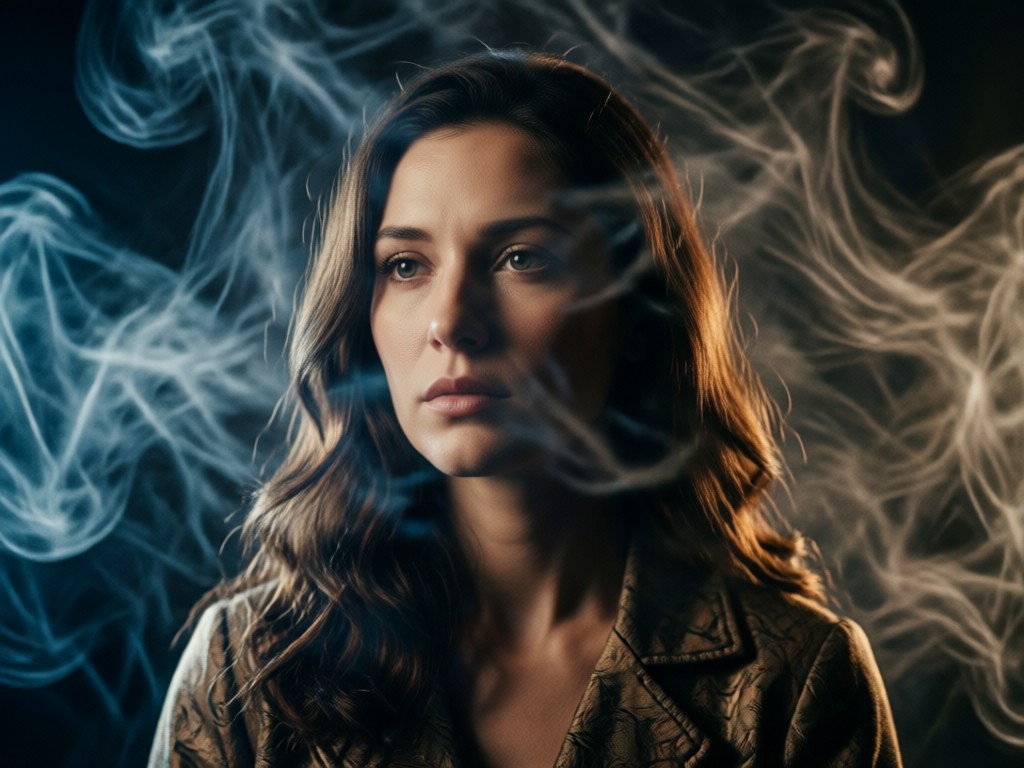
Mood & Atmosphere Control
Adjust the intensity, density, and flow direction of the smoke. Create anything from a mysterious, haunting vibe to an elegant, ethereal atmosphere.
Mood & Atmosphere Control
Adjust the intensity, density, and flow direction of the smoke. Create anything from a mysterious, haunting vibe to an elegant, ethereal atmosphere.
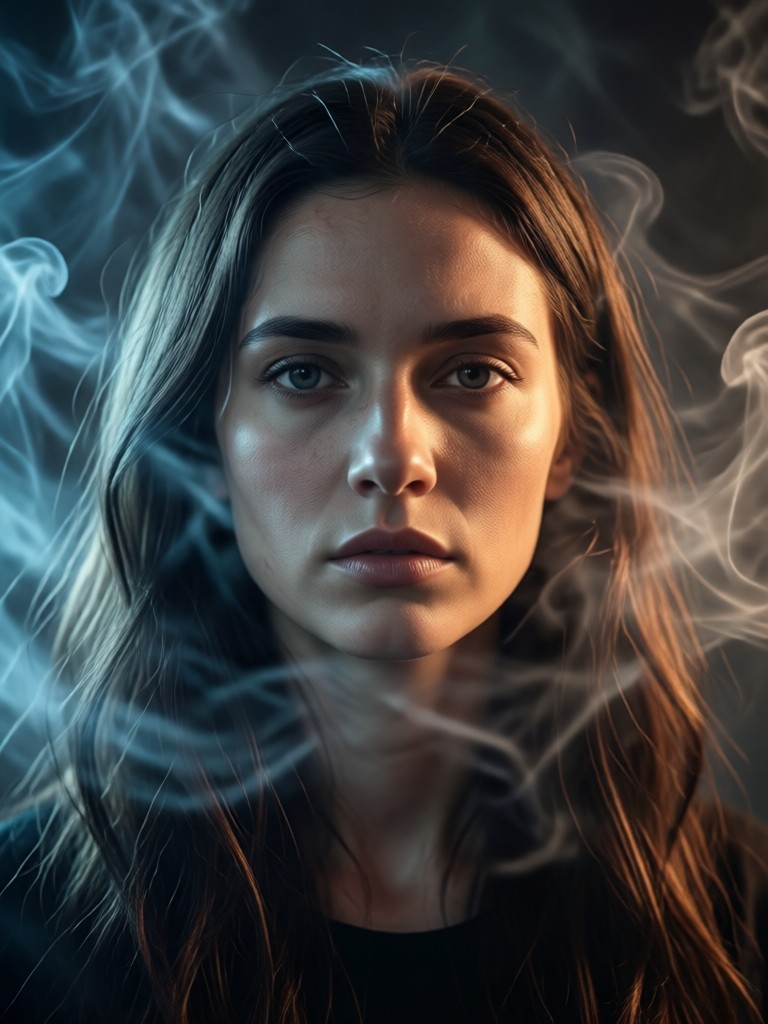
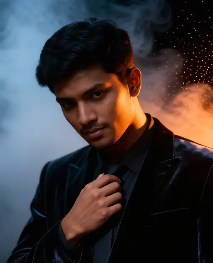
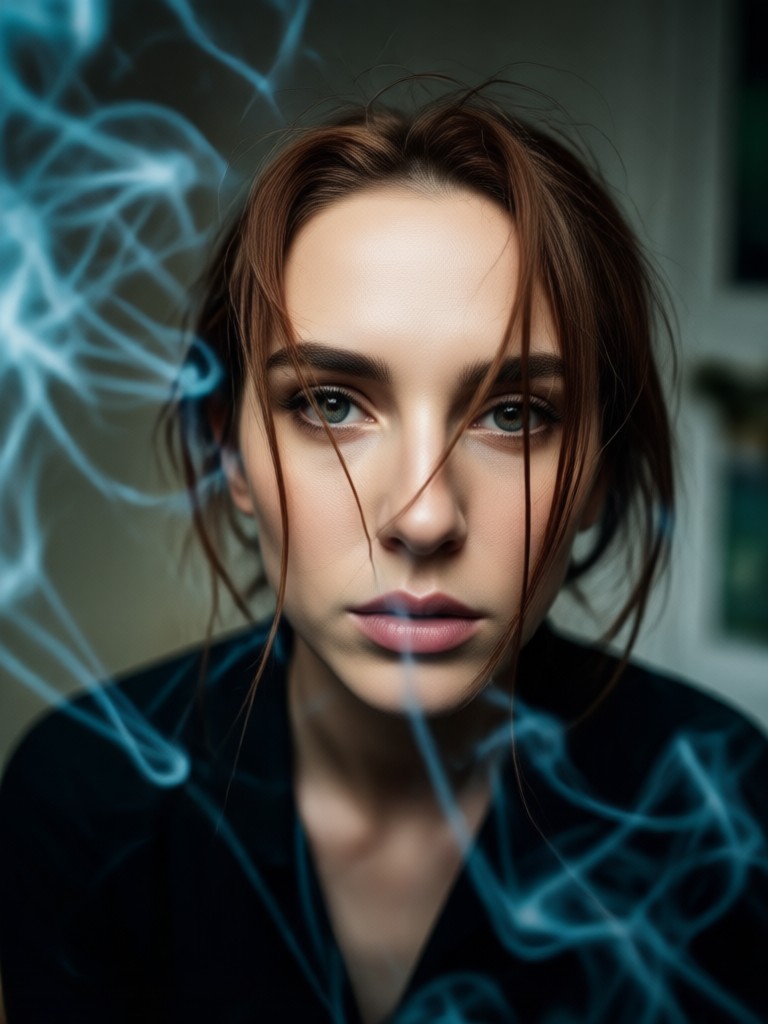
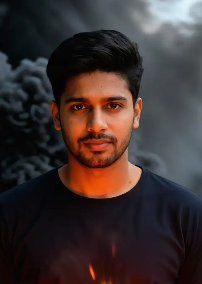
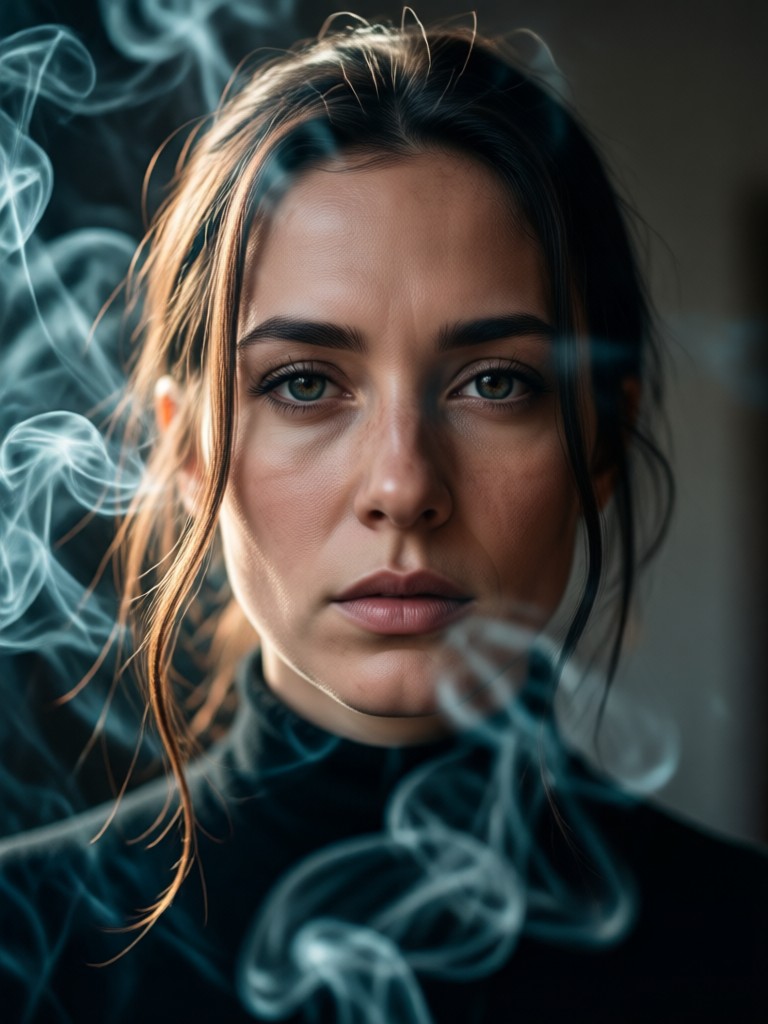
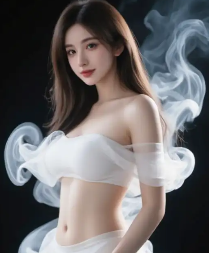
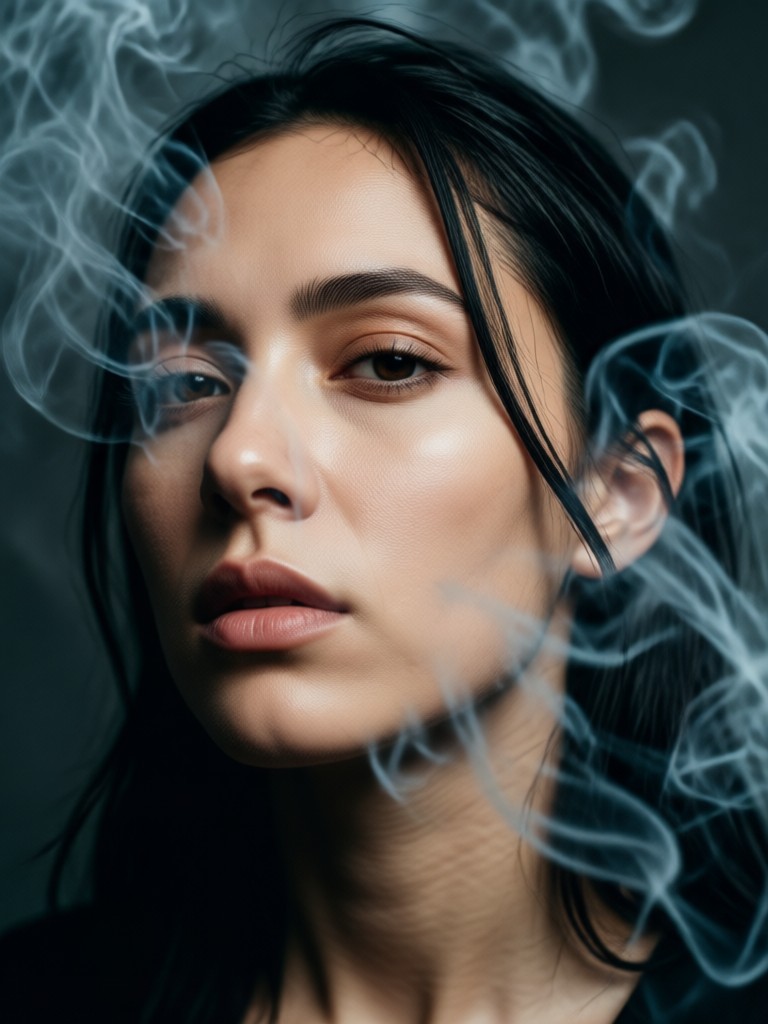
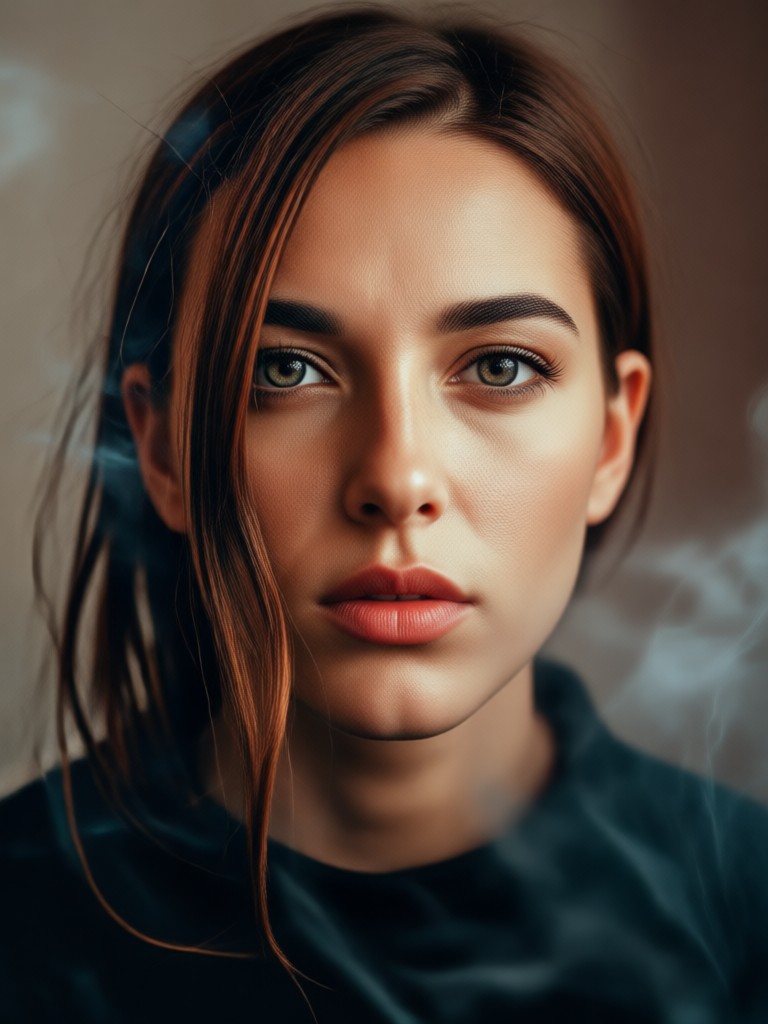
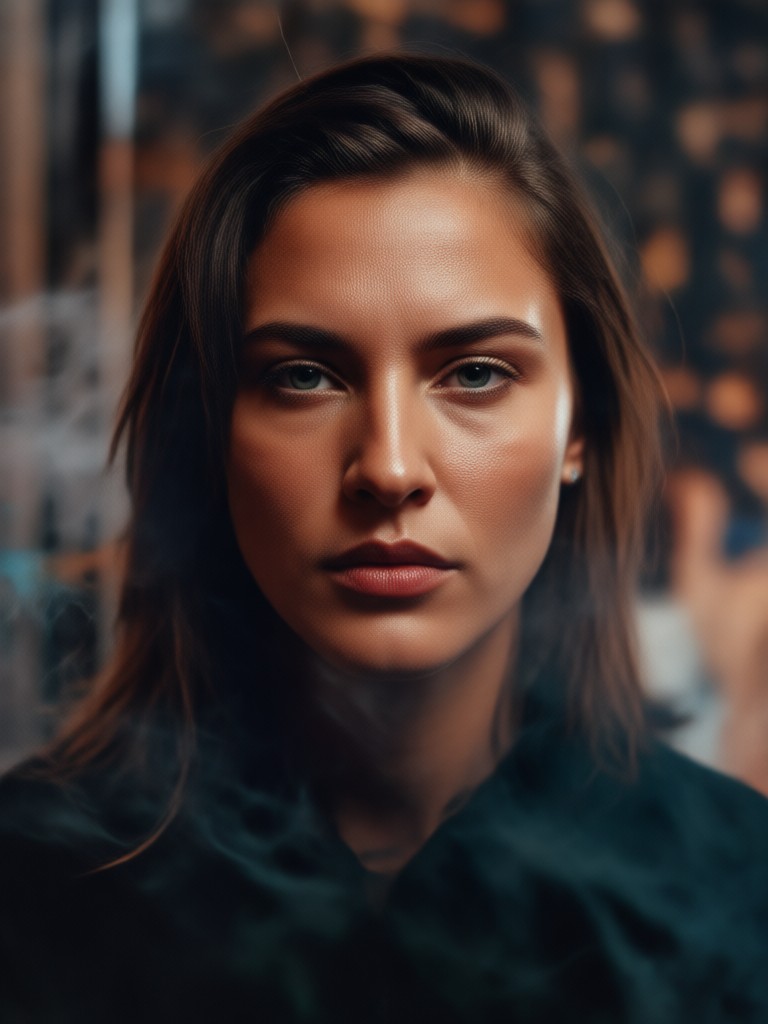
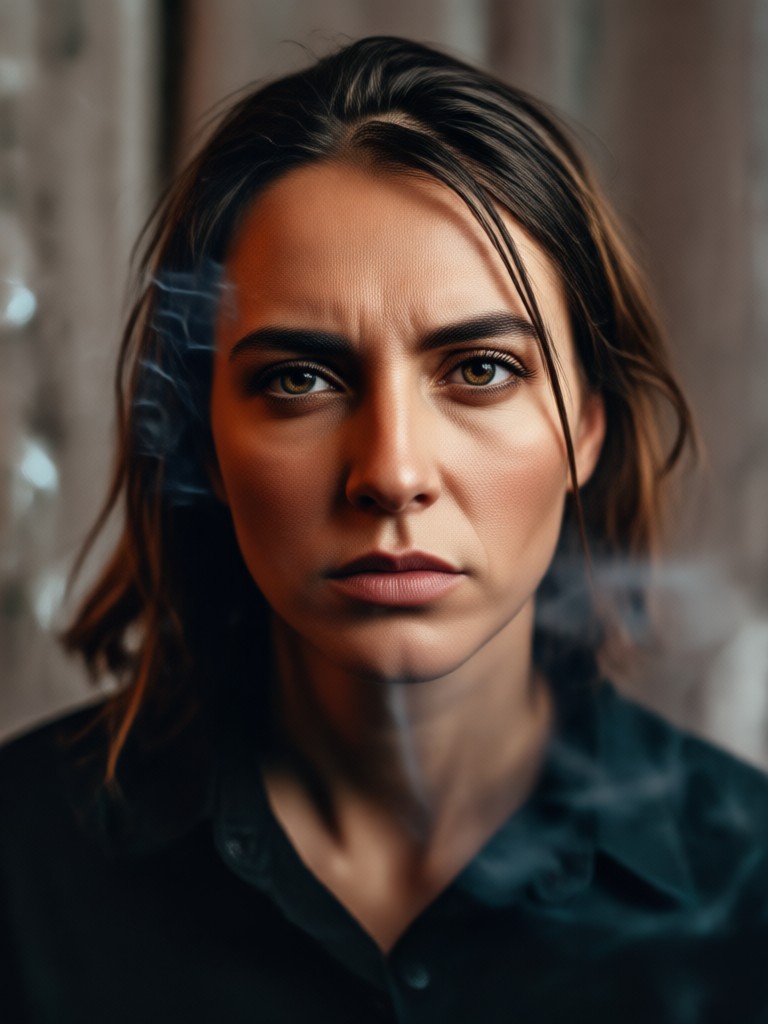
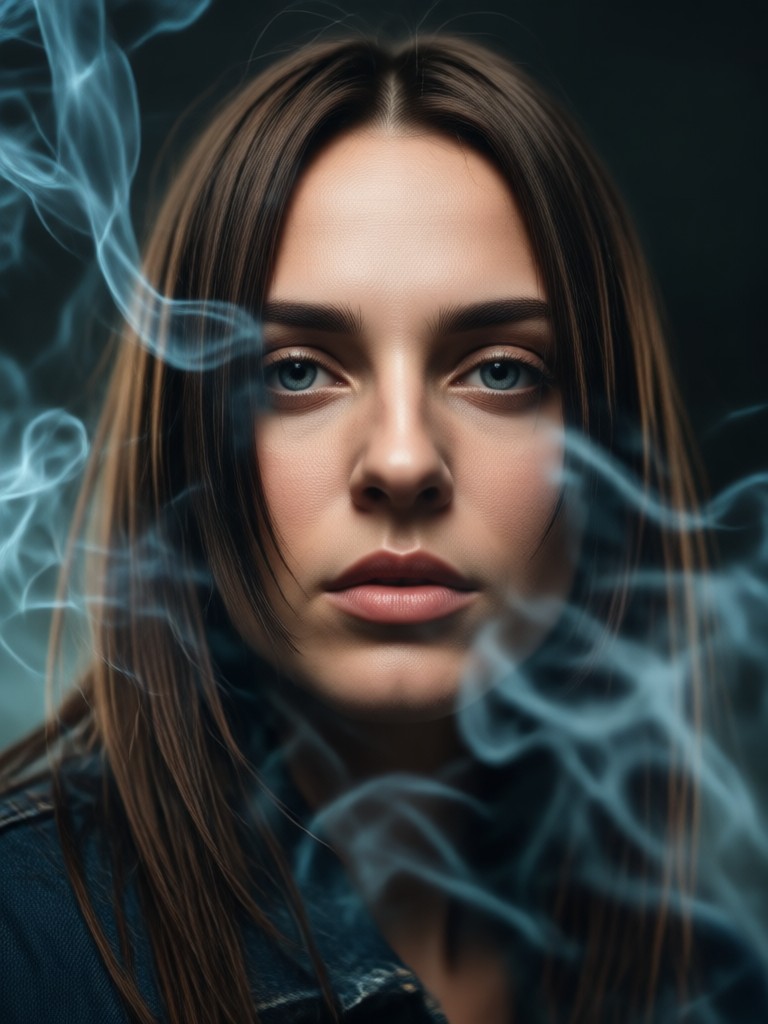
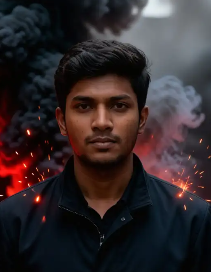
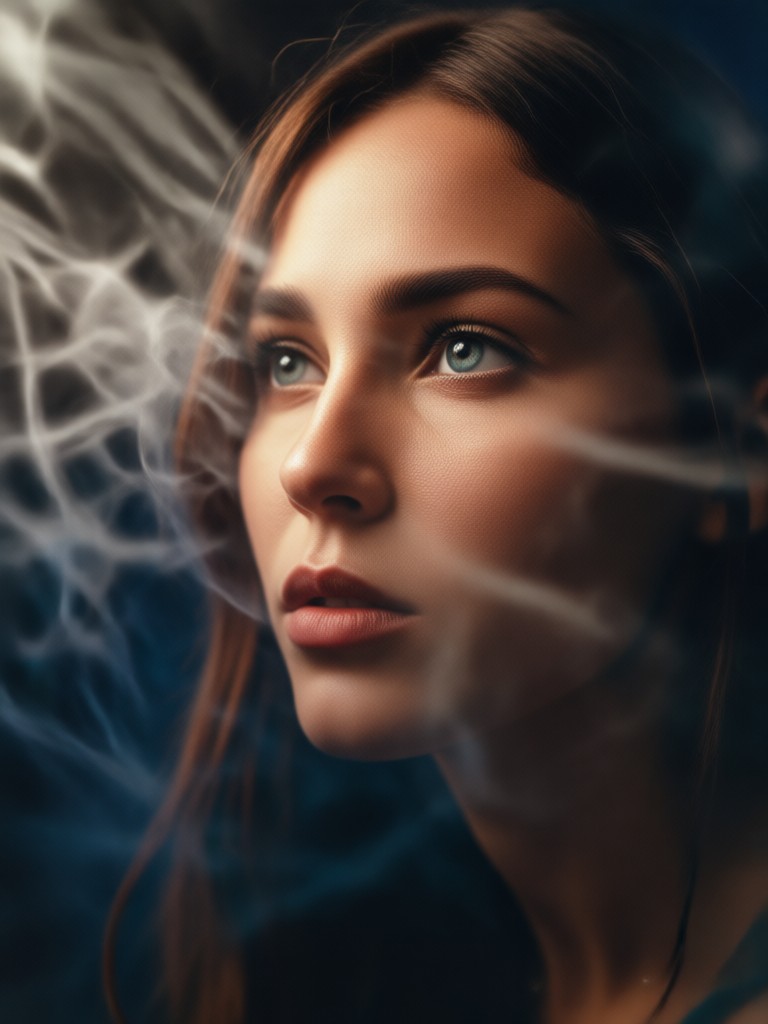
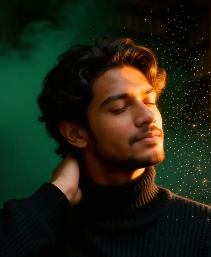
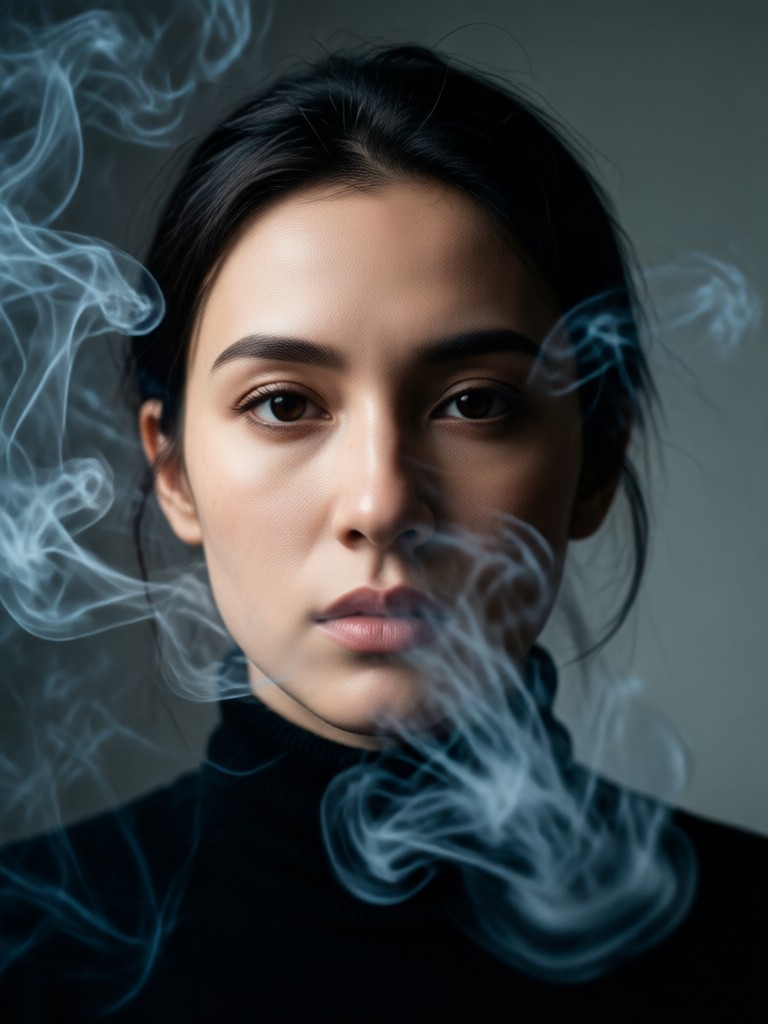
Cinematic Smoky Portrait Gallery
Browse stunning examples of AI-generated cinematic smoky portraits. See how ordinary photos are transformed into dramatic, atmospheric works of art.
How to Create a Cinematic Smoky Portrait?
Create stunning cinematic smoky portraits in just three simple steps using the Viyo AI app.

Step 01.
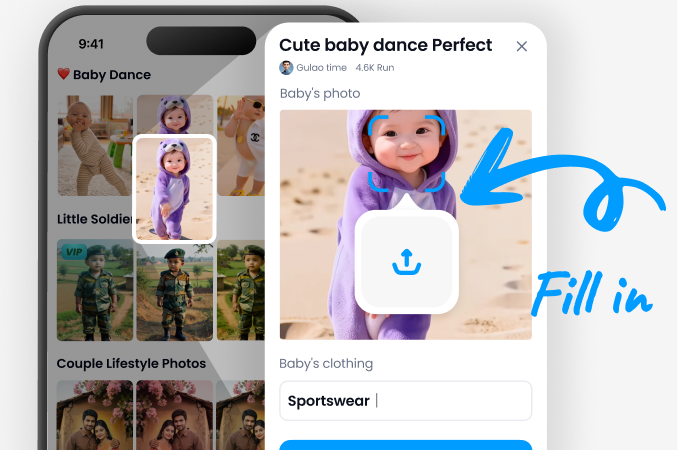
Download the Viyo app from Google Play. Open the app and tap the 'Upload' button to select a portrait photo from your gallery.
Step 02.
Navigate to the 'Effects' or 'Styles' section. Browse and select a 'Cinematic Smoke' or 'Atmospheric' filter. Preview how it looks on your photo.
Step 03.
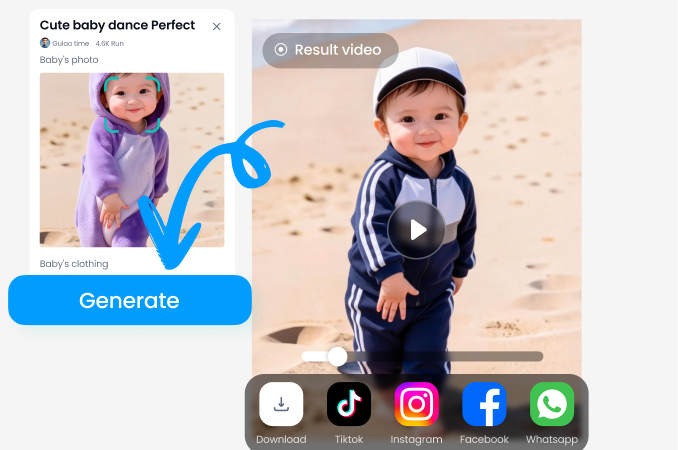
Tap 'Generate'. The AI will process your image. Once complete, save your cinematic smoky portrait in high resolution and share it directly to social media.
Why Use AI for Cinematic Smoky Portraits?
Achieve professional-grade cinematic effects without the complexity of traditional photo editing software.
From Simple Photo to Cinematic Art
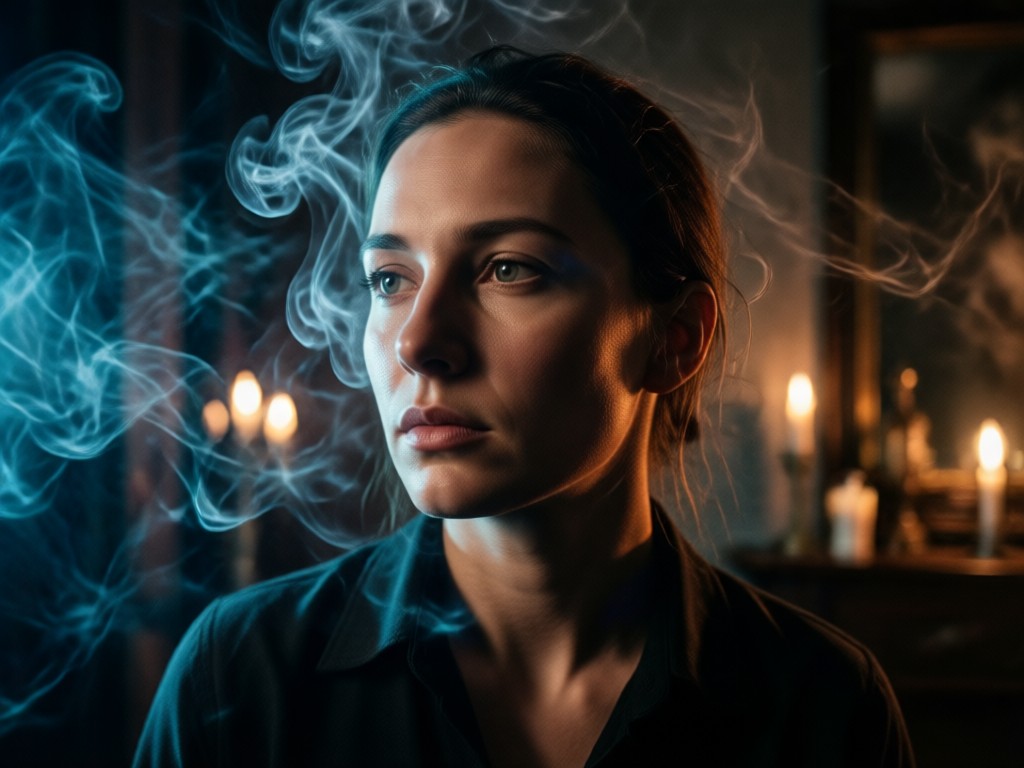
Creating authentic smoky portraits typically requires advanced skills in Photoshop, complex brush work, layer masking, and an understanding of lighting physics. Our AI democratizes this process. It intelligently analyzes the light source, facial contours, and background in your photo to generate smoke that appears to emanate from and interact with the scene naturally. This saves hours of manual work while delivering consistently stunning, share-worthy results that capture a specific mood or story.
From Simple Photo to Cinematic Art
Creating authentic smoky portraits typically requires advanced skills in Photoshop, complex brush work, layer masking, and an understanding of lighting physics. Our AI democratizes this process. It intelligently analyzes the light source, facial contours, and background in your photo to generate smoke that appears to emanate from and interact with the scene naturally. This saves hours of manual work while delivering consistently stunning, share-worthy results that capture a specific mood or story.
What Creators Are Saying About Smoky Portraits
Transformed my portrait photography
As a photographer, adding atmospheric smoke in post was always a tedious process. This AI tool gives me believable, customizable smoke effects in under a minute. It's become a secret weapon for creating compelling client previews and social media content.
Perfect for building a mysterious aesthetic
I run a fantasy-themed Instagram page. The cinematic smoke filters help me create cohesive, moody character portraits that tell a story. The control over density and color tone is fantastic for matching my brand's dark academia vibe.
Easy way to stand out on social media
My engagement skyrocketed when I started posting these smoky portraits. Followers always ask how I edit my photos. The best part is how easy it is, no fancy equipment or software needed, just my phone and a great idea.
Create Cinematic Magic on Your Phone
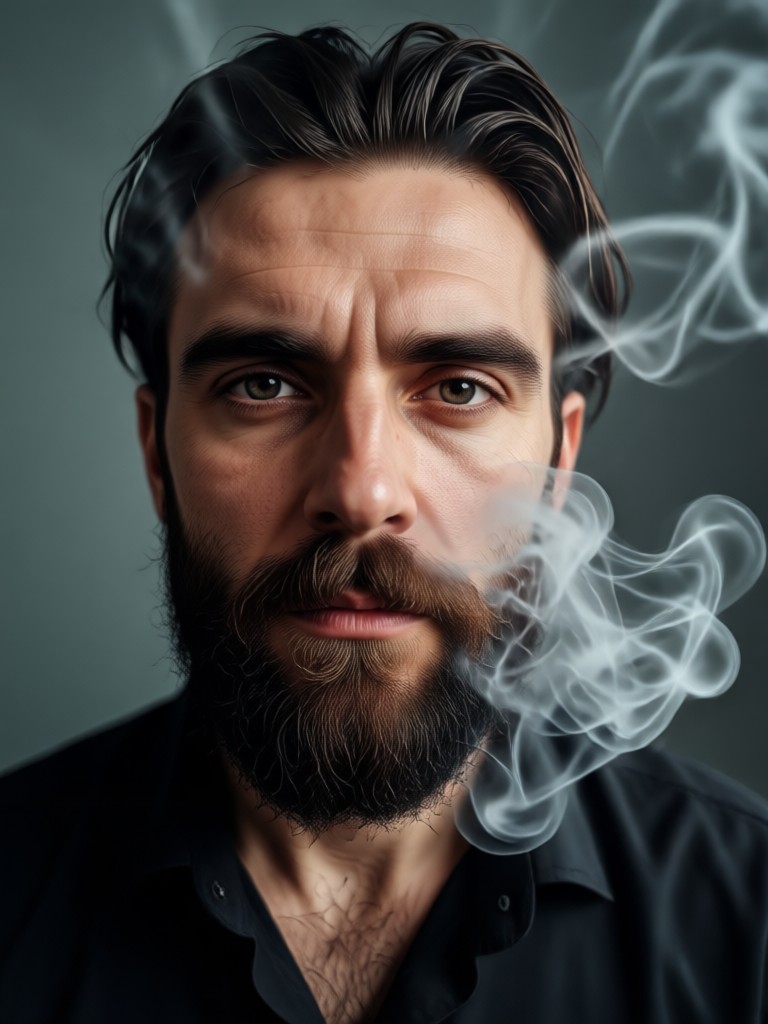
Turn your everyday portraits into cinematic masterpieces. Download Viyo and explore the full library of smoke, light, and atmosphere effects.

Cinematic Smoky Portrait FAQs
Find quick answers to common questions about creating AI-powered smoky portraits.
More Topics You May Like
Explore more topics you may like and discover fresh ideas tailored to your interests.
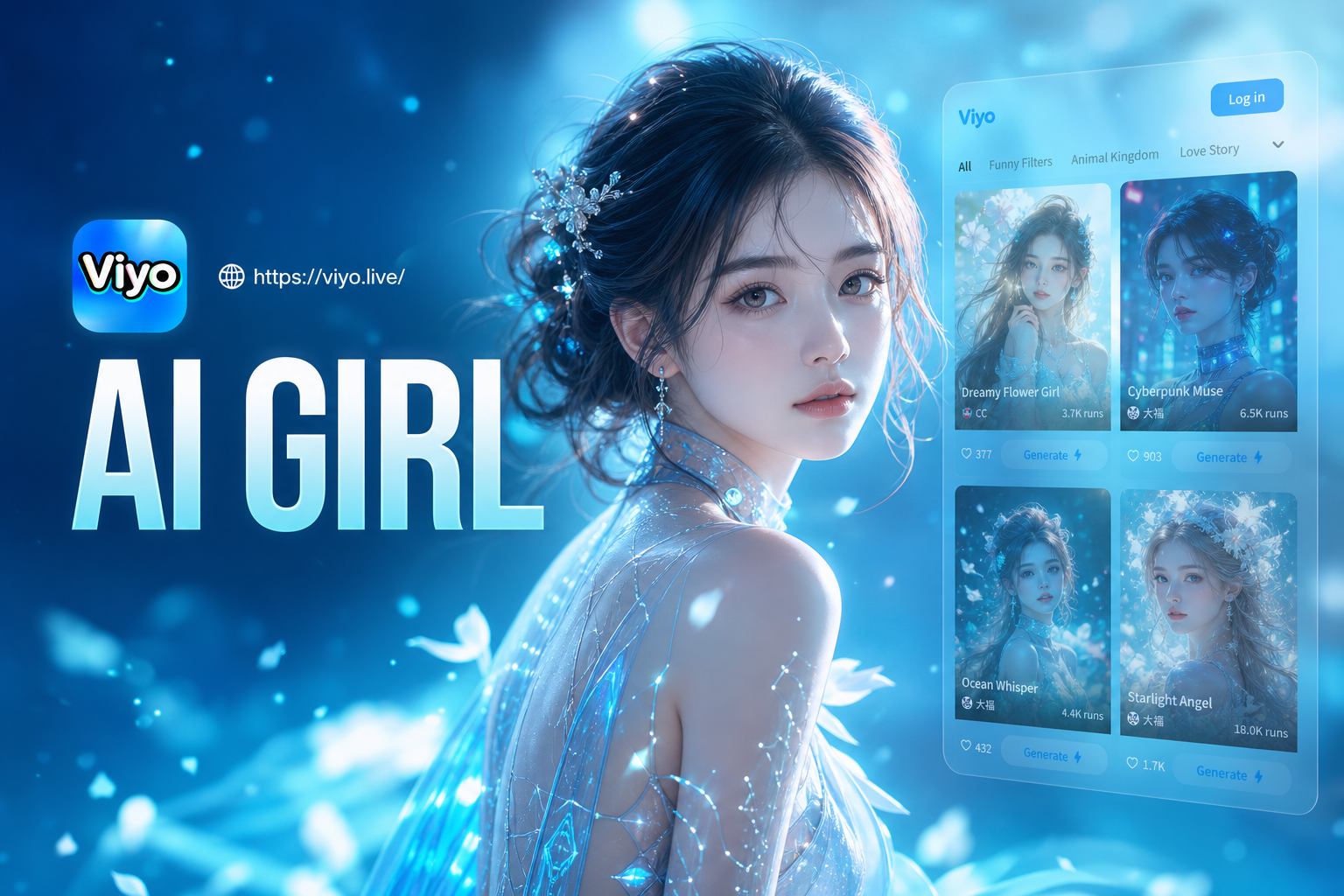
Ai Girl Generator
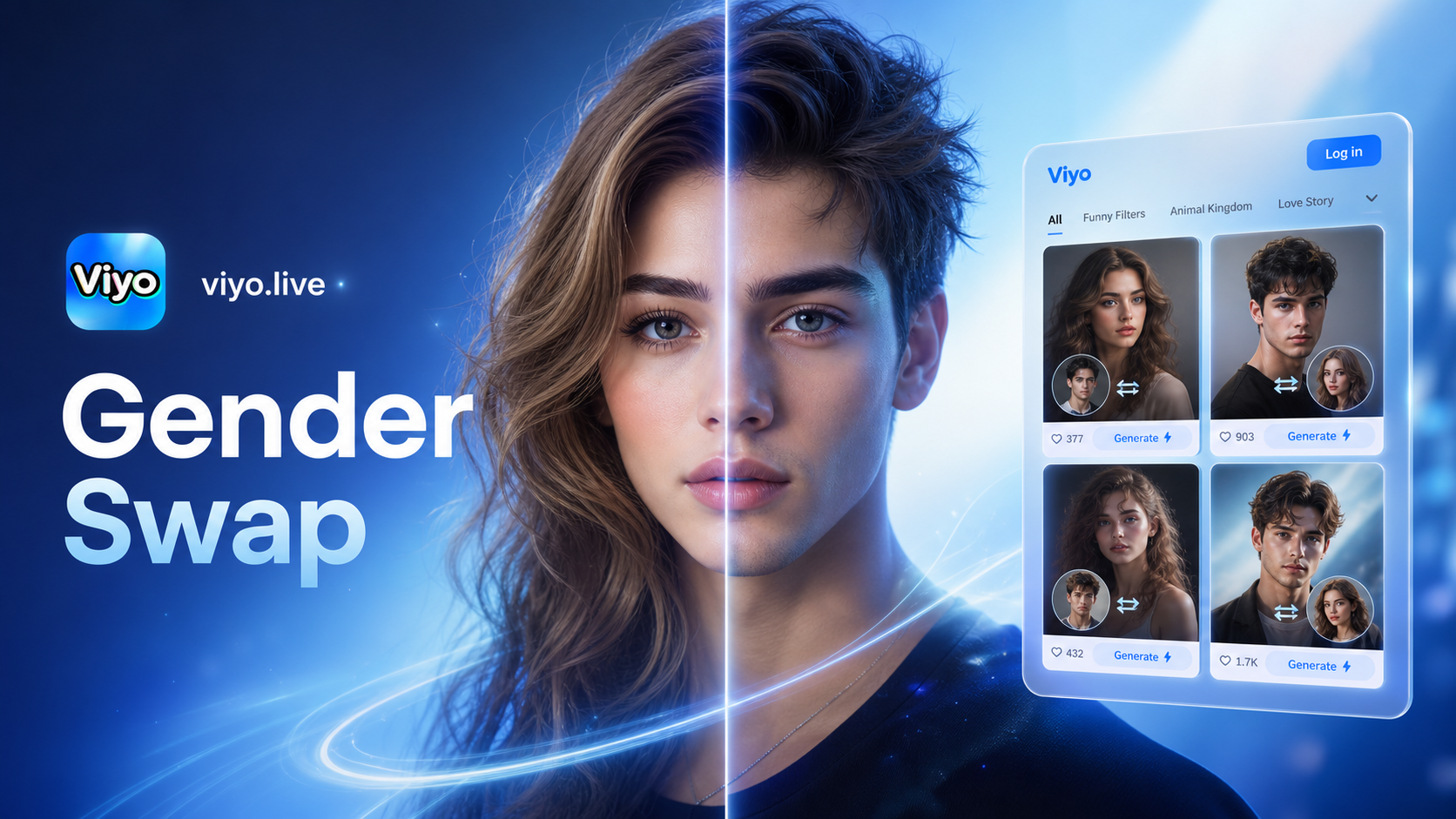
Ai Gender Swap
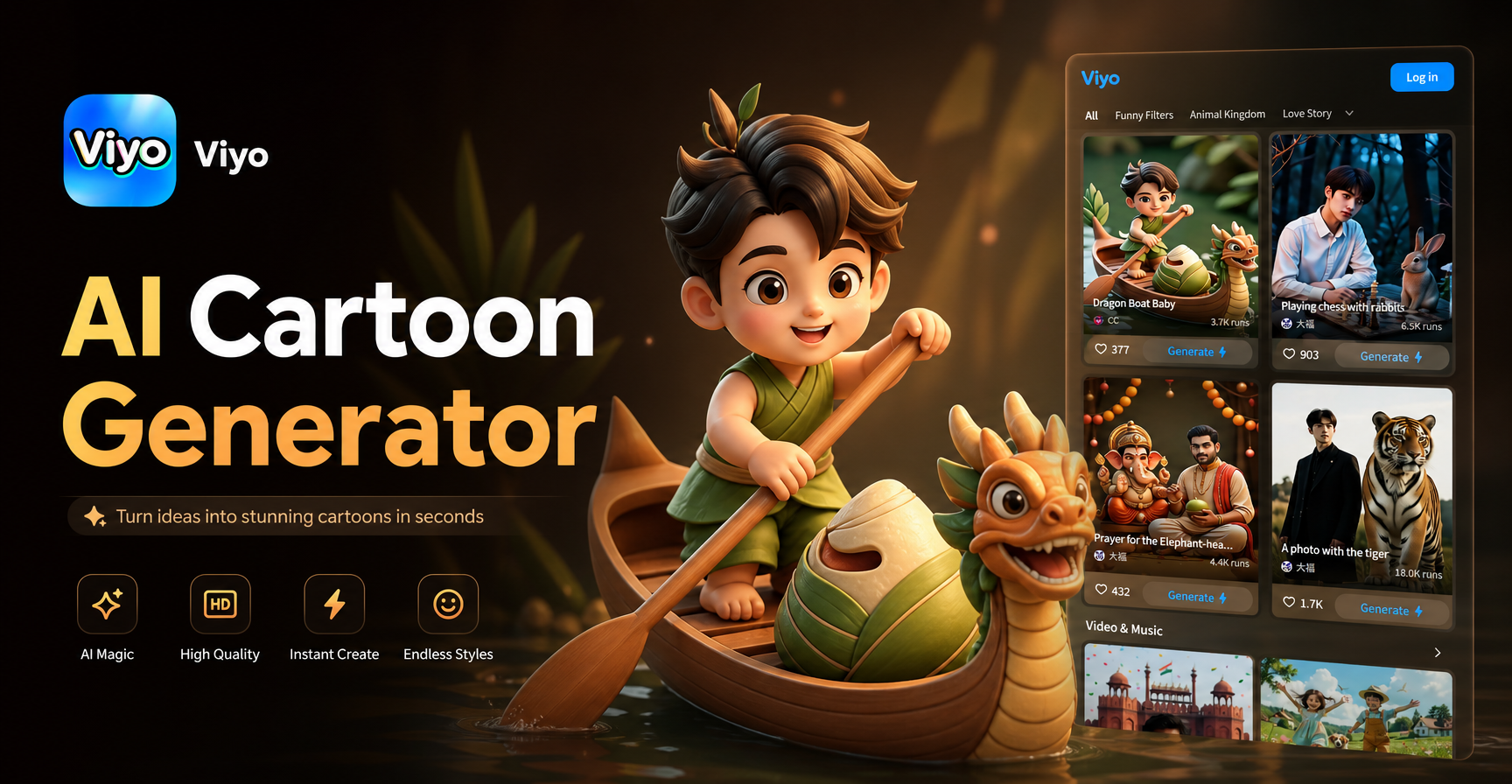
Ai Cartoon Generator
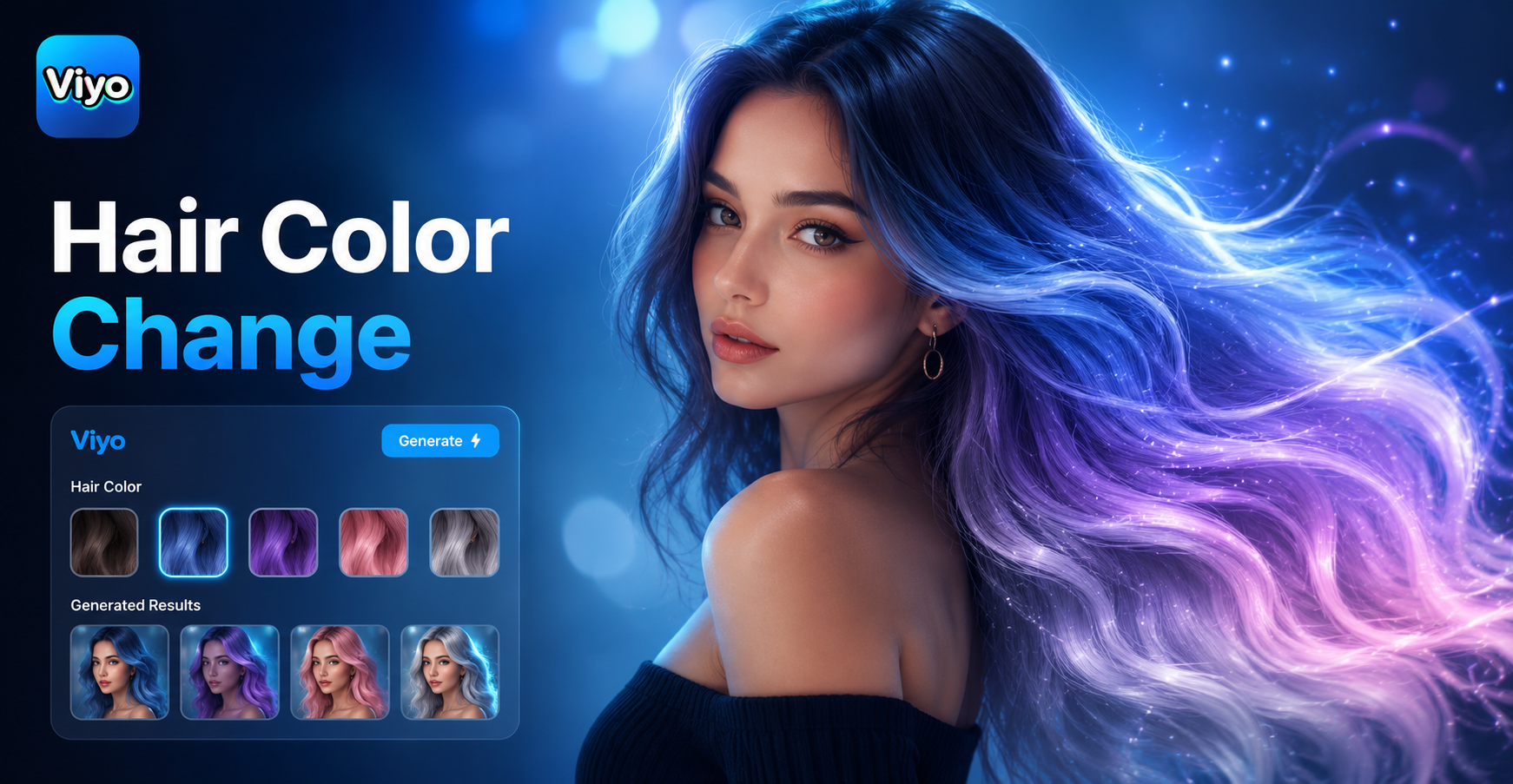
Hair Color Change
Ai Girl Generator
Ai Gender Swap
Ai Cartoon Generator
Hair Color Change
Your Portrait, Now Cinematic
Stop scrolling. Start creating. Download Viyo now and transform your photos into stunning, smoky cinematic portraits in seconds.

Your Portrait, Now Cinematic
Stop scrolling. Start creating. Download Viyo now and transform your photos into stunning, smoky cinematic portraits in seconds.