AI Waifu Generator
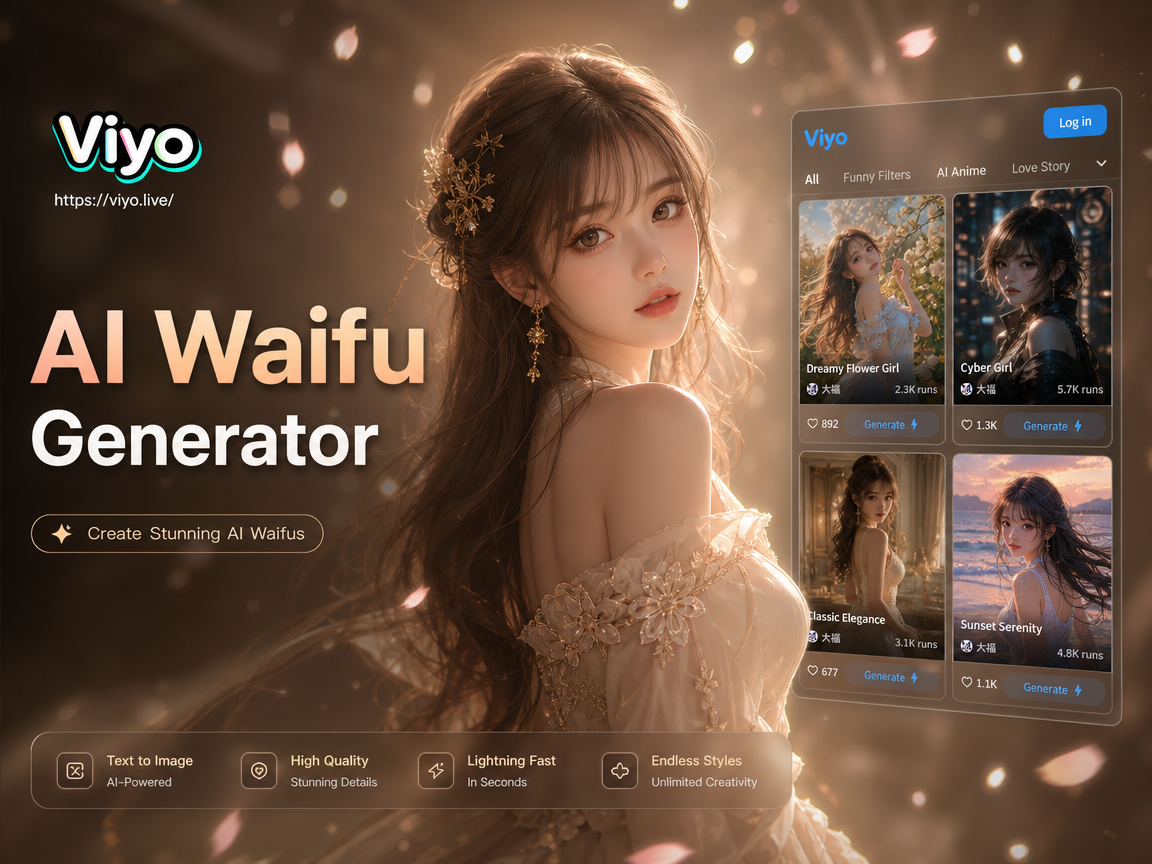
Choose the Anime Style That Fits Your Character
From classic cel shading to cinematic portraits, every template is tuned for character art so faces stay consistent while outfits and worlds change.
Three Ways to Build Your Character
Start from a selfie, a written idea, or a finished still. The app covers the full path from first look to a shareable clip, all on your phone.
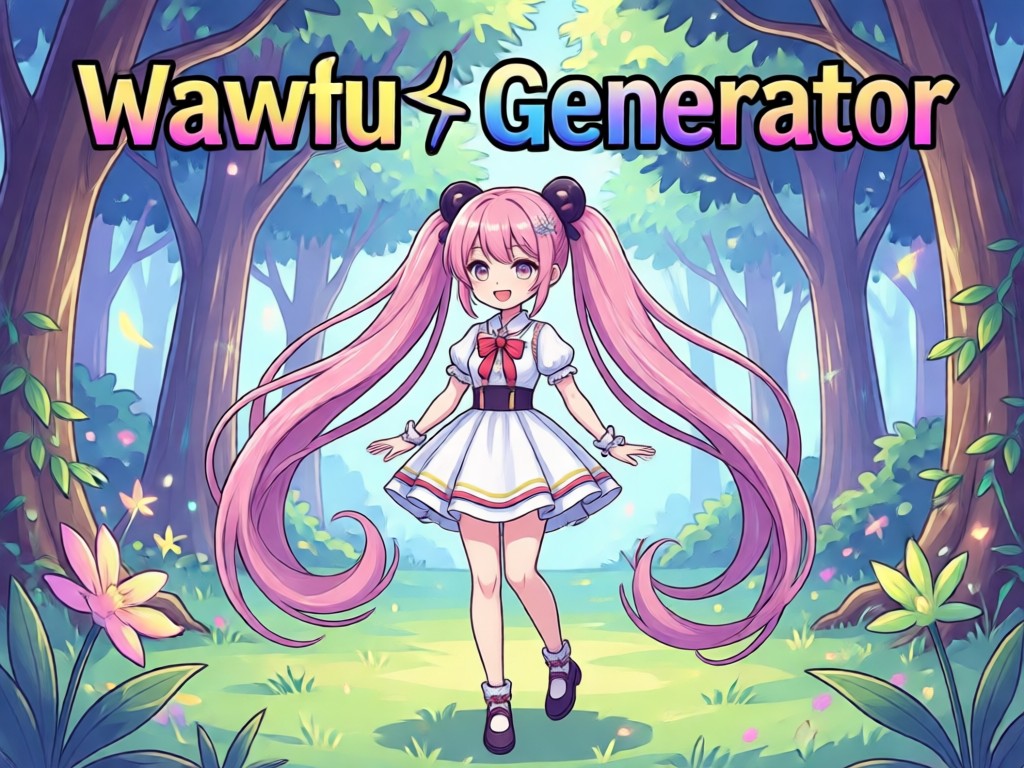
Photo to Anime Portrait
Upload a selfie or a reference portrait. The model keeps facial identity while restyling hair, clothing, and background into polished anime art you can save or share.
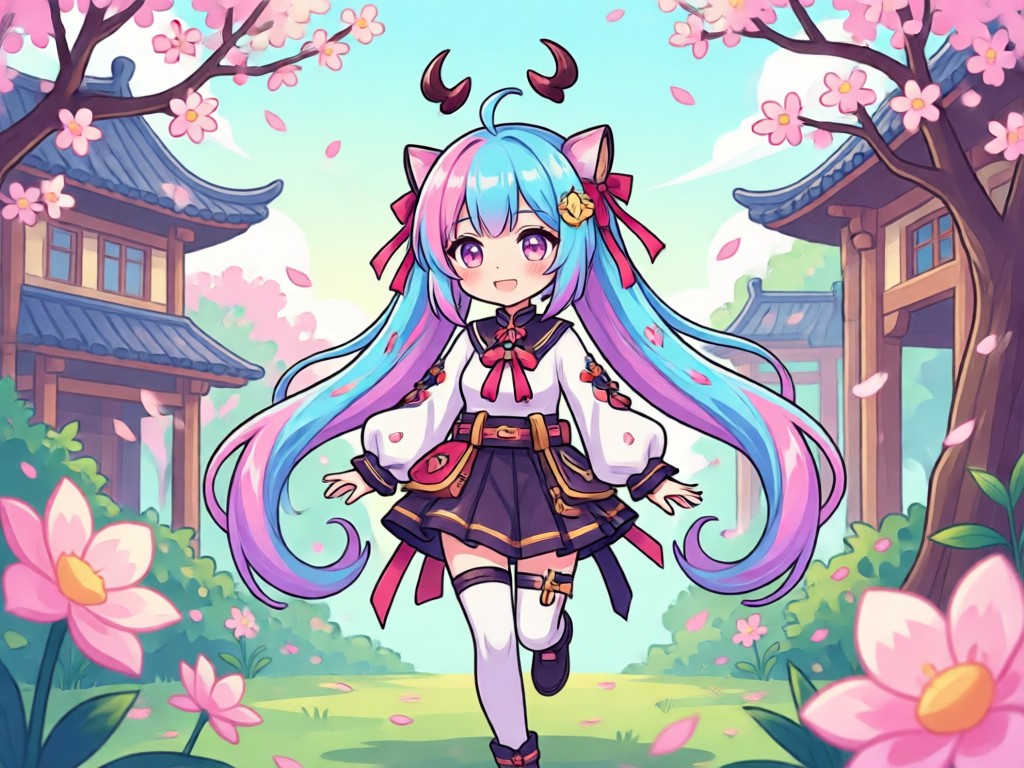
Text Prompt Creation
Describe hair, outfit, expression, and setting in everyday language. The generator builds a new character from your words, so you skip long prompt formulas and technical settings.
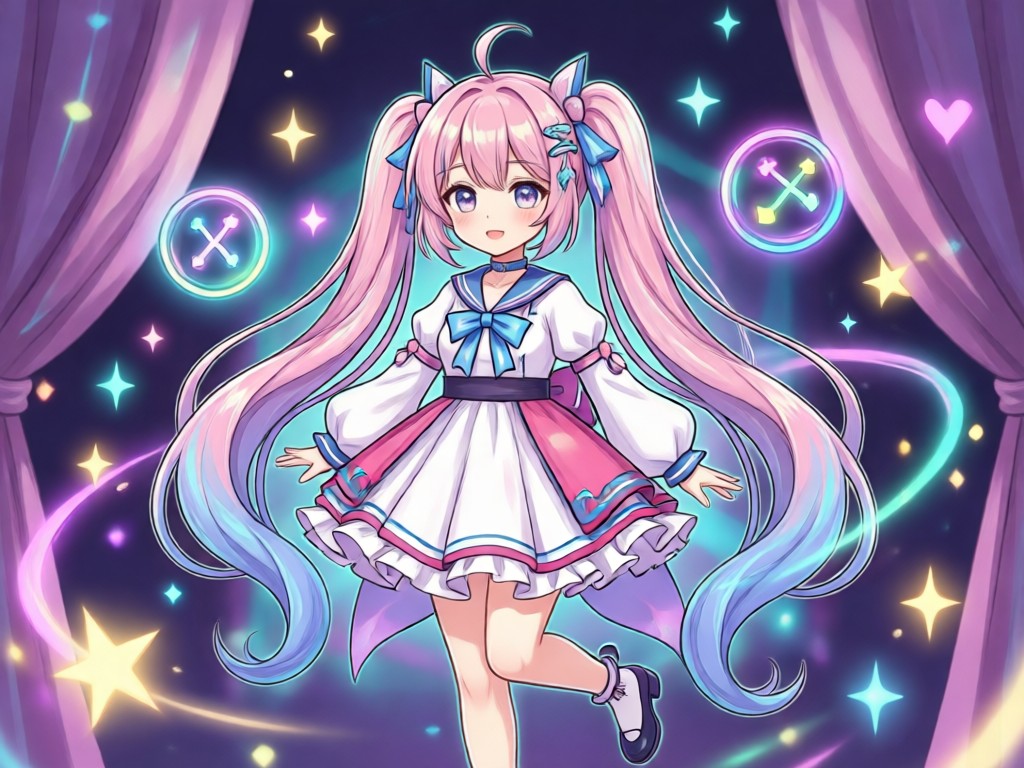
Still Image to Motion
Turn a finished portrait into motion with a blink, a smile, a glance, or a short scene. Your character stays consistent from the first frame to the last.
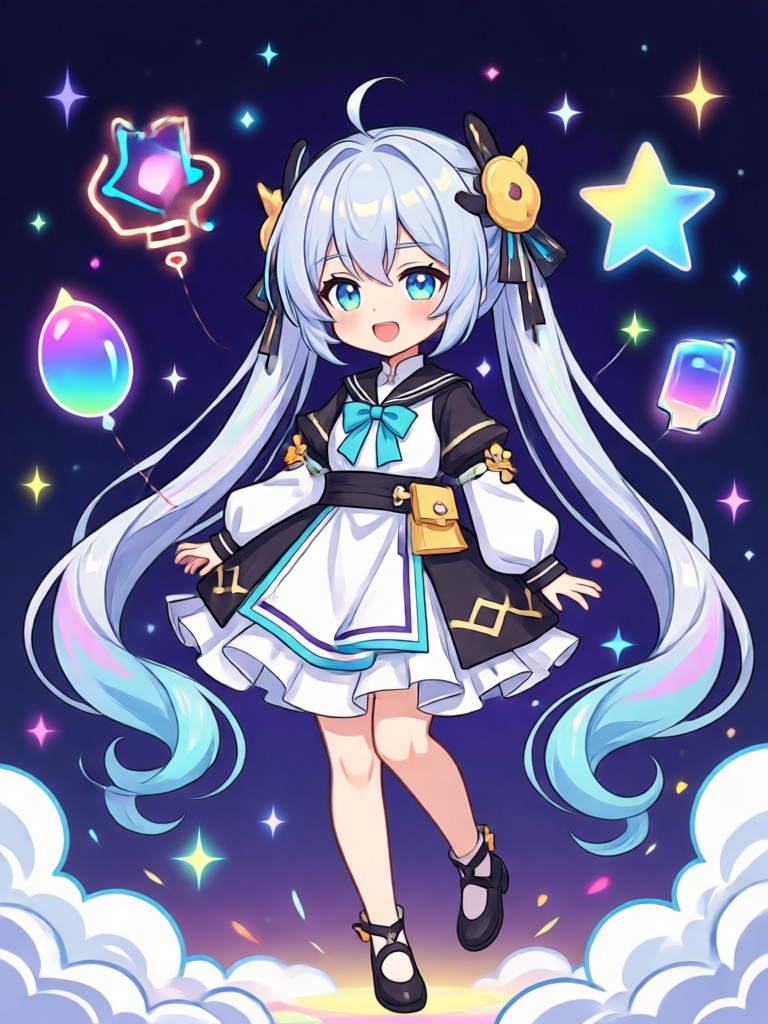
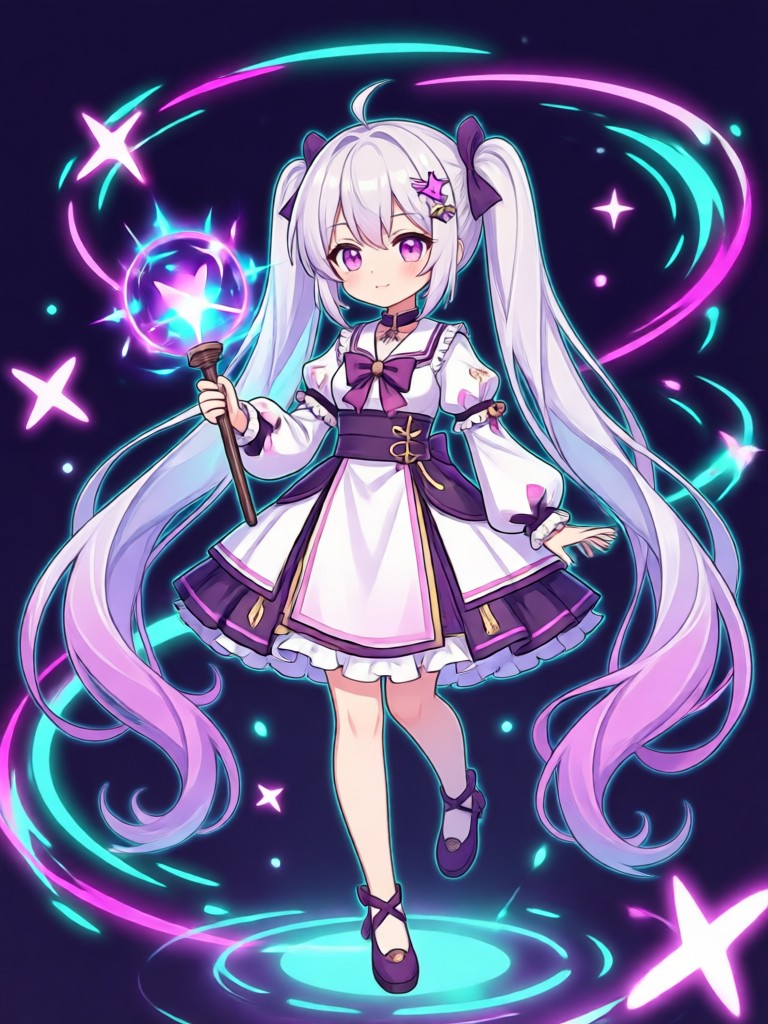
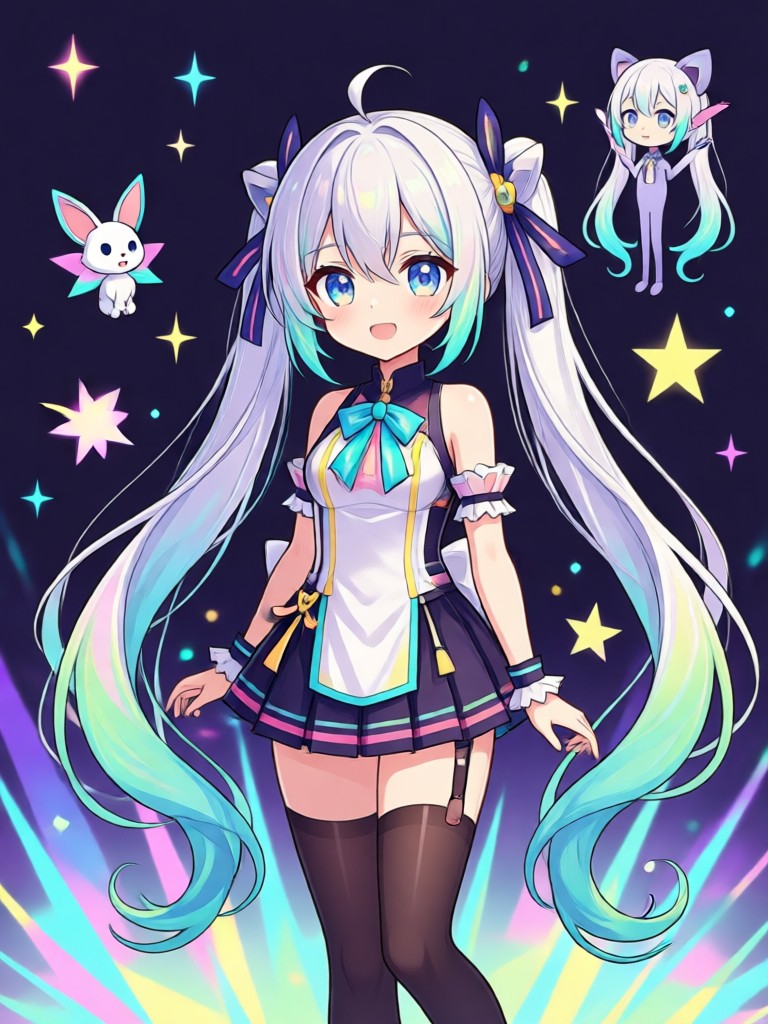
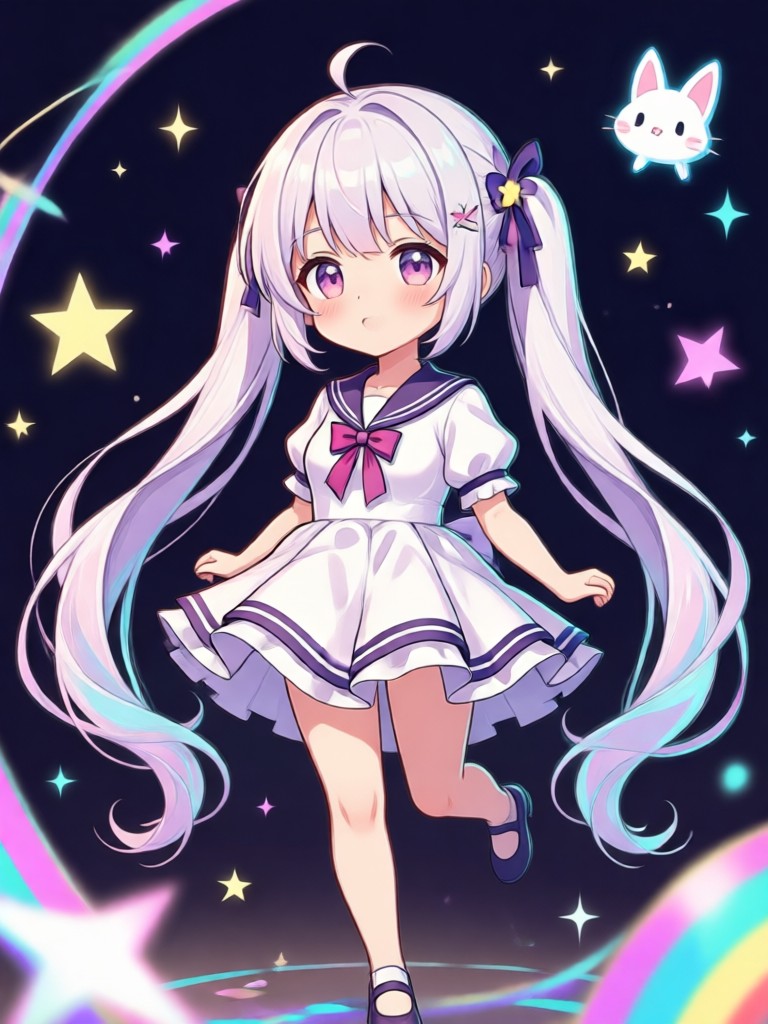
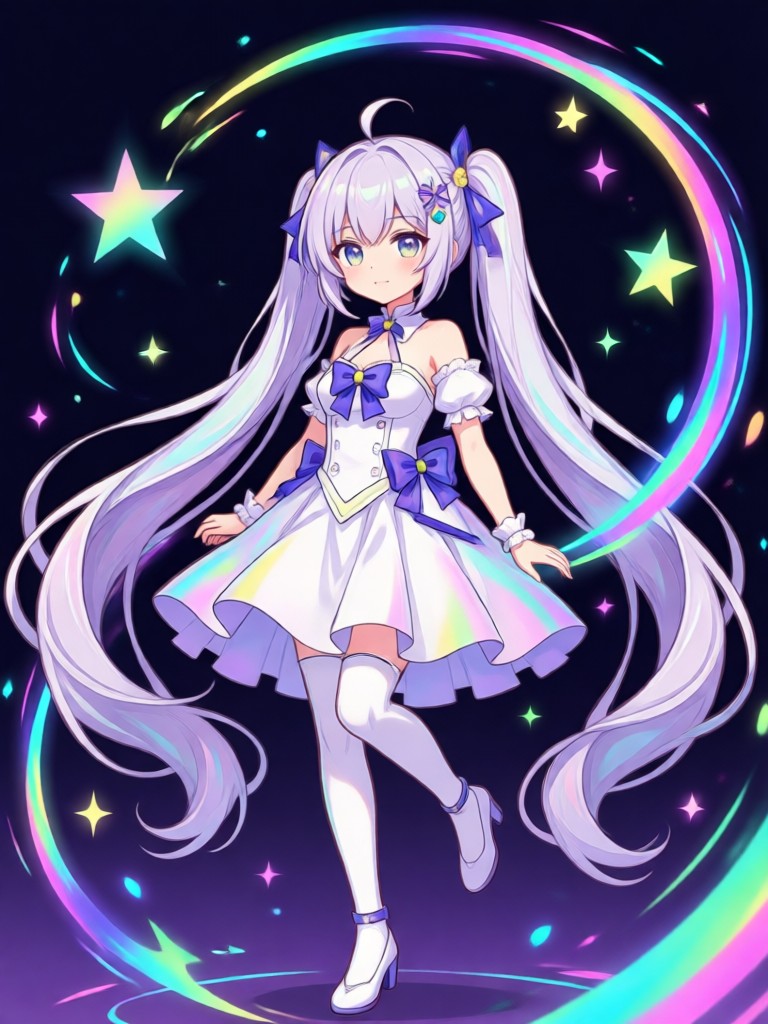
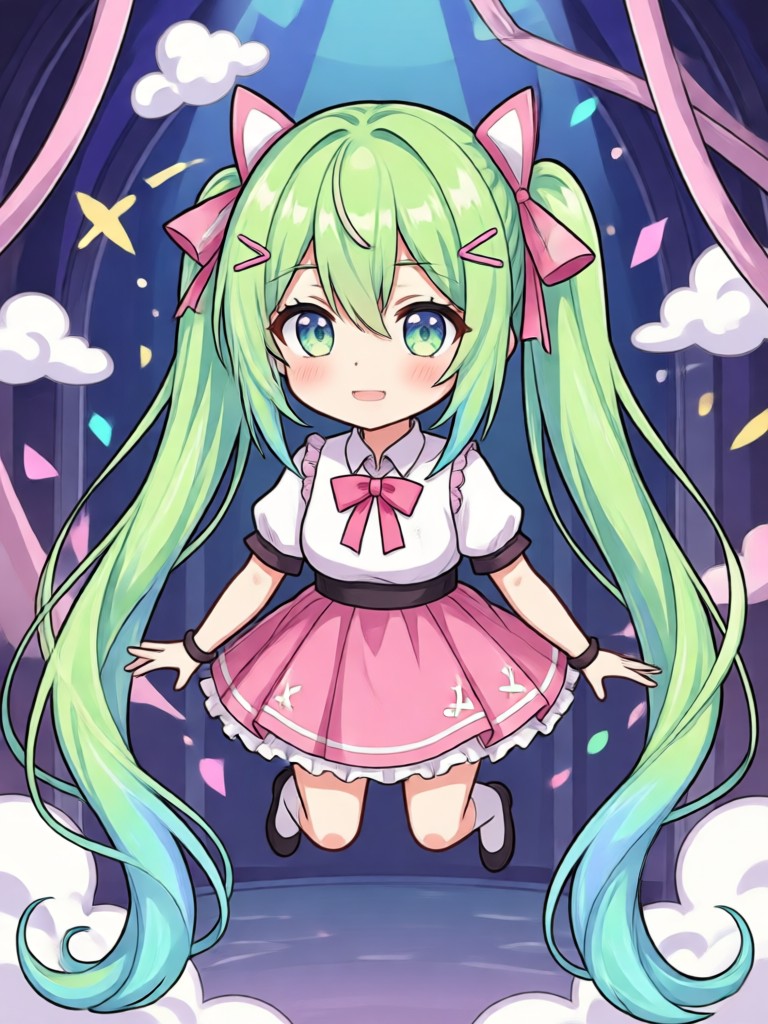
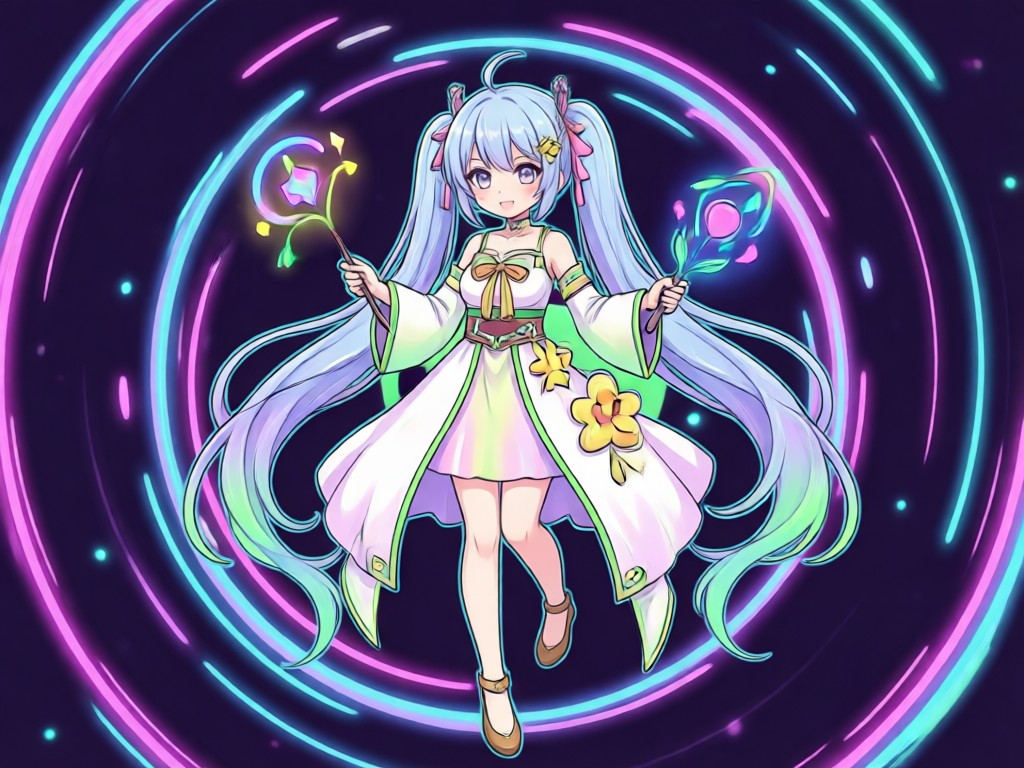
Character Gallery From Real Generations
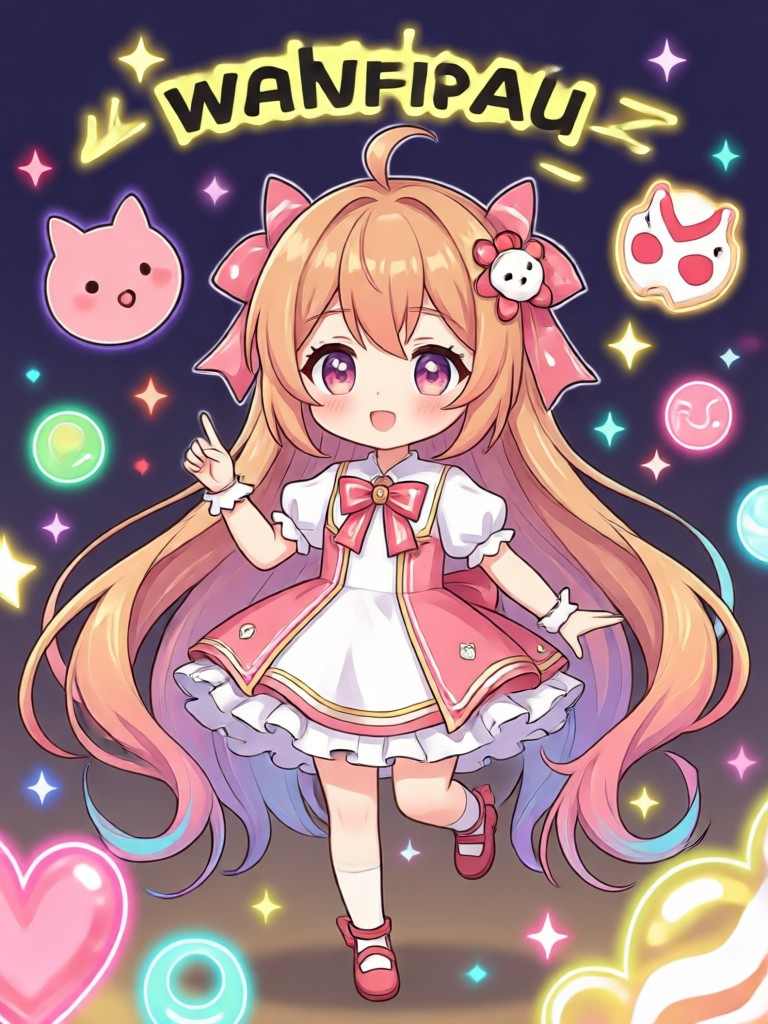
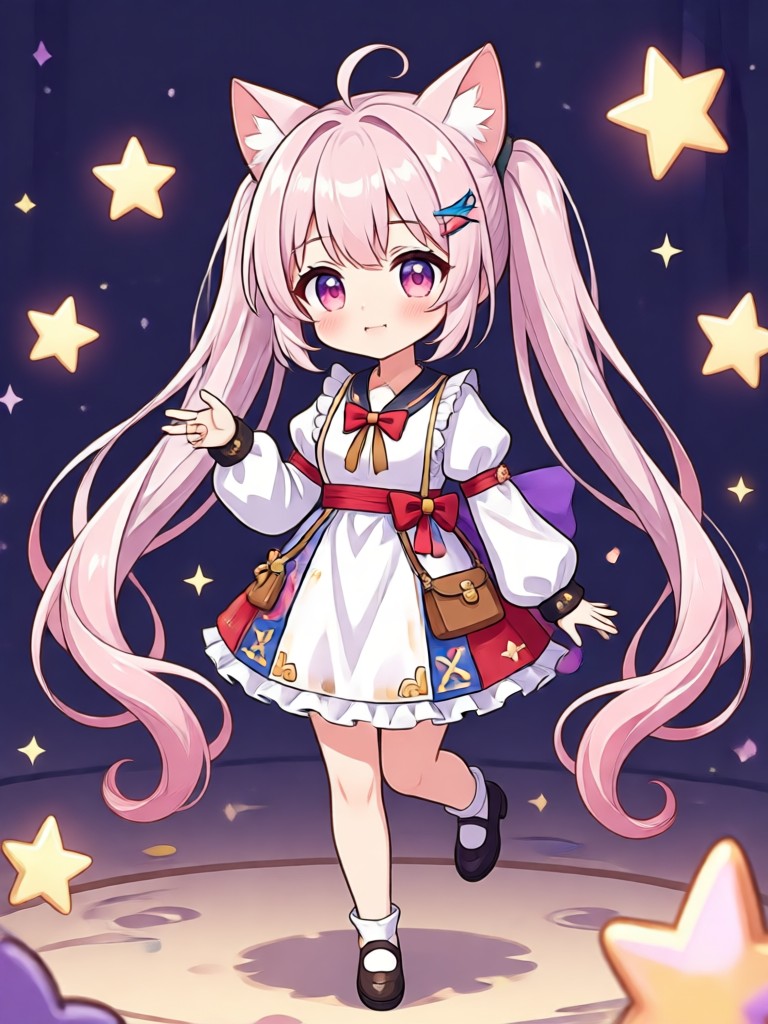
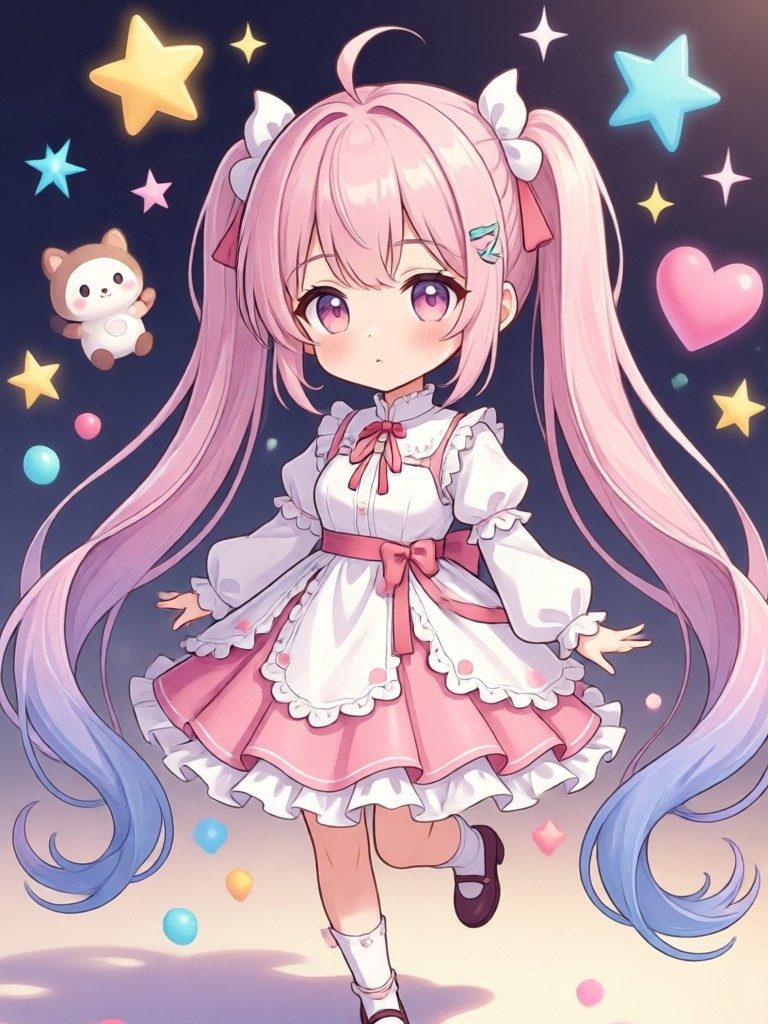
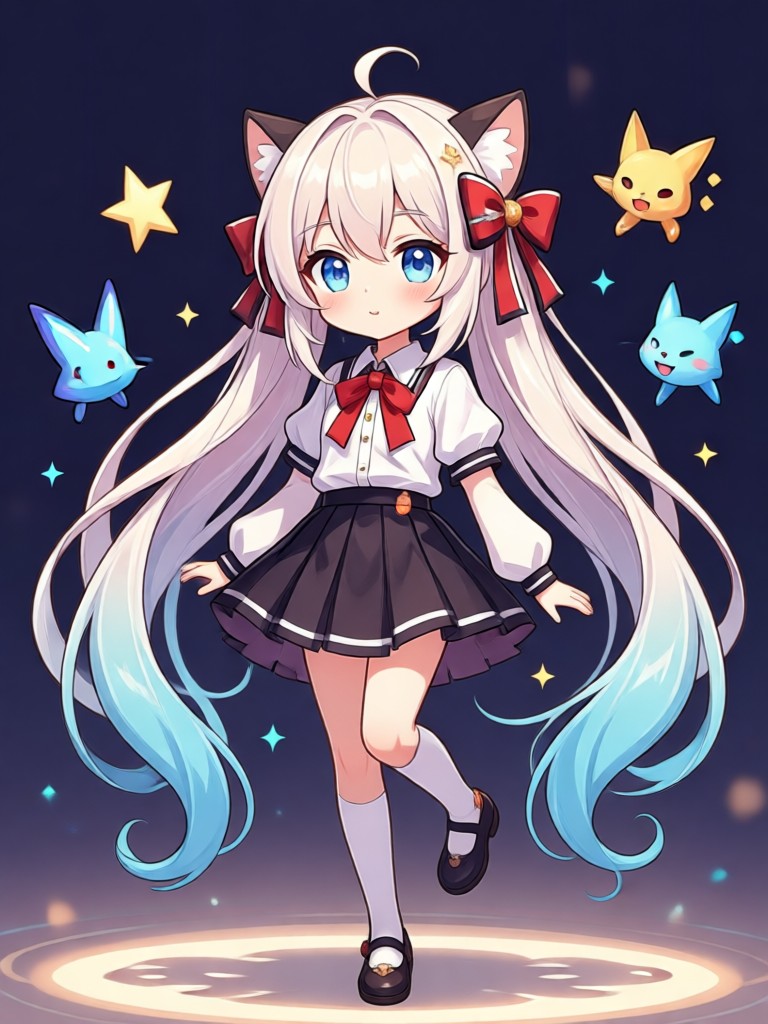
Browse anime portraits, fantasy looks, street fashion, and cinematic stills made inside the app. Use them as inspiration, then create your own version from a photo or a prompt.


A Full Character Studio Without the Learning Curve
Most anime tools ask you to write long prompts or install heavy software. This generator is built for your phone. Upload a photo, pick a template, and keep the face consistent across outfits and styles. Then animate the same portrait for posts, chats, and profile art in a few taps.
A Full Character Studio Without the Learning Curve
Most anime tools ask you to write long prompts or install heavy software. This generator is built for your phone. Upload a photo, pick a template, and keep the face consistent across outfits and styles. Then animate the same portrait for posts, chats, and profile art in a few taps.
How to Use the AI Waifu Generator
Create a finished anime character on your phone in three clear steps. No desktop software, no prompt formulas, no design training.
Step 01.
Download the viyo app from Google Play so you can generate portraits and clips anytime, even when you are away from a computer.
Step 02.
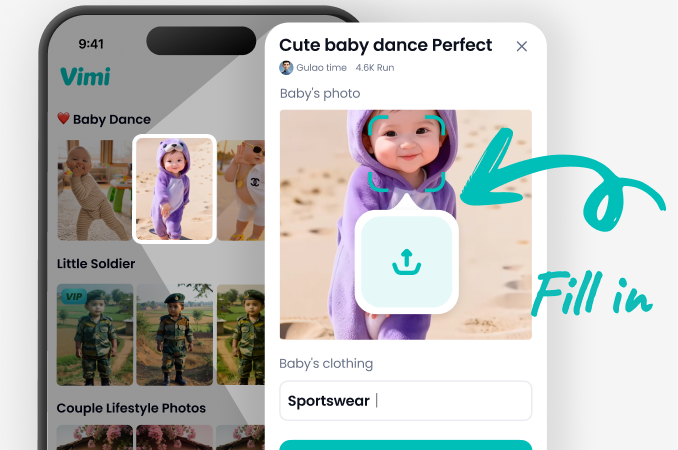
Upload a clear photo or type a short description, then pick an anime style template that matches the look you want for hair, outfit, and mood.
Step 03.
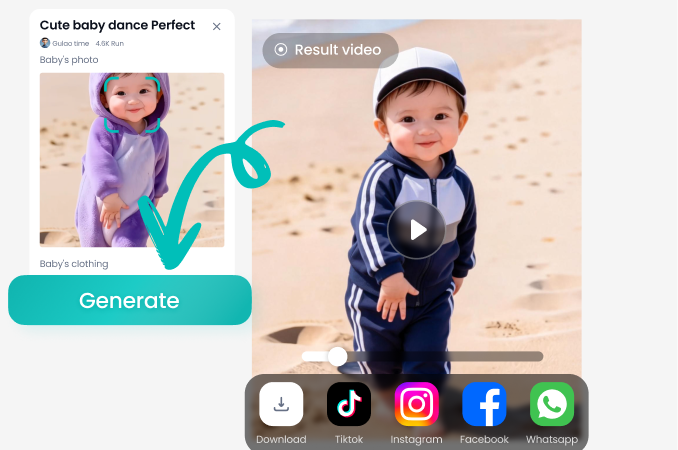
Tap generate, save your HD still, or turn it into a short video. Share the result to social feeds or keep a private collection inside the app.
Generate on Your Phone, Not a Desktop
viyo puts text to image, photo restyle, and image to video in one Android app. Download it on Google Play, pick an anime template, and create your next character in minutes.

What People Make With This Generator
Finally looks like the character in my head
I used to spend hours in editors and still missed the face. I uploaded a photo, picked an anime template, and the likeness actually held. Hair, outfit, and background all changed without turning into a stranger. I generate a new look every weekend now.
Great for costume tests before I draw
I sketch for a living and needed faster outfit trials. Text prompts give me clean poses and clothing ideas I can build on. The style library is huge, and I am not fighting a desktop tool. I open the phone app, generate, and get back to drawing.
My followers keep asking which filter I used
I post short character clips every week. The still images already look sharp, and the motion tools add a blink or a smile that feels natural. I do everything in the app, then share. It is the simplest anime character workflow I have found.
AI Waifu Generator Questions
Straight answers on quality, styles, photos, video, and the free app so you can decide if this is the right character tool for you.
More Topics You May Like
Explore more character, portrait, and animation ideas you can try inside the same app after you generate your first look.
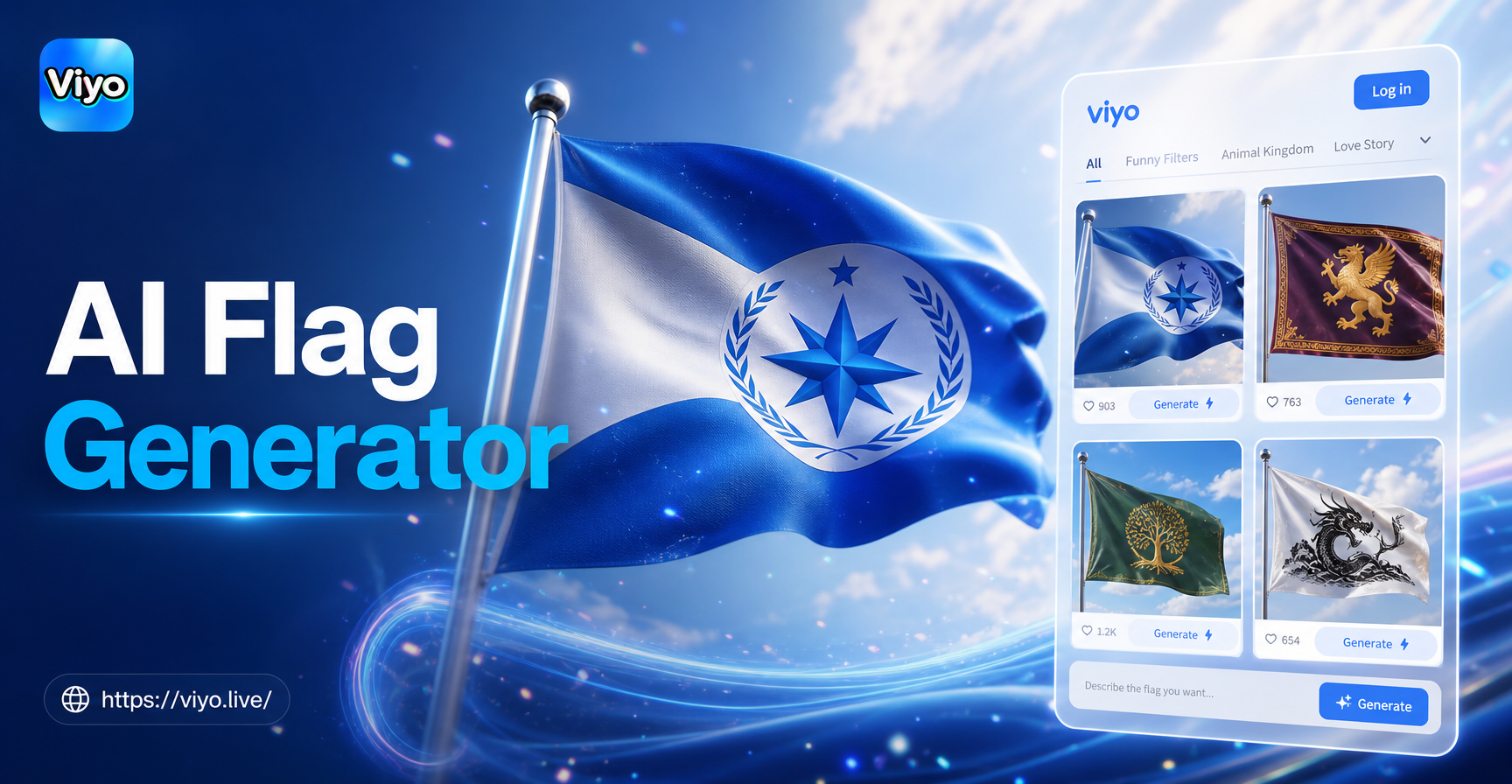
AI Flag Generator: Create Custom Flags in Seconds
Build your own flag instantly with AI. Choose from templates, or generate a completely unique design. No artistic skills needed. Share your custom flag in minutes.
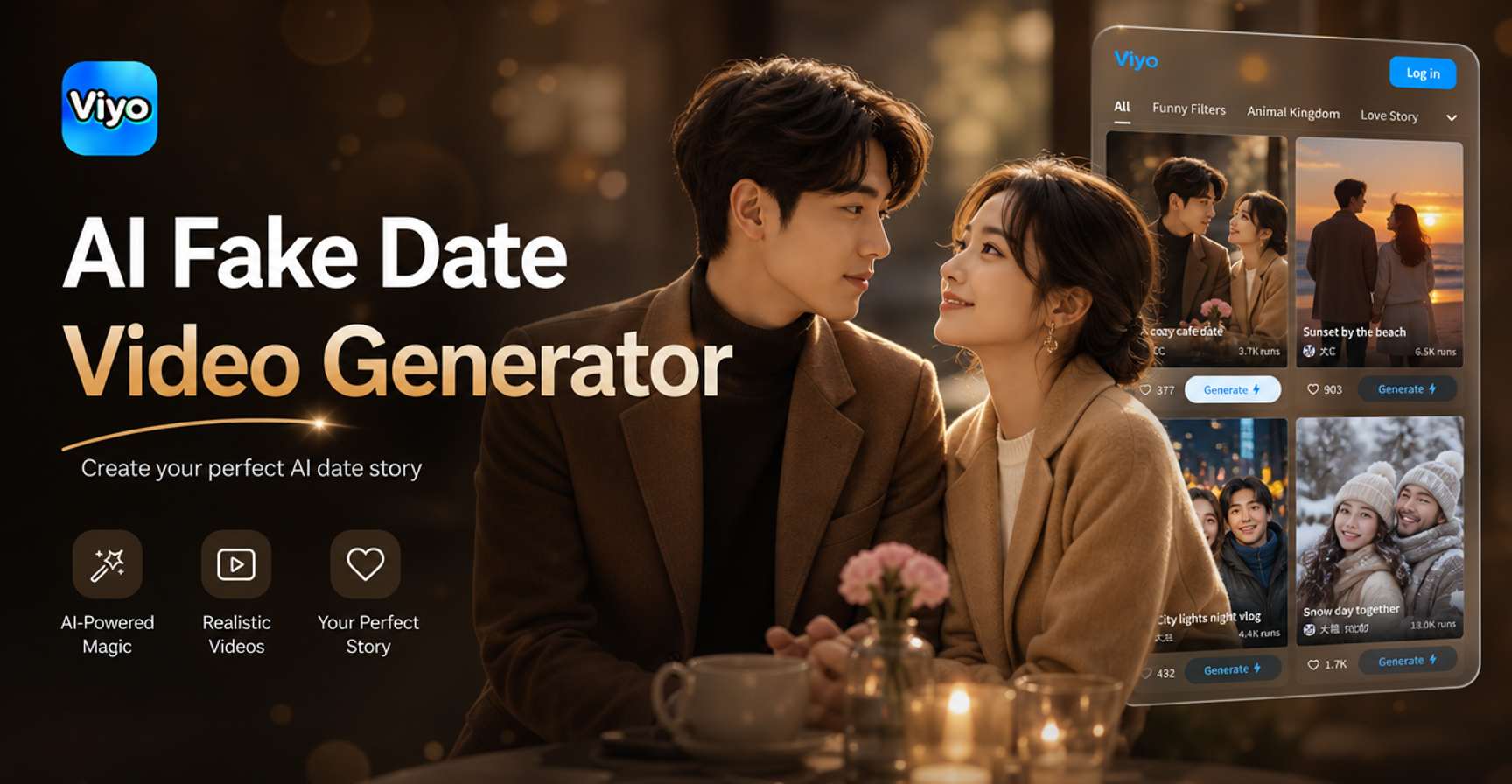
Create Realistic AI Date Videos in Minutes
Generate a fake date video with AI. Upload your photo, choose a scene, and get a lifelike romantic or fun date video instantly. No filming needed. Try it now on your phone.
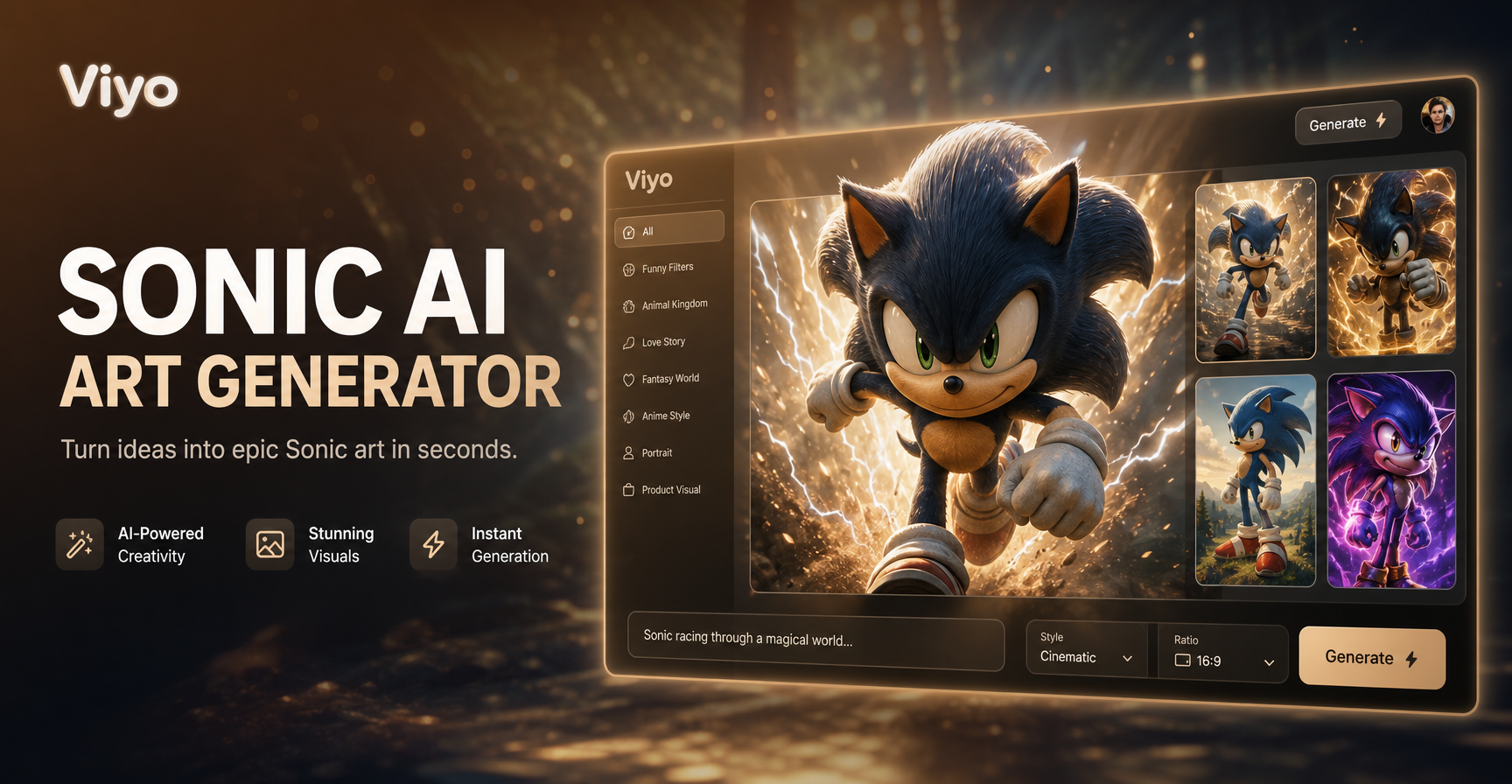
Craft Your Sonic OC with AI Art & Character Creator
Bring your original Sonic character to life. Use our AI Sonic OC Generator to design heroes, villains, and sidekicks with custom styles, colors, and accessories in seconds. No art skills required.
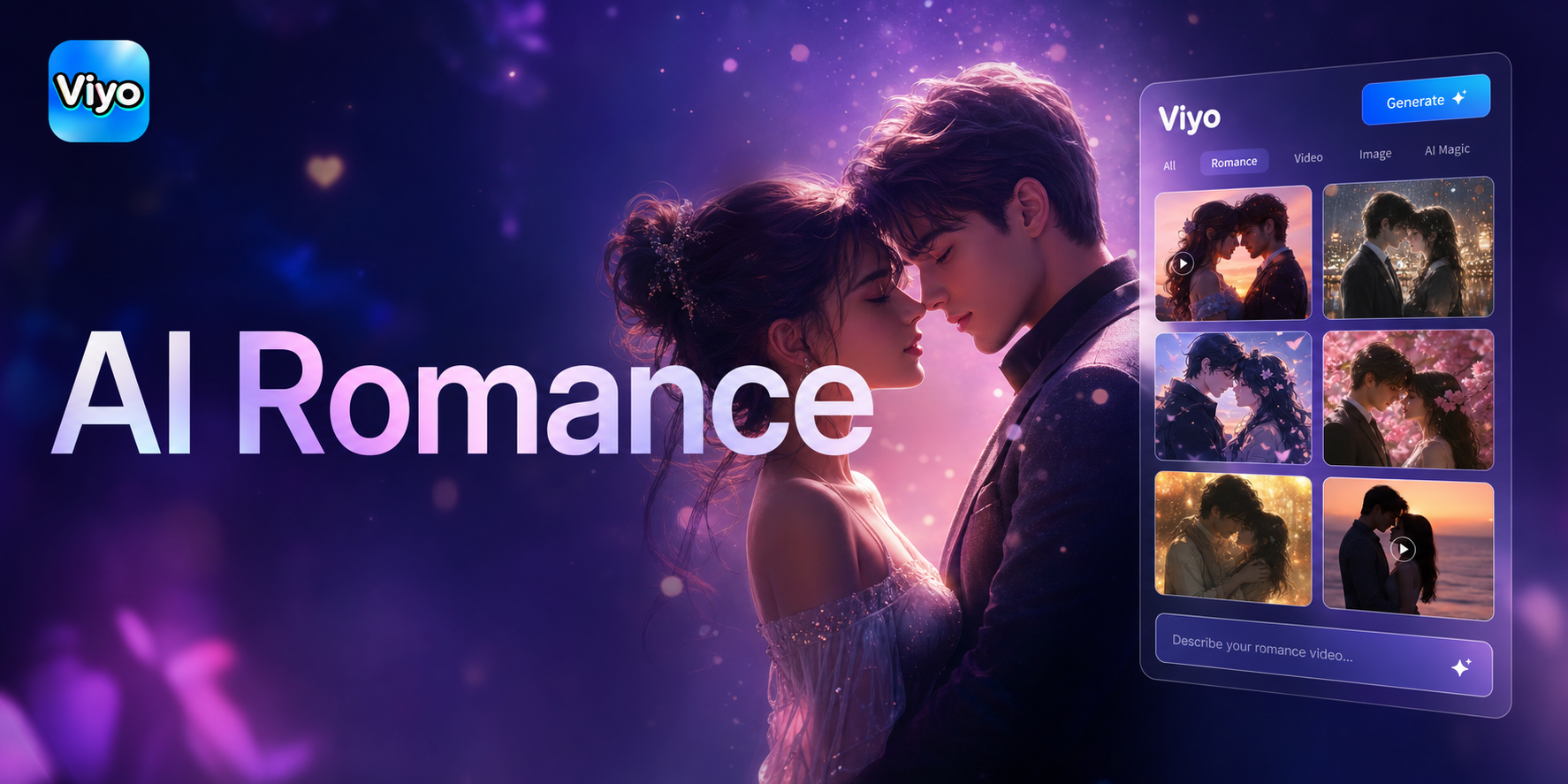
Create Magical AI Kissing Videos Instantly
Make realistic AI kiss videos for free. Upload photos, choose romantic scenes, and watch as AI creates heartfelt kissing moments in seconds. Perfect for gifts, reels, or fun.
Your Next Character Is One Download Away
Install viyo on Google Play, choose an anime template, and generate HD portraits or short clips whenever inspiration hits.

Your Next Character Is One Download Away
Install viyo on Google Play, choose an anime template, and generate HD portraits or short clips whenever inspiration hits.