AI Double Exposure Portrait
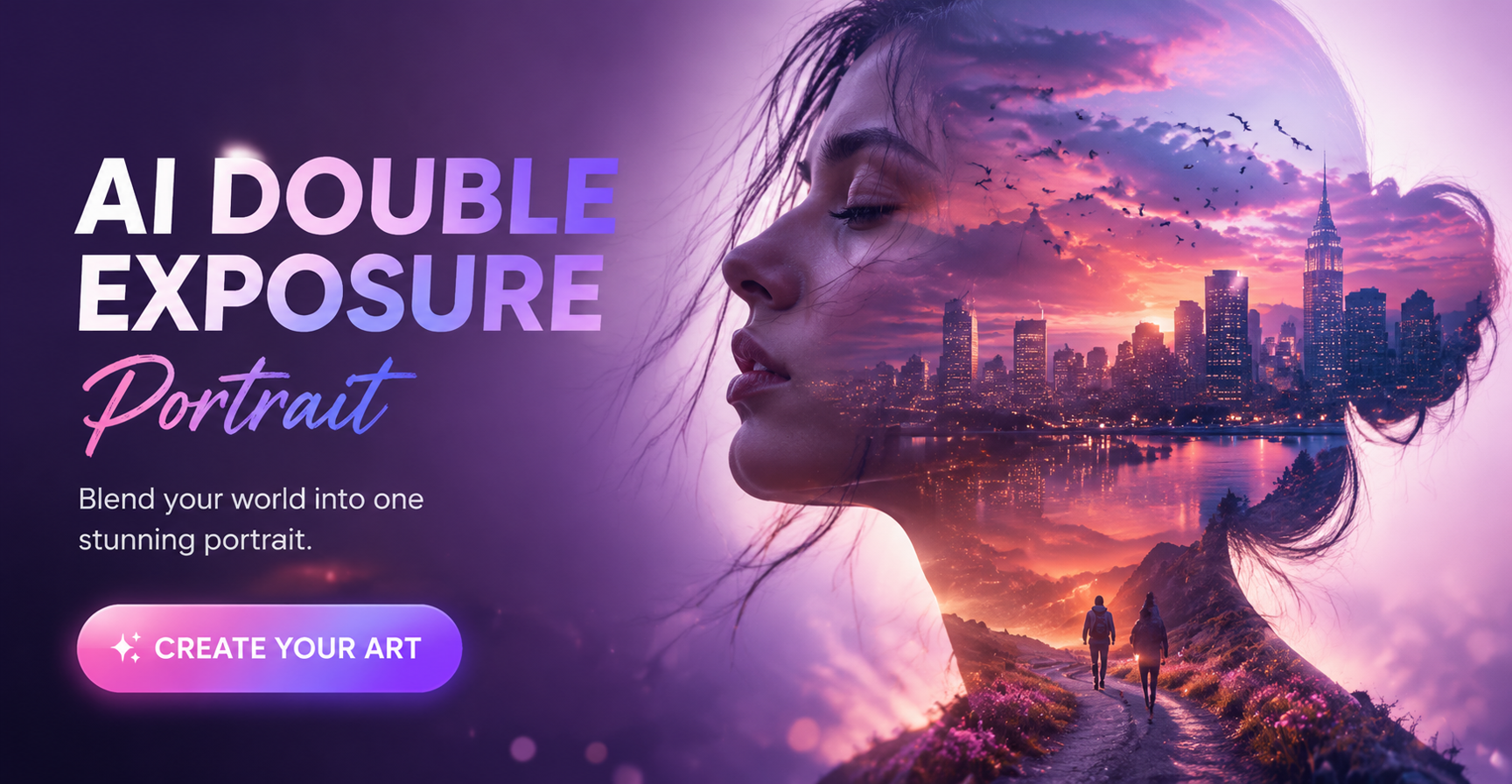
Choose Your Double Exposure Style
Explore our curated collection of AI double exposure filters. From ethereal nature blends to bold urban overlays, find the perfect artistic style for your portrait.
Key Features of the AI Double Exposure Portrait
CoupleLens is built as a mobile AI photo editor to create double exposure portraits without prompt writing. E
 Before
 After
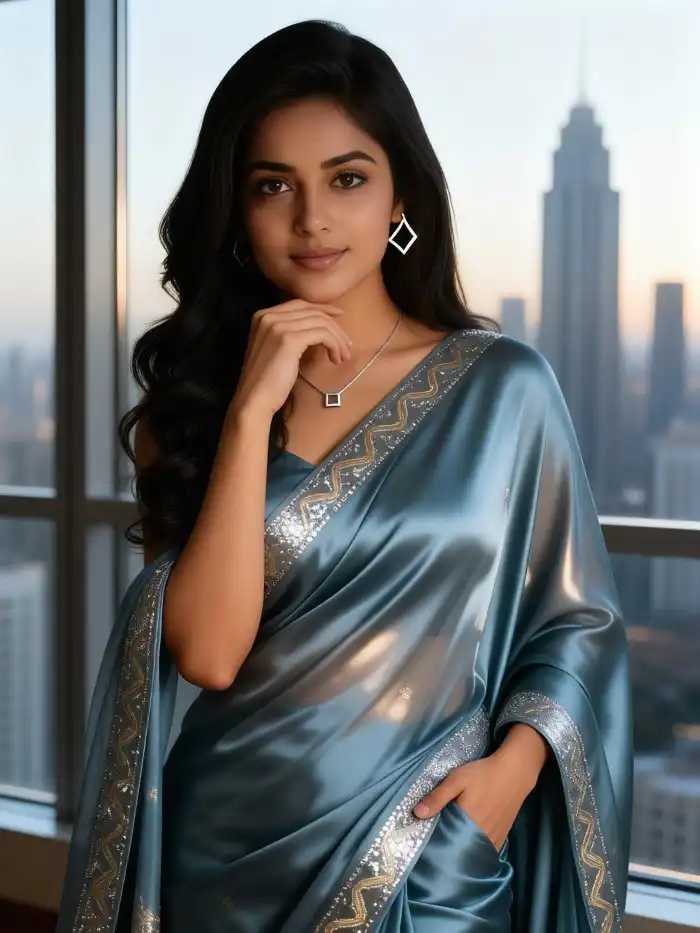
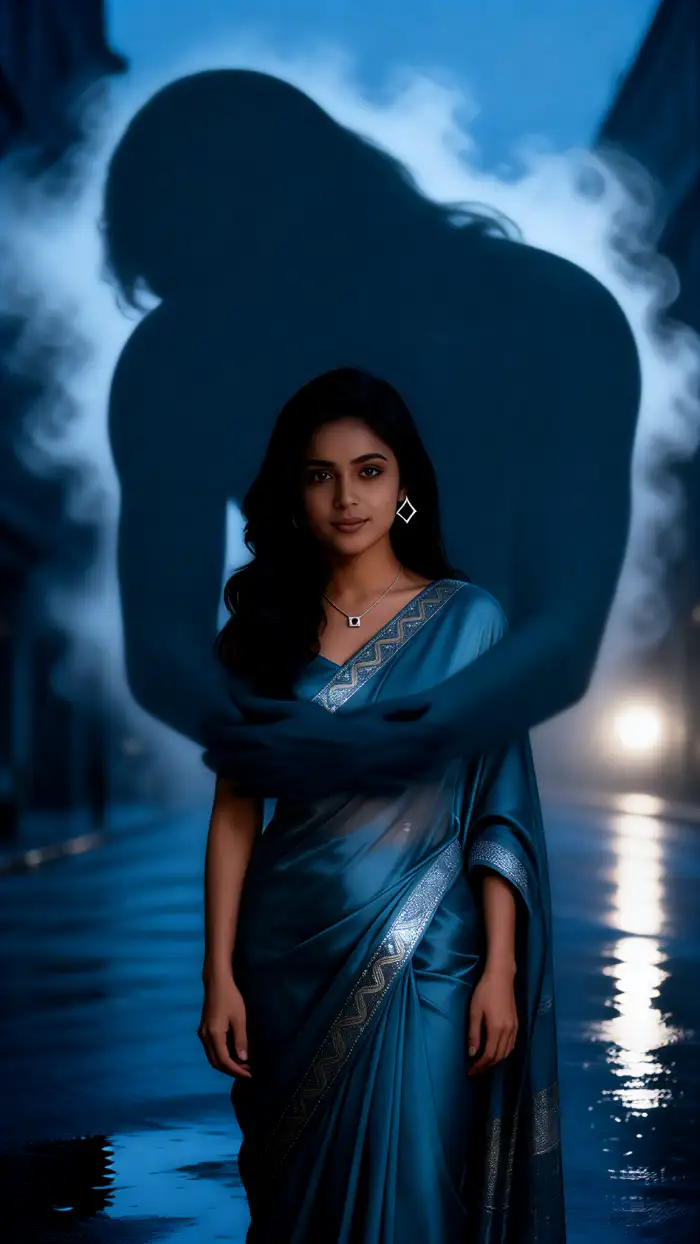
AfterOne Tap Double Exposure Filters
Instead of writing a long English prompt about forests, oceans, or galaxies, CoupleLens hands you nine curated double exposure filters. Each filter is a trained style template. You only pick the look you want. The filter does the rest. This is the fastest path from a normal selfie to a cinematic AI double exposure portrait, even if you have never opened an editing app before.
BeforeAfterOne Tap Double Exposure Filters
Instead of writing a long English prompt about forests, oceans, or galaxies, CoupleLens hands you nine curated double exposure filters. Each filter is a trained style template. You only pick the look you want. The filter does the rest. This is the fastest path from a normal selfie to a cinematic AI double exposure portrait, even if you have never opened an editing app before.
 Before
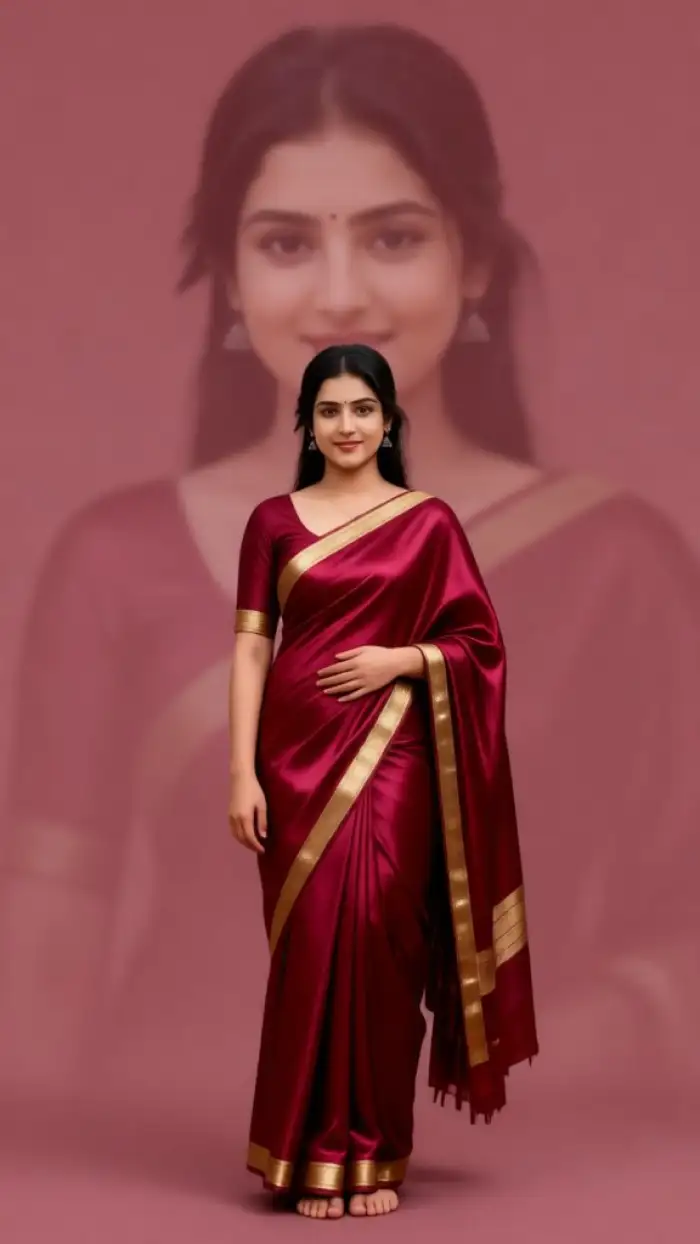 After
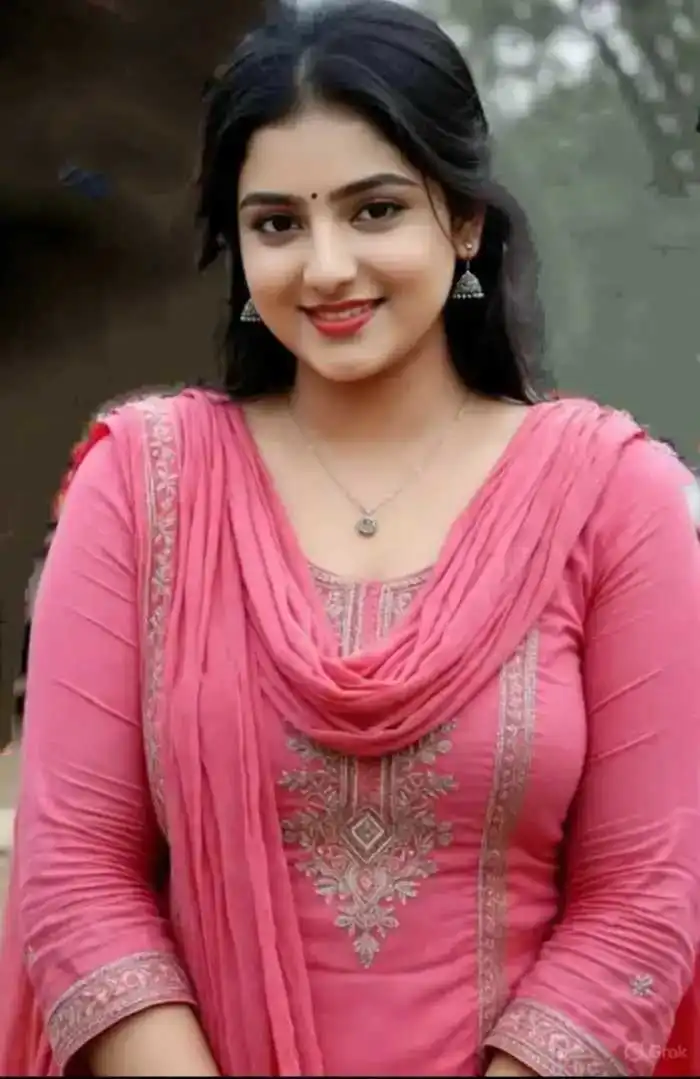
AfterFast Double Exposure Portrait Creation
CoupleLens is a mobile first App. You do not need to sit at a computer. You do not need a VPN. You do not need to top up credits on a stranger site. Open the App, upload one clear photo, tap a filter, and the result lands in about ten to twenty seconds. That speed turns a quick coffee break into a finished portrait worth posting.
BeforeAfterFast Double Exposure Portrait Creation
CoupleLens is a mobile first App. You do not need to sit at a computer. You do not need a VPN. You do not need to top up credits on a stranger site. Open the App, upload one clear photo, tap a filter, and the result lands in about ten to twenty seconds. That speed turns a quick coffee break into a finished portrait worth posting.
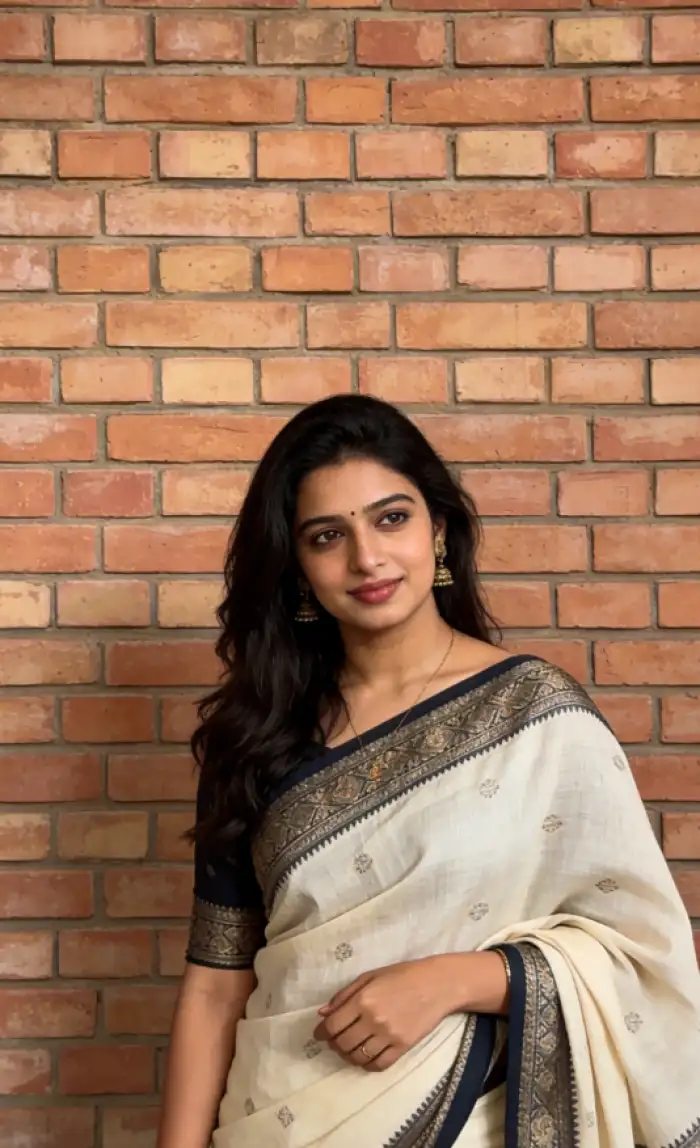 Before
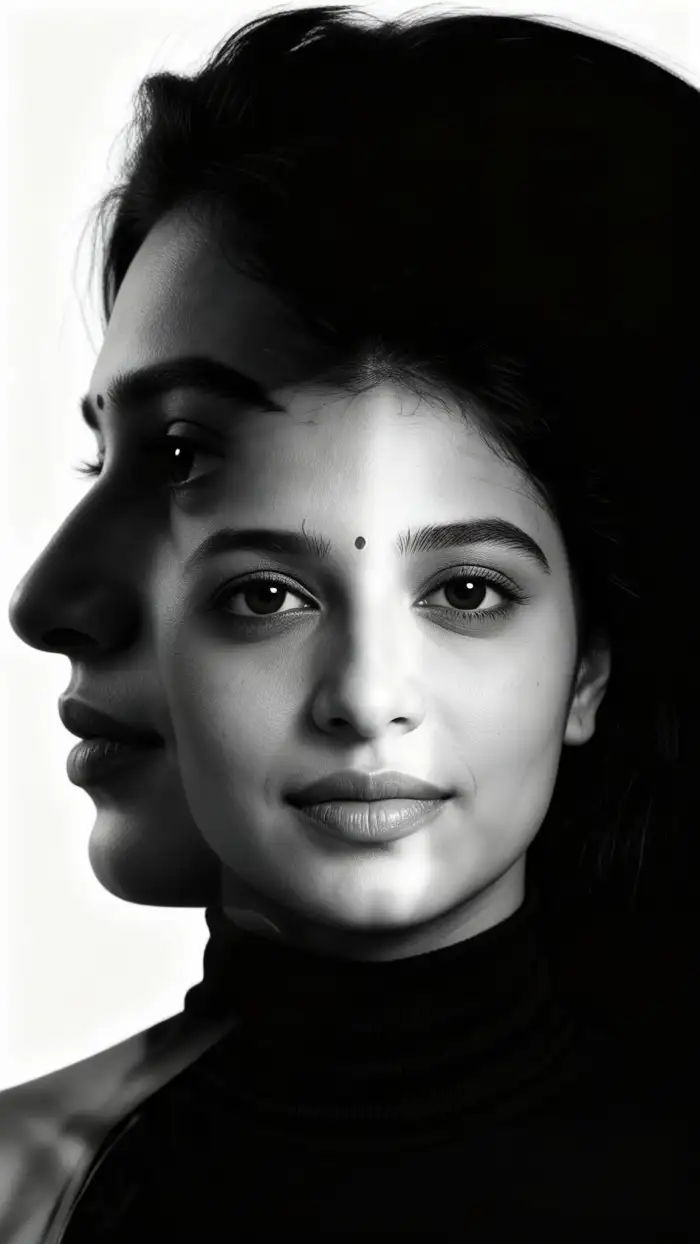 After
AfterFace Consistency and Accuracy
The double exposure effect can easily ruin a face. CoupleLens keeps facial features, hair shape, and identity stable inside the silhouette. Group photos also work. Upload your selfie or friend shot, and the AI identifies the face accurately even when wrapped in mountains, city lights, or stars. No melted faces. No missing friends.
BeforeAfterFace Consistency and Accuracy
The double exposure effect can easily ruin a face. CoupleLens keeps facial features, hair shape, and identity stable inside the silhouette. Group photos also work. Upload your selfie or friend shot, and the AI identifies the face accurately even when wrapped in mountains, city lights, or stars. No melted faces. No missing friends.
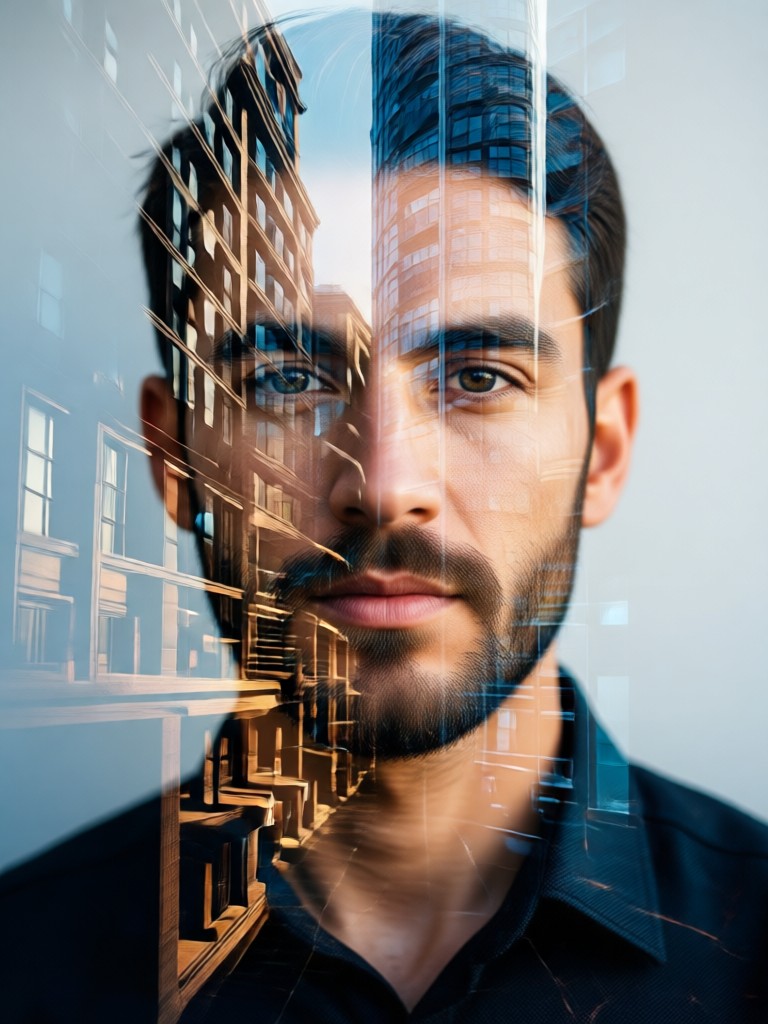
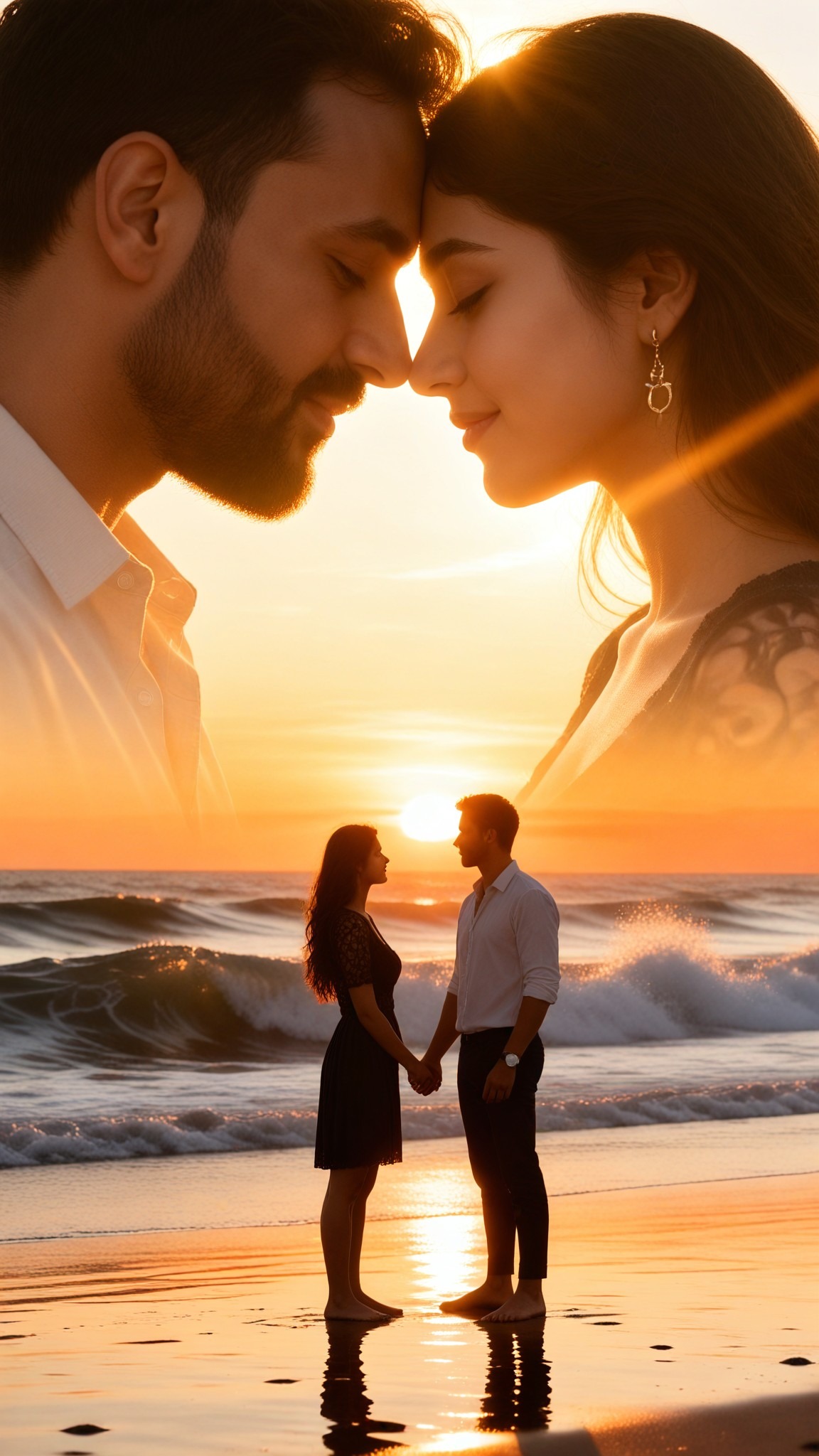
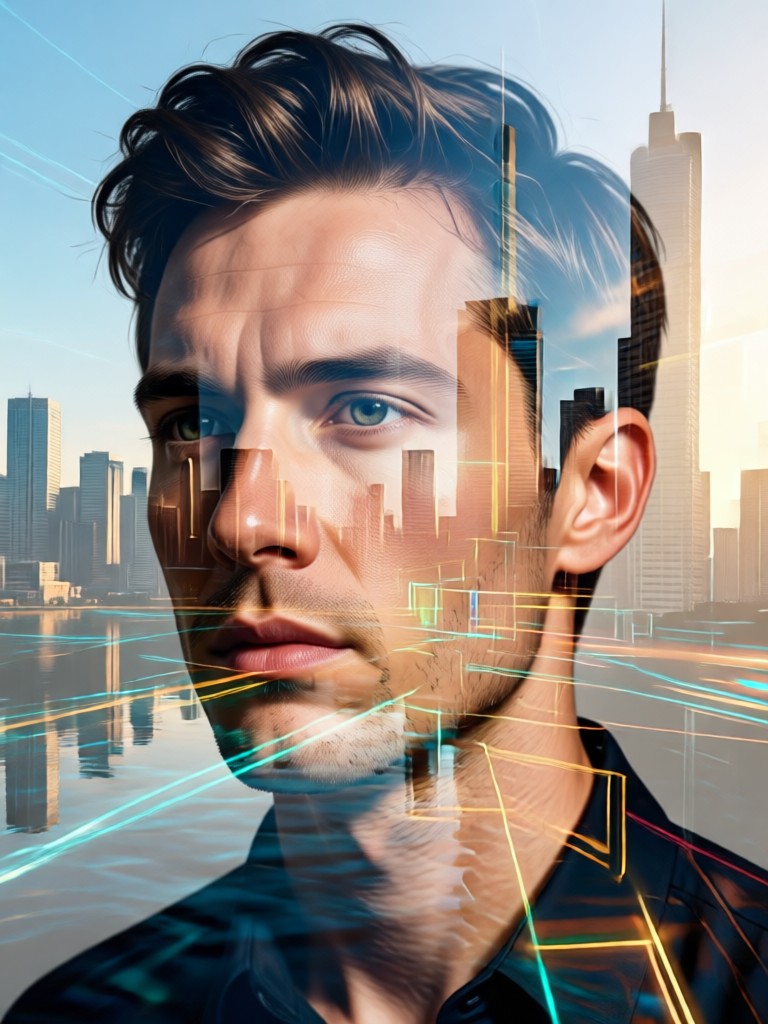
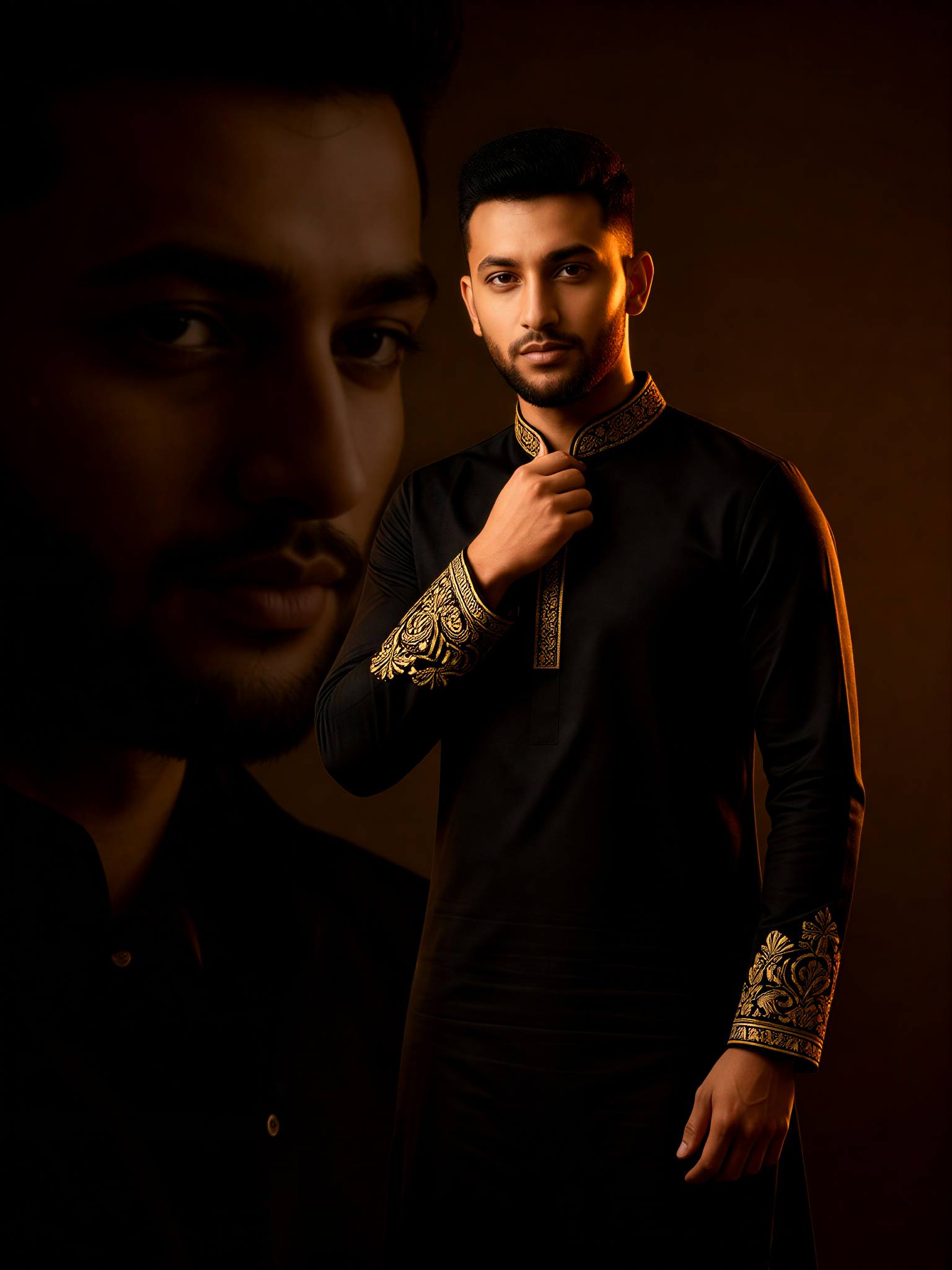
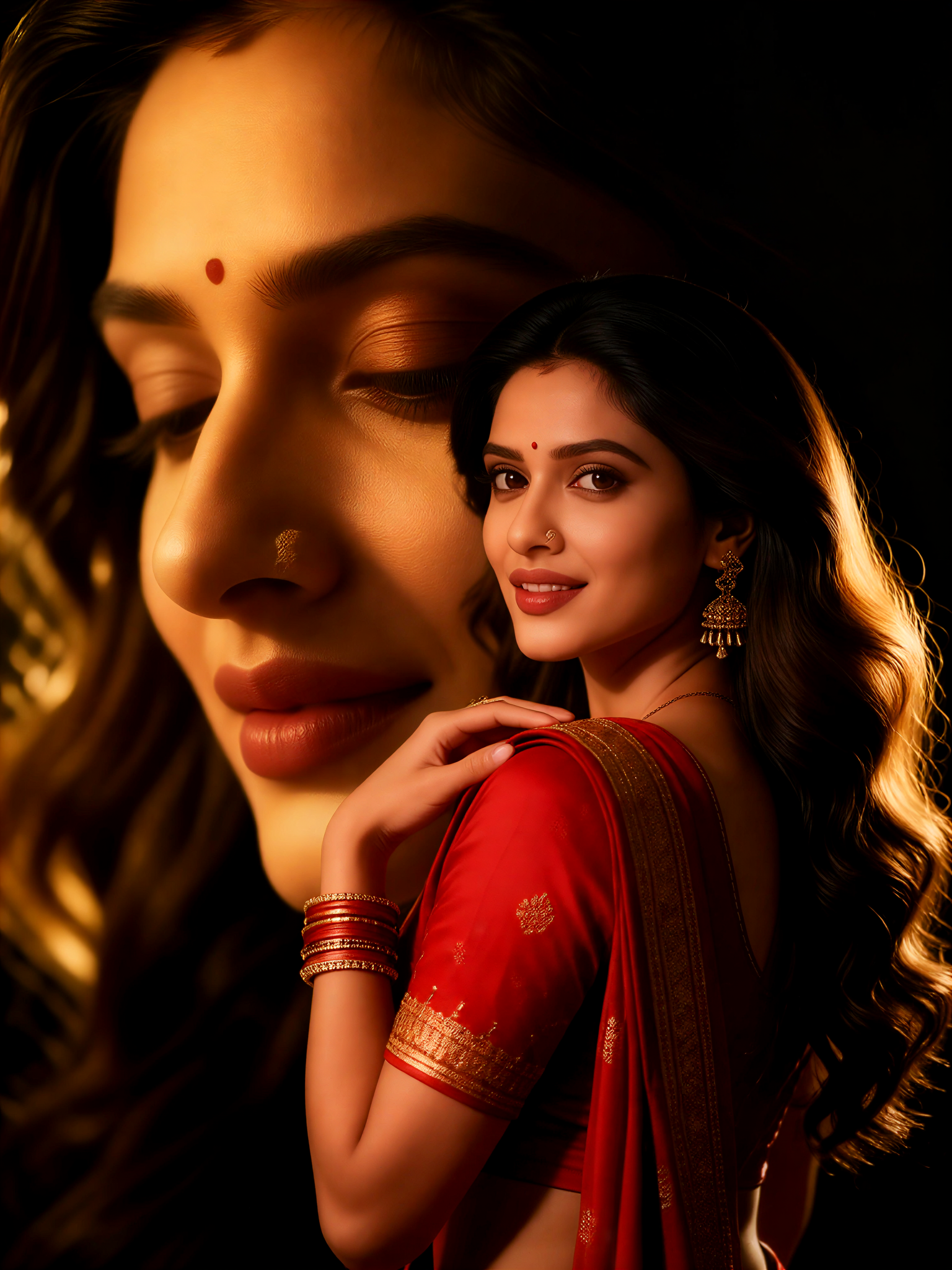
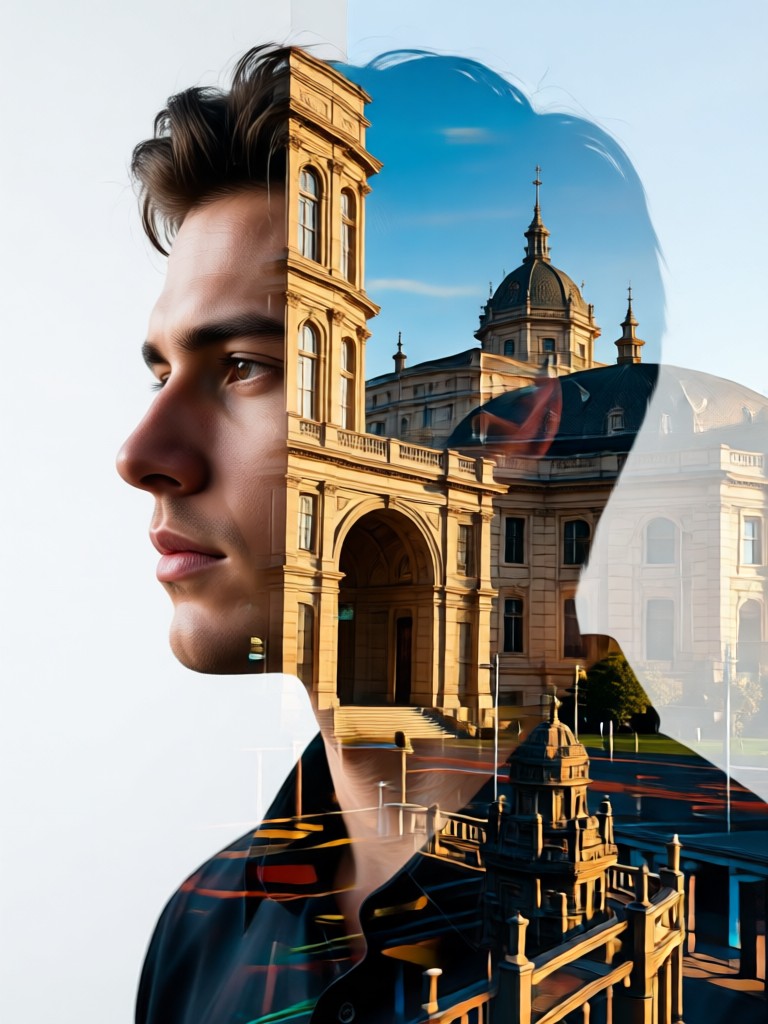
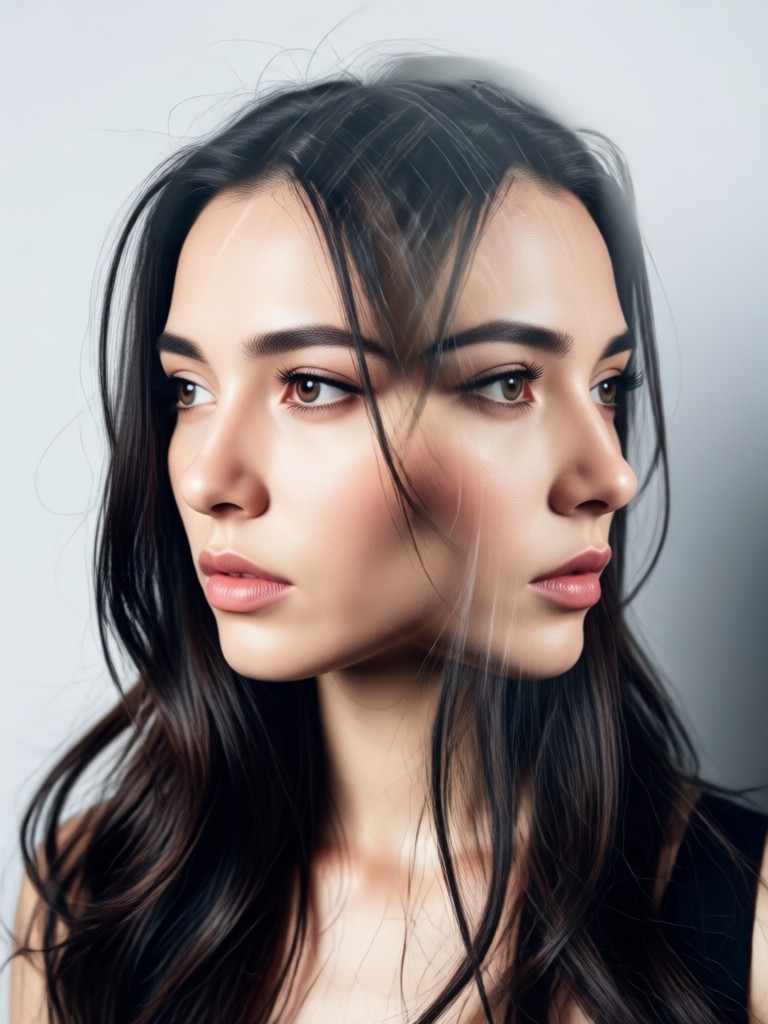
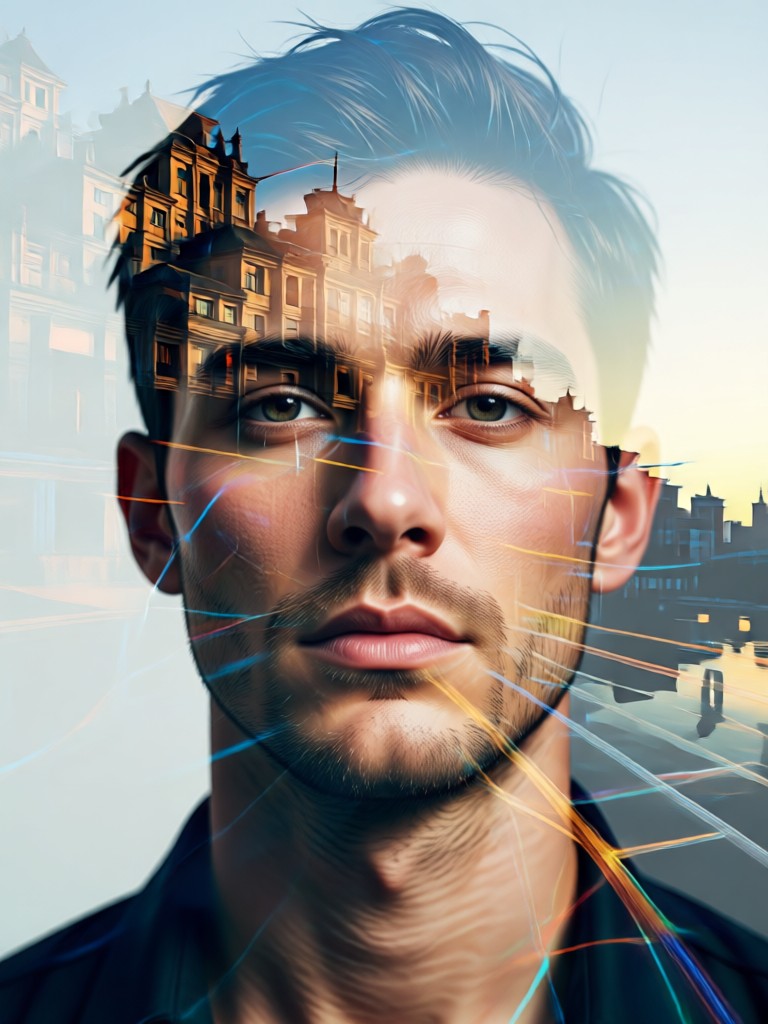
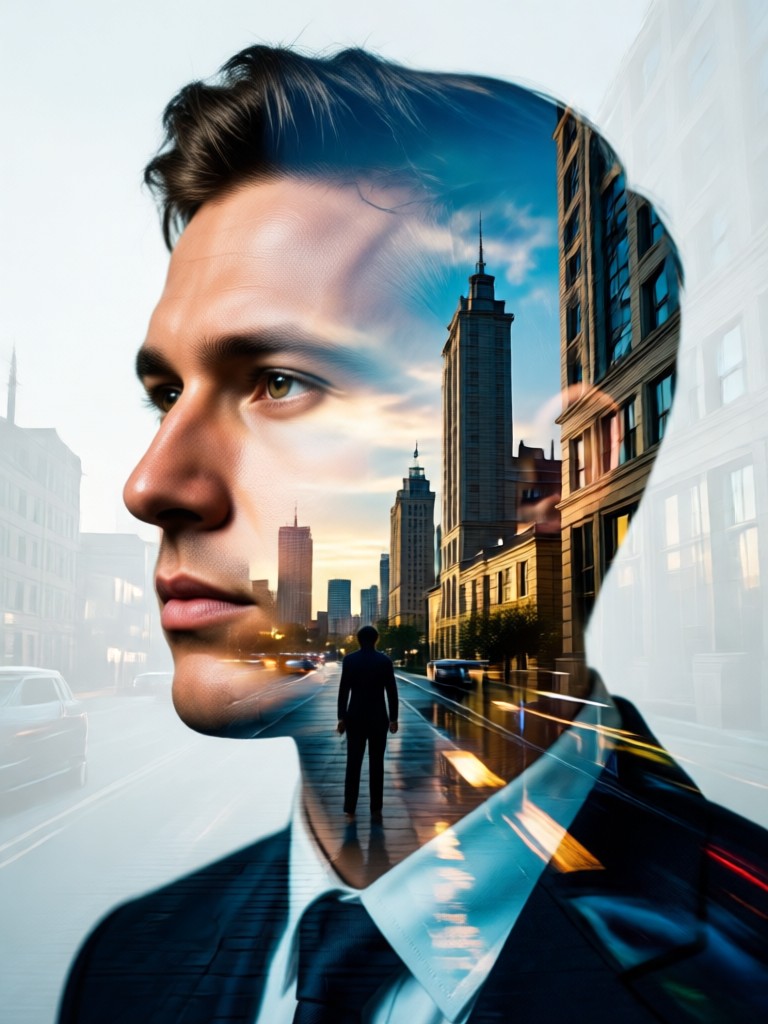
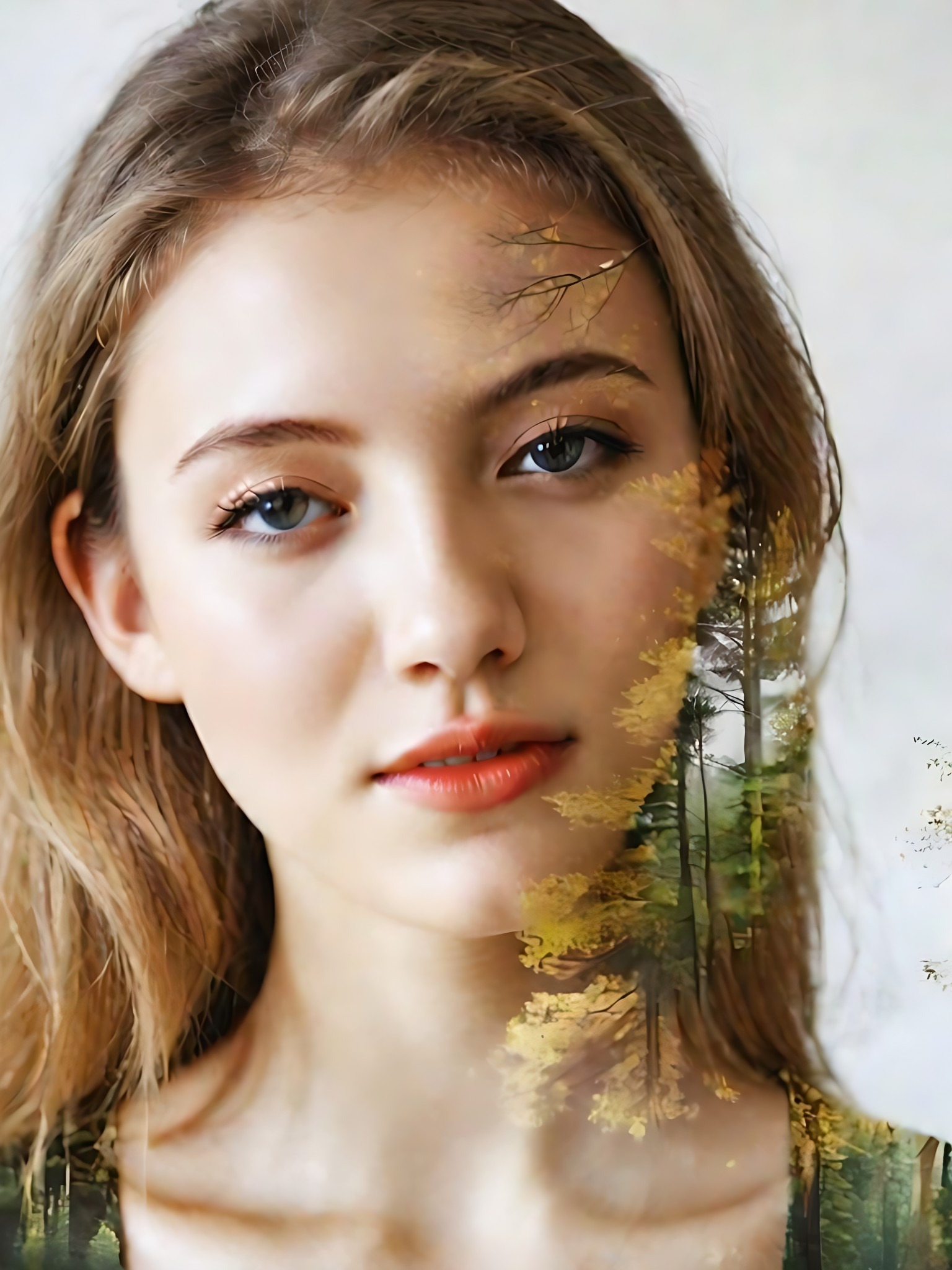
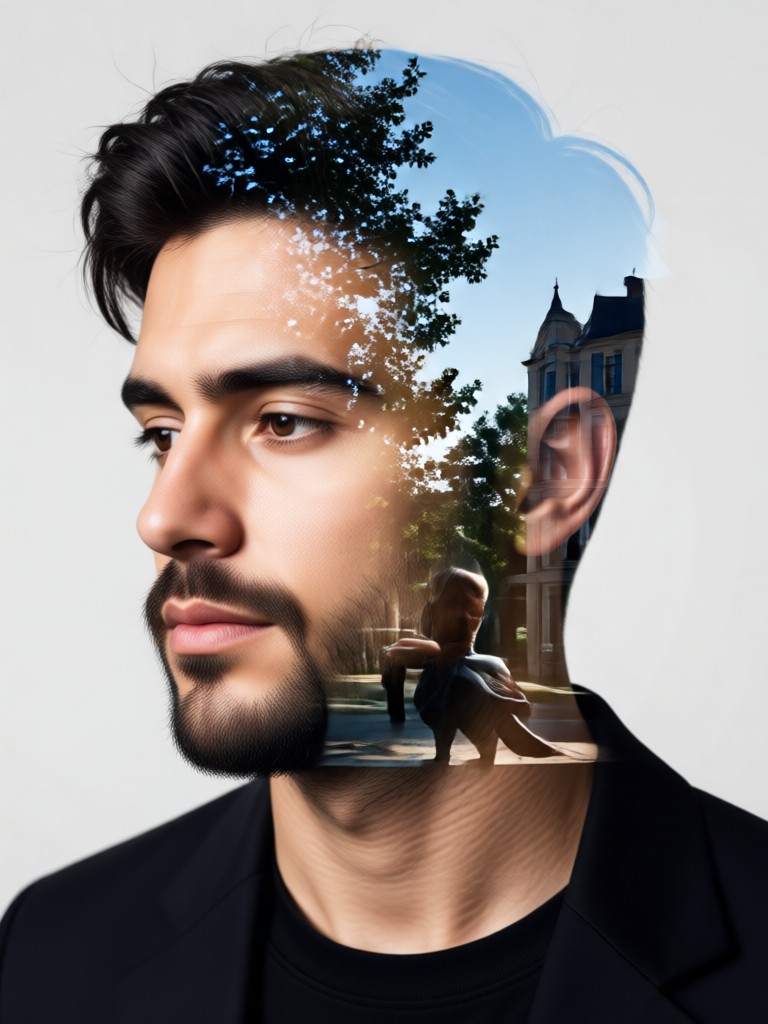
AI Double Exposure Portrait Gallery
See what's possible with AI powered double exposure. Browse stunning examples created by our community. Each image merges a portrait with a unique second layer for artistic impact.
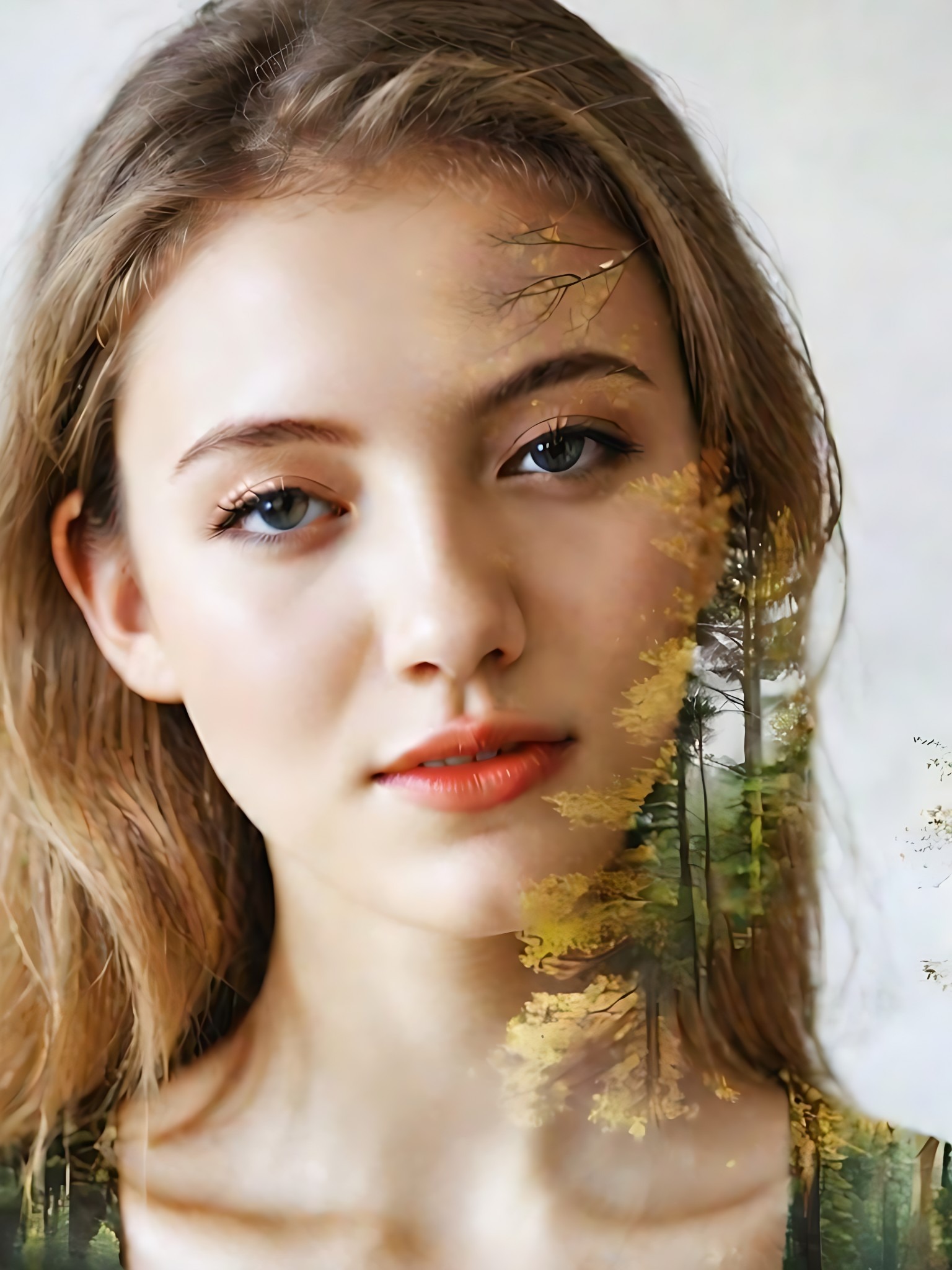
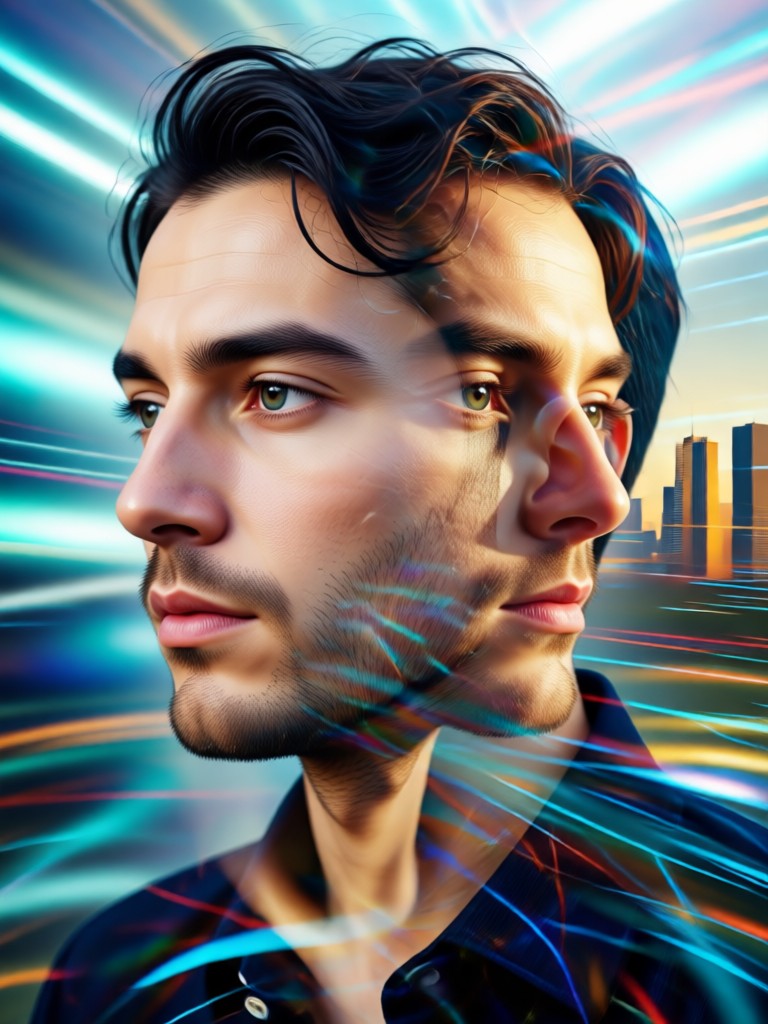
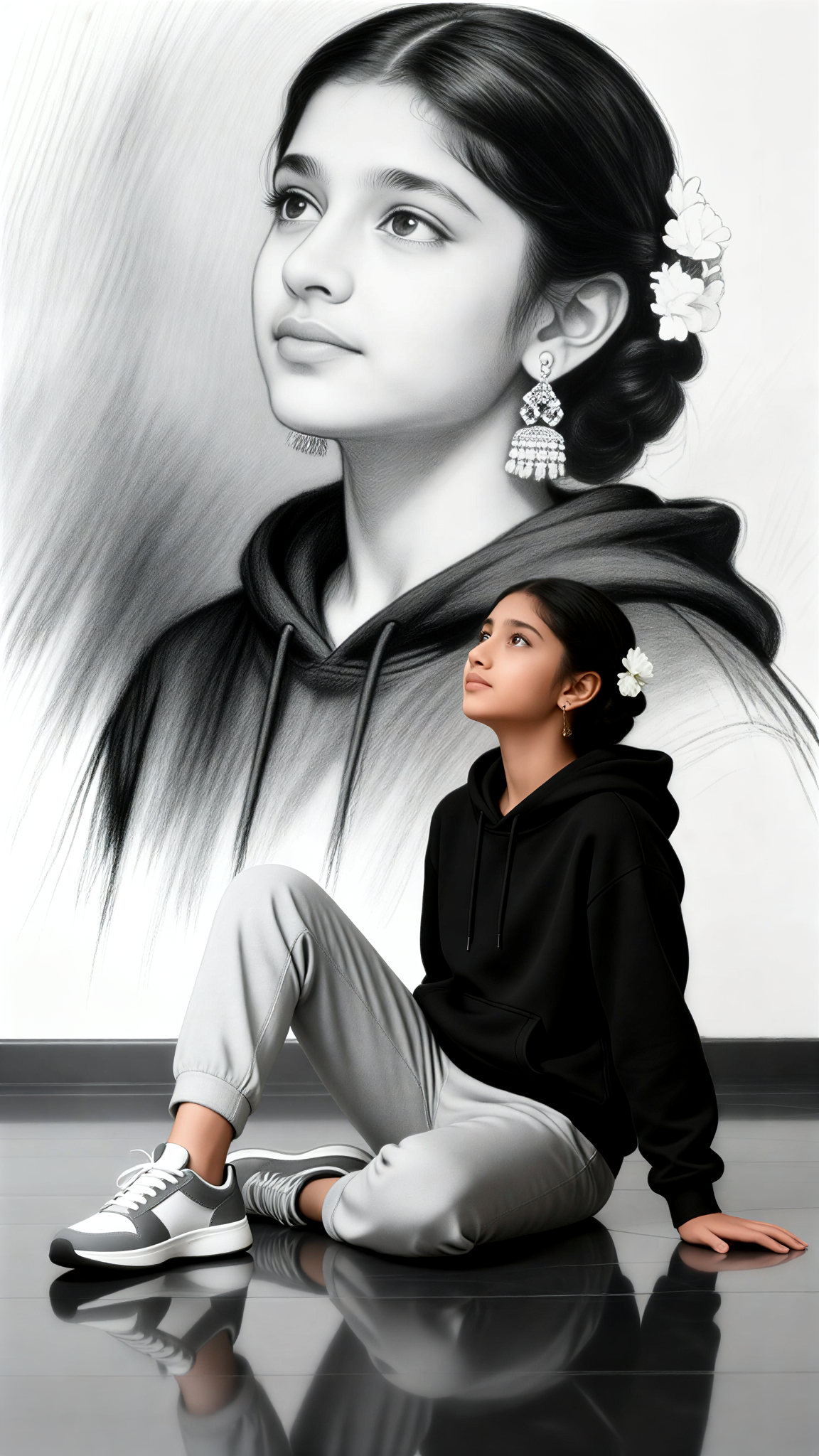
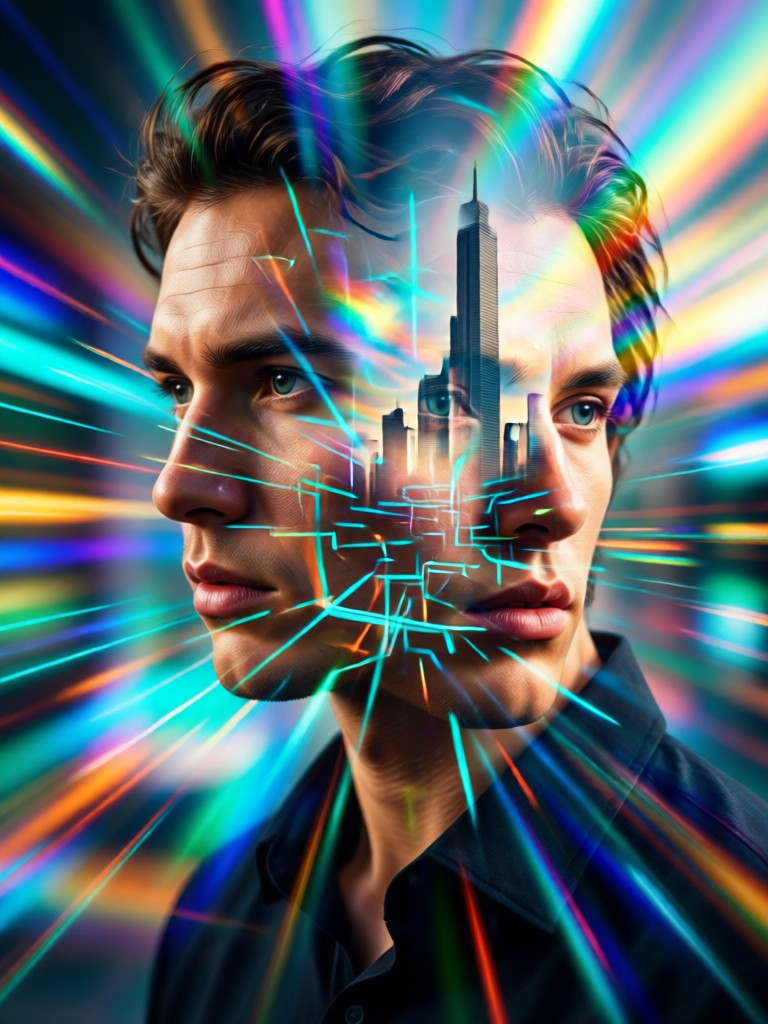
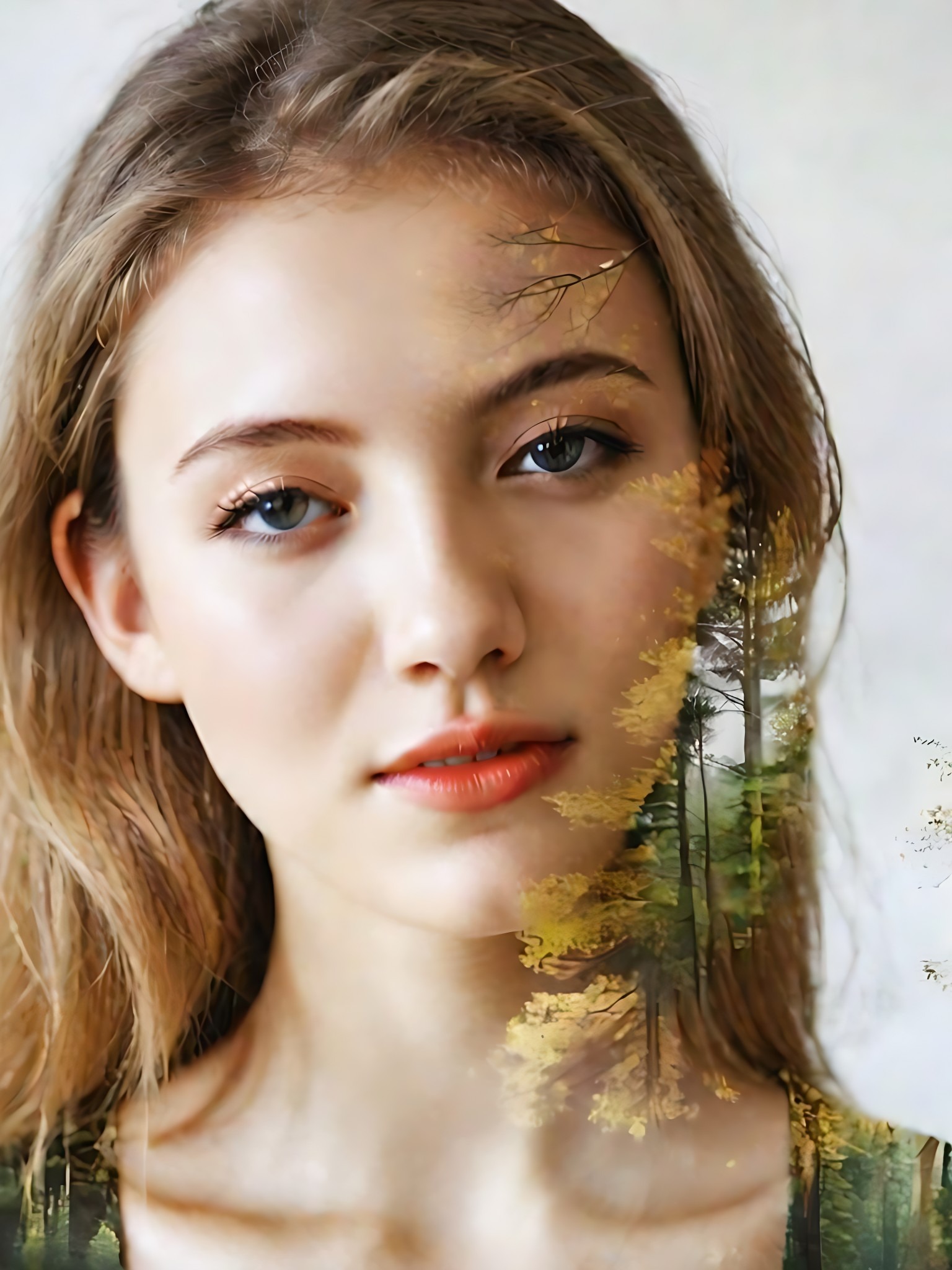
How to Create an AI Double Exposure Portrait?
Create stunning double exposure art in three simple steps. No professional editing skills are required, just your creativity and our powerful AI.

Step 01.
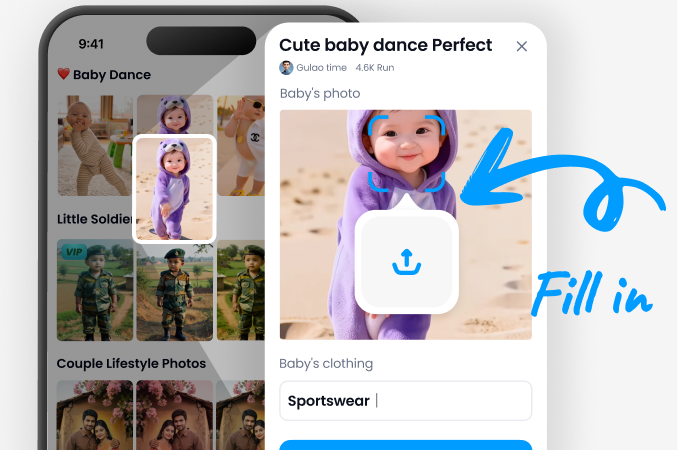
Download the Vimi app from Google Play. Open the app and navigate to the AI Double Exposure portrait section to begin.
Step 02.
Upload a clear portrait photo. Then, browse and select your preferred overlay style from nature, urban, abstract, or texture categories.
Step 03.
Let the AI work its magic. Adjust blending intensity if desired, then save and share your unique double exposure masterpiece.
Creatives Using AI Double Exposure
Marcus Chen
As a portrait photographer, this tool has revolutionized my creative process. I can now offer clients unique double exposure artwork for their sessions in minutes, something that used to take hours in Photoshop.
Sofia Rivera
The AI understands artistic composition intuitively. The blends between my self portraits and nature overlays feel organic and meaningful, not just random filters. It's like having a collaborative art director.
Leo Thompson
My brand's social media visuals have leveled up. Creating custom double exposure graphics for campaigns is now effortless. The engagement on posts featuring these AI portraits has doubled.
Anya Sharma
I have no design background, but I can create professional looking art. Merging a photo of my grandmother with her favorite garden flowers created a priceless, emotional piece for my family.
Marcus Chen
As a portrait photographer, this tool has revolutionized my creative process. I can now offer clients unique double exposure artwork for their sessions in minutes, something that used to take hours in Photoshop.
Sofia Rivera
The AI understands artistic composition intuitively. The blends between my self portraits and nature overlays feel organic and meaningful, not just random filters. It's like having a collaborative art director.
Leo Thompson
My brand's social media visuals have leveled up. Creating custom double exposure graphics for campaigns is now effortless. The engagement on posts featuring these AI portraits has doubled.
Anya Sharma
I have no design background, but I can create professional looking art. Merging a photo of my grandmother with her favorite garden flowers created a priceless, emotional piece for my family.
Marcus Chen
As a portrait photographer, this tool has revolutionized my creative process. I can now offer clients unique double exposure artwork for their sessions in minutes, something that used to take hours in Photoshop.
Sofia Rivera
The AI understands artistic composition intuitively. The blends between my self portraits and nature overlays feel organic and meaningful, not just random filters. It's like having a collaborative art director.
Leo Thompson
My brand's social media visuals have leveled up. Creating custom double exposure graphics for campaigns is now effortless. The engagement on posts featuring these AI portraits has doubled.
Anya Sharma
I have no design background, but I can create professional looking art. Merging a photo of my grandmother with her favorite garden flowers created a priceless, emotional piece for my family.
Frequently Asked Questions
Get answers to common questions about creating AI double exposure portraits. Learn how to achieve the best results and understand the tool's capabilities.
More Topics You May Like
Explore more topics you may like and discover fresh ideas tailored to your interests.
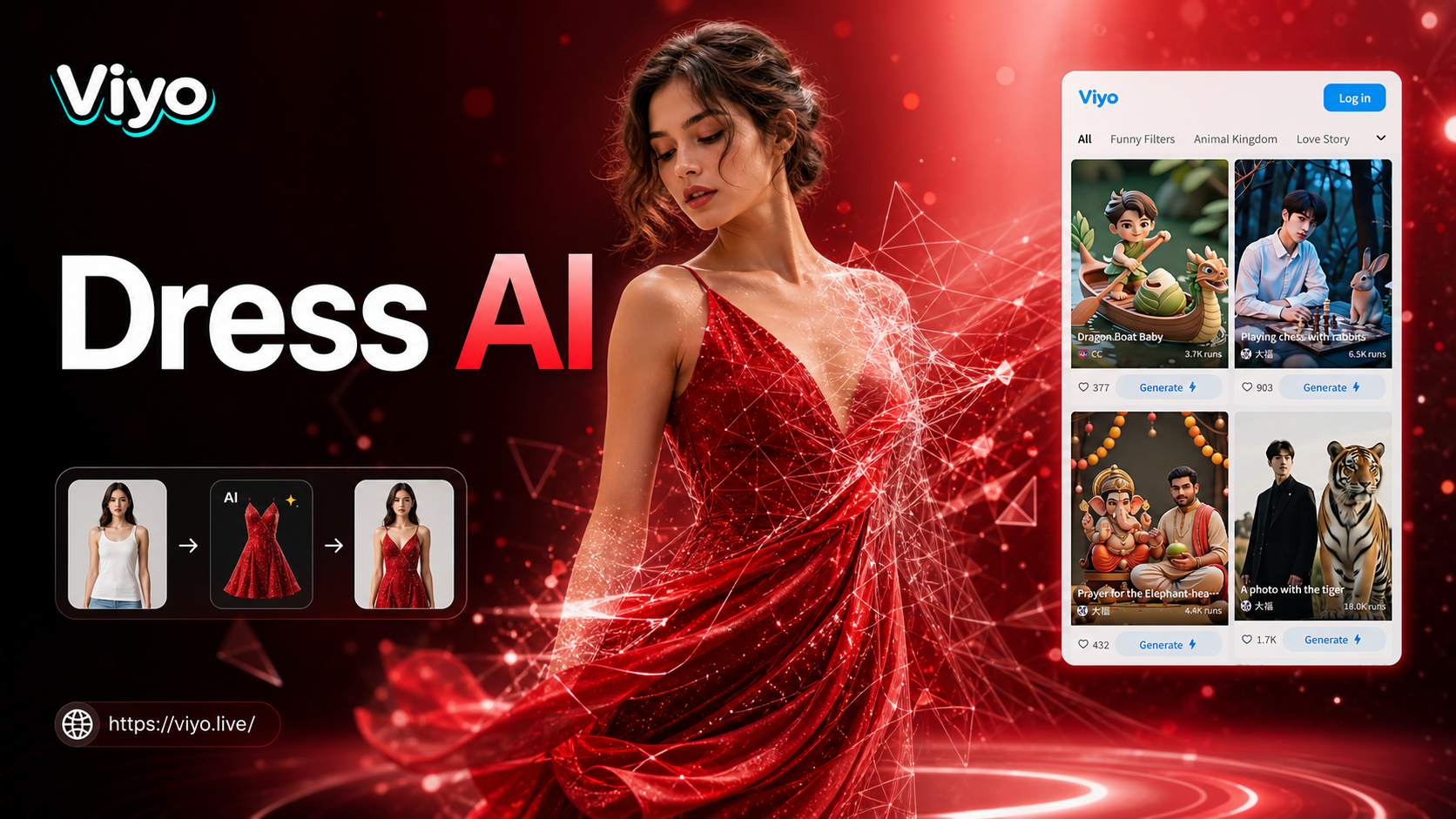
Ai Change Dress Clothes
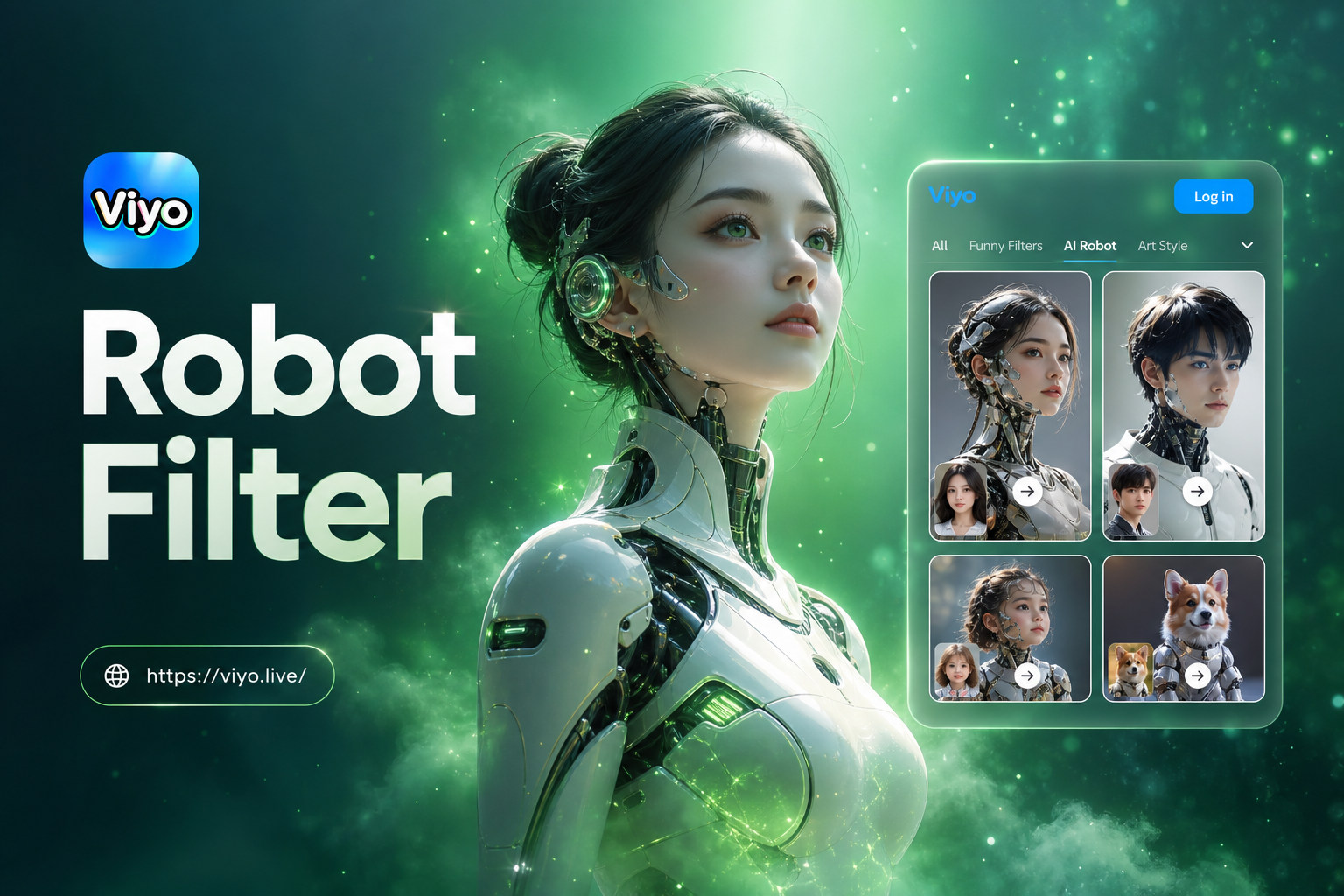
Ai Robot Filter
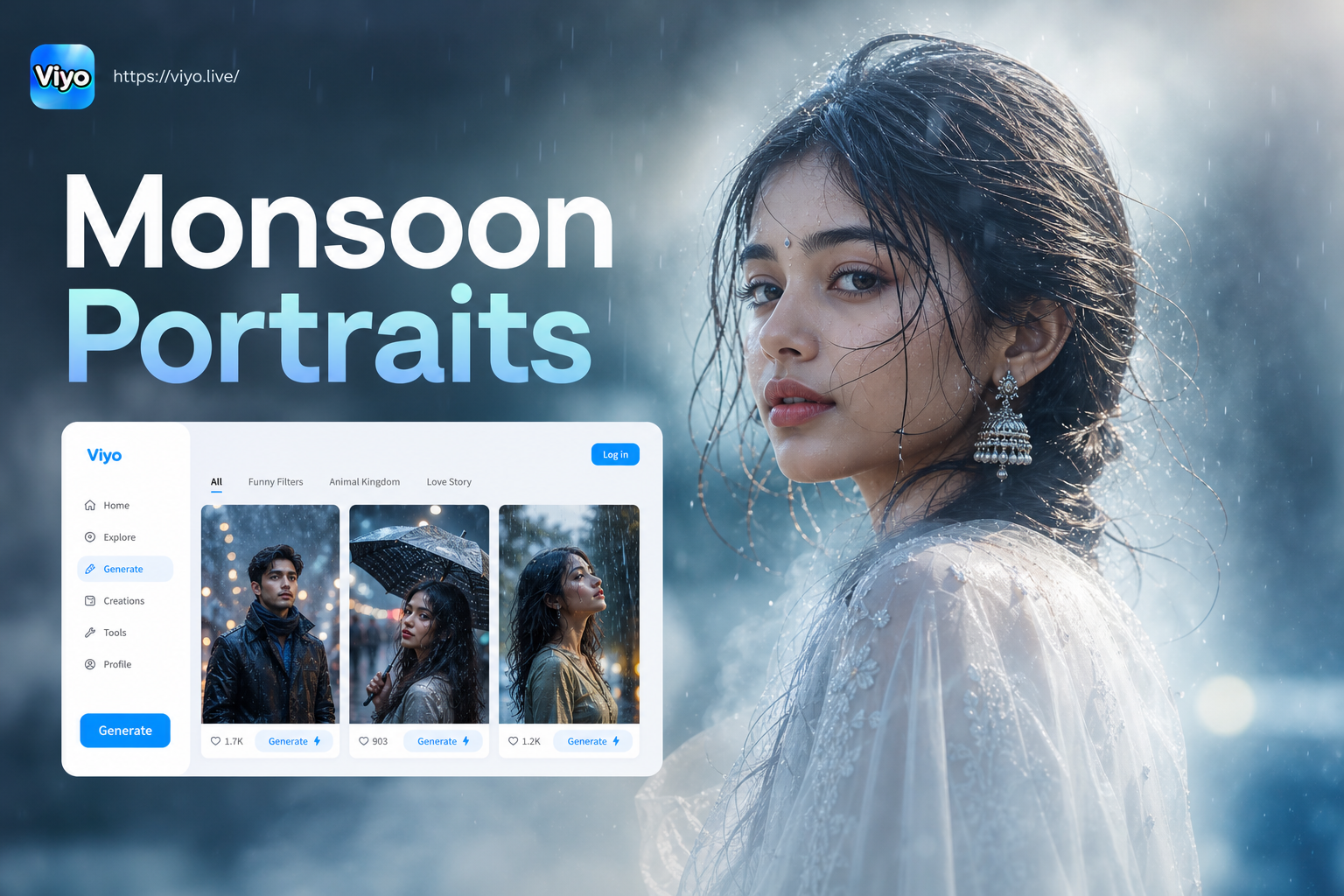
Monsoon Portrait Generator
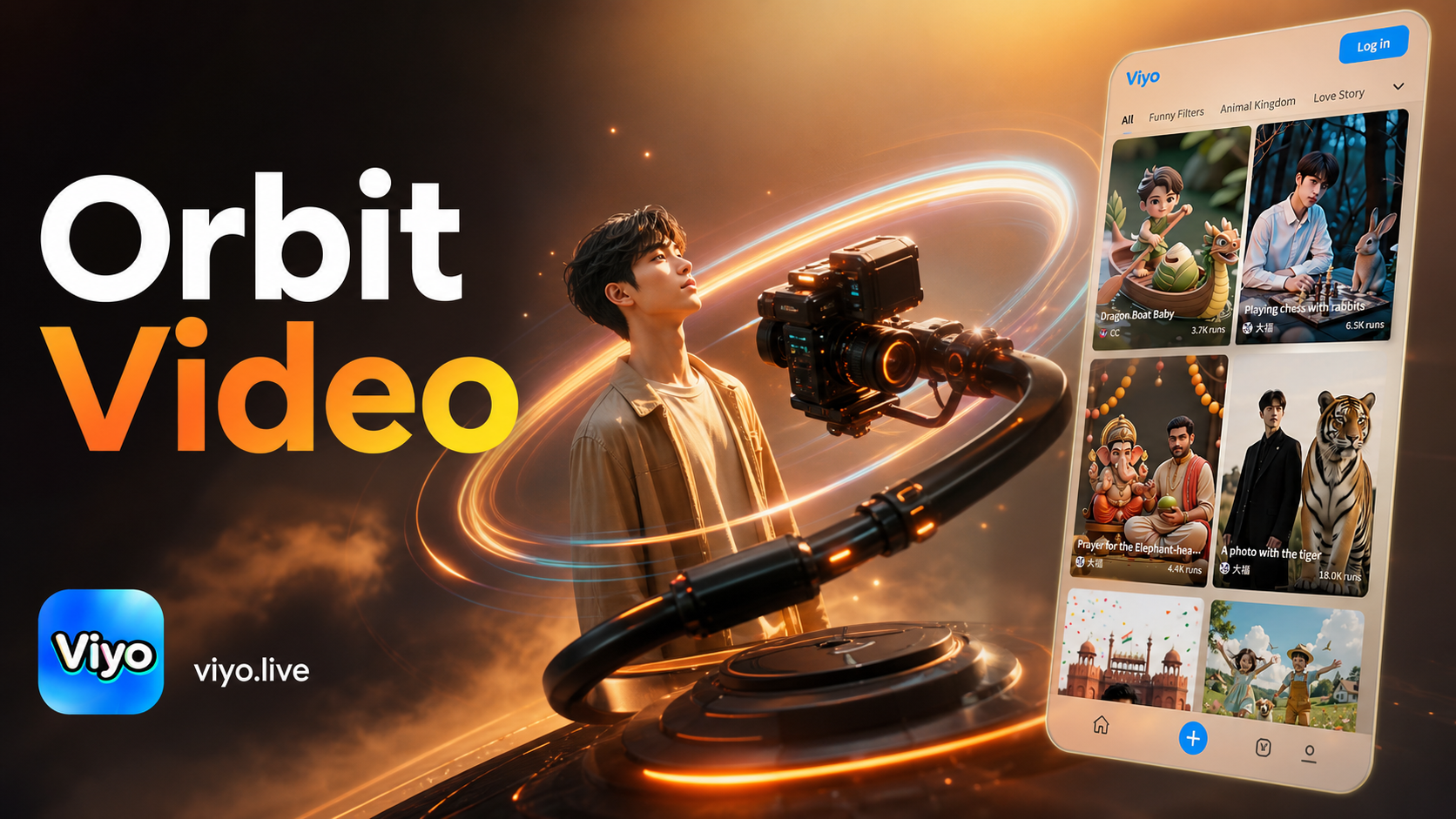
Ai Camera Orbit Video Effect
Ai Change Dress Clothes
Ai Robot Filter
Monsoon Portrait Generator
Ai Camera Orbit Video Effect
Create Your Masterpiece Today
Stop imagining and start creating. Download the app now and turn your portraits into stunning AI double exposure art in seconds. No complexity, just pure creativity.

Create Your Masterpiece Today
Stop imagining and start creating. Download the app now and turn your portraits into stunning AI double exposure art in seconds. No complexity, just pure creativity.