AI Bloom Effect
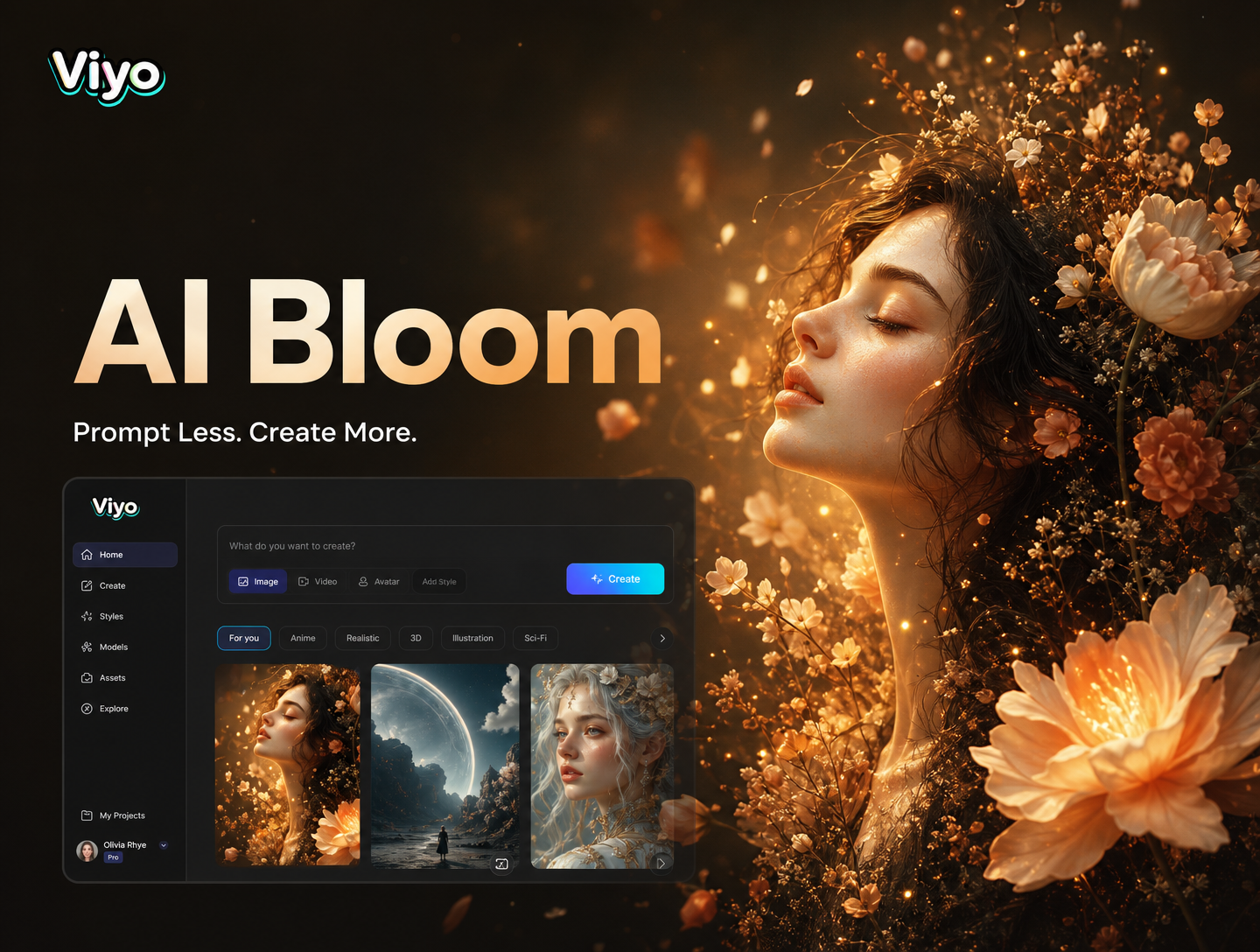
Discover Your Perfect Bloom Style
From subtle lens flare to intense cinematic glow, explore a variety of bloom effects tailored for different moods and photo types.
Why Choose Our AI Bloom Effect
Our AI Bloom Effect goes beyond a simple glow. It intelligently analyzes your image to apply light, color, and atmosphere for perfectly balanced, professional results every time.

Intelligent Glow Detection
The AI doesn't just add a blanket glow. It identifies light sources, highlights, and edges in your photo to apply bloom effects realistically, enhancing the natural luminosity of your scene.
Intelligent Glow Detection
The AI doesn't just add a blanket glow. It identifies light sources, highlights, and edges in your photo to apply bloom effects realistically, enhancing the natural luminosity of your scene.
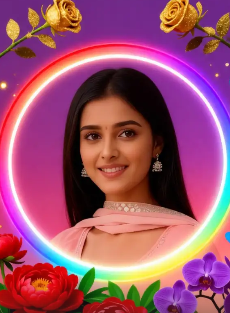
Customizable Intensity & Color
Fine-tune your bloom. Adjust the glow intensity, halo size, and color temperature from warm golden hour hues to cool, mystical blue tones to match your creative vision.
Customizable Intensity & Color
Fine-tune your bloom. Adjust the glow intensity, halo size, and color temperature from warm golden hour hues to cool, mystical blue tones to match your creative vision.
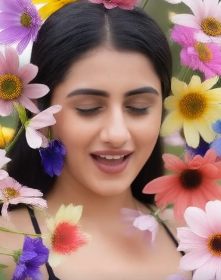
Works on Photos & Videos
Apply the dreamy AI Bloom Effect to both still images and video clips. Create consistent, ethereal aesthetics across your entire social media feed or video project seamlessly.
Works on Photos & Videos
Apply the dreamy AI Bloom Effect to both still images and video clips. Create consistent, ethereal aesthetics across your entire social media feed or video project seamlessly.
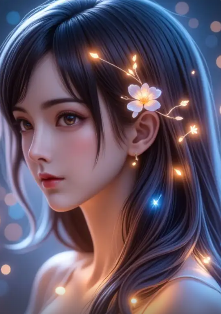
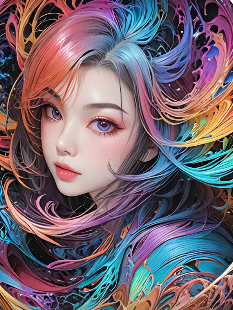
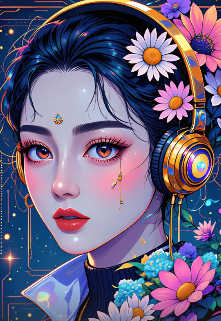
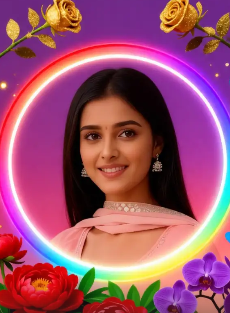
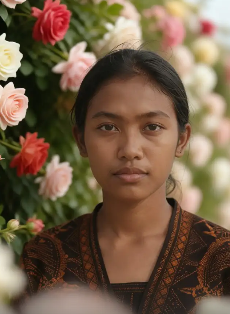
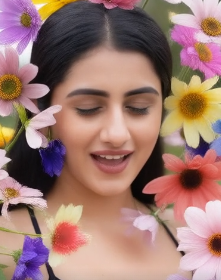
AI Flower Generator Gallery
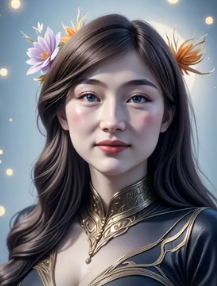
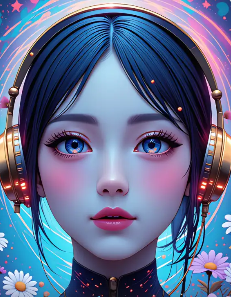
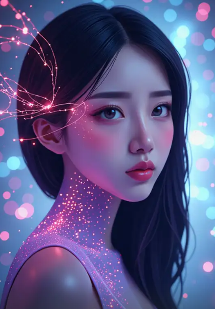
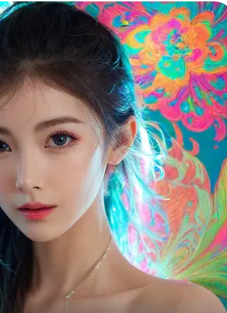
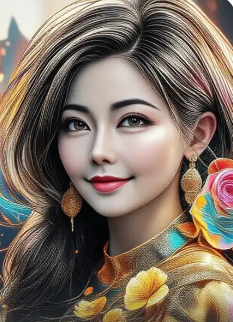
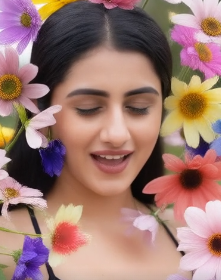
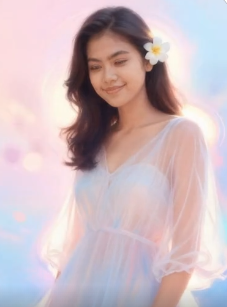
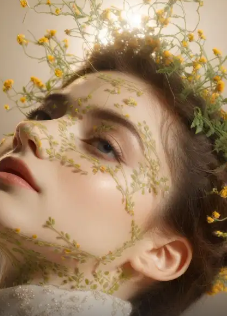
Explore a collection of stunning AI generated beautiful women created by our community. See the diversity of styles, from elegant realism to vibrant fantasy, and get inspired for your next creation.

How to Apply the AI Bloom Effect?
Add a dreamy glow to your photos in just three simple steps directly from your mobile device.

Step 01.
Download the Vimi app from Google Play. It's your all-in-one mobile studio for AI photo effects, including the Bloom filter.

Step 02.
Open the app, upload your photo, and browse the 'Effects' section. Select the 'AI Bloom' category and choose your preferred style template.
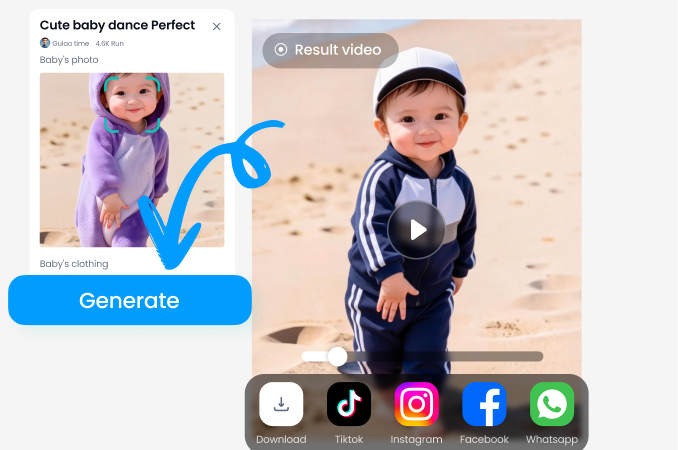
Step 03.
Generate your transformed image. You can adjust the intensity, then save and share your beautifully bloom-enhanced photo instantly.
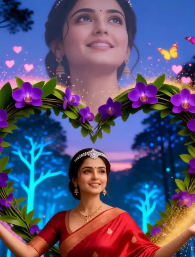
Your Pocket-Sized Photo Studio
Carry the power of professional-grade bloom and glow effects wherever you go. Transform photos on-the-spot, no desktop software required.

Creators Love the AI Bloom Effect
Perfect for my portrait photography
This AI Bloom Effect saves me hours in Photoshop. It adds that professional, dreamy look to my client portraits instantly. The ability to control the intensity is a game-changer.
My Instagram feed has never looked better
I use it on all my travel and lifestyle photos. The 'Sunset Haze' filter makes ordinary golden hour shots look absolutely magical. It's my go-to app for editing now.
Unreal results from a simple app
As a hobbyist, I'm blown away. I applied the bloom effect to some old concert photos, and the stage lights look alive with glow. It feels like having a professional editor in my pocket.
The Science Behind the Glow
Understand how our AI creates such convincing and beautiful bloom effects, replicating complex optical phenomena with simplicity.
More Than Just a Filter
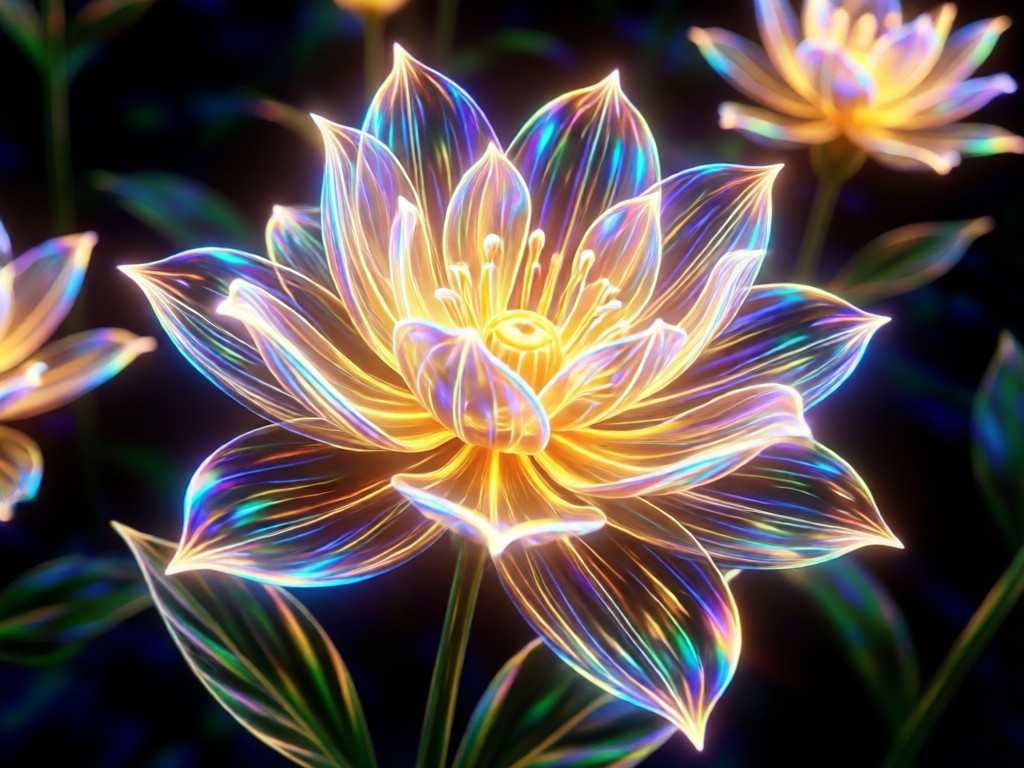
Traditional bloom filters often look fake and uniformly applied. Our AI Bloom Effect uses deep learning to understand image composition, light physics, and depth. It simulates how light truly scatters and flares in a camera lens or the human eye, creating halation around bright areas while preserving shadow detail and texture. This results in a glow that feels organically part of the original scene, not a slapped-on overlay.
More Than Just a Filter
Traditional bloom filters often look fake and uniformly applied. Our AI Bloom Effect uses deep learning to understand image composition, light physics, and depth. It simulates how light truly scatters and flares in a camera lens or the human eye, creating halation around bright areas while preserving shadow detail and texture. This results in a glow that feels organically part of the original scene, not a slapped-on overlay.
AI Bloom Effect FAQs
Get quick answers to the most common questions about using, applying, and getting the best results from the AI Bloom Effect.
More AI Effects You May Like
Discover more creative ways to transform your photos and videos with AI.
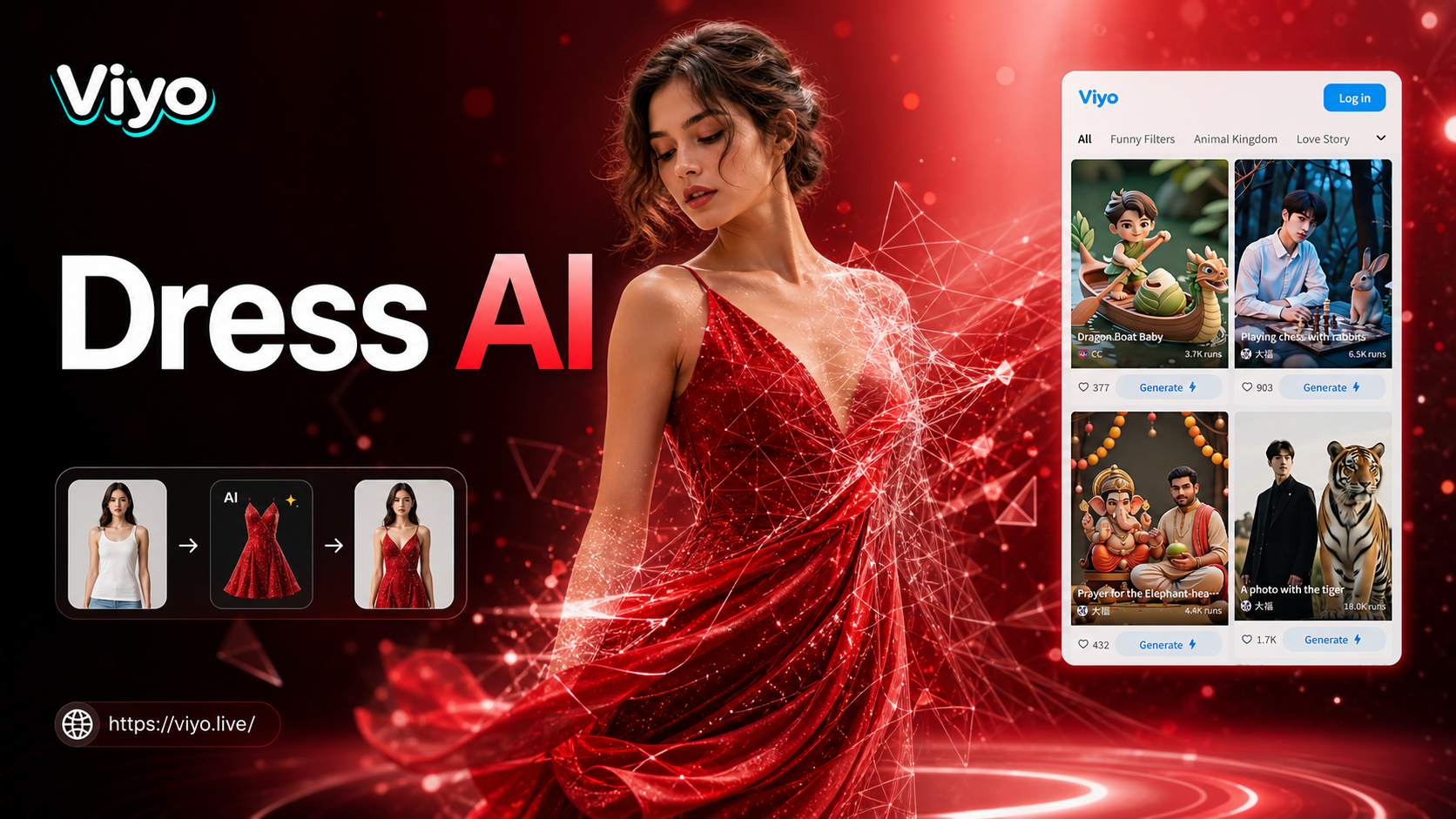
Ai Change Dress Clothes
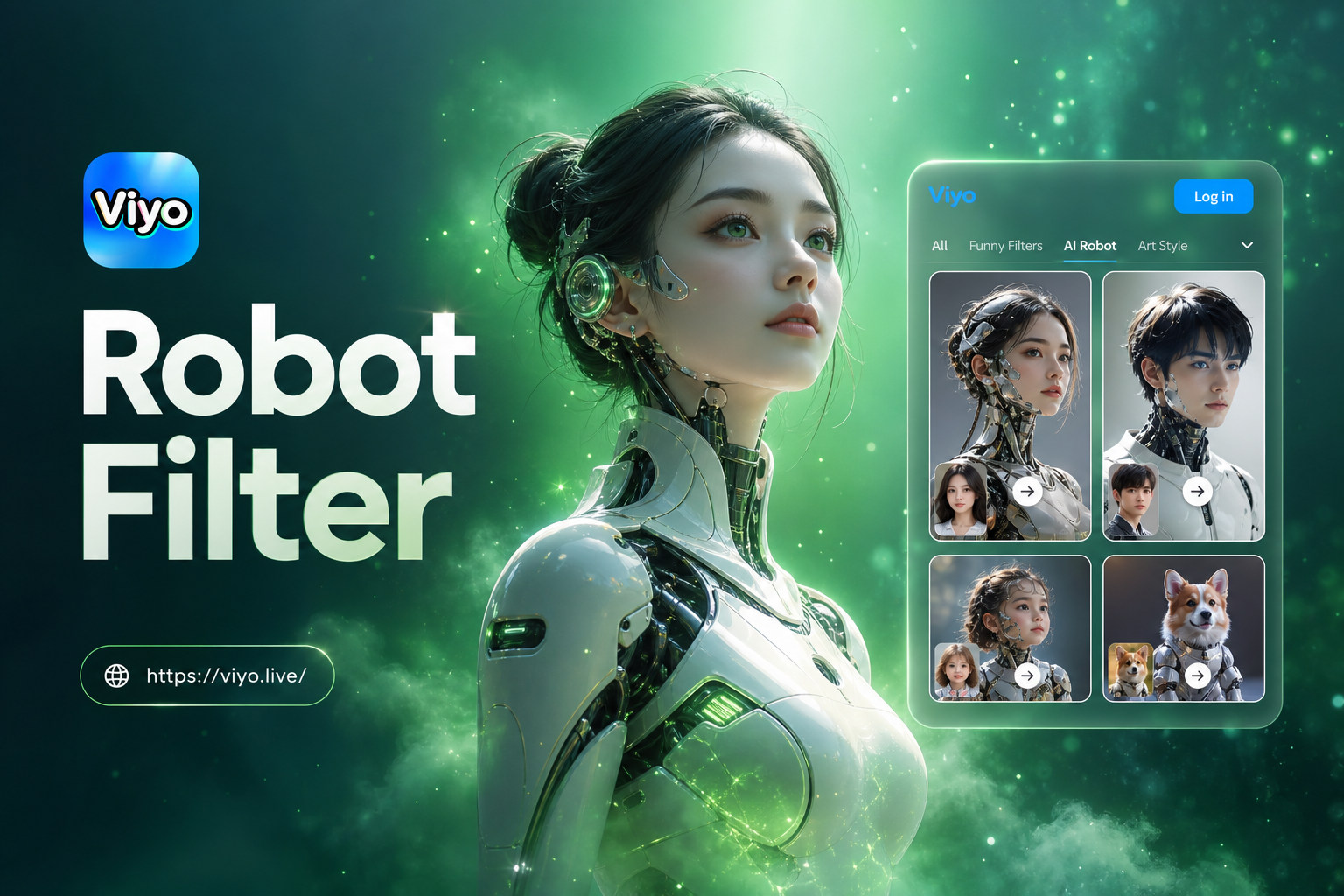
Ai Robot Filter
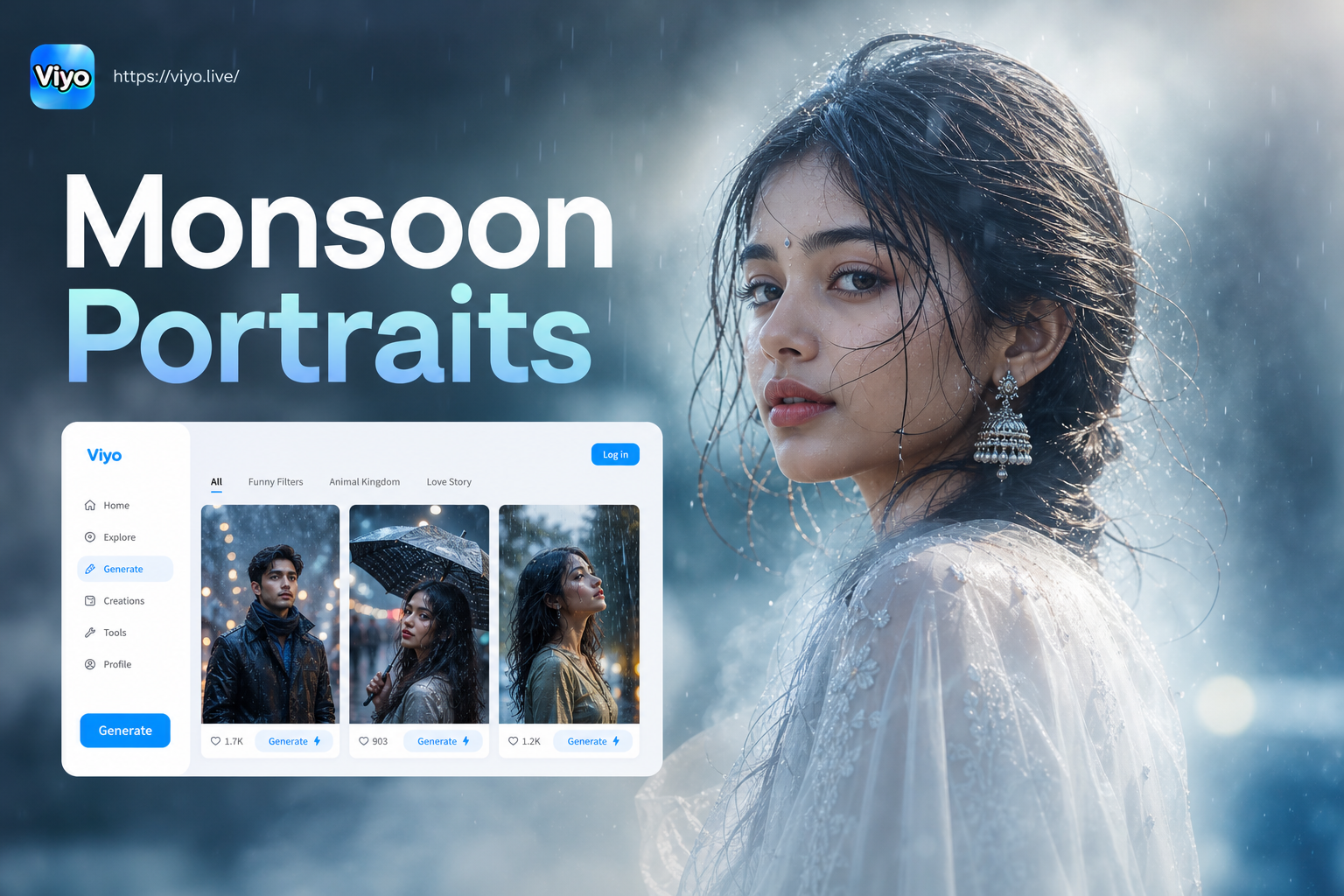
Monsoon Portrait Generator
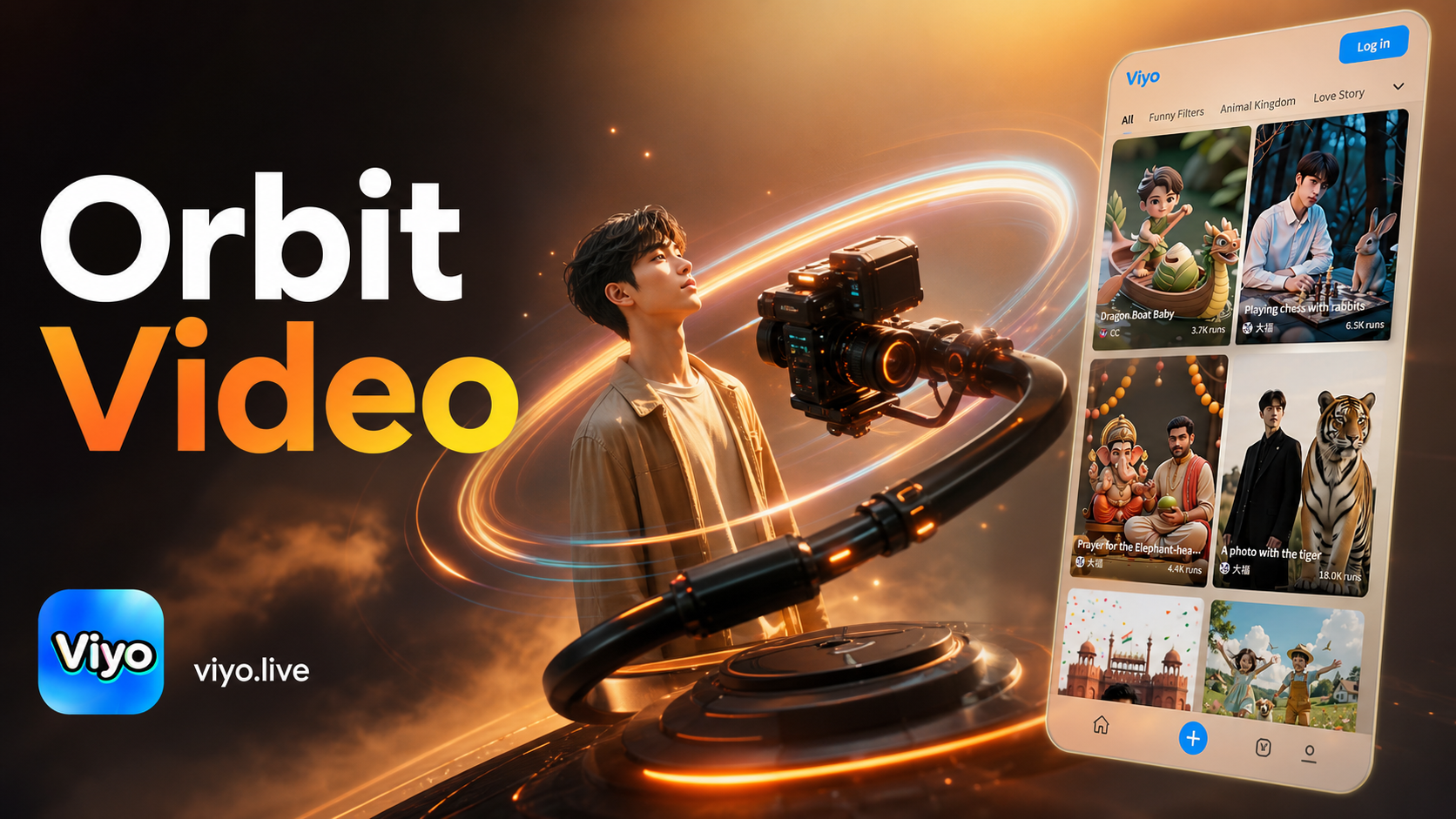
Ai Camera Orbit Video Effect
Ai Change Dress Clothes
Ai Robot Filter
Monsoon Portrait Generator
Ai Camera Orbit Video Effect
Add Magic to Your Photos Today
Stop scrolling and start creating. Download Vimi now to unlock the AI Bloom Effect and hundreds of other stunning filters. Transform your photo gallery in minutes.

Add Magic to Your Photos Today
Stop scrolling and start creating. Download Vimi now to unlock the AI Bloom Effect and hundreds of other stunning filters. Transform your photo gallery in minutes.