AI Black and White Portrait
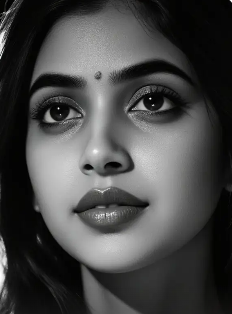
Discover Your Perfect Monochrome Style
Choose from a curated collection of AI black and white filters, from classic portrait tones to modern artistic interpretations.
Key Features of CoupleLens AI Black And White Portrait
CoupleLens combines a massive style library, identity preservation, and multi person smarts into one mobile App.
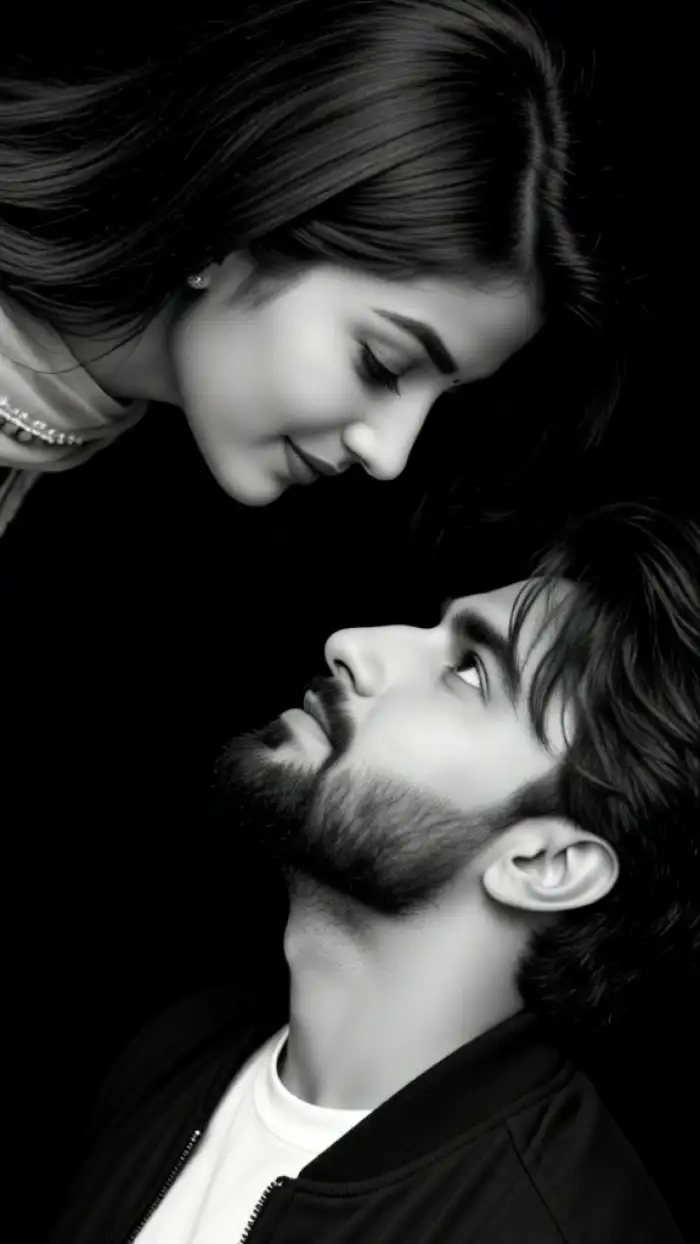
Eye contact
One Tap Style Conversion With 25,000 Templates
CoupleLens ships with over 25,000 ready-to-use templates, and dozens of them are tuned for black-and-white portrait looks. Pick Noir, Fine Art, Vintage Film, High Contrast, or Soft Focus, and CoupleLens applies the tone curve, grain, and lighting in one tap. You do not type prompts, you do not adjust sliders, and you do not need to learn Lightroom.
Eye contact
One Tap Style Conversion With 25,000 Templates
CoupleLens ships with over 25,000 ready-to-use templates, and dozens of them are tuned for black-and-white portrait looks. Pick Noir, Fine Art, Vintage Film, High Contrast, or Soft Focus, and CoupleLens applies the tone curve, grain, and lighting in one tap. You do not type prompts, you do not adjust sliders, and you do not need to learn Lightroom.
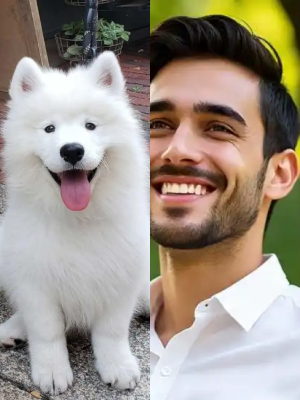 Before
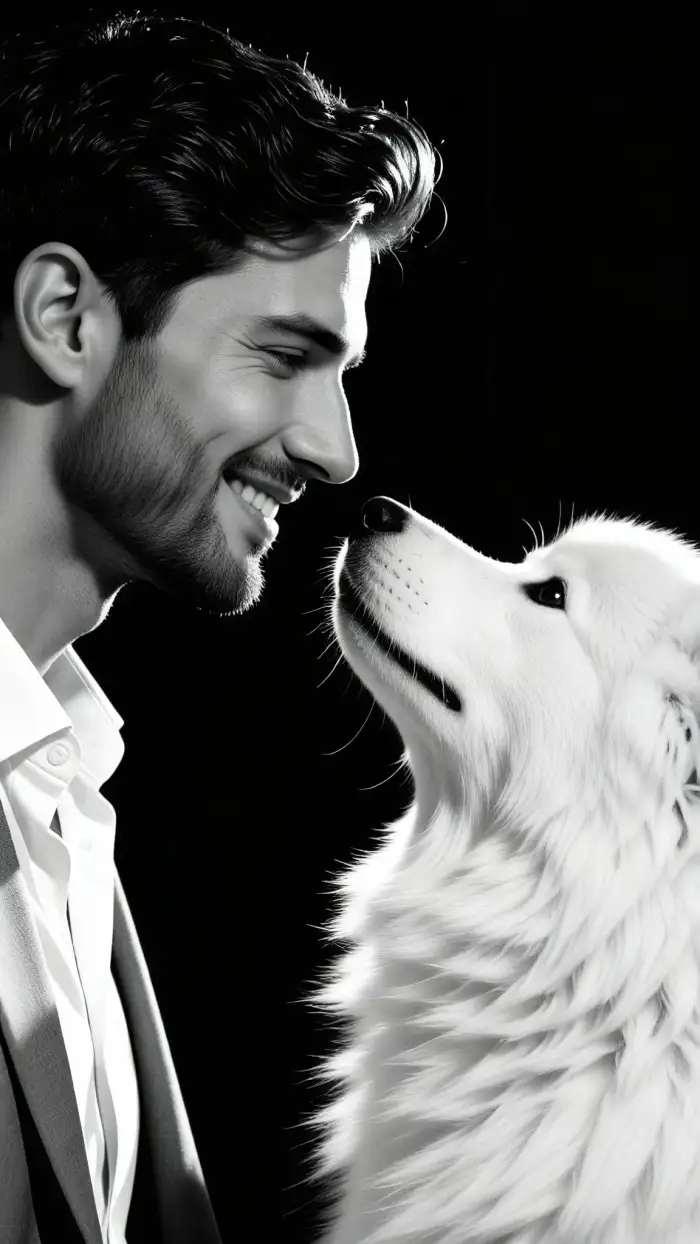 After
AfterIdentity Preservation Across Every Conversion
The AI reads facial features before it applies the B&W treatment, so your jawline, eyes, and smile stay recognizable. This solves the number one complaint about AI portrait filters, where people end up looking like a stranger with similar hair. You get the mood of a film noir portrait, the grain of a Kodak Tri-X shot, and still look like you.
BeforeAfterIdentity Preservation Across Every Conversion
The AI reads facial features before it applies the B&W treatment, so your jawline, eyes, and smile stay recognizable. This solves the number one complaint about AI portrait filters, where people end up looking like a stranger with similar hair. You get the mood of a film noir portrait, the grain of a Kodak Tri-X shot, and still look like you.
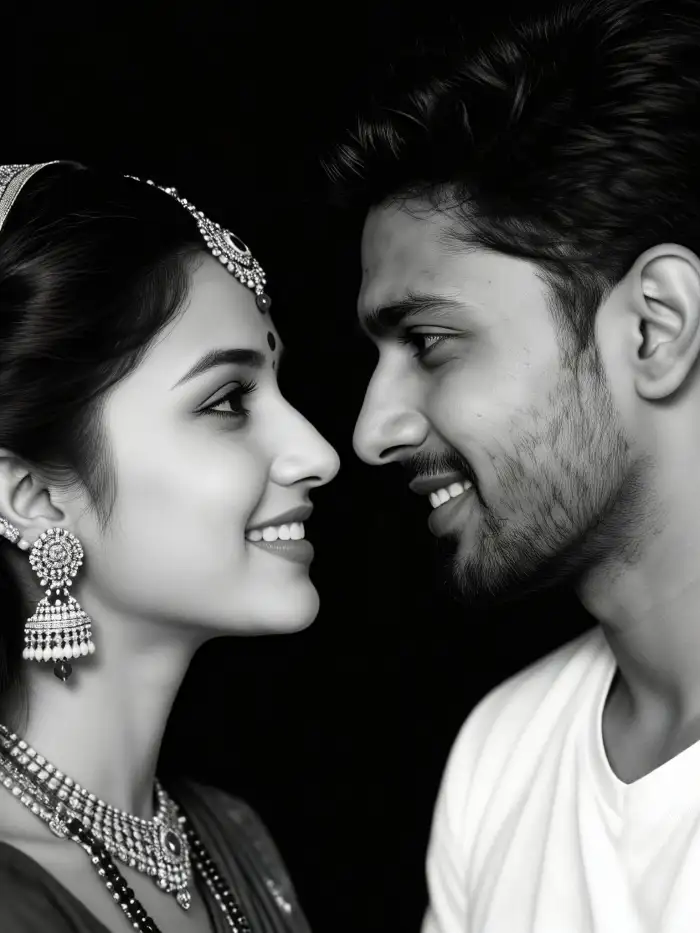
Multi Person Portrait Support For Couples
CoupleLens detects and separates each face in group photos before it styles the image. Upload a single slot or two portraits, a family photo, or a friend group shot, and the AI renders each person with their own lighting and detail level. No merged faces, no missing subjects, no half blurred background people.
Multi Person Portrait Support For Couples
CoupleLens detects and separates each face in group photos before it styles the image. Upload a single slot or two portraits, a family photo, or a friend group shot, and the AI renders each person with their own lighting and detail level. No merged faces, no missing subjects, no half blurred background people.
How to Create an AI Black and White Portrait
Transform your photos into professional black and white portraits in three simple steps with the Viyo app.

Step 01.
Download the free Viyo app from Google Play. Open the app and tap the upload button to select a photo from your gallery.
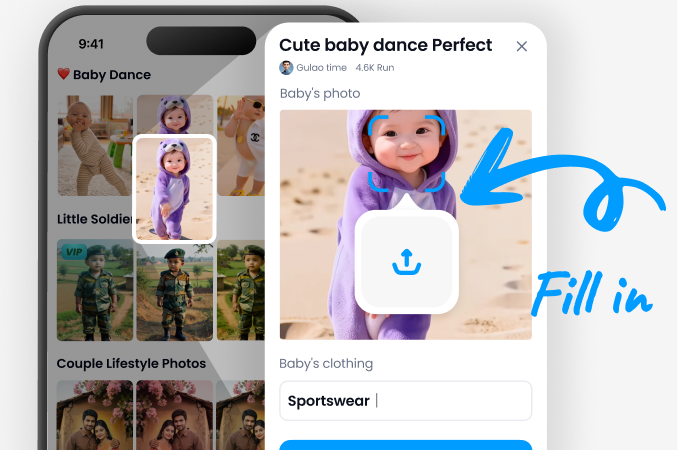
Step 02.
Navigate to the portrait filters and browse the 'Black & White' category. Choose from classic, dramatic, artistic, or vintage monochrome styles.
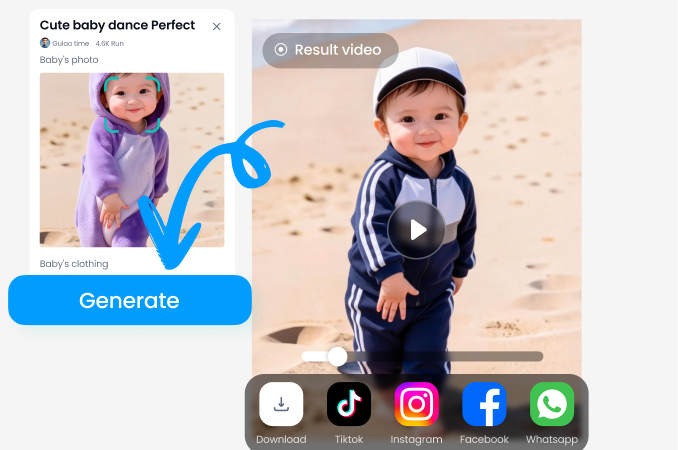
Step 03.
Tap generate. Preview your stunning AI black and white portrait instantly. Adjust contrast if desired, then save or share your timeless artwork.
Artists and Photographers Love AI Black and White
Marcus Reed
As a portrait photographer, I use Viyo to quickly preview black and white conversions for client shoots. The AI's understanding of tonal range is impressive, saving me hours in post processing.
Chloe Vance
I create digital art composites. Viyo's artistic B&W filters give my characters a consistent, dramatic monochrome base that I can build upon. It's become an essential first step in my workflow.
Jordan Lee
For my brand's social media, a cohesive aesthetic is key. I run all my profile photos through Viyo's classic monochrome filter. It creates a professional, timeless look that makes my feed stand out.
Eleanor Shaw
I'm restoring old family photos. The vintage B&W filters help me colorize and then re convert modern photos to match the style of old albums. The results look authentically historical.
Marcus Reed
As a portrait photographer, I use Viyo to quickly preview black and white conversions for client shoots. The AI's understanding of tonal range is impressive, saving me hours in post processing.
Chloe Vance
I create digital art composites. Viyo's artistic B&W filters give my characters a consistent, dramatic monochrome base that I can build upon. It's become an essential first step in my workflow.
Jordan Lee
For my brand's social media, a cohesive aesthetic is key. I run all my profile photos through Viyo's classic monochrome filter. It creates a professional, timeless look that makes my feed stand out.
Eleanor Shaw
I'm restoring old family photos. The vintage B&W filters help me colorize and then re convert modern photos to match the style of old albums. The results look authentically historical.
Marcus Reed
As a portrait photographer, I use Viyo to quickly preview black and white conversions for client shoots. The AI's understanding of tonal range is impressive, saving me hours in post processing.
Chloe Vance
I create digital art composites. Viyo's artistic B&W filters give my characters a consistent, dramatic monochrome base that I can build upon. It's become an essential first step in my workflow.
Jordan Lee
For my brand's social media, a cohesive aesthetic is key. I run all my profile photos through Viyo's classic monochrome filter. It creates a professional, timeless look that makes my feed stand out.
Eleanor Shaw
I'm restoring old family photos. The vintage B&W filters help me colorize and then re convert modern photos to match the style of old albums. The results look authentically historical.
Beyond Simple Desaturation
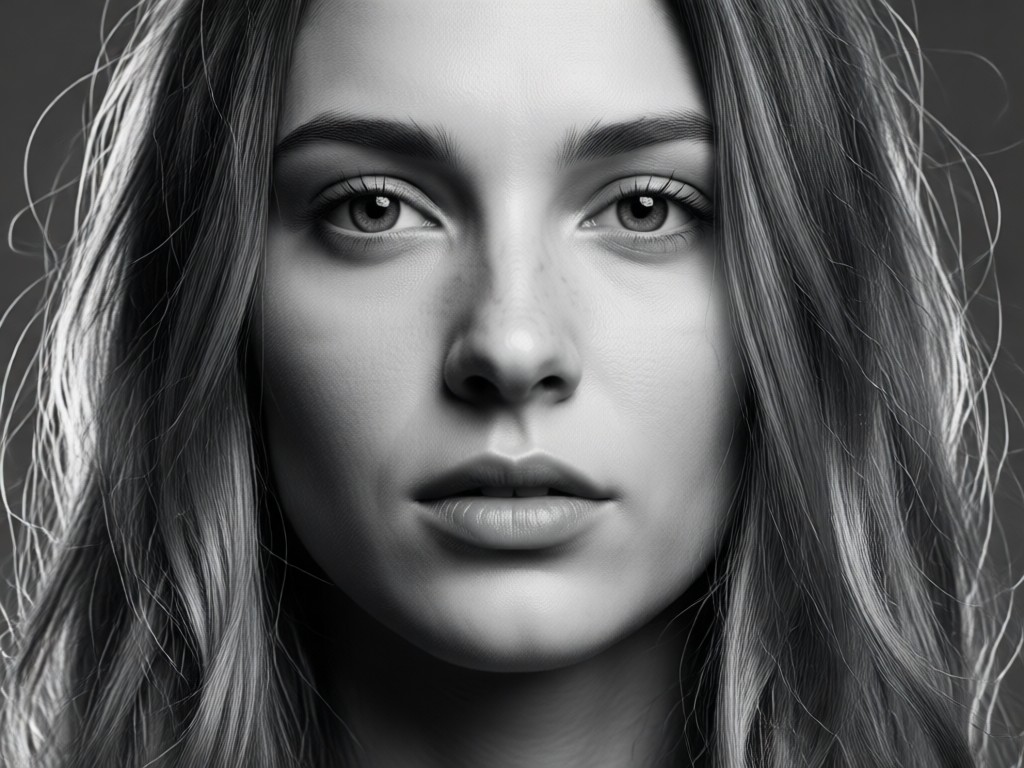
Traditional tools just remove color. Our AI analyzes light, shadow, texture, and subject to craft a black and white portrait with intention, mood, and professional quality.
Beyond Simple Desaturation
Traditional tools just remove color. Our AI analyzes light, shadow, texture, and subject to craft a black and white portrait with intention, mood, and professional quality.
Why Use CoupleLens for AI Black And White Portraits
CoupleLens is the only mobile App that pairs a 25,000 template library with identity safe AI, multi person smarts, and zero watermark output, which is why creators pick it over web editors and prompt tools every time they need a B&W portrait that still looks like them. Browse a feed of B&W portraits made by CoupleLens creators around the world, from solo studio shots to cinematic couple frames, all generated inside the App in under twenty seconds.
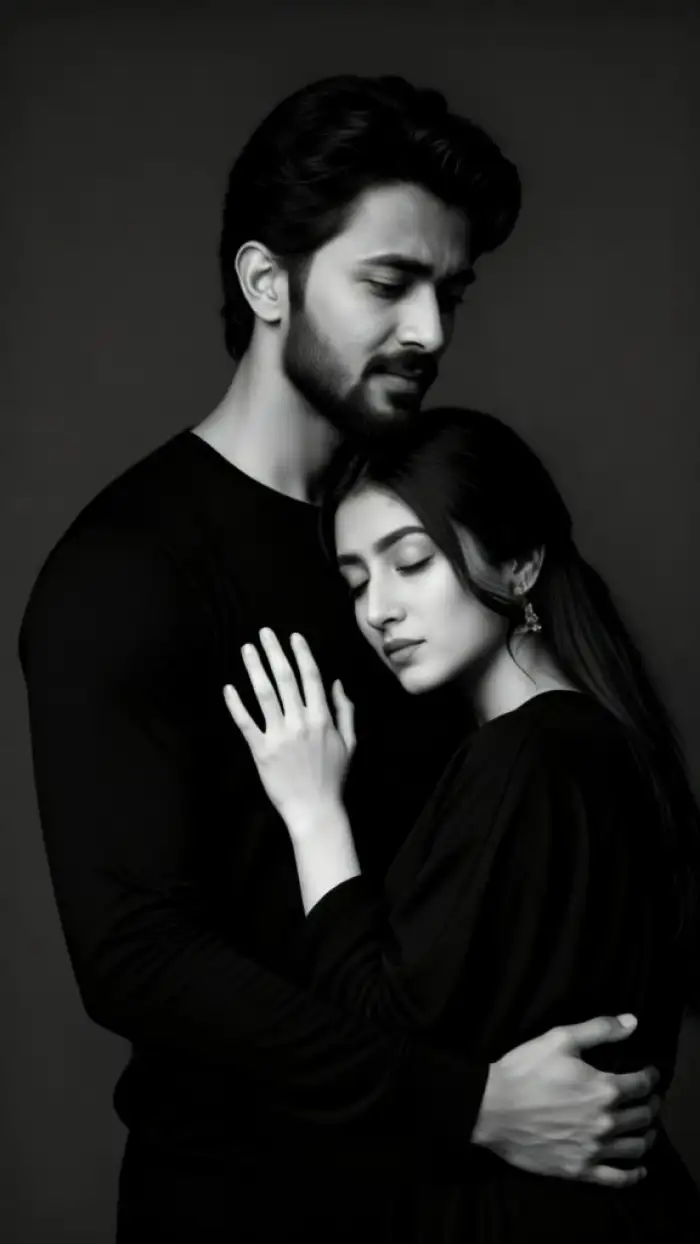
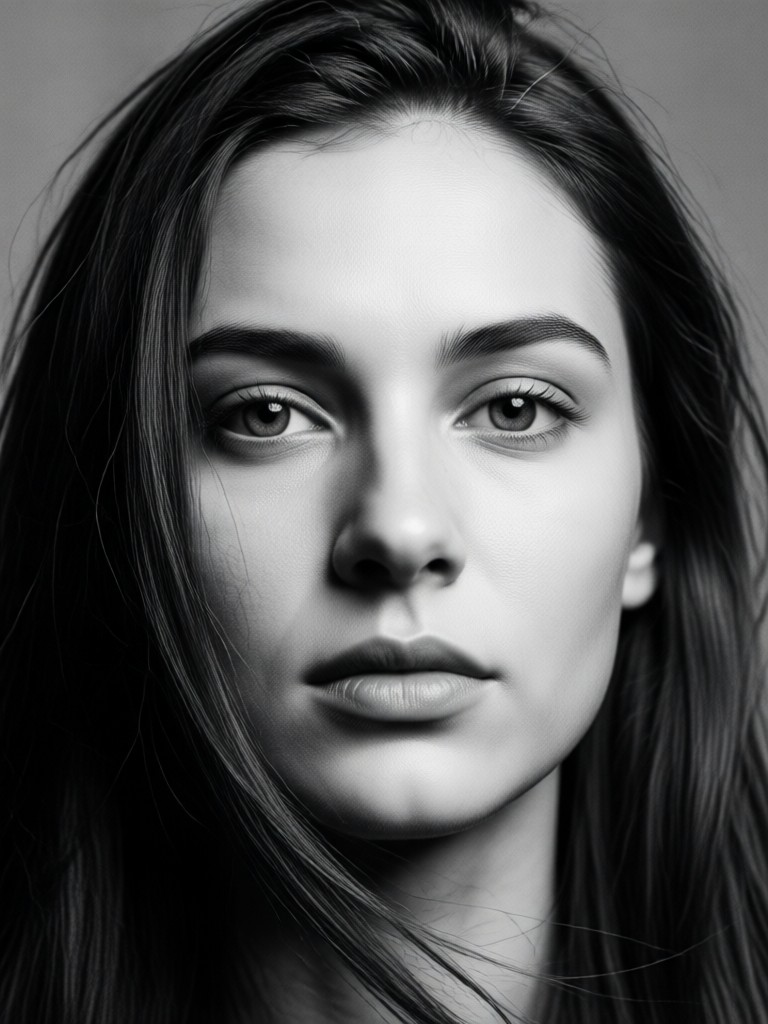
Create Timeless Portraits on Mobile
Turn your phone into a professional black and white darkroom. Download Viyo and transform any photo into a monochrome masterpiece in seconds.

AI Black and White Portrait FAQs
Get answers to common questions about creating stunning monochrome portraits with AI technology.
More Topics You May Like
Explore more topics you may like and discover fresh ideas tailored to your interests.
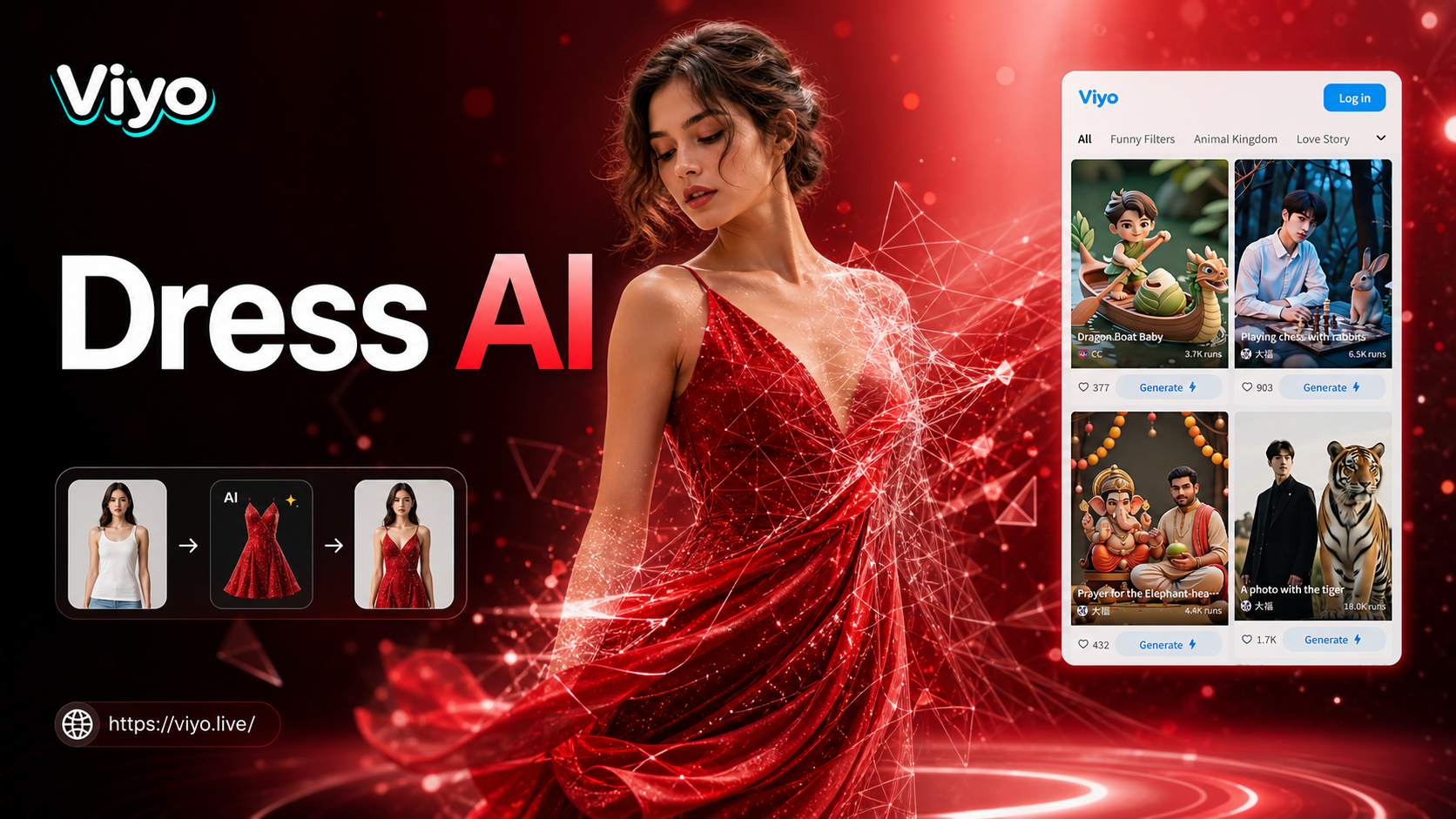
Ai Change Dress Clothes
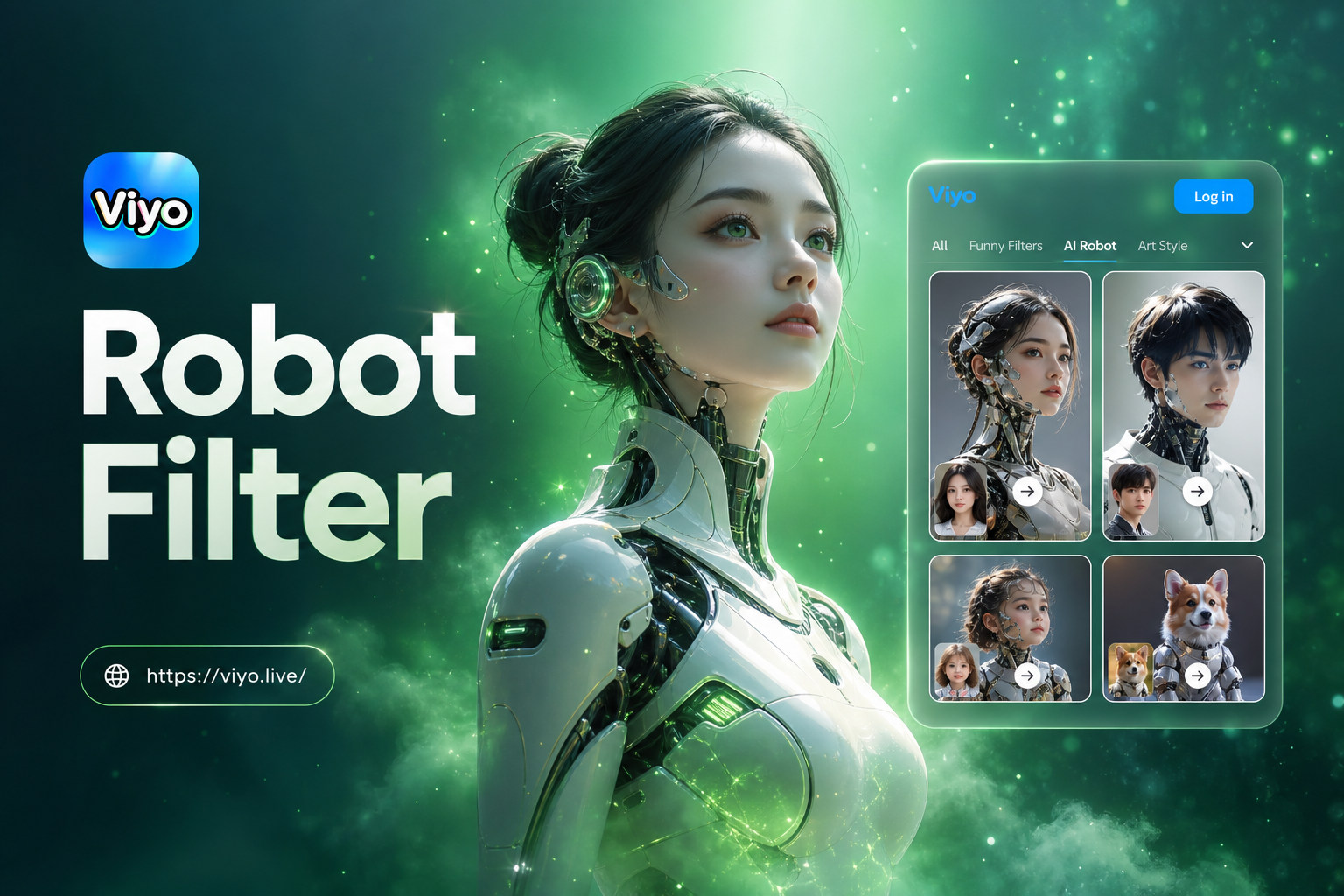
Ai Robot Filter
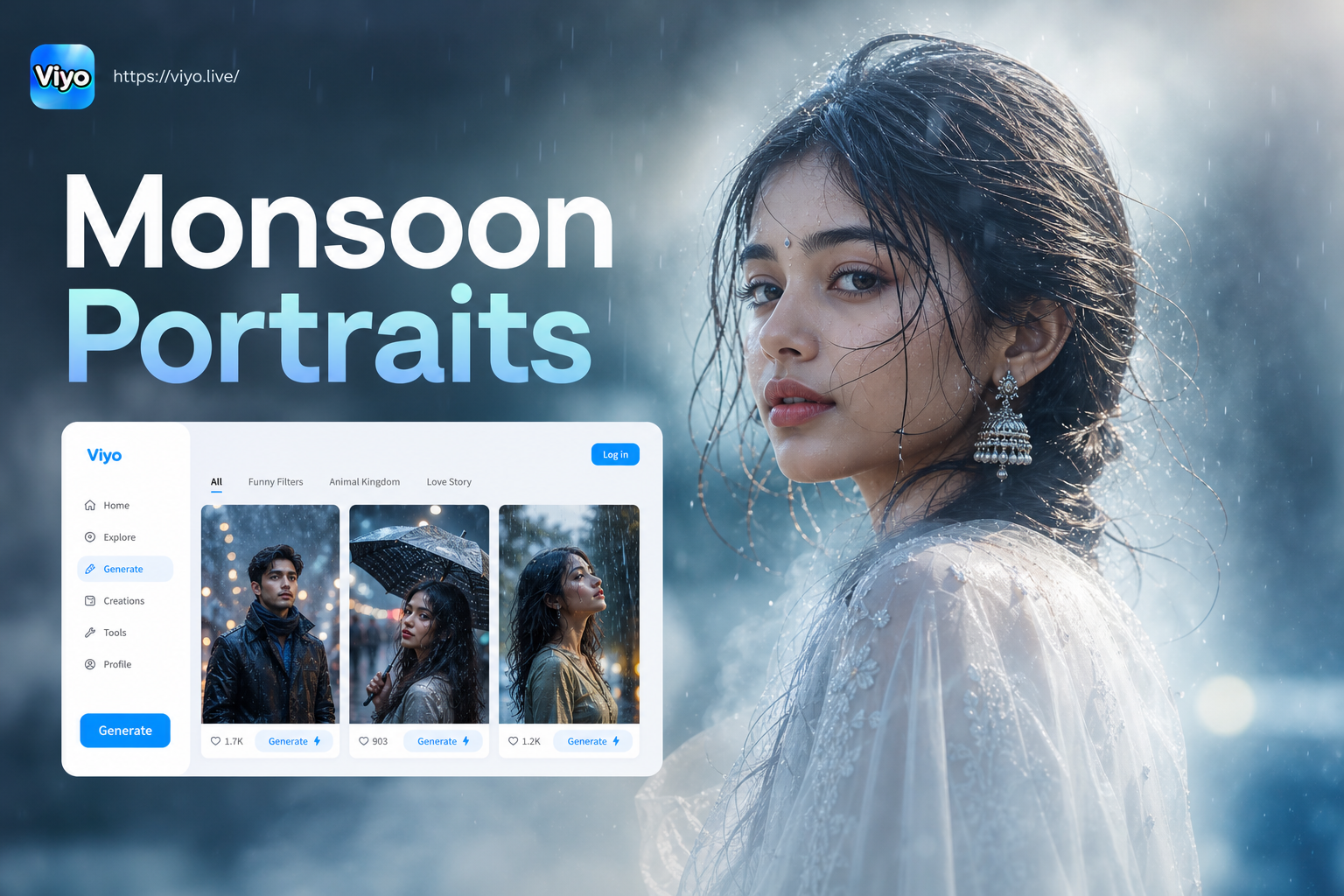
Monsoon Portrait Generator
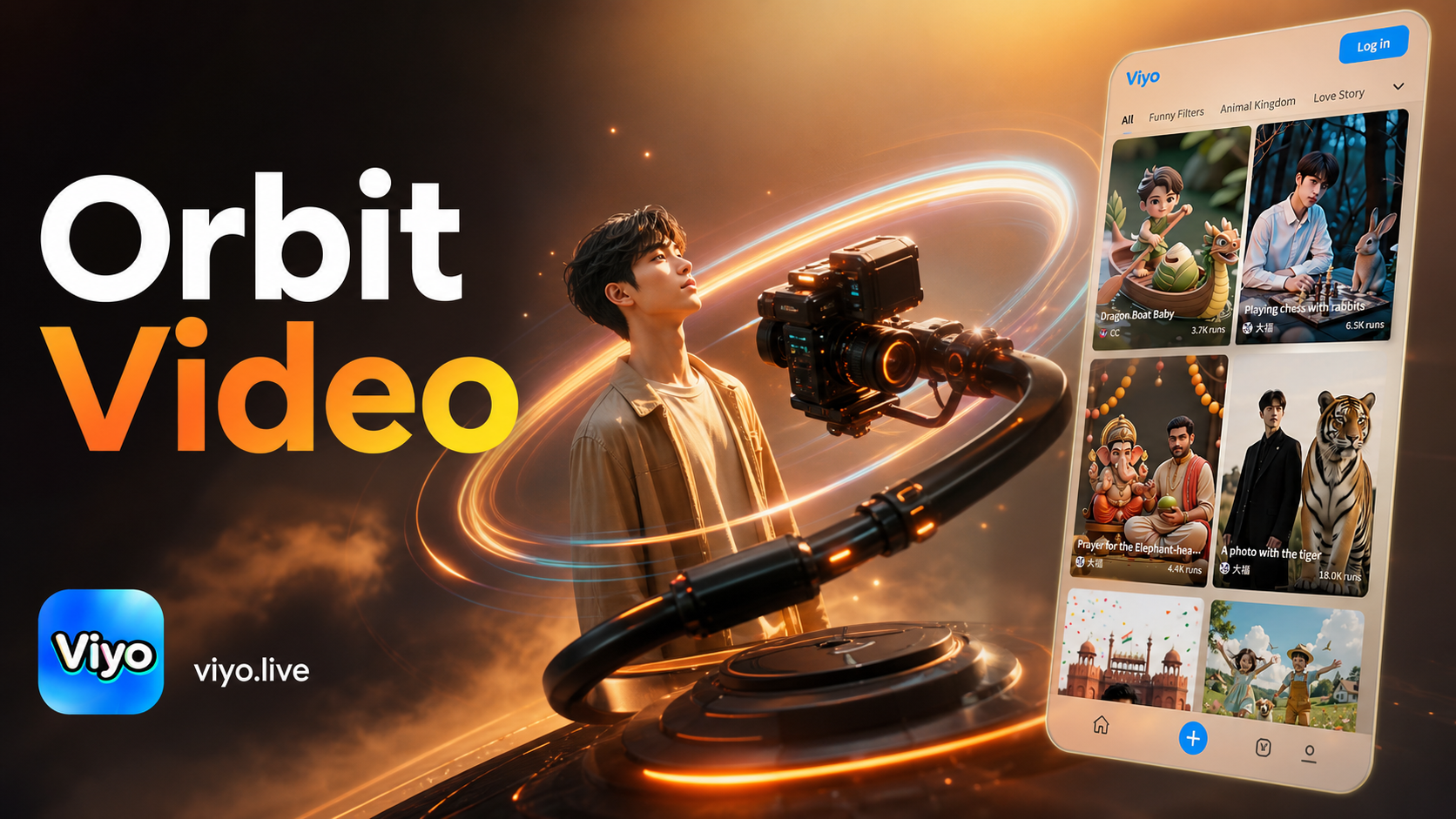
Ai Camera Orbit Video Effect
Ai Change Dress Clothes
Ai Robot Filter
Monsoon Portrait Generator
Ai Camera Orbit Video Effect
Your Timeless Portrait, One Tap Away
Stop using basic filters. Experience the power of AI driven black and white artistry. Download Viyo and create portraits with depth, emotion, and professional quality.

Your Timeless Portrait, One Tap Away
Stop using basic filters. Experience the power of AI driven black and white artistry. Download Viyo and create portraits with depth, emotion, and professional quality.